

 FS2004 Propeller Aircraft
Buffalo Air Cargo Curtiss C-46A (GA)
This comprehensive repaint showcases Buffalo Air Cargo’s Curtiss C-46A (regis…
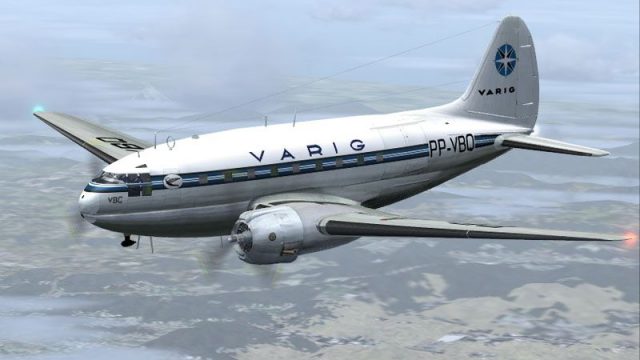
VARIG’s vintage Curtiss C-46A Commando livery brings historically faithful Brazilian markings, registration details, and era-accurate fuselage colors to Microsoft Flight Simulator 2004, ideal for classic cargo and passenger routes. Includes textures only and requires the freeware CalClassic C-46A base model by Libardo Guzman and Tom Gibson.
 Rate
Rate
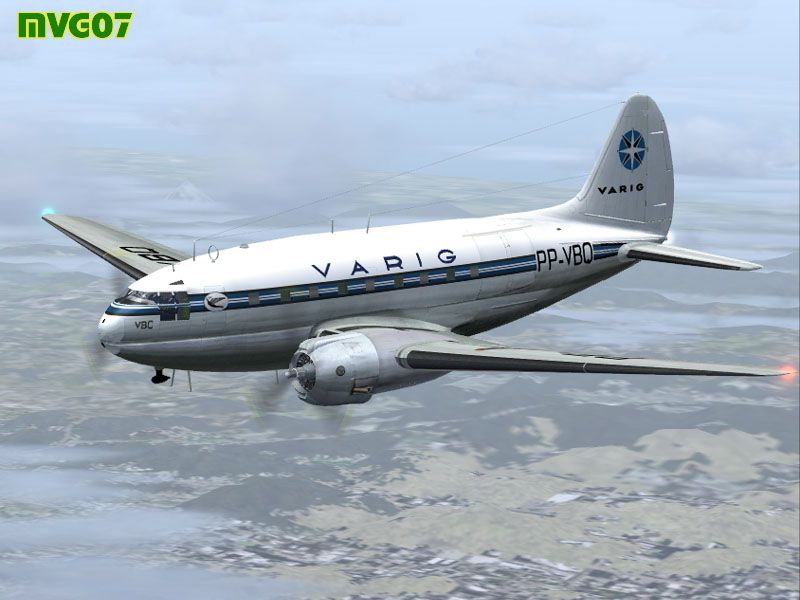
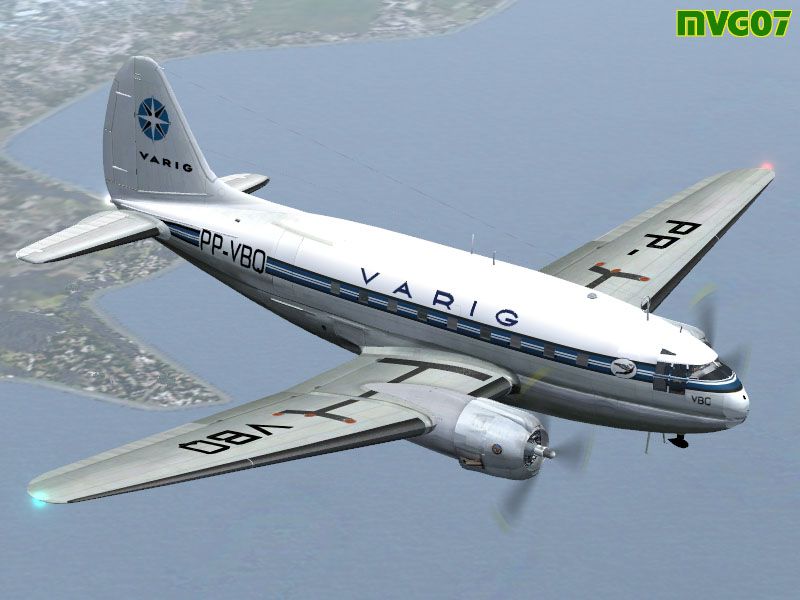
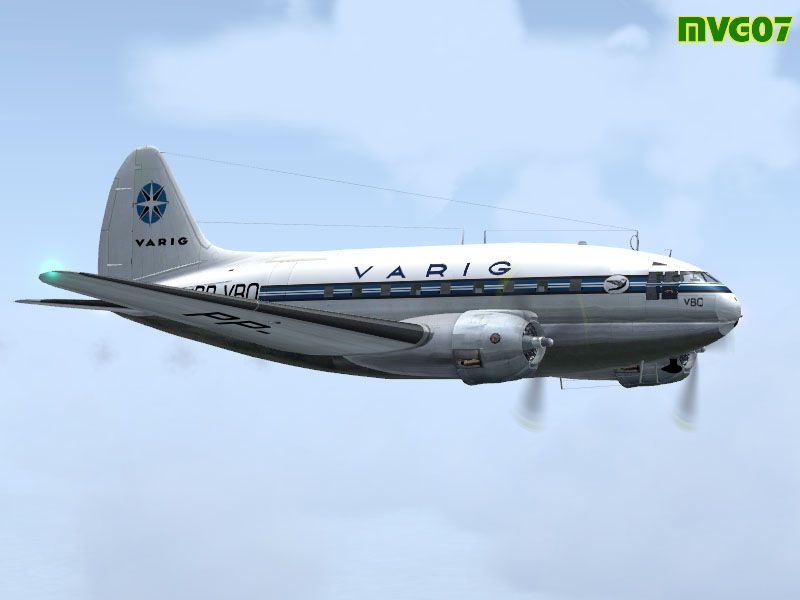
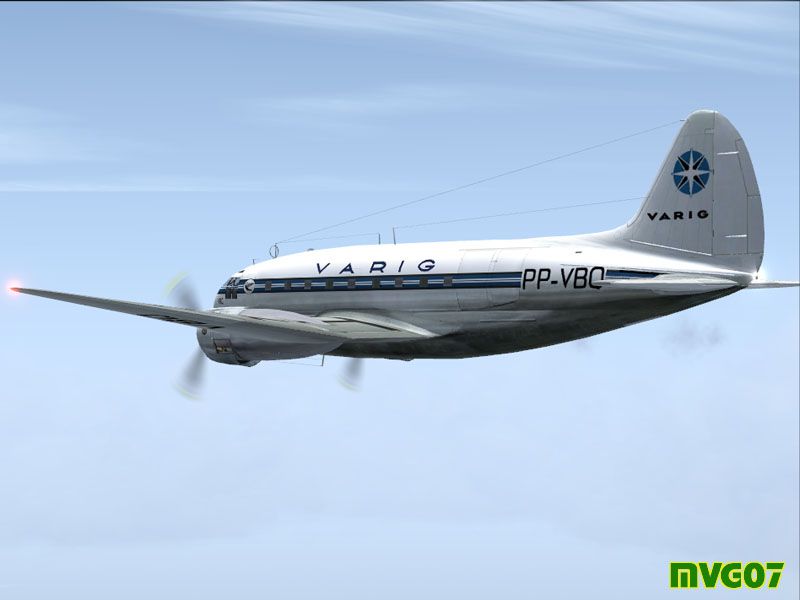
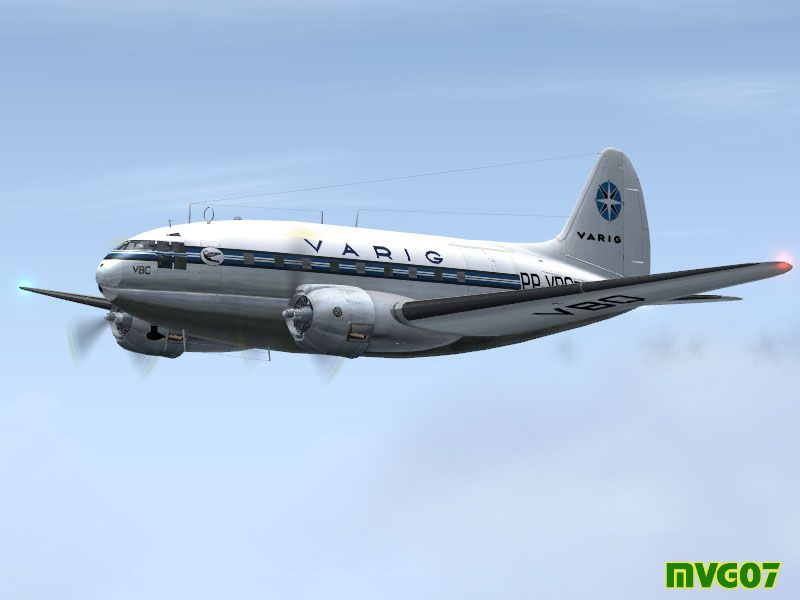
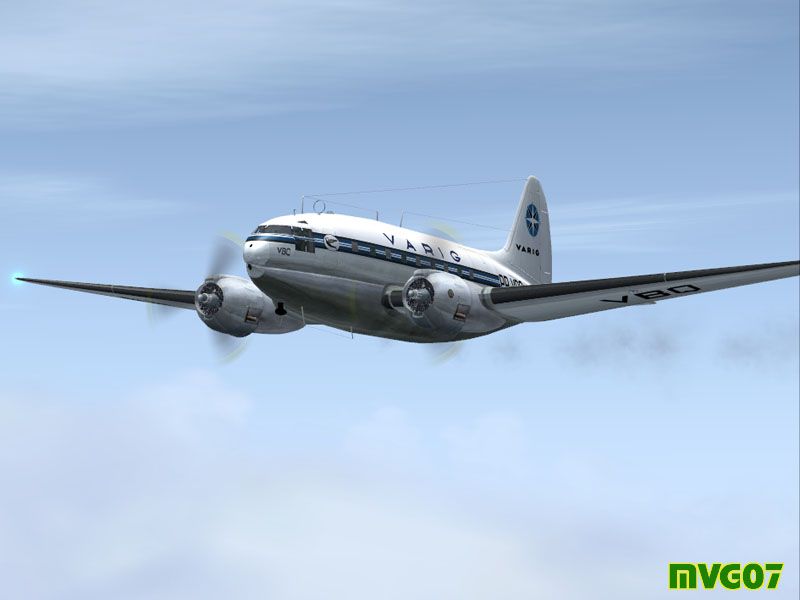
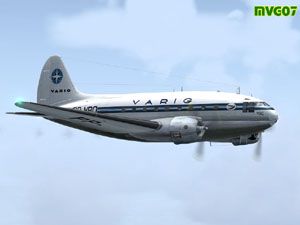
This custom repaint delivers VARIG Airlines’ classic color scheme for the Curtiss C-46A Commando, adapted specifically for Microsoft Flight Simulator 2004 aficionados. It depicts the plane’s exterior markings with historical accuracy, showcasing the distinct Brazilian carrier style. This package only includes the textures, so the original freeware model by Libardo Guzman, Tom Gibson, and the CalClassic (California Classic) team is required from the Fly Away Simulation library.
The Curtiss C-46A Commando, commonly employed during the mid-20th century, carried both cargo and passengers across diverse flight routes. Its large cargo bay and robust airframe made it suitable for challenging operational conditions, especially in remote or less-developed areas. VARIG Airlines, short for Viação Aérea Rio-Grandense, became one of Brazil’s earliest and most recognized commercial carriers, providing extensive connections across South America and beyond. By adopting the Curtiss C-46A into their fleet, VARIG expanded to more adventurous routes and utilized this aircraft’s considerable payload capacity.
Repainted by Manuele Villa, this VARIG-themed texture set reproduces the airline’s characteristic branding while still honoring the original Curtis C-46A design cues. Authentic registration details and authentic airline attribution are all rendered with close attention to real-world references. The fuselage colors have been meticulously laid out to align with historical photography of VARIG’s early cargo and passenger operations.
-fs9-1.jpg)
Depiction of the aircraft in mid-flight, illustrating the painterly VARIG details along the fuselage.
[fltsim.XX] entry and add the following content, ensuring the XX value increments properly to avoid conflicts:[fltsim.XX]
title=C46A VARIG
sim=C46A
model=
panel=
sound=
texture=VARIG
kb_checklists=
kb_reference=c46_ref
atc_id=
ui_manufacturer=Curtiss
ui_type=C-46A Commando
ui_variation=VARIG
atc_airline=VARIG
atc_flight_number=PP-VBQ
atc_id=VARIG
atc_heavy=0
description=Repaint by Manuele Villa. Original aircraft by Libardo Guzman, Tom Gibson, and the California Classic team.
This project provides only the texture files, and you must retrieve the freeware base model from Fly Away Simulation’s download section. After confirming the installation, you should be able to load the VARIG-themed C-46A Commando in Microsoft Flight Simulator 2004 without any additional steps. The repaint retains the vintage style of this unique aircraft while reflecting VARIG’s authentic design language. Enjoy exploring cargo routes or historical passenger services under the emblem of one of Brazil’s most storied carriers.
Free for all simmers · 1.16 MB · Scanned clean Oct 2026
Download speed: Free tier is capped at 0.5 Mbps. PRO members download at full line speed.
This file is a repaint — the package below is the base model it paints onto. Install it first, or the textures will have nothing to load onto.
FS9\Aircraft\, FS9\Addon Scenery\, FS9\Gauges\, or FS9\Effects\.readme.txt or README file. It tells you exactly where files go, what dependencies are needed, and any quirks specific to this add-on.The archive 46ga_var.zip has 15 files and directories contained within it.
This list displays the first 500 files in the package. If the package has more, you will need to download it to view them.
| Filename/Directory | File Date | File Size |
|---|---|---|
| file_id.diz | 03.27.07 | 259 B |
| 46GA_VAR.gif | 03.27.07 | 10.48 kB |
| 46GA_VAR.jpg | 03.27.07 | 20.63 kB |
| 46GA_VAR_1.jpg | 03.27.07 | 50.40 kB |
| 46GA_VAR_2.jpg | 03.27.07 | 86.85 kB |
| 46GA_VAR_3.jpg | 03.27.07 | 55.23 kB |
| 46GA_VAR_4.jpg | 03.27.07 | 87.80 kB |
| 46GA_VAR_5.jpg | 03.27.07 | 54.46 kB |
| 46GA_VAR_6.jpg | 03.27.07 | 54.88 kB |
| c46_fuselage_t.bmp | 03.27.07 | 1.00 MB |
| c46_wing_t.bmp | 03.27.07 | 1.00 MB |
| c46_wing2_t.bmp | 03.27.07 | 1.00 MB |
| readme.txt | 03.27.07 | 11.71 kB |
| flyawaysimulation.txt | 10.29.13 | 959 B |
| Go to Fly Away Simulation.url | 01.22.16 | 52 B |
Only PRO members can place votes.
More FS2004 add-ons hand-picked based on this download.
FS2004 Propeller Aircraft
This comprehensive repaint showcases Buffalo Air Cargo’s Curtiss C-46A (regis…
 FS2004 Propeller Aircraft
This repaint package adds a historically inspired Real Aerovias color scheme …
 FS2004 Propeller Aircraft
This repaint package delivers authentic VARIG textures for the Curtiss C-46A …
 FS2004 Propeller Aircraft
Circa 1959. This aircraft Was incorporated into Real's fleet when Real took o…
 FS2004 Propeller Aircraft
Textures only to be used with the C-46A by Libardo Guzman/CalClassics (C46GA.…
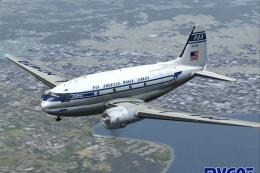 FS2004 Propeller Aircraft
This custom repaint offers a Pan American Airways Curtiss C-46A Commando for …
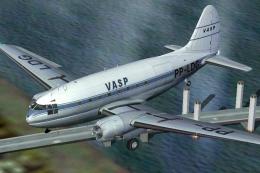 FS2004 Propeller Aircraft
Textures only to be used with the C-46 by Libardo Guzman/CalClassics (C46GA.Z…
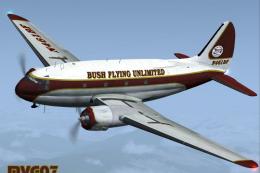 FS2004 Propeller Aircraft
This freeware repaint brings a Bush Flying Unlimited-themed exterior to the C…
Be the first to leave a comment on this download.
Be the first to share your thoughts on this download.