

 FS2004 Propeller Aircraft
Ilyushin IL-14
This package includes the original IL-14P and the longer IL-14M in the colors…
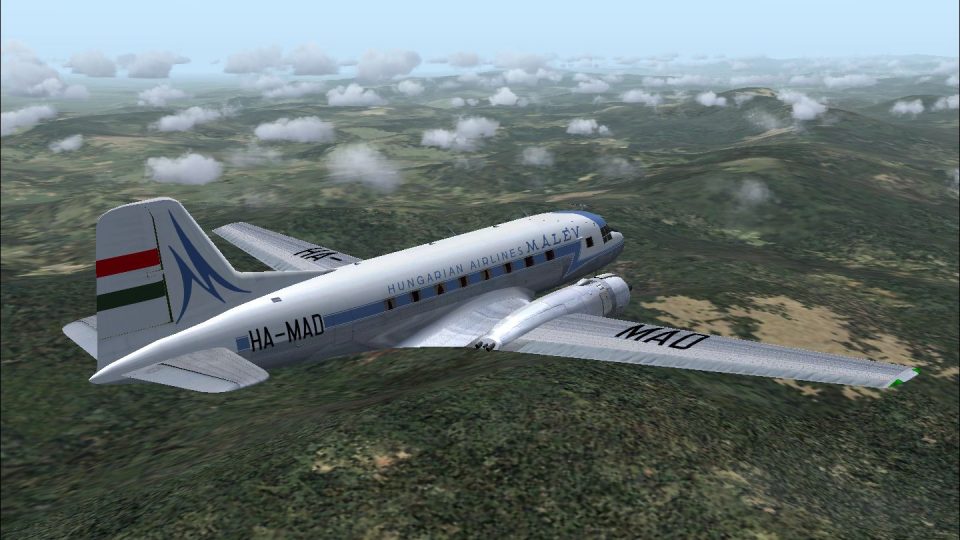
MALEV Ilyushin IL-14P livery recreates the Hungarian flag carrier’s mid-century look, reflecting the airline’s 1957 shift from Li-2s to the larger twin-prop airliner flown through 1969. Designed for FS2004, it depicts aircraft HA-MAD in Dresden-built IL-14P markings and requires the W. Beckert model.
 Rate
Rate
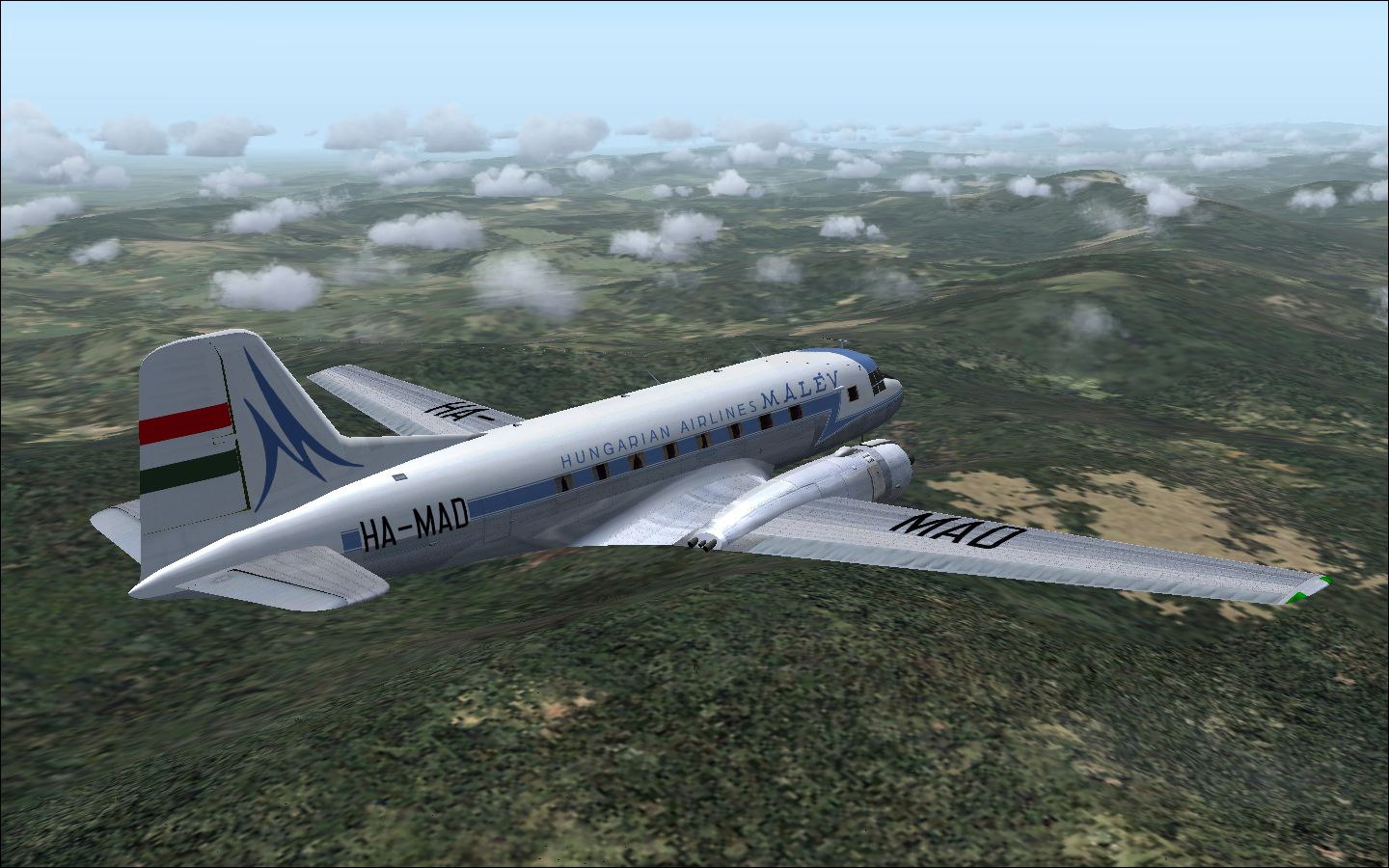
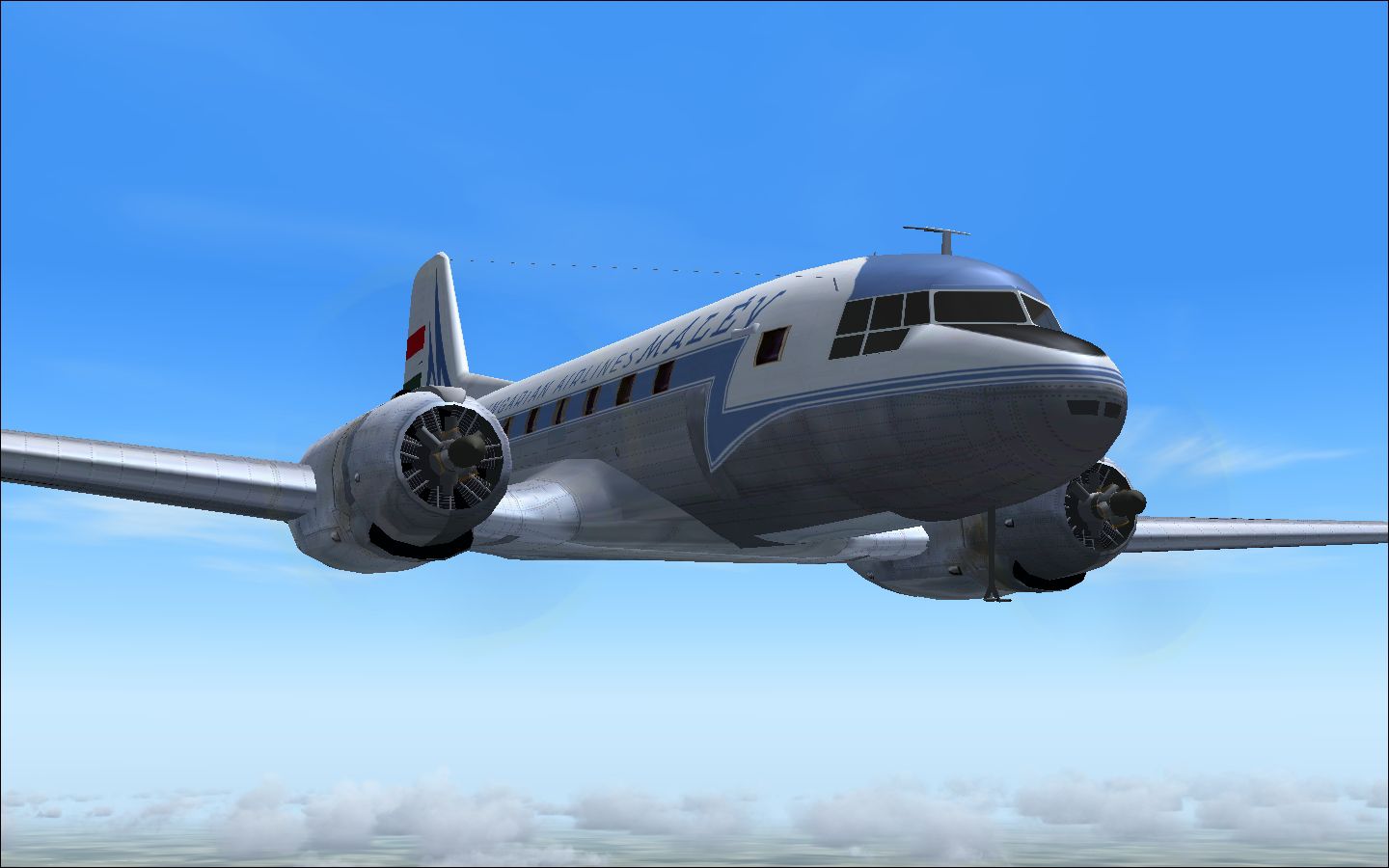
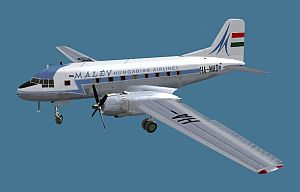
This is a repaint for the Ilyushin IL-14 by W. Beckert; textures only. MALEV is the Hungarian flag carrier and around 1957 the company's Li-2 aircraft were exchanged for the larger more powerfull Ilyushin IL-14. They served the Hungarian carrier from 1957 to 1969. The IL-14 was also license built by VEB Flugzeugwerke Dresden and by Avia. HA-MAD was a Dresden-built IL-14P. By Jaap de Baare.
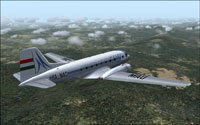
Screenshot of MALEV Ilyushin IL-14 in flight.
[fltsim.xx]

title=IL-14 MALEV

sim=IL-14P

model=

panel=

sound=

texture=malev

checklists=

atc_id=

atc_airline=MALEV

atc_flight_number=503

ui_manufacturer=Ilyushin

ui_type=IL-14P

ui_variation=MALEV Hungarian Airlines

description=

atc_parking_types=

atc_parking_codes=

visual_damage=0

atc_heavy=0

prop_anim_ratio=0.5
Free for all simmers · 2.5 MB · Scanned clean Oct 2026
Download speed: Free tier is capped at 0.5 Mbps. PRO members download at full line speed.
FS9\Aircraft\, FS9\Addon Scenery\, FS9\Gauges\, or FS9\Effects\.readme.txt or README file. It tells you exactly where files go, what dependencies are needed, and any quirks specific to this add-on.The archive malvil14.zip has 21 files and directories contained within it.
This list displays the first 500 files in the package. If the package has more, you will need to download it to view them.
| Filename/Directory | File Date | File Size |
|---|---|---|
| MALEV.jpg | 06.11.09 | 22.93 kB |
| Malev_IL14 | 06.11.09 | 0 B |
| IL-14- 8.jpg | 06.10.09 | 844.13 kB |
| IL-14- 9.jpg | 06.10.09 | 396.14 kB |
| README_IL14_MALEV.txt | 06.11.09 | 1.68 kB |
| texture.malev | 06.11.09 | 0 B |
| body1_color.bmp | 06.06.09 | 1.00 MB |
| body1_metal.bmp | 06.07.09 | 1.00 MB |
| body2_color.bmp | 06.03.09 | 3.00 MB |
| body2_metal.bmp | 06.05.09 | 1.00 MB |
| body3_metal.bmp | 12.13.07 | 1.00 MB |
| body3_metal_L.bmp | 09.24.06 | 4.00 MB |
| body_color.bmp | 06.07.09 | 1.00 MB |
| body_metal.bmp | 06.07.09 | 1.00 MB |
| prop_action.bmp | 09.24.07 | 256.07 kB |
| Thumbs.db | 06.11.09 | 5.50 kB |
| wing_color.bmp | 06.07.09 | 1.00 MB |
| wing_metal.bmp | 06.07.09 | 1.00 MB |
| Thumbs.db | 06.11.09 | 6.00 kB |
| flyawaysimulation.txt | 10.29.13 | 959 B |
| Go to Fly Away Simulation.url | 01.22.16 | 52 B |
Only PRO members can place votes.
More FS2004 add-ons hand-picked based on this download.
FS2004 Propeller Aircraft
This package includes the original IL-14P and the longer IL-14M in the colors…
 FS2004 Propeller Aircraft
Includes two liveries, Interflug and Deutsche Lufthansa. Features custom pane…
 FS2004 Propeller Aircraft
This is a repaint for the Ilyushin IL-14 by W. Beckert; textures only. The Il…
 FS2004 Propeller Aircraft
Templates (paint kit) for repainting the JBK Ilyushin IL14 (IL14_10.ZIP). Use…
 FS2004 Propeller Aircraft
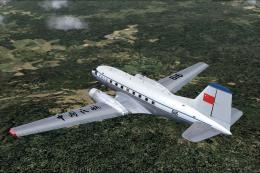
This is a repaint for the Ilyushin IL-14 by W. Beckert; textures only. CAAC i…
 FS2004 Propeller Aircraft
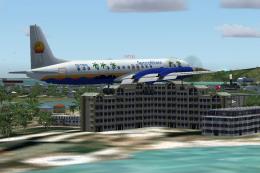
Aerocaribbean still operate 4 pax and 1 cargo Il-18 aircraft on charter fligh…
 FS2004 Propeller Aircraft
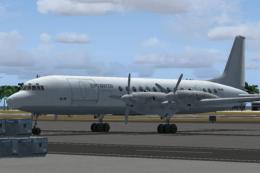
Ilyushin IL-18 for AI traffic, based on original model by Pavel Hvatkin and A…
 FS2004 Propeller Aircraft
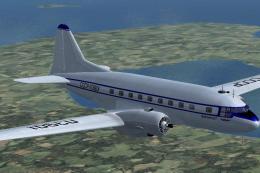
This package includes the original IL12 and the later IL-14B in the colors of…
Be the first to leave a comment on this download.
Be the first to share your thoughts on this download.