

 FS2004 Propeller Aircraft
Peerhoven Fairchild C119 Upgraded
Textures only for Mike Stone's Fairchild C119. Repaint by Rory Thomson. Scree…
Peerhoven livery for Mike Stone’s Fairchild C-119 adds a distinctive fictional operator scheme that looks sharp on the ramp and in flight, with clean markings and balanced weathering for believable close-up views. Built for FS2004, it requires Mike Stone’s Fairchild C-119 base aircraft and integrates as an additional texture set.
 Rate
Rate
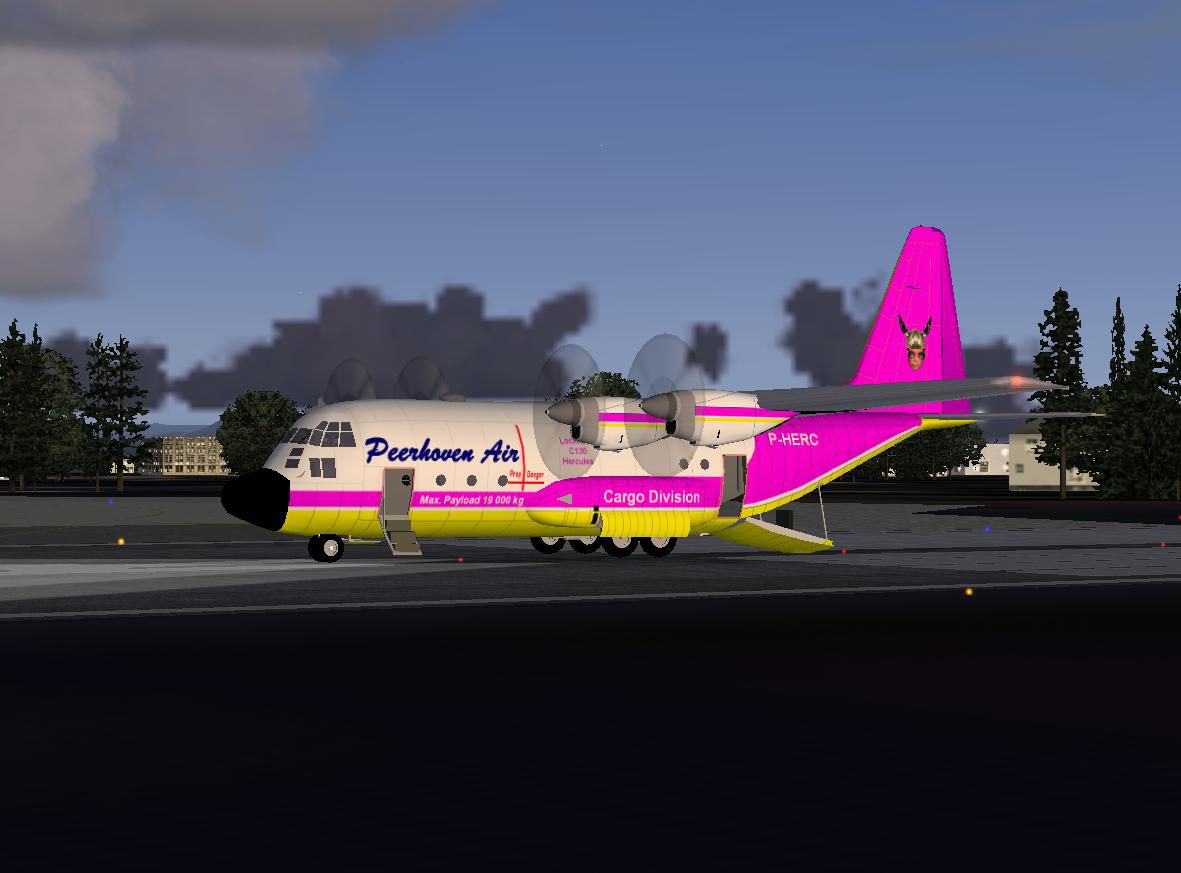
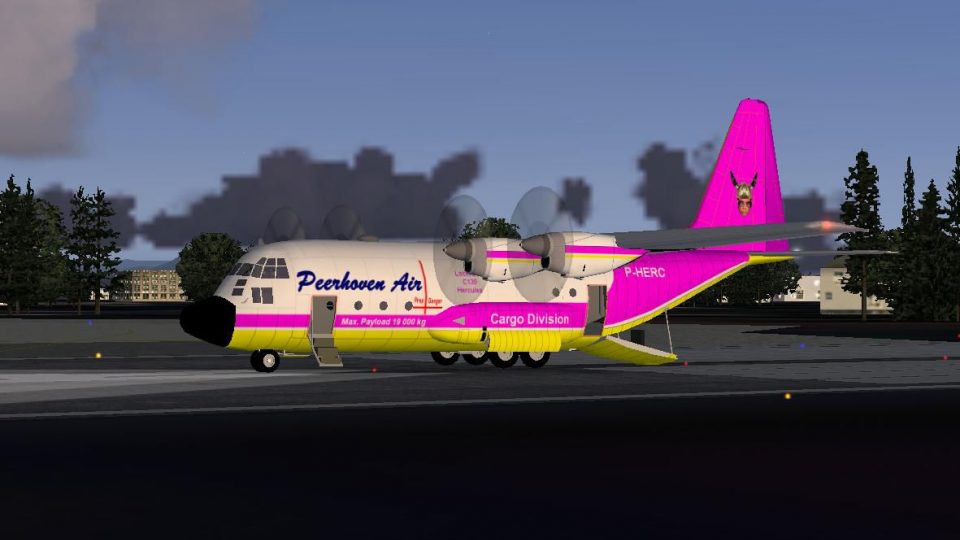
Textures only for Mike Stone's Fairchild C119 (SFC119BX.ZIP). Repaint by Rory Thomson.
Peerhoven Fairchild C119 preparing for take-off.
[fltsim.XX]

title=Lockheed C-130 Peerhoven

sim=c130

model=

panel=

sound=

texture=Peerhoven

kb_checklists=

kb_reference=

atc_id=Peerhoven

atc_airline=Peerhoven

atc_flight_number=P-RES3

atc_parking_types=GATE,RAMP

ui_manufacturer=Lockheed

ui_type=C-130

ui_variation=Peerhoven

visual_damage=1

description=

atc_heavy=0

[General]

atc_type=LOCKHEED

atc_model=C130

editable=1

performance=
Please do not replace Mike Stones origional aircraft textures, and retain the origional along with the Peerhoven textures.
Free for all simmers · 306.71 KB · Scanned clean Oct 2026
Download speed: Free tier is capped at 0.5 Mbps. PRO members download at full line speed.
This file is a repaint — the package below is the base model it paints onto. Install it first, or the textures will have nothing to load onto.
FS9\Aircraft\, FS9\Addon Scenery\, FS9\Gauges\, or FS9\Effects\.readme.txt or README file. It tells you exactly where files go, what dependencies are needed, and any quirks specific to this add-on.The archive peerhovenc130.zip has 11 files and directories contained within it.
This list displays the first 500 files in the package. If the package has more, you will need to download it to view them.
| Filename/Directory | File Date | File Size |
|---|---|---|
| cowl_t.bmp | 04.02.10 | 682.75 kB |
| File ID.txt | 04.02.10 | 194 B |
| fuslg_t.bmp | 04.02.10 | 2.67 MB |
| lwing_t.bmp | 04.02.10 | 1.00 MB |
| Peerhoven Hercules.JPG | 04.02.10 | 76.14 kB |
| Read Me.txt | 04.02.10 | 4.21 kB |
| rwing_t.bmp | 04.02.10 | 1.00 MB |
| tail_t.bmp | 04.02.10 | 2.67 MB |
| Thumbs.db | 04.02.10 | 32.00 kB |
| flyawaysimulation.txt | 10.29.13 | 959 B |
| Go to Fly Away Simulation.url | 01.22.16 | 52 B |
Only PRO members can place votes.
More FS2004 add-ons hand-picked based on this download.
FS2004 Propeller Aircraft
Textures only for Mike Stone's Fairchild C119. Repaint by Rory Thomson. Scree…
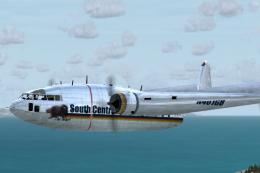 FS2004 Propeller Aircraft
This package contains a paint for the SCA Fairchild C119, with all new sounds…
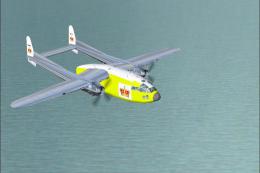 FS2004 Propeller Aircraft
The Fairchild C119, often labeled the “Flying Boxcar” for its sizable cargo h…
 FS2004 Propeller Aircraft
This package contains paints for the LEAS Fairchild C119 North American fleet…
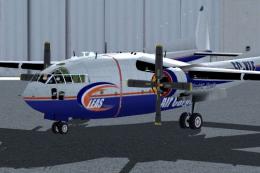 FS2004 Propeller Aircraft
This package contains paints for the LEAS Fairchild C119 International Fleet …
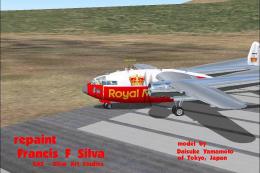 FS2004 Propeller Aircraft
This complete freeware release of the Fairchild C119 proudly showcases a “Roy…
 FS2004 Propeller Aircraft
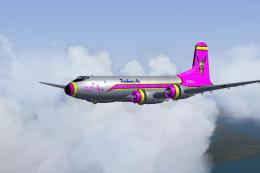
Textures only for Jens B. Kristensen's Douglas C-74 (C74_V10.ZIP). Repaint by…
 FS2004 Propeller Aircraft
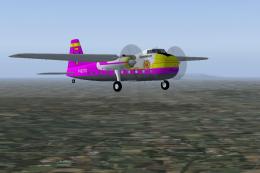
Textures only for Mike Stone's Bristol 170 (SB170.ZIP). Repaint by Rory Thoms…
Be the first to leave a comment on this download.
Be the first to share your thoughts on this download.