
 FS2004 Propeller Aircraft
Pacific Alaska's Douglas DC-3
Upgrade your classic simulation adventures with these two complimentary Dougl…
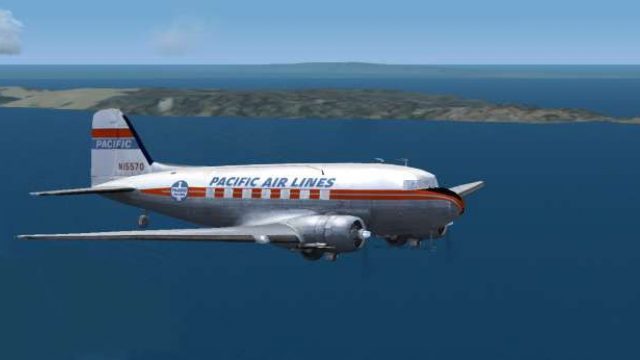
Pacific Airlines’ Douglas DC-3 repaint brings classic West Coast passenger service to life with period-correct markings and a clean exterior finish for the MAAM-Sim DC-3 in FS2004. Textures only, it requires the base aircraft package and integrates into the virtual hangar via a standard aircraft configuration entry.
 Rate
Rate
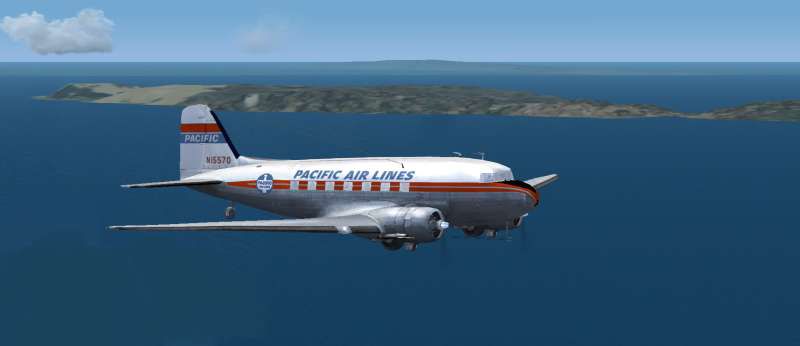
Textures only for the MAAM-Sim DC3 model. By Dave McQueen.
Screenshot of Pacific Airlines Douglas DC-3 in flight.
[fltsim.XX]

title=Douglas DC-3A PAL

sim=MaamSim_DC3

model=ual

panel=

sound=

texture=ual

kb_checklists=checkloader

kb_reference=DC-3_ref

atc_id=PAL2

ui_manufacturer=Douglas

ui_type=MAAM-SIM DC-3 - Passenger

ui_variation=Pacific N15570

atc_heavy=0

atc_airline=Pacific

atc_flight_number=2

description= IMPORTANT!!! Set Realism to Max. To operate this aircraft, refer to the User's Manual with instructional videos on the MAAM-SIM R4D/DC-3 CD as well as the detailed kneeboard reference pages and checklists.
Free for all simmers · 375.7 KB · Scanned clean Nov 2026
Download speed: Free tier is capped at 0.5 Mbps. PRO members download at full line speed.
FS9\Aircraft\, FS9\Addon Scenery\, FS9\Gauges\, or FS9\Effects\.readme.txt or README file. It tells you exactly where files go, what dependencies are needed, and any quirks specific to this add-on.The archive pacific_dc3.zip has 8 files and directories contained within it.
This list displays the first 500 files in the package. If the package has more, you will need to download it to view them.
| Filename/Directory | File Date | File Size |
|---|---|---|
| MAAMPAL.jpg | 12.15.10 | 14.79 kB |
| texture.pal | 12.20.10 | 0 B |
| bm_fuse_1_t.bmp | 12.15.10 | 512.07 kB |
| bm_fuse_2_t.bmp | 12.15.10 | 512.07 kB |
| Pacific | 12.20.10 | 0 B |
| Readme.txt | 12.20.10 | 1.08 kB |
| flyawaysimulation.txt | 10.29.13 | 959 B |
| Go to Fly Away Simulation.url | 01.22.16 | 52 B |
Only PRO members can place votes.
More FS2004 add-ons hand-picked based on this download.
FS2004 Propeller Aircraft
Upgrade your classic simulation adventures with these two complimentary Dougl…
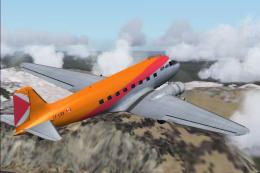 FS2004 Propeller Aircraft
Textures only for the default DC3. Repaint by Owen Davies. Screenshot of Cana…
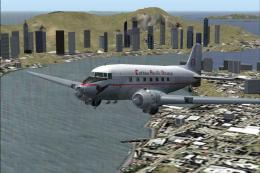 FS2004 Propeller Aircraft
Includes DXT3 textures only for the default DC3. Colse up of Cathay Pacific D…
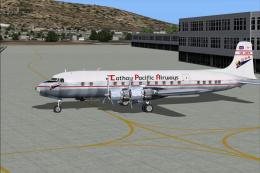 FS2004 Propeller Aircraft
Textures only for Tom Gibson's and Greg Pepper's Gmax DC-6B in the colors of …
 FS2004 Propeller Aircraft
Textures only for the default DC3. By Paul van Harte. [fltsim.xx] title=Dougl…
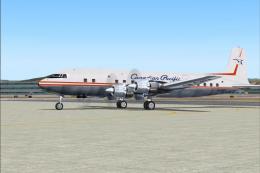 FS2004 Propeller Aircraft
This is a repaint (textures and model only) of Tom Gibson's and Greg Pepper's…
 FS2004 Propeller Aircraft
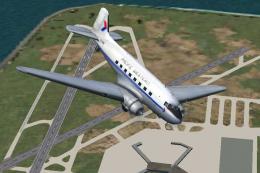
A repaint of the default Douglas DC3 in the livery of Pacific Western Airline…
 FS2004 Propeller Aircraft
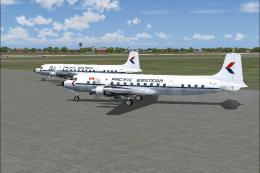
Textures for the Greg Pepper/Tom Gibson Douglas DC6B. These textures depict C…
Be the first to leave a comment on this download.
Be the first to share your thoughts on this download.