

 FS2004 Propeller Aircraft
SAA Lockheed L-1049 Constellation (Old)
This fictional repaint depicts a possible early South African Airways (SAA) s…
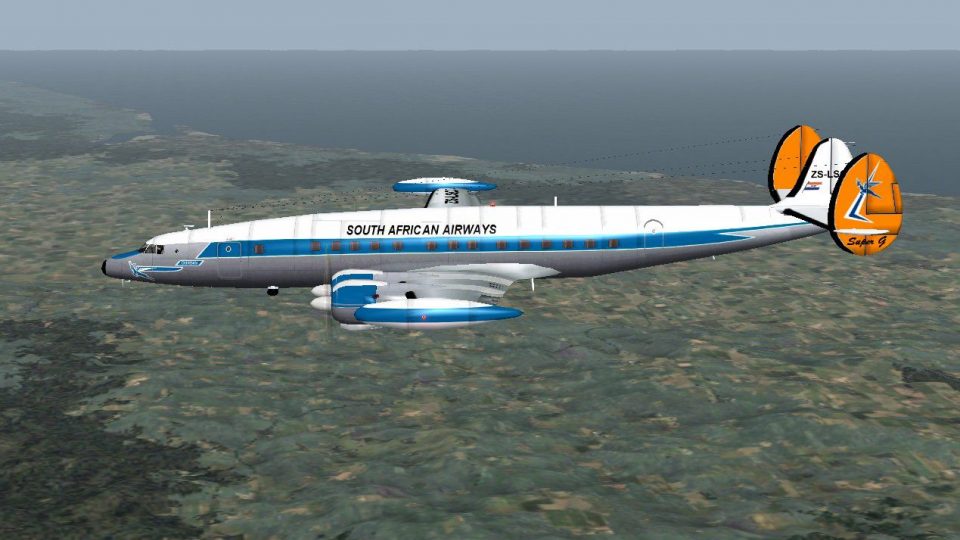
South African Airways colors dress the Lockheed L-1049G Super Constellation in a polished “what if” repaint for Microsoft Flight Simulator 2004, blending period-correct branding with crisp paint lines, fuselage titles, and carefully placed logos that suit the classic propliner’s curves. Requires Kazunori Ito’s freeware L-1049G base model.
 Rate
Rate

This freeware add-on provides a hypothetical South African Airways (SAA) livery for the Lockheed L-1049 Constellation in Microsoft Flight Simulator 2004. Although SAA historically chose the DC-7C, this unique repaint imagines how the L-1049 might have appeared if it had entered service under a later airline paint scheme. Repaint work is credited to Rory Thomson, while the original freeware model is by Kazunori Ito.
The Lockheed L-1049 Constellation, which evolved from earlier Constellation variants, introduced pressurization to enhance passenger comfort and added wingtip fuel tanks to extend its range. Despite its promising capabilities, South African Airways opted for the competing Douglas DC-7C at the time. This repaint explores a “what if” scenario where SAA retained the L-1049, presenting subtle livery elements reflective of the airline’s mid-century styling.
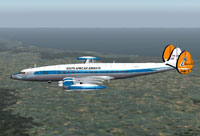
Fictional SAA Lockheed L-1049 Constellation soaring above the clouds.
To integrate this repaint into your simulator environment, follow these steps carefully:
Within your aircraft’s configuration file (aircraft.cfg), locate existing [fltsim] entries and append the lines below, modifying “XX” to the next available number:
[fltsim.XX]
title=L-1049 Connie SAA1
sim=L-1049 Connie
model=tank
panel=
sound=
texture=SAA1
checklists=
kb_checklists=
kb_reference=
//ui_manufacturer=
ui_manufacturer=Lockheed
//ui_type=Lockheed L-1049G Super Constellation
ui_type=L-1049G Super Constellation
ui_variation=SAA1
description=Super Constellation extended the body of former Constellation and adopted the pressurizing type cabin.
In That, L-1049G that the engine of 3400 horsepower and increased the amount equipped with the fuel in the aerofoil tip tank succeeded most.

by Kazunori Ito.
Free for all simmers · 727.57 KB · Scanned clean Oct 2026
Download speed: Free tier is capped at 0.5 Mbps. PRO members download at full line speed.
FS9\Aircraft\, FS9\Addon Scenery\, FS9\Gauges\, or FS9\Effects\.readme.txt or README file. It tells you exactly where files go, what dependencies are needed, and any quirks specific to this add-on.The archive saasuperconnie.zip has 9 files and directories contained within it.
This list displays the first 500 files in the package. If the package has more, you will need to download it to view them.
| Filename/Directory | File Date | File Size |
|---|---|---|
| Engine.bmp | 01.25.11 | 682.75 kB |
| File ID.txt | 02.05.11 | 354 B |
| Fuselage0.bmp | 02.04.11 | 2.67 MB |
| NEW0.1.jpg | 02.05.11 | 209.68 kB |
| Read Me.txt | 02.05.11 | 5.24 kB |
| Thumbs.db | 02.05.11 | 25.00 kB |
| Wing.bmp | 02.02.11 | 2.67 MB |
| flyawaysimulation.txt | 10.29.13 | 959 B |
| Go to Fly Away Simulation.url | 01.22.16 | 52 B |
Only PRO members can place votes.
More FS2004 add-ons hand-picked based on this download.
FS2004 Propeller Aircraft
This fictional repaint depicts a possible early South African Airways (SAA) s…
 FS2004 Propeller Aircraft
Pre-Release Paint Kit (Flying). This paintkit contains Photoshop (.psd) maste…
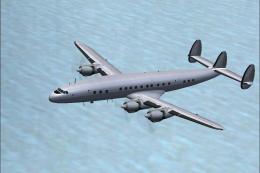 FS2004 Propeller Aircraft
This paintkit is a supplement for the FS2004 Lockheed Super Constellation ser…
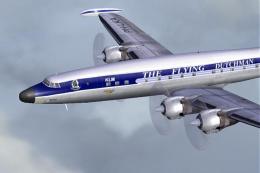 FS2004 Propeller Aircraft
Textures only for Mike Stone's model, depicting KLM Lockheed Super Connie PH-…
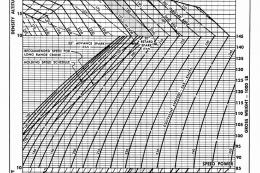 FS2004 Propeller Aircraft
First flown in December 1954, the "Super G" was the most successful and prest…
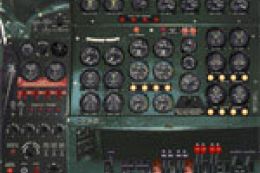 FS2004 Propeller Aircraft
Improved flight dynamics and panel upgrade for the FS2004/FSX Lockheed L-1049…
 FS2004 Propeller Aircraft
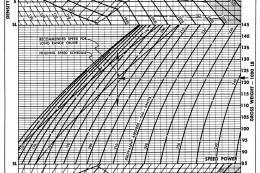
Additional performance charts for the Lockheed L-1049G/H Super Constellation …
 FS2004 Propeller Aircraft
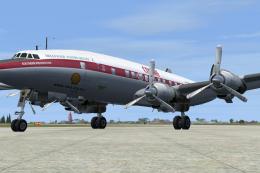
Super G Constellation. Model by Manfred Jahn required (L1049G.ZIP). Repaint b…
Be the first to leave a comment on this download.
Be the first to share your thoughts on this download.