

 FSX Civil Aircraft
Aerolineas Argentinas Boeing 747-400 GE for payware PMDG B747-400
FSX Aerolineas Argentinas Boeing 747-400 GE, registration LV-BBU. Textures on…
Aerolineas Argentinas colors bring the Boeing 747-400 to life with faithful tail branding, fuselage titles, and crisp exterior textures tuned for clear visuals at cruise. Designed for the default jumbo in Microsoft Flight Simulator X, it requires the original 747-400 base aircraft to deliver authentic Argentine flag-carrier presence on long-haul routes.
 Rate
Rate
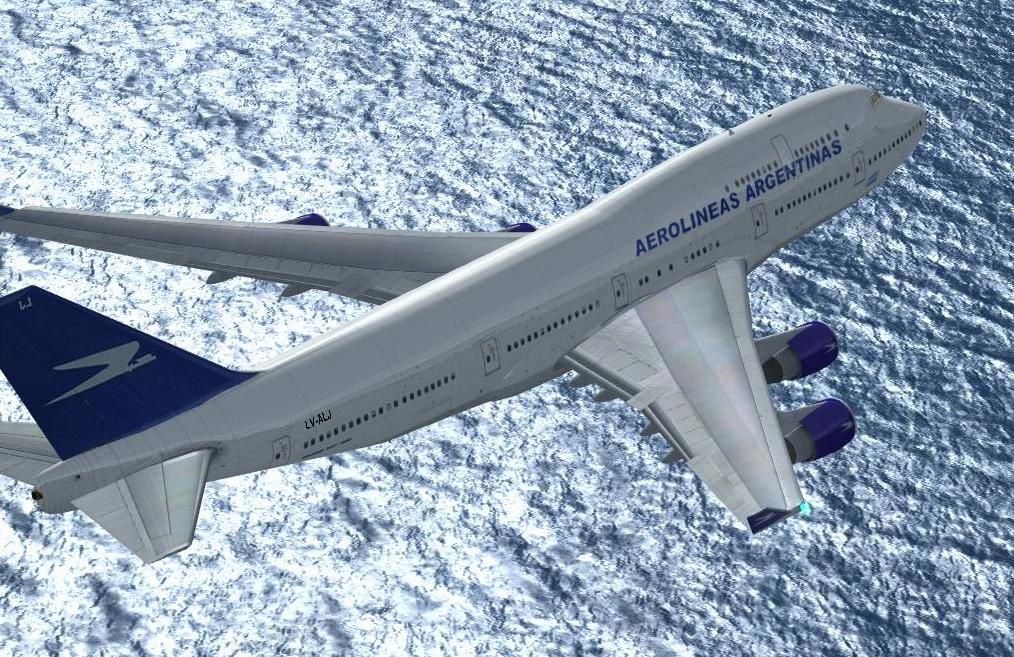
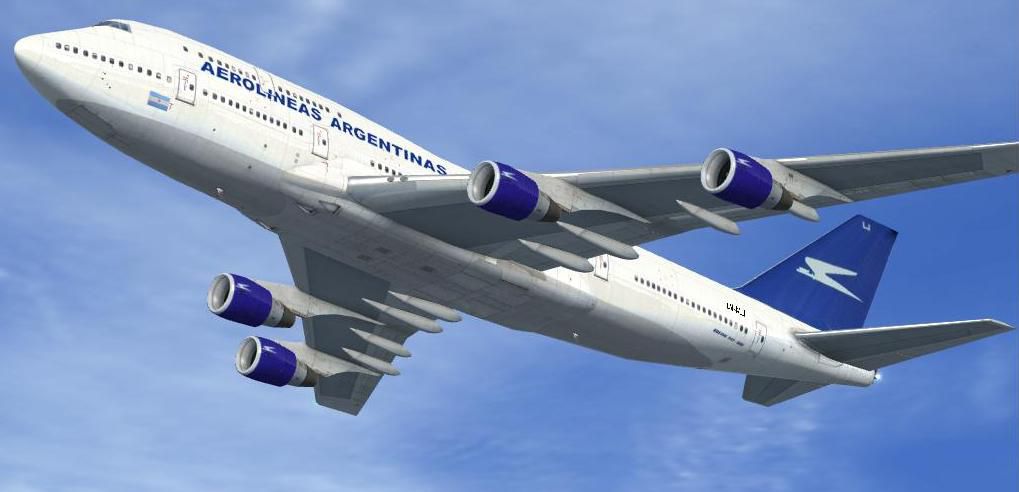
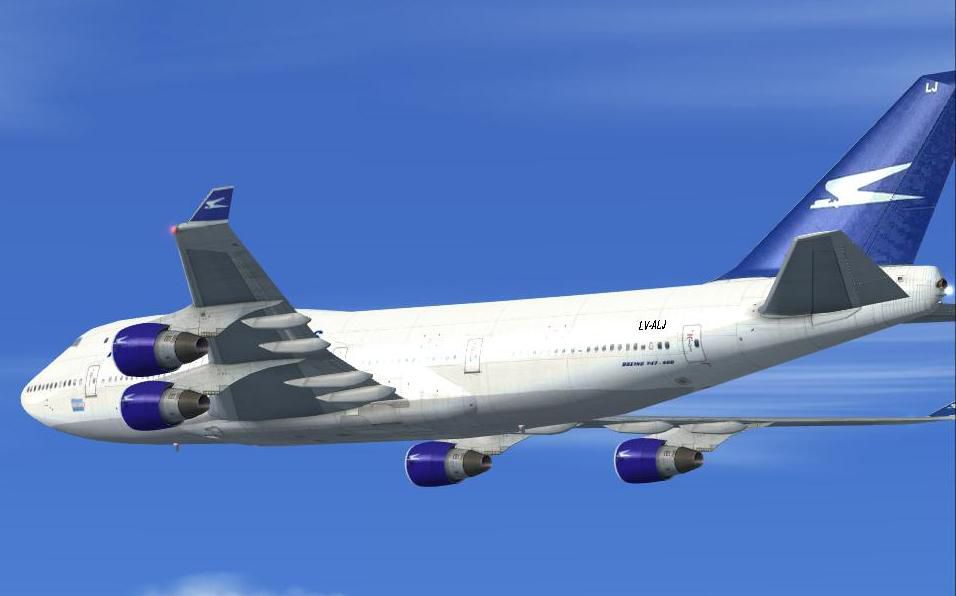
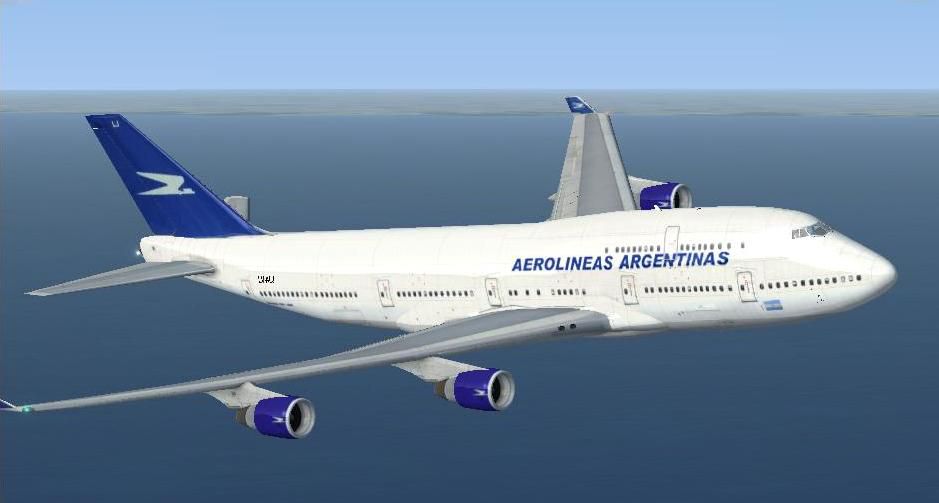
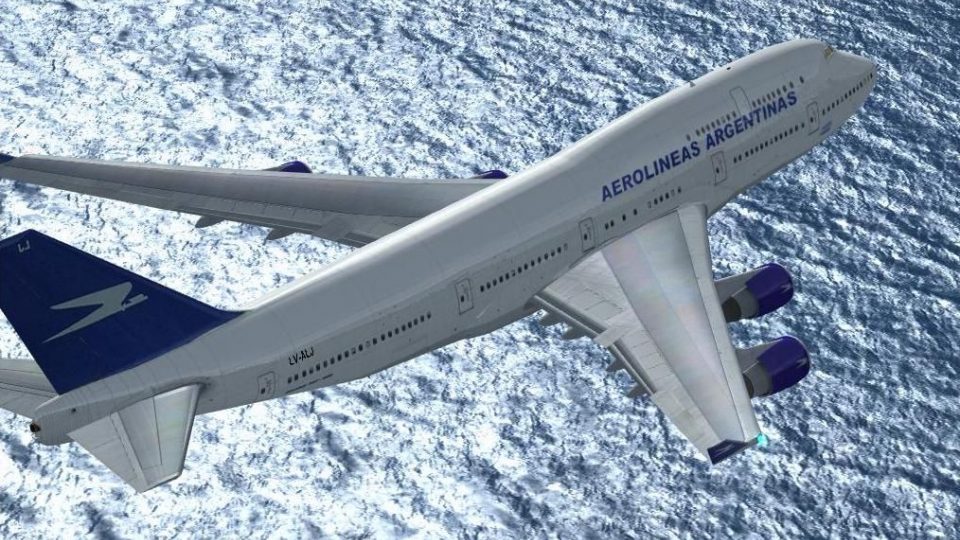
Immerse yourself in a carefully rendered Aerolineas Argentinas repaint for the Boeing 747-400, specifically crafted for the default Microsoft Flight Simulator X jumbo model. This freeware package, authored by Mariano Gonzalez, highlights the distinctive Argentine flag carrier’s branding while preserving the classic wide-body airframe’s recognizable contours.
This repaint reflects the signature tail logo, fuselage markings, and color scheme historically associated with Aerolineas Argentinas, the primary airline of Argentina. You will find the quadrilateral engine layout accurately aligned with real-world references, enabling virtual pilots to replicate Argentine routes with convincing attention to detail. The modified exterior design also includes carefully tuned textures that enhance visual clarity when cruising at high altitudes.
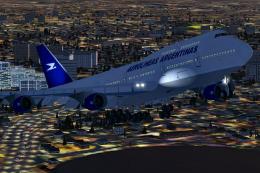
Screenshot depicting the Aerolineas Argentinas 747-400 climbing through the virtual skies.
[fltsim.x]
title=Boeing 747-400 Aerolineas Argentinas
sim=Boeing747-400
model=
panel=
sound=
texture=aerolineas
kb_checklists=Boeing747-400_check
kb_reference=Boeing747-400_ref
atc_id=LV-ALJ
atc_airline=ARGENTINA
atc_flight_number=1123
atc_heavy=1
atc_parking_types=GATE
atc_parking_codes=
ui_manufacturer="Boeing"
ui_type="747-400"
ui_variation="Aerolineas Argentinas"
ui_typerole="Commercial Airliner"
ui_createdby="Microsoft Corporation"
description="747-400 Aerolineas Argentinas"
This repaint applies exclusively to the default Boeing 747-400 flight model and does not include the original base package. To access the freeware model, consult the Fly Away Simulation library, where you will find the necessary download to complete this modification. Combining these textures with the default quadjet ensures a seamless merge of high-capacity engineering and national airline flair, ready for any transcontinental flight in your virtual skies.
Free for all simmers · 8.01 MB · Scanned clean Oct 2026
Download speed: Free tier is capped at 0.5 Mbps (this file takes approximately 2 mins at the cap). PRO members download at full line speed.
texture.{airline}) inside FSX\SimObjects\Airplanes\{base-aircraft}\.aircraft.cfg in Notepad. Add a new [fltsim.X] section per the readme.readme.txt or README file. It tells you exactly where files go, what dependencies are needed, and any quirks specific to this add-on.The archive 747aargx.zip has 34 files and directories contained within it.
This list displays the first 500 files in the package. If the package has more, you will need to download it to view them.
| Filename/Directory | File Date | File Size |
|---|---|---|
| 747AARGX | 11.09.06 | 0 B |
| 747AAR1.JPG | 11.09.06 | 43.82 kB |
| 747AAR2.JPG | 11.09.06 | 192.40 kB |
| 747AAR3.JPG | 11.09.06 | 34.29 kB |
| 747AAR4.JPG | 11.09.06 | 38.05 kB |
| file_id.diz | 11.08.06 | 130 B |
| readme.txt | 11.09.06 | 914 B |
| texture.aerolineas | 11.09.06 | 0 B |
| B747_1_LM.dds | 09.04.06 | 170.79 kB |
| B747_1_T.dds | 11.06.06 | 1.33 MB |
| B747_1_T_bump.dds | 09.04.06 | 1.00 MB |
| B747_1_T_Specular.dds | 09.04.06 | 1.33 MB |
| B747_2_T.dds | 09.04.06 | 1.33 MB |
| B747_2_T_bump.dds | 09.04.06 | 1.00 MB |
| B747_2_T_specular.dds | 09.04.06 | 1.33 MB |
| B747_400_1_C.dds | 09.04.06 | 682.79 kB |
| B747_400_2_C.dds | 09.04.06 | 682.79 kB |
| B747_400_3_C.dds | 09.04.06 | 682.79 kB |
| B747_400_4_C.dds | 09.04.06 | 682.79 kB |
| B747_400_5_C.dds | 09.04.06 | 170.79 kB |
| B747_400_6_C.dds | 09.04.06 | 170.79 kB |
| B747_400_7_C.dds | 09.04.06 | 170.79 kB |
| B747_400_interior.dds | 09.04.06 | 170.79 kB |
| B747_400_reflection.dds | 09.04.06 | 170.79 kB |
| Copia de B747_1_T.dds | 09.04.06 | 1.33 MB |
| Fresnel_Ramp.dds | 09.04.06 | 640 B |
| fresnel_ramp_1.dds | 09.04.06 | 640 B |
| pilots.dds | 09.04.06 | 42.79 kB |
| texture.cfg | 08.14.06 | 137 B |
| thumbnail.jpg | 11.09.06 | 17.96 kB |
| Thumbs.db | 11.09.06 | 100.50 kB |
| Thumbs.db | 11.09.06 | 25.00 kB |
| flyawaysimulation.txt | 10.29.13 | 959 B |
| Go to Fly Away Simulation.url | 01.22.16 | 52 B |
Only PRO members can place votes.
More FSX & P3D add-ons hand-picked based on this download.
FSX Civil Aircraft
FSX Aerolineas Argentinas Boeing 747-400 GE, registration LV-BBU. Textures on…
 FSX Civil Aircraft
Includes all three liveries for the three models Aerolineas Argentinas operat…
 FSX Civil Aircraft
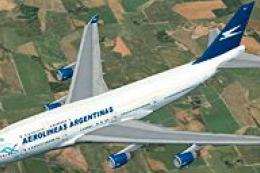
This freeware package offers a finely tuned rendition of the Aerolineas Argen…
 FSX Civil Aircraft
FSX Aerolineas Argentinas Boeing 747-400. Textures only for the default B747-…
 FSX Civil Aircraft
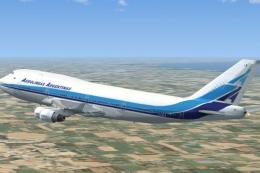
FSX Aerolineas Argentinas Update Boeing 747-400. Aerolineas Argentinas textur…
 FSX Civil Aircraft
Experience a refreshed take on Aerolineas Argentinas’ iconic 1980s paint sche…
 FSX Civil Aircraft
This modification adds a custom Aerolineas Argentinas livery to the default B…
 FSX Civil Aircraft
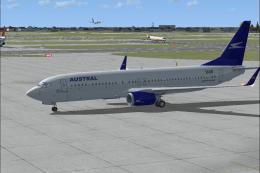
FSX Aerolineas Argentinas Boeing 737-800. Aerolineas Argentinas textures only…
Be the first to leave a comment on this download.
Be the first to share your thoughts on this download.