

 FSX Civil Aircraft
Arrow Cargo Douglas DC-10-10F N68047 "Big A"
Experience a refined cargo-hauling environment in Microsoft Flight Simulator …
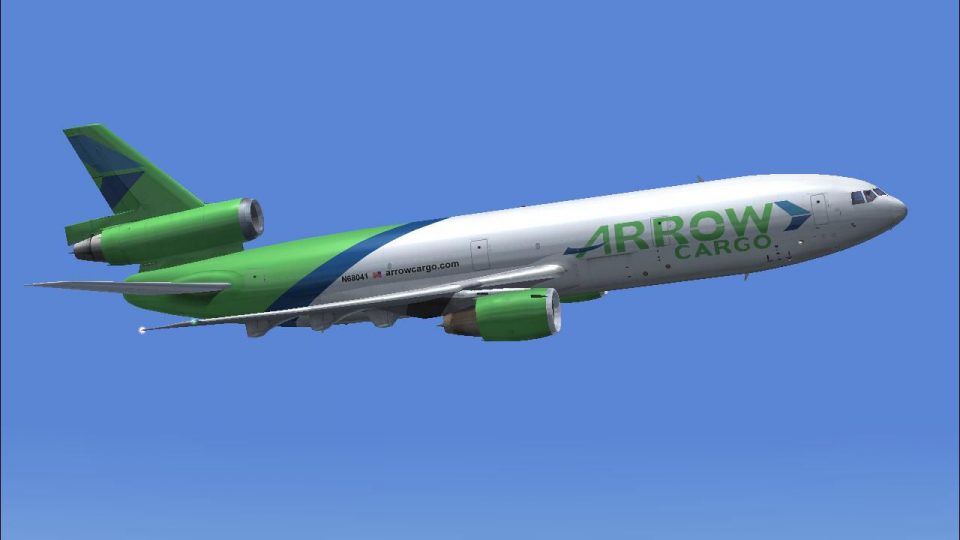
Arrow Cargo’s Douglas DC-10-10F N68041 “Big A” livery brings crisp freighter markings, accurate tail art, and lighting-tuned exterior textures to the CLS wide-body tri-jet in Microsoft Flight Simulator X. The repaint focuses on authentic branding and reflective finishes for varied weather and ramp conditions, and requires the CLS DC-10-10 payware model.
 Rate
Rate
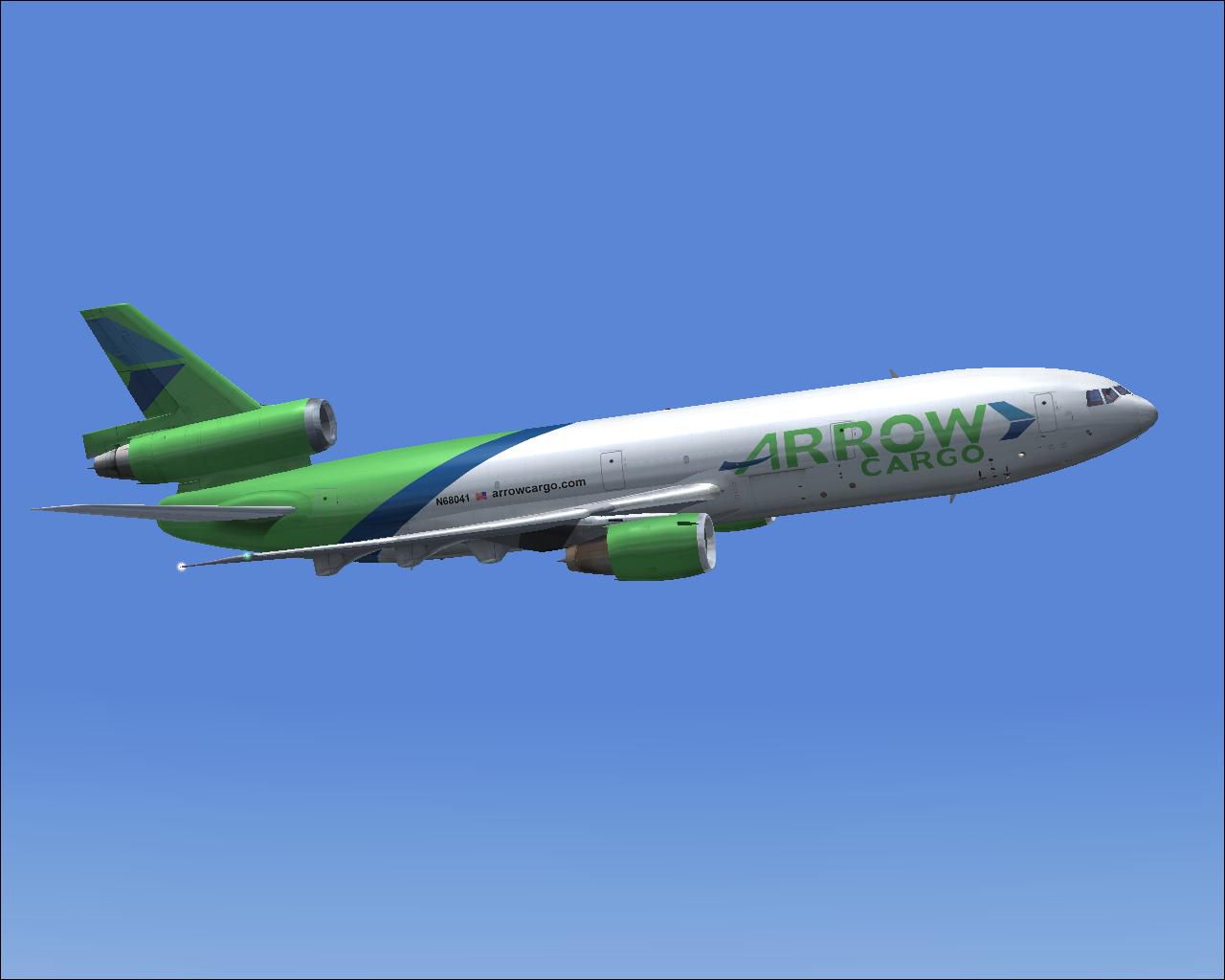
This freeware repaint depicts the Arrow Cargo Douglas DC-10-10F in a distinctive “Big A” theme, specifically crafted for the payware Commercial Level Simulations (CLS) DC-10-10 platform. Repaint work is credited to the talented creator, Bonnie Windsor. The package contains textures only, so the CLS model must be acquired separately.
The McDonnell Douglas DC-10, once prominent in both passenger and freight services, pioneered a three-engine configuration that balanced efficiency and power. Arrow Cargo originally utilized variants of this aircraft for long-haul operations, benefiting from the GE CF6 family of engines, which provided reliable performance across extensive routes. Enthusiasts of Microsoft Flight Simulator X can tap into this repaint to simulate Arrow Cargo’s industrial look and capture the essence of the carrier’s service history.
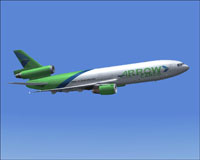
Arrow Cargo DC-10-10F climbing through a clear sky.
These textures reproduce Arrow Cargo’s recognizable livery for the DC-10 freighter variant. The fuselage branding, tail design, and other custom markings have been carefully recreated to match references from archived materials. To ensure authenticity, each exterior texture is optimized for realistic reflections and lighting when viewed in different simulation weather conditions.
[fltsim.XX]

title=Commercial Level Simulations - DC-10-10 Freighter Arrow Cargo N68041

sim=CLS-DC10-10F-GE-CF6-6D

model=F_6D6K

panel=

sound=

texture=APW N68041 BIG A

atc_airline= BIG A

atc_flight_number=041

atc_heavy=1

atc_id=N68041

atc_parking_types=RAMP, CARGO

atc_parking_code=APW

description=Commerical Level Simulations\nBoeing / McDonnell Douglas DC-10-10\nVersion - Version-2005.1.1\n\nFSX Only\n\nEngine Type: GE CF6-6D\n\nFor proper operation: See DC-10 manual and performance documentation.

kb_checklists=DC-10_check

kb_reference=DC-10-10_ref

ui_typerole="Commercial Airliner"

ui_createdby="Commercial Level Simulations"

ui_manufacturer="McDonnell Douglas"

ui_type=DC-10-10F

ui_variation=Arrow Cargo N68041

visual_damage=1
This repaint is fully aligned with the Commercial Level Simulations payware DC-10 series. The rendition by Bonnie Windsor incorporates distinctive Arrow Cargo branding for users who want added variety in the tri-jet’s cargo configuration. Remember that this package provides textures only and will not function without the underlying payware model, which can be obtained via authorized stores such as SimShack.
Free for all simmers · 3.49 MB · Scanned clean Oct 2026
Download speed: Free tier is capped at 0.5 Mbps. PRO members download at full line speed.
texture.{airline}) inside FSX\SimObjects\Airplanes\{base-aircraft}\.aircraft.cfg in Notepad. Add a new [fltsim.X] section per the readme.readme.txt or README file. It tells you exactly where files go, what dependencies are needed, and any quirks specific to this add-on.The archive apx68041.zip has 15 files and directories contained within it.
This list displays the first 500 files in the package. If the package has more, you will need to download it to view them.
| Filename/Directory | File Date | File Size |
|---|---|---|
| APW N68041 BIG A.gif | 04.09.07 | 5.36 kB |
| APW N68041 BIG A.JPG | 04.09.07 | 55.89 kB |
| APW N68041 BIG A.txt | 05.30.07 | 293 B |
| dc10_cf650_t.bmp | 04.09.07 | 4.00 MB |
| fspap_dc10fuseL_l.bmp | 04.09.07 | 1.00 MB |
| fspap_dc10fuseL_t.bmp | 04.09.07 | 4.00 MB |
| fspap_dc10fuseR_l.bmp | 04.09.07 | 1.00 MB |
| fspap_dc10fuseR_t.bmp | 04.09.07 | 4.00 MB |
| fspap_dc10misc_t.bmp | 04.09.07 | 1.00 MB |
| fspap_dc10tail_cf6_t.bmp | 04.09.07 | 4.00 MB |
| readme.txt | 05.30.07 | 1.47 kB |
| thumbnail.jpg | 05.27.07 | 15.73 kB |
| TEXTURE.APW N68041 BIG A | 05.30.07 | 0 B |
| flyawaysimulation.txt | 10.29.13 | 959 B |
| Go to Fly Away Simulation.url | 01.22.16 | 52 B |
Only PRO members can place votes.
More FSX & P3D add-ons hand-picked based on this download.
FSX Civil Aircraft
Experience a refined cargo-hauling environment in Microsoft Flight Simulator …
 FSX Civil Aircraft
This freeware package provides a detailed Arrow Cargo repaint for the payware…
 FSX Civil Aircraft
Textures only for the payware Commercial Level Simulations (CLS) DC10-30 mode…
 FSX Civil Aircraft
FSX FedEx Douglas DC-10-10F. Textures only for the payware Commercial Level S…
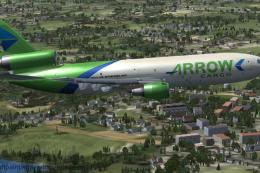 FSX Civil Aircraft
This exclusive repaint package showcases a Douglas DC-10-40F wearing the Arro…
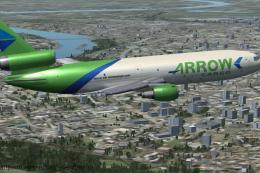 FSX Civil Aircraft
Step into the classic tri-jet experience with this freeware Douglas DC-10-30F…
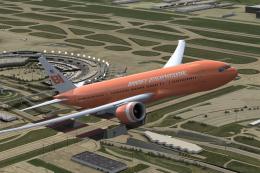 FSX Civil Aircraft
This is a fictional tribute paint for the payware PMDG B777-200 in the colors…
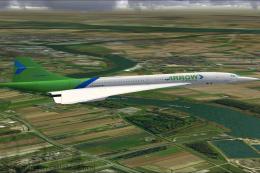 FSX Civil Aircraft
This is a Concorde of Arrow Cargo VA, registration N219AC. Repaint by Mathieu…
Be the first to leave a comment on this download.
Be the first to share your thoughts on this download.