

 FSX Misc
Improved Runway Lights
This file adds more realistic light colors with better distance visual. By Jo…
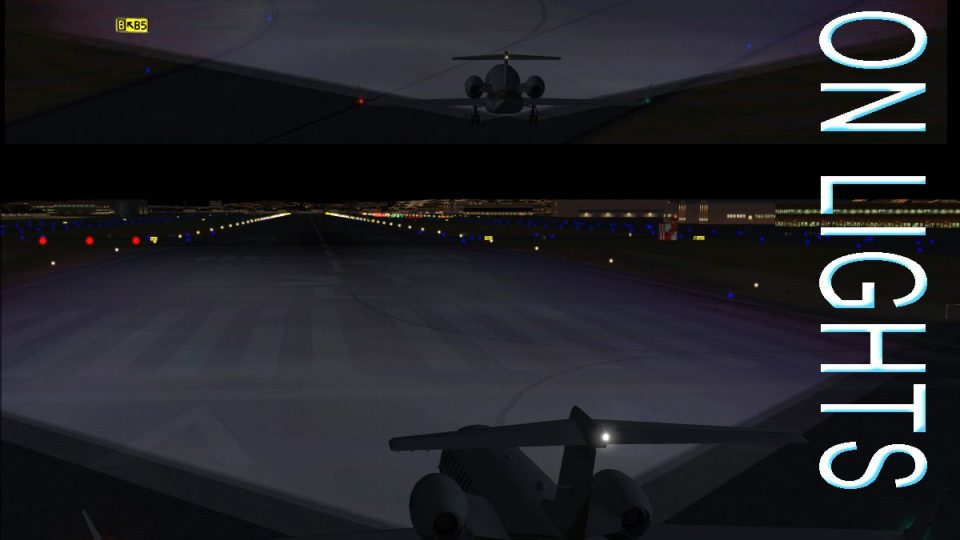
Xenon Lights 3.0 refreshes FSX landing and taxi lighting with modern xenon-style beam textures, improving runway and taxiway visibility at night. The package includes newly redesigned artwork with four brightness and detail variants, plus backup textures to restore the default light look.
 Rate
Rate
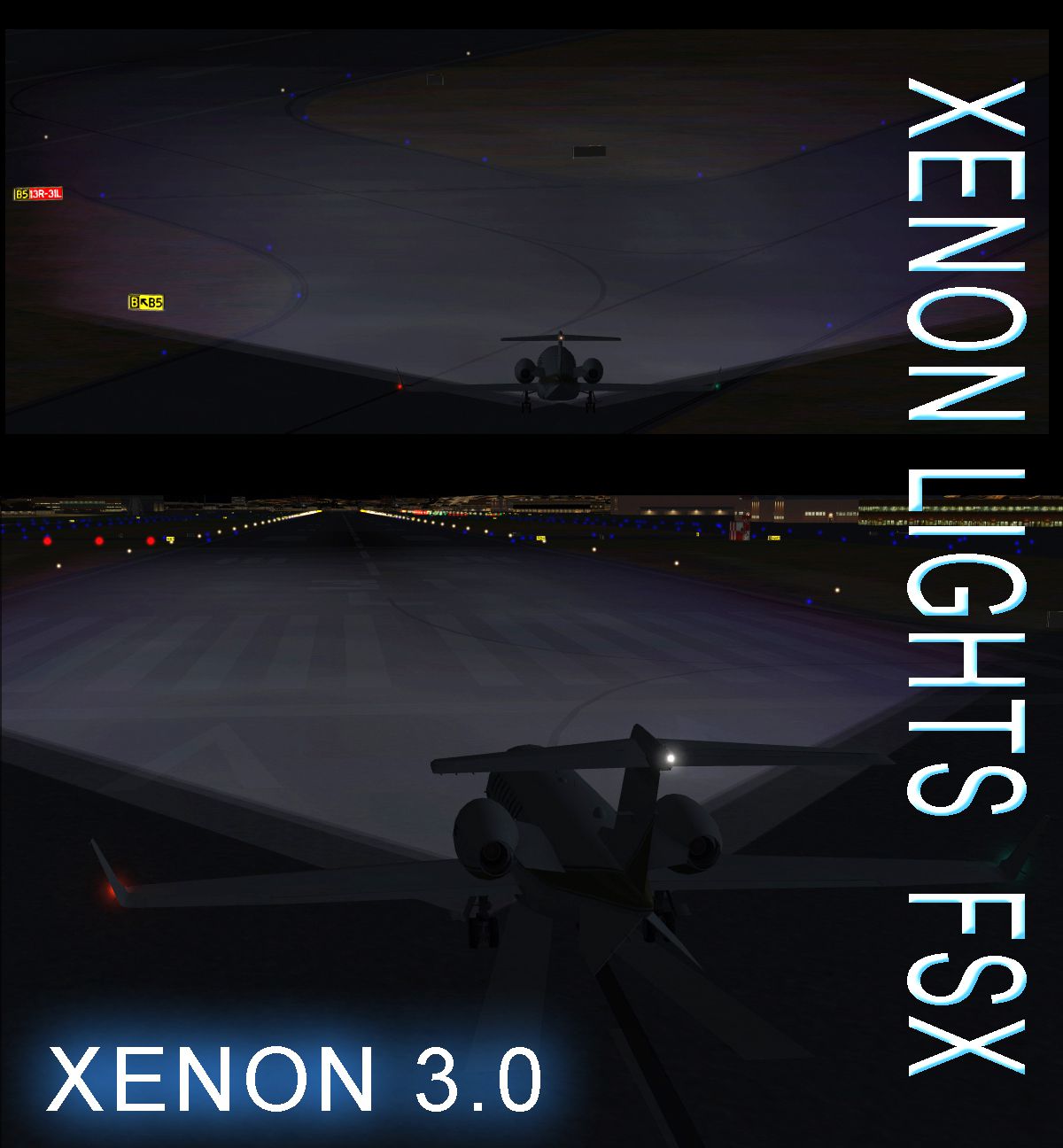
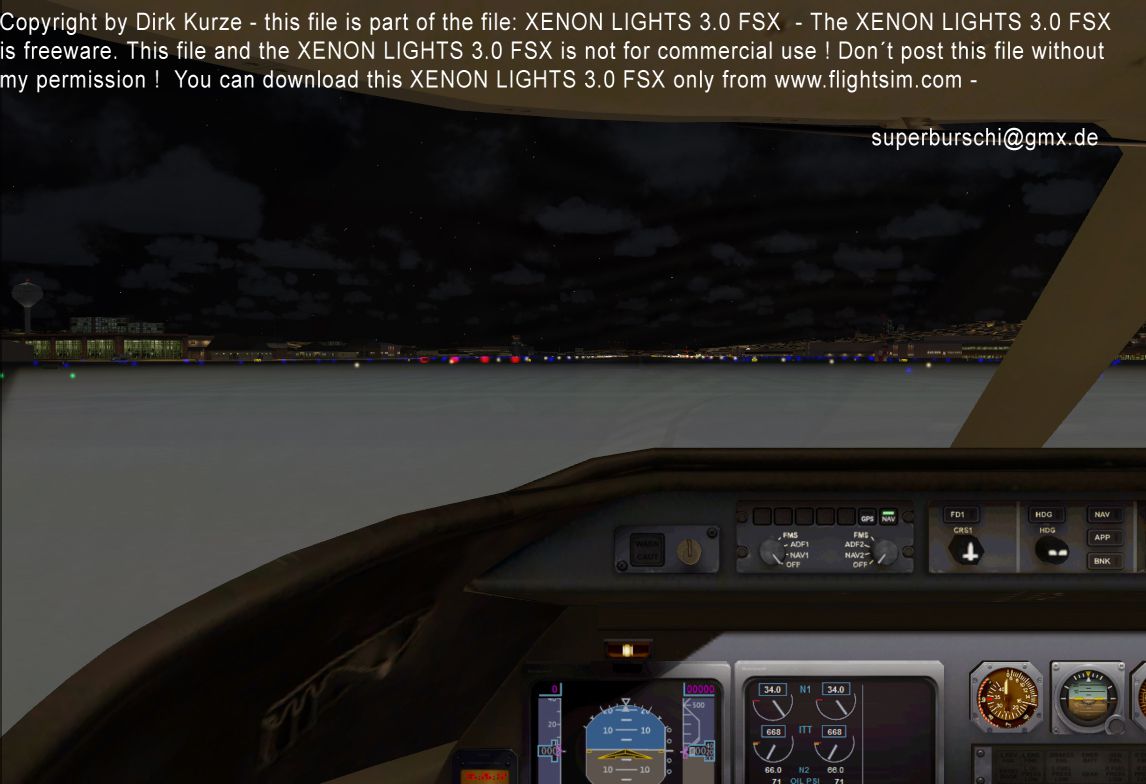

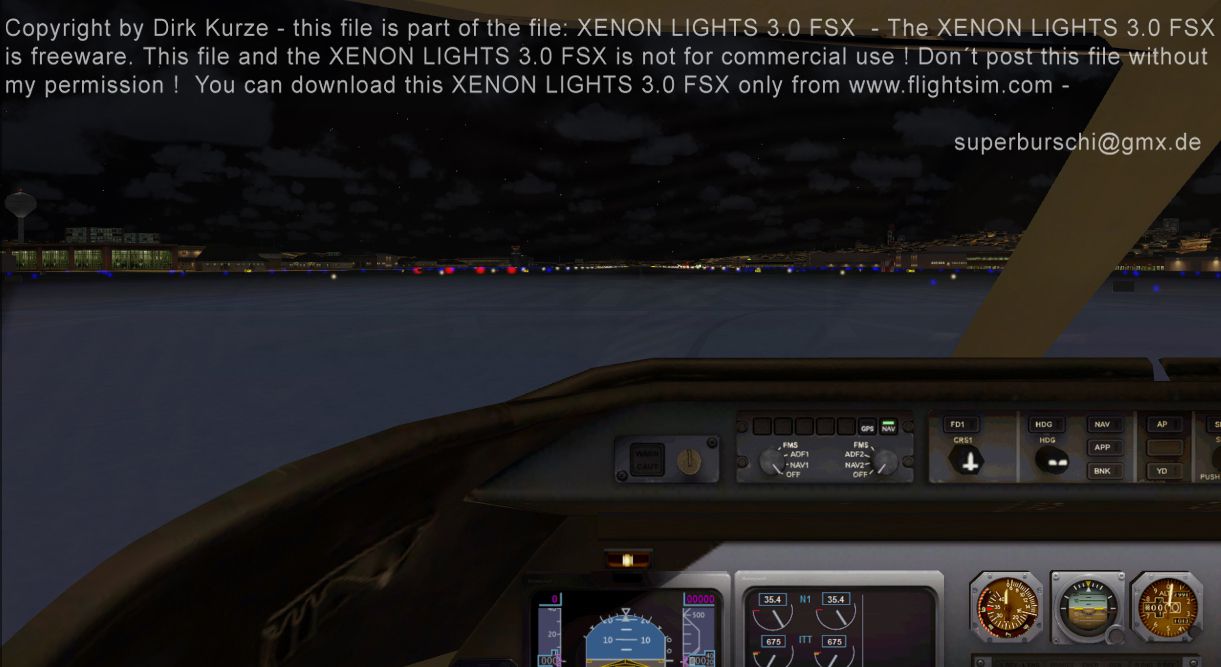
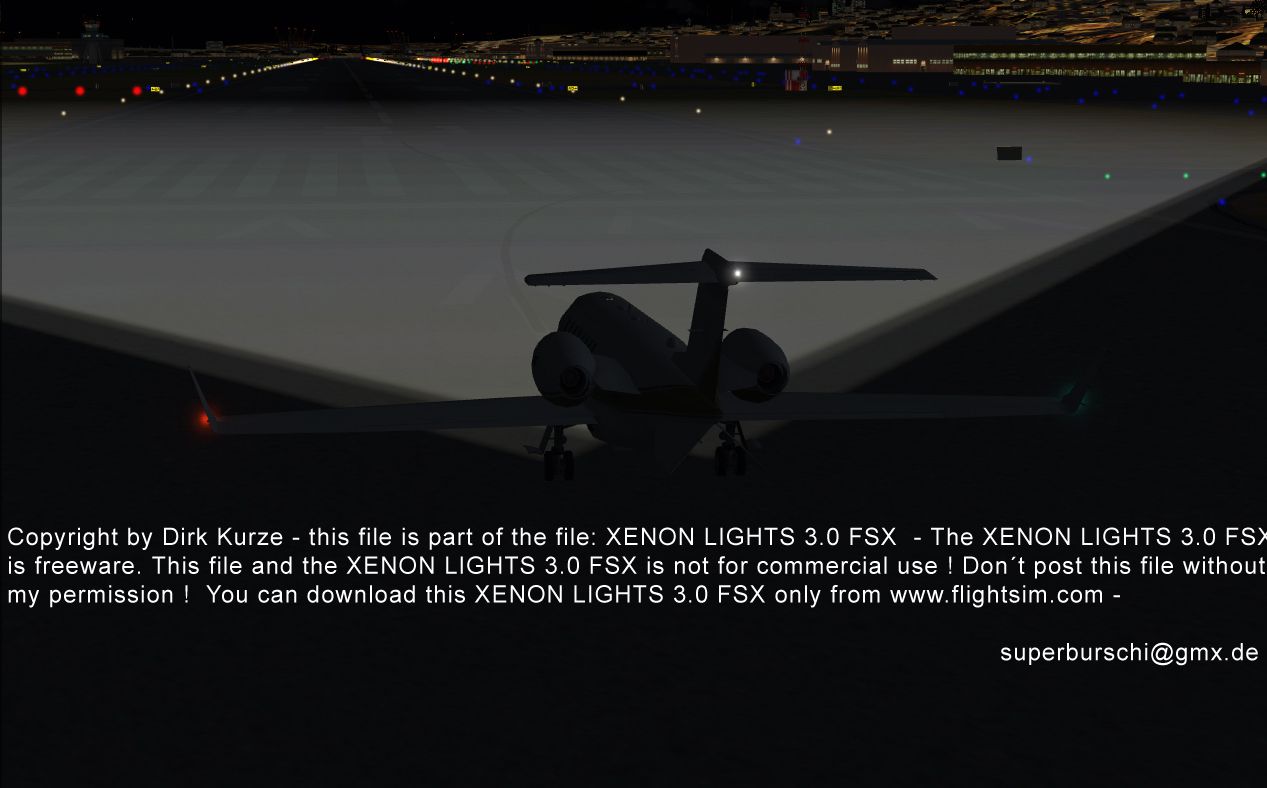
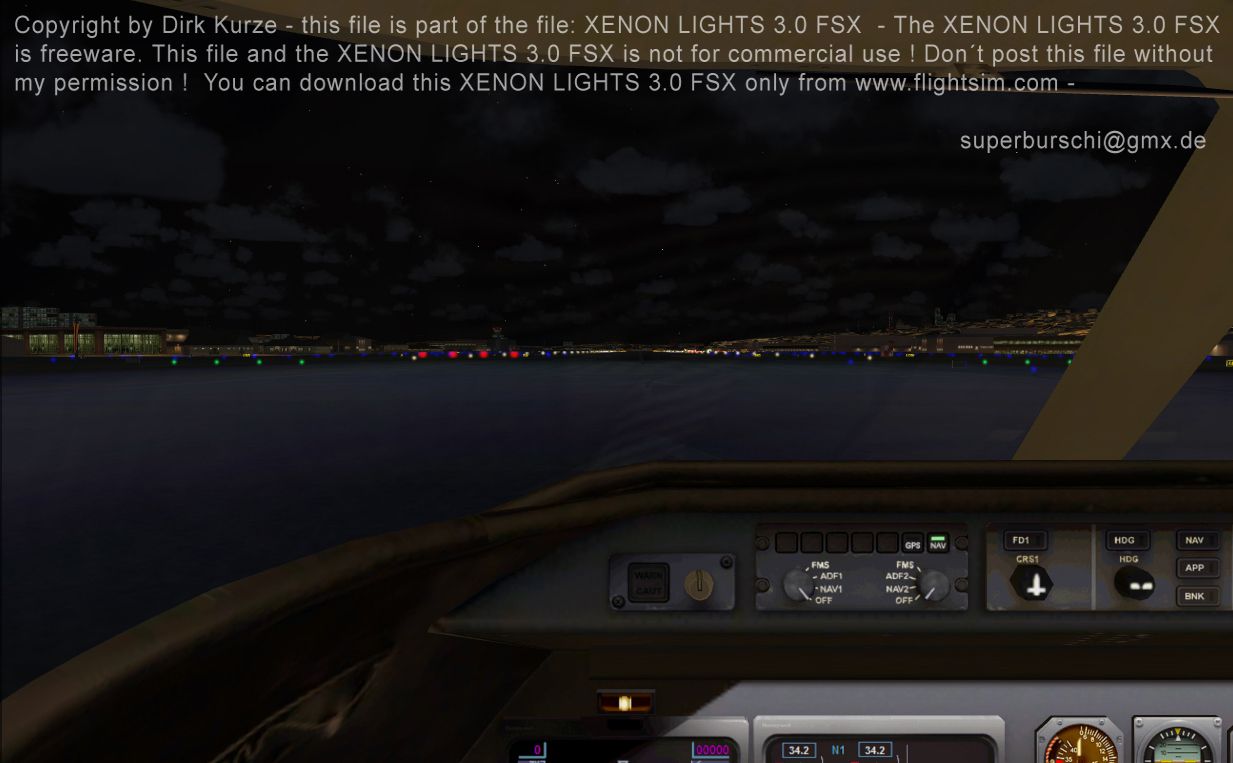

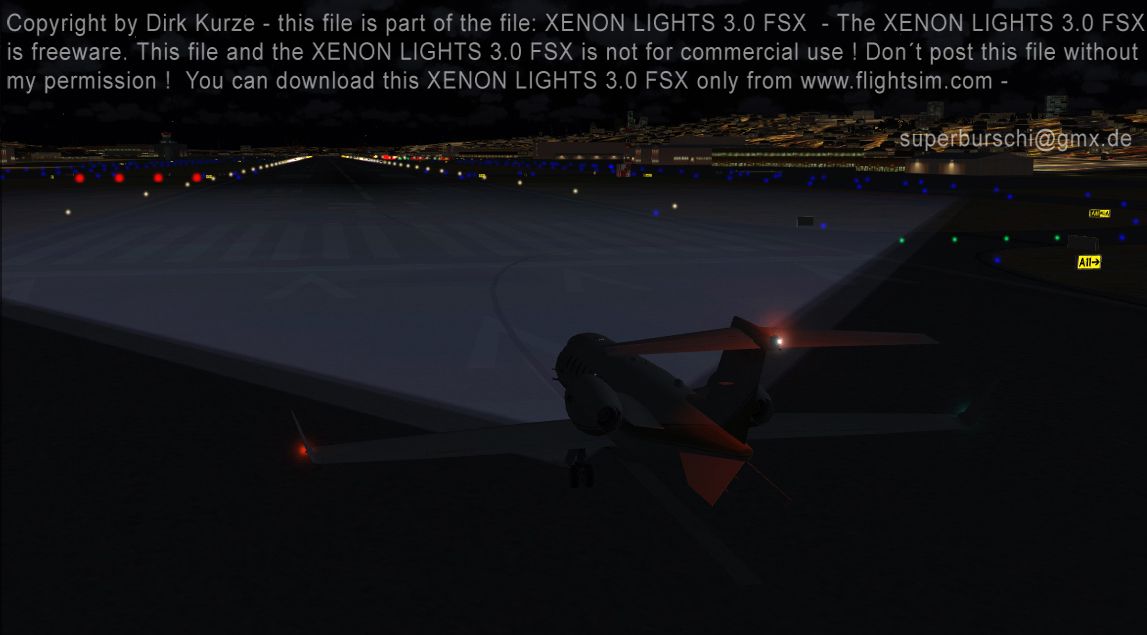
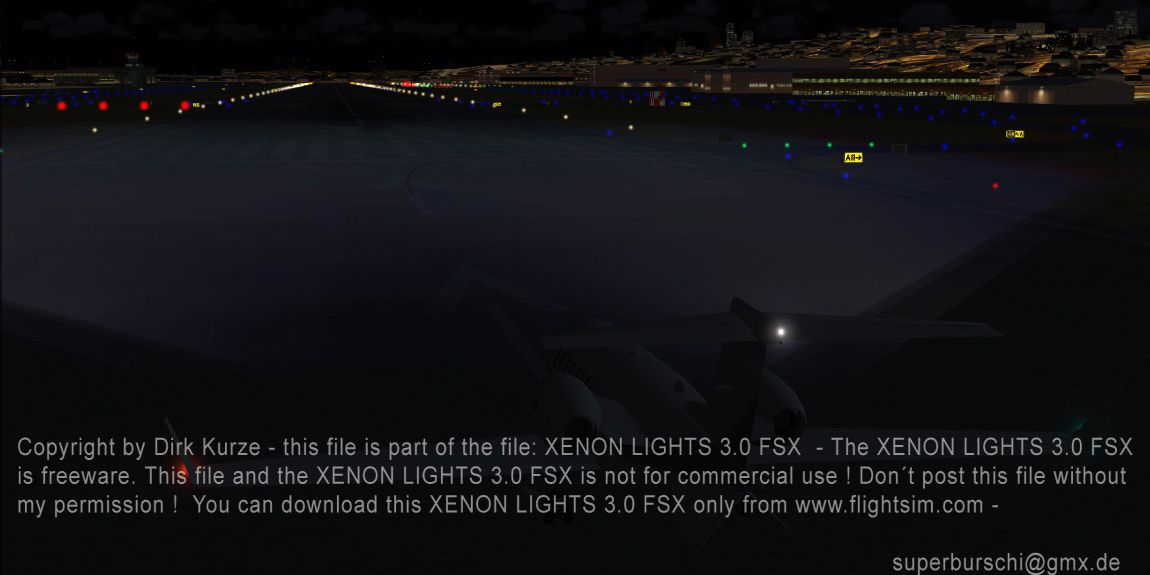
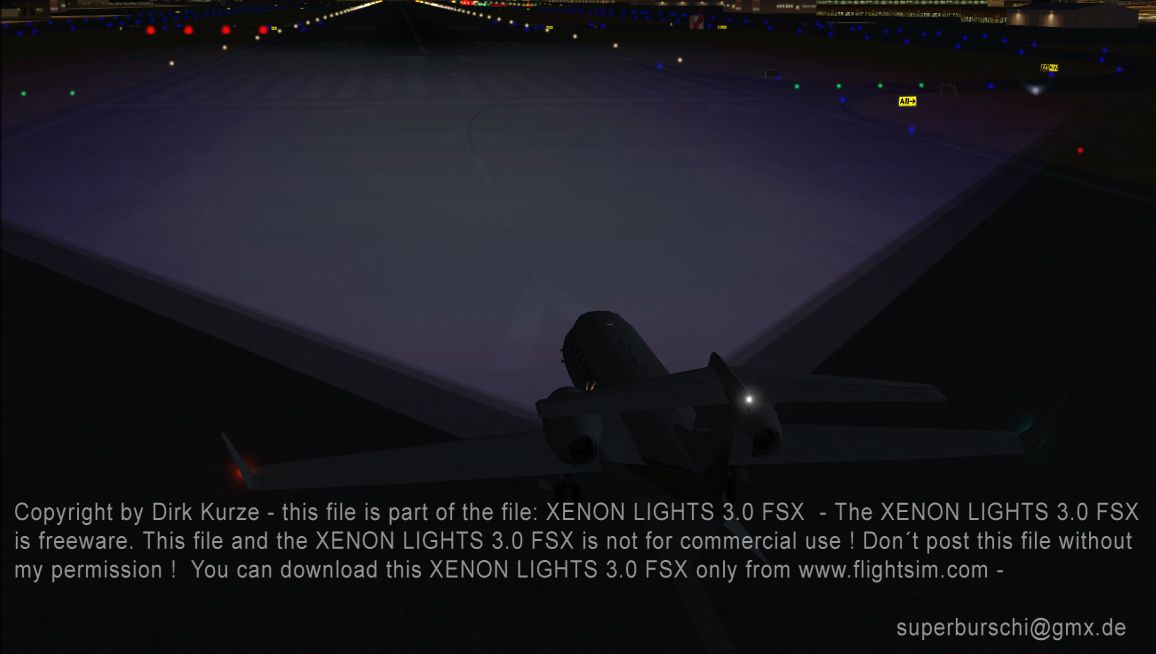
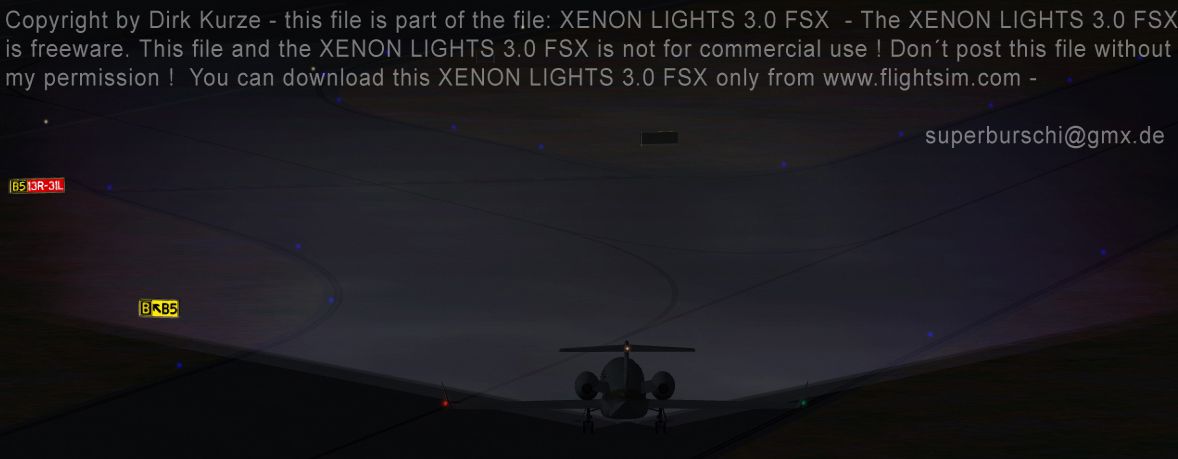
Complete package. The third version of the "Xenon Lights" now for the Flight Simulator FSX. Realistic xenon lights with complete newly designed textures, now in four different grades of detail and brightness. This texture pack adds a special realistic xenon light for all aircraft, offering a much better view to the runway or taxiway. This texture package changes the default lights from FSX to the modern xenon look. Easy installation manual and previews and textures for restoring back to the FSX default lights are included. (Each of the two previous versions of the xenon files had more than 13000 downloads). By Dirk Kurze.
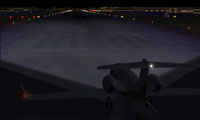
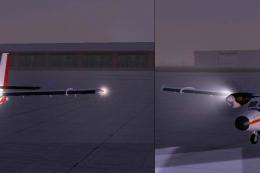
Screenshot of a plane on a dark runway at night.
Free for all simmers · 6.19 MB · Scanned clean Oct 2026
Download speed: Free tier is capped at 0.5 Mbps (this file takes approximately 2 mins at the cap). PRO members download at full line speed.
SimObjects\Airplanes\, Addon Scenery\, Effects\, or Gauges\.readme.txt or README file. It tells you exactly where files go, what dependencies are needed, and any quirks specific to this add-on.The archive xenon3.zip has 32 files and directories contained within it.
This list displays the first 500 files in the package. If the package has more, you will need to download it to view them.
| Filename/Directory | File Date | File Size |
|---|---|---|
| Xenon preview2.jpg | 11.08.06 | 249.92 kB |
| Xenon preview3.jpg | 11.08.06 | 368.48 kB |
| Xenon preview4.jpg | 11.08.06 | 530.26 kB |
| installation.txt | 11.08.06 | 3.08 kB |
| Default light | 11.08.06 | 0 B |
| default1.jpg | 11.08.06 | 482.64 kB |
| default2.jpg | 11.08.06 | 437.34 kB |
| Readme.txt | 11.08.06 | 92 B |
| spotlight.bmp | 11.08.06 | 42.75 kB |
| Xenon 1 darkest | 11.08.06 | 0 B |
| spotlight.bmp | 11.08.06 | 42.75 kB |
| xenon preview darkest1.jpg | 11.08.06 | 323.14 kB |
| xenon preview darkest2.jpg | 11.08.06 | 464.98 kB |
| Xenon 2 medium | 11.08.06 | 0 B |
| spotlight.bmp | 11.08.06 | 42.75 kB |
| xenon preview medium1.jpg | 11.08.06 | 314.05 kB |
| xenon preview medium2.jpg | 11.08.06 | 446.68 kB |
| Xenon 3 bright | 11.08.06 | 0 B |
| spotlight.bmp | 11.06.06 | 42.75 kB |
| xenon preview Bright1.jpg | 11.08.06 | 343.11 kB |
| xenon preview Bright2.jpg | 11.08.06 | 453.84 kB |
| Xenon 4 real xenon | 11.08.06 | 0 B |
| spotlight.bmp | 11.08.06 | 42.75 kB |
| Xenon preview1.jpg | 11.08.06 | 138.44 kB |
| Xenon preview2.jpg | 11.08.06 | 249.92 kB |
| Xenon preview3.jpg | 11.08.06 | 368.48 kB |
| Xenon preview4.jpg | 11.08.06 | 530.26 kB |
| Xenon3.jpg | 11.08.06 | 708.85 kB |
| Xenon preview1.jpg | 11.08.06 | 138.44 kB |
| thumbnail.gif | 11.09.06 | 12.72 kB |
| flyawaysimulation.txt | 10.29.13 | 959 B |
| Go to Fly Away Simulation.url | 01.22.16 | 52 B |
Only PRO members can place votes.
More FSX & P3D add-ons hand-picked based on this download.
FSX Misc
This file adds more realistic light colors with better distance visual. By Jo…
 FSX Misc
Tweaked landing lights for all the default aircraft and helos and tweaked run…
 FSX Misc
To have the taxi lights in FSX planes on or off is a simple task. This super …
 FSX Misc
Adds the Shockwave 3D Light Redux landing lights to the DeHavilland Twin Otte…
 FSX Misc
Includes 22 degree down and emergency lights. a2a Simulations Shockwave Redux…
 FSX Misc
An illustrated guide. After landing your favorite FSX aircraft, are you frust…
 FSX Misc
A tutorial in PDF format. By Mike Basford. Thumbnail of Tiger Sky6 in flight.
 FSX Misc
A translation into French. By Gilbert Fouche from original by David Marshall …
Read what other simmers think, or add your own.

I have Windows 7 and I can’t get FSX Xenon Lights 3.0 to work. I am following the instructions. Is it because of Windows 7?