


 FSX Misc
FS Real Time, V1.82
FS Real Time is made to keep Flight Simulator's UTC, Zulu/GMT, time and date …
Metal GUI v1.2 refreshes the Flight Simulator X menus with a darker, more readable theme that reduces glare and suits low-light flying. It modernizes the Free Flight and settings screens with a cohesive metal-style palette and improved contrast, giving the interface a cleaner look while staying faithful to FSX’s layout.
 Rate
Rate
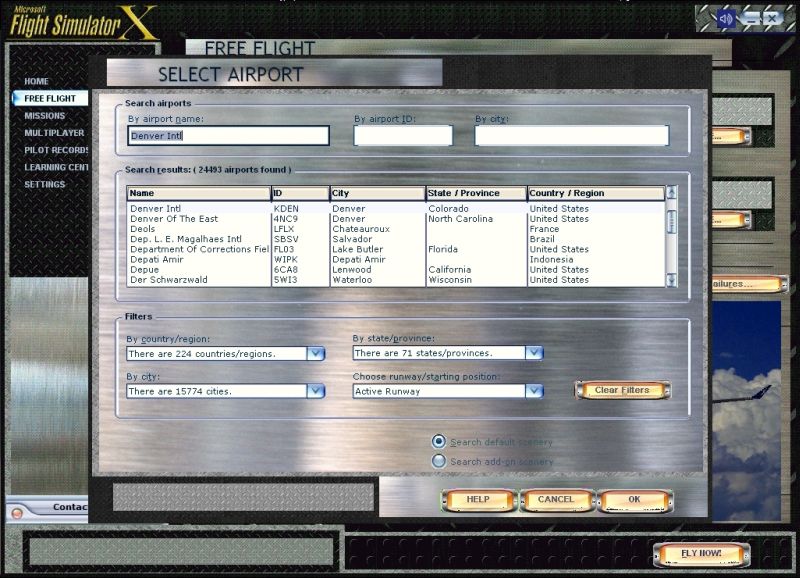
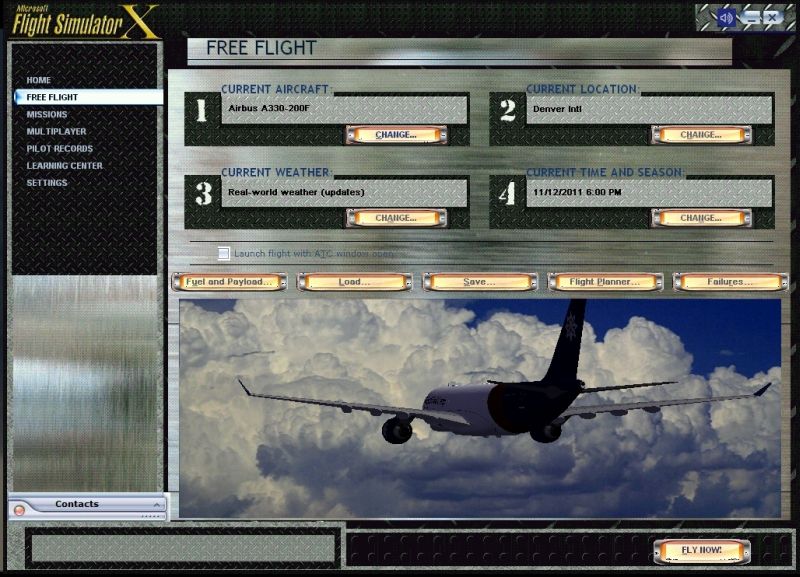
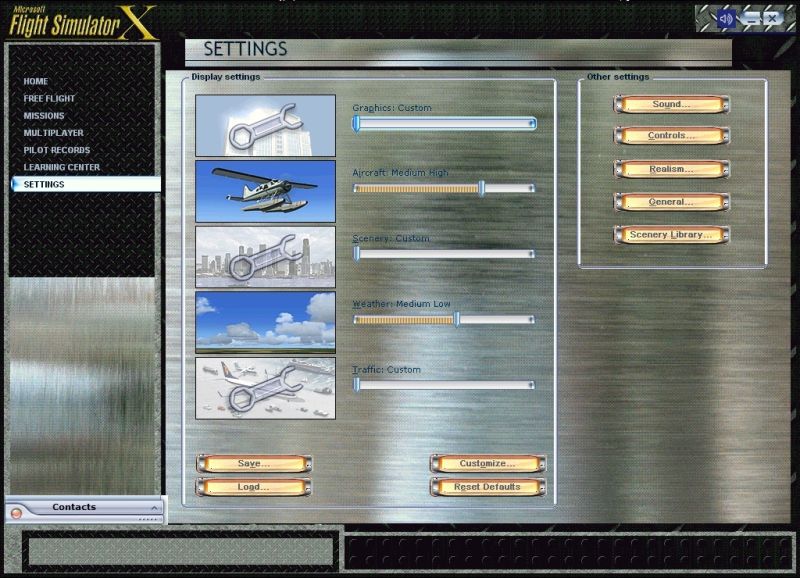
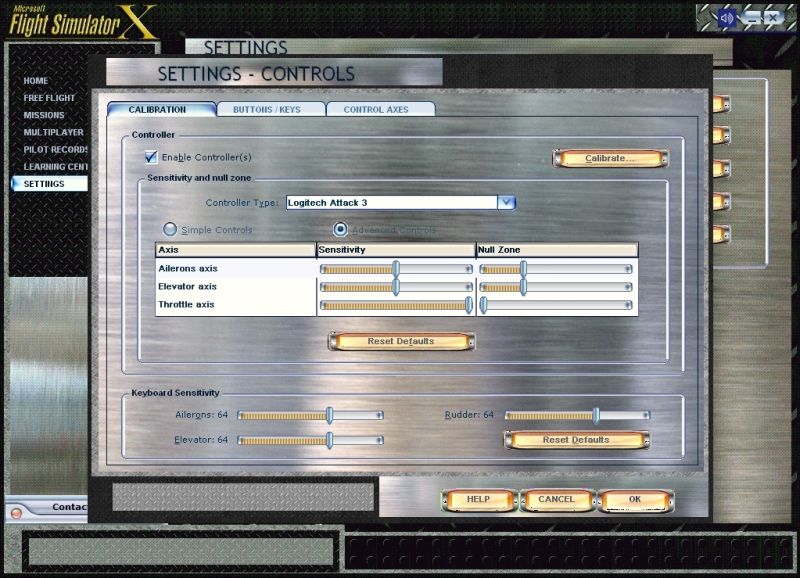
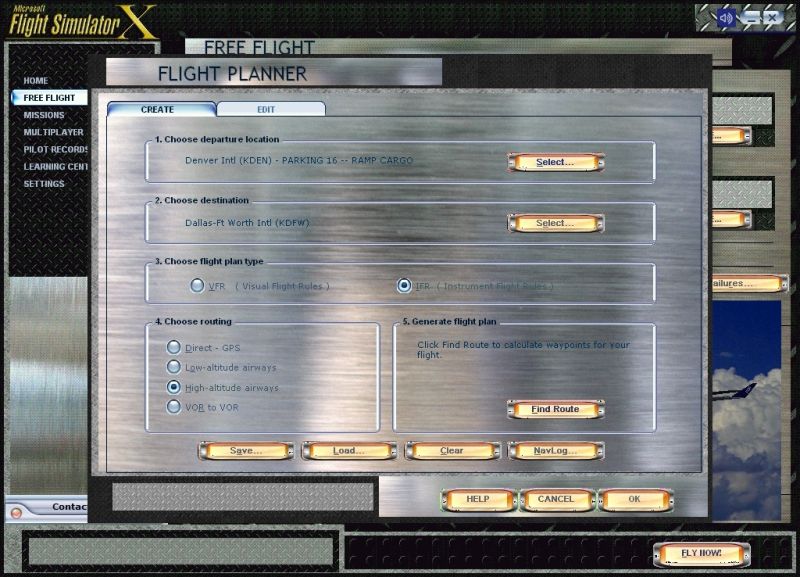
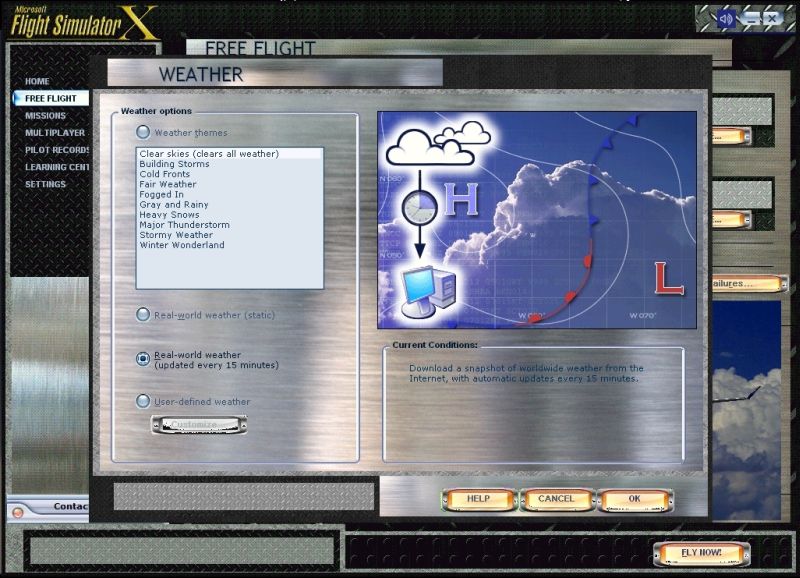
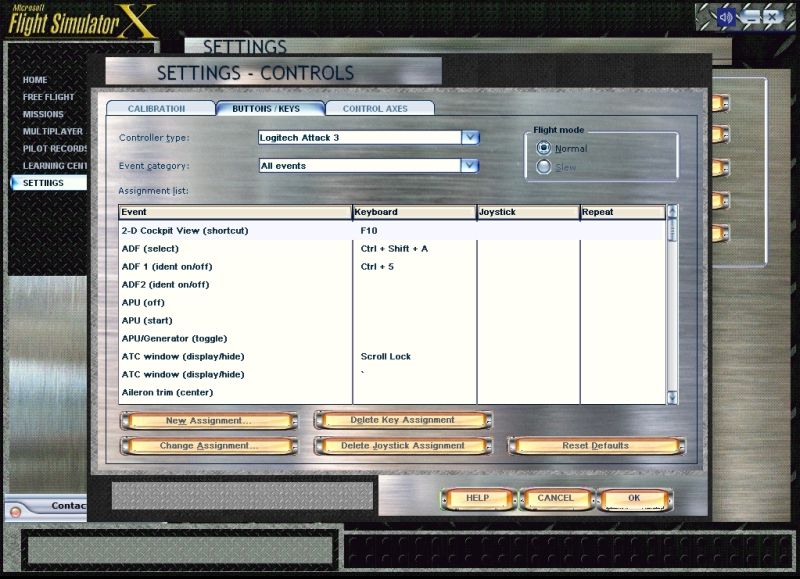
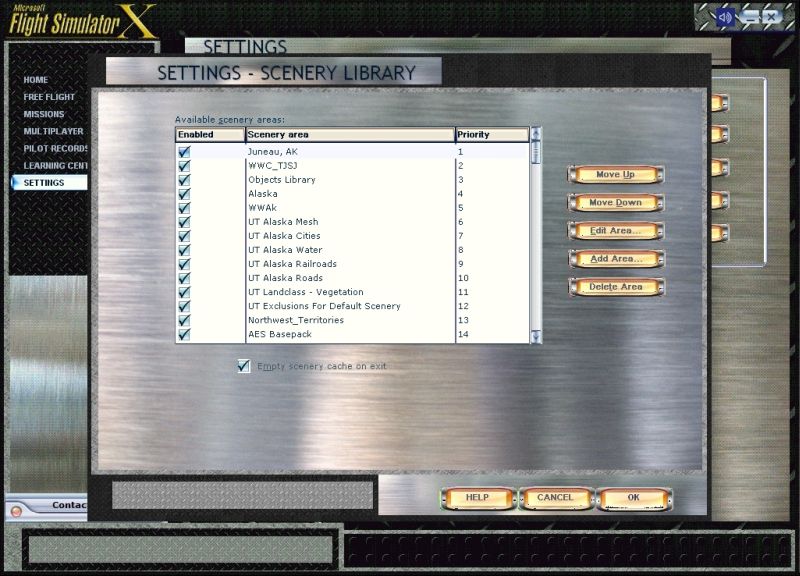
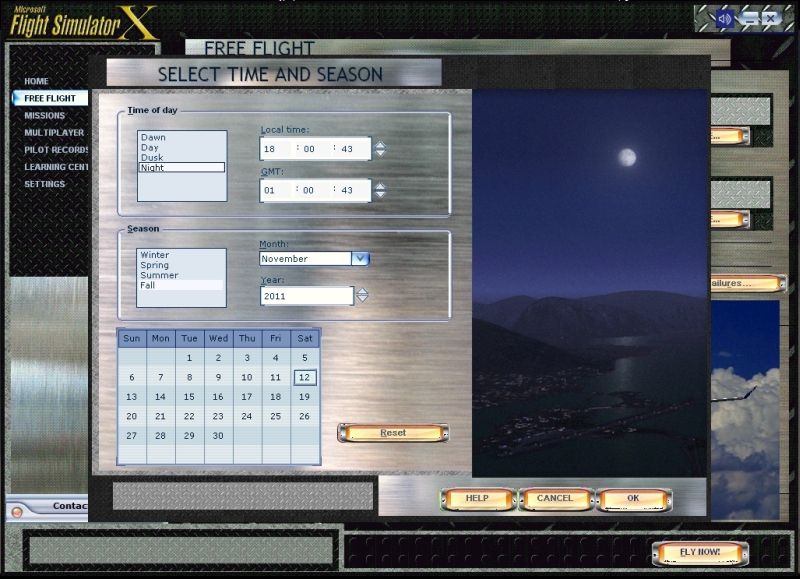
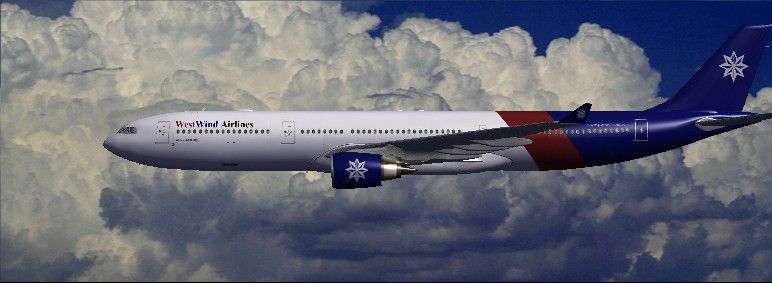
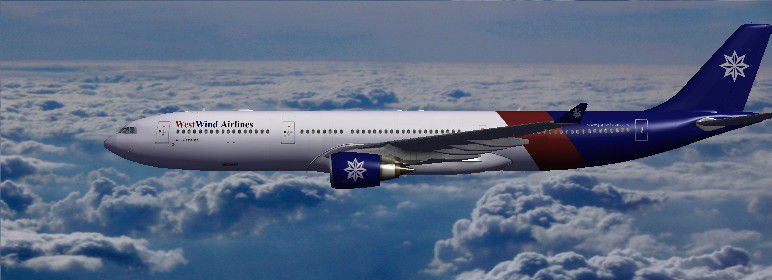
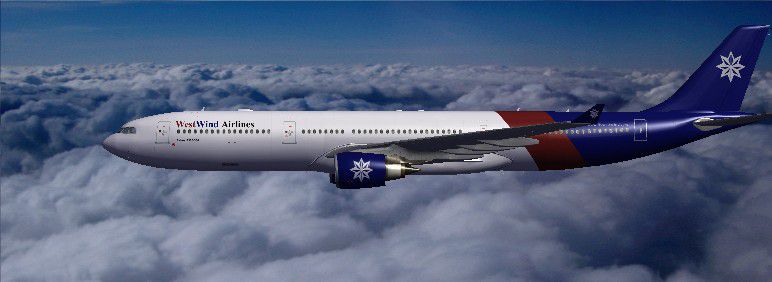
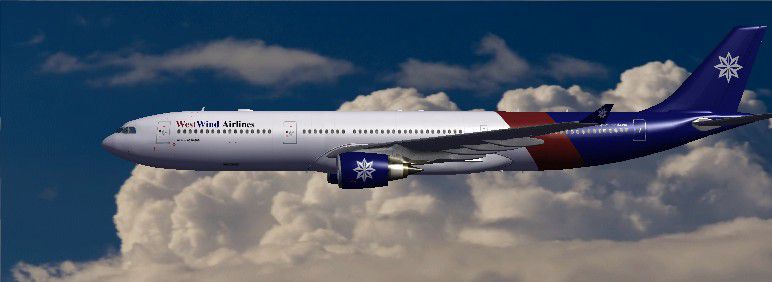
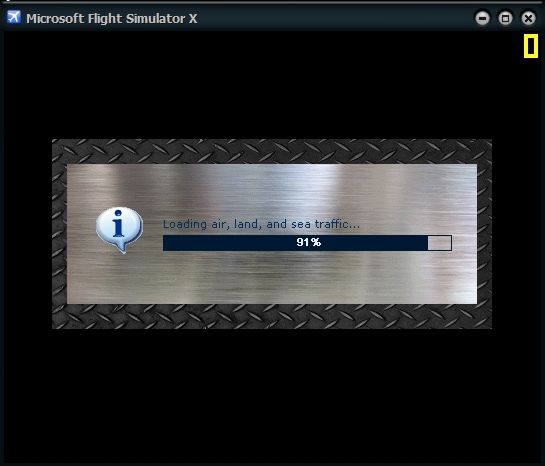
Want to add a new fresh look to your FSX interface? Here is the first makeover. The author designed this because he has bad eyesight which is sensitive to bright screen objects, and likes to play PC games in a dark room with the lights off. This darkens the interface, and improves the overall look. By Todd McCuistion.
Screenshot of the Free Flight User Interface.
Free for all simmers · 7.66 MB · Scanned clean Aug 2026
Download speed: Free tier is capped at 0.5 Mbps (this file takes approximately 2 mins at the cap). PRO members download at full line speed.
SimObjects\Airplanes\, Addon Scenery\, Effects\, or Gauges\.readme.txt or README file. It tells you exactly where files go, what dependencies are needed, and any quirks specific to this add-on.The archive fsx_metal_gui_v_1_2.zip has 69 files and directories contained within it.
This list displays the first 500 files in the package. If the package has more, you will need to download it to view them.
| Filename/Directory | File Date | File Size |
|---|---|---|
| FSX Metal GUI V.1.2 | 11.19.11 | 0 B |
| Aircraft List 1 | 11.13.11 | 0 B |
| Uires | 11.18.11 | 0 B |
| aircraft_viewer_bkgrnd.bmp | 04.11.11 | 257.05 kB |
| Thumbs.db | 11.18.11 | 5.50 kB |
| Aircraft List 2 | 11.13.11 | 0 B |
| Uires | 11.13.11 | 0 B |
| aircraft_viewer_bkgrnd.bmp | 04.11.11 | 257.05 kB |
| Aircraft List 3 | 11.13.11 | 0 B |
| Uires | 11.13.11 | 0 B |
| aircraft_viewer_bkgrnd.bmp | 04.11.11 | 257.05 kB |
| Thumbs.db | 11.02.11 | 6.00 kB |
| Aircraft List 4 | 11.13.11 | 0 B |
| Uires | 11.13.11 | 0 B |
| aircraft_viewer_bkgrnd.bmp | 04.11.11 | 257.05 kB |
| Thumbs.db | 11.02.11 | 5.50 kB |
| FSX Diamond Plate Polished Aluminum GUI README.txt | 11.18.11 | 5.40 kB |
| FSX GUI Sceenshots | 11.18.11 | 0 B |
| #1 Free Flight UI.jpg | 11.12.11 | 392.71 kB |
| #10 Weather UI.jpg | 11.12.11 | 374.18 kB |
| #2 Loading Bar.jpg | 11.12.11 | 85.31 kB |
| #3 Settings UI.jpg | 11.12.11 | 398.02 kB |
| #4 Calibration UI.jpg | 11.12.11 | 376.33 kB |
| #5 Controls UI.jpg | 11.12.11 | 334.93 kB |
| #6 Flight Planner UI.jpg | 11.12.11 | 380.13 kB |
| #7 Select Airport UI.jpg | 11.12.11 | 376.48 kB |
| #8 Scenery Library UI.jpg | 11.12.11 | 346.64 kB |
| #9 Time and Season UI.jpg | 11.12.11 | 355.48 kB |
| Aircraft List 1.jpg | 11.18.11 | 43.66 kB |
| Aircraft List 2.jpg | 11.18.11 | 50.27 kB |
| Aircraft List 3.jpg | 11.18.11 | 50.06 kB |
| Aircraft List 4.jpg | 11.18.11 | 38.53 kB |
| Thumbs.db | 11.18.11 | 57.00 kB |
| FSX Metal GUI V.1.2.gif | 11.18.11 | 12.10 kB |
| GUI | 11.13.11 | 0 B |
| Uires | 11.19.11 | 0 B |
| aircraft_viewer_bkgrnd.bmp | 04.11.11 | 257.05 kB |
| btncancel.bmp | 10.22.11 | 68.61 kB |
| btnFLYNOW.bmp | 10.22.11 | 85.97 kB |
| btnhelp.bmp | 10.22.11 | 68.61 kB |
| btnok.bmp | 10.22.11 | 68.61 kB |
| btnstd.bmp | 10.22.11 | 55.13 kB |
| btnstdc.WAV | 05.12.06 | 70.31 kB |
| btnstd_map_NS.bmp | 10.20.11 | 59.27 kB |
| btnstd_short.bmp | 10.22.11 | 42.24 kB |
| btn_OCtoast_OFF.bmp | 10.20.11 | 3.71 kB |
| btn_OCtoast_ON.bmp | 10.20.11 | 3.71 kB |
| crfbtnchange.bmp | 10.22.11 | 54.62 kB |
| crfnumberbox1.bmp | 10.22.11 | 26.21 kB |
| crfnumberbox2.bmp | 10.22.11 | 26.21 kB |
| crfnumberbox3.bmp | 10.22.11 | 26.21 kB |
| crfnumberbox4.bmp | 10.22.11 | 26.21 kB |
| dlgalert.bmp | 11.02.11 | 82.69 kB |
| dlglarge.bmp | 10.22.11 | 1.37 MB |
| dlgmed.bmp | 11.02.11 | 303.79 kB |
| dlgOBJTOOL.bmp | 11.02.11 | 1.37 MB |
| dlgsml.bmp | 11.02.11 | 585.99 kB |
| dlgstd.bmp | 08.03.11 | 739.05 kB |
| dlgstdtrans.bmp | 10.23.11 | 1.37 MB |
| imgshellHR.bmp | 11.02.11 | 3.05 kB |
| imgshellHR_short.bmp | 11.02.11 | 114 B |
| imgshellVR.bmp | 11.02.11 | 482 B |
| Thumbs.db | 11.02.11 | 77.00 kB |
| JSGME Download.txt | 11.18.11 | 637 B |
| Stock Mouseclick Sound | 11.16.11 | 0 B |
| Uires | 11.19.11 | 0 B |
| btnstdc.wav | 05.12.06 | 730 B |
| flyawaysimulation.txt | 10.29.13 | 959 B |
| Go to Fly Away Simulation.url | 01.22.16 | 52 B |
Only PRO members can place votes.
More FSX & P3D add-ons hand-picked based on this download.
FSX Misc
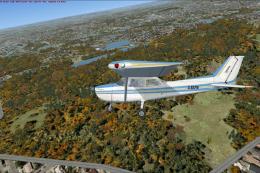
FS Real Time is made to keep Flight Simulator's UTC, Zulu/GMT, time and date …
 FSX Misc
All trees for all seasons edited for a more 3D effect. Texture sizes reduced …
 FSX Misc
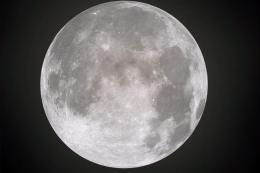
This is a replacement for the default moon textures. While the default textur…
 FSX Misc
This package includes enhanced and re-designed taxiway and airport texture fo…
 FSX Misc
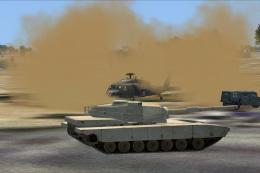
Helicopters landing out in the desert kick up a nasty dust cloud, reducing vi…
 FSX Misc
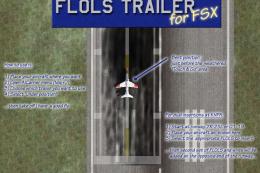
This is a model of the FLOLS trailer used for Field Carrier Landing Practice.…
 FSX Misc
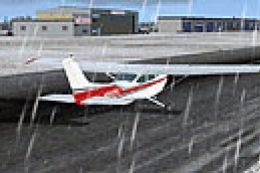
I recently found how to separate snow and rain effects. Now you can have diff…
 FSX Misc
The checklist explains in details how the plane is prepared for takeoff, the …
Be the first to leave a comment on this download.
Be the first to share your thoughts on this download.