

 FSX General Aviation Aircraft
Glasair III
Glasair III "Irish". This texture is a fictional texture inspired by actual p…
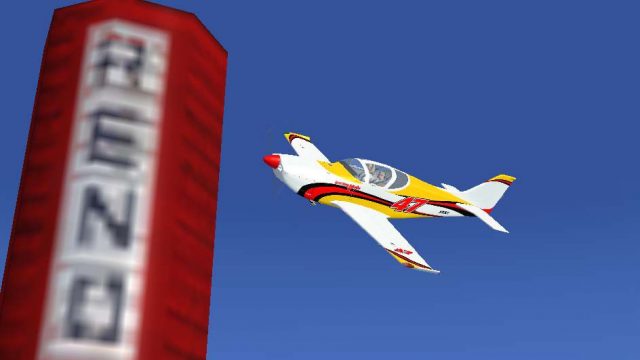
Glasair III “Luckymojo” #47 brings Gary Mead’s Reno-style racer scheme to the Aussim payware aircraft in Microsoft Flight Simulator X, capturing the bold “Last Minute” lineage with crisp exterior detailing. Textures only, it includes a tuned alpha for clearer outside views from the virtual cockpit and requires the AUSSIM Aircraft Control Panel.
 Rate
Rate
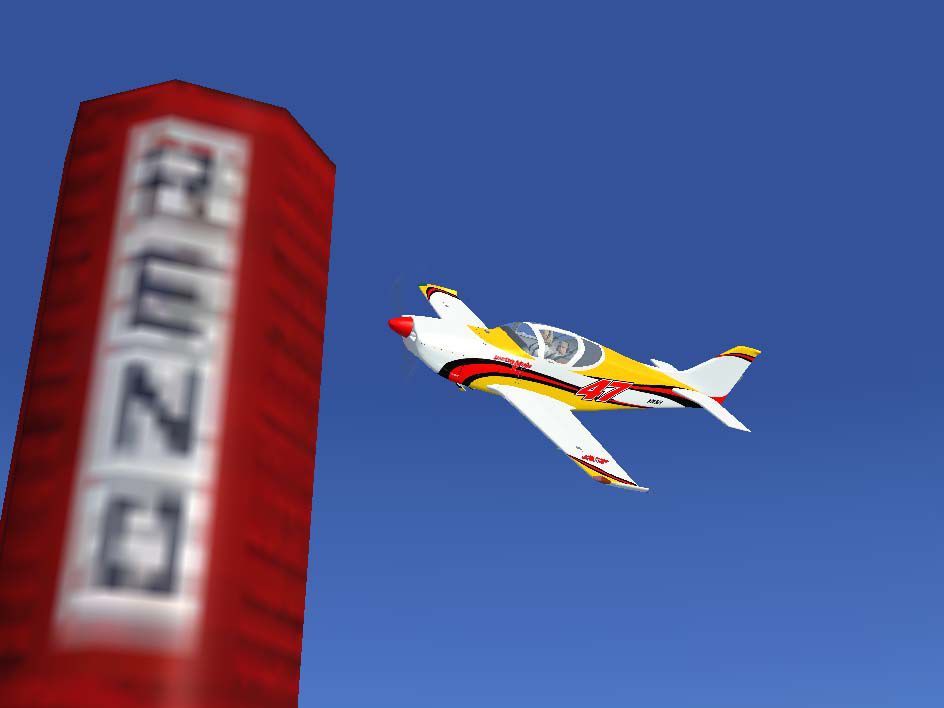

This texture is of Gary Mead's Glasair III "Luckymojo" number 47. The plane originally owned by Kevin Eldredge and painted as "Last Minute" was purchased by Gary Mead. You will probably see "Luckymojo" race in the 2008 race season. Textures only for the payware Aussim Glassair III. By Kyle Phillipson.
Screenshot of Glasair III 'Luckymojo' in flight.
Title= Glasair III LuckyMojo

Texture= LuckyMojo

Variation= LuckyMojo Racing

Description= Glasair III LuckyMojo

VisDam= As you wish.
Attention FSX Acceleration users. I have modified the ASG_GLASS.dds file so that you may see outside the airplane when in VC. The only modification was the alpha channel was moved to a dark gray. You may need to recopy this file into the folder after adding the aircraft via the Aircraft Control Panel.
You must use the Aircraft Control Panel software to add this texture, otherwise required texture files will not be loaded for this skin set.
Free for all simmers · 1.99 MB · Scanned clean Oct 2026
Download speed: Free tier is capped at 0.5 Mbps. PRO members download at full line speed.
texture.{airline}) inside FSX\SimObjects\Airplanes\{base-aircraft}\.aircraft.cfg in Notepad. Add a new [fltsim.X] section per the readme.readme.txt or README file. It tells you exactly where files go, what dependencies are needed, and any quirks specific to this add-on.The archive 47v10.zip has 18 files and directories contained within it.
This list displays the first 500 files in the package. If the package has more, you will need to download it to view them.
| Filename/Directory | File Date | File Size |
|---|---|---|
| texture.luckymojo | 12.12.07 | 0 B |
| ASG_01_T.dds | 11.13.07 | 1.00 MB |
| ASG_02_T.dds | 11.13.07 | 1.00 MB |
| ASG_03_T.dds | 11.11.07 | 1.00 MB |
| ASG_04_T.dds | 11.11.07 | 1.00 MB |
| ASG_05_T.dds | 11.02.07 | 1.00 MB |
| ASG_06_T.dds | 11.02.07 | 1.00 MB |
| asg_buttons.dds | 10.26.06 | 32.12 kB |
| ASG_GLASS.dds | 12.10.07 | 1.00 MB |
| asg_interior.dds | 10.25.06 | 512.12 kB |
| ASG_Prop.dds | 10.17.06 | 340.12 kB |
| Irish.txt | 12.12.07 | 207 B |
| readme.txt | 12.12.07 | 1.53 kB |
| Reno.jpg | 11.13.07 | 49.20 kB |
| thumbnail.jpg | 11.13.07 | 4.97 kB |
| FILE_ID.DIZ | 12.10.07 | 370 B |
| flyawaysimulation.txt | 10.29.13 | 959 B |
| Go to Fly Away Simulation.url | 01.22.16 | 52 B |
Only PRO members can place votes.
More FSX & P3D add-ons hand-picked based on this download.
FSX General Aviation Aircraft
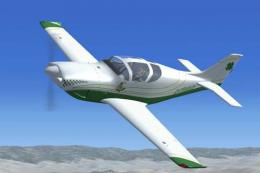
Glasair III "Irish". This texture is a fictional texture inspired by actual p…
 FSX General Aviation Aircraft
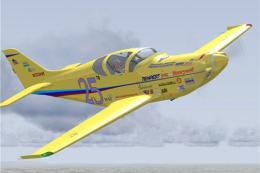
Glasair III "Irish". This texture is of a fictional paint job with Irish colo…
 FSX General Aviation Aircraft
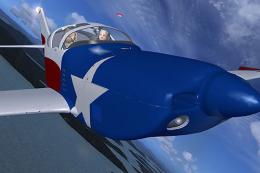
Textures only for the payware Australian Simulations Glasair 3 model. Repaint…
 FSX General Aviation Aircraft
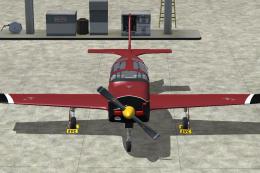
Textures only for the payware Australian Simulation model. Repaint by Chris B…
 FSX General Aviation Aircraft
A fictional paint scheme for the payware Australian Simulation Glasair III pa…
 FSX General Aviation Aircraft
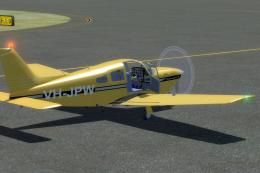
Explore the skies with the meticulously crafted Piper Arrow III Pack, a premi…
 FSX General Aviation Aircraft
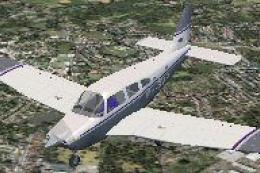
FSX/SP2 Piper Archer III PA28-181. Version for FSX with SP2. LOD's, xml gauge…
 FSX General Aviation Aircraft
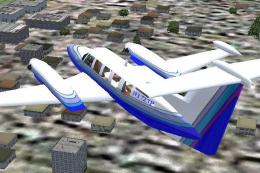
On June 30, 1980 Piper began production deliveries of a new version of the Ch…
Be the first to leave a comment on this download.
Be the first to share your thoughts on this download.