

 FSX General Aviation Aircraft
Piper PA-34
FSX Aircraft-Since its introduction in 1971 as the PA-34-200 Seneca I, the ai…
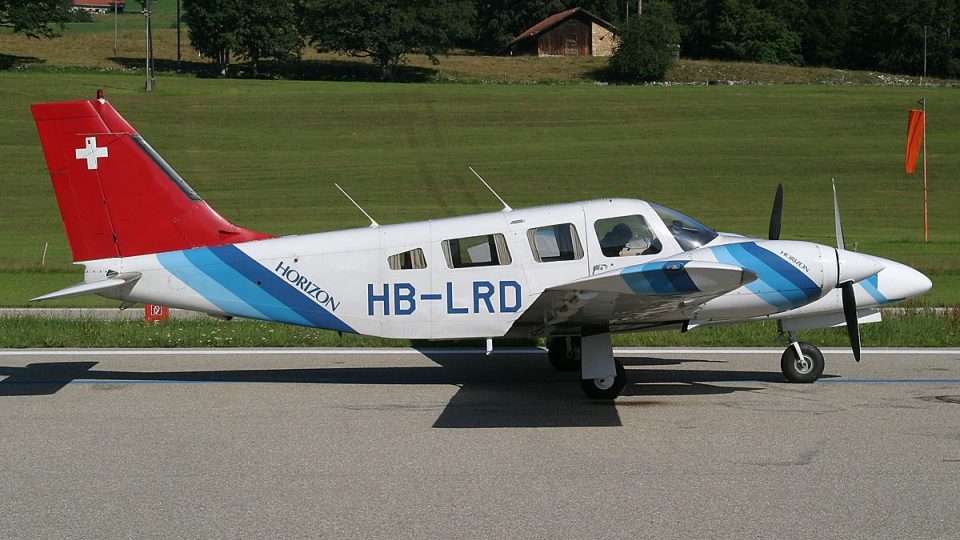
Piper PA-34 Seneca II HB-LRD brings a crisp Swiss-registered repaint to Carenado’s twin for FSX, matching the aircraft’s lines with clean exterior textures and accurate markings. It requires the payware Carenado PA34 Seneca II base package and pairs well with the model’s six-seat, turbocharged trainer character for varied GA operations.
 Rate
Rate
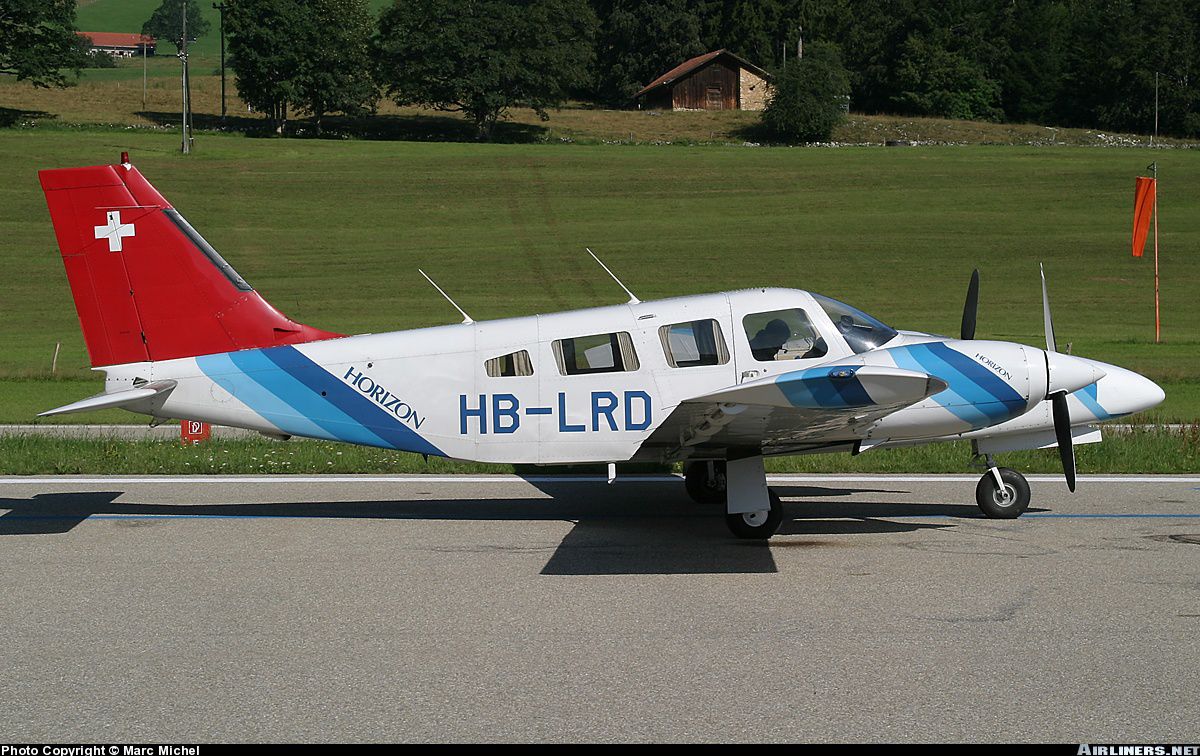
This is a repaint of the payware Carenado Piper PA34 Seneca II. Textures only. By Loic Rais.
Just copy and past the following text to the original aircraft.cfg!
[fltsim.X]

title=PA-34 HB-LRD

sim=Seneca_Carenado

model=1

panel=

sound=

texture=HB-LRD

kb_checklists=seneca_check

kb_reference=seneca_ref

atc_id=HB-LRD

ui_manufacturer="Carenado"

ui_type="Seneca"

ui_variation="HB-LRD"

ui_typerole="Twin Engine Prop"

ui_createdby="Carenado"

description="The Seneca is made since 1970 and some 4500 were made since then. It has six seats in a pretty large cabin, two turbo charged counter-rotating engines producing 200hp up to 12,000 ft. Certification for flights into known icing conditions and the nice single engine behavior made the Seneca a popular multi engine trainer."

visual_damage=1
Free for all simmers · 3.47 MB · Scanned clean Oct 2026
Download speed: Free tier is capped at 0.5 Mbps. PRO members download at full line speed.
texture.{airline}) inside FSX\SimObjects\Airplanes\{base-aircraft}\.aircraft.cfg in Notepad. Add a new [fltsim.X] section per the readme.readme.txt or README file. It tells you exactly where files go, what dependencies are needed, and any quirks specific to this add-on.The archive texture_hb-lrd.zip has 14 files and directories contained within it.
This list displays the first 500 files in the package. If the package has more, you will need to download it to view them.
| Filename/Directory | File Date | File Size |
|---|---|---|
| aircraft | 02.21.11 | 0 B |
| aircraft.cfg | 02.20.11 | 928 B |
| texture.HB-LRD | 02.21.11 | 0 B |
| CarenadoPA-34a_T.bmp | 02.20.11 | 4.00 MB |
| CarenadoPA-34b_T.bmp | 02.20.11 | 4.00 MB |
| CarenadoPA-34c_T.bmp | 02.20.11 | 4.00 MB |
| CarenadoPA-34d_T.bmp | 06.25.09 | 1.00 MB |
| CarenadoPA-34e_T.bmp | 06.25.09 | 1.00 MB |
| CarenadoPA-34f_T.bmp | 06.25.09 | 1.00 MB |
| CarenadoPA-34g_T.bmp | 06.25.09 | 1.00 MB |
| thumbnail.jpg | 02.16.11 | 414.90 kB |
| Thumbs.db | 06.10.08 | 31.00 kB |
| flyawaysimulation.txt | 10.29.13 | 959 B |
| Go to Fly Away Simulation.url | 01.22.16 | 52 B |
Only PRO members can place votes.
More FSX & P3D add-ons hand-picked based on this download.
FSX General Aviation Aircraft
FSX Aircraft-Since its introduction in 1971 as the PA-34-200 Seneca I, the ai…
 FSX General Aviation Aircraft
Private Piper Seneca II PT-EBM. Textures only for the Carenado Seneca II. By …
 FSX General Aviation Aircraft
A repaint for the payware Carenado Piper Seneca. Based on the Piper Seneca II…
 FSX General Aviation Aircraft
This freeware repaint offers a detailed Carmonair Air Charter livery for the …
 FSX General Aviation Aircraft
This repaint package depicts the Carmonair Air Charter Piper Seneca II (tail …
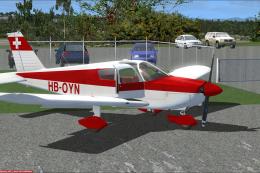 FSX General Aviation Aircraft
Textures only for the payware A2A PA28-180. By Bertrand Barbe. Screenshot of …
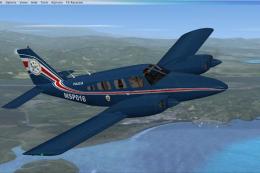 FSX General Aviation Aircraft
Textures for the payware Carenado Seneca from S.V.A. Servicio de Vigilancia A…
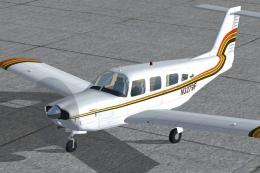 FSX General Aviation Aircraft
Repaint textures for a brown, gold, and orange striped on white Lance II. For…
Be the first to leave a comment on this download.
Be the first to share your thoughts on this download.