

 FSX Civil Aircraft
Continental Boeing 737-800. B737-800
Continental Boeing 737-800. Fictional textures for the default B737-800. Repa…
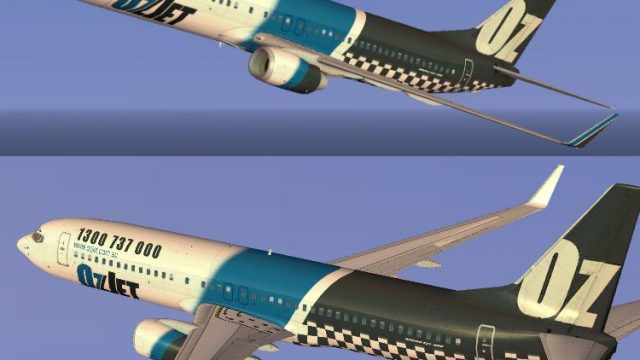
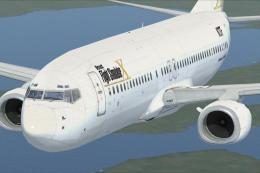
Ozjet’s distinctive airline branding comes to the default Boeing 737-800 with crisp exterior textures, accurate logo placement, and a clean Australian color scheme while preserving the stock virtual cockpit and flight dynamics in Microsoft Flight Simulator X. The repaint requires the freeware Fly Away Simulation base model and delivers sharp visuals from every external view.
 Rate
Rate
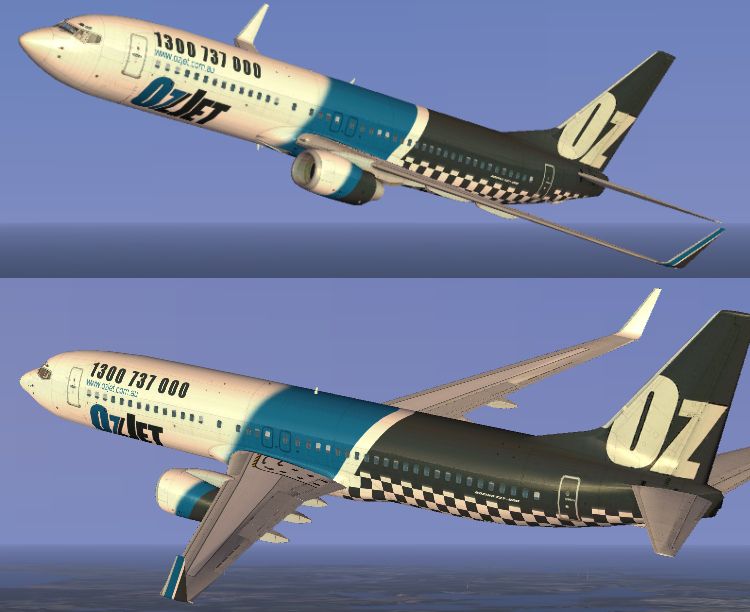
Experience a detailed visual transformation of the default Boeing 737-800 that reflects Ozjet’s distinctive brand identity in Microsoft Flight Simulator X. Created by Jon Murchison, this repaint offers an immersive appearance for virtual pilots seeking an Australian airline texture set. You will need the freeware base model from the Fly Away Simulation library to use these enhanced textures.
This repaint showcases a tailored exterior design that mirrors Ozjet’s iconic look. Every element, from the tail markings to the fuselage color scheme, aligns with the airline’s branding. It introduces precise placements of logos and text, resulting in a cohesive set of textures that complements default cockpit functionality.
The Boeing 737-800, part of the long-running 737 family, is known for economical short-to-medium-range operations. It features efficient twin jet engines and a two-person flight deck with advanced avionics. In many virtual flights, it delivers reliable cruising performance and manageable handling, making it a staple for simulation enthusiasts. This Ozjet repaint extends its realism by providing an authentic visual identity on top of its base aircraft positions.
Installing these textures involves integrating the included repaint files into the aircraft folder structure while updating the configuration so they appear under the relevant aircraft selection menu. If needed, consult any readme documentation to confirm the steps. Since these are purely external textures, the installation should remain straightforward for anyone familiar with adding repaints in Microsoft Flight Simulator X.
All credit goes to Jon Murchison for developing and refining these Ozjet textures. The final product offers flight simulation enthusiasts a chance to represent this unique Australian airline in their virtual environment. Combine these textures with the robust systems of the default aircraft and enjoy a harmonious representation of Ozjet’s presence in your simulator skies.
Free for all simmers · 2.26 MB · Scanned clean Oct 2026
Download speed: Free tier is capped at 0.5 Mbps. PRO members download at full line speed.
texture.{airline}) inside FSX\SimObjects\Airplanes\{base-aircraft}\.aircraft.cfg in Notepad. Add a new [fltsim.X] section per the readme.readme.txt or README file. It tells you exactly where files go, what dependencies are needed, and any quirks specific to this add-on.The archive ozjet738.zip has 11 files and directories contained within it.
This list displays the first 500 files in the package. If the package has more, you will need to download it to view them.
| Filename/Directory | File Date | File Size |
|---|---|---|
| b737_800_1_T.dds | 09.09.07 | 1.00 MB |
| b737_800_1_T_Specular.dds | 09.04.06 | 1.33 MB |
| b737_800_2_T.dds | 09.09.07 | 1.00 MB |
| Fresnel_Ramp.dds | 09.04.06 | 640 B |
| texture.cfg | 08.14.06 | 137 B |
| thumbnail.jpg | 09.09.07 | 8.93 kB |
| Texture.OZJET | 09.09.07 | 0 B |
| README _INSTALL.txt | 09.10.07 | 1.91 kB |
| OZJET_B.jpg | 09.10.07 | 200.92 kB |
| flyawaysimulation.txt | 10.29.13 | 959 B |
| Go to Fly Away Simulation.url | 01.22.16 | 52 B |
Only PRO members can place votes.
More FSX & P3D add-ons hand-picked based on this download.
FSX Civil Aircraft
Continental Boeing 737-800. Fictional textures for the default B737-800. Repa…
 FSX Civil Aircraft
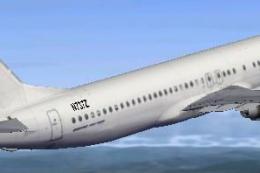
This freeware repaint features a custom interpretation of the default Boeing …
 FSX Civil Aircraft
Includes pictures of the plane, a mini guide to help you and the texture fold…
 FSX Civil Aircraft
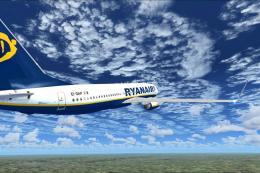
FSX Ryanair Boeing 737-800. EI-DAP textures for the default FSX B737-800. By …
 FSX Civil Aircraft
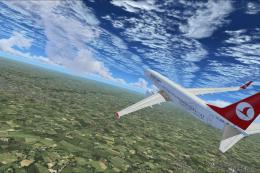
Turkish Airlines Boeing 737-800. Textures by Alex James for the default B737-…
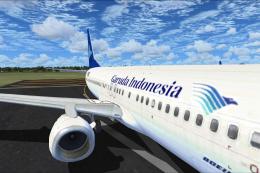 FSX Civil Aircraft
FSX Garuda Indonesia Boeing 737-800, registration PK-GEE. Textures only for t…
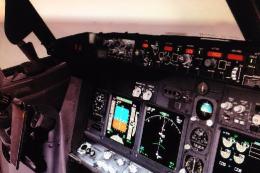 FSX Civil Aircraft
Includes: EZDok cameras and effects; FSForce profile; ShockWave lights; landi…
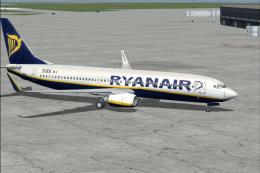 FSX Civil Aircraft
registration EI-DCK. Revised textures for the default B737-800 with better bl…
Read what other simmers think, or add your own.
