

 FS2004 AFCAD Files
ProjectX AFCAD2 For EHAM
EHAM, Schiphol Int'l Airport, Amsterdam, The Netherlands. The AFCAD2 is total…
Schiphol International (EHAM) gets a refined AFCAD2 layout for FS2004, featuring realistic airline parking codes and improved gate assignments to better match common AI traffic fleets. The file also applies structured runway usage to streamline departures and arrivals, helping airport operations look and feel closer to everyday Schiphol activity.
 Rate
Rate
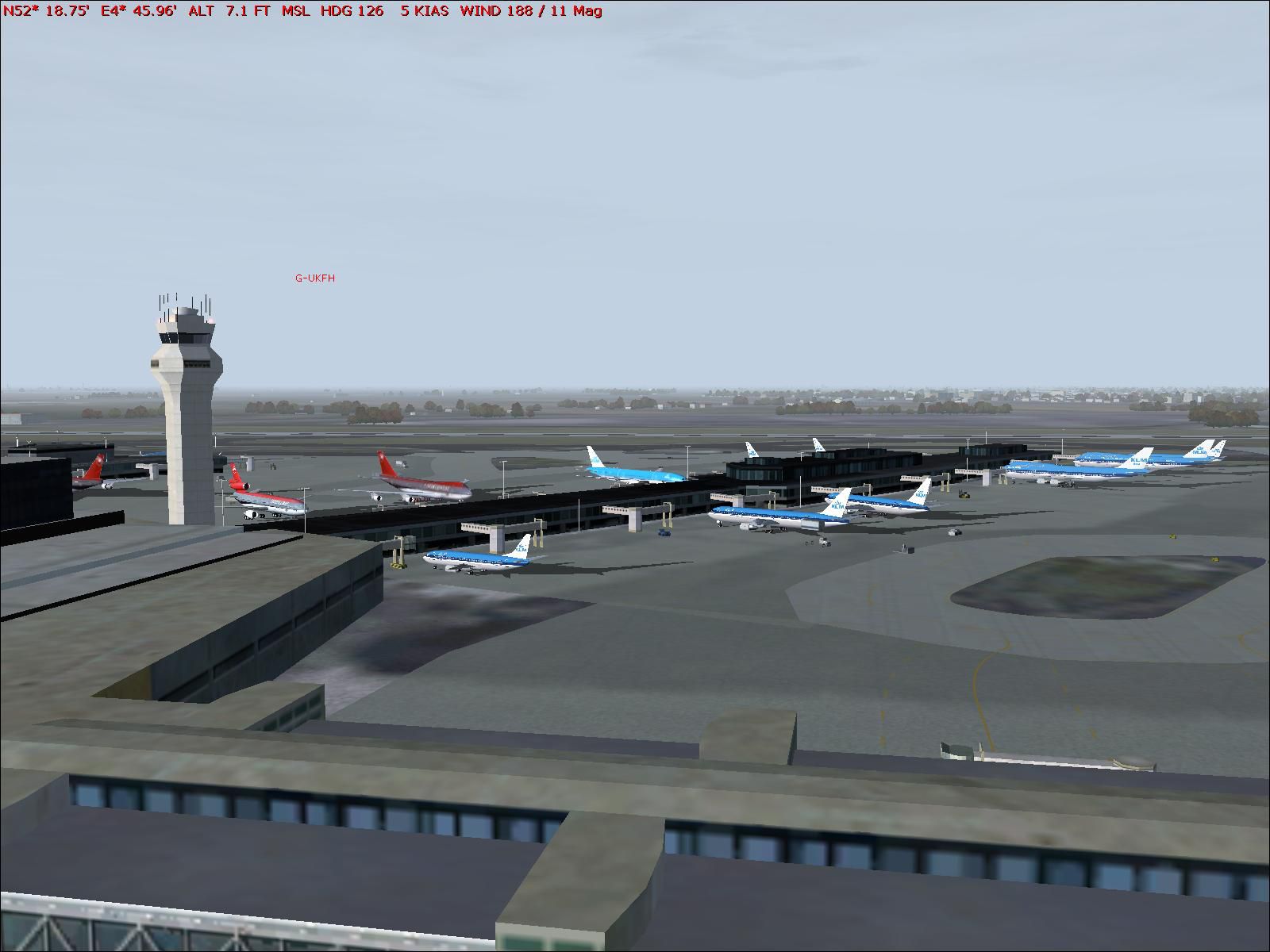
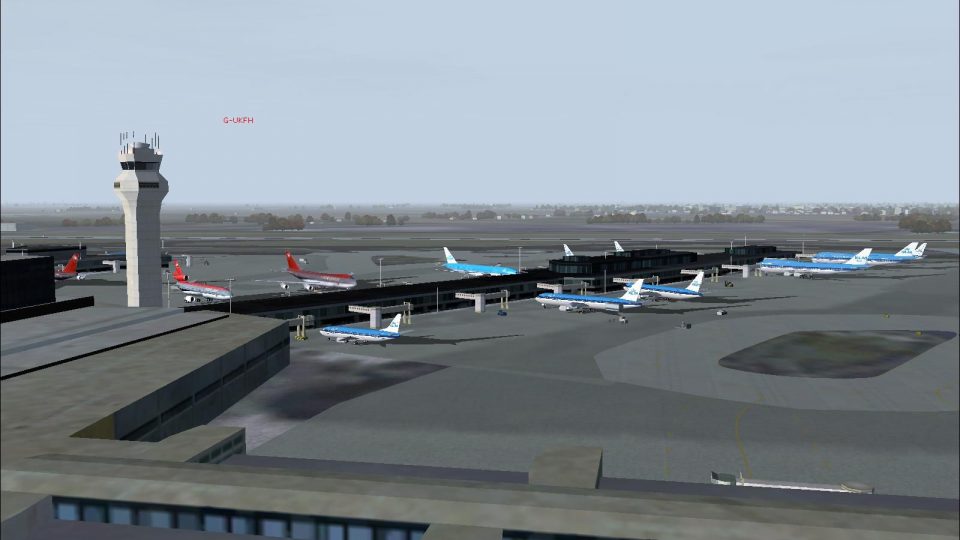
EHAM, Schiphol Int'l Airport, Amsterdam, The Netherlands. Includes accurate parking codes for many airlines. By Victor Nauta.
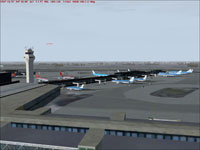
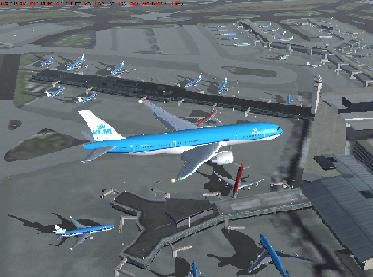
Aerial view of Schiphol Int'l Airport scenery.
I made the parking assignment's as realistic as possible. If You use Ai-traffic from PAI there will be no problem. However, do you use Mytraffic or some similar add-on's you should check if the parking code's of the airplanes that are used by the AI are the same as that of the PAI system. The code that is imported for this is "atc_parking_codes=KLM" and it can be found in the Aircraft.cfg of that aircraft. These code's are mainly used in my EHAM version:
It's recommended to install more airlines if you only have KLM because it will be very blue at Schiphol without them.
I've set Schiphol (EHAM) to use 36C for deps and 36R for arrivals, no matter what the wind. Ideally, we'd want 18C/36R for landings and 18L/36C for departures. Unfortunately this doesn't work yet for some reason. This can cause that you must land with an tail wind.
Installation:
Simply drop the AF2_EHAM.bgl file into your Flight Simulator 9\Addon Scenery\Scenery folder. FS will automatically recognize the file, and install it. To uninstall, just delete the AF2_EHAM.bgl file, and FS will revert to the default settings.
Free for all simmers · 177.06 KB · Scanned clean Oct 2026
Download speed: Free tier is capped at 0.5 Mbps. PRO members download at full line speed.
FS9\Aircraft\, FS9\Addon Scenery\, FS9\Gauges\, or FS9\Effects\.readme.txt or README file. It tells you exactly where files go, what dependencies are needed, and any quirks specific to this add-on.The archive eham_af2.zip has 7 files and directories contained within it.
This list displays the first 500 files in the package. If the package has more, you will need to download it to view them.
| Filename/Directory | File Date | File Size |
|---|---|---|
| AF2_EHAM.bgl | 10.29.03 | 43.76 kB |
| EHAM2.JPG | 10.29.03 | 139.95 kB |
| EHAM1.JPG | 10.29.03 | 21.58 kB |
| Readme.txt | 10.29.03 | 2.33 kB |
| EHAM1.GIF | 10.29.03 | 8.28 kB |
| flyawaysimulation.txt | 10.29.13 | 959 B |
| Go to Fly Away Simulation.url | 01.22.16 | 52 B |
Only PRO members can place votes.
More FS2004 add-ons hand-picked based on this download.
FS2004 AFCAD Files
EHAM, Schiphol Int'l Airport, Amsterdam, The Netherlands. The AFCAD2 is total…
 FS2004 AFCAD Files
Frankfurt/Main Airport, Germany, for use with AMEDDF11.ZIP. Should solve most…
 FS2004 AFCAD Files
FS2004 AFCAD2 File For RCKH and RCSS, Taipei Sungshan Airport and Kaohsiung A…
 FS2004 AFCAD Files
Tokyo Narita Airport (RJAA), Japan (not for the default FS2004 airport; detai…
 FS2004 AFCAD Files
Updated gates and taxiways for Amsterdam Schiphol Int'l Airport, The Netherla…
 FS2004 AFCAD Files
WSSS for Samsoft's Singapore Changi scenery (not for the default FS2004 airpo…
 FS2004 AFCAD Files
An AFCAD2 file for Soekarno-Hatta Airport, Jakarta, Indonesia (WIII) for use …
 FS2004 AFCAD Files
An AFCAD2 file for Ngurah Rai Int'l Airport, Denpasar Bali, Indonesia (WRRR),…
Be the first to leave a comment on this download.
Be the first to share your thoughts on this download.