

 FS2004 AFCAD Files
AFCAD2 LFPG Paris CDG
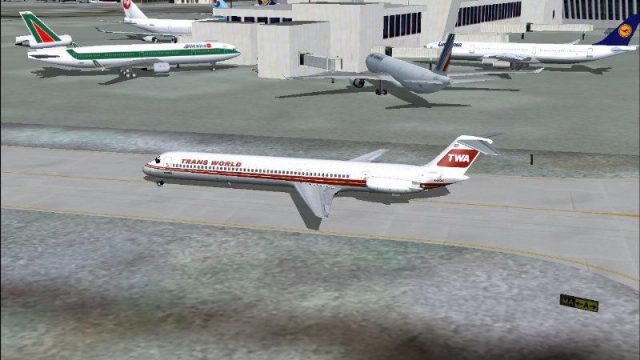
LFPG Paris CDG, France, for FsFrance RealCDG v3.1 scenery. 271 gates are avai…
KJFK John F. Kennedy International Airport AFCAD2 update for FS2004 refines gate and parking assignments to reflect real-world airline terminal usage, including TWA at Terminal 5, plus properly coded gates, cargo ramp stands, and general aviation spaces for smoother AI traffic flow. It requires Aircraft Parking Code Manager to assign aircraft to specific gates using recommended radii.
 Rate
Rate
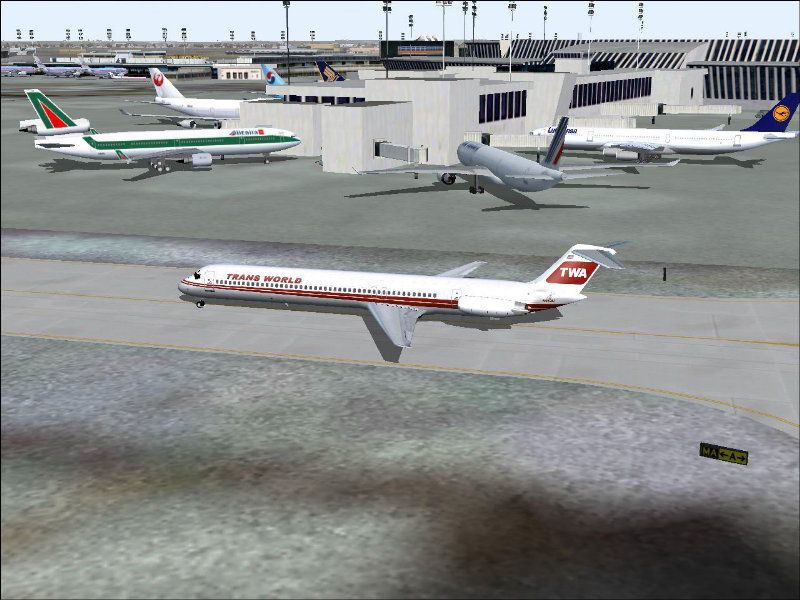
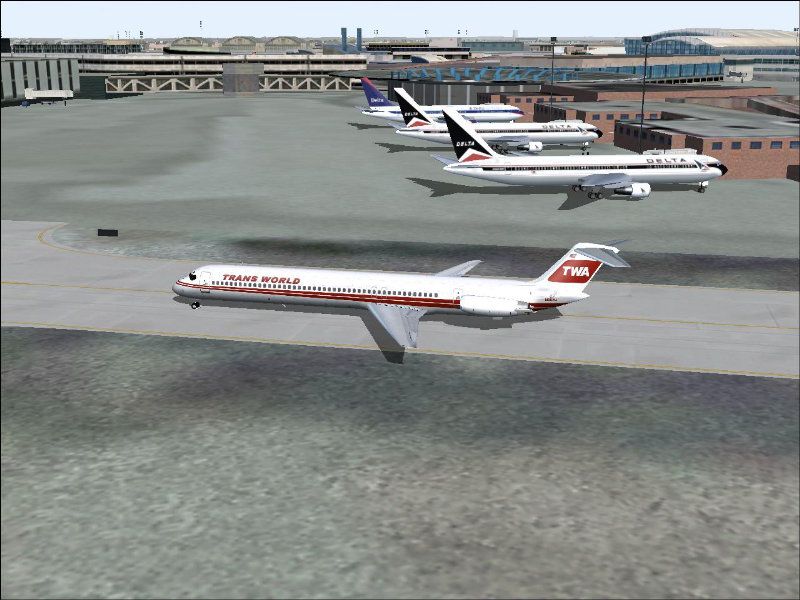
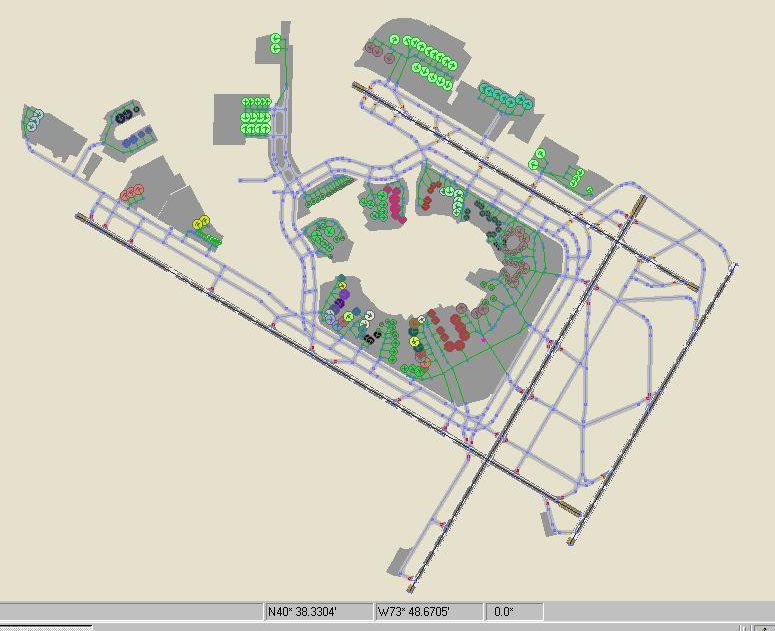
KJFK, New York John F. Kennedy International Airport, NY, V1. By Steve Lewis.
Overview of JFK International Airport.
This AFCAD2 file shows TWA housed in Terminal 5, the former TWA JFK hub. All other airline gates are coded properly. Gate information was taken from Airwise. Sufficient cargo spots are shown at the cargo ramps and General Aviation parking spaces are available.
NOTE: In order to utilize this AFCAD2 you should download and use Aircraft Parking Code Manager (apcmv16.zip). With this handy utility, you can assign aircraft to specific gates by aircraft and airline. Use the recommended radius settings.
To Install:
To Uninstall:
Enjoy!
Free for all simmers · 294.34 KB · Scanned clean Oct 2026
Download speed: Free tier is capped at 0.5 Mbps. PRO members download at full line speed.
This add-on may require the following files to function properly. If this is a repaint, the dependency below is likely the base aircraft package.
FS9\Aircraft\, FS9\Addon Scenery\, FS9\Gauges\, or FS9\Effects\.readme.txt or README file. It tells you exactly where files go, what dependencies are needed, and any quirks specific to this add-on.The archive af2_kjfk.zip has 7 files and directories contained within it.
This list displays the first 500 files in the package. If the package has more, you will need to download it to view them.
| Filename/Directory | File Date | File Size |
|---|---|---|
| AF2_KJFK.bgl | 11.15.03 | 63.48 kB |
| README-KJFK.txt | 11.15.03 | 992 B |
| JFK - 4 Term 2.jpg | 11.15.03 | 98.16 kB |
| JFK AFCAD2.jpg | 11.15.03 | 81.53 kB |
| JFK - 3.jpg | 11.15.03 | 93.97 kB |
| flyawaysimulation.txt | 10.29.13 | 959 B |
| Go to Fly Away Simulation.url | 01.22.16 | 52 B |
Only PRO members can place votes.
More FS2004 add-ons hand-picked based on this download.
FS2004 AFCAD Files
LFPG Paris CDG, France, for FsFrance RealCDG v3.1 scenery. 271 gates are avai…
 FS2004 AFCAD Files
Frankfurt/Main Airport, Germany, for use with AMEDDF11.ZIP. Should solve most…
 FS2004 AFCAD Files
Includes most airports in Italy: LIRF (Rome, Fiumicino) LIMC (Milan, Malpensa…
FS2004 AFCAD Files
Files included are for Eleftherios Venizelos International Airport, Athens (L…
FS2004 AFCAD Files
FS2004 AFCAD2 File For RCKH and RCSS, Taipei Sungshan Airport and Kaohsiung A…
 FS2004 AFCAD Files
Tokyo Narita Airport (RJAA), Japan (not for the default FS2004 airport; detai…
 FS2004 AFCAD Files
Included are some new apron areas, taxiways, helipads, military parking posit…
 FS2004 AFCAD Files
Updated gates and taxiways for Amsterdam Schiphol Int'l Airport, The Netherla…
Be the first to leave a comment on this download.
Be the first to share your thoughts on this download.