

 FSX Civil Aircraft
TAME Airbus A330-243 Fix
TAME Airbus A330-243 Fix for TAEA332RR_V1.ZIP including HD logos and 32 bit t…
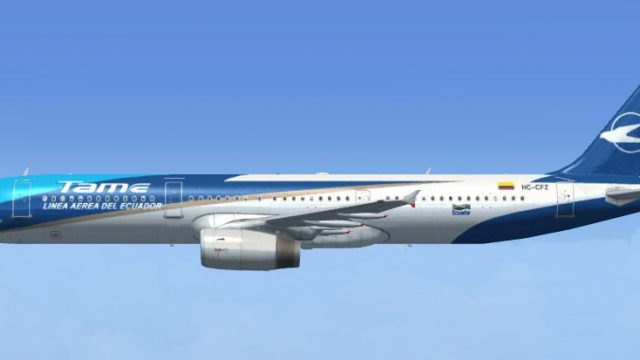
TAME Ecuador’s Airbus A321 livery brings the airline’s distinctive Ecuadorian branding to the default jet with crisp, well-aligned textures, subtle shading, and accurate markings from nose to tail. Designed for FSX, it keeps the standard virtual cockpit and flight behavior intact and requires the default A321 base model.
 Rate
Rate
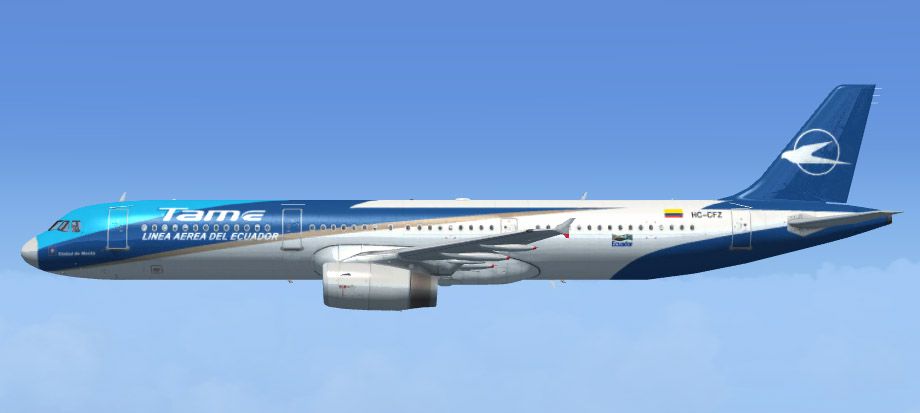
This freeware repaint provides an authentic TAME Ecuador texture set for the default Airbus A321 in FSX. Aviation enthusiasts will find this package especially appealing since it showcases TAME’s distinctive color combination in a precise and detailed manner. Created by developer Alex Colka, it brings a South American regional flair to anyone seeking to expand their virtual airline fleet.
To preserve TAME Ecuador’s real-world identity, the repaint focuses on emblematic design elements and correct color matching. These textures include subtle shading and carefully aligned markings around the fuselage, cockpit windows, and tail fin. Furthermore, the livery features accurate country-specific insignias that highlight the airline’s origins in Ecuador.
Although the default Airbus A321 already offers a functional cockpit layout, the repaint seamlessly integrates with it. This means procedural checklists, flight instrument readouts, and simulated engine responses remain consistent, so there is no need to adjust any of the panel configurations. The primary focus remains on visual authenticity rather than altering electronic flight displays or systems.
If you want to further customize the aircraft’s callsigns or flight numbers, you can adjust the atc_id and ui_variation parameters in the configuration. These small alterations help match virtual airline operations or personal preferences without affecting flight performance.
TAME Ecuador has historically offered both domestic connections and select regional routes. Incorporating this airline’s coloring into FSX allows sim pilots to replicate routes through the scenic Andean regions, coastal areas, and beyond. This release by Alex Colka enables anyone to experience the look of TAME’s A321 operations firsthand.

Please note, this repaint package does not include the base A321 model. For those who do not already have it, the freeware base files can be retrieved from the Fly Away Simulation mod library. Enjoy your flights under the TAME Ecuador banner!
Free for all simmers · 3.13 MB · Scanned clean Oct 2026
Download speed: Free tier is capped at 0.5 Mbps. PRO members download at full line speed.
texture.{airline}) inside FSX\SimObjects\Airplanes\{base-aircraft}\.aircraft.cfg in Notepad. Add a new [fltsim.X] section per the readme.readme.txt or README file. It tells you exactly where files go, what dependencies are needed, and any quirks specific to this add-on.The archive a321_eq.zip has 6 files and directories contained within it.
This list displays the first 500 files in the package. If the package has more, you will need to download it to view them.
| Filename/Directory | File Date | File Size |
|---|---|---|
| Preview.jpg | 10.14.07 | 57.18 kB |
| texture.Tame.zip | 10.14.07 | 3.09 MB |
| aircraft.cfg | 10.14.07 | 746 B |
| File_Id.diz | 10.14.07 | 160 B |
| flyawaysimulation.txt | 10.29.13 | 959 B |
| Go to Fly Away Simulation.url | 01.22.16 | 52 B |
Only PRO members can place votes.
More FSX & P3D add-ons hand-picked based on this download.
FSX Civil Aircraft
TAME Airbus A330-243 Fix for TAEA332RR_V1.ZIP including HD logos and 32 bit t…
 FSX Civil Aircraft
This aircraft, registered HC-CPB, is one of the few Airbus A320 the main Ecua…
 FSX Civil Aircraft
This aircraft, registered HC-CGW, is one of the few Airbus A320 the main Ecua…
 FSX Civil Aircraft
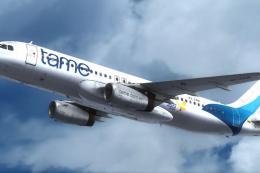
Experience an authentic livery of one of Ecuador’s principal carriers through…
 FSX Civil Aircraft
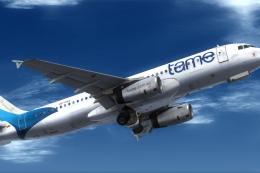
This special repaint features Tame’s registered Airbus A320, HC-COC, which ma…
 FSX Civil Aircraft
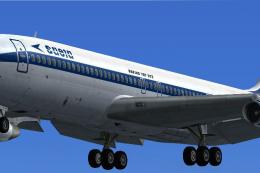
This aircraft, registered HC-BLY, was the sole B707 operating for SAETA until…
 FSX Civil Aircraft
This aircraft, registered HC-BKN, was one of the few DC-8's Aeca used to fly …
 FSX Civil Aircraft
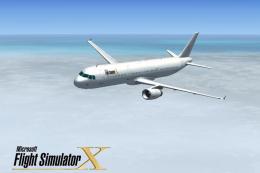
This freeware package features a customized repaint for the default Airbus A3…
Be the first to leave a comment on this download.
Be the first to share your thoughts on this download.