

 FSX Civil Aircraft
Paint Kit Airbus A350-1000 V4
This freeware set features a fully functional paint kit for the Airbus A350-1…
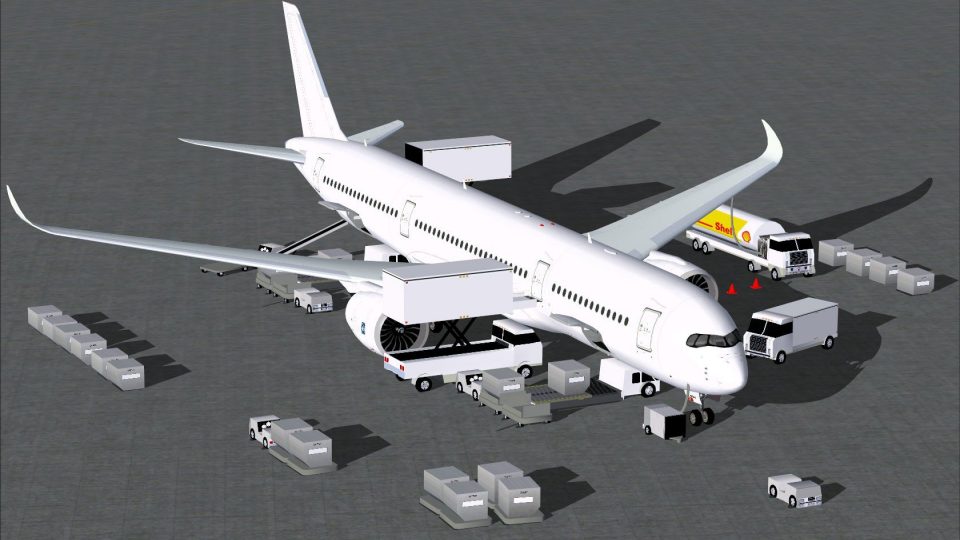
Airbus A350-900 V4 paint kit for CamSim delivers a clean livery-creation base with accurate exterior shapes, texture components, and coordinated light map effects, plus Animated Ground Servicing sequences where vehicles and trailers connect and disconnect for realistic turnarounds. Built for Microsoft Flight Simulator X, it also features refined main-gear bogie tilt for a true stance.
 Rate
Rate
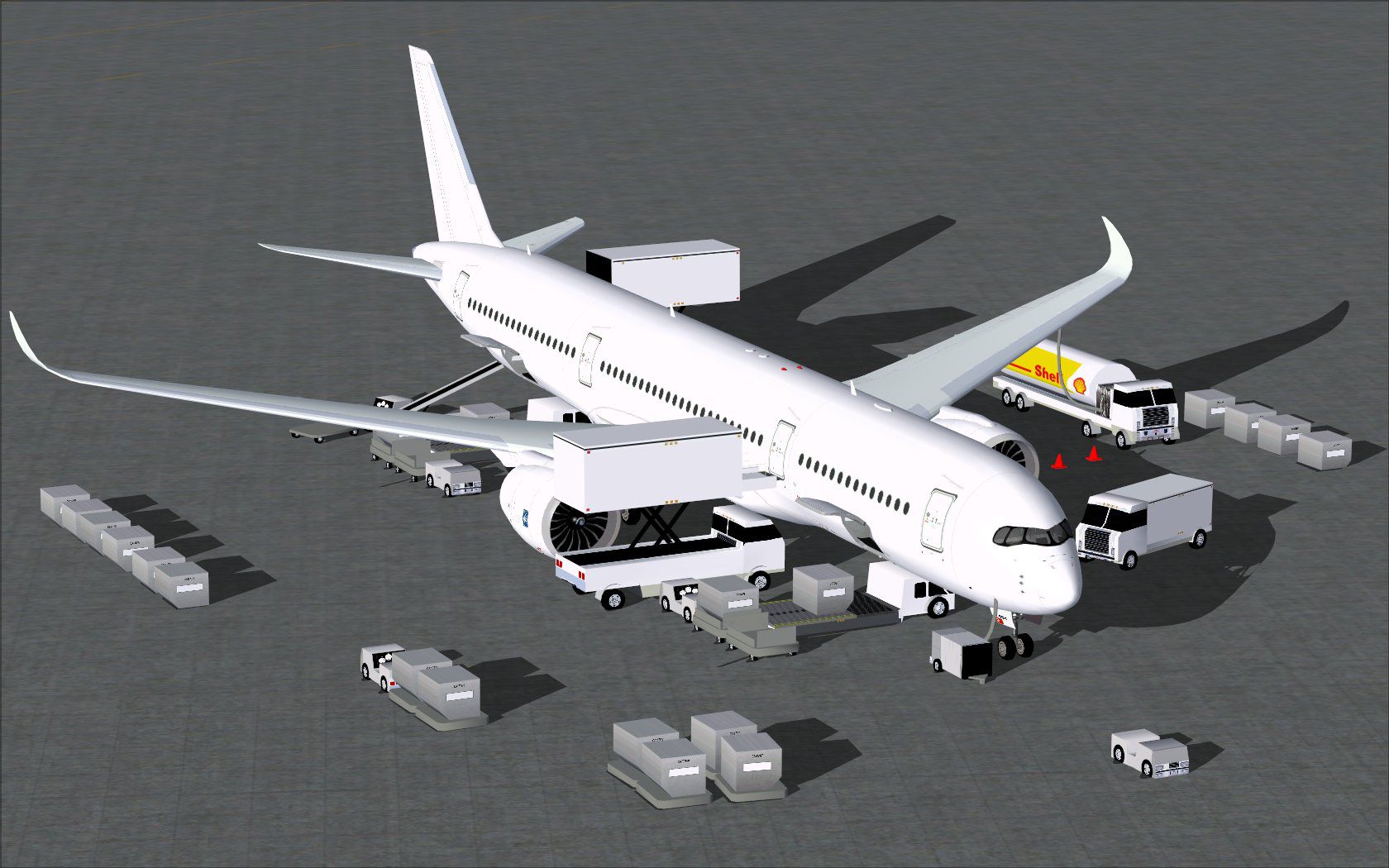
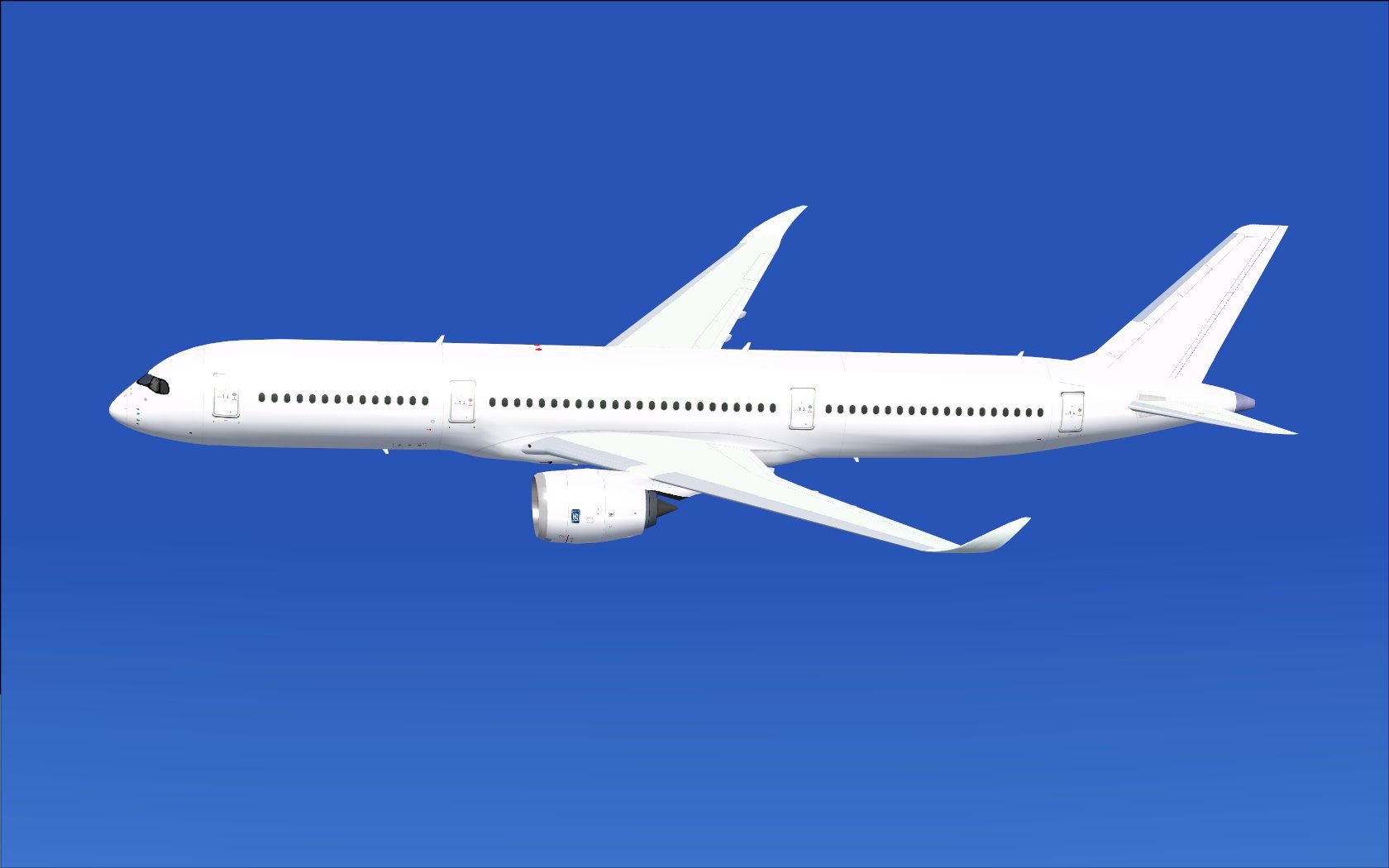
This freeware paint kit for the Airbus A350-900 V4 from CamSim, created by Camil Valiquette, offers an expanded set of ground servicing animations and includes refined main landing gear bogies with a precision tilt feature. It is designed for those interested in customizing liveries for Microsoft Flight Simulator X, and it provides a straightforward way to incorporate service vehicles that connect and disconnect trailers alongside static ground elements.
Airbus developed the real-world A350-900 as a wide-body jet primarily suited for medium and long-haul operations worldwide. The twin-engine layout is powered by high-efficiency turbofan engines, and it includes an advanced aerodynamic profile. This paint kit accurately models external curves and structural details, allowing livery artists to recreate diverse airline color schemes while benefiting from the updated ground service animations. The latest evolution of the CamSim package ensures consistency between the visual aspects of the aircraft and its real-life counterparts.
Version 4 refines the Animated Ground Servicing (AGS) by introducing vehicle movements around the airframe, including trailers attaching and detaching in realistic sequences. These virtual ground support units mimic loading and unloading activities to enhance immersion during airport turnaround scenarios. This advanced AGS setup mirrors the level of service many actual A350-900 operators employ, from cargo handling to passenger transfers.
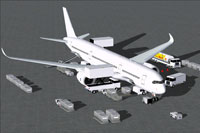
Screenshot illustrating the unpainted aircraft components.
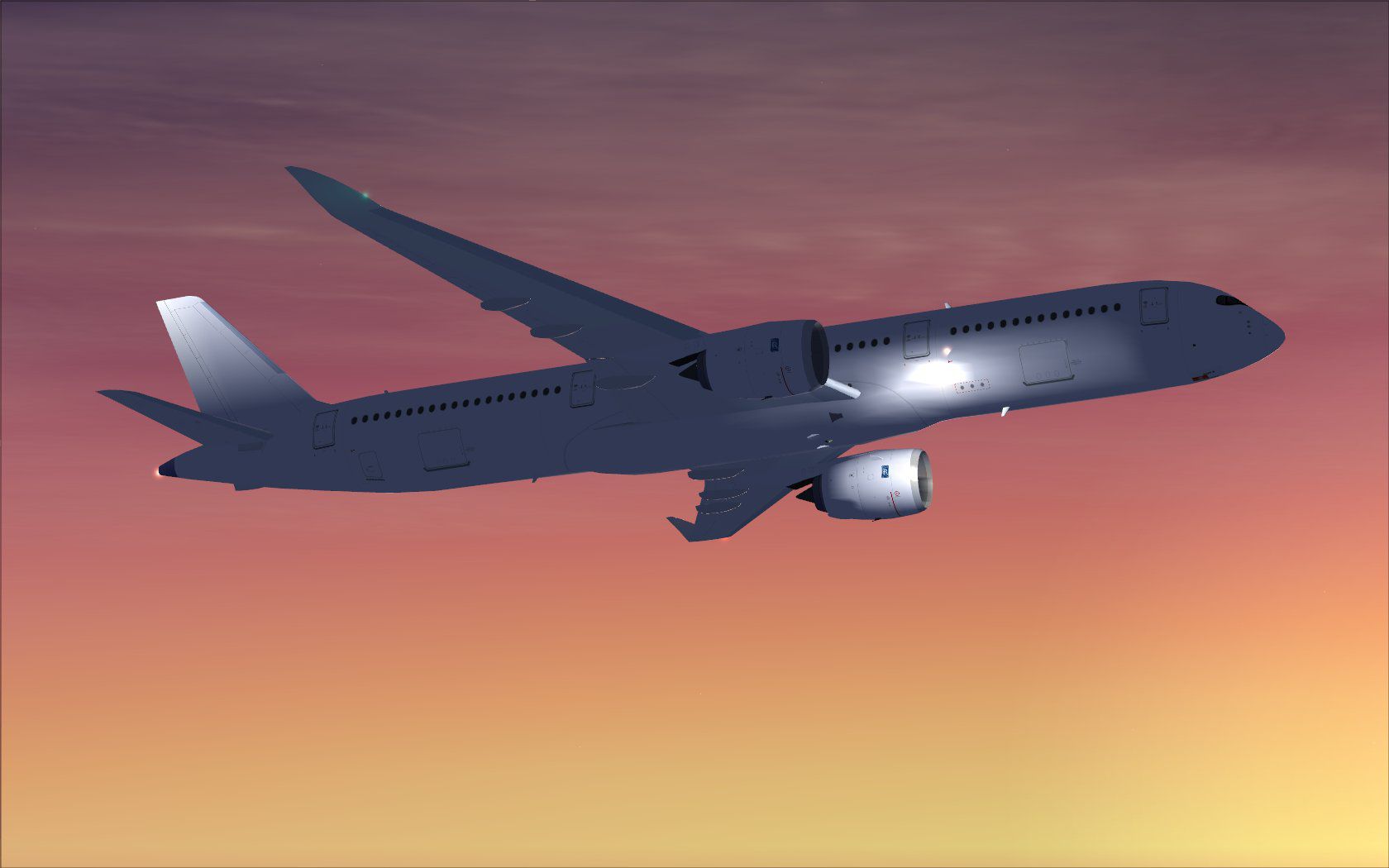
This release features specifically updated tilted main landing gear bogies, replicating the way these assemblies flex when the real A350-900 is on or off the runway. Such careful modeling by developer Camil Valiquette ensures extra realism in a typical approach or departure phase. The rear bogies tilt at a correct angle, highlighting the aircraft’s true stance under varying loads.
Because the underlying platform for this add-on is Microsoft Flight Simulator X, the paint kit follows the existing file structures within the sim’s Aircraft folder. Once installed, designers can import texture files to generate new airline liveries with precise placement. The integration also supports night effects (light maps placed in the Effects folder) to reflect airport ramp illuminations and navigation lights.
Model design and paint components are meticulously developed by Camil Valiquette, and the final product presents an ideal foundation for those seeking to create distinctive A350-900 liveries within Microsoft Flight Simulator X. This version is well-suited to flight sim enthusiasts who want to integrate dynamic servicing scenarios and immerse themselves in authentic A350 ground operations.
Free for all simmers · 9.36 MB · Scanned clean Oct 2026
Download speed: Free tier is capped at 0.5 Mbps (this file takes approximately 3 mins at the cap). PRO members download at full line speed.
This add-on may require the following files to function properly. If this is a repaint, the dependency below is likely the base aircraft package.
texture.{airline}) inside FSX\SimObjects\Airplanes\{base-aircraft}\.aircraft.cfg in Notepad. Add a new [fltsim.X] section per the readme.readme.txt or README file. It tells you exactly where files go, what dependencies are needed, and any quirks specific to this add-on.The archive 359v4pkx.zip has 92 files and directories contained within it.
This list displays the first 500 files in the package. If the package has more, you will need to download it to view them.
| Filename/Directory | File Date | File Size |
|---|---|---|
| CamSim Airbus 350-900 V4 Paint Kit | 12.10.13 | 0 B |
| 350-900.air | 02.27.12 | 12.75 kB |
| aircraft.cfg | 12.10.13 | 15.36 kB |
| Effects.zip | 03.25.06 | 1.80 kB |
| file_id.diz | 11.28.13 | 273 B |
| model.350-900 ags v4 | 12.10.13 | 0 B |
| 350-900 ags v4.mdl | 09.19.13 | 2.79 MB |
| Model.cfg | 06.11.12 | 33 B |
| paint350v4 fsx dusk.jpg | 10.14.13 | 74.61 kB |
| paint359v4 blanc_.jpg | 10.09.13 | 66.14 kB |
| paint359v4 blanc_ags.jpg | 10.12.13 | 219.72 kB |
| PANEL | 12.10.13 | 0 B |
| 787_350_panel_background.bmp | 02.25.10 | 2.25 MB |
| 787_350_panel_background_night.bmp | 02.25.10 | 2.25 MB |
| Airbus_A321.cab | 09.04.06 | 2.72 MB |
| panel.cfg | 02.25.10 | 5.48 kB |
| Read Me How to setup Animations (AGS).txt | 10.30.13 | 875 B |
| Read Me_FSX.txt | 11.28.13 | 2.71 kB |
| SOUND | 12.10.13 | 0 B |
| Sound.cfg | 11.04.09 | 35 B |
| texture.xx | 12.10.13 | 0 B |
| 359fuse_t.bmp | 10.28.13 | 1.00 MB |
| 359fuse_t_900V4_1.bmp | 10.07.13 | 3.00 MB |
| 359fuse_t_900V4_2.bmp | 10.07.13 | 3.00 MB |
| 359fuse_t_900V4_3.bmp | 10.07.13 | 3.00 MB |
| 359fuse_t_900V4_4.bmp | 10.07.13 | 3.00 MB |
| 35eng_t.bmp | 10.09.13 | 1.00 MB |
| 35eng_t_v4_RR.bmp | 10.09.13 | 3.00 MB |
| 35eng_t_v4_RR_LOGO Bleu.bmp | 10.09.13 | 3.00 MB |
| 35eng_t_v4_RR_Noir.bmp | 10.09.13 | 3.00 MB |
| 35eng_t_v4__GE logo.bmp | 12.17.09 | 3.00 MB |
| 35eng_t_v4__RR logo.bmp | 12.06.13 | 3.00 MB |
| 35int_L.bmp | 11.25.13 | 4.00 MB |
| 35int_t.bmp | 11.28.13 | 1.00 MB |
| 35int_t_24_350 V4_ab.bmp | 08.14.13 | 3.00 MB |
| 35tail_t.bmp | 10.03.13 | 1.00 MB |
| 35tail_t_NEW 350_1a.bmp | 10.03.13 | 3.00 MB |
| 35wings_t.bmp | 08.14.13 | 1.00 MB |
| 35wings_t_24 new 350_Mas_3.bmp | 07.19.09 | 3.00 MB |
| 35wings_t_24 new 350_Mas_3a.bmp | 08.14.13 | 3.00 MB |
| 787ext_L WINDOWS XP ONLY (copy and remame 787ext_L).bmp | 11.27.13 | 4.00 MB |
| 787ext_L WINDOWS 7 ONLY (copy and remame 787ext_L).bmp | 12.06.13 | 1.00 MB |
| 787ext_L.bmp | 12.06.13 | 1.00 MB |
| 787ext_t.bmp | 11.28.13 | 1.00 MB |
| 787ext_t_24BP700.bmp | 02.28.11 | 3.00 MB |
| 787ext_t_24SHELL sky.bmp | 02.28.11 | 3.00 MB |
| 787ext_t_24SHELL700.bmp | 02.28.11 | 3.00 MB |
| 787ext_t_24SHELL700_new servair.bmp | 05.12.11 | 3.00 MB |
| avitat.bmp | 07.05.07 | 3.00 MB |
| bp.bmp | 07.05.07 | 3.00 MB |
| gexxon.bmp | 07.05.07 | 3.00 MB |
| gris_t.bmp | 12.09.09 | 16.07 kB |
| tail.bmp | 12.02.12 | 1.00 MB |
| thumbnail.jpg | 12.05.13 | 6.51 kB |
| w_t.bmp | 10.22.13 | 16.07 kB |
| texture.xx copy | 12.10.13 | 0 B |
| 359fuse_t.bmp | 10.28.13 | 1.00 MB |
| 359fuse_t_900V4_1.bmp | 10.07.13 | 3.00 MB |
| 359fuse_t_900V4_2.bmp | 10.07.13 | 3.00 MB |
| 359fuse_t_900V4_3.bmp | 10.07.13 | 3.00 MB |
| 359fuse_t_900V4_4.bmp | 10.07.13 | 3.00 MB |
| 35eng_t.bmp | 10.09.13 | 1.00 MB |
| 35eng_t_v4_RR.bmp | 10.09.13 | 3.00 MB |
| 35eng_t_v4_RR_LOGO Bleu.bmp | 10.09.13 | 3.00 MB |
| 35eng_t_v4_RR_Noir.bmp | 10.09.13 | 3.00 MB |
| 35eng_t_v4__GE logo.bmp | 12.17.09 | 3.00 MB |
| 35eng_t_v4__RR logo.bmp | 12.06.13 | 3.00 MB |
| 35int_L.bmp | 11.25.13 | 4.00 MB |
| 35int_t.bmp | 11.28.13 | 1.00 MB |
| 35int_t_24_350 V4_ab.bmp | 08.14.13 | 3.00 MB |
| 35tail_t.bmp | 10.03.13 | 1.00 MB |
| 35tail_t_NEW 350_1a.bmp | 10.03.13 | 3.00 MB |
| 35wings_t.bmp | 08.14.13 | 1.00 MB |
| 35wings_t_24 new 350_Mas_3.bmp | 07.19.09 | 3.00 MB |
| 35wings_t_24 new 350_Mas_3a.bmp | 08.14.13 | 3.00 MB |
| 787ext_L WINDOWS XP ONLY (copy and remame 787ext_L).bmp | 11.27.13 | 4.00 MB |
| 787ext_L WINDOWS 7 ONLY (copy and remame 787ext_L).bmp | 12.06.13 | 1.00 MB |
| 787ext_L.bmp | 12.06.13 | 1.00 MB |
| 787ext_t.bmp | 11.28.13 | 1.00 MB |
| 787ext_t_24BP700.bmp | 02.28.11 | 3.00 MB |
| 787ext_t_24SHELL sky.bmp | 02.28.11 | 3.00 MB |
| 787ext_t_24SHELL700.bmp | 02.28.11 | 3.00 MB |
| 787ext_t_24SHELL700_new servair.bmp | 05.12.11 | 3.00 MB |
| avitat.bmp | 07.05.07 | 3.00 MB |
| bp.bmp | 07.05.07 | 3.00 MB |
| gexxon.bmp | 07.05.07 | 3.00 MB |
| gris_t.bmp | 12.09.09 | 16.07 kB |
| tail.bmp | 12.02.12 | 1.00 MB |
| thumbnail.jpg | 11.28.13 | 4.09 kB |
| w_t.bmp | 10.22.13 | 16.07 kB |
| flyawaysimulation.txt | 10.29.13 | 959 B |
| Go to Fly Away Simulation.url | 01.22.16 | 52 B |
Only PRO members can place votes.
More FSX & P3D add-ons hand-picked based on this download.
FSX Civil Aircraft
This freeware set features a fully functional paint kit for the Airbus A350-1…
 FSX Civil Aircraft
This paint kit offers a comprehensive canvas for simmers who wish to customiz…
 FSX Civil Aircraft
Experience a carefully modeled Vietnam Airlines Airbus A350-900 package for F…
 FSX Civil Aircraft
This updated freeware package delivers a meticulously modeled Lufthansa Airbu…
 FSX Civil Aircraft
The Airbus A350-900 in Iberia's livery, presented here as a fully integrated …
 FSX Civil Aircraft
This comprehensive freeware package offers a fully modeled Airbus A350-900, c…
 FSX Civil Aircraft
The latest freeware rendition of American Airlines’ Airbus A350-900 from CamS…
 FSX Civil Aircraft
The latest CamSim release of the SAS Scandinavian Airbus A350-900, created by…
Be the first to leave a comment on this download.
Be the first to share your thoughts on this download.