

 FSX Civil Aircraft
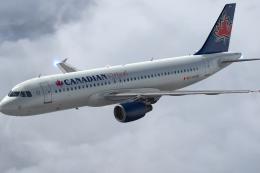
Canadian Virtual Airbus A320
Repaint of the payware Aerosoft Airbus X Extended in the colors of Canadian V…
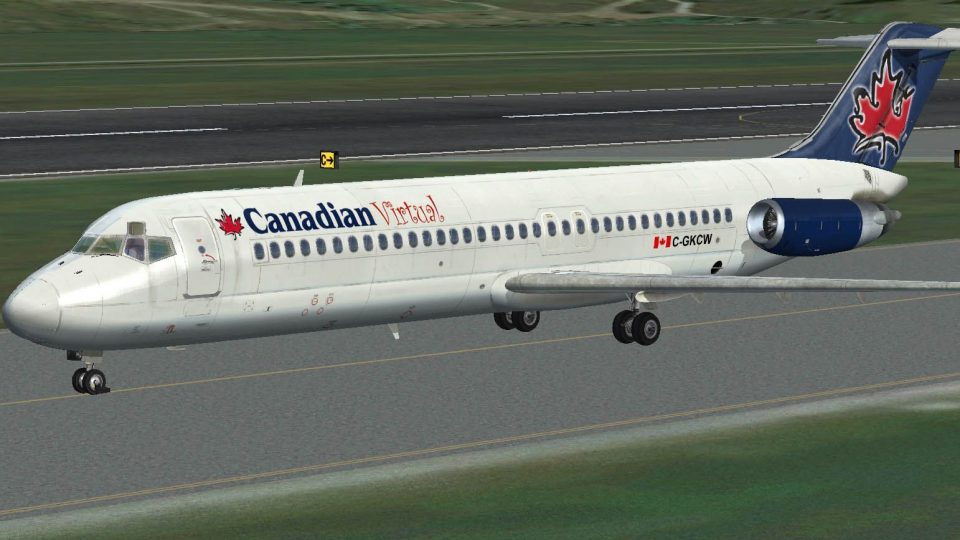
Canadian Virtual Airlines colors bring the Douglas DC-9 Classic to life with a clean, airline-style repaint for the Flight1/Coolsky package in FSX. The textures complement the model’s classic lines and pair well with a detailed virtual cockpit experience, and require the payware DC-9 to display correctly.
 Rate
Rate

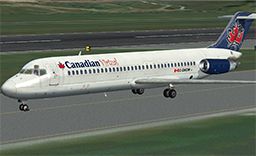
Repaint of the payware Flight1/Coolsky Classic DC9 in the colors of Canadian Virtual Airlines (CVA). You must have the payware package to use these textures. Repaint by Keith Henry.
Screenshot of Canadian Virtual Douglas DC-9 on runway.
Installation:
[fltsim.xx]

title = DC-9 - CVA

sim = F1_DC-9-30

model =

panel =

sound =

texture = cva

panel_alias =

sound_alias =

kb_checklists = DC9 Checklist

kb_reference =

atc_id = C-GKCW

atc_id_color =

atc_parking_types = GATE,RAMP

atc_parking_code = CS

atc_airline = Canadian

atc_flight_number = 51

ui_manufacturer = "Ultimate Airliners:"

ui_type = "The DC-9 Classic"

ui_variation = "Canadian Virtual"

ui_typerole = "Commercial Airliner"

ui_createdby = "Flight1/Coolsky/McPhat Studios"

description = "DC-9 Eastern Airlines"

visual_damage = 0
Free for all simmers · 3.28 MB · Scanned clean Oct 2026
Download speed: Free tier is capped at 0.5 Mbps. PRO members download at full line speed.
texture.{airline}) inside FSX\SimObjects\Airplanes\{base-aircraft}\.aircraft.cfg in Notepad. Add a new [fltsim.X] section per the readme.readme.txt or README file. It tells you exactly where files go, what dependencies are needed, and any quirks specific to this add-on.The archive dc9cva.zip has 12 files and directories contained within it.
This list displays the first 500 files in the package. If the package has more, you will need to download it to view them.
| Filename/Directory | File Date | File Size |
|---|---|---|
| cva.gif | 07.08.13 | 10.34 kB |
| DC9-30_Engines.dds | 07.08.13 | 1.00 MB |
| DC9-30_Fuselage_1.dds | 07.08.13 | 1.00 MB |
| DC9-30_Fuselage_2.dds | 07.08.13 | 1.00 MB |
| DC9-30_Fuselage_3.dds | 07.08.13 | 1.00 MB |
| DC9-30_Tail.dds | 07.08.13 | 1.00 MB |
| readme.txt | 07.08.13 | 933 B |
| Screen.jpg | 07.08.13 | 166.52 kB |
| texture.cfg | 08.14.06 | 137 B |
| Thumbnail.jpg | 07.08.13 | 56.20 kB |
| flyawaysimulation.txt | 10.29.13 | 959 B |
| Go to Fly Away Simulation.url | 01.22.16 | 52 B |
Only PRO members can place votes.
More FSX & P3D add-ons hand-picked based on this download.
FSX Civil Aircraft
Repaint of the payware Aerosoft Airbus X Extended in the colors of Canadian V…
 FSX Civil Aircraft
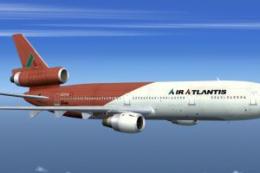
This is a repaint in the Air Atlantis Virtual colors (red tail) for the FFX/S…
 FSX Civil Aircraft
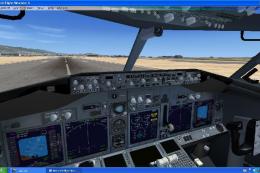
FSX Boeing 737 With Virtual Cockpit. Project Open Sky B737-600 with virtual c…
 FSX Civil Aircraft
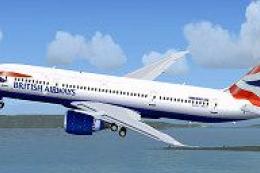
FSX British Virtual Airways Boeing 787-800. Boeing's upcoming 787 in British …
 FSX Civil Aircraft
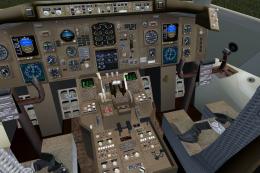
This complete freeware package showcases a meticulously designed Boeing 757-3…
 FSX Civil Aircraft
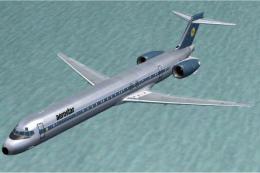
FSX Aerostar Virtual Airlines McDonnell Douglas MD-90. Brand new model from S…
 FSX Civil Aircraft
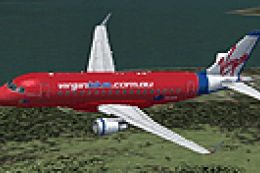
FSX Virtual Virgin Blue Embraer EMB 170. Original EMB170 by Dreamwings. Repai…
 FSX Civil Aircraft
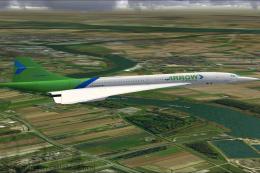
This is a Concorde of Arrow Cargo VA, registration N219AC. Repaint by Mathieu…
Be the first to leave a comment on this download.
Be the first to share your thoughts on this download.