

 FSX Civil Aircraft
Tuifly Nordic Boeing 737-800
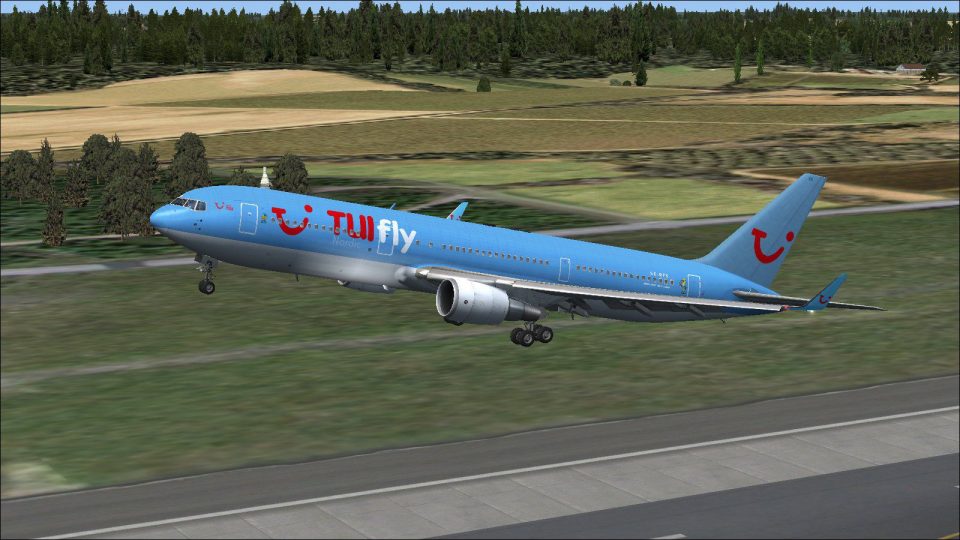
Tuifly Nordic Boeing 737-800 with winglet. Repaint of Tuifly Nordic 737-800 w…
Tuifly Nordic’s Boeing 767-300 SE-RFS livery brings the Bluescan callsign and winglet-equipped look to the Captain Sim 767-300 in FSX, with crisp replacement textures that match the airline’s real-world presentation. It requires the Captain Sim payware 767-300 Base Pack, and integrates cleanly into the aircraft selection menu.
 Rate
Rate
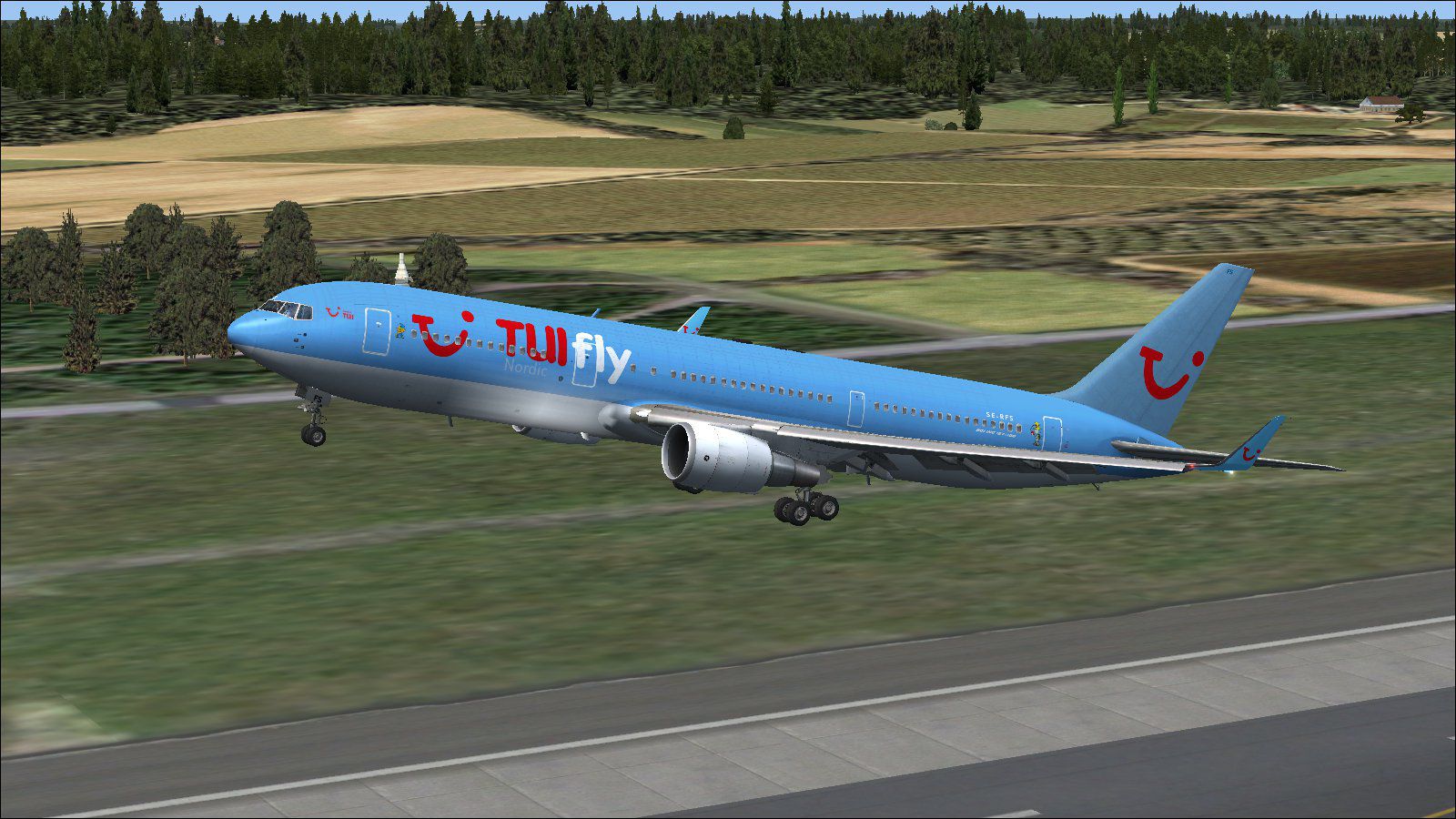
Tuifly Nordic Boeing 767-300 with winglets, registration SE-RFS and call sign Bluescan. Replacement textures only for use with the Captain Sim payware B767-300 base pack. By Patrik Soderberg.
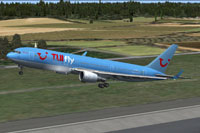
Screenshot of Tuifly Nordic Boeing 767-300 taking off.
Installation:
[fltsim.XX]

title=CS 767-300 Tuifly Nordic SE-RFS

sim=B767-300GE

model=ge5

panel=

sound=GE

texture=tuifly_nordic

kb_checklists=

kb_reference=

atc_id=SE-RFS

atc_airline=Bluescan

atc_flight_number=

ui_manufacturer="Boeing"

ui_type="767-300 GE"

ui_variation=Tuifly Nordic

ui_typerole="Commercial Airliner"

ui_createdby="Captain Sim"

ui_wglts=1

description="767-300 Base Pack v1.5\n2011 Captain Sim"
Free for all simmers · 2.06 MB · Scanned clean Oct 2026
Download speed: Free tier is capped at 0.5 Mbps. PRO members download at full line speed.
texture.{airline}) inside FSX\SimObjects\Airplanes\{base-aircraft}\.aircraft.cfg in Notepad. Add a new [fltsim.X] section per the readme.readme.txt or README file. It tells you exactly where files go, what dependencies are needed, and any quirks specific to this add-on.The archive cs_tuifly_nordic_767.zip has 17 files and directories contained within it.
This list displays the first 500 files in the package. If the package has more, you will need to download it to view them.
| Filename/Directory | File Date | File Size |
|---|---|---|
| cs763_1_T.dds | 05.19.12 | 512.12 kB |
| cs763_2_T.dds | 05.19.12 | 512.12 kB |
| cs763_3_T.dds | 05.19.12 | 512.12 kB |
| cs763_4_T.dds | 05.19.12 | 512.12 kB |
| cs763_5_T.dds | 05.19.12 | 512.12 kB |
| cs767_11_T.dds | 01.10.10 | 682.80 kB |
| cs767_6_T.dds | 01.10.10 | 32.12 kB |
| cs767_7_T.dds | 10.13.11 | 512.12 kB |
| cs767_8_T.dds | 10.13.11 | 512.12 kB |
| cs767_9_T.dds | 05.20.12 | 128.12 kB |
| texture.cfg | 03.06.09 | 118 B |
| thumbnail.jpg | 05.19.12 | 8.40 kB |
| texture.tuifly_nordic | 05.19.12 | 0 B |
| readme.txt | 02.17.13 | 1.13 kB |
| Tui16.jpg | 05.20.12 | 257.65 kB |
| flyawaysimulation.txt | 10.29.13 | 959 B |
| Go to Fly Away Simulation.url | 01.22.16 | 52 B |
Only PRO members can place votes.
More FSX & P3D add-ons hand-picked based on this download.
FSX Civil Aircraft
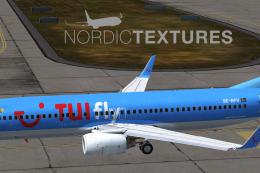
Tuifly Nordic Boeing 737-800 with winglet. Repaint of Tuifly Nordic 737-800 w…
 FSX Civil Aircraft
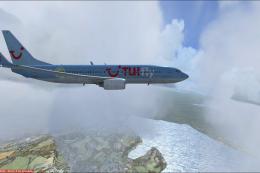
Includes all Boeing 737-800s from the Swedish charter airline TUIfly Nordic, …
 FSX Civil Aircraft
Repaint of Tuifly Nordic 737-800 winglets (version 3) with registration SE-DZ…
 FSX Civil Aircraft
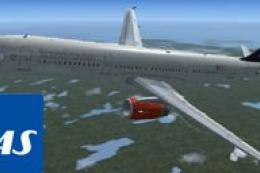
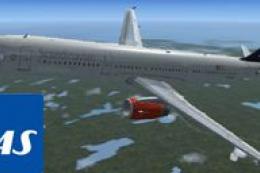
A repaint of the default A 321 in SAS colours, by G. Carlbaum.
 FSX Civil Aircraft
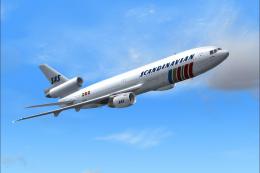
A repaint of the stock A321 in Scandinavian Airlines colors. By G. Carlbaum. …
 FSX Civil Aircraft
This high-fidelity repaint features the iconic Scandinavian Airlines System (…
 FSX Civil Aircraft
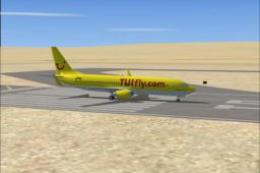
FSX TUIfly Boeing 737-800, registration D-ATUG. Textures only for the default…
 FSX Civil Aircraft
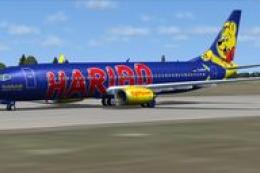
FSX TuiFly Boeing 737-800. A repaint of the Kittyhawk B737-800 in "Haribo" li…
Be the first to leave a comment on this download.
Be the first to share your thoughts on this download.