

 FSX Civil Aircraft
Armavia CRJ200
This freeware repaint features the distinctive Armavia livery applied to the …
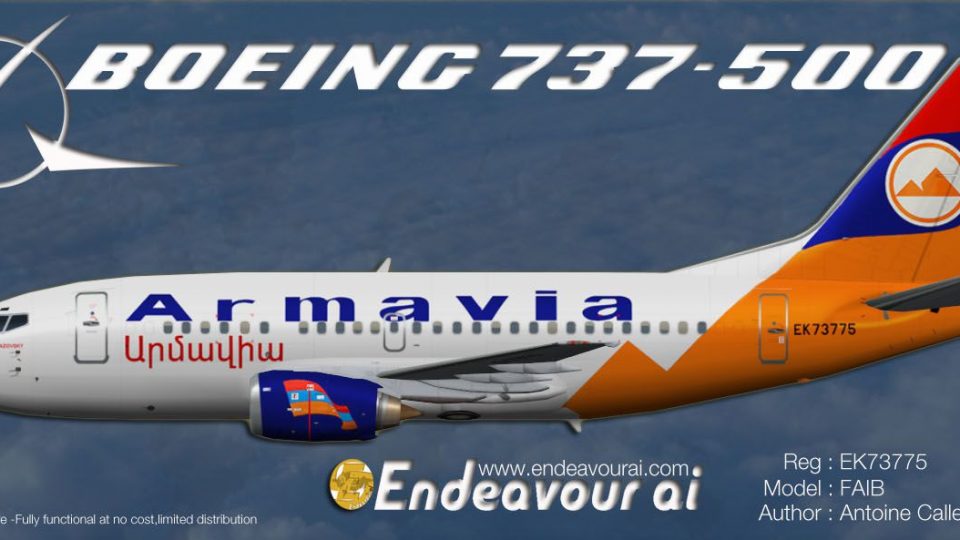
Armavia’s Boeing 737-500 EK-73775 livery brings authentic airline markings to FAIB’s 735 AI model for busy traffic scenes in Microsoft Flight Simulator X. Designed for AI use, it includes accurate registration details and flightplan-friendly configuration, and it requires the FAIB_B7375 base package to display correctly.
 Rate
Rate
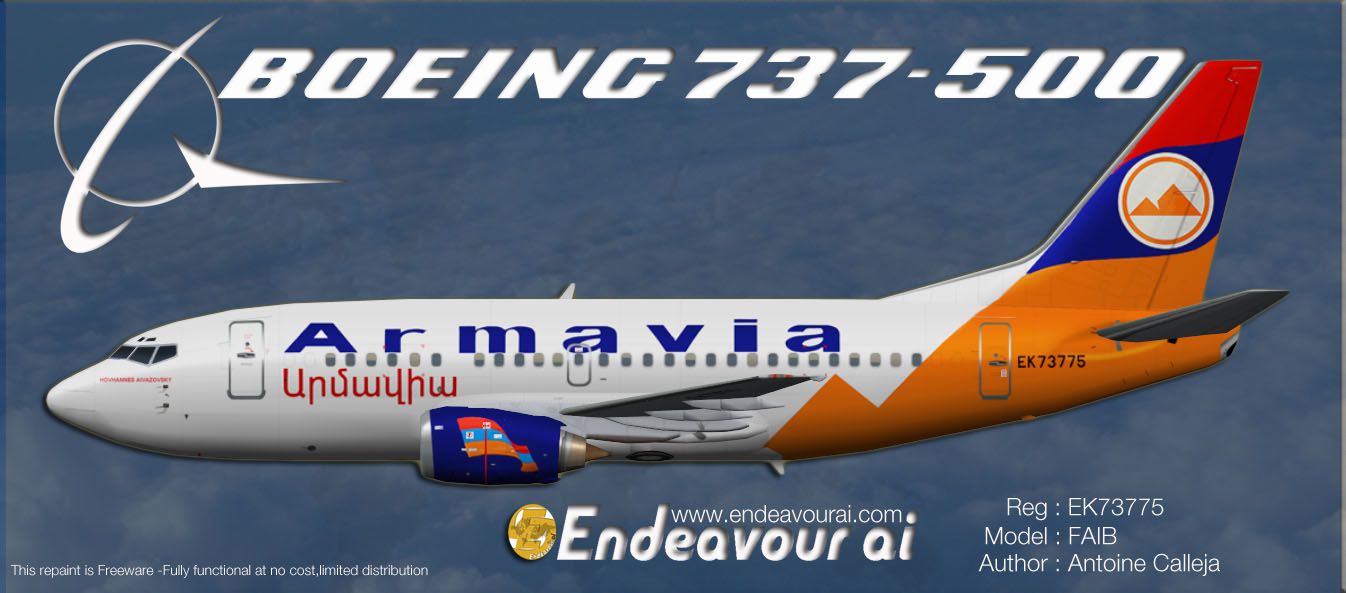
Textures only to be used with the FAIB 735 for FSX AI traffic. Base files package available separately (FAIB_B7375.ZIP). By Antoine Calleja, Endeavour AI Team.

Profile view of Armavia Boeing 737-500.
Installation:
[fltsim.X]

title=Boeing 737-500 Armavia EK-73775

sim=FAIB_7375

model=logolight

texture=Armavia

atc_id=EK-73775

atc_airline=ARMAVIA

atc_flight_number=

ui_manufacturer=FAIB

ui_type=737-500

ui_variation=Armavia EK-73775

ui_created by=FAIB

description=For AI use only,Armavia 737-500 EK-73775: Repaint by Antoine Calleja.

atc_parking_types=GATE

atc_parking_codes=RNV
Free for all simmers · 1.03 MB · Scanned clean Oct 2026
Download speed: Free tier is capped at 0.5 Mbps. PRO members download at full line speed.
texture.{airline}) inside FSX\SimObjects\Airplanes\{base-aircraft}\.aircraft.cfg in Notepad. Add a new [fltsim.X] section per the readme.readme.txt or README file. It tells you exactly where files go, what dependencies are needed, and any quirks specific to this add-on.The archive endeavourai_armavia_735_ek-73775_fsx.zip has 8 files and directories contained within it.
This list displays the first 500 files in the package. If the package has more, you will need to download it to view them.
| Filename/Directory | File Date | File Size |
|---|---|---|
| Terms of use.txt | 08.10.12 | 1.23 kB |
| Armavia_735.jpg | 08.09.12 | 142.35 kB |
| FAIB_737_500_AlwaysOn_L.bmp | 04.02.12 | 4.07 kB |
| FAIB_737_500_L.bmp | 08.11.12 | 4.00 MB |
| FAIB_737_500_T.bmp | 08.11.12 | 4.00 MB |
| Read_Me_Endeavour_FSX.txt | 08.11.12 | 2.86 kB |
| flyawaysimulation.txt | 10.29.13 | 959 B |
| Go to Fly Away Simulation.url | 01.22.16 | 52 B |
Only PRO members can place votes.
More FSX & P3D add-ons hand-picked based on this download.
FSX Civil Aircraft
This freeware repaint features the distinctive Armavia livery applied to the …
 FSX Civil Aircraft
Model by Erick Cantu (FFX). Repaint by Felipe A. Cascales. Screenshot of Rio-…
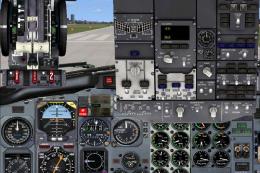 FSX Civil Aircraft
This complete freeware package features a Dominican Airways Boeing 737-500 cr…
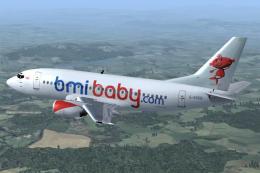 FSX Civil Aircraft
BmiBaby Boeing 737-500 with the new 3D 'Tiny' character on the tail. Registra…
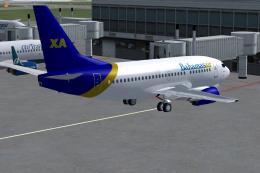 FSX Civil Aircraft
Original model by Eric Cantu/FFX. Repaint by Shawn Penn. Screenshot of Bahama…
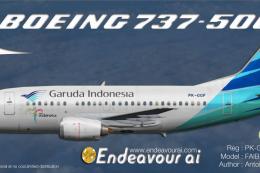 FSX Civil Aircraft
This repaint provides detailed textures of Garuda Indonesia’s Boeing 737-500 …
 FSX Civil Aircraft
Credit to Erick Cantu for one wheel poly texture developed by Callum Conroy. …
 FSX Civil Aircraft
Bmi Baby Boeing 737-500. Textures only for the Feelthere/Wilco PIC B737-500 i…
Be the first to leave a comment on this download.
Be the first to share your thoughts on this download.