

 FSX Civil Aircraft
BMI Baby Boeing 737-800
Add a refined European touch to your simulator flights with this customized B…
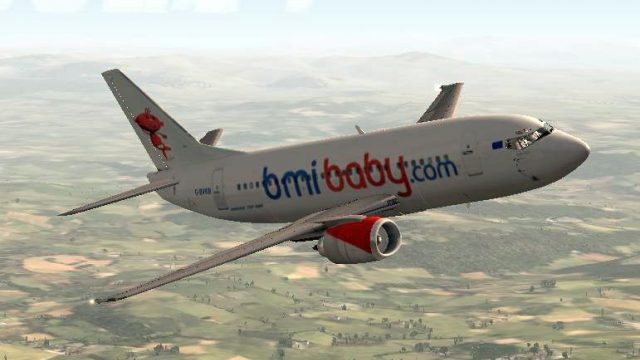
Bmi Baby’s Boeing 737-500 G-BVKB comes to life with a crisp repaint in the newer scheme, complete with the distinctive 3D “Tiny” tail character for authentic ramp presence in FSX. Textures focus on accurate airline markings and registration detail, and requires the FeelThere/Wilco PIC B737-500 base model.
 Rate
Rate
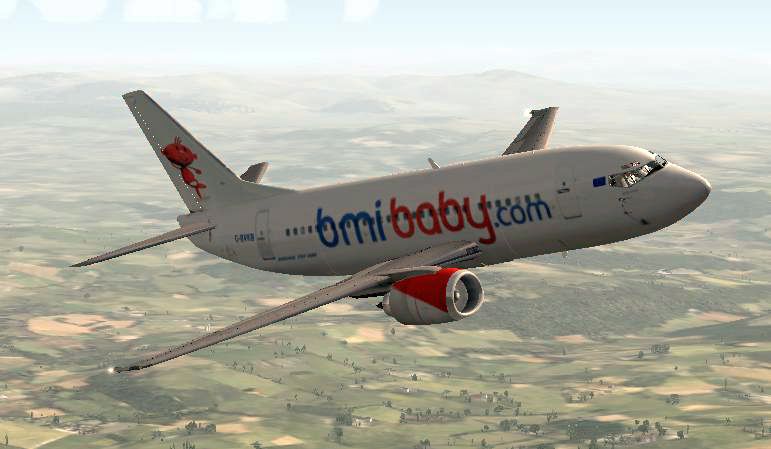
Bmi Baby Boeing 737-500. Textures only for the Feelthere/Wilco PIC B737-500 in the new scheme with the 3D 'Tiny' character on the tail. Registration G-BVKB. Repaint by George Hutton.
Bmi Baby Boeing 737-500 in flight.
Free for all simmers · 7.79 MB · Scanned clean Oct 2026
Download speed: Free tier is capped at 0.5 Mbps (this file takes approximately 2 mins at the cap). PRO members download at full line speed.
texture.{airline}) inside FSX\SimObjects\Airplanes\{base-aircraft}\.aircraft.cfg in Notepad. Add a new [fltsim.X] section per the readme.readme.txt or README file. It tells you exactly where files go, what dependencies are needed, and any quirks specific to this add-on.The archive pic735baby.zip has 34 files and directories contained within it.
This list displays the first 500 files in the package. If the package has more, you will need to download it to view them.
| Filename/Directory | File Date | File Size |
|---|---|---|
| co1_L.bmp | 10.24.10 | 1.00 MB |
| co1_T.bmp | 10.24.10 | 256.07 kB |
| co2_L.bmp | 10.24.10 | 4.00 MB |
| co2_T.bmp | 10.24.10 | 1.00 MB |
| co3_L.bmp | 10.24.10 | 1.00 MB |
| co3_T.bmp | 10.24.10 | 256.07 kB |
| co4_L.bmp | 10.24.10 | 256.07 kB |
| co4_T.bmp | 10.24.10 | 256.07 kB |
| cps_L.bmp | 10.24.10 | 256.07 kB |
| cps_T.bmp | 10.24.10 | 256.07 kB |
| crew_T.bmp | 10.24.10 | 64.07 kB |
| engine_L.bmp | 10.24.10 | 1.00 MB |
| engine_T.bmp | 10.24.10 | 1.00 MB |
| ext_left_T.bmp | 10.24.10 | 4.00 MB |
| ext_right_T.bmp | 10.24.10 | 4.00 MB |
| ext2_L.bmp | 10.24.10 | 4.00 MB |
| int1_L.bmp | 10.24.10 | 1.00 MB |
| int1_T.bmp | 10.24.10 | 1.00 MB |
| int2_L.bmp | 10.24.10 | 1.00 MB |
| int2_T.bmp | 10.24.10 | 1.00 MB |
| panel01_L.bmp | 11.24.05 | 16.07 kB |
| Rwing_T.bmp | 10.24.10 | 1.00 MB |
| seat_L.bmp | 10.05.05 | 256.07 kB |
| seat_T.bmp | 08.01.05 | 256.07 kB |
| Thumbnail.jpg | 10.26.10 | 36.22 kB |
| Thumbs.db | 01.11.06 | 35.50 kB |
| wing_L.bmp | 10.24.10 | 1.00 MB |
| wing_T.bmp | 10.24.10 | 1.00 MB |
| FILE ID.diz | 10.26.10 | 186 B |
| pic735baby.gif | 10.26.10 | 10.29 kB |
| Readme.doc | 10.26.10 | 13.50 kB |
| screenshot.JPG | 10.26.10 | 180.36 kB |
| flyawaysimulation.txt | 10.29.13 | 959 B |
| Go to Fly Away Simulation.url | 01.22.16 | 52 B |
Only PRO members can place votes.
More FSX & P3D add-ons hand-picked based on this download.
FSX Civil Aircraft
Add a refined European touch to your simulator flights with this customized B…
 FSX Civil Aircraft
FSX Bmi Baby Bombardier CRJ 700 (fictional). By Daniel Culprit.
 FSX Civil Aircraft
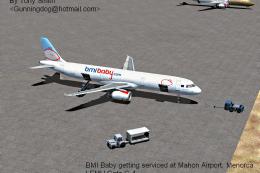
BMI Baby Airbus A321. Handmade fictional textures for a BMI Baby paint scheme…
 FSX Civil Aircraft
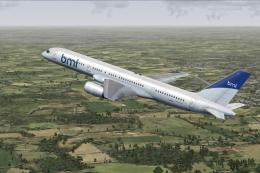
BMI Boeing 757-200 G-STRY FSX BMI Boeing 757-200 G-STRY leased from Astraeus …
 FSX Civil Aircraft
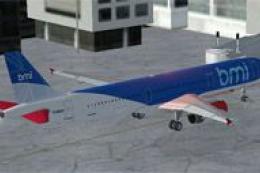
FSX bmi Airbus A321. Textures for the default Airbus A321 in the colors of bm…
 FSX Civil Aircraft
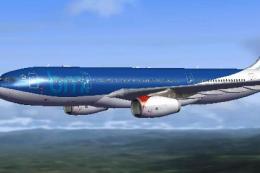
This freeware repaint faithfully represents the classic BMI British Midland A…
 FSX Civil Aircraft
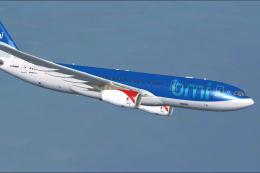
BMI Airbus A330-243. Repaint of Tom Ruth's A330-200 in BMI British Midland In…
 FSX Civil Aircraft
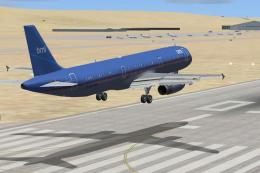
A repaint of the default A321 Airbus in the old colors of British Midland Int…
Be the first to leave a comment on this download.
Be the first to share your thoughts on this download.