

 FSX Civil Aircraft
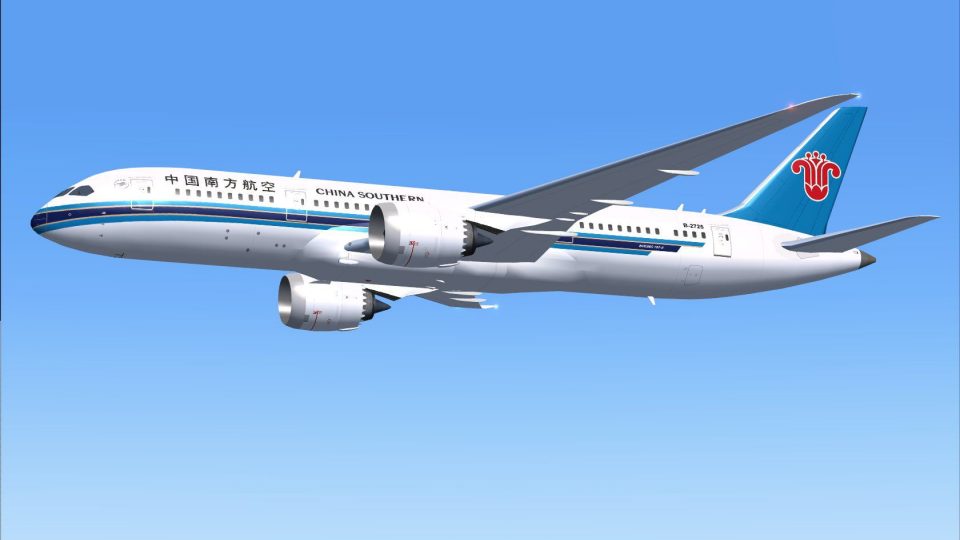
China Southern Airways Boeing 787-8 V2
China Southern Airways Boeing 787-8 v2, registration B-2727. This CamSim vers…
China Southern Airlines’ Boeing 787-8 AI repaint brings a crisp, authentic Dreamliner livery to your traffic, with accurate tail branding and fuselage markings for believable scheduled operations in FSX. Designed for smooth AI rendering, it requires the freeware CamSim Boeing 787-8 base model and includes the texture set plus an aircraft.cfg entry.
 Rate
Rate
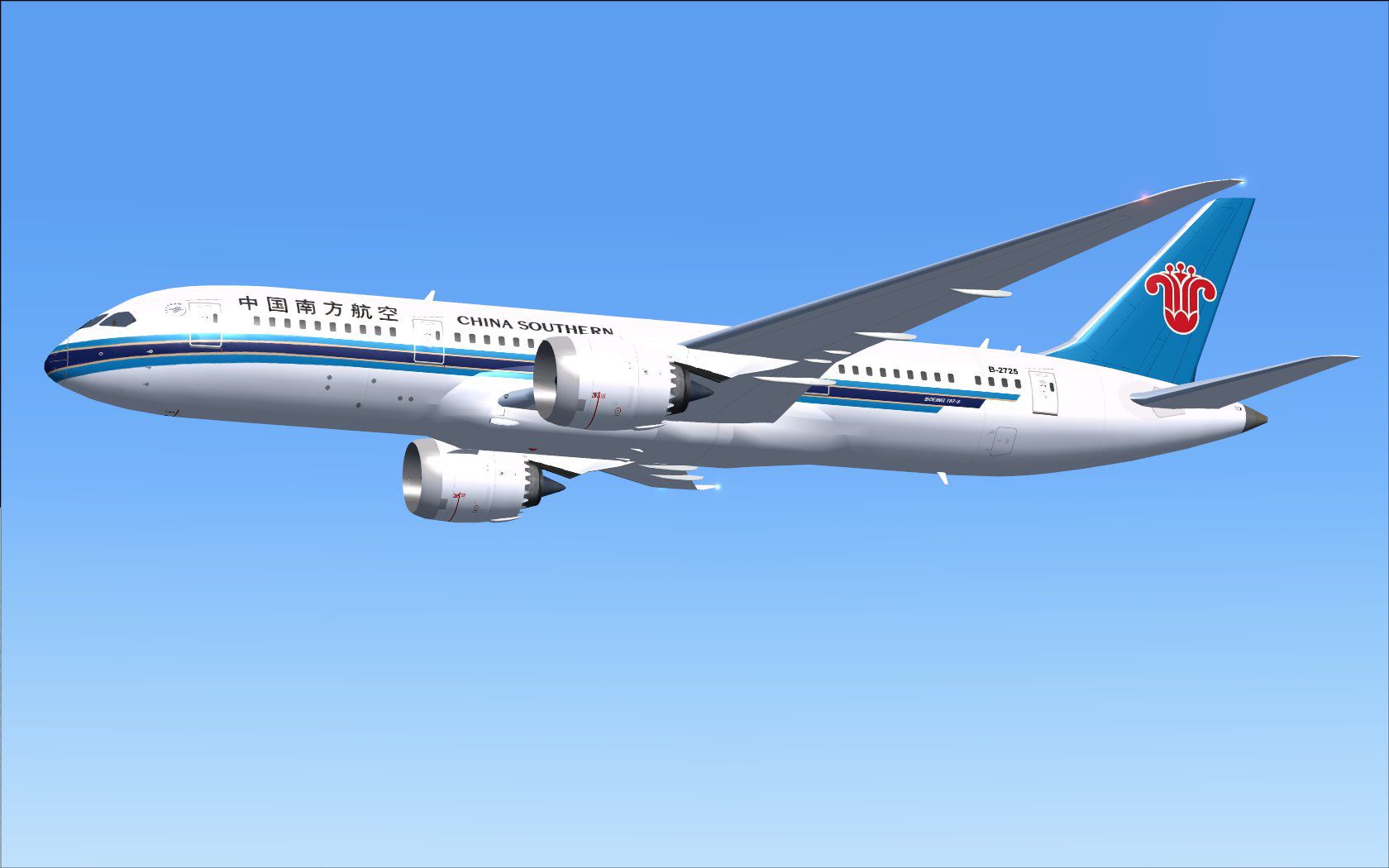
This addition offers a specialized AI repaint for China Southern Airlines on the Boeing 787-8 airframe. It integrates with the freeware CamSim base model, ensuring accurate traffic rendering within your simulator. Developed by Camil Valiquette, this package delivers a visually precise livery that complements immersive airline operations.
The Boeing 787-8 (often referred to as the "Dreamliner") is a modern twin-engine, long-haul aircraft distinguished by extensive composite materials and fuel-efficient systems. China Southern Airlines, headquartered in Guangzhou, operates this model on international routes that demand a balance of range and passenger capacity. This repaint captures the carrier’s characteristic palette, complete with the tail fin logo and detailed fuselage markings.
Screenshot of China Southern Airlines Boeing 787-8 in flight.
Note: This is a textures only add-on. The Camil Valiquette CamSim AI Boeing 787-8 base model must be obtained from the Fly Away Simulation library separately.
[fltsim.x] to match the sequential number within your existing aircraft.cfg.[fltsim.x]
title=Boeing 787-8 v5 AI China Southern Airlines
sim=787-8
model=787-8 ai v5
panel=
sound=
texture=cs
kb_checklists=
kb_reference=
atc_id=xx
atc_airline=xxx
atc_flight_number=xxx
atc_heavy=1
ui_manufacturer="CamSim AI Aircaft"
ui_type="Boeing 787-8 V5 AI"
ui_variation="AI China Southern Airlines"
ui_typerole="Commercial Airliner"
ui_createdby="CamSim"
description="Boeing AI Boeing 787-8 Version 5."
Users running FSX on Windows 7 may experience partial texture rendering at dawn and dusk conditions. Disable Preview DirectX 10 under Options > Settings > Display > Global to avoid these artifacts.
This repaint is designed by Camil Valiquette. The CamSim AI Boeing 787-8 model is also credited to his work, ensuring a reliable representation of the real aircraft for traffic within the simulator environment.
Free for all simmers · 404.47 KB · Scanned clean Oct 2026
Download speed: Free tier is capped at 0.5 Mbps. PRO members download at full line speed.
texture.{airline}) inside FSX\SimObjects\Airplanes\{base-aircraft}\.aircraft.cfg in Notepad. Add a new [fltsim.X] section per the readme.readme.txt or README file. It tells you exactly where files go, what dependencies are needed, and any quirks specific to this add-on.The archive camsim788ai_cs_x.zip has 17 files and directories contained within it.
This list displays the first 500 files in the package. If the package has more, you will need to download it to view them.
| Filename/Directory | File Date | File Size |
|---|---|---|
| CamSim Boeing 787-8 V5 AI Texture Only China Southern Airlines | 11.14.14 | 0 B |
| 788v5cs_.jpg | 11.14.14 | 96.25 kB |
| file_id.diz | 11.14.14 | 249 B |
| Read Me_FSX.txt | 11.14.14 | 1.65 kB |
| texture.cs | 11.14.14 | 0 B |
| 787eng_t.bmp | 07.31.14 | 1.00 MB |
| 787int_t.bmp | 04.05.10 | 1.00 MB |
| 787tail_t.bmp | 11.11.14 | 1.00 MB |
| 788fuse_t.bmp | 11.11.14 | 1.00 MB |
| 789wings_t.bmp | 08.21.13 | 1.00 MB |
| gris_t.bmp | 12.09.09 | 16.07 kB |
| tail.bmp | 12.02.12 | 1.00 MB |
| thumbnail.jpg | 11.14.14 | 5.82 kB |
| w787x_t.bmp | 07.17.13 | 16.07 kB |
| w_t.bmp | 10.22.13 | 16.07 kB |
| flyawaysimulation.txt | 10.29.13 | 959 B |
| Go to Fly Away Simulation.url | 01.22.16 | 52 B |
Only PRO members can place votes.
More FSX & P3D add-ons hand-picked based on this download.
FSX Civil Aircraft
China Southern Airways Boeing 787-8 v2, registration B-2727. This CamSim vers…
 FSX Civil Aircraft
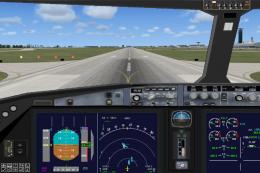
Experience a fresh take on the Boeing 787 Dreamliner with this freeware relea…
 FSX Civil Aircraft
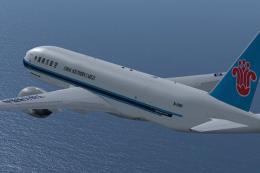
This comprehensive freeware package brings the Project Open Sky Boeing 777-20…
 FSX Civil Aircraft
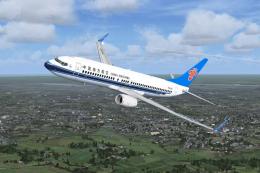
China Southern Boeing 737-800. Project Open Sky B737-800 Series China Souther…
 FSX Civil Aircraft
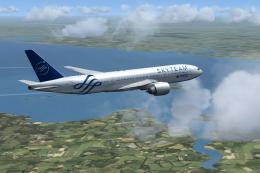
Skyteam/China Southern Boeing 777-200 textures only for the Project Open Sky …
 FSX Civil Aircraft
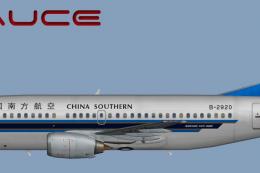
This freeware repaint provides a faithful depiction of the China Southern Boe…
 FSX Civil Aircraft
China Southern Airbus A330 Series. Tom Airbus Series China Southern repaints …
 FSX Civil Aircraft
This repaint for the famous Airbus A320 equipped with CFM powerplants feature…
Be the first to leave a comment on this download.
Be the first to share your thoughts on this download.