

 FSX Civil Aircraft
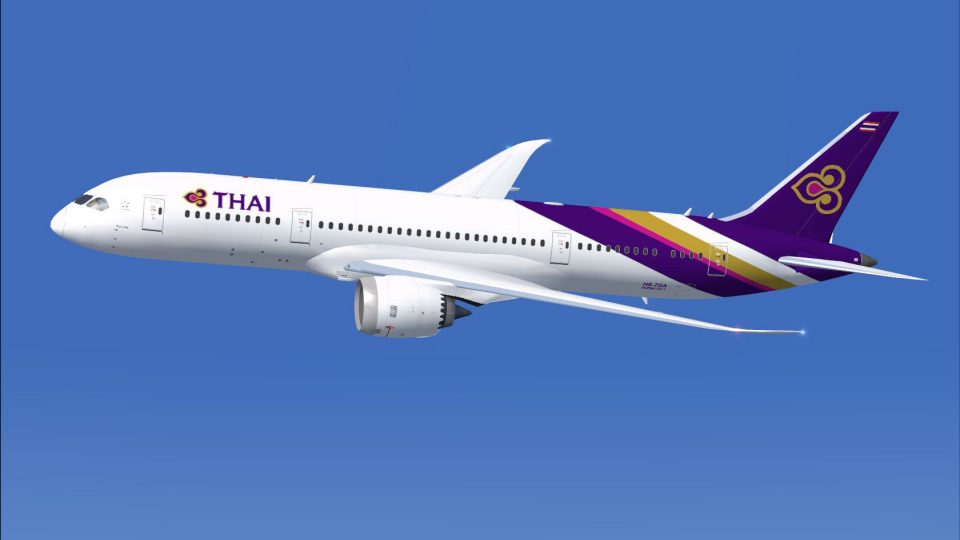
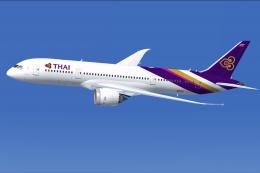
AI Thai Airways Boeing 787-8 HS-TQA
A repaint of the United Traffic Team (UTT) B787-8 in Thai Airways color schem…
Thai Airways Boeing 787-8 AI traffic repaint brings the carrier’s signature purple-and-gold scheme, including distinctive tail art, to busy flight plans with clean texture mapping tuned for smooth performance. Designed for FSX, it requires the CamSim AI Boeing 787-8 base package to populate realistic airline traffic in the background.
 Rate
Rate
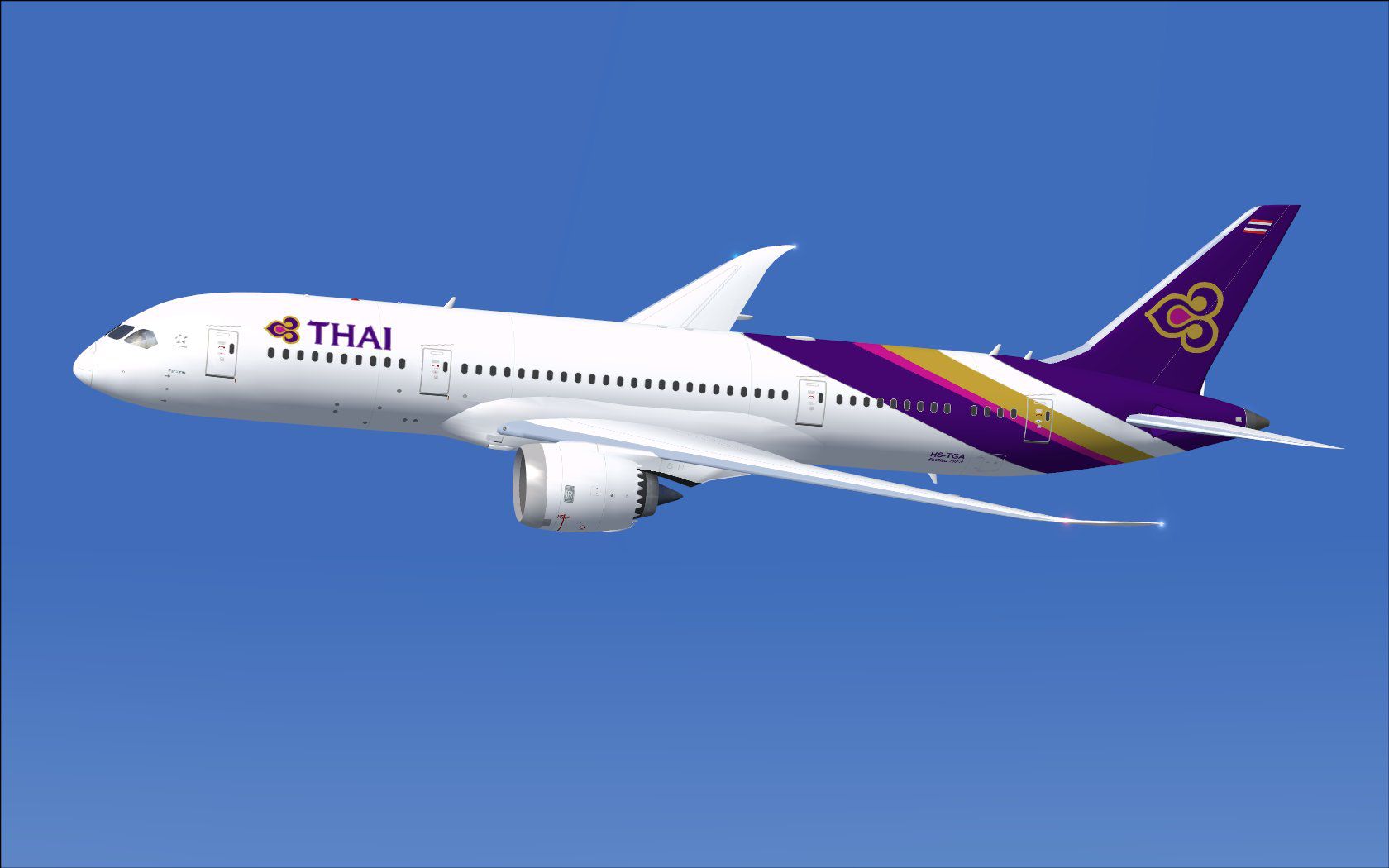
This freeware release brings a meticulously crafted repaint representing Thai’s Boeing 787-8 as AI traffic. It is purpose-built for compatibility with the CamSim AI aircraft base package (file name: CAMSIM788AI_X.ZIP). The files do not include the original model and you will need to download the mentioned base pack, which is freely available in the Fly Away Simulation library. Developer and painter credits go to Camil Valiquette.
The Thai Airways livery depicted here showcases the airline’s signature color palette across the Boeing 787-8’s fuselage. The real-world 787-8, also known by its nickname “Dreamliner,” features cutting-edge composite constructions and advanced aerodynamics that enable higher efficiency. This AI repaint leverages texture mapping to capture the distinctive tail art, the golden swirls, and the purple fuselage accent. Because this package is made for traffic simulation, it maintains an optimal balance between visual fidelity and performance.
Screenshot of a Thai Boeing 787-8 as AI traffic.
texture.tg folder into the base CamSim AI Boeing 787-8 directory.aircraft.cfg file located in the same folder. Adjust “[fltsim.x]” to the next available entry number.[fltsim.x]
title=Boeing 787-8 v5 AI THAI
sim=787-8
model=787-8 ai v5
panel=
sound=
texture=tg
kb_checklists=
kb_reference=
atc_id=xx
atc_airline=xxx
atc_flight_number=xxx
atc_heavy=1
ui_manufacturer="CamSim AI Aircaft"
ui_type="Boeing 787-8 V5 AI"
ui_variation="AI THAI"
ui_typerole="Commercial Airliner"
ui_createdby="CamSim"
description="Boeing AI Boeing 787-8 Version 5."
In FSX under Windows 7, incomplete rendering might occur during dawn and dusk if DirectX 10 preview is enabled. To mitigate this, navigate to Options > Settings > Display and uncheck the DirectX 10 box. That will restore full geometry visibility on this Thai Boeing 787-8.
Once installed, this repaint seamlessly populates your virtual skies with Thai Airways traffic, capturing realistic visuals alongside accurate airline identifiers. All thanks go to Camil Valiquette for model design and paintwork, and to the dedicated flight sim community for making this repaint possible.
Free for all simmers · 412.6 KB · Scanned clean Oct 2026
Download speed: Free tier is capped at 0.5 Mbps. PRO members download at full line speed.
texture.{airline}) inside FSX\SimObjects\Airplanes\{base-aircraft}\.aircraft.cfg in Notepad. Add a new [fltsim.X] section per the readme.readme.txt or README file. It tells you exactly where files go, what dependencies are needed, and any quirks specific to this add-on.The archive camsim788ai_tg_x.zip has 17 files and directories contained within it.
This list displays the first 500 files in the package. If the package has more, you will need to download it to view them.
| Filename/Directory | File Date | File Size |
|---|---|---|
| CamSim Boeing 787-8 V5 AI Texture Only THAI | 11.14.14 | 0 B |
| 788v5tg_.jpg | 11.11.14 | 80.61 kB |
| file_id.diz | 11.14.14 | 230 B |
| Read Me_FSX.txt | 11.14.14 | 1.57 kB |
| texture.tg | 11.14.14 | 0 B |
| 787eng_t.bmp | 11.11.14 | 1.00 MB |
| 787int_t.bmp | 12.12.11 | 1.00 MB |
| 787tail_t.bmp | 11.11.14 | 1.00 MB |
| 788fuse_t.bmp | 11.11.14 | 1.00 MB |
| 789wings_t.bmp | 08.21.13 | 1.00 MB |
| gris_t.bmp | 12.09.09 | 16.07 kB |
| tail.bmp | 12.02.12 | 1.00 MB |
| thumbnail.jpg | 11.14.14 | 5.47 kB |
| w787x_t.bmp | 07.17.13 | 16.07 kB |
| w_t.bmp | 10.22.13 | 16.07 kB |
| flyawaysimulation.txt | 10.29.13 | 959 B |
| Go to Fly Away Simulation.url | 01.22.16 | 52 B |
Only PRO members can place votes.
More FSX & P3D add-ons hand-picked based on this download.
FSX Civil Aircraft
A repaint of the United Traffic Team (UTT) B787-8 in Thai Airways color schem…
 FSX Civil Aircraft
This updated freeware release of the Thai Boeing 787-8 V5 by Camil Valiquette…
 FSX Civil Aircraft
This freeware package delivers a dedicated Boeing 787-9 model optimized speci…
 FSX Civil Aircraft
Experience a detailed Air India Boeing 787-8 repaint intended for use with th…
 FSX Civil Aircraft
This repaint package provides an AI rendition of Virgin Atlantic’s Boeing 787…
 FSX Civil Aircraft
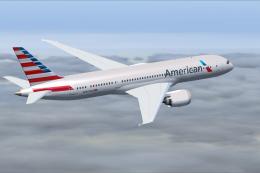
This repaint package features an authentic American carrier livery for the Bo…
 FSX Civil Aircraft
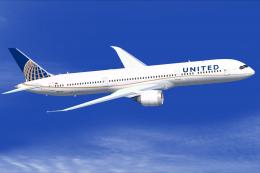
Experience a meticulously crafted repaint of the Boeing 787-9 in the distinct…
 FSX Civil Aircraft
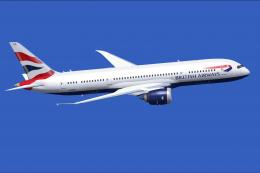
This updated repaint brings the distinctive British Airways branding to the B…
Be the first to leave a comment on this download.
Be the first to share your thoughts on this download.