


 FSX Civil Aircraft
TAAG Angola Airlines Boeing 777-200LR
Augment your fleet in Microsoft Flight Simulator X with an accurately depicte…
American Airlines Boeing 777-200LR N766AN brings the classic polished-metal livery to the PMDG widebody with crisp titles, accurate tail markings, and a faithful 777-200ER-style layout tailored for the 200LR model. Built for Microsoft Flight Simulator X, it requires the PMDG 777-200LR base package and installs cleanly via the Operations Center.
 Rate
Rate

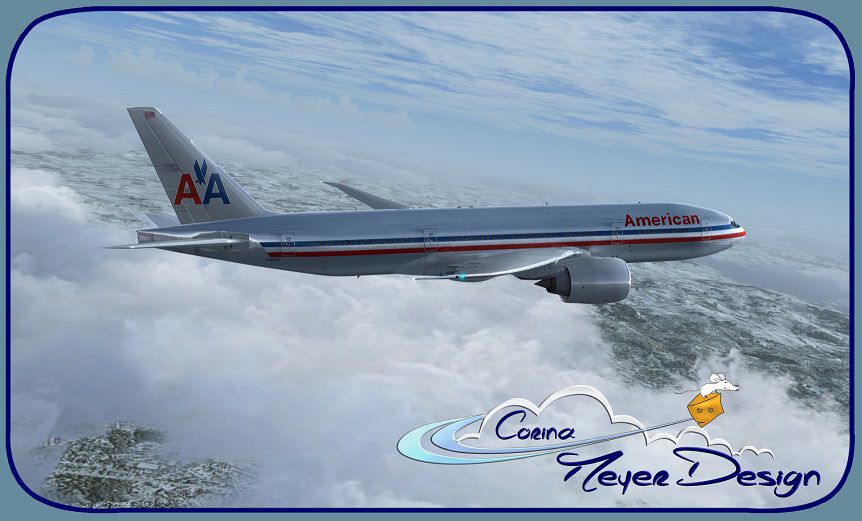
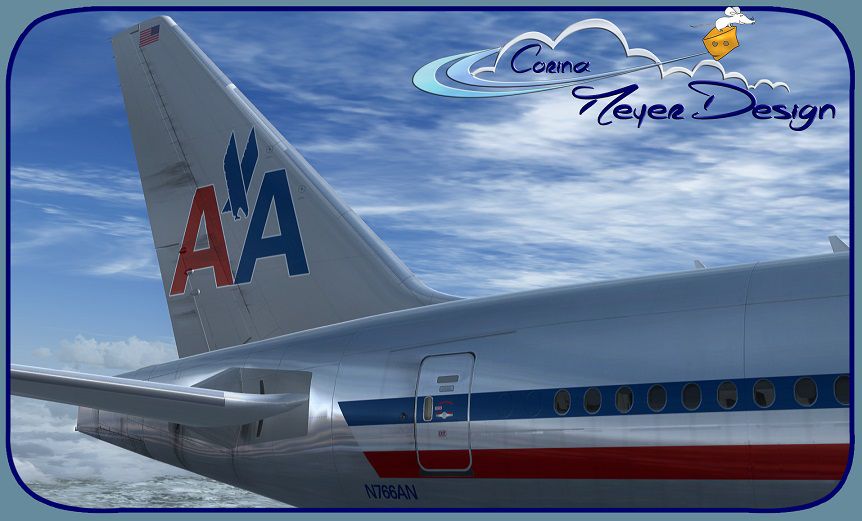

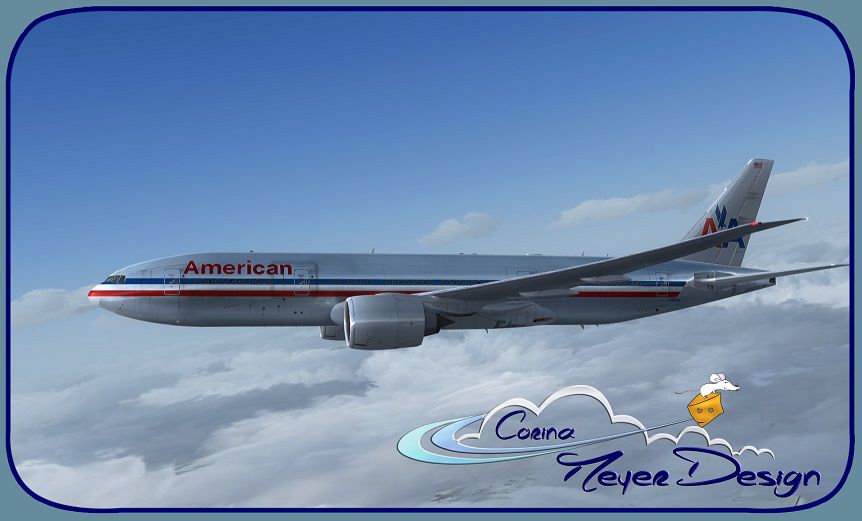
This specialized repaint showcases American Airlines’ Boeing 777-200LR in the classic livery bearing registration N766AN. Crafted by Corina Meyer, it adapts the appearance of a 777-200ER variant onto the payware PMDG 777-200LR product. In order to use this texture set, you must already own the PMDG 777-200LR base package, which can be obtained separately from a payware provider such as SimShack. Discerning simmers will appreciate the attention to detail and the faithful depiction of the older American Airlines color scheme compatible with Microsoft Flight Simulator X.
A glimpse of the aircraft cruising above realistic cloud layers.
The Boeing 777, widely recognized for its twin-engine efficiency, has been a cornerstone of intercontinental operations for various carriers around the globe. American Airlines, known for its extensive international network, has long relied on this family of wide-body transports to serve routes with substantial passenger demand. This particular rendition, depicting an older paint scheme, evokes a sense of aviation heritage. It preserves the classic tail emblem and polished aluminum, reminding simmers of the airline’s earlier livery style.
Before loading this repaint, ensure the PMDG 777-200LR payware base package is correctly installed. This download supplies textures only, so the underlying payware is necessary. During practical use, always refer to your simulator’s guidelines for best performance. Although every effort was taken to provide an accurate representation, no liability is assumed by the creator for any potential performance or system conflicts. If any issues surface, kindly report any findings to Corina Meyer for further review.
Free for all simmers · 30.45 MB · Scanned clean Oct 2026
Download speed: Free tier is capped at 0.5 Mbps (this file takes approximately 9 mins at the cap). PRO members download at full line speed.
texture.{airline}) inside FSX\SimObjects\Airplanes\{base-aircraft}\.aircraft.cfg in Notepad. Add a new [fltsim.X] section per the readme.readme.txt or README file. It tells you exactly where files go, what dependencies are needed, and any quirks specific to this add-on.The archive pmdg777-200lr_american_airlines_n766an.zip has 10 files and directories contained within it.
This list displays the first 500 files in the package. If the package has more, you will need to download it to view them.
| Filename/Directory | File Date | File Size |
|---|---|---|
| Avsim.gif | 01.03.15 | 15.28 kB |
| PMDG777-200LR American Airlines N766AN (1).jpg | 01.03.15 | 109.51 kB |
| PMDG777-200LR American Airlines N766AN (2).jpg | 01.03.15 | 131.36 kB |
| PMDG777-200LR American Airlines N766AN (3).jpg | 01.03.15 | 144.90 kB |
| PMDG777-200LR American Airlines N766AN (4).jpg | 01.03.15 | 152.83 kB |
| PMDG777-200LR American Airlines N766AN (5).jpg | 01.03.15 | 142.27 kB |
| PMDG777-200LR American Airlines N766AN.ptp | 01.03.15 | 29.82 MB |
| ReadMe_Install.txt | 01.01.15 | 1.03 kB |
| flyawaysimulation.txt | 10.29.13 | 959 B |
| Go to Fly Away Simulation.url | 01.22.16 | 52 B |
Only PRO members can place votes.
More FSX & P3D add-ons hand-picked based on this download.
FSX Civil Aircraft
Augment your fleet in Microsoft Flight Simulator X with an accurately depicte…
 FSX Civil Aircraft
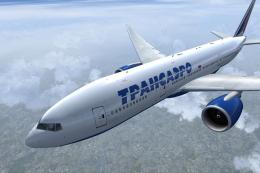
This customized repaint offers a faithful Transaero Airlines visual theme for…
 FSX Civil Aircraft
JetRed Virtual Airlines Boeing 777-200LR. Model by Project Open Sky. By Wayne…
 FSX Civil Aircraft
Japan Airlines Boeing 777-200LR Fix, registration JA708J, "Oneworld", for use…
 FSX Civil Aircraft
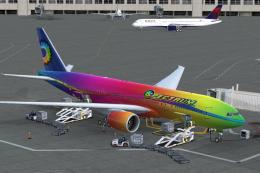
This is a fictional paint for the payware PMDG 777. Textures only. By Nicole …
 FSX Civil Aircraft
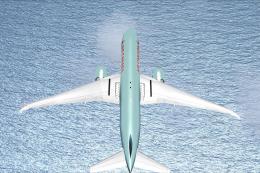
Air Canada Boeing 777-200LR. Model by Project Open Sky. Repaint by Yosuke. Ai…
 FSX Civil Aircraft
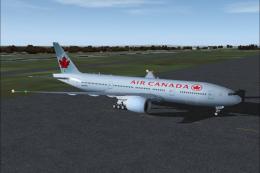
This comprehensive package blends Air Canada Boeing 777-200LR liveries with t…
 FSX Civil Aircraft
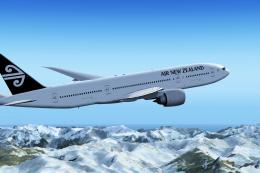
Air New Zealand Boeing 777-200LR (new livery). B777-200 model by SkySpirit201…
Read what other simmers think, or add your own.
