

 FSX General Aviation Aircraft
Cessna 310Q N3364L
This freeware repaint depicts the real-life Cessna 310Q N3364L, c/n 310Q-0784…
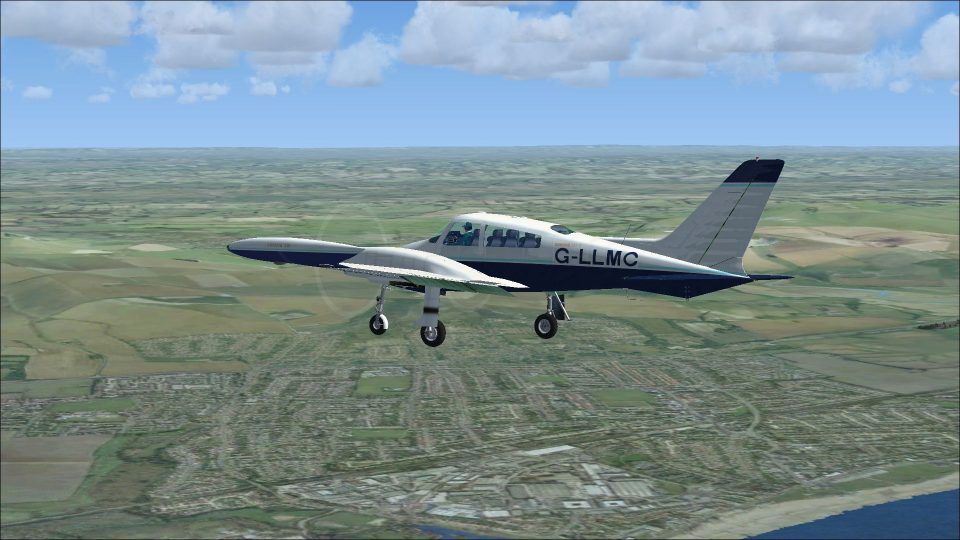
Cessna 310Q G-LLMC delivers a detailed repaint for Rob Richardson’s classic twin, faithfully matching the real airframe’s British registration and crisp exterior markings while retaining the distinctive tip-tank silhouette. Designed for Microsoft Flight Simulator X, it requires the freeware Cessna 310Q base model and focuses on authentic ramp presence.
 Rate
Rate
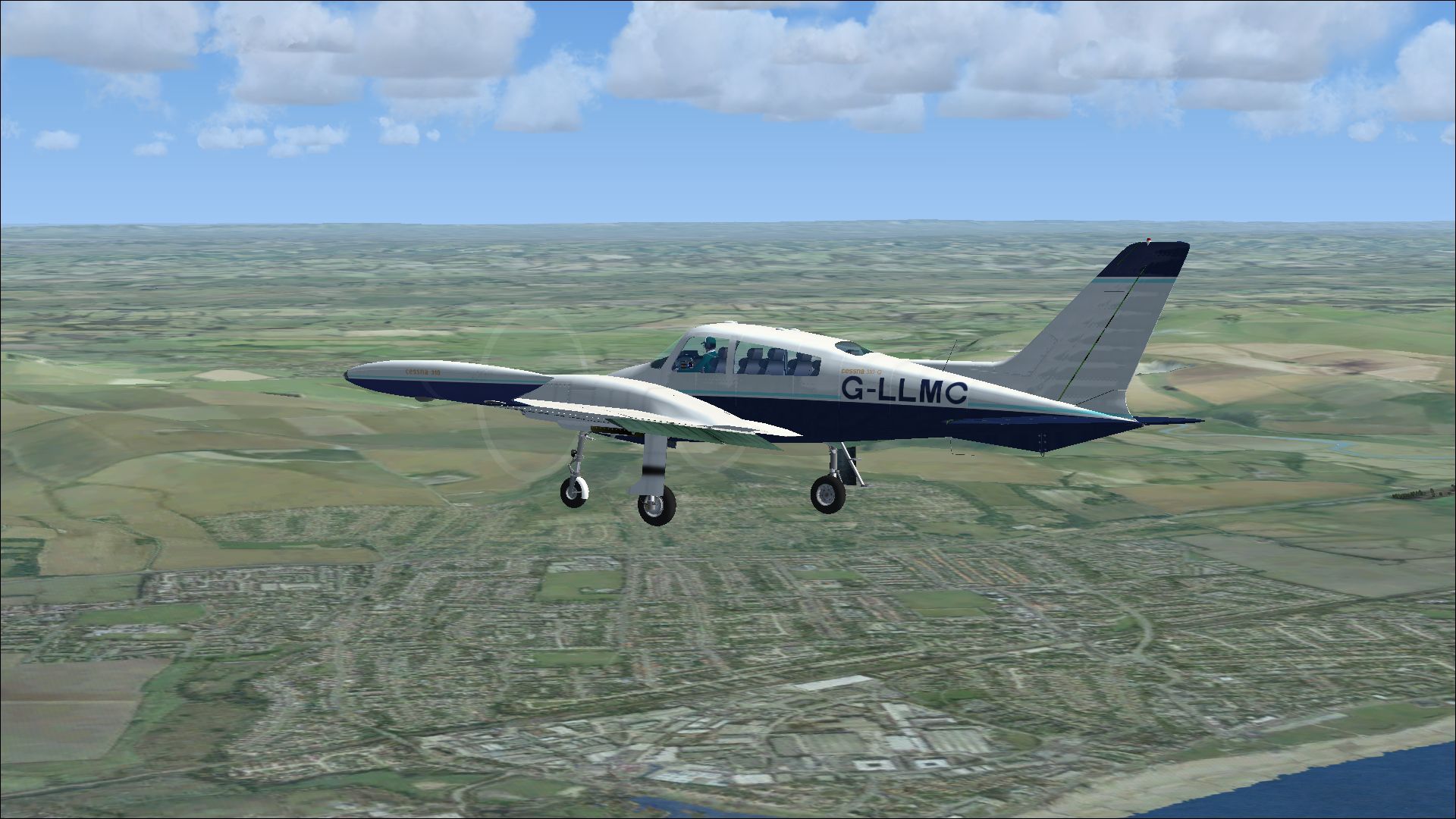
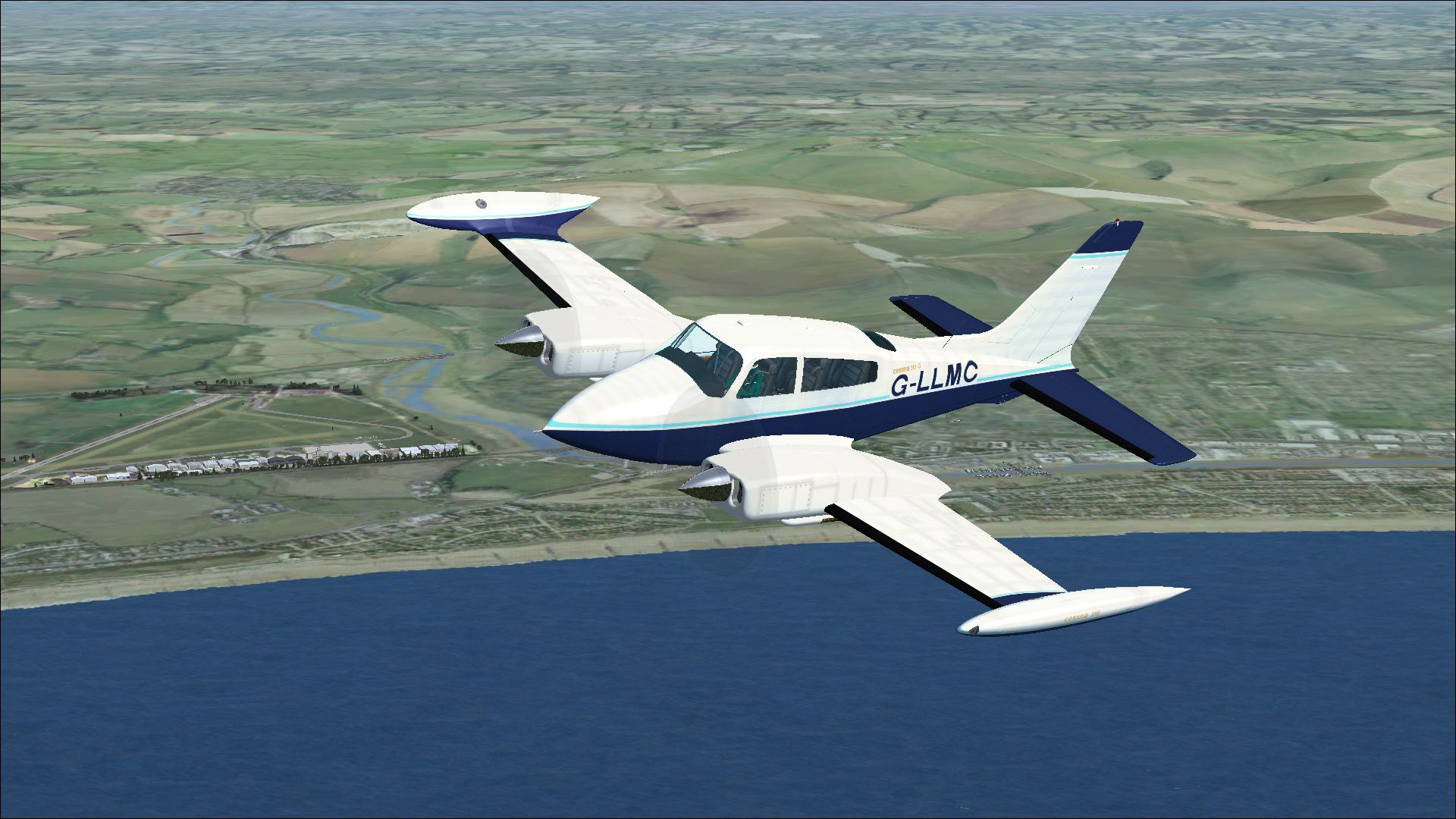
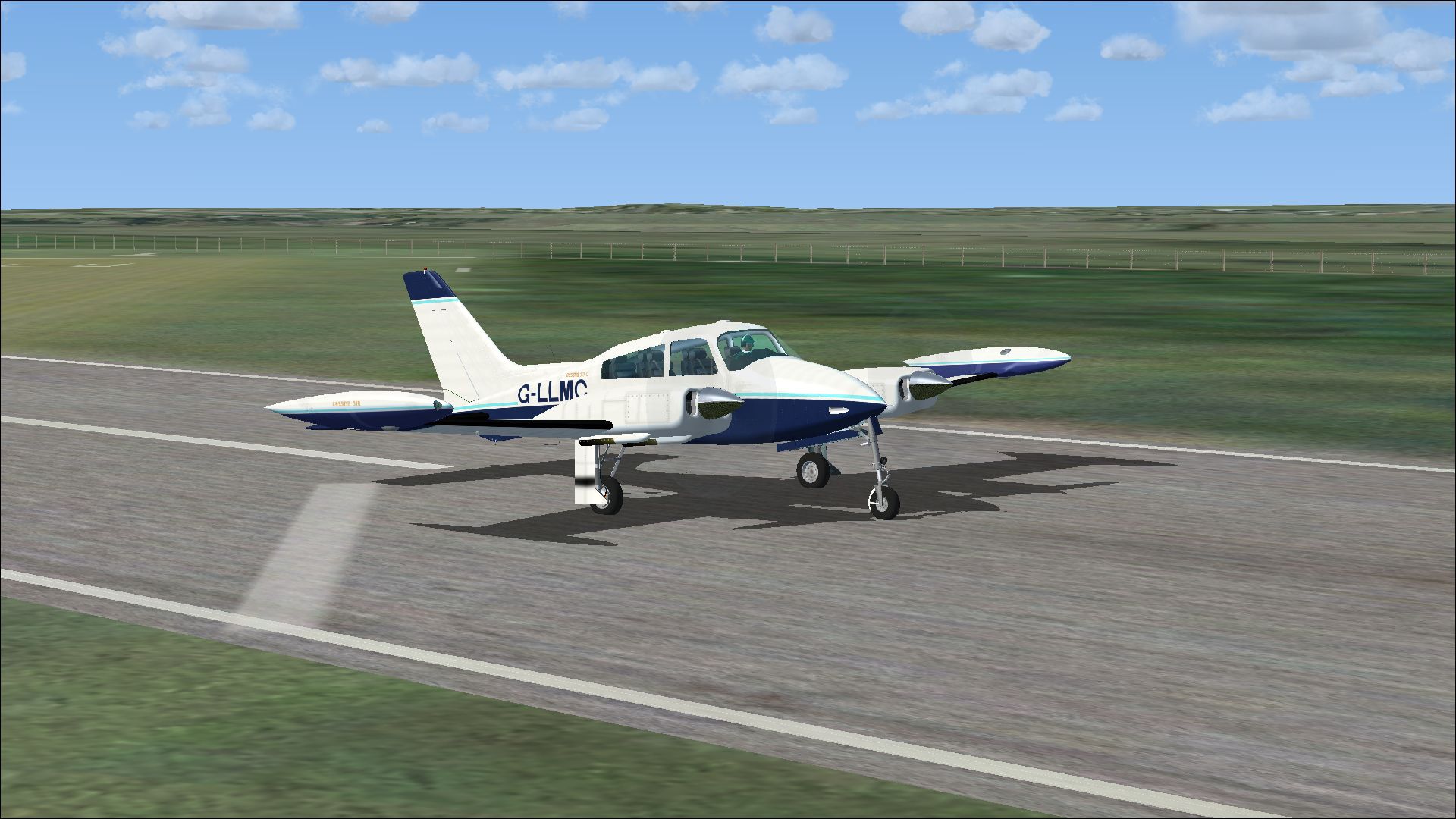
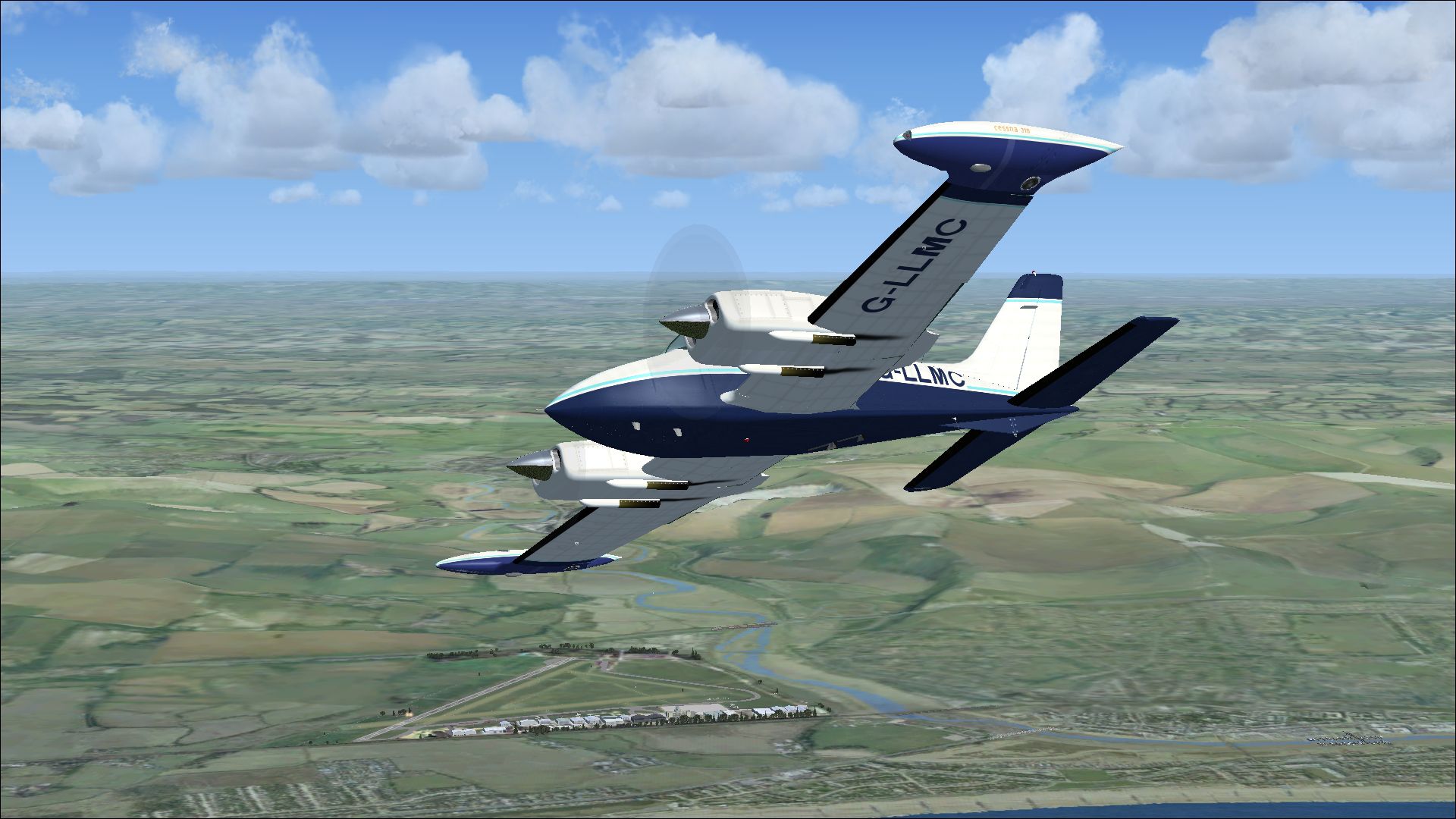
This freeware add-on supplies a custom paint scheme for Rob Richardson’s renowned Cessna 310Q model in Microsoft Flight Simulator X. It depicts the real-world aircraft with registration G-LLMC (construction number 310Q-0914), which at various points flew under OE-FYL, HB-LMO, and G-BKSB before relocating to the United States and becoming N798MC. Created by Peter Watkins, this repaint focuses on reproducing the aircraft’s exterior details accurately while preserving the distinctive tip-tank profile that has made the 310 series a prominent choice among twin-engine general aviation enthusiasts.
The airframe covered by this repaint underwent multiple ownership transitions over time. Initially built as a 310Q variant, it later adopted a string of registrations, including OE-FYL and HB-LMO, before finding its way into the UK register as G-BKSB. Eventually, it was assigned G-LLMC, and still later, it changed hands again in the United States, taking on the identity N798MC. This sequence underscores the Cessna 310’s enduring popularity for regional travel, personal commuting, and charter roles.
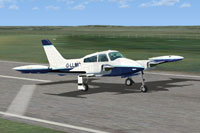
Screenshot of Cessna 310Q on runway.
[fltsim.xx]
title=Cessna 310 G-LLMC
sim=Cessna 310
model=
panel=
sound=
texture=G-LLMC
kb_checklists=Cessna 310_check
kb_reference=Cessna 310_ref
atc_id_color=0xff000000
atc_id=G-LLMC
ui_manufacturer=Cessna
ui_type=310 Q
ui_variation=G-LLMC
description=The 310 first flew on January 3, 1953 with deliveries starting in late 1954. The sleek modern lines of the new twin were backed up by innovative features such as engine exhaust thrust augmenter tubes and the storage of all fuel in tip tanks in early models. In 1964, the engine exhaust was changed to flow under the wing instead of the augmenter tubes, which were considered to be noisy. Typical of Cessna model naming conventions, a letter was added after the model number to identify changes to the original design over the years. The first significant upgrade to the 310 series was the 310C in 1959, which introduced more powerful 260 hp Continental IO-470-D engines. In 1960 the 310D featured swept back vertical tail surfaces. An extra cabin window was added with the 310F.
Full recognition goes to Rob Richardson for crafting the original freeware Cessna 310Q and to Peter Watkins for developing this authentic repaint of G-LLMC. This specific texture package, being freeware, only includes the paint files. You will require the base model to experience it in-flight.
Free for all simmers · 8.7 MB · Scanned clean Oct 2026
Download speed: Free tier is capped at 0.5 Mbps (this file takes approximately 2 mins at the cap). PRO members download at full line speed.
texture.{airline}) inside FSX\SimObjects\Airplanes\{base-aircraft}\.aircraft.cfg in Notepad. Add a new [fltsim.X] section per the readme.readme.txt or README file. It tells you exactly where files go, what dependencies are needed, and any quirks specific to this add-on.The archive cessna_310q_g-llmc.zip has 18 files and directories contained within it.
This list displays the first 500 files in the package. If the package has more, you will need to download it to view them.
| Filename/Directory | File Date | File Size |
|---|---|---|
| 20735169.jpg | 08.24.13 | 1.01 MB |
| 21076140.jpg | 08.24.13 | 1.18 MB |
| 21081850.jpg | 08.24.13 | 1.03 MB |
| 21168103.jpg | 08.24.13 | 1.12 MB |
| Installation readme.txt | 08.24.13 | 2.58 kB |
| texture.G-LLMC | 08.24.13 | 0 B |
| 310_custom_tex.dds | 08.14.13 | 256.12 kB |
| 310_flaps.dds | 08.11.13 | 5.33 MB |
| 310_main.dds | 08.24.13 | 16.00 MB |
| 310_nacelle_top.dds | 08.24.13 | 4.00 MB |
| 310_wing_top.dds | 08.24.13 | 4.00 MB |
| 310_wing_under.dds | 08.24.13 | 4.00 MB |
| mq_spinner.dds | 08.14.13 | 64.12 kB |
| texture.cfg | 08.11.13 | 197 B |
| thumbnail.jpg | 08.24.13 | 1.18 MB |
| Thumbs.db | 08.11.13 | 24.50 kB |
| flyawaysimulation.txt | 10.29.13 | 959 B |
| Go to Fly Away Simulation.url | 01.22.16 | 52 B |
Only PRO members can place votes.
More FSX & P3D add-ons hand-picked based on this download.
FSX General Aviation Aircraft
This freeware repaint depicts the real-life Cessna 310Q N3364L, c/n 310Q-0784…
 FSX General Aviation Aircraft
This repaint rendition of the classic twin-engine Cessna 310Q, delivered to C…
 FSX General Aviation Aircraft
A repaint for Rob Richardson's Cessna 310Q. G-BALN c/n 310Q-0684 was previous…
 FSX General Aviation Aircraft
A repaint for Rob Richardson's FSX Cessna 310Q. 693:BI was one of several Ces…
 FSX General Aviation Aircraft
This repaint offers a detailed depiction of a Spanish-registered Cessna 310Q,…
 FSX General Aviation Aircraft
Cessna 182 Skylane. This is the default Flight Simulator 2004 Cessna 182 Skyl…
 FSX General Aviation Aircraft
The Cessna 182 Skylane is an American four-seat, single-engined light airplan…
 FSX General Aviation Aircraft
A Gmax FSX/SDK retractable landing gear version of Cessna's 177 Cardinal prop…
Be the first to leave a comment on this download.
Be the first to share your thoughts on this download.