

 FSX General Aviation Aircraft
BD-5 Collection
The BD-5 Home Built Experimental aircraft collection featuring a new Prop ver…
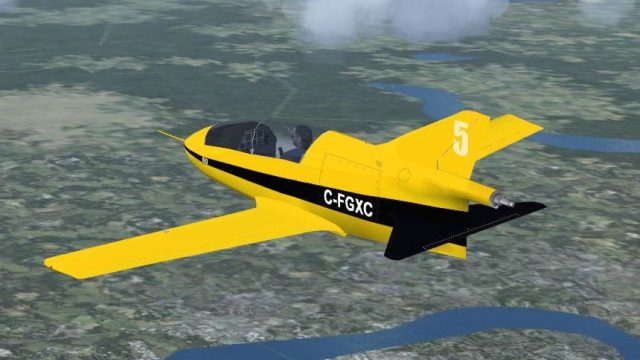
BD-5 C-FGXC brings a crisp Canadian-registered paint scheme to the nimble Bede microjet, adding a fresh visual option for low-and-fast aerobatic sorties in FSX. It uses custom textures tailored to the base model and requires BD5COLLE.ZIP for the full aircraft package and correct folder structure.
 Rate
Rate
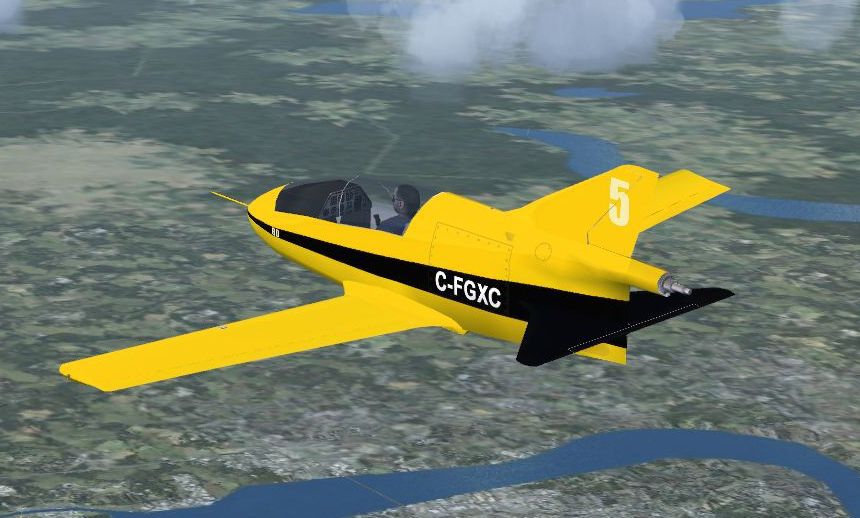
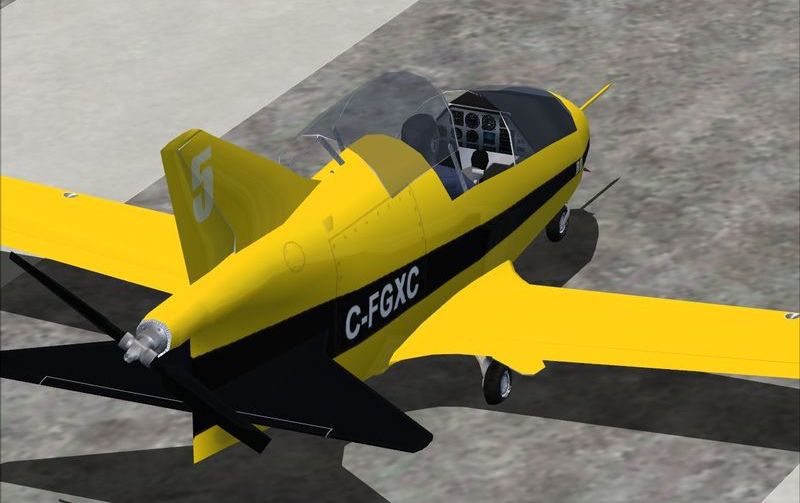
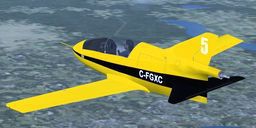
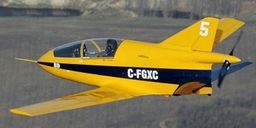
Textures only, requires BD5COLLE.ZIP. By Enrique Medal.
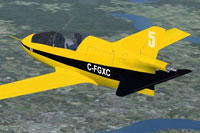
Screenshot of BD-5 C-FGXC in flight.
[fltsim.x]

title=BD-5 C-FGXC

sim=BD-5

model=

panel=

sound=

texture=C-FGXC

kb_checklists=

kb_reference=

atc_id=

ui_manufacturer="Bede"

ui_type="BD-5"

ui_variation="C-FGXC"

ui_typerole="Single Engine Prop"

ui_createdby="Bede"

description=
Free for all simmers · 1.03 MB · Scanned clean Oct 2026
Download speed: Free tier is capped at 0.5 Mbps. PRO members download at full line speed.
This file is a repaint — the package below is the base model it paints onto. Install it first, or the textures will have nothing to load onto.
texture.{airline}) inside FSX\SimObjects\Airplanes\{base-aircraft}\.aircraft.cfg in Notepad. Add a new [fltsim.X] section per the readme.readme.txt or README file. It tells you exactly where files go, what dependencies are needed, and any quirks specific to this add-on.The archive bd-5_c-fgxc.zip has 19 files and directories contained within it.
This list displays the first 500 files in the package. If the package has more, you will need to download it to view them.
| Filename/Directory | File Date | File Size |
|---|---|---|
| texture.C-FGXC | 03.31.14 | 0 B |
| cp2_32.bmp | 11.28.06 | 1.33 MB |
| cp3.bmp | 03.31.14 | 1.00 MB |
| cp_32.bmp | 11.29.06 | 1.33 MB |
| dash_32.bmp | 11.28.06 | 1.33 MB |
| fuse1_32.bmp | 03.31.14 | 1.00 MB |
| glass.bmp | 11.01.06 | 85.43 kB |
| glass2.bmp | 11.01.06 | 85.43 kB |
| parts_32.bmp | 03.31.14 | 1.00 MB |
| prop.bmp | 03.31.14 | 1.00 MB |
| thumbnail00.jpg | 03.31.14 | 10.89 kB |
| wingsB-32.bmp | 03.31.14 | 1.00 MB |
| wingsT_32.bmp | 03.31.14 | 1.00 MB |
| thumbnail.jpg | 03.31.14 | 12.90 kB |
| readme.txt | 03.31.14 | 825 B |
| C-FGXC_2.jpg | 03.31.14 | 53.96 kB |
| C-FGXC_1.jpg | 03.31.14 | 76.76 kB |
| flyawaysimulation.txt | 10.29.13 | 959 B |
| Go to Fly Away Simulation.url | 01.22.16 | 52 B |
Only PRO members can place votes.
More FSX & P3D add-ons hand-picked based on this download.
FSX General Aviation Aircraft
The BD-5 Home Built Experimental aircraft collection featuring a new Prop ver…
 FSX General Aviation Aircraft
A private livery for the payware Iris Bede BD-5G model. By Colin Sefton. Scre…
 FSX General Aviation Aircraft
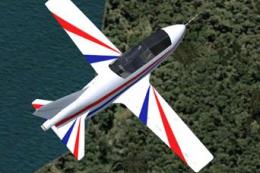
Red and blue repaint of the BD5 by "Jez G". This file includes the complete a…
 FSX General Aviation Aircraft
The BD5 design is challenging to fly. This package provides easy tweaks for t…
 FSX General Aviation Aircraft
"Ice Tea" BD-5J fictional skin. A fictional repaint of "Ice Tea" for the Iris…
 FSX General Aviation Aircraft
These are repaints for the Iris BD5 Microjet payware model. This package cont…
 FSX General Aviation Aircraft
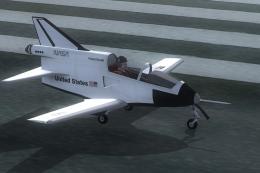
Textures only for the payware Iris BD-5J. Repaint by Todd Disrud. Screenshot …
 FSX General Aviation Aircraft
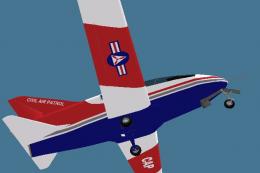
A CAP repaint of the freeware BD5 by "Jez G" (BD5COLLE.ZIP). These textures c…
Be the first to leave a comment on this download.
Be the first to share your thoughts on this download.