

 FSX General Aviation Aircraft
Beechcraft B60 Duke
This freeware package features a meticulous exterior and interior repaint of …
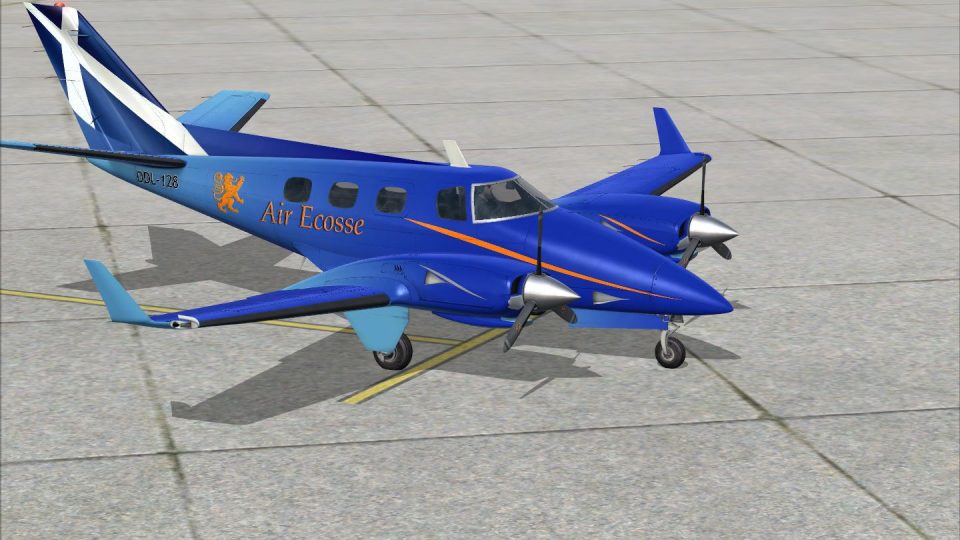
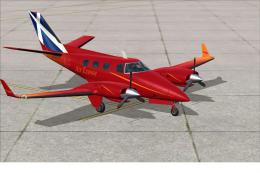
Beechcraft Duke B60 DDL128 delivers a vivid fictional airline livery that sharpens the aircraft’s lines with detailed rivets, panel shading, and reflective wing and fuselage textures. Built for Microsoft Flight Simulator X, it matches the RealAir Duke B60 V2 model and requires the payware base aircraft for full compatibility and authentic virtual cockpit presentation.
 Rate
Rate
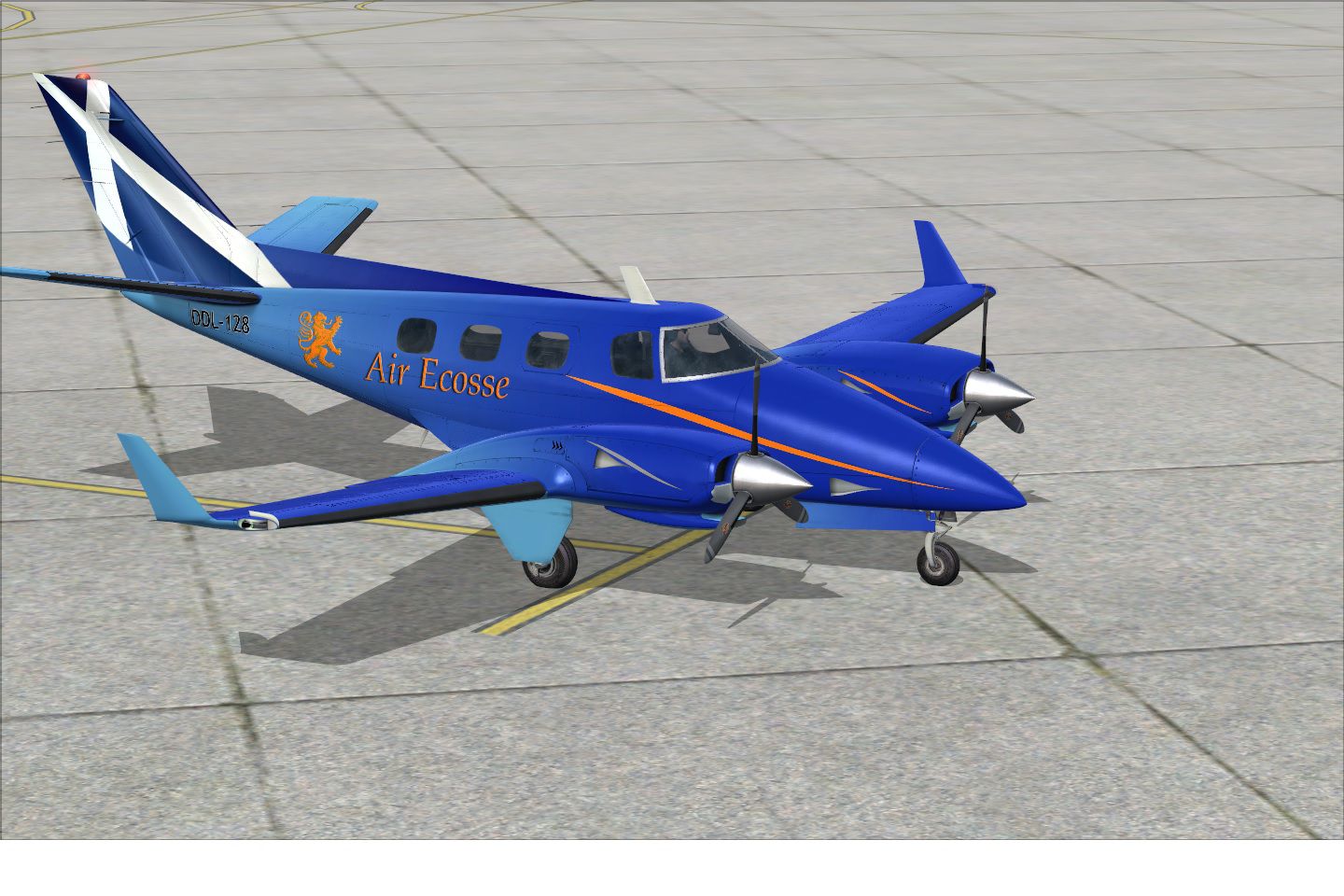
This fictional repaint of the Beechcraft Duke B60, created by Graham Christie, has been carefully designed for those wanting an extra layer of immersion in Microsoft Flight Simulator X. It provides a distinctive scheme that complements the payware RealAir Duke B60 V2 model. Remember, the payware base package itself is not included and needs to be obtained separately, for instance through dedicated simulation stores such as SimShack. The high-powered twin-engined Duke is well-regarded among general aviation enthusiasts for its pressurized cabin and nimble handling characteristics, and this repaint adds a vivid flair to its already notable profile. Below, you will find details about the repaint along with instructions on how to integrate it into your simulator setup.
The Beechcraft Duke B60 remains a standout in the twin piston category. It was introduced by Beechcraft to offer pressurized flight at higher altitudes while balancing comfortable seating for private or executive travel. RealAir’s virtual version is renowned for its precise flight dynamics and immersive realism, making it a favorite for seasoned pilots who enjoy practicing GA navigation and short-to-medium haul operations. Its streamlined fuselage and distinctive engine cowls help it cut through the air efficiently while maintaining reliable performance.
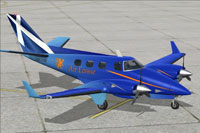
Screenshot of Beechcraft Duke B60 DDL128 on the ground.
Before proceeding, be sure to back up your current aircraft configuration file (aircraft.cfg) in case you need to revert to original settings. Then, copy and paste the following data into the aircraft.cfg. Replace the x in [fltsim.x] with the next sequential number in your file configuration.
[fltsim.x]
title=RealAir Beech Duke V2 DDL128 Winglets
sim=RealAir_Duke
model=
panel=
sound=
texture=DDL128
kb_checklists=RASDuke_check
kb_reference=RASDuke_ref
atc_id=DDL128
ui_typerole="Twin Engine Prop"
ui_createdby="RealAir"
ui_manufacturer=Beechcraft
ui_type=Duke B60
ui_variation=DDL128
description="RealAir Simulations Beechcraft Duke B60 - Please refer to the include documents and Guides in this package"
With this repaint installed, you can enjoy a fictional airline scheme that highlights the distinctive lines and proportions of the Duke’s rugged airframe. Graham Christie’s design provides an excellent way to stand out during online flights or offline journeys, so you can immerse yourself in a fresh visual experience every time you take to the skies.
Free for all simmers · 13.64 MB · Scanned clean Oct 2026
Download speed: Free tier is capped at 0.5 Mbps (this file takes approximately 4 mins at the cap). PRO members download at full line speed.
texture.{airline}) inside FSX\SimObjects\Airplanes\{base-aircraft}\.aircraft.cfg in Notepad. Add a new [fltsim.X] section per the readme.readme.txt or README file. It tells you exactly where files go, what dependencies are needed, and any quirks specific to this add-on.The archive realairdukeddl128.zip has 18 files and directories contained within it.
This list displays the first 500 files in the package. If the package has more, you will need to download it to view them.
| Filename/Directory | File Date | File Size |
|---|---|---|
| ddl128.jpg | 07.05.14 | 366.97 kB |
| readme.txt | 07.07.14 | 1.61 kB |
| texture.DDL128 | 07.10.14 | 0 B |
| RASDuke_Ext_T1.dds | 07.03.14 | 4.00 MB |
| RASDuke_Ext_T1_spec.dds | 12.31.01 | 4.00 MB |
| RASDuke_Ext_T2.dds | 07.10.14 | 4.00 MB |
| RASDuke_Ext_T2_Spec.dds | 07.01.14 | 4.00 MB |
| RASDuke_Ext_T3.dds | 01.01.02 | 4.00 MB |
| RASDuke_Ext_T3_Spec.dds | 01.01.02 | 4.00 MB |
| RASDuke_Ext_T4.dds | 07.10.14 | 1.00 MB |
| RASDuke_Ext_T4_spec.dds | 01.01.02 | 1.00 MB |
| RASDuke_VC_11.dds | 07.01.14 | 4.00 MB |
| RASDuke_VC_11_Spec.dds | 01.01.02 | 1.00 MB |
| texture.cfg | 09.06.13 | 71 B |
| thumbnail.jpg | 07.05.14 | 16.89 kB |
| realairdukeddl128 | 07.10.14 | 0 B |
| flyawaysimulation.txt | 10.29.13 | 959 B |
| Go to Fly Away Simulation.url | 01.22.16 | 52 B |
Only PRO members can place votes.
More FSX & P3D add-ons hand-picked based on this download.
FSX General Aviation Aircraft
This freeware package features a meticulous exterior and interior repaint of …
 FSX General Aviation Aircraft
A repaint for the payware RealAir Simulations Beech B60 Duke V2 to represent …
 FSX General Aviation Aircraft
This freeware repaint set offers a fictional airline livery for the payware R…
 FSX General Aviation Aircraft
A repaint of the payware RealAir Beech Duke B60 v2, patterned after the paint…
 FSX General Aviation Aircraft
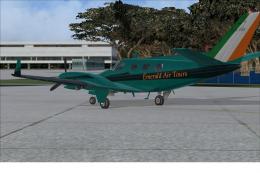
This freeware repaint set features an imagined livery for the payware RealAir…
 FSX General Aviation Aircraft
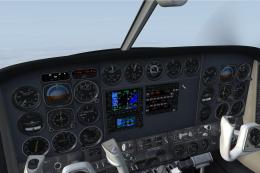
Experience a carefully crafted repaint for the RealAir Beech Duke B60 v2, dev…
 FSX General Aviation Aircraft
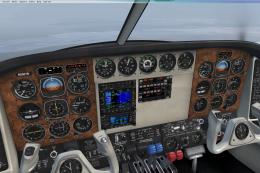
A repaint of 1977 aircraft N9743S that was pictured in Beechcraft magazine ad…
 FSX General Aviation Aircraft
A repaint for the payware RealAir Simulations Beechcraft B60 Duke v2 to repre…
Be the first to leave a comment on this download.
Be the first to share your thoughts on this download.