

 FSX Military Aircraft
Meteor F8 Brazilian 4412
This repaint faithfully depicts Gloster Meteor F8 number 4412, which served a…
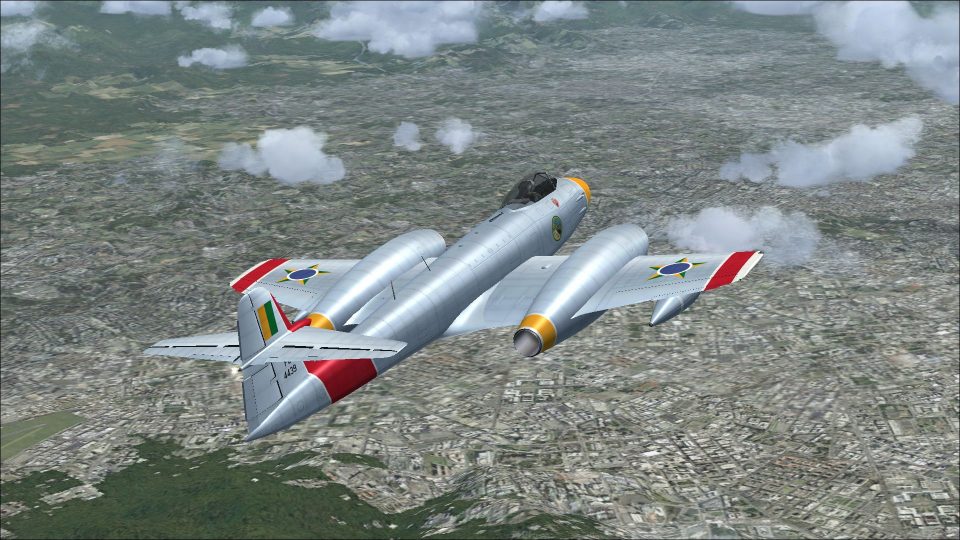
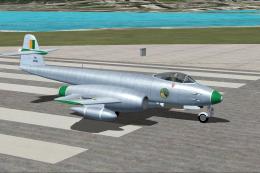
Gloster Meteor F8 Brazilian Air Force repaint brings aircraft 4439 to life with carefully matched insignia, period markings, and a convincing camouflage finish that suits early jet air defense operations. Built for Microsoft Flight Simulator X Acceleration, it requires Rob Richardson’s freeware Meteor F8 base model and integrates cleanly into the aircraft menu.
 Rate
Rate
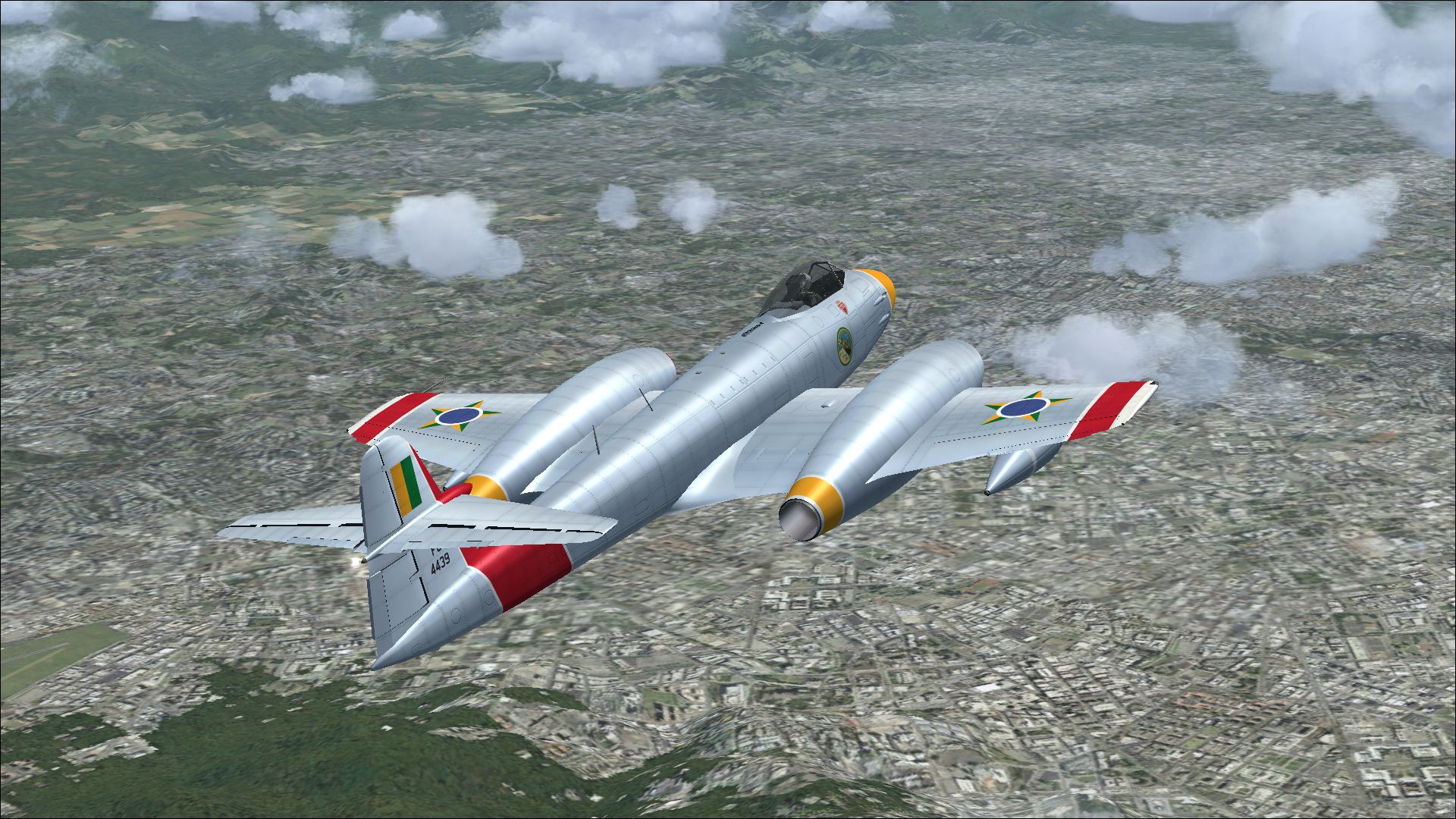
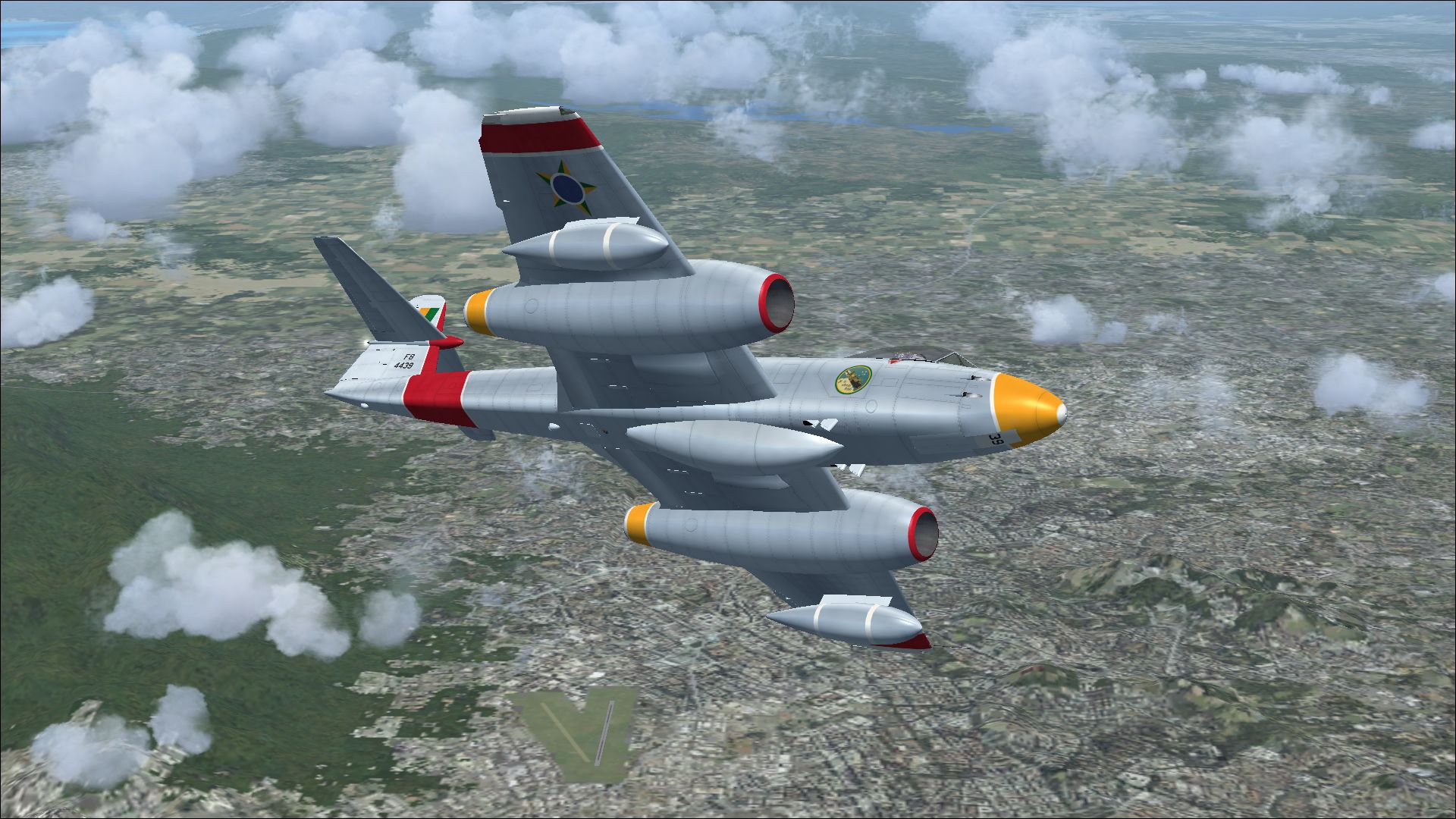
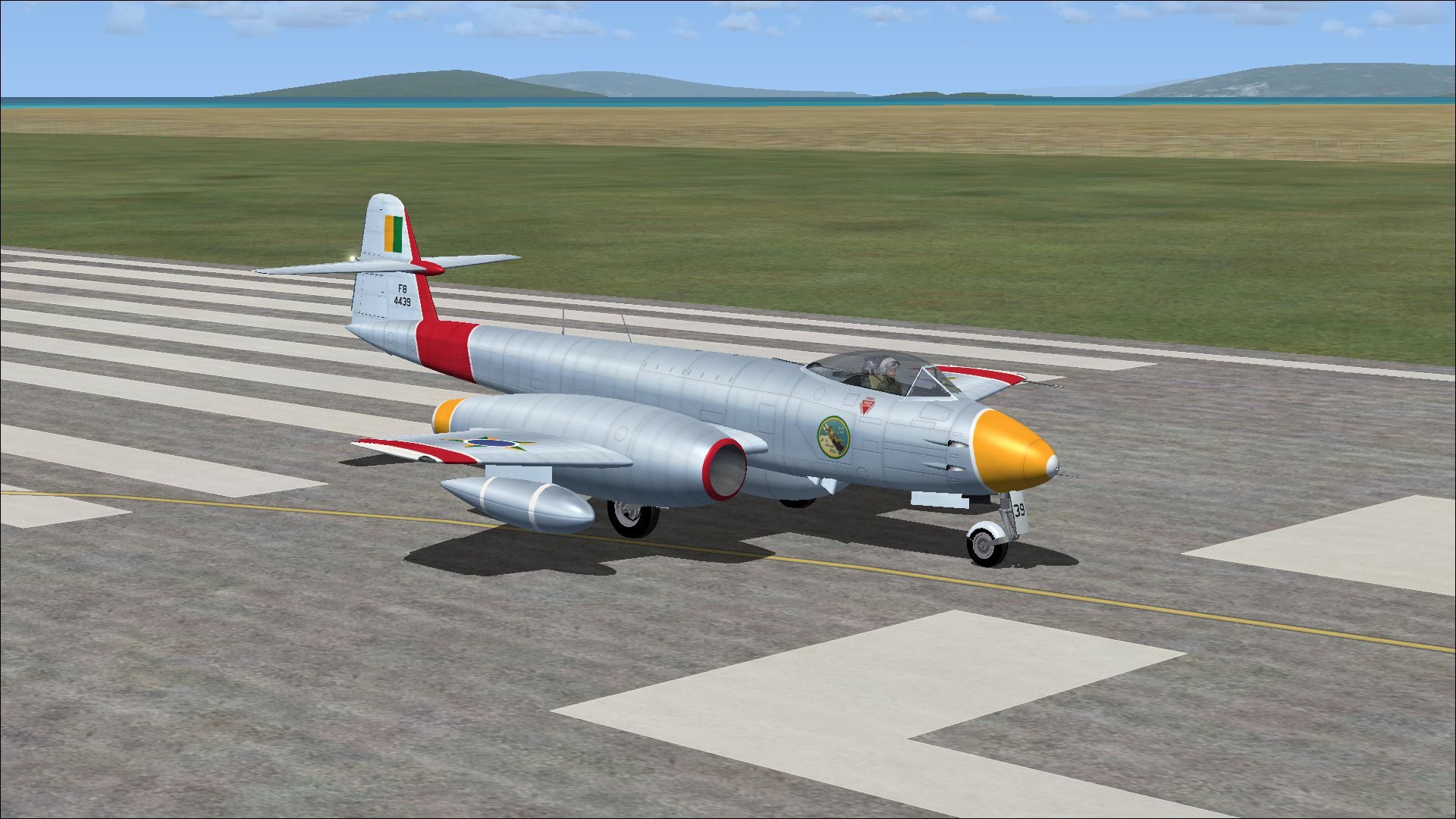
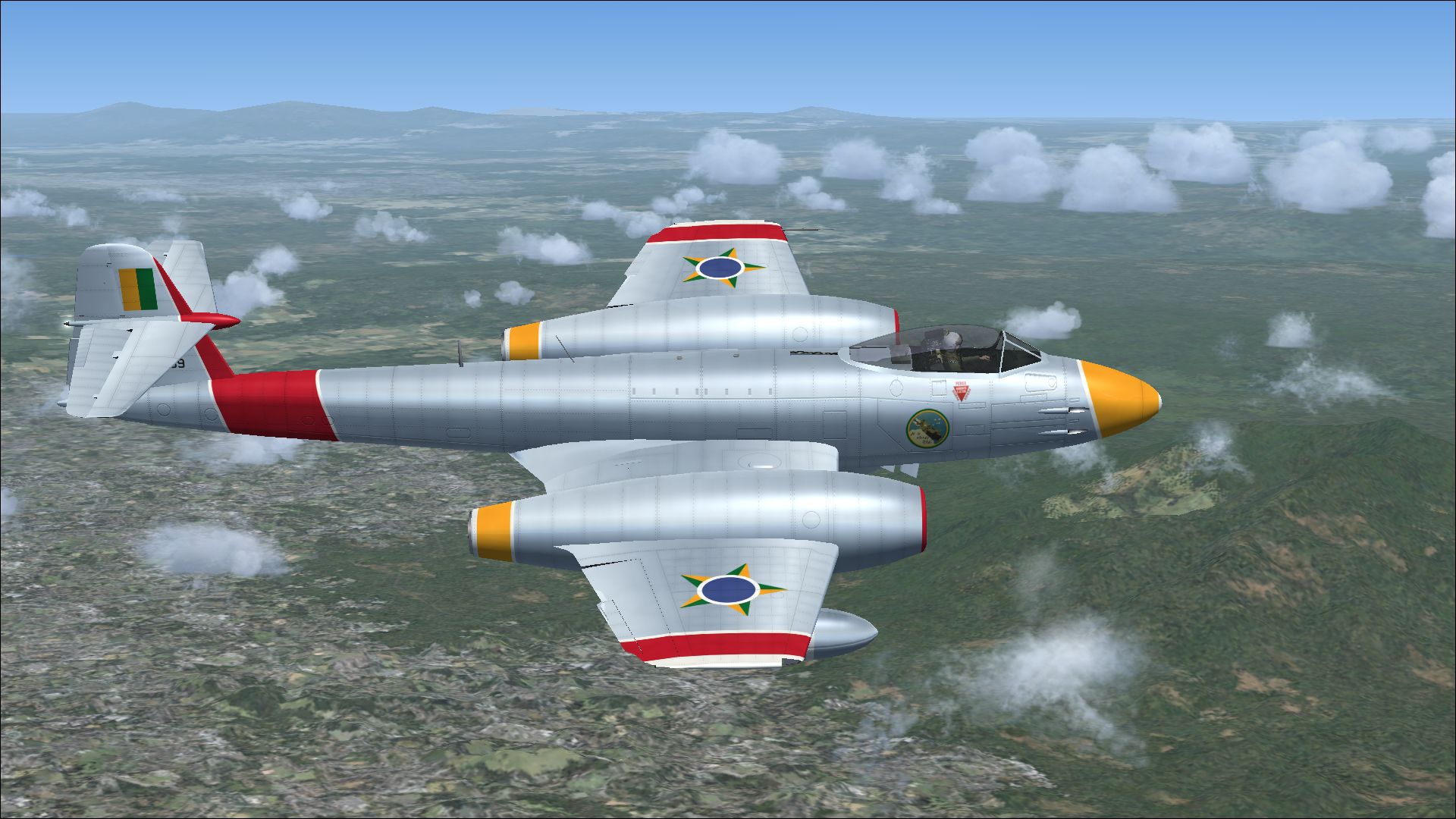
Enhance your virtual flight collection with this meticulously produced repaint created by Peter Watkins for Rob Richardson’s Gloster Meteor F8, specifically designed for Microsoft Flight Simulator X Acceleration. This particular repaint depicts registration 4439, one of the numerous F8 variants operated by the Brazilian Air Force. The Gloster Meteor itself was a distinguished twin-engine jet fighter introduced in the mid-1940s, recognized for its pioneering British jet design and subsequently adapted worldwide, including by Brazil for air defense tasks.
The 4439 airframe highlights the Brazilian Air Force’s involvement during the era when jet aviation swiftly transformed global military strategy. Although the Meteor F8 model originated in the United Kingdom, multiple South American nations found its performance capabilities appealing. The Brazilian Air Force, in particular, leveraged the Meteor for pilot transition to early-generation jet operations. Its Rolls-Royce Derwent engines (twin jets) offered reliable power, and the design’s straight wing configuration presented stable handling characteristics in varied flight envelopes.
Depiction of the customized Brazilian Air Force paint scheme in mid-air.
This downloadable package focuses on the external paintwork only. You will require the freeware base Gloster Meteor F8 model by Rob Richardson, available in the Fly Away Simulation library. Follow the steps below to install and activate the new livery in your simulator.
[fltsim.xx]
title=Gloster Meteor F Mk 8 Brazilian
sim=Gloster Meteor F Mk 8
model=
panel=
sound=
texture=Brazilian
kb_checklists=Meteor_F_Mk8_check
kb_reference=Meteor_F_Mk8_ref
ui_manufacturer=Gloster
ui_type=Meteor F Mk 8
ui_variation=Brazilian
atc_id=4439
atc_airline=Air Force
atc_flight_number=010
description=One of sixty Meteor F8 aircraft operated by the Brazilian Air Force.
Peter Watkins ensured accurate rendition of the insignias and markings of the Brazilian Air Force. The original Gloster Meteor F8 design by Rob Richardson delivers authentic flight characteristics and shape fidelity. Combining these efforts results in a historically grounded appearance for your simulated F8, reflecting both the external camouflage pattern and corresponding identification tags as flown on actual Brazilian-operated Meteors.
This repaint is exclusively compatible with the freeware Gloster Meteor F8 base model (not included in the package). You may acquire the required base files from the Fly Away Simulation mod library to ensure full functionality. After installing those basics, the additional repaint will integrate seamlessly into your existing aircraft selection menu within Microsoft Flight Simulator X.
Free for all simmers · 11.81 MB · Scanned clean Oct 2026
Download speed: Free tier is capped at 0.5 Mbps (this file takes approximately 3 mins at the cap). PRO members download at full line speed.
texture.{airline}) inside FSX\SimObjects\Airplanes\{base-aircraft}\.aircraft.cfg in Notepad. Add a new [fltsim.X] section per the readme.readme.txt or README file. It tells you exactly where files go, what dependencies are needed, and any quirks specific to this add-on.The archive meteor_f8_brazilian_1.zip has 13 files and directories contained within it.
This list displays the first 500 files in the package. If the package has more, you will need to download it to view them.
| Filename/Directory | File Date | File Size |
|---|---|---|
| 12863156.jpg | 11.20.13 | 1.19 MB |
| 13031262.jpg | 11.20.13 | 1.55 MB |
| 13211615.jpg | 11.20.13 | 1.32 MB |
| 13222613.jpg | 11.20.13 | 1.14 MB |
| Installation readme.txt | 11.20.13 | 1.96 kB |
| Texture.Brazilian | 11.20.13 | 0 B |
| meteor 1 bump.dds | 11.12.13 | 16.00 MB |
| meteor 1.dds | 11.20.13 | 16.00 MB |
| meteor 2.dds | 11.20.13 | 16.00 MB |
| texture.cfg | 04.11.11 | 37 B |
| thumbnail.jpg | 11.20.13 | 1.14 MB |
| flyawaysimulation.txt | 10.29.13 | 959 B |
| Go to Fly Away Simulation.url | 01.22.16 | 52 B |
Only PRO members can place votes.
More FSX & P3D add-ons hand-picked based on this download.
FSX Military Aircraft
This repaint faithfully depicts Gloster Meteor F8 number 4412, which served a…
 FSX Military Aircraft
Experience a specially crafted repaint for Rob Richardson’s Gloster Meteor F8…
 FSX Military Aircraft
This repaint package brings a carefully crafted Brazilian Air Force livery to…
 FSX Military Aircraft
A repaint for Rob Richardson's Gloster Meteor F8 for Microsoft Flight Simulat…
 FSX Military Aircraft
A repaint for Rob Richardson's Gloster Meteor F8 for Microsoft Flight Simulat…
 FSX Military Aircraft
This high-fidelity repaint by Peter Watkins reproduces “44-500” as flown by n…
 FSX Military Aircraft
This add-on offers an accurate external repaint of the Gloster Meteor F8, ori…
 FSX Military Aircraft
This freeware repaint showcases the iconic Gloster Meteor F8 in Royal Netherl…
Be the first to leave a comment on this download.
Be the first to share your thoughts on this download.