

 FSX Military Aircraft
Meteor F8 Brazilian 4412
This repaint faithfully depicts Gloster Meteor F8 number 4412, which served a…
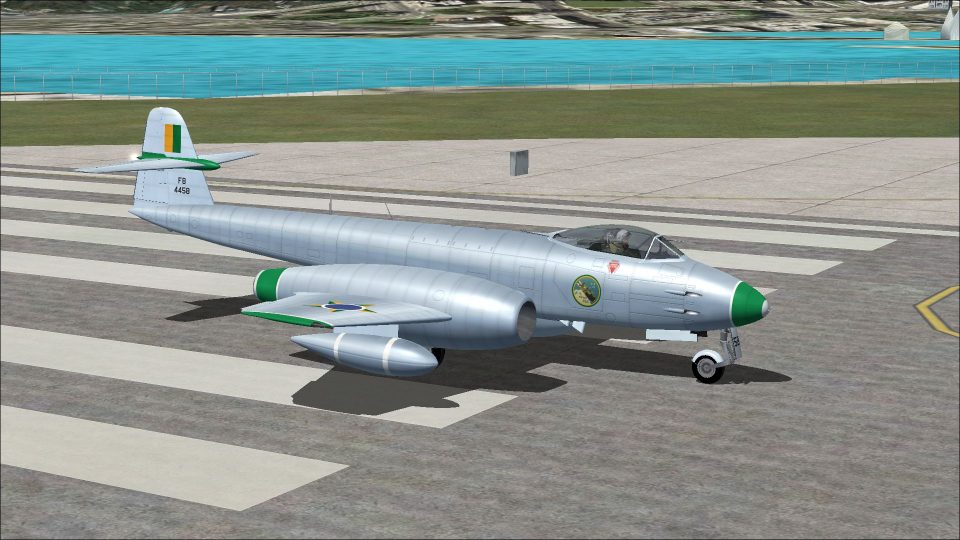
Gloster Meteor F8 Brazilian Air Force 4458 textures recreate mid-century national markings, serials, and period-accurate finishes with convincing shading and reflections for a more authentic classic-jet experience in Microsoft Flight Simulator X Acceleration. It requires Rob Richardson’s freeware Meteor F8 base aircraft and suits historic air defense and training scenarios.
 Rate
Rate
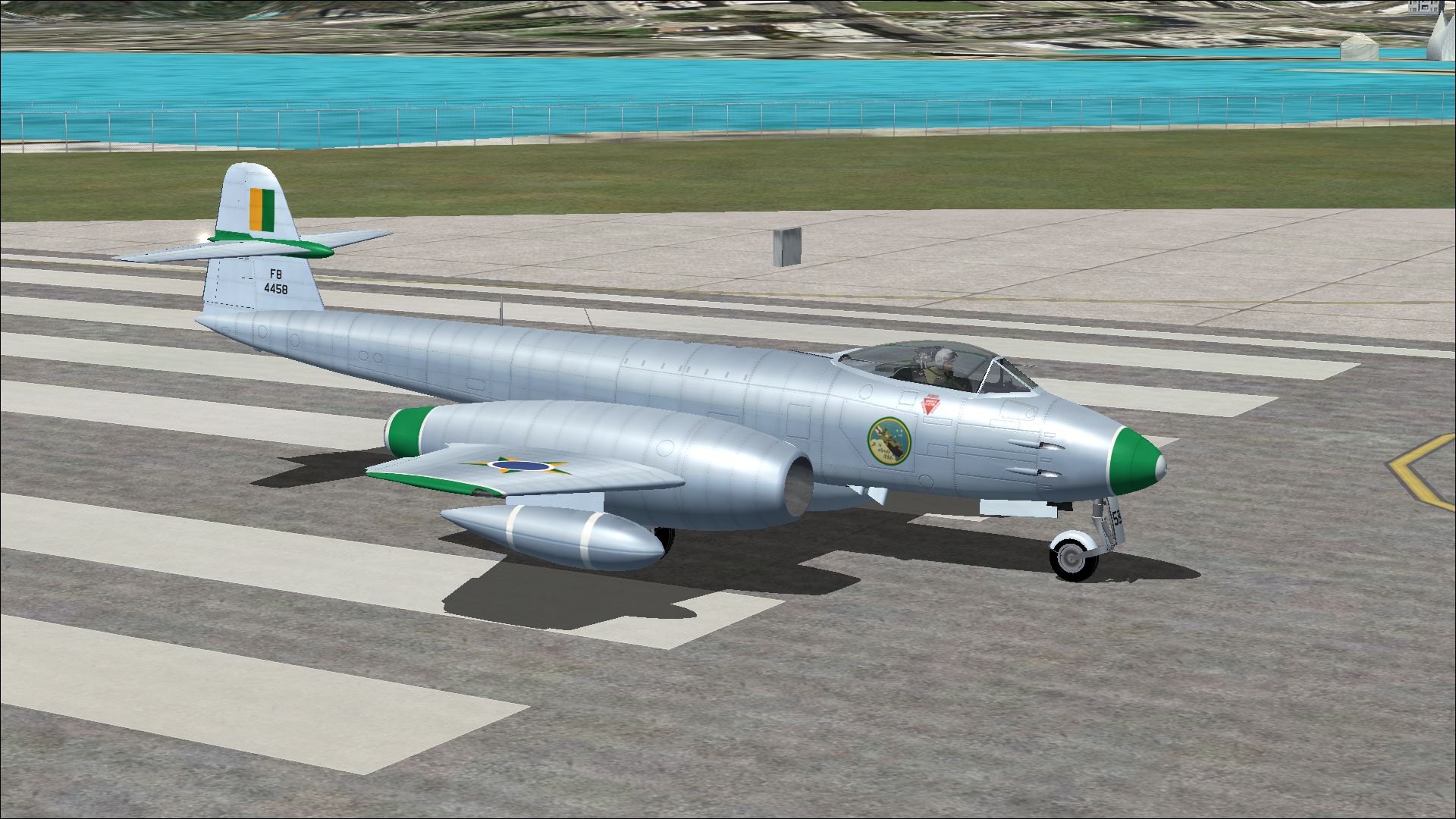
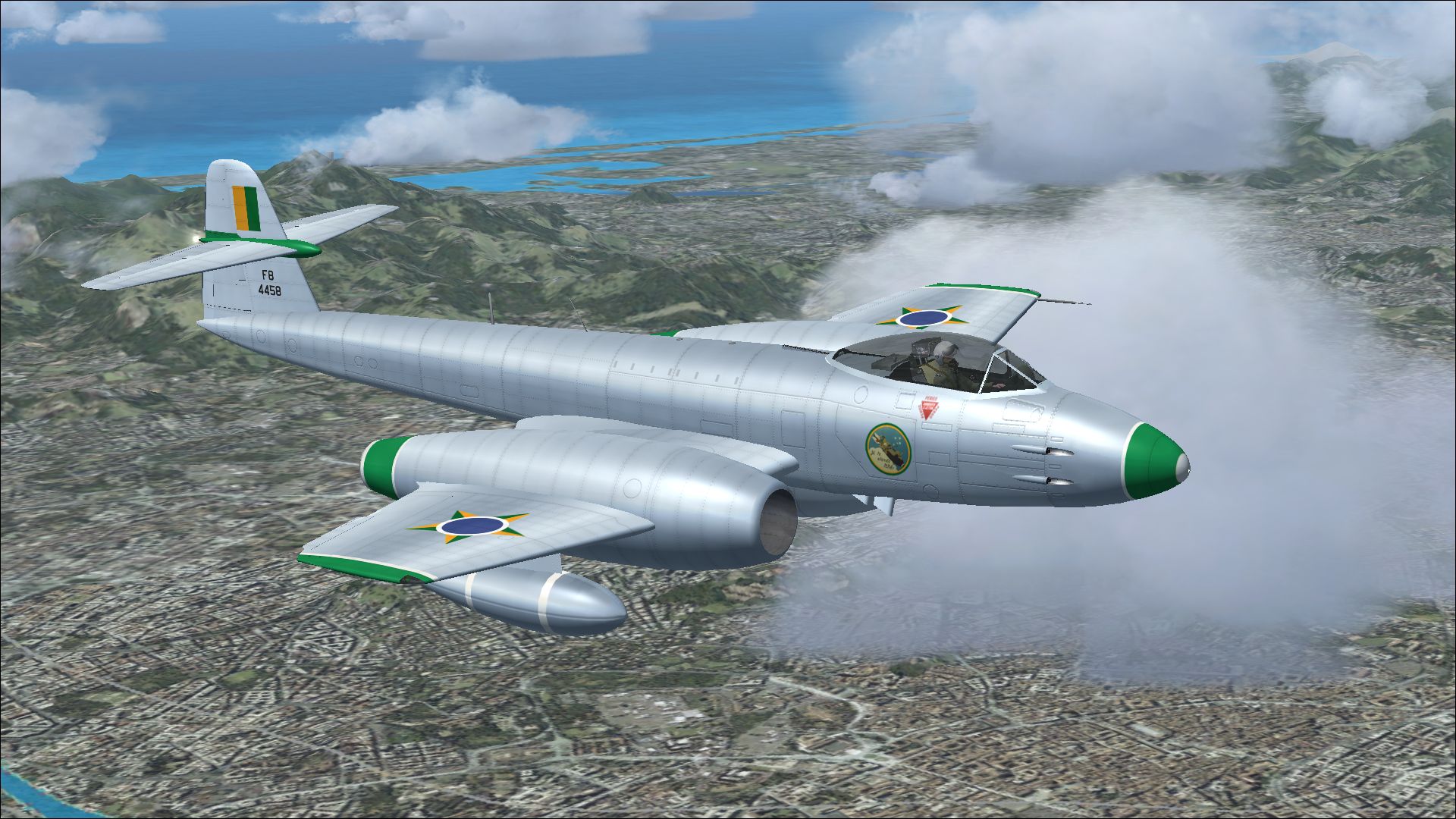
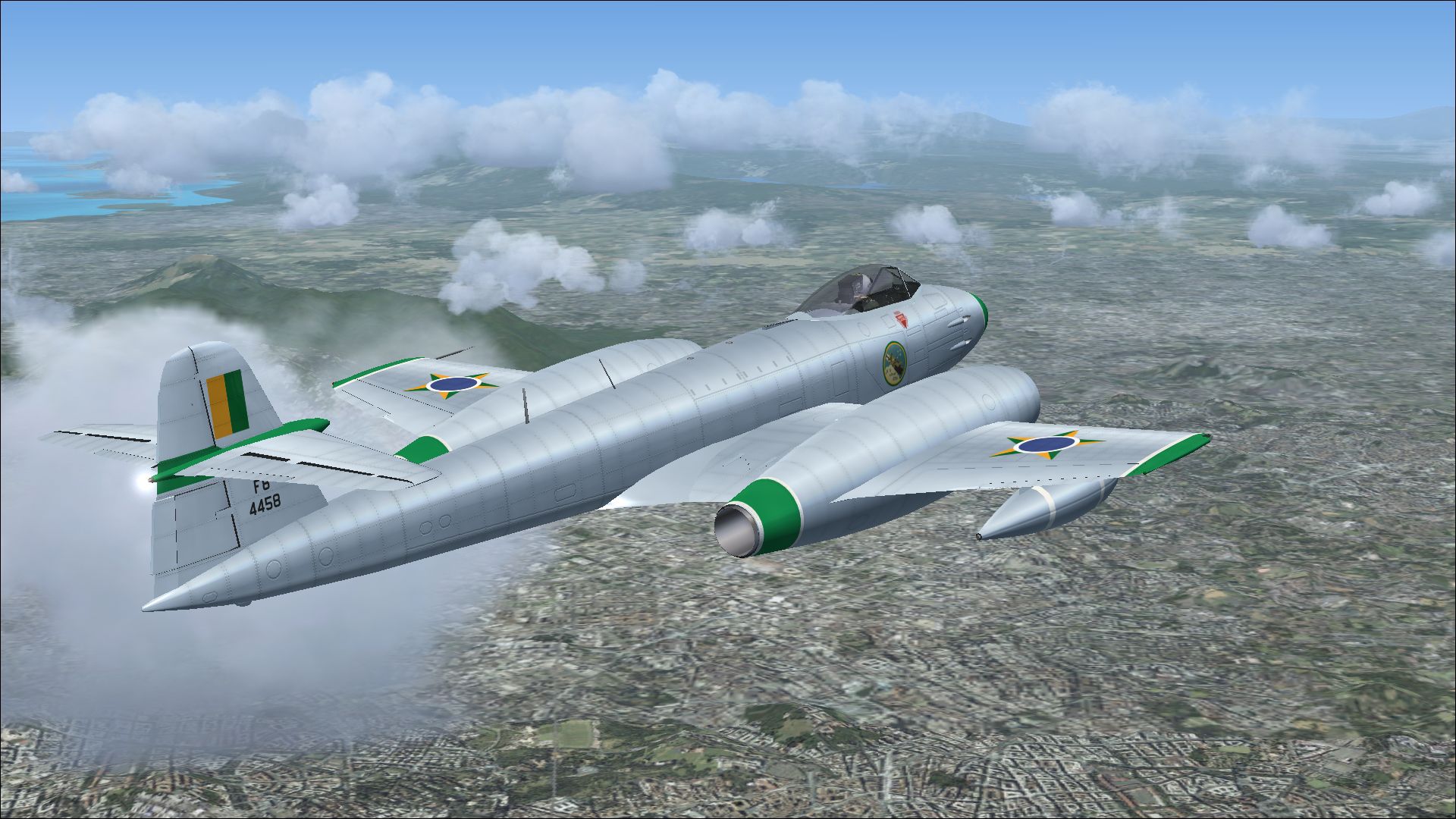
This repaint package brings a carefully crafted Brazilian Air Force livery to Rob Richardson’s Gloster Meteor F8 for Microsoft Flight Simulator X Acceleration. It showcases one of the sixty Meteor F8s employed by the Brazilian Air Force, reflecting the real-life color patterns seen on airframes operating during mid-century service. Created by Peter Watkins, this freeware add-on does not contain the original aircraft model, which can be acquired from the Fly Away Simulation mod library.
The Gloster Meteor F8 stands out as a prominent post-war jet fighter that broke new ground as a pivotal British design. Originating from the earlier Meteor variants, the F8 model featured a refined fuselage, improved tail structure, and enhanced flight handling. When introduced, its Rolls-Royce Derwent engines delivered robust output, enabling higher speeds and more efficient climb performance. This specific repaint honors the Brazilian Air Force variant, tail number 4458, which was part of a notable fleet that helped modernize South American air defense in the 1950s.
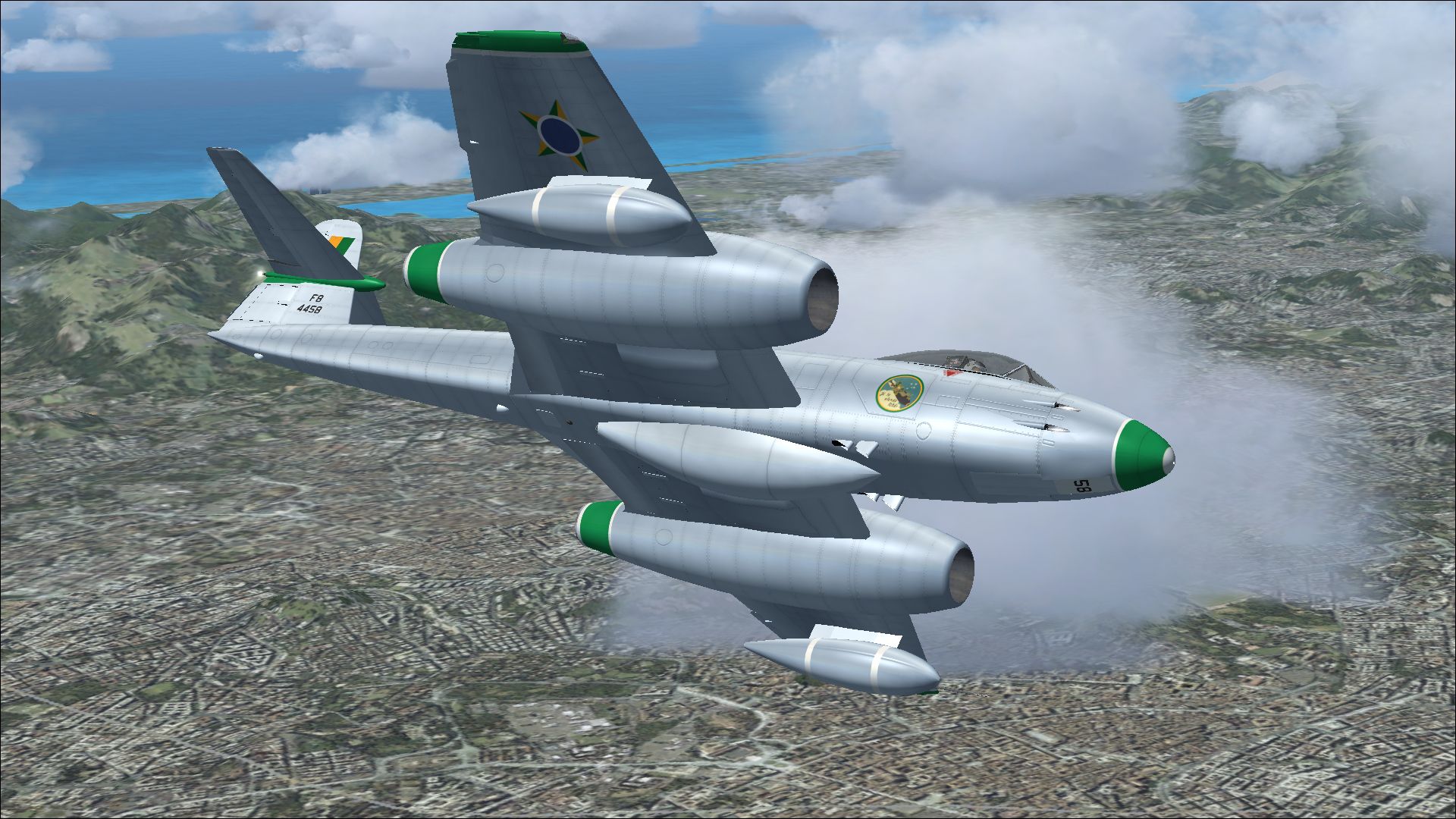
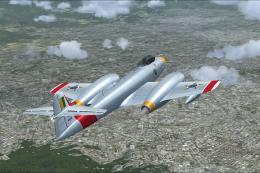
A dynamic view of the Gloster Meteor F8 repaint in flight, highlighting the Brazilian markings.
This Brazilian scheme builds on the distinctive lines of the Meteor F8 by adding emblematic roundels, serials, and standard camouflage or natural metal finishes consistent with historical references. Within Microsoft Flight Simulator X Acceleration, the textures reproduce accurate reflections and shading under varied lighting conditions, producing a life-like impression while maneuvering around any virtual environment.
[fltsim.xx]

title=Gloster Meteor F Mk 8 Brazilian 2

sim=Gloster Meteor F Mk 8

model=

panel=

sound=

texture=Brazilian 2

kb_checklists=Meteor_F_Mk8_check

kb_reference=Meteor_F_Mk8_ref

ui_manufacturer=Gloster

ui_type=Meteor F Mk 8

ui_variation=Brazilian 2

atc_id=4458

atc_airline=Air Force

atc_flight_number=010

description=One of sixty Meteor F8 aircraft operated by the Brazilian Air Force.
Once complete, the new repaint will appear in your aircraft selection menu. Make sure you have downloaded and installed Rob Richardson’s freeware base model from the Fly Away Simulation mod library before attempting to load this repaint. The outstanding visual fidelity combined with the storied background of the Brazilian Air Force Meteor ensures a historically immersive flight experience.
Free for all simmers · 11.94 MB · Scanned clean Oct 2026
Download speed: Free tier is capped at 0.5 Mbps (this file takes approximately 3 mins at the cap). PRO members download at full line speed.
texture.{airline}) inside FSX\SimObjects\Airplanes\{base-aircraft}\.aircraft.cfg in Notepad. Add a new [fltsim.X] section per the readme.readme.txt or README file. It tells you exactly where files go, what dependencies are needed, and any quirks specific to this add-on.The archive meteor_f8_brazilian_2.zip has 13 files and directories contained within it.
This list displays the first 500 files in the package. If the package has more, you will need to download it to view them.
| Filename/Directory | File Date | File Size |
|---|---|---|
| 13466677.jpg | 11.20.13 | 1.35 MB |
| 13610697.jpg | 11.20.13 | 1.28 MB |
| 13613770.jpg | 11.20.13 | 1.29 MB |
| 13646873.jpg | 11.20.13 | 1.21 MB |
| Installation readme.txt | 11.20.13 | 1.96 kB |
| Texture.Brazilian 2 | 11.20.13 | 0 B |
| meteor 1 bump.dds | 11.12.13 | 16.00 MB |
| meteor 1.dds | 11.20.13 | 16.00 MB |
| meteor 2.dds | 11.20.13 | 16.00 MB |
| texture.cfg | 04.11.11 | 37 B |
| thumbnail.jpg | 11.20.13 | 1.28 MB |
| flyawaysimulation.txt | 10.29.13 | 959 B |
| Go to Fly Away Simulation.url | 01.22.16 | 52 B |
Only PRO members can place votes.
More FSX & P3D add-ons hand-picked based on this download.
FSX Military Aircraft
This repaint faithfully depicts Gloster Meteor F8 number 4412, which served a…
 FSX Military Aircraft
Experience a specially crafted repaint for Rob Richardson’s Gloster Meteor F8…
 FSX Military Aircraft
Enhance your virtual flight collection with this meticulously produced repain…
 FSX Military Aircraft
A repaint for Rob Richardson's Gloster Meteor F8 for Microsoft Flight Simulat…
 FSX Military Aircraft
A repaint for Rob Richardson's Gloster Meteor F8 for Microsoft Flight Simulat…
 FSX Military Aircraft
This high-fidelity repaint by Peter Watkins reproduces “44-500” as flown by n…
 FSX Military Aircraft
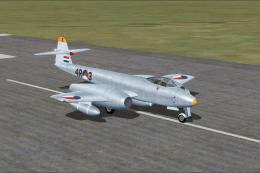
This add-on offers an accurate external repaint of the Gloster Meteor F8, ori…
 FSX Military Aircraft
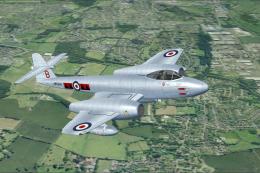
A repaint for Rob Richardson's Gloster Meteor F8. WH364 was operated by 601 (…
Be the first to leave a comment on this download.
Be the first to share your thoughts on this download.