

 FSX Military Aircraft
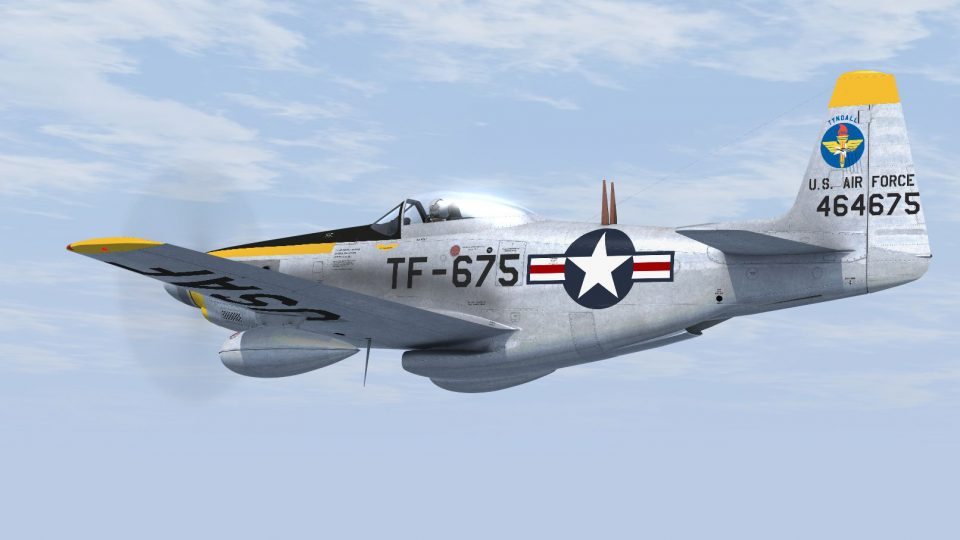
North American F-51H Maryland ANG 1952
This is a repaint of the payware A2A/Aircraft Factory North American F-51H li…
North American TF-51H Mustang repaint depicts aircraft 44-64675 of the 3625th Pilot Training Wing at Tyndall AFB in 1952, reflecting its unarmed conversion used for instructor and Ground Controlled Intercept training against A-26 “hostiles.” Built for FSX and requires the Aircraft Factory F-51H model.
 Rate
Rate
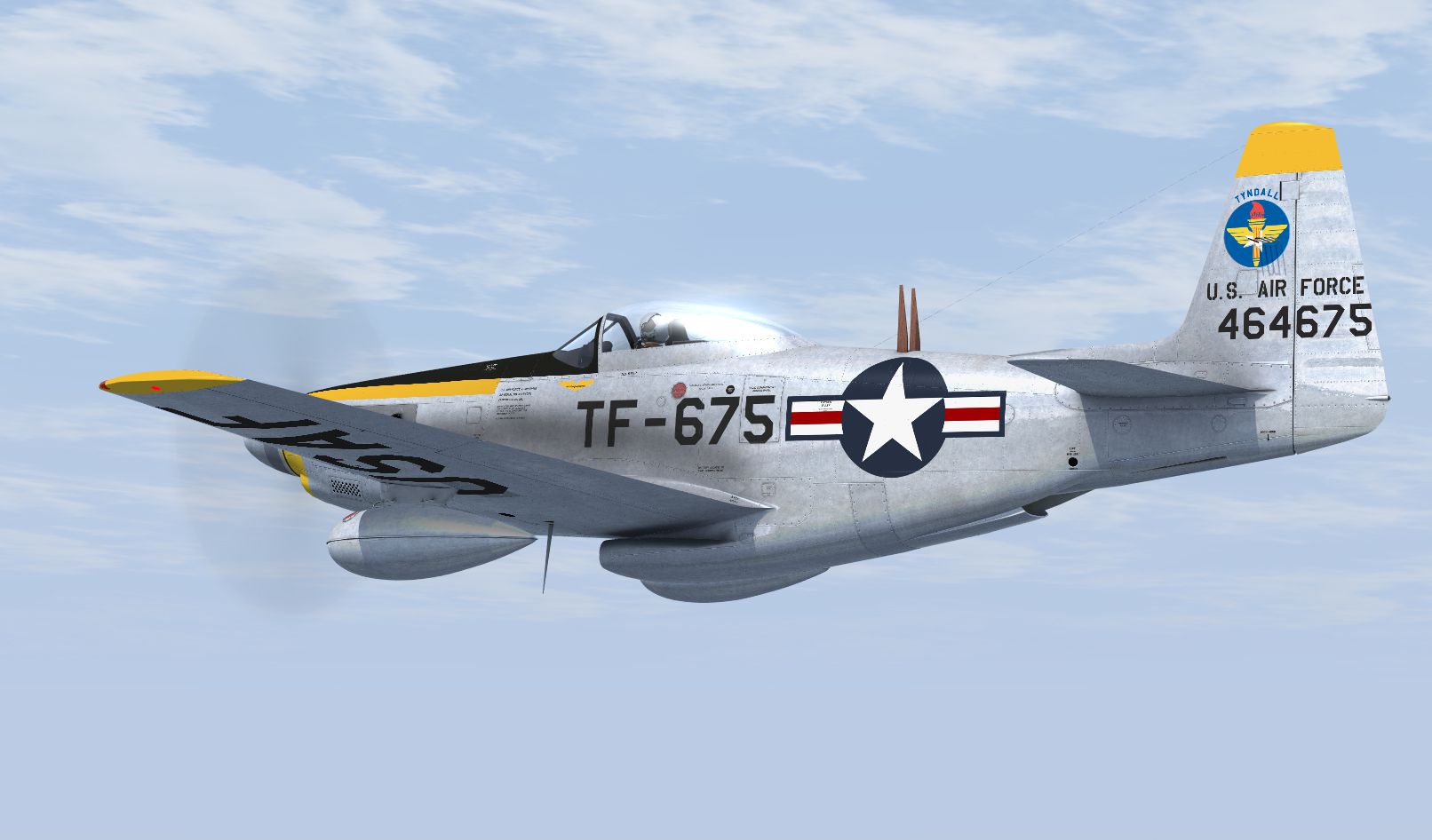
This is a repaint of the Aircraft Factory F-51H to represent 44-64675 an F-51H-10-NA converted to TF-51H standards by the removal of armament, and assigned to the 3625th Pilot Training Wing at Tyndall AFB. They were used by Air Defense Command for training instructors and in Ground Controlled Intercept training, being vectored by trainees to 'hostile' A-26 Invaders. They were replaced by T-33s in 1953-54. By Dave Quincey.
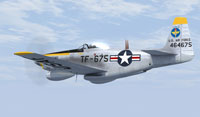
Screenshot of grey TF-51H in flight.
Installation:
Unzip the file to a location of your choice and move the 'texture.675' folder to your 'Airplanes/AF_F-51H' directory. Open the 'aircraft.cfg' file and add the following after the last [fltsim.xx] entry. Replace 'xx' with the next available variation number and save.
[fltsim.xx]

title=P-51H AETC Tyndall

sim=p51h

visual_damage=0

model=

panel=

sound=

texture=675

kb_checklists=P-51H_check

kb_reference=

editable=0

atc_id=655

atc_airline=

atc_flight_number=

atc_heavy=0

ui_manufacturer=North American

ui_createdby="Aircraft Factory"

ui_type=P-51H Mustang

ui_variation=AETC Tyndall

description=TF-51H-10-NA, 3625th Training Wing.Tyndall AFB 1952

atc_id_color=0x00000000

atc_id_font=Verdana,-11,1,600,0
Free for all simmers · 24.2 MB · Scanned clean Oct 2026
Download speed: Free tier is capped at 0.5 Mbps (this file takes approximately 7 mins at the cap). PRO members download at full line speed.
texture.{airline}) inside FSX\SimObjects\Airplanes\{base-aircraft}\.aircraft.cfg in Notepad. Add a new [fltsim.X] section per the readme.readme.txt or README file. It tells you exactly where files go, what dependencies are needed, and any quirks specific to this add-on.The archive f51htyndall.zip has 9 files and directories contained within it.
This list displays the first 500 files in the package. If the package has more, you will need to download it to view them.
| Filename/Directory | File Date | File Size |
|---|---|---|
| F-51H Tyndall 2.jpg | 09.22.15 | 490.70 kB |
| Read me.txt | 10.15.15 | 1.83 kB |
| texture.675 | 10.12.15 | 0 B |
| P-51H_1_t.dds | 10.03.15 | 16.00 MB |
| P-51H_1_t_spec.dds | 10.03.15 | 16.00 MB |
| texture.cfg | 07.31.15 | 116 B |
| Thumbnail.jpg | 09.22.15 | 36.81 kB |
| flyawaysimulation.txt | 10.29.13 | 959 B |
| Go to Fly Away Simulation.url | 01.22.16 | 52 B |
Only PRO members can place votes.
More FSX & P3D add-ons hand-picked based on this download.
FSX Military Aircraft
This is a repaint of the payware A2A/Aircraft Factory North American F-51H li…
 FSX Military Aircraft
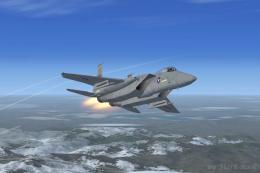
This package provides a freeware simulation of the single-seat F-15 Eagle in …
 FSX Military Aircraft
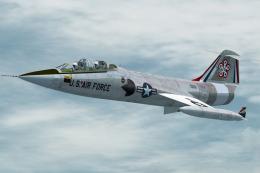
This file contains two repaints of the Captain Sim TF-104G to represent two T…
 FSX Military Aircraft
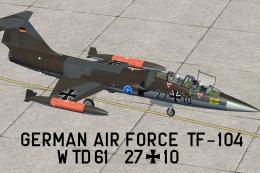
This repaint set offers a German Air Force TF-104 scheme designed for Microso…
 FSX Military Aircraft
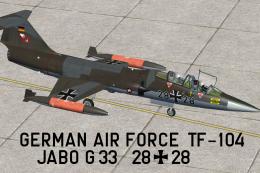
This repaint offers a historically inspired German Air Force trainer scheme f…
 FSX Military Aircraft
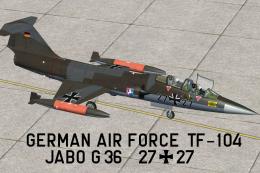
The German Air Force flew the Lockheed TF-104 in the 1970s with considerable …
 FSX Military Aircraft
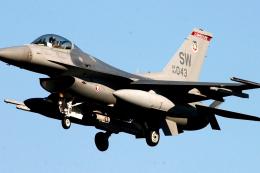
FSX Shaw AFB F-16, in desert scheme livery.A repaint of Kirk Olsson's F-16 Vi…
 FSX Military Aircraft
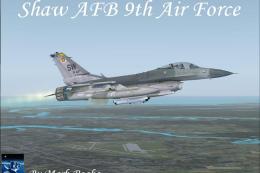
FSX Shaw AFB 9th Lockheed Martin F-16 Fighting Falcon. A repaint of Kirk Olss…
Be the first to leave a comment on this download.
Be the first to share your thoughts on this download.