Works in X-Plane 12 · also X-Plane 11 · AlpilotX freeware · global base mesh
Every tile of AlpilotX's HD Mesh Scenery v4 on one page — and yes, it is still worth installing in X-Plane 12. XP12 shipped new textures, water and weather, but its terrain mesh is still a coarse worldwide compromise; each HD Mesh tile replaces a 10°×10° block of it with far denser, 90 m-accurate terrain, so ridgelines, valleys and coastlines look like the real thing. We have tested every tile in X-Plane 12. Find yours on the map, download just that one, and drop it into Custom Scenery.

Each square is one download and the blue land inside it is what the mesh replaces. Tiles are named by the latitude and longitude of their south-west corner, so +50-010 covers 50°N to 60°N and 10°W to 0° — the UK and Ireland. AlpilotX made a tile for every square with land in it, which is why the Pacific is dotted with tiny island tiles. Click a square, or type where you fly.
Land covered by HD Mesh v4Default X-Plane meshOne download (click to jump)Island or coastal fragment (tiny file)
zzz_hd_global_scenery4; allow about twice the download size free while it unpackshd-mesh-v4-complete.zip 117.5 GB is a long pull on a free connection. PRO members download at full speed, no queue, no waiting — built for exactly this. Go PRO →
Only fly one part of the world? Pick single tiles below — most people need two or three.
 Play: Global HD Mesh Scenery v4 for X-Plane 12 & 11 by Alpilotx (Freeware)
A flight over AlpilotX's HD Mesh Scenery v4 in X-Plane 12: sharper terrain, coastlines and landclass compared with the default mesh, and how to install the free tiles.
Grouped by continent, north to south then west to east; the thumbnail shows where each tile sits. Every download is free; the button takes you straight to the file.
 2 MB
2 MB
 494
XP11_HD_Mesh_V4_+70-010-Europe.zip
7 MB
572
XP11_HD_Mesh_V4_+70+010-Europe.zip
143 MB
677
XP11_HD_Mesh_V4_+70+020-Europe.zip
8 MB
614
XP11_HD_Mesh_V4_+70+030-Europe.zip
124 MB
924
XP11_HD_Mesh_V4_+60-020-Europe.zip
9 MB
779
XP11_HD_Mesh_V4_+60-010-Europe.zip
404 MB
970
XP11_HD_Mesh_V4_+60+000-Europe.zip
1.6 GB
1.1K
XP11_HD_Mesh_V4_+60+010-Europe.zip
1.7 GB
976
494
XP11_HD_Mesh_V4_+70-010-Europe.zip
7 MB
572
XP11_HD_Mesh_V4_+70+010-Europe.zip
143 MB
677
XP11_HD_Mesh_V4_+70+020-Europe.zip
8 MB
614
XP11_HD_Mesh_V4_+70+030-Europe.zip
124 MB
924
XP11_HD_Mesh_V4_+60-020-Europe.zip
9 MB
779
XP11_HD_Mesh_V4_+60-010-Europe.zip
404 MB
970
XP11_HD_Mesh_V4_+60+000-Europe.zip
1.6 GB
1.1K
XP11_HD_Mesh_V4_+60+010-Europe.zip
1.7 GB
976
 3.0 (2)
XP11_HD_Mesh_V4_+60+020-Europe.zip
1.2 GB
700
XP11_HD_Mesh_V4_+60+030-Europe.zip
5 MB
934
XP11_HD_Mesh_V4_+50-020-Europe.zip
905 MB
5.7K
XP11_HD_Mesh_V4_+50-010-Europe.zip
1.1 GB
4.2K
XP11_HD_Mesh_V4_+50+000-Europe.zip
1.7 GB
3.2K
5.0 (2)
XP11_HD_Mesh_V4_+50+010-Europe.zip
1.6 GB
1.6K
XP11_HD_Mesh_V4_+50+020-Europe.zip
1.5 GB
1.2K
XP11_HD_Mesh_V4_+50+030-Europe.zip
1.1 GB
4.2K
XP11_HD_Mesh_V4_+40-010-Europe.zip
2.1 GB
8.2K
4.5 (2)
XP11_HD_Mesh_V4_+40+000-Europe.zip
2 GB
5.9K
XP11_HD_Mesh_V4_+40+010-Europe.zip
855 KB
1.1K
XP11_HD_Mesh_V4_+30-040-Europe.zip
8 MB
1.3K
XP11_HD_Mesh_V4_+30-030-Europe.zip
5 MB
390
XP11_HD_Mesh_V4_+70-170-North_America.zip
87 MB
350
XP11_HD_Mesh_V4_+70-160-North_America.zip
17 MB
331
XP11_HD_Mesh_V4_+70-150-North_America.zip
1 MB
285
XP11_HD_Mesh_V4_+70-140-North_America.zip
134 MB
281
XP11_HD_Mesh_V4_+70-130-North_America.zip
314 MB
281
XP11_HD_Mesh_V4_+70-120-North_America.zip
267 MB
283
XP11_HD_Mesh_V4_+70-110-North_America.zip
1.7 GB
601
XP11_HD_Mesh_V4_+60-160-North_America.zip
1.6 GB
569
XP11_HD_Mesh_V4_+60-150-North_America.zip
1.5 GB
387
XP11_HD_Mesh_V4_+60-140-North_America.zip
1.4 GB
336
XP11_HD_Mesh_V4_+60-130-North_America.zip
1.6 GB
314
XP11_HD_Mesh_V4_+60-120-North_America.zip
1.8 GB
326
XP11_HD_Mesh_V4_+60-110-North_America.zip
66 MB
760
XP11_HD_Mesh_V4_+60-030-North_America.zip
97 MB
488
XP11_HD_Mesh_V4_+50-170-North_America.zip
314 MB
634
XP11_HD_Mesh_V4_+50-160-North_America.zip
12 MB
490
XP11_HD_Mesh_V4_+50-150-North_America.zip
644 MB
768
XP11_HD_Mesh_V4_+50-140-North_America.zip
1.9 GB
960
XP11_HD_Mesh_V4_+50-130-North_America.zip
1.3 GB
631
XP11_HD_Mesh_V4_+50-120-North_America.zip
1.4 GB
445
XP11_HD_Mesh_V4_+50-110-North_America.zip
1.5 GB
430
XP11_HD_Mesh_V4_+50-100-North_America.zip
1.1 GB
388
XP11_HD_Mesh_V4_+50-090-North_America.zip
2.1 GB
409
XP11_HD_Mesh_V4_+50-080-North_America.zip
2 GB
440
XP11_HD_Mesh_V4_+50-070-North_America.zip
395 MB
430
XP11_HD_Mesh_V4_+50-060-North_America.zip
1 GB
2.6K
XP11_HD_Mesh_V4_+40-130-North_America.zip
1.7 GB
1.5K
XP11_HD_Mesh_V4_+40-120-North_America.zip
1.6 GB
1.1K
XP11_HD_Mesh_V4_+40-110-North_America.zip
1.6 GB
1.2K
XP11_HD_Mesh_V4_+40-100-North_America.zip
1.5 GB
2.2K
4.5 (2)
XP11_HD_Mesh_V4_+40-090-North_America.zip
2.2 GB
2.9K
4.5 (2)
XP11_HD_Mesh_V4_+40-080-North_America.zip
692 MB
1.5K
XP11_HD_Mesh_V4_+40-070-North_America.zip
374 MB
685
XP11_HD_Mesh_V4_+40-060-North_America.zip
385 MB
2.5K
XP11_HD_Mesh_V4_+30-130-North_America.zip
1.2 GB
4.2K
5.0 (4)
XP11_HD_Mesh_V4_+30-120-North_America.zip
1.4 GB
2K
XP11_HD_Mesh_V4_+30-110-North_America.zip
2.3 GB
1.9K
XP11_HD_Mesh_V4_+30-100-North_America.zip
2.8 GB
2.9K
4.0 (2)
XP11_HD_Mesh_V4_+30-090-North_America.zip
799 MB
2.4K
XP11_HD_Mesh_V4_+30-080-North_America.zip
708 KB
534
XP11_HD_Mesh_V4_+30-070-North_America.zip
146 MB
660
XP11_HD_Mesh_V4_+20-120-North_America.zip
1.4 GB
920
XP11_HD_Mesh_V4_+20-110-North_America.zip
549 MB
1.2K
XP11_HD_Mesh_V4_+20-100-North_America.zip
318 MB
3.1K
XP11_HD_Mesh_V4_+20-090-North_America.zip
141 MB
1.7K
5.0 (2)
XP11_HD_Mesh_V4_+20-080-North_America.zip
778 KB
318
XP11_HD_Mesh_V4_+10-120-North_America.zip
238 MB
452
XP11_HD_Mesh_V4_+10-110-North_America.zip
809 MB
628
XP11_HD_Mesh_V4_+10-100-North_America.zip
678 MB
826
XP11_HD_Mesh_V4_+10-090-North_America.zip
315 MB
972
XP11_HD_Mesh_V4_+10-080-North_America.zip
237 MB
1.5K
XP11_HD_Mesh_V4_+10-070-North_America.zip
2 MB
680
XP11_HD_Mesh_V4_+10-060-North_America.zip
122 MB
612
XP11_HD_Mesh_V4_+00-090-North_America.zip
1.3 GB
1.2K
XP11_HD_Mesh_V4_+00-080-North_America.zip
794 KB
231
XP11_HD_Mesh_V4_+00-100-South_America.zip
1.3 GB
506
XP11_HD_Mesh_V4_+00-070-South_America.zip
766 MB
339
XP11_HD_Mesh_V4_+00-060-South_America.zip
4 MB
260
XP11_HD_Mesh_V4_+00-050-South_America.zip
7 MB
308
XP11_HD_Mesh_V4_-10-100-South_America.zip
98 MB
358
XP11_HD_Mesh_V4_-10-090-South_America.zip
1.2 GB
636
XP11_HD_Mesh_V4_-10-080-South_America.zip
1.1 GB
390
XP11_HD_Mesh_V4_-10-070-South_America.zip
1.2 GB
412
XP11_HD_Mesh_V4_-10-060-South_America.zip
1.4 GB
759
XP11_HD_Mesh_V4_-10-050-South_America.zip
512 MB
1.5K
XP11_HD_Mesh_V4_-10-040-South_America.zip
652 MB
483
XP11_HD_Mesh_V4_-20-080-South_America.zip
1.3 GB
431
XP11_HD_Mesh_V4_-20-070-South_America.zip
1.4 GB
415
XP11_HD_Mesh_V4_-20-060-South_America.zip
1.7 GB
833
XP11_HD_Mesh_V4_-20-050-South_America.zip
241 MB
584
XP11_HD_Mesh_V4_-20-040-South_America.zip
96 MB
317
XP11_HD_Mesh_V4_-30-080-South_America.zip
1.2 GB
402
XP11_HD_Mesh_V4_-30-070-South_America.zip
1.7 GB
711
XP11_HD_Mesh_V4_-30-060-South_America.zip
919 MB
1.5K
XP11_HD_Mesh_V4_-30-050-South_America.zip
431 MB
525
XP11_HD_Mesh_V4_-40-080-South_America.zip
812 MB
578
XP11_HD_Mesh_V4_-40-070-South_America.zip
635 MB
918
XP11_HD_Mesh_V4_-40-060-South_America.zip
720 MB
385
XP11_HD_Mesh_V4_-50-080-South_America.zip
507 MB
312
XP11_HD_Mesh_V4_-50-070-South_America.zip
318 MB
306
XP11_HD_Mesh_V4_-60-080-South_America.zip
156 MB
386
XP11_HD_Mesh_V4_-60-070-South_America.zip
13 MB
290
XP11_HD_Mesh_V4_-60-060-South_America.zip
6 MB
840
XP11_HD_Mesh_V4_+30-020-Africa.zip
1.3 GB
1.9K
XP11_HD_Mesh_V4_+30-010-Africa.zip
976 MB
890
XP11_HD_Mesh_V4_+30+000-Africa.zip
343 MB
962
XP11_HD_Mesh_V4_+30+010-Africa.zip
734 MB
1.1K
XP11_HD_Mesh_V4_+30+020-Africa.zip
1 GB
1K
XP11_HD_Mesh_V4_+30+030-Africa.zip
400 MB
909
XP11_HD_Mesh_V4_+20-020-Africa.zip
792 MB
422
XP11_HD_Mesh_V4_+60-170-Asia.zip
1.7 GB
1.4K
XP11_HD_Mesh_V4_+40+020-Asia.zip
759 MB
727
XP11_HD_Mesh_V4_+40+030-Asia.zip
1.5 GB
345
XP11_HD_Mesh_V4_+40+120-Asia.zip
901 MB
362
XP11_HD_Mesh_V4_+40+130-Asia.zip
492 MB
537
XP11_HD_Mesh_V4_+40+140-Asia.zip
3 MB
302
XP11_HD_Mesh_V4_+40+150-Asia.zip
1.5 GB
463
XP11_HD_Mesh_V4_+30+070-Asia.zip
1.1 GB
342
XP11_HD_Mesh_V4_+30+080-Asia.zip
1 GB
282
XP11_HD_Mesh_V4_+30+090-Asia.zip
606 MB
768
XP11_HD_Mesh_V4_+30+120-Asia.zip
1.1 GB
1.1K
XP11_HD_Mesh_V4_+30+130-Asia.zip
256 MB
529
XP11_HD_Mesh_V4_+30+140-Asia.zip
1.1 GB
732
XP11_HD_Mesh_V4_+20+070-Asia.zip
1.3 GB
850
XP11_HD_Mesh_V4_+20+080-Asia.zip
1.7 GB
477
XP11_HD_Mesh_V4_+20+090-Asia.zip
229 MB
720
XP11_HD_Mesh_V4_+20+120-Asia.zip
486 KB
672
XP11_HD_Mesh_V4_-20+110-Asia.zip
570 MB
767
XP11_HD_Mesh_V4_-20+120-Asia.zip
533 MB
768
XP11_HD_Mesh_V4_-20+140-Asia.zip
8 MB
455
XP11_HD_Mesh_V4_-20+150-Asia.zip
842 MB
779
XP11_HD_Mesh_V4_-20+130-Australia.zip
759 MB
747
XP11_HD_Mesh_V4_-30+110-Australia.zip
1.4 GB
627
XP11_HD_Mesh_V4_-30+120-Australia.zip
1.6 GB
688
XP11_HD_Mesh_V4_-30+130-Australia.zip
1.6 GB
833
XP11_HD_Mesh_V4_-30+140-Australia.zip
389 MB
1.3K
XP11_HD_Mesh_V4_-30+150-Australia.zip
266 MB
802
XP11_HD_Mesh_V4_-40+110-Australia.zip
374 MB
598
XP11_HD_Mesh_V4_-40+120-Australia.zip
531 MB
853
XP11_HD_Mesh_V4_-40+130-Australia.zip
1.3 GB
1.6K
XP11_HD_Mesh_V4_-40+140-Australia.zip
253 MB
1.8K
XP11_HD_Mesh_V4_-40+150-Australia.zip
156 MB
852
XP11_HD_Mesh_V4_-50+140-Australia.zip
379 KB
367
XP11_HD_Mesh_V4_+20-180-Oceania.zip
639 KB
488
XP11_HD_Mesh_V4_+20-170-Oceania.zip
25 MB
703
XP11_HD_Mesh_V4_+20-160-Oceania.zip
90 KB
349
XP11_HD_Mesh_V4_+10-170-Oceania.zip
11 MB
524
XP11_HD_Mesh_V4_+10-160-Oceania.zip
70 KB
288
XP11_HD_Mesh_V4_+00-180-Oceania.zip
1 MB
283
XP11_HD_Mesh_V4_+00-160-Oceania.zip
809 KB
487
XP11_HD_Mesh_V4_-10-180-Oceania.zip
107 KB
420
XP11_HD_Mesh_V4_-10-170-Oceania.zip
1 MB
456
XP11_HD_Mesh_V4_-10-150-Oceania.zip
2 MB
498
XP11_HD_Mesh_V4_-10-140-Oceania.zip
8 MB
323
XP11_HD_Mesh_V4_-20-180-Oceania.zip
753 KB
340
XP11_HD_Mesh_V4_-20-170-Oceania.zip
2 MB
407
XP11_HD_Mesh_V4_-20-160-Oceania.zip
8 MB
468
XP11_HD_Mesh_V4_-20-150-Oceania.zip
2 MB
286
XP11_HD_Mesh_V4_-30-180-Oceania.zip
906 KB
302
XP11_HD_Mesh_V4_-30-160-Oceania.zip
1 MB
293
XP11_HD_Mesh_V4_-30-140-Oceania.zip
180 KB
304
XP11_HD_Mesh_V4_-30-130-Oceania.zip
425 KB
347
XP11_HD_Mesh_V4_-30-110-Oceania.zip
3 MB
277
XP11_HD_Mesh_V4_-50-180-Oceania.zip
423 KB
338
XP11_HD_Mesh_V4_+20+130-Pacific.zip
1 MB
335
XP11_HD_Mesh_V4_+20+140-Pacific.zip
269 KB
265
XP11_HD_Mesh_V4_+00-170-Pacific.zip
600 KB
446
XP11_HD_Mesh_V4_-10-160-Pacific.zip
1 MB
376
XP11_HD_Mesh_V4_-20-140-Pacific.zip
818 KB
296
XP11_HD_Mesh_V4_-30-150-Pacific.zip
144 KB
259
XP11_HD_Mesh_V4_-40-180-Pacific.zip
236 KB
252
XP11_HD_Mesh_V4_-40-090-Pacific.zip
10 MB
275
XP11_HD_Mesh_V4_-60-040-Antarctica.zip
3.0 (2)
XP11_HD_Mesh_V4_+60+020-Europe.zip
1.2 GB
700
XP11_HD_Mesh_V4_+60+030-Europe.zip
5 MB
934
XP11_HD_Mesh_V4_+50-020-Europe.zip
905 MB
5.7K
XP11_HD_Mesh_V4_+50-010-Europe.zip
1.1 GB
4.2K
XP11_HD_Mesh_V4_+50+000-Europe.zip
1.7 GB
3.2K
5.0 (2)
XP11_HD_Mesh_V4_+50+010-Europe.zip
1.6 GB
1.6K
XP11_HD_Mesh_V4_+50+020-Europe.zip
1.5 GB
1.2K
XP11_HD_Mesh_V4_+50+030-Europe.zip
1.1 GB
4.2K
XP11_HD_Mesh_V4_+40-010-Europe.zip
2.1 GB
8.2K
4.5 (2)
XP11_HD_Mesh_V4_+40+000-Europe.zip
2 GB
5.9K
XP11_HD_Mesh_V4_+40+010-Europe.zip
855 KB
1.1K
XP11_HD_Mesh_V4_+30-040-Europe.zip
8 MB
1.3K
XP11_HD_Mesh_V4_+30-030-Europe.zip
5 MB
390
XP11_HD_Mesh_V4_+70-170-North_America.zip
87 MB
350
XP11_HD_Mesh_V4_+70-160-North_America.zip
17 MB
331
XP11_HD_Mesh_V4_+70-150-North_America.zip
1 MB
285
XP11_HD_Mesh_V4_+70-140-North_America.zip
134 MB
281
XP11_HD_Mesh_V4_+70-130-North_America.zip
314 MB
281
XP11_HD_Mesh_V4_+70-120-North_America.zip
267 MB
283
XP11_HD_Mesh_V4_+70-110-North_America.zip
1.7 GB
601
XP11_HD_Mesh_V4_+60-160-North_America.zip
1.6 GB
569
XP11_HD_Mesh_V4_+60-150-North_America.zip
1.5 GB
387
XP11_HD_Mesh_V4_+60-140-North_America.zip
1.4 GB
336
XP11_HD_Mesh_V4_+60-130-North_America.zip
1.6 GB
314
XP11_HD_Mesh_V4_+60-120-North_America.zip
1.8 GB
326
XP11_HD_Mesh_V4_+60-110-North_America.zip
66 MB
760
XP11_HD_Mesh_V4_+60-030-North_America.zip
97 MB
488
XP11_HD_Mesh_V4_+50-170-North_America.zip
314 MB
634
XP11_HD_Mesh_V4_+50-160-North_America.zip
12 MB
490
XP11_HD_Mesh_V4_+50-150-North_America.zip
644 MB
768
XP11_HD_Mesh_V4_+50-140-North_America.zip
1.9 GB
960
XP11_HD_Mesh_V4_+50-130-North_America.zip
1.3 GB
631
XP11_HD_Mesh_V4_+50-120-North_America.zip
1.4 GB
445
XP11_HD_Mesh_V4_+50-110-North_America.zip
1.5 GB
430
XP11_HD_Mesh_V4_+50-100-North_America.zip
1.1 GB
388
XP11_HD_Mesh_V4_+50-090-North_America.zip
2.1 GB
409
XP11_HD_Mesh_V4_+50-080-North_America.zip
2 GB
440
XP11_HD_Mesh_V4_+50-070-North_America.zip
395 MB
430
XP11_HD_Mesh_V4_+50-060-North_America.zip
1 GB
2.6K
XP11_HD_Mesh_V4_+40-130-North_America.zip
1.7 GB
1.5K
XP11_HD_Mesh_V4_+40-120-North_America.zip
1.6 GB
1.1K
XP11_HD_Mesh_V4_+40-110-North_America.zip
1.6 GB
1.2K
XP11_HD_Mesh_V4_+40-100-North_America.zip
1.5 GB
2.2K
4.5 (2)
XP11_HD_Mesh_V4_+40-090-North_America.zip
2.2 GB
2.9K
4.5 (2)
XP11_HD_Mesh_V4_+40-080-North_America.zip
692 MB
1.5K
XP11_HD_Mesh_V4_+40-070-North_America.zip
374 MB
685
XP11_HD_Mesh_V4_+40-060-North_America.zip
385 MB
2.5K
XP11_HD_Mesh_V4_+30-130-North_America.zip
1.2 GB
4.2K
5.0 (4)
XP11_HD_Mesh_V4_+30-120-North_America.zip
1.4 GB
2K
XP11_HD_Mesh_V4_+30-110-North_America.zip
2.3 GB
1.9K
XP11_HD_Mesh_V4_+30-100-North_America.zip
2.8 GB
2.9K
4.0 (2)
XP11_HD_Mesh_V4_+30-090-North_America.zip
799 MB
2.4K
XP11_HD_Mesh_V4_+30-080-North_America.zip
708 KB
534
XP11_HD_Mesh_V4_+30-070-North_America.zip
146 MB
660
XP11_HD_Mesh_V4_+20-120-North_America.zip
1.4 GB
920
XP11_HD_Mesh_V4_+20-110-North_America.zip
549 MB
1.2K
XP11_HD_Mesh_V4_+20-100-North_America.zip
318 MB
3.1K
XP11_HD_Mesh_V4_+20-090-North_America.zip
141 MB
1.7K
5.0 (2)
XP11_HD_Mesh_V4_+20-080-North_America.zip
778 KB
318
XP11_HD_Mesh_V4_+10-120-North_America.zip
238 MB
452
XP11_HD_Mesh_V4_+10-110-North_America.zip
809 MB
628
XP11_HD_Mesh_V4_+10-100-North_America.zip
678 MB
826
XP11_HD_Mesh_V4_+10-090-North_America.zip
315 MB
972
XP11_HD_Mesh_V4_+10-080-North_America.zip
237 MB
1.5K
XP11_HD_Mesh_V4_+10-070-North_America.zip
2 MB
680
XP11_HD_Mesh_V4_+10-060-North_America.zip
122 MB
612
XP11_HD_Mesh_V4_+00-090-North_America.zip
1.3 GB
1.2K
XP11_HD_Mesh_V4_+00-080-North_America.zip
794 KB
231
XP11_HD_Mesh_V4_+00-100-South_America.zip
1.3 GB
506
XP11_HD_Mesh_V4_+00-070-South_America.zip
766 MB
339
XP11_HD_Mesh_V4_+00-060-South_America.zip
4 MB
260
XP11_HD_Mesh_V4_+00-050-South_America.zip
7 MB
308
XP11_HD_Mesh_V4_-10-100-South_America.zip
98 MB
358
XP11_HD_Mesh_V4_-10-090-South_America.zip
1.2 GB
636
XP11_HD_Mesh_V4_-10-080-South_America.zip
1.1 GB
390
XP11_HD_Mesh_V4_-10-070-South_America.zip
1.2 GB
412
XP11_HD_Mesh_V4_-10-060-South_America.zip
1.4 GB
759
XP11_HD_Mesh_V4_-10-050-South_America.zip
512 MB
1.5K
XP11_HD_Mesh_V4_-10-040-South_America.zip
652 MB
483
XP11_HD_Mesh_V4_-20-080-South_America.zip
1.3 GB
431
XP11_HD_Mesh_V4_-20-070-South_America.zip
1.4 GB
415
XP11_HD_Mesh_V4_-20-060-South_America.zip
1.7 GB
833
XP11_HD_Mesh_V4_-20-050-South_America.zip
241 MB
584
XP11_HD_Mesh_V4_-20-040-South_America.zip
96 MB
317
XP11_HD_Mesh_V4_-30-080-South_America.zip
1.2 GB
402
XP11_HD_Mesh_V4_-30-070-South_America.zip
1.7 GB
711
XP11_HD_Mesh_V4_-30-060-South_America.zip
919 MB
1.5K
XP11_HD_Mesh_V4_-30-050-South_America.zip
431 MB
525
XP11_HD_Mesh_V4_-40-080-South_America.zip
812 MB
578
XP11_HD_Mesh_V4_-40-070-South_America.zip
635 MB
918
XP11_HD_Mesh_V4_-40-060-South_America.zip
720 MB
385
XP11_HD_Mesh_V4_-50-080-South_America.zip
507 MB
312
XP11_HD_Mesh_V4_-50-070-South_America.zip
318 MB
306
XP11_HD_Mesh_V4_-60-080-South_America.zip
156 MB
386
XP11_HD_Mesh_V4_-60-070-South_America.zip
13 MB
290
XP11_HD_Mesh_V4_-60-060-South_America.zip
6 MB
840
XP11_HD_Mesh_V4_+30-020-Africa.zip
1.3 GB
1.9K
XP11_HD_Mesh_V4_+30-010-Africa.zip
976 MB
890
XP11_HD_Mesh_V4_+30+000-Africa.zip
343 MB
962
XP11_HD_Mesh_V4_+30+010-Africa.zip
734 MB
1.1K
XP11_HD_Mesh_V4_+30+020-Africa.zip
1 GB
1K
XP11_HD_Mesh_V4_+30+030-Africa.zip
400 MB
909
XP11_HD_Mesh_V4_+20-020-Africa.zip
792 MB
422
XP11_HD_Mesh_V4_+60-170-Asia.zip
1.7 GB
1.4K
XP11_HD_Mesh_V4_+40+020-Asia.zip
759 MB
727
XP11_HD_Mesh_V4_+40+030-Asia.zip
1.5 GB
345
XP11_HD_Mesh_V4_+40+120-Asia.zip
901 MB
362
XP11_HD_Mesh_V4_+40+130-Asia.zip
492 MB
537
XP11_HD_Mesh_V4_+40+140-Asia.zip
3 MB
302
XP11_HD_Mesh_V4_+40+150-Asia.zip
1.5 GB
463
XP11_HD_Mesh_V4_+30+070-Asia.zip
1.1 GB
342
XP11_HD_Mesh_V4_+30+080-Asia.zip
1 GB
282
XP11_HD_Mesh_V4_+30+090-Asia.zip
606 MB
768
XP11_HD_Mesh_V4_+30+120-Asia.zip
1.1 GB
1.1K
XP11_HD_Mesh_V4_+30+130-Asia.zip
256 MB
529
XP11_HD_Mesh_V4_+30+140-Asia.zip
1.1 GB
732
XP11_HD_Mesh_V4_+20+070-Asia.zip
1.3 GB
850
XP11_HD_Mesh_V4_+20+080-Asia.zip
1.7 GB
477
XP11_HD_Mesh_V4_+20+090-Asia.zip
229 MB
720
XP11_HD_Mesh_V4_+20+120-Asia.zip
486 KB
672
XP11_HD_Mesh_V4_-20+110-Asia.zip
570 MB
767
XP11_HD_Mesh_V4_-20+120-Asia.zip
533 MB
768
XP11_HD_Mesh_V4_-20+140-Asia.zip
8 MB
455
XP11_HD_Mesh_V4_-20+150-Asia.zip
842 MB
779
XP11_HD_Mesh_V4_-20+130-Australia.zip
759 MB
747
XP11_HD_Mesh_V4_-30+110-Australia.zip
1.4 GB
627
XP11_HD_Mesh_V4_-30+120-Australia.zip
1.6 GB
688
XP11_HD_Mesh_V4_-30+130-Australia.zip
1.6 GB
833
XP11_HD_Mesh_V4_-30+140-Australia.zip
389 MB
1.3K
XP11_HD_Mesh_V4_-30+150-Australia.zip
266 MB
802
XP11_HD_Mesh_V4_-40+110-Australia.zip
374 MB
598
XP11_HD_Mesh_V4_-40+120-Australia.zip
531 MB
853
XP11_HD_Mesh_V4_-40+130-Australia.zip
1.3 GB
1.6K
XP11_HD_Mesh_V4_-40+140-Australia.zip
253 MB
1.8K
XP11_HD_Mesh_V4_-40+150-Australia.zip
156 MB
852
XP11_HD_Mesh_V4_-50+140-Australia.zip
379 KB
367
XP11_HD_Mesh_V4_+20-180-Oceania.zip
639 KB
488
XP11_HD_Mesh_V4_+20-170-Oceania.zip
25 MB
703
XP11_HD_Mesh_V4_+20-160-Oceania.zip
90 KB
349
XP11_HD_Mesh_V4_+10-170-Oceania.zip
11 MB
524
XP11_HD_Mesh_V4_+10-160-Oceania.zip
70 KB
288
XP11_HD_Mesh_V4_+00-180-Oceania.zip
1 MB
283
XP11_HD_Mesh_V4_+00-160-Oceania.zip
809 KB
487
XP11_HD_Mesh_V4_-10-180-Oceania.zip
107 KB
420
XP11_HD_Mesh_V4_-10-170-Oceania.zip
1 MB
456
XP11_HD_Mesh_V4_-10-150-Oceania.zip
2 MB
498
XP11_HD_Mesh_V4_-10-140-Oceania.zip
8 MB
323
XP11_HD_Mesh_V4_-20-180-Oceania.zip
753 KB
340
XP11_HD_Mesh_V4_-20-170-Oceania.zip
2 MB
407
XP11_HD_Mesh_V4_-20-160-Oceania.zip
8 MB
468
XP11_HD_Mesh_V4_-20-150-Oceania.zip
2 MB
286
XP11_HD_Mesh_V4_-30-180-Oceania.zip
906 KB
302
XP11_HD_Mesh_V4_-30-160-Oceania.zip
1 MB
293
XP11_HD_Mesh_V4_-30-140-Oceania.zip
180 KB
304
XP11_HD_Mesh_V4_-30-130-Oceania.zip
425 KB
347
XP11_HD_Mesh_V4_-30-110-Oceania.zip
3 MB
277
XP11_HD_Mesh_V4_-50-180-Oceania.zip
423 KB
338
XP11_HD_Mesh_V4_+20+130-Pacific.zip
1 MB
335
XP11_HD_Mesh_V4_+20+140-Pacific.zip
269 KB
265
XP11_HD_Mesh_V4_+00-170-Pacific.zip
600 KB
446
XP11_HD_Mesh_V4_-10-160-Pacific.zip
1 MB
376
XP11_HD_Mesh_V4_-20-140-Pacific.zip
818 KB
296
XP11_HD_Mesh_V4_-30-150-Pacific.zip
144 KB
259
XP11_HD_Mesh_V4_-40-180-Pacific.zip
236 KB
252
XP11_HD_Mesh_V4_-40-090-Pacific.zip
10 MB
275
XP11_HD_Mesh_V4_-60-040-Antarctica.zip
X-Plane 12's global scenery is a big step up from 11 in textures, water, seasons and autogen. The one thing Laminar did not change much is the terrain mesh underneath it — the triangle grid that gives mountains and coastlines their shape. That is exactly what HD Mesh v4 replaces.
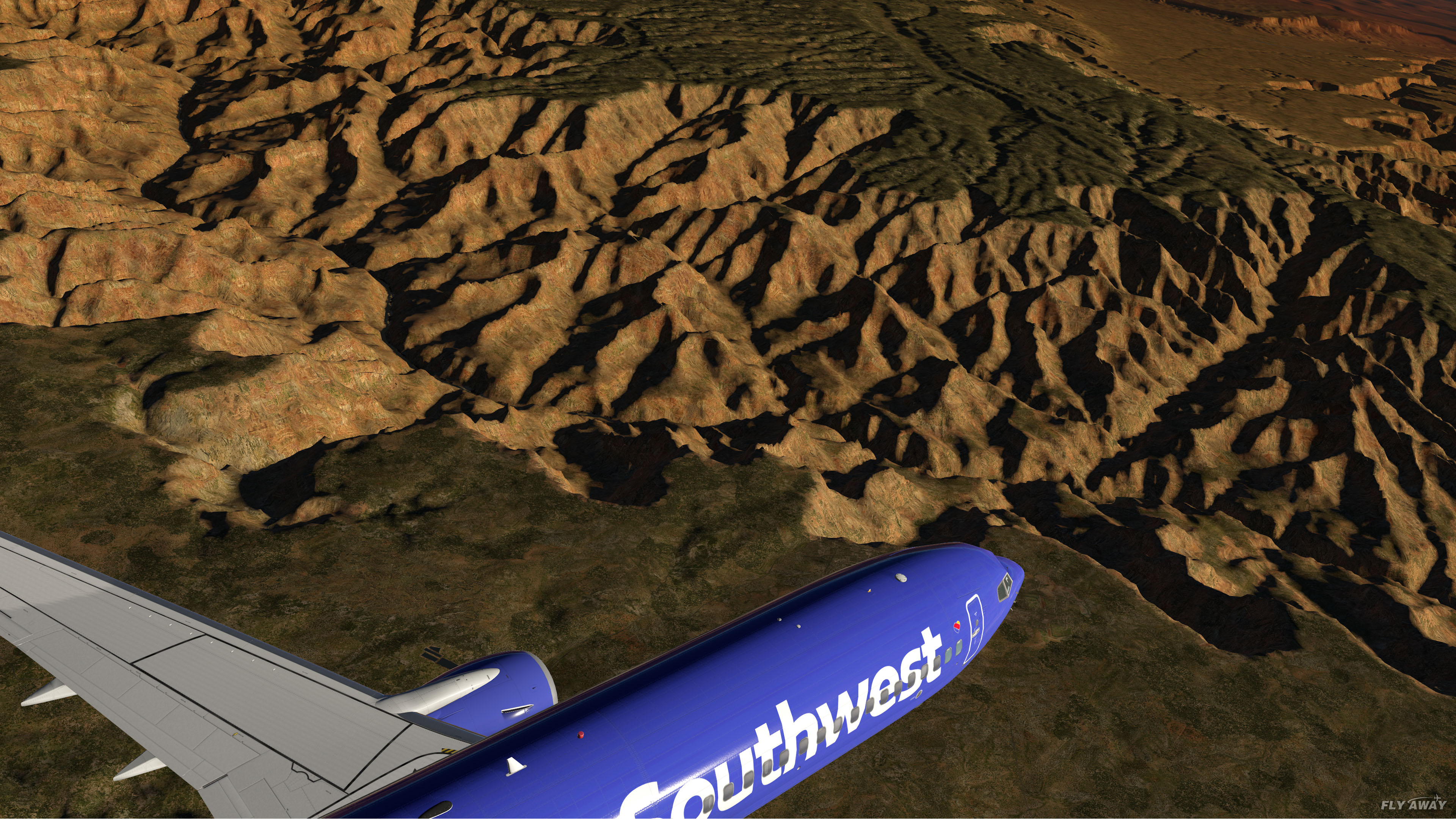
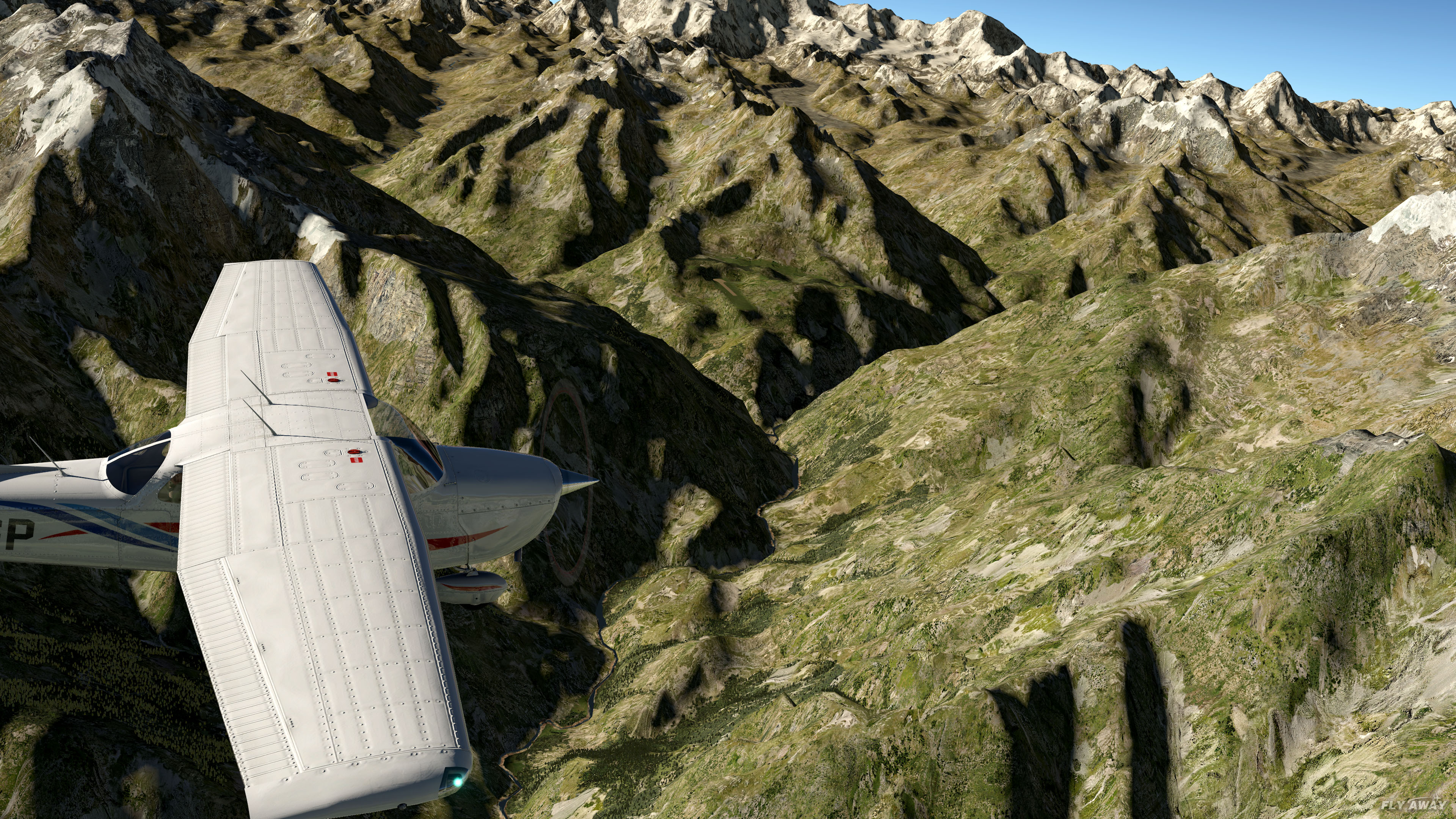
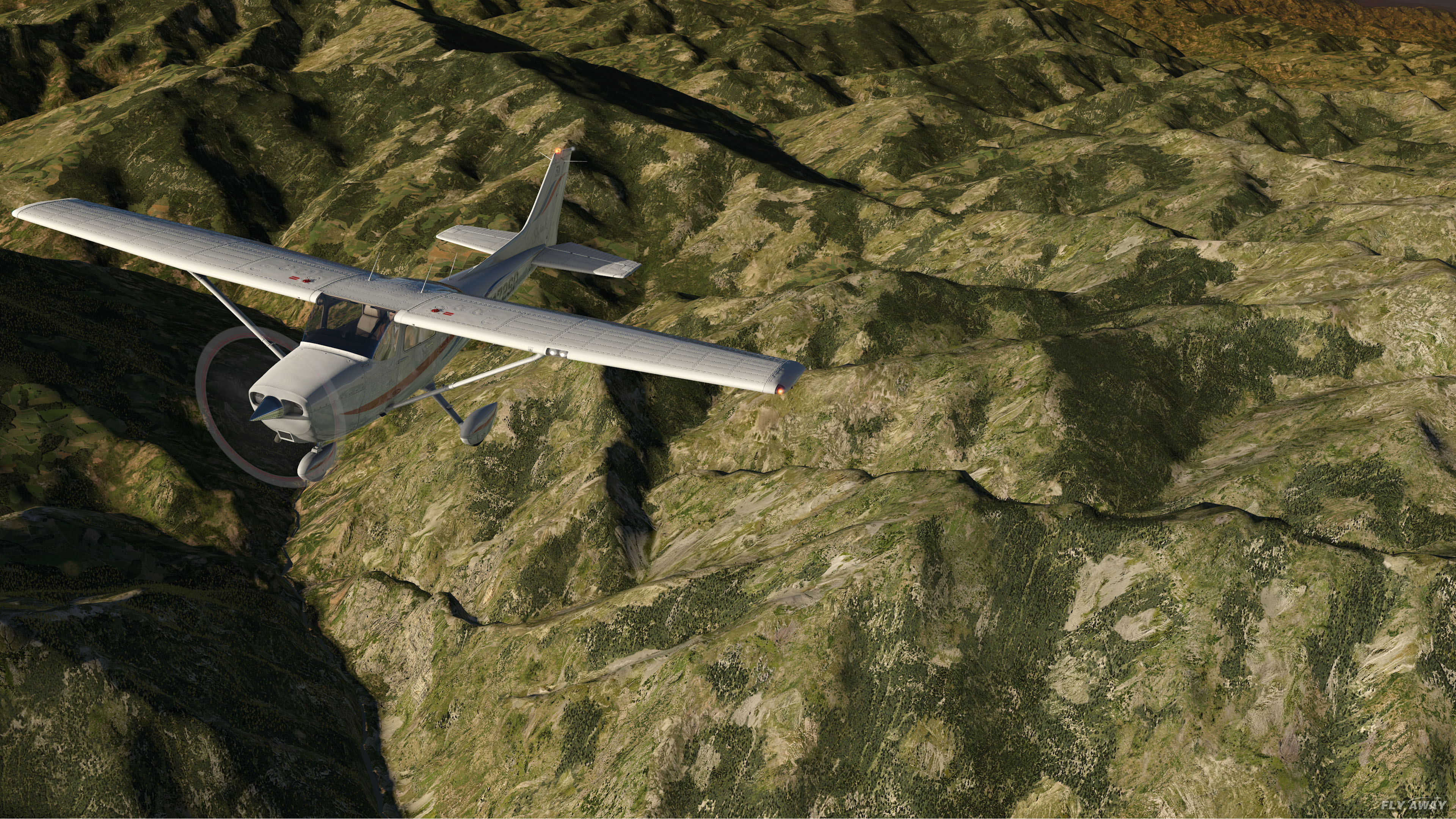
The default XP12 mesh is a worldwide compromise built to run on every PC. HD Mesh v4 uses 90 m elevation data and many times the triangles per tile, so peaks are pointed instead of rounded, valleys are cut instead of smoothed and cliffs and fjords actually look vertical. The difference is obvious at low altitude, in the mountains and on approach.
A mesh pack only replaces the terrain shape. X-Plane 12's textures, seasons, weather, autogen, roads, airports and your other add-ons all render on top of it. The one trade-off: XP12's 3D water is limited along coastlines inside the tiles you install, because the coastline comes from the mesh. Inland and over the open sea nothing changes.
We have installed and flown HD Mesh v4 in X-Plane 12 (and 11). It loads, it renders, and it is one of the most downloaded X-Plane scenery add-ons on Fly Away Simulation — 259.2K downloads so far. Performance cost is modest on a PC with 16 GB of RAM; see the FAQ below for the hardware notes.
You do not install the whole world. Pick the tile covering your home airport or favourite route, drop it into zzz_hd_global_scenery4, and X-Plane 12 uses HD Mesh v4 there and its default mesh everywhere else. Nothing to pay, nothing to register — AlpilotX released it as donationware.
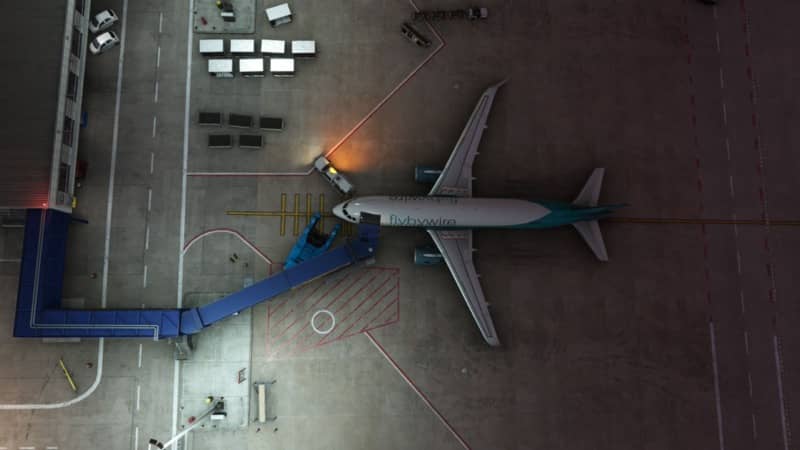
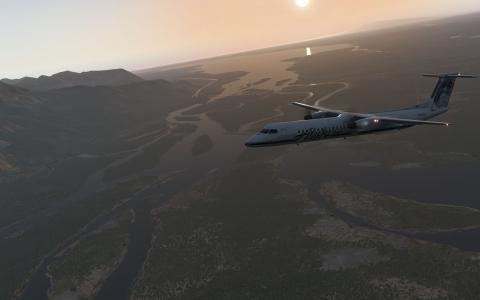
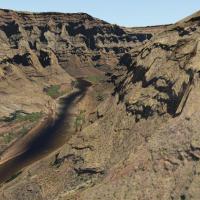
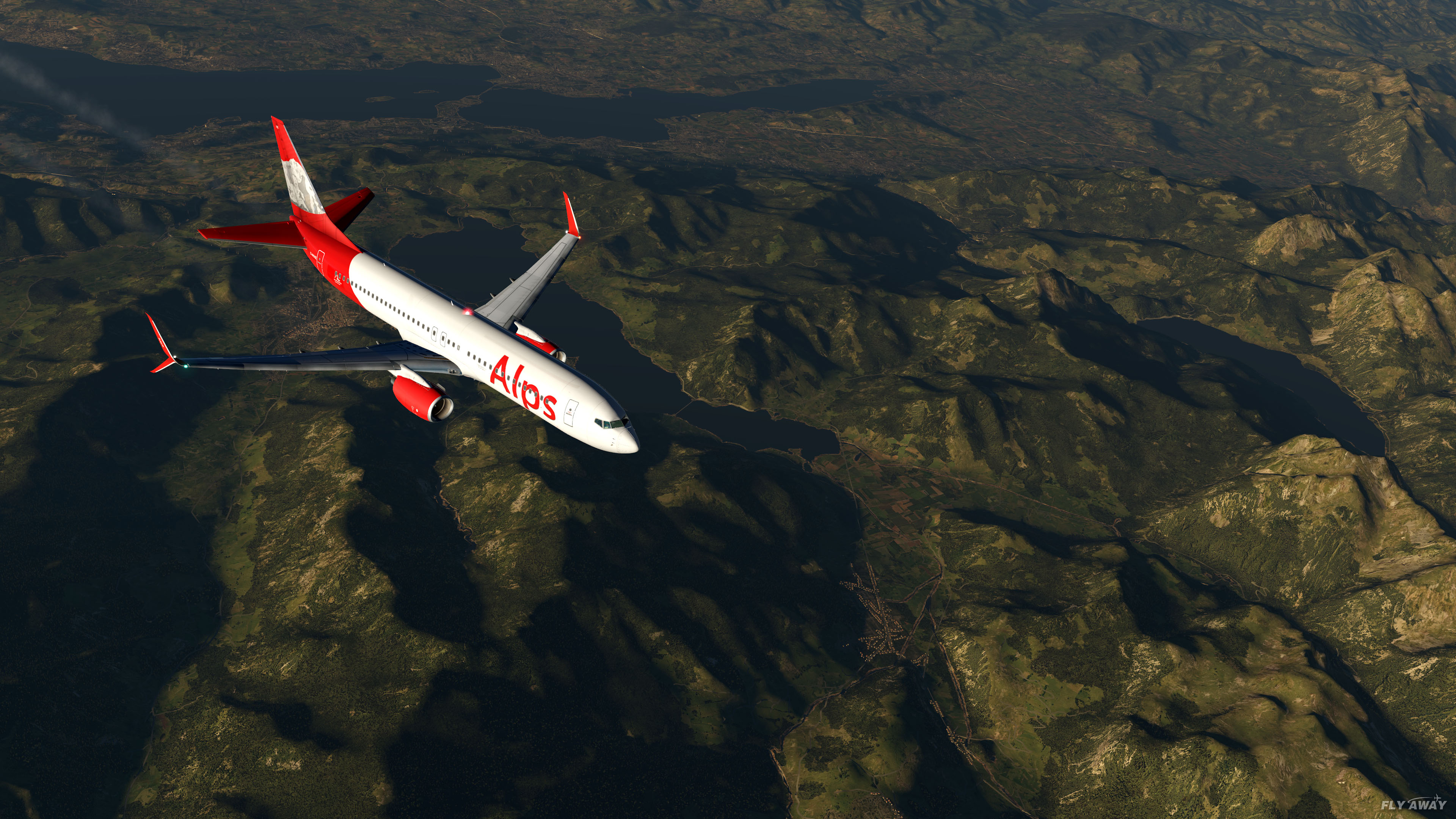
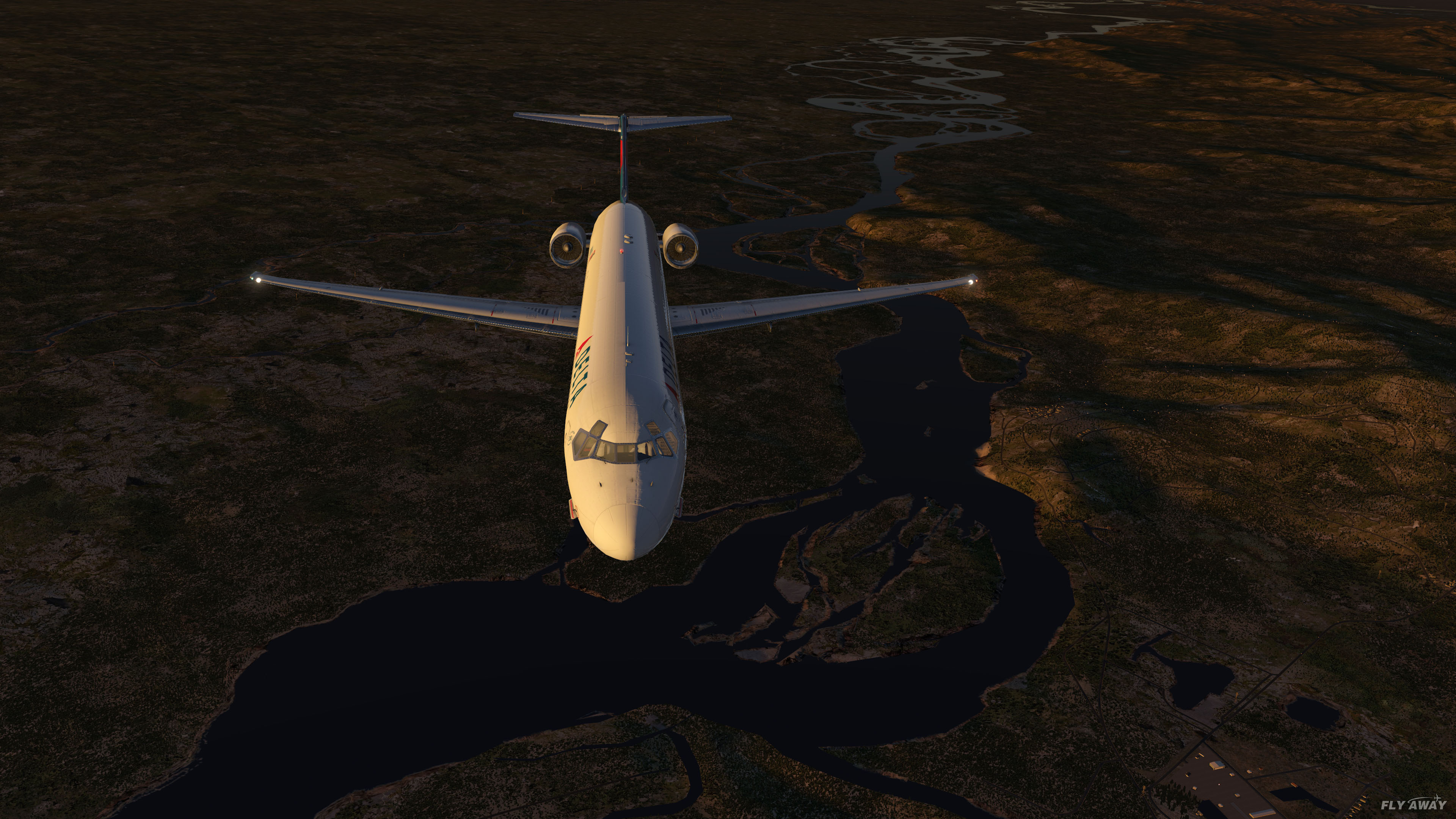
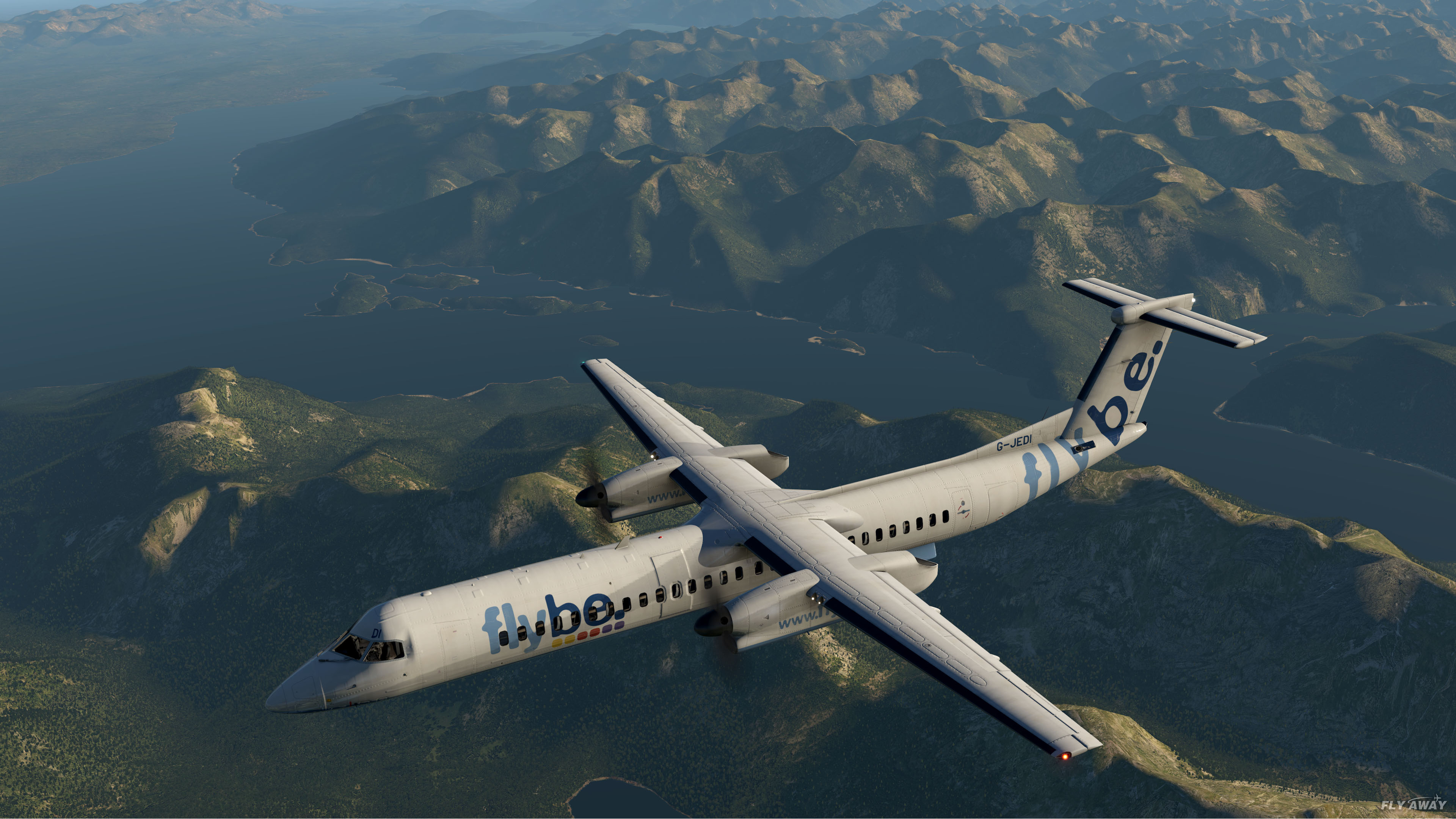
Taken in X-Plane with the mesh installed and nothing else added. Click any image for full size.

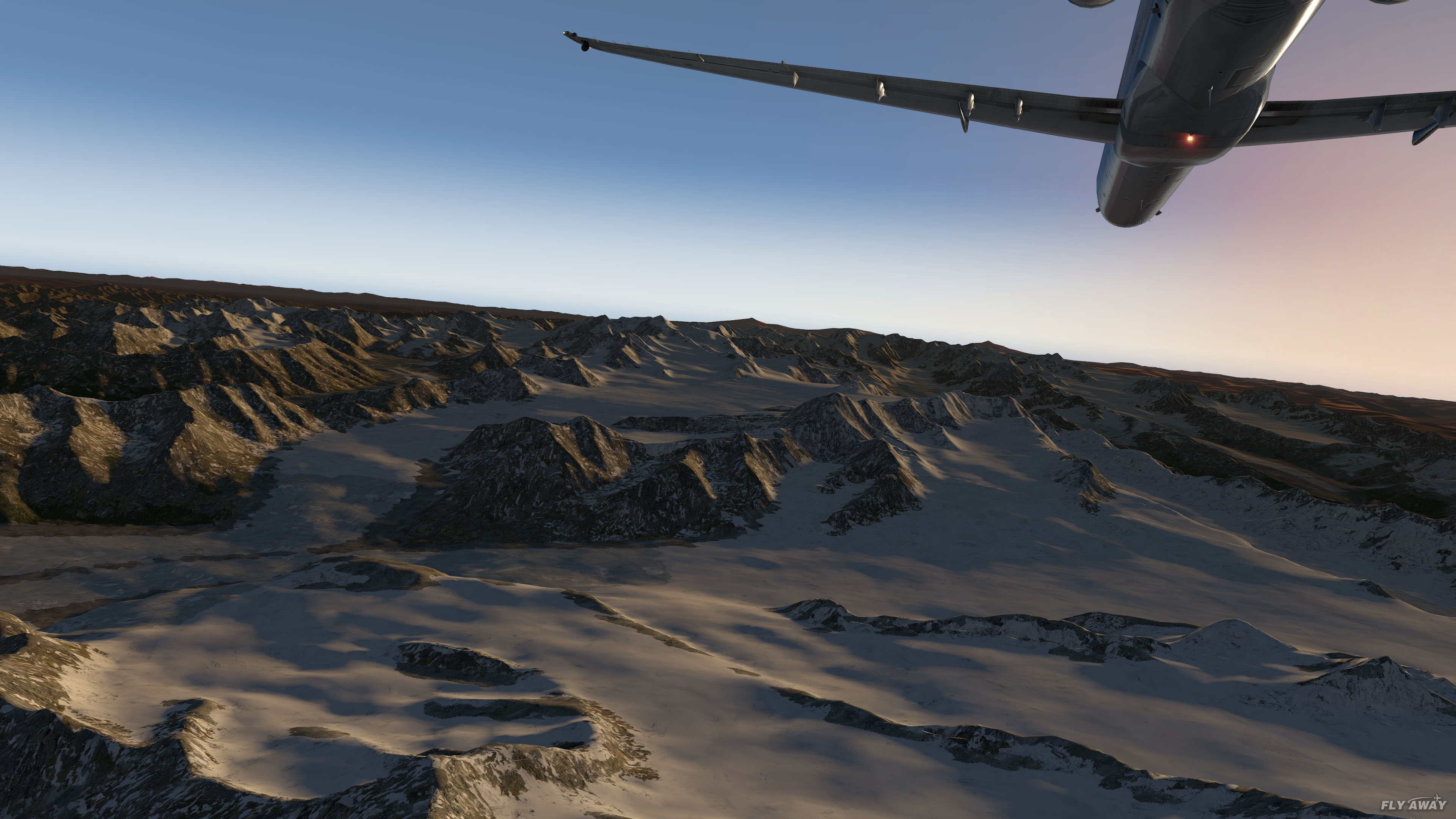
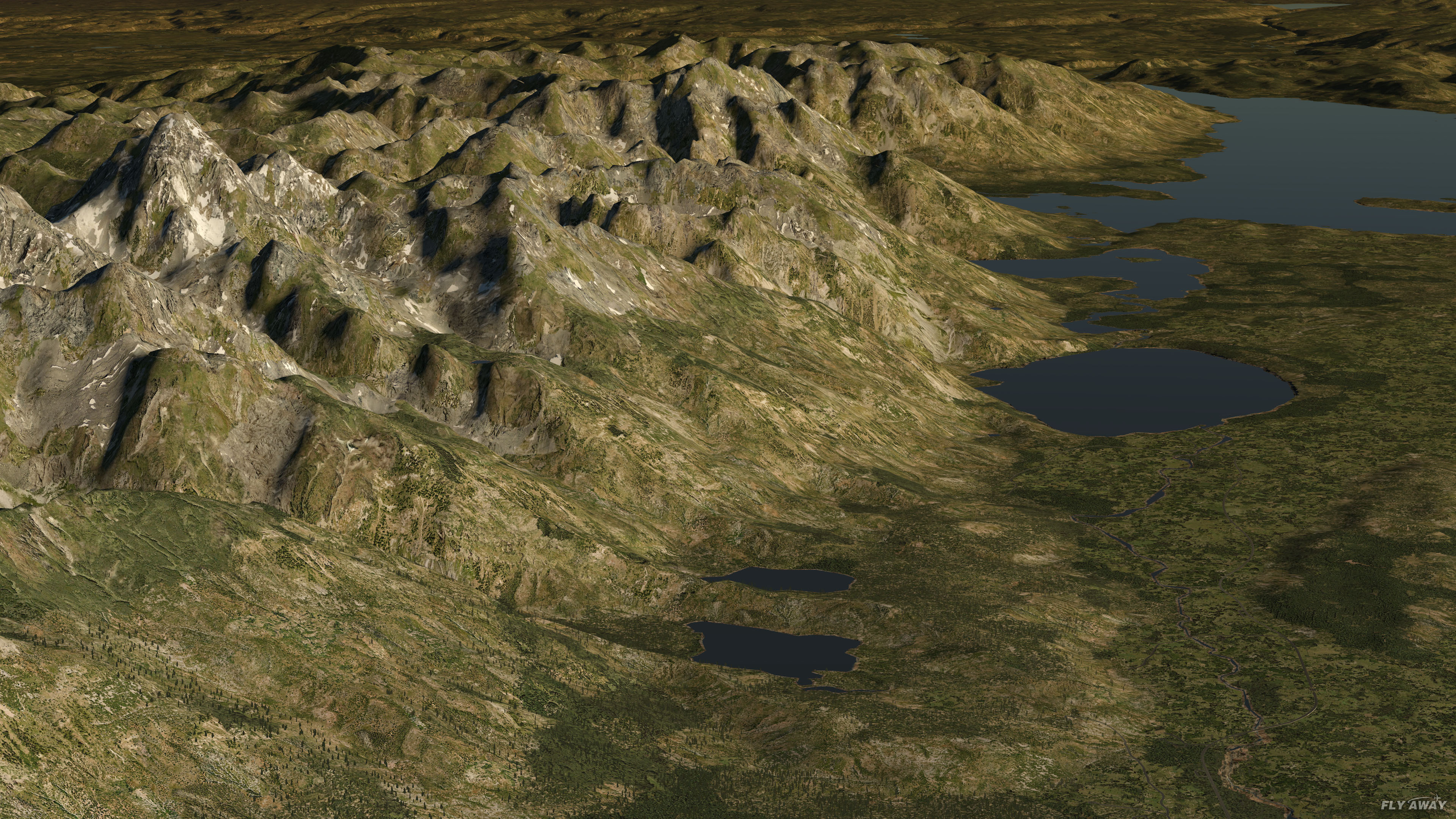

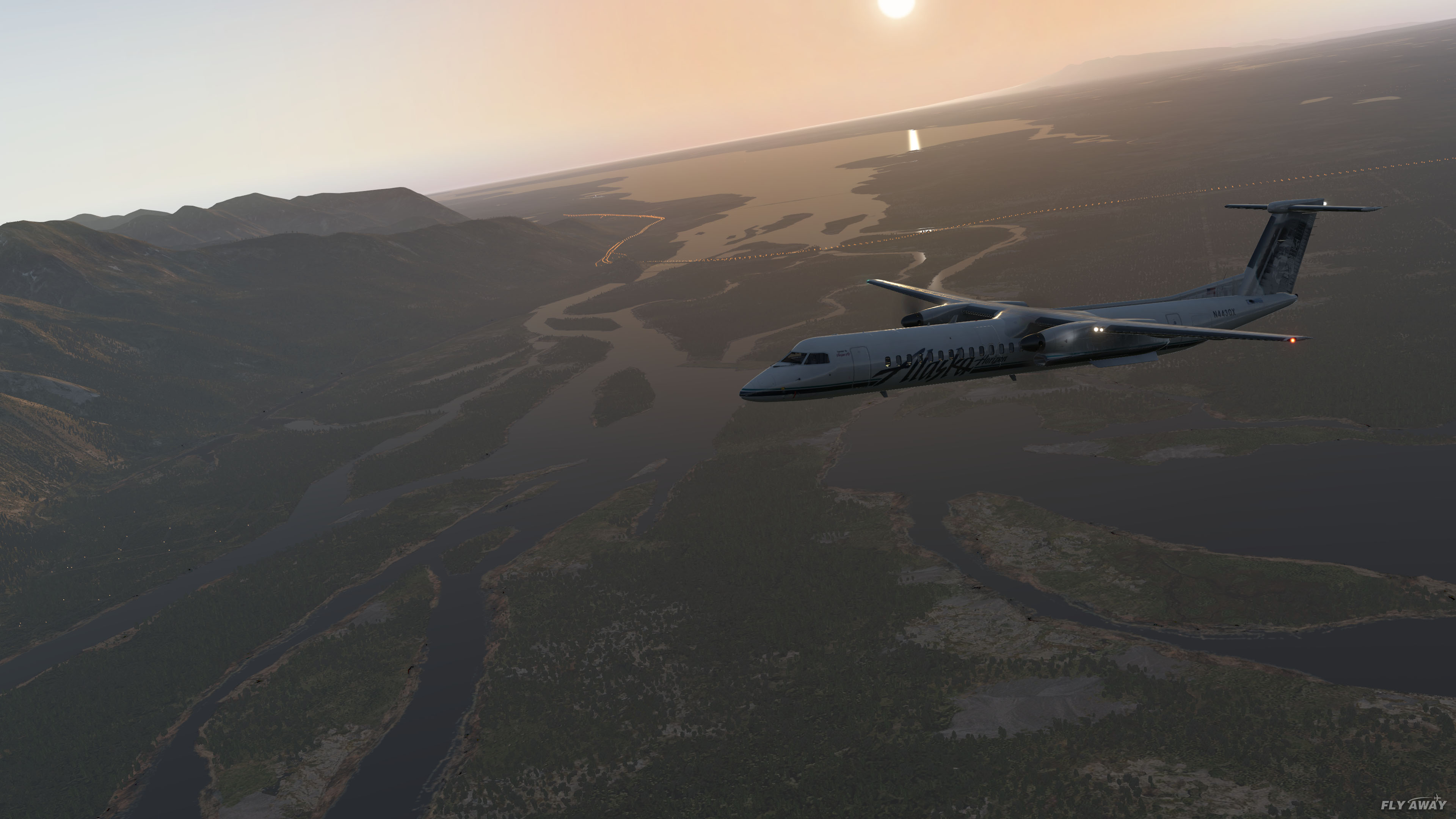
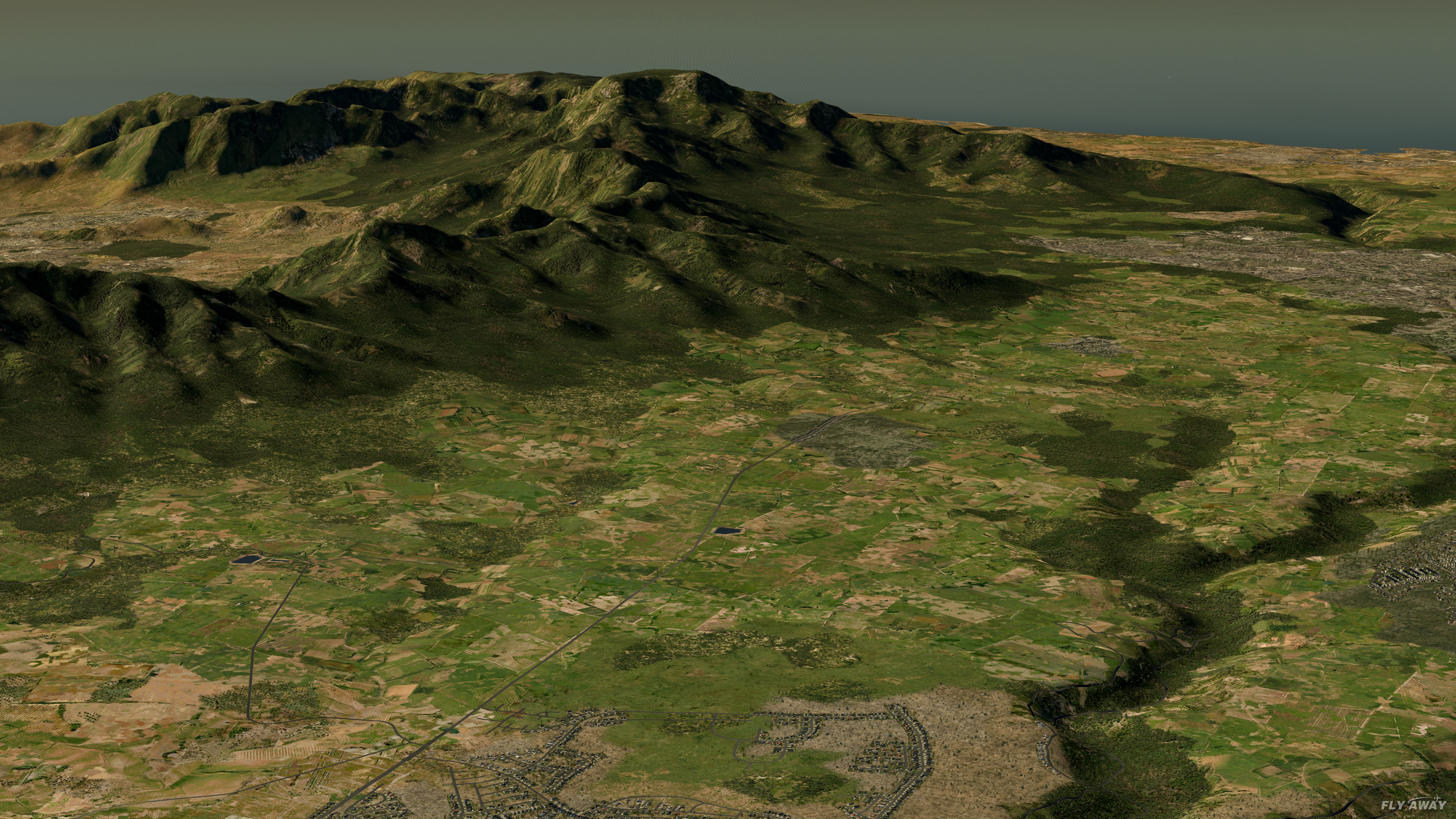



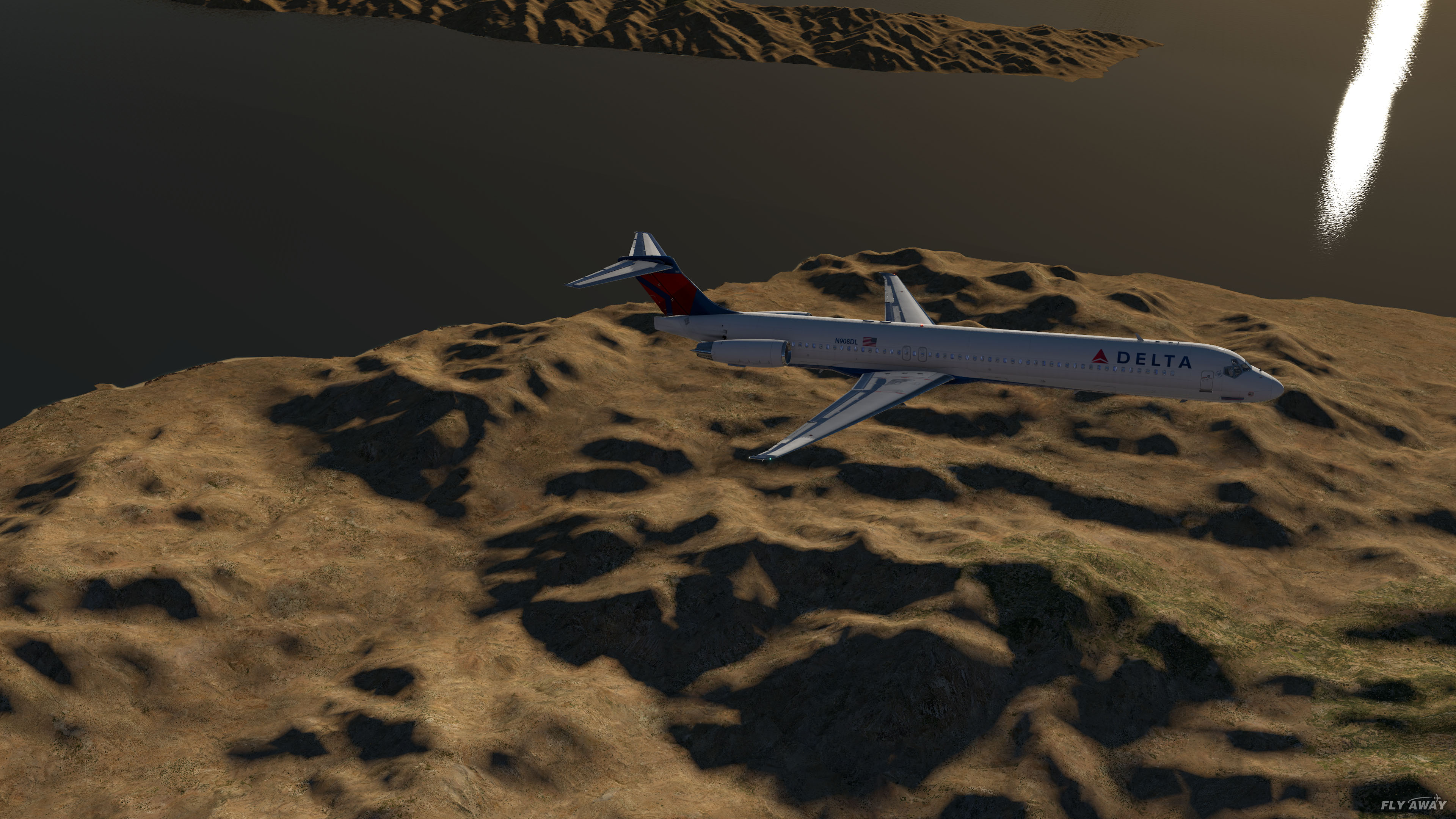
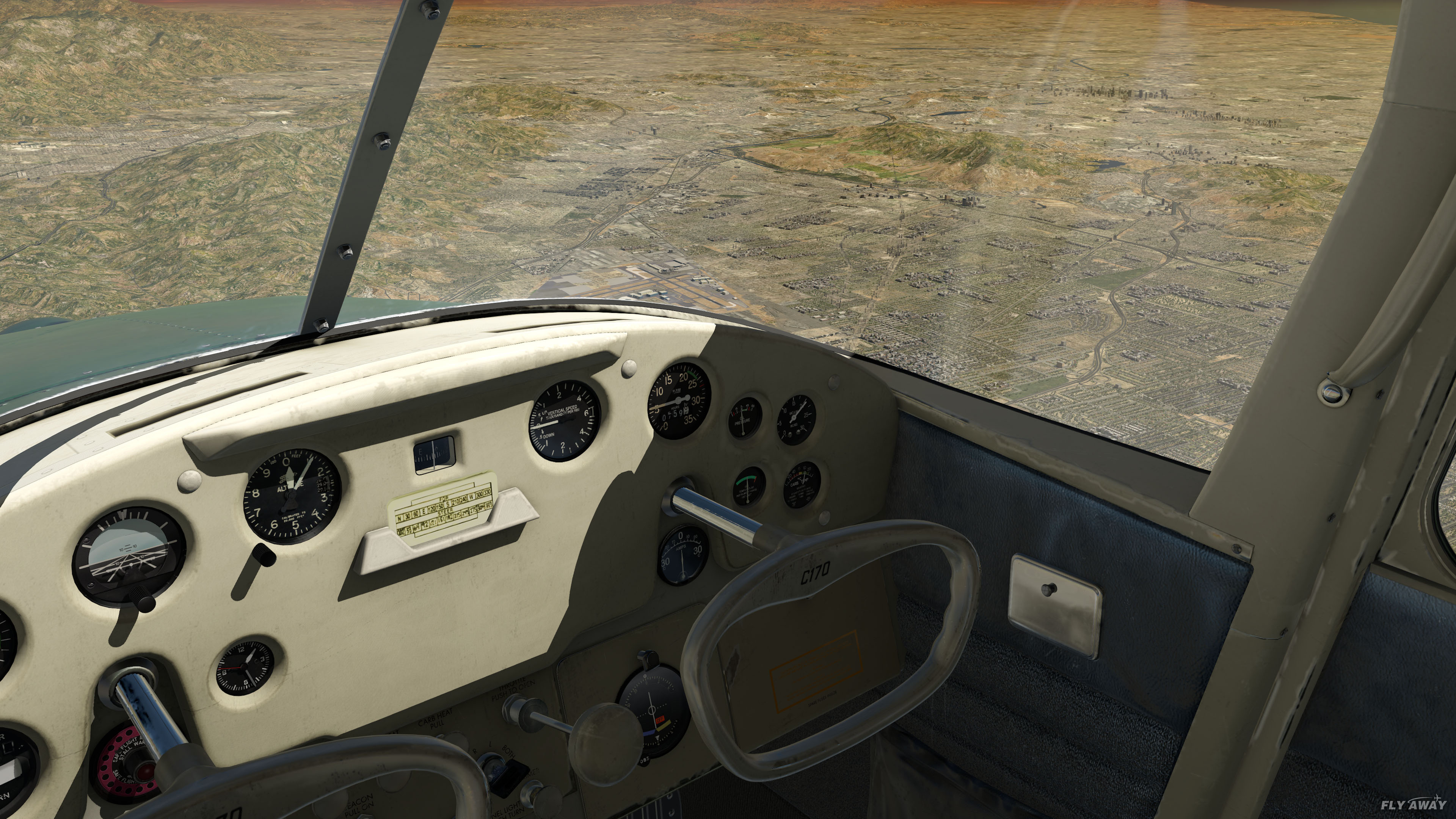

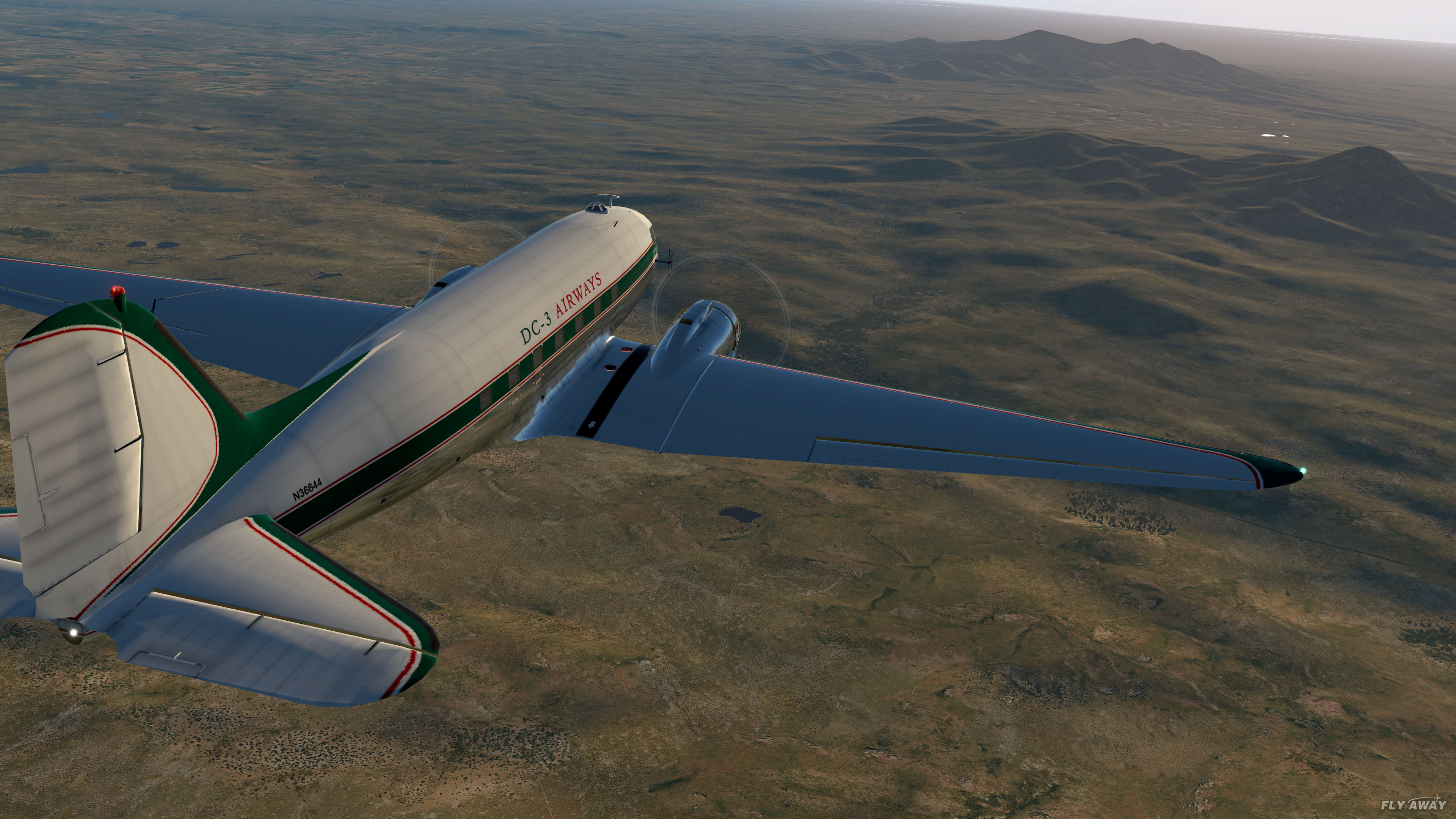
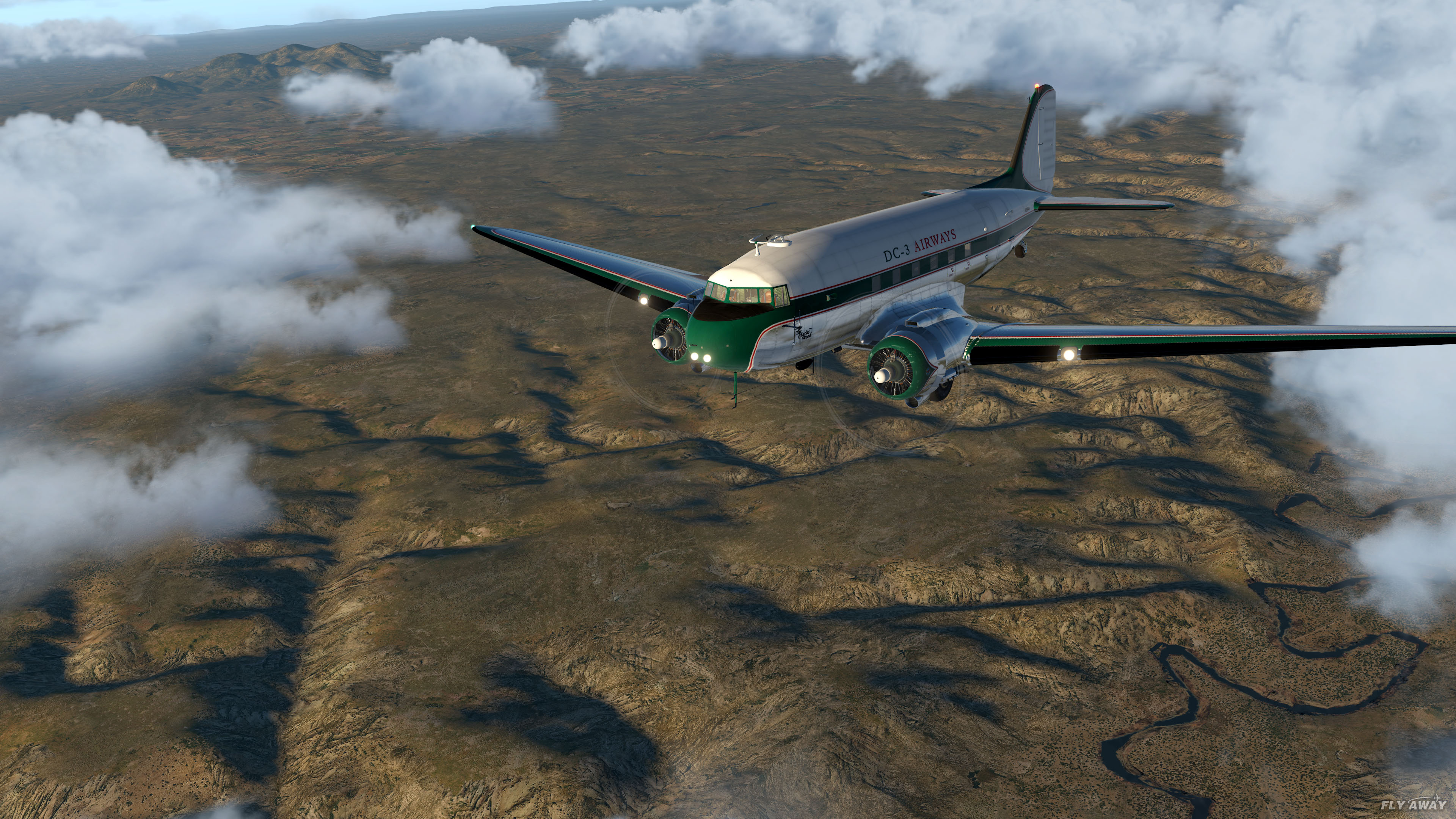


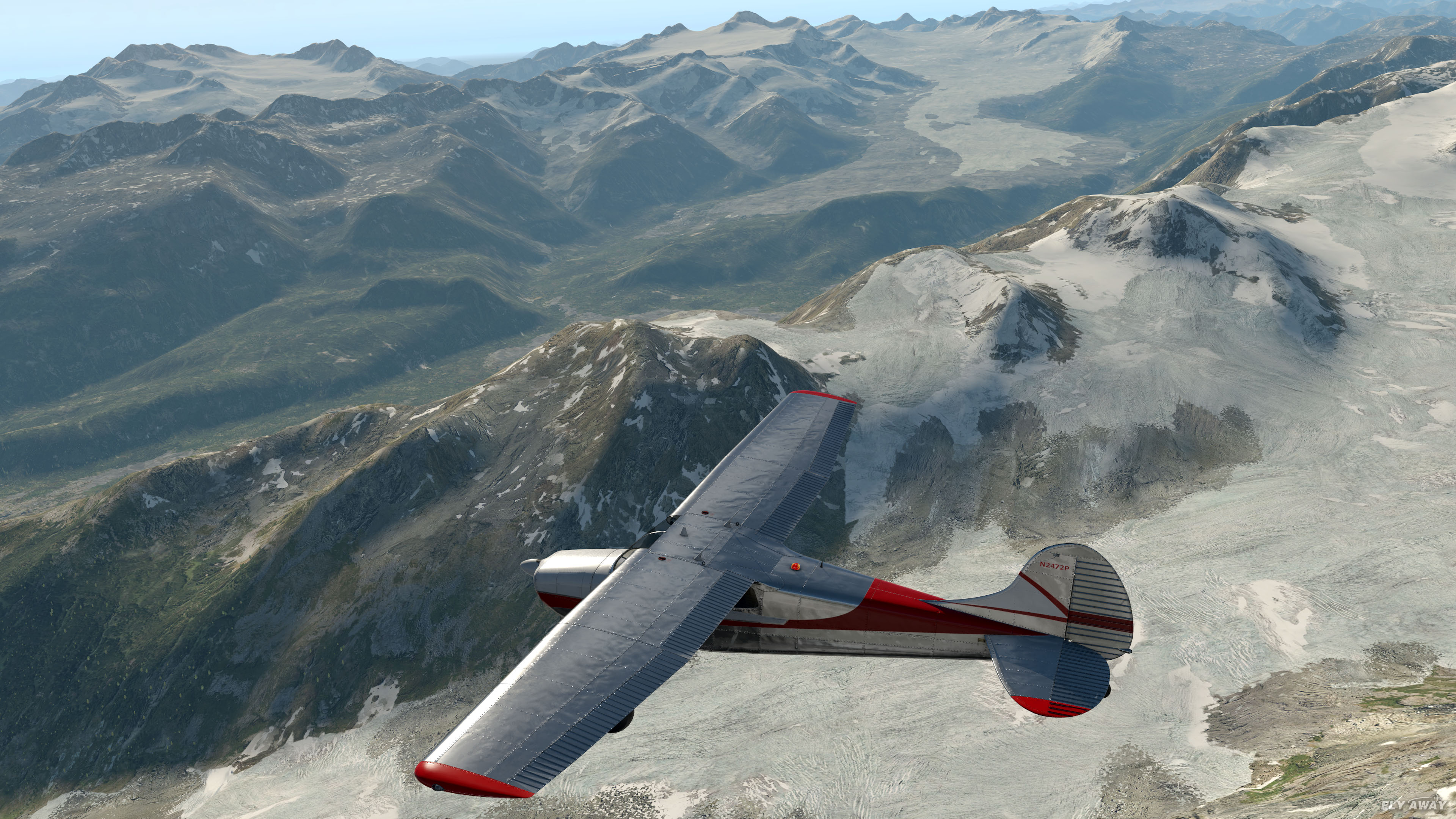

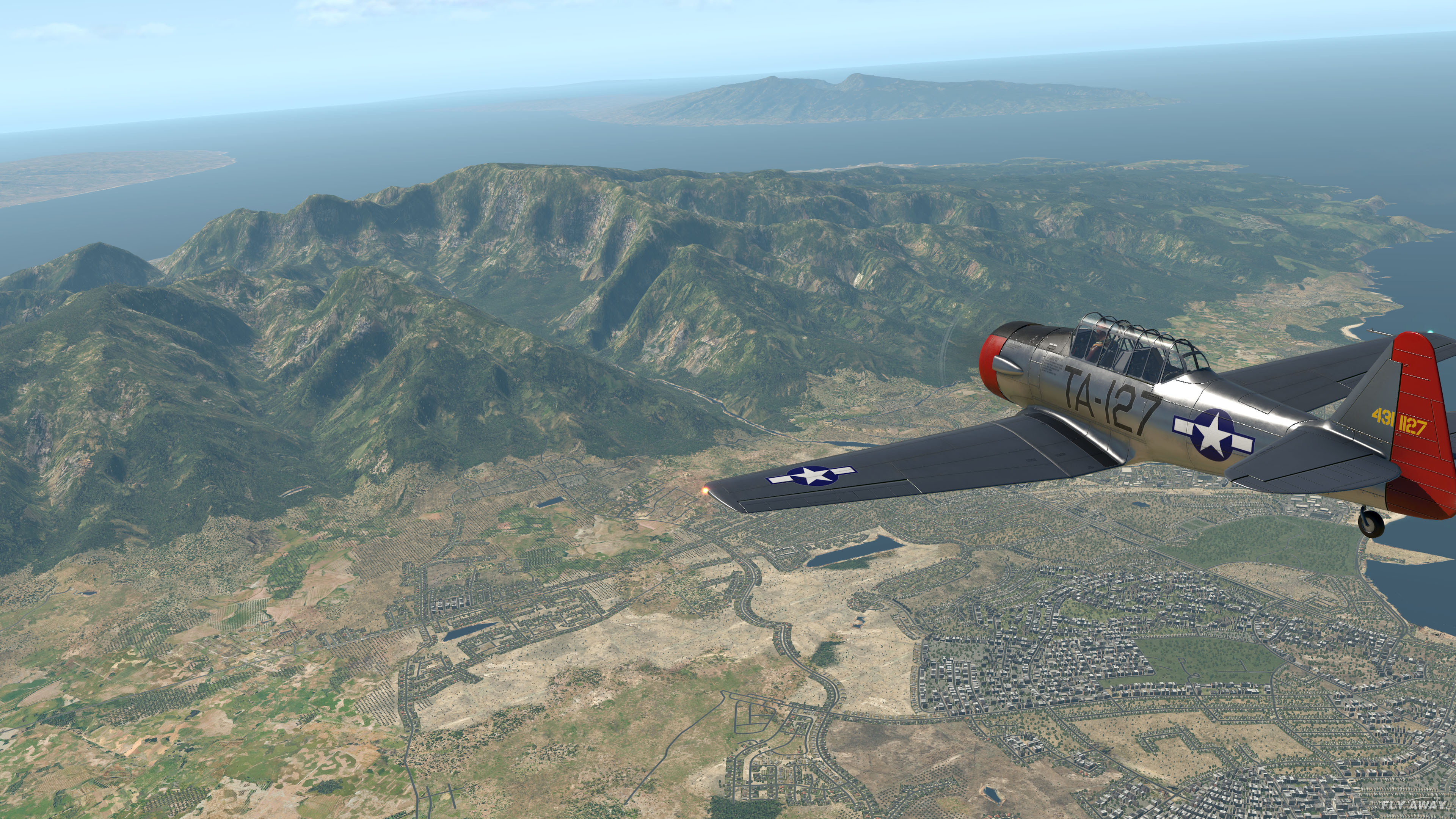
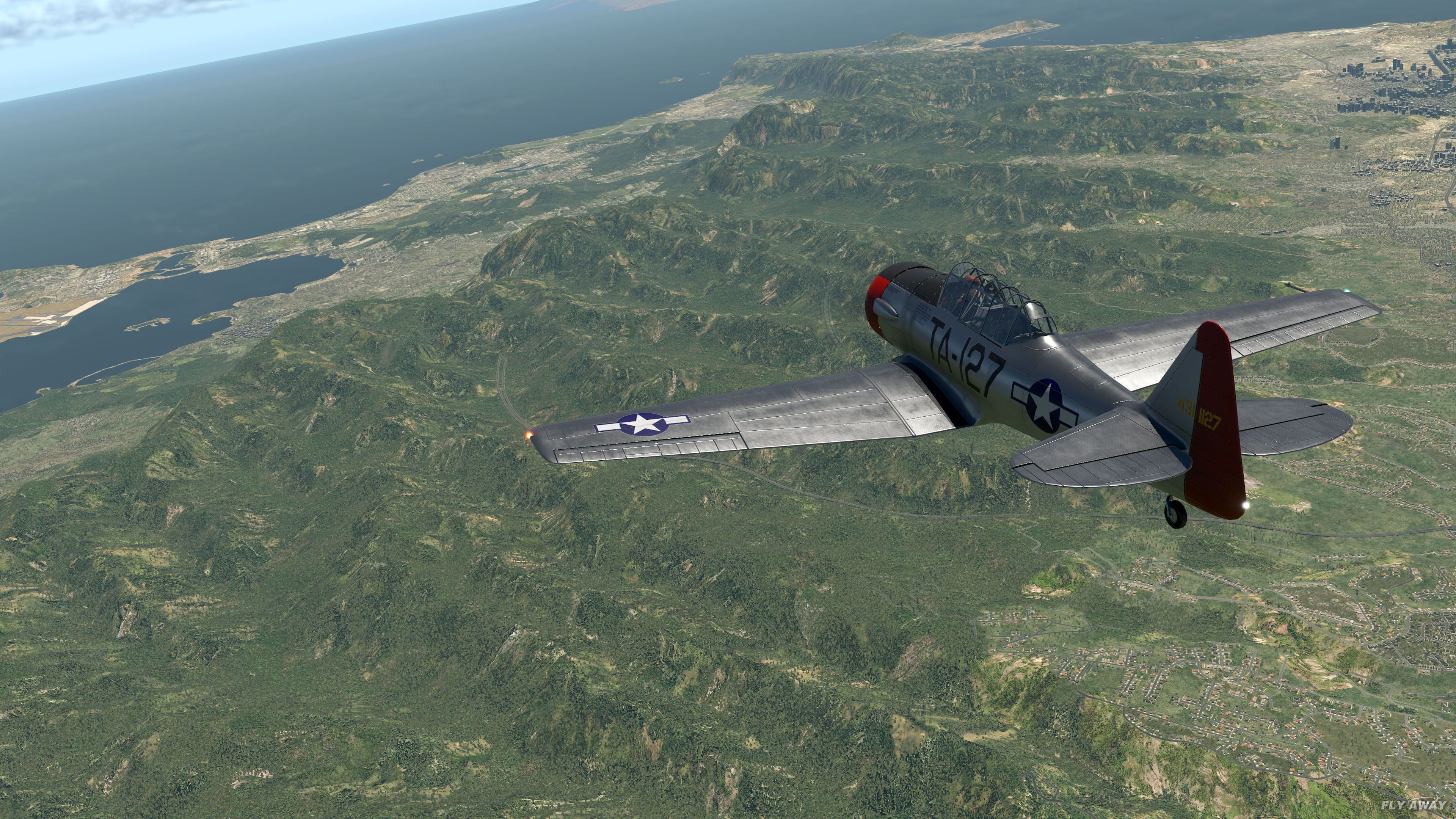
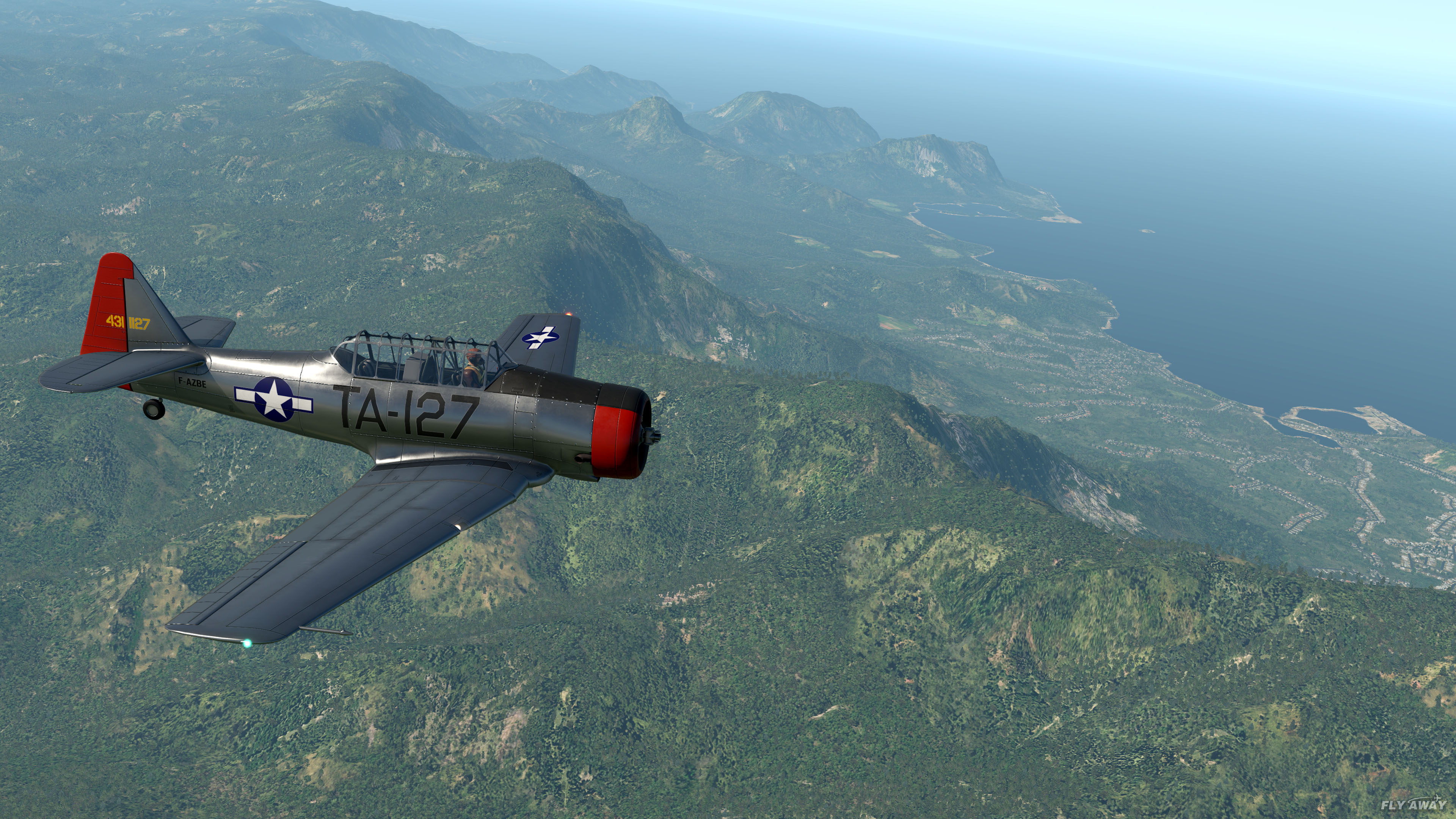
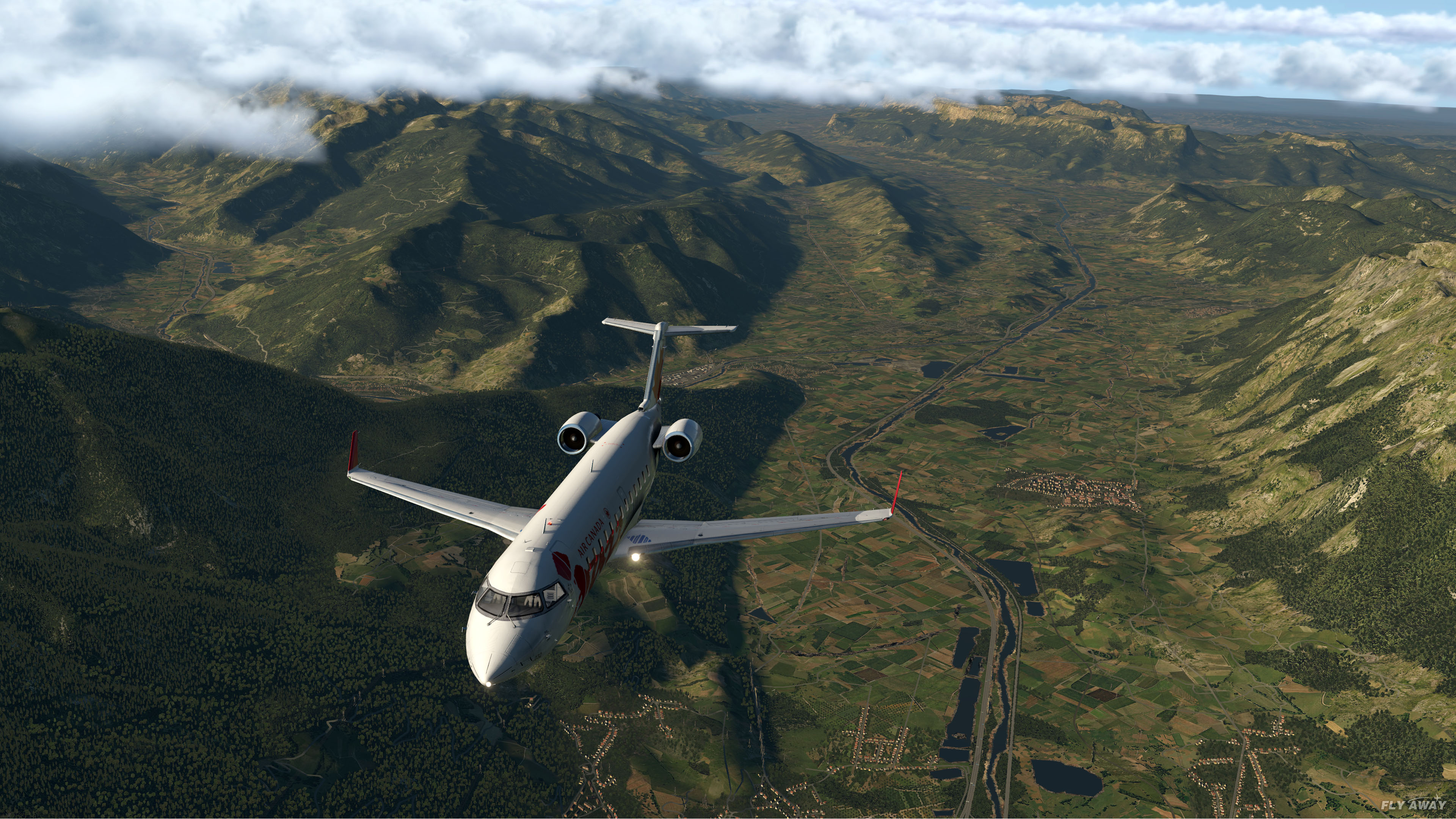
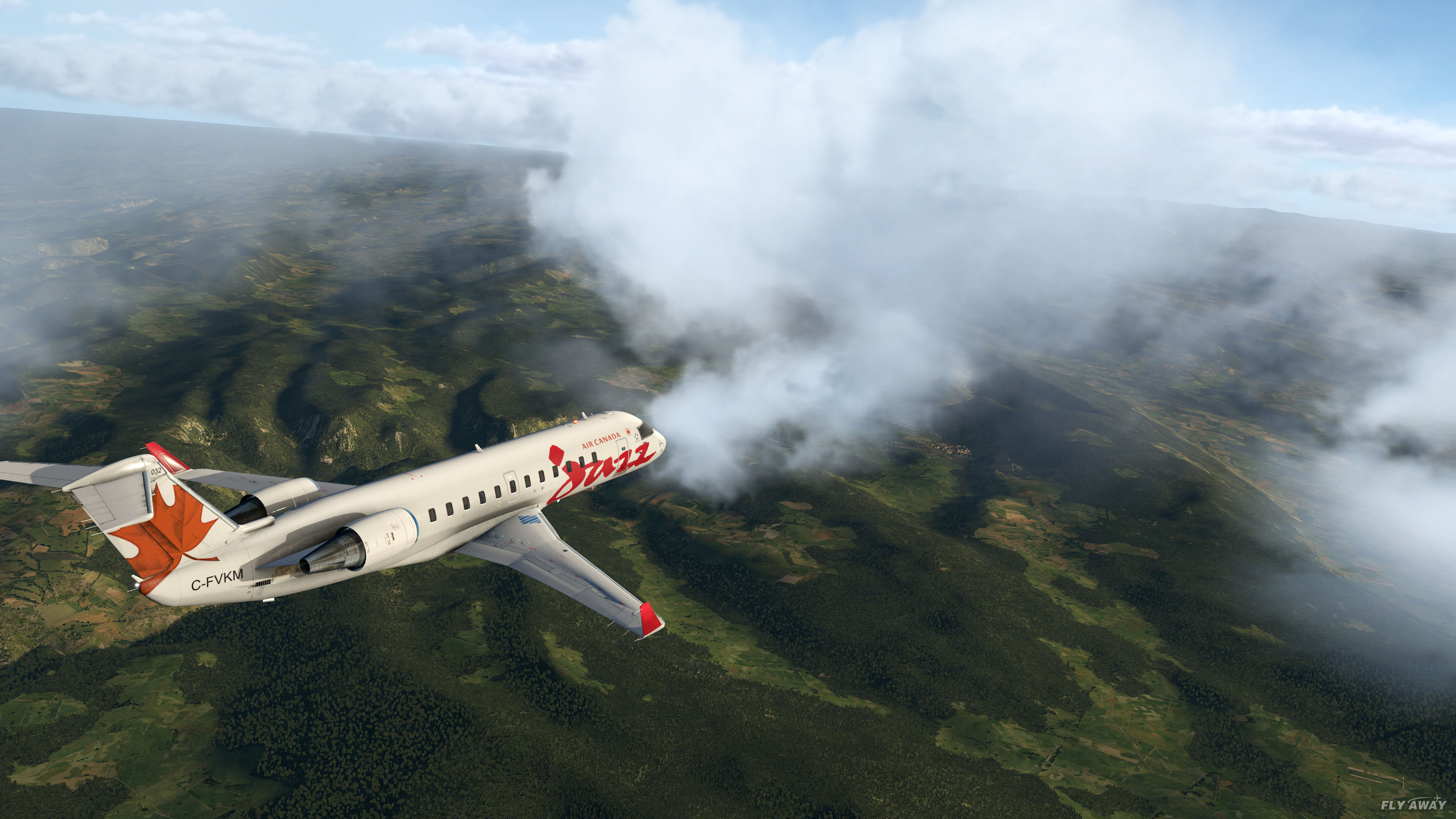
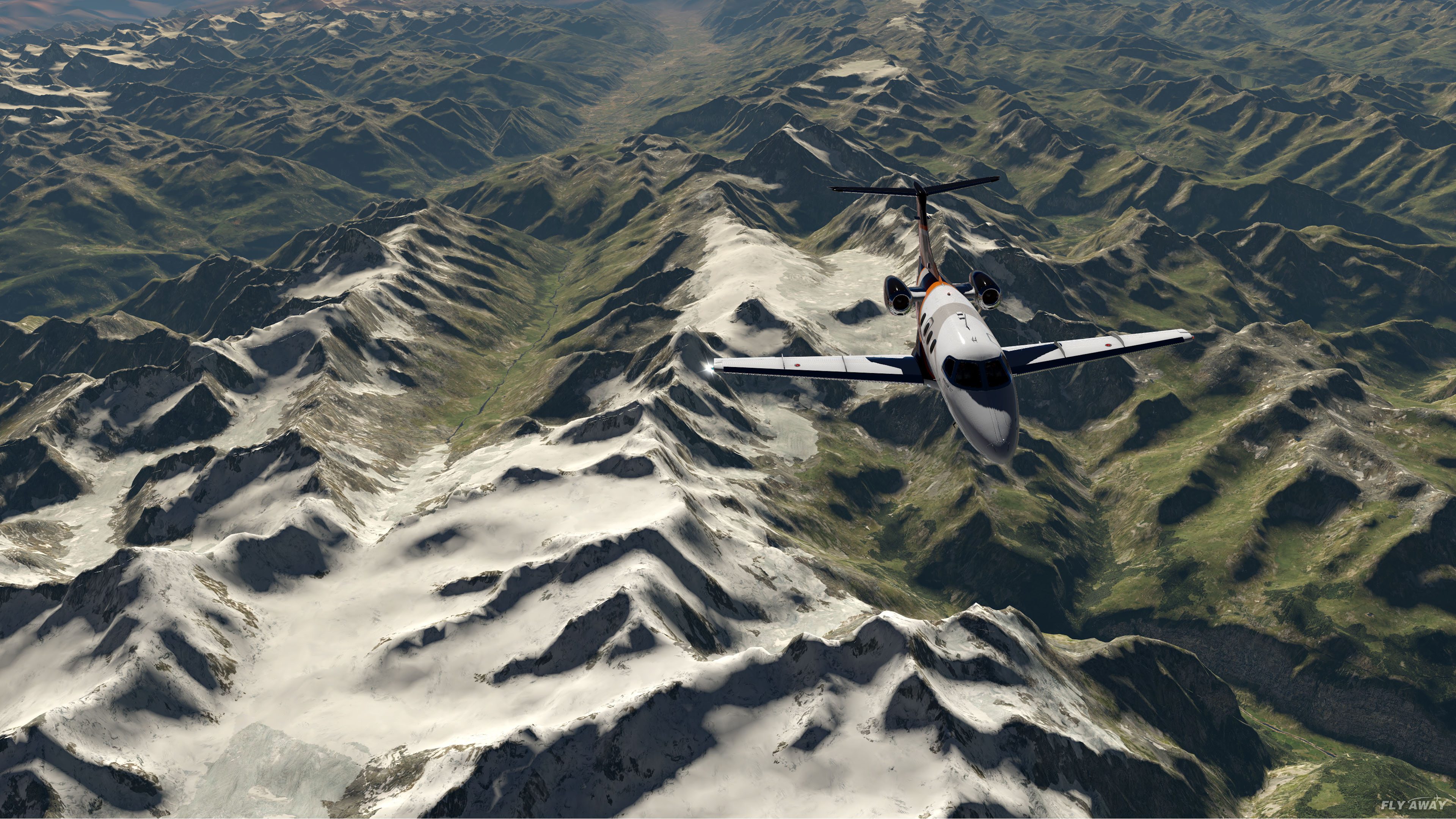
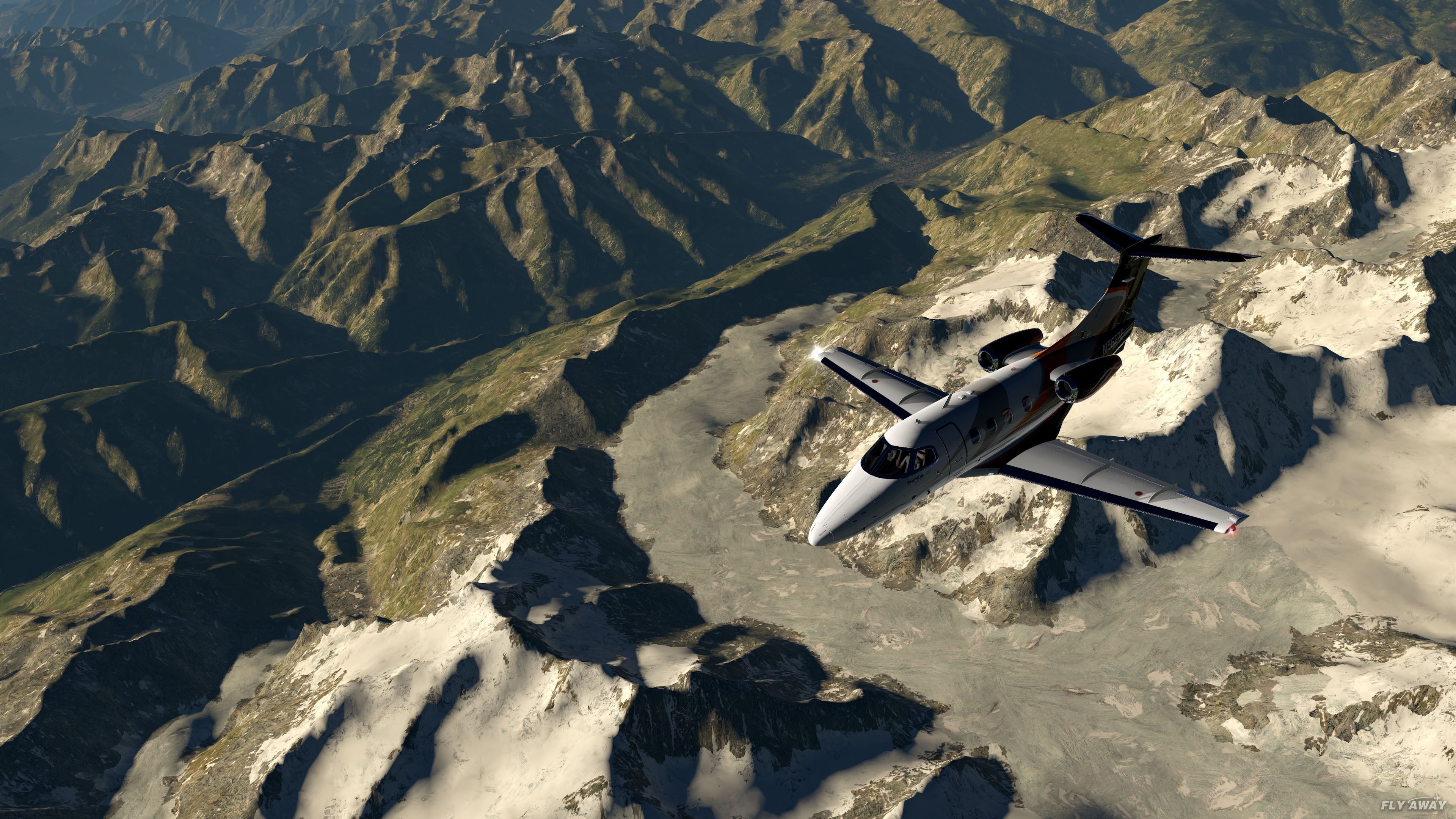
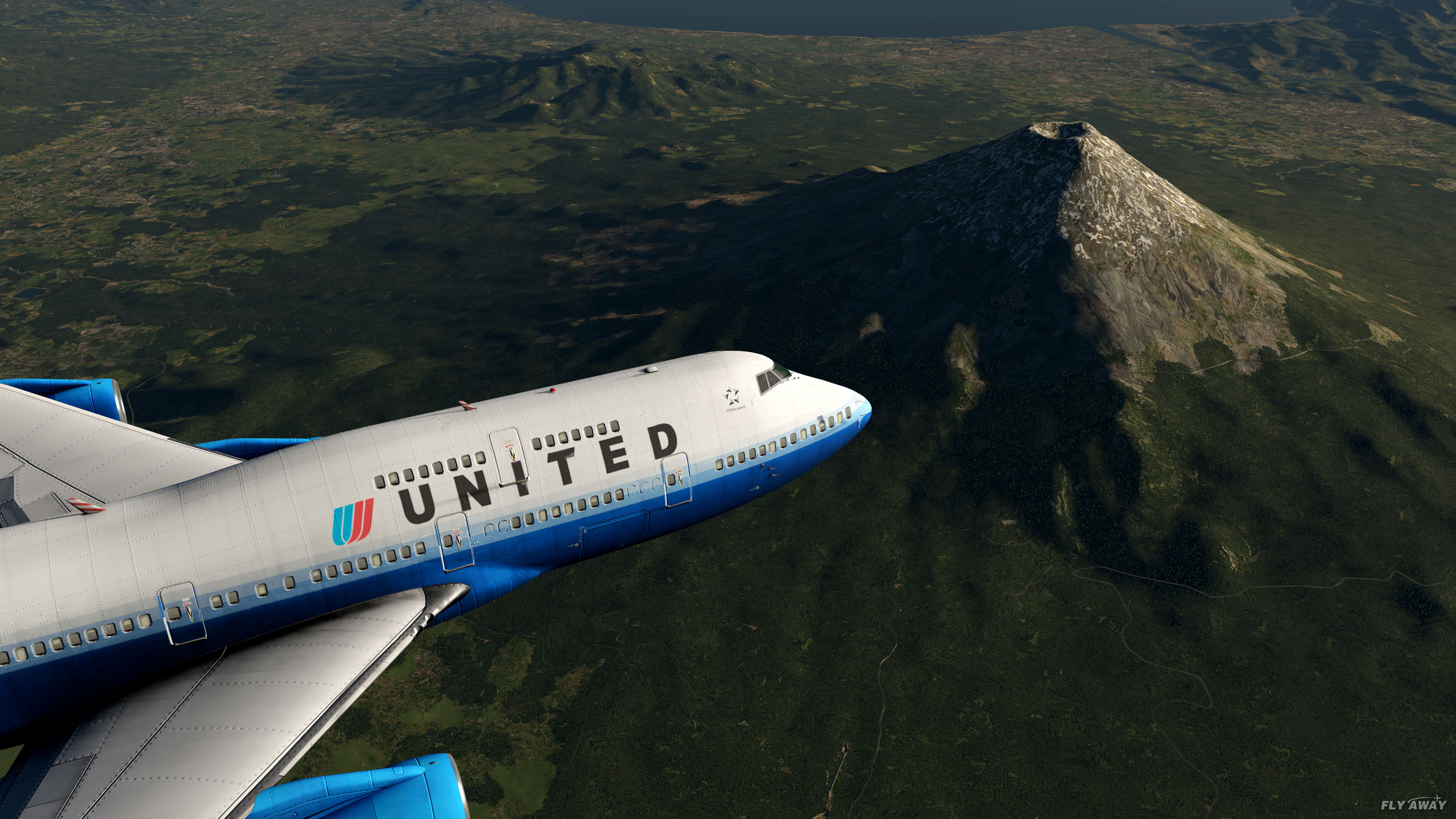
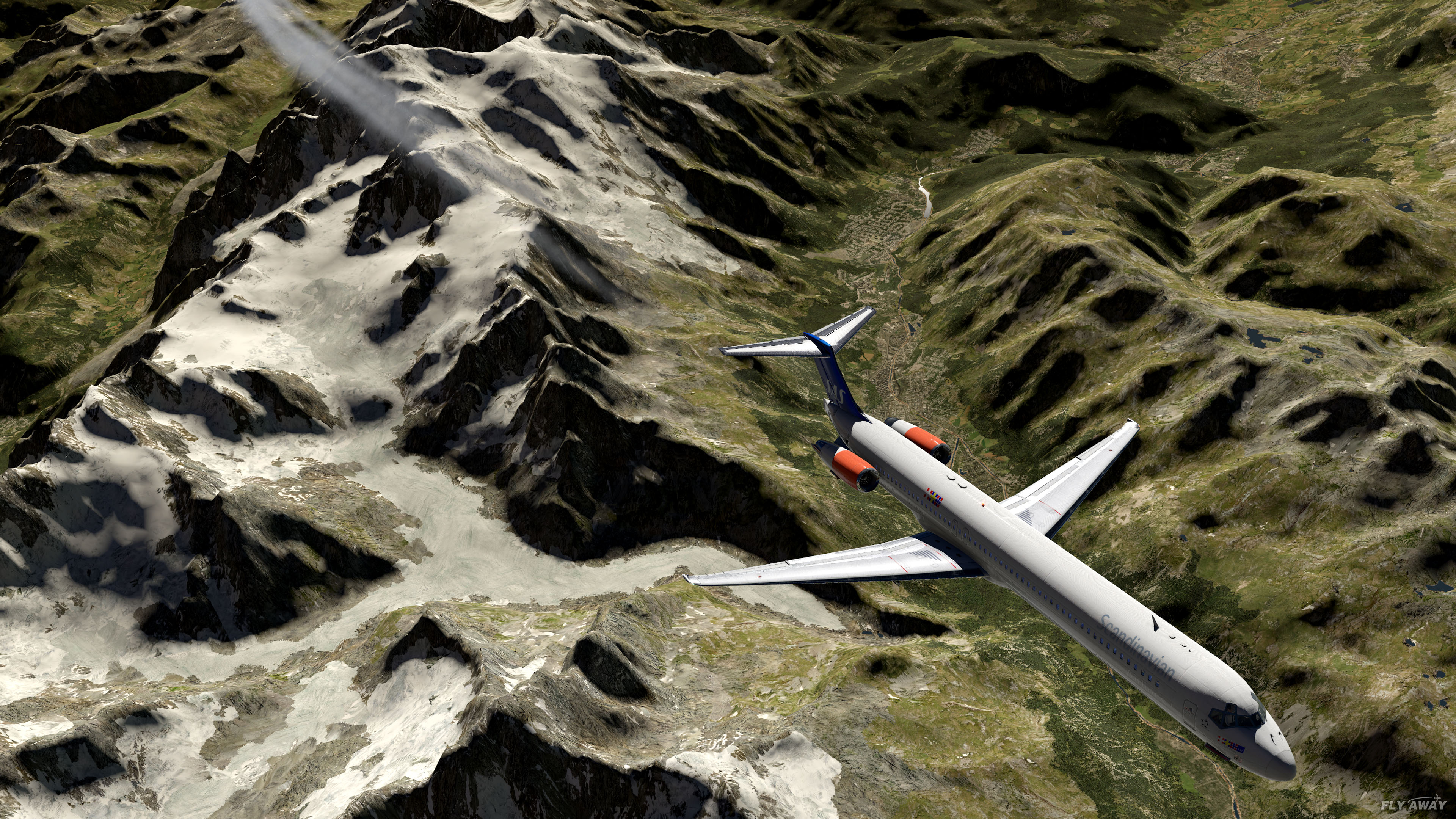

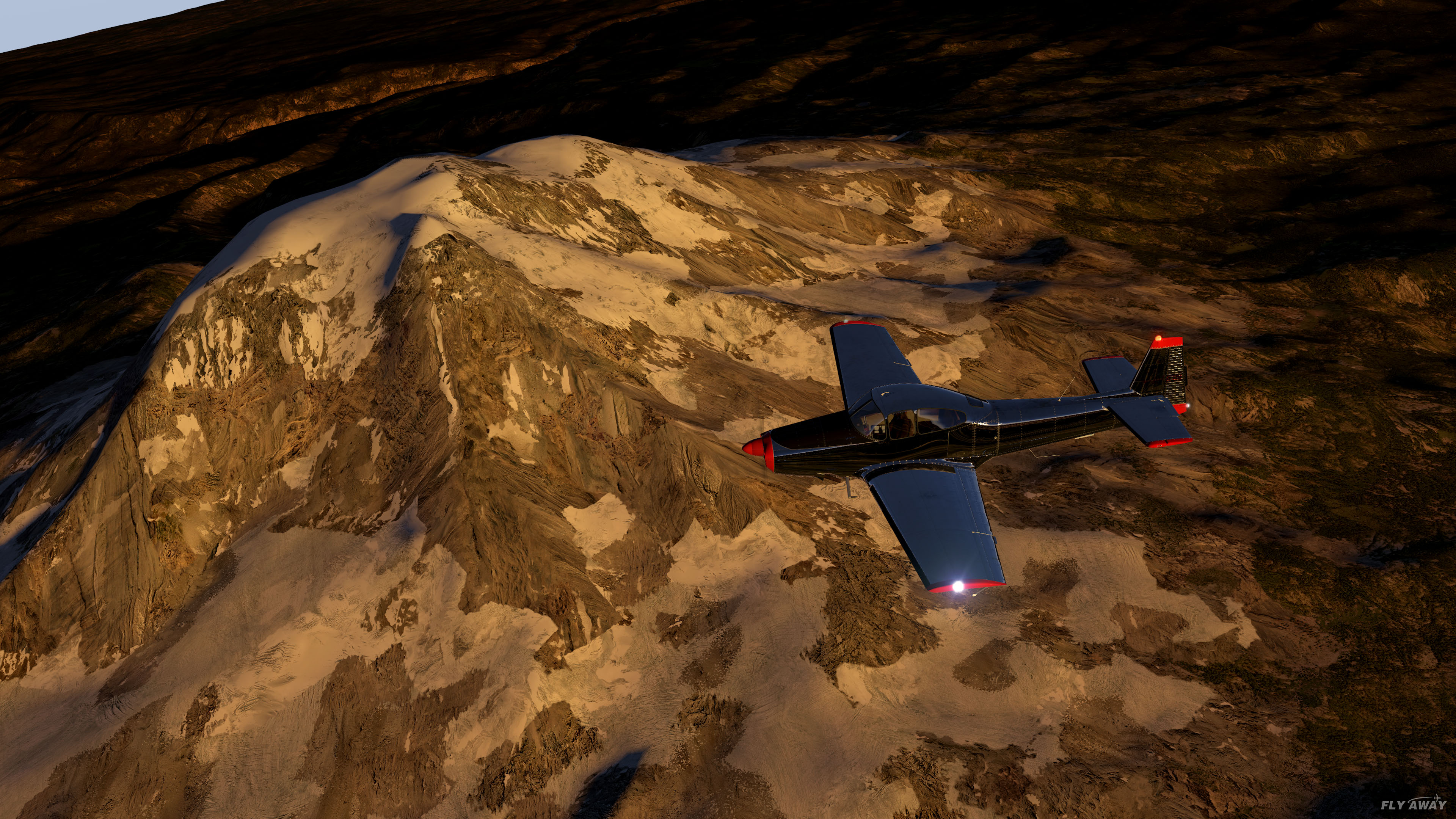
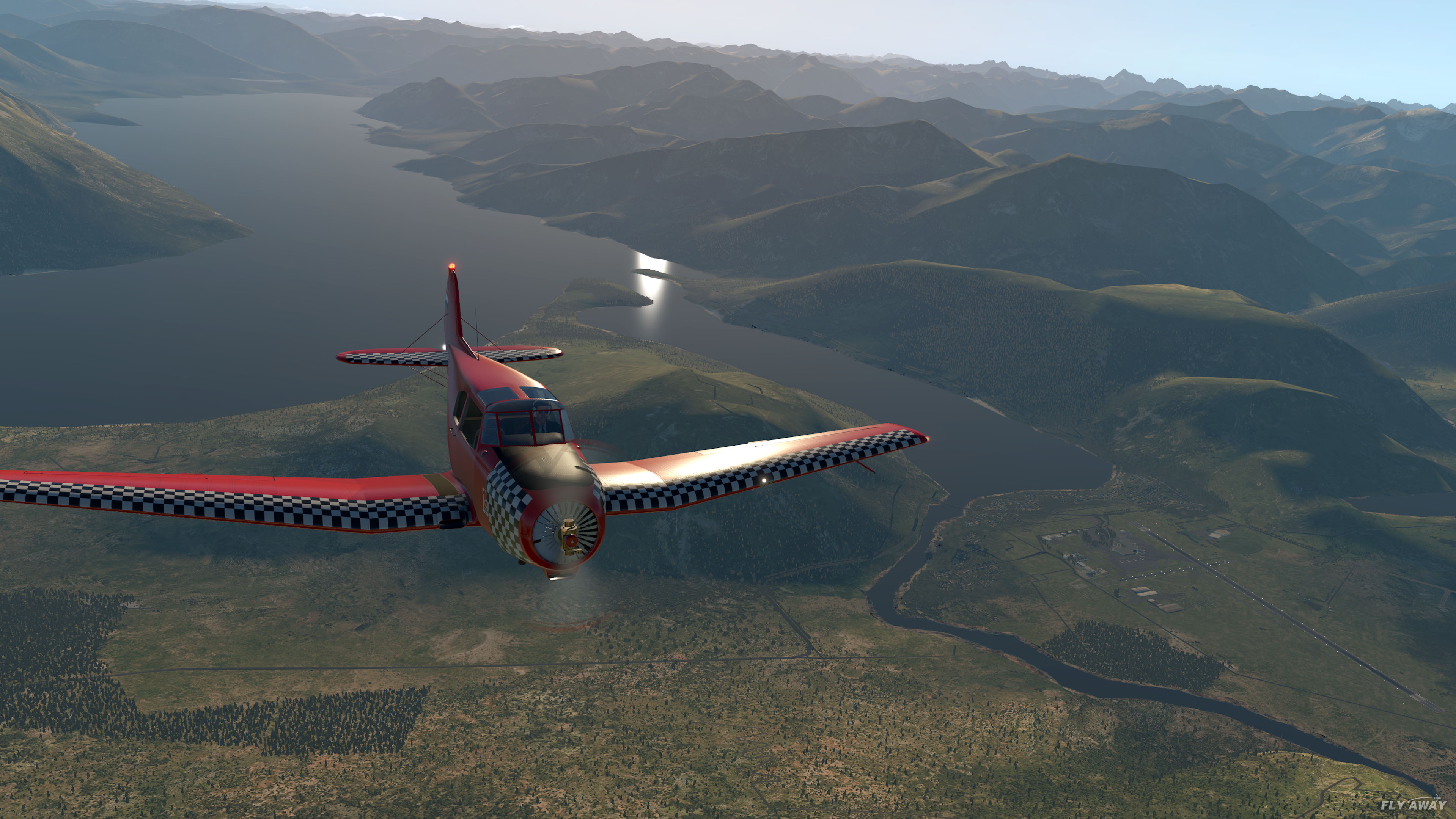
Mesh is a base layer: it has to sit at the bottom of scenery_packs.ini, or every airport and overlay in the area disappears. Five steps, once; extra tiles just go in the same folder.
X-Plane/Custom Scenery/ make zzz_hd_global_scenery4, and inside it a folder called exactly Earth nav data (case-sensitive, with the spaces).+50-010. Move those into Earth nav data.scenery_packs.ini (in Custom Scenery). New packs land at the top of that file.scenery_packs.ini in a text editor — below everything else. If you also use UHD Mesh, UHD goes directly above HD. Ortho4XP photoscenery must stay above it.Log.txt for zzz_hd_global_scenery4. Lines reading DSF load time … zzz_hd_global_scenery4/Earth nav data/ mean the mesh is in use.# bottom of Custom Scenery/scenery_packs.ini SCENERY_PACK Custom Scenery/zzz_uhd_global_scenery4/ SCENERY_PACK Custom Scenery/zzz_hd_global_scenery4/
Both mesh packs are by AlpilotX and both use X-Plane 12's own textures and autogen, so neither needs extra art assets. HD is the global base; UHD is a heavier, sharper layer for a handful of mountainous regions, designed to sit on top of HD. Where you install nothing, X-Plane 12's default mesh stays.
Yes. We have tested it in X-Plane 12 and it loads and renders correctly. Because a mesh replaces the terrain in the tiles it covers, X-Plane 12's own 3D water is limited along coastlines inside those areas; everything else (seasons, weather, autogen, roads, airports) works as normal. It also runs in X-Plane 11. It does not work in X-Plane 10 or earlier.
For terrain shape, yes. X-Plane 12 improved textures, water, seasons and autogen, but its elevation mesh is still a coarse worldwide grid. HD Mesh v4 is built from 90 m elevation data with a far denser triangle mesh, so mountains, valleys, cliffs and coastlines are noticeably sharper and more accurate — most visible at low altitude and in mountainous areas. XP12's textures and autogen still render on top, so you keep the XP12 look with better terrain under it.
Only one: X-Plane 12's 3D water is limited along coastlines inside the tiles you install, because the coastline comes from the mesh. Seasons, weather, lighting, autogen, roads, airports and all other add-ons are unaffected. Install only the tiles where terrain matters to you and the default XP12 mesh (with full water) stays everywhere else.
Each tile is a 10°×10° block named by the latitude and longitude of its south-west corner. +50-010 covers 50°N to 60°N and 10°W to 0°, which is the UK and Ireland; +40-120 is California and Nevada. Type your airport's coordinates into the finder above and it names the tile.
No. Each tile is independent, so download only the ones covering the areas you fly. The complete pack (117.5 GB) exists for people who fly worldwide.
Unzip each download and move the resulting folders (named like +50-010) into Custom Scenery/zzz_hd_global_scenery4/Earth nav data/. Then move the pack's line to the bottom of scenery_packs.ini so airports and overlays load above it. The install guide on this page walks through it.
Yes. X-Plane shows only one mesh per 1°×1° tile, the highest in scenery_packs.ini, so keep your Ortho4XP tiles above zzz_hd_global_scenery4. Ortho then covers the areas you have built it for and HD Mesh v4 fills in everywhere else.
AlpilotX recommends at least 16 GB of RAM and 4–6 GB of VRAM. The mesh adds detail rather than removing it, so it will not improve frame rates on a PC that already struggles.
Completely. AlpilotX (Andras Fabian) releases the mesh as donationware: free to download and use, with an optional donation to the author via alpilotx.net. Fly Away Simulation hosts the files at no charge and without registration; PRO members download at full speed.
Released by AlpilotX for X-Plane is their HD Mesh Scenery v4 which you can find on these category pages. With major improvements over v3, this is also compatible with the latest X-Plane v12 platform and v11 alike.
These scenery packages are completely free to download and use.
Download NowWe have tested this mesh scenery pack and confirm it does work in X-Plane version 12 which was released in September 2022. There may be a little issue with regard to the new 3D water effects along the coastline but this is negligible and not worth worrying over - this global scenery pack will work fine in v12.
Hot on the coattails of X-Plane 12, many new and high-quality scenery add-ons have been released. The latest edition of the X-Plane HD Mesh Scenery package by AlpilotX has just been released. This fourth edition of the HD mesh scenery package adds a whopping amount of new detail to optimize visual quality across the board.
Best of all? It’s entirely free. Completely free to use and to download, you are free to donate to the developer, AlpilotX instead. However, you are under no obligation to do so; if you like the package, though, it’s worth considering to help future versions reach optimal quality.
What’s Covered in Version 4?
So far, then, the latest add-on to v4 of the HD mesh scenery package includes:
At present, coverage ends at 73N; though it’s expected that coverage will expand in future editions.
Key Features and Improvements
Things to Consider
Installation
Coverage map
Below is a coverage map that shows you what areas are covered with these packages. Click on the image for a larger version.
This latest v4 scenery is a vastly improved version of the default scenery shipped with XP12/11. It's simple to install and use as it uses the same files (.dsf) as the default base scenery so simply drop them into the correct folders as explained in the README file within each package and the scenery will begin working. The scenery is compatible with X-Plane 11 on all platforms including Windows, Mac, and Linux.
At present, some known issues with the package do exist that you will need to look out for. for example, steep cuts along coasts and rivers are a common issue, as are deep-cut canyons flowing around narrow rivers. Also, cut-around airports, lack of grass, and unsmoothed textures can take place.
As ever, these are being corrected as time goes on and most of the issues are relatively rare, single-issue, and not simulation-breaking.
Why should I use this platform over a standard photo scenery add-on?
Rather than trying to fit in any new custom imagery, this utilizes many default X-Plane 12 and 11 landclass textures. This means that you need less storage to keep all of the textures in place, reducing the volume of HDD space needed. It also provides a more consistent quality of texture delivery across the entirety of the scenery. This avoids those deep, unpleasant contrasts in graphical quality.
Why is a particular region not yet covered?
This is an ongoing project, and as such not everything can be addressed at the same stage. Over time, this may improve and more sections could be added as time goes on. However, constraints on time and data availability mean that some sections are harder to replicate than others.
Can the mesh be modified for other projects?
You can edit and modify the meshing if you like, so long as credit is provided to the original development team. However, many side issues can be raised when trying to self-edit such content, so be sure to check out the official FAQ.
Is HD Mesh Scenery v4 Operating System Specific?
No, this will work on just about any operating system. It’s made to be compatible with Linux, macOS, and Windows. It’s entirely OS-independent as this is built on cross-OS data. Without any plug-ins being used, as is the case here, this can work on any operating system that we know of.
Got any questions about HD Mesh Scenery v4? Then be sure to try the add-on out, and find out what makes this update such a worthwhile improvement over the default X-Plane 12!
Step-by-step answers written by the Fly Away team — from first install to fixing a crash.