






 FSX Civil Aircraft
McDonnell Douglas MD-83 Upgrade
This package is an upgrade for the default MD83 that converts it from an AI a…
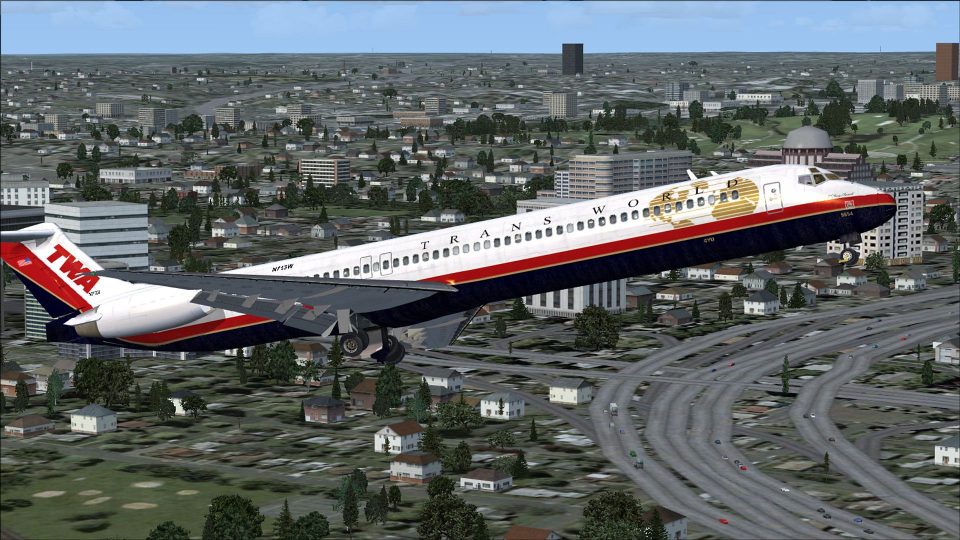
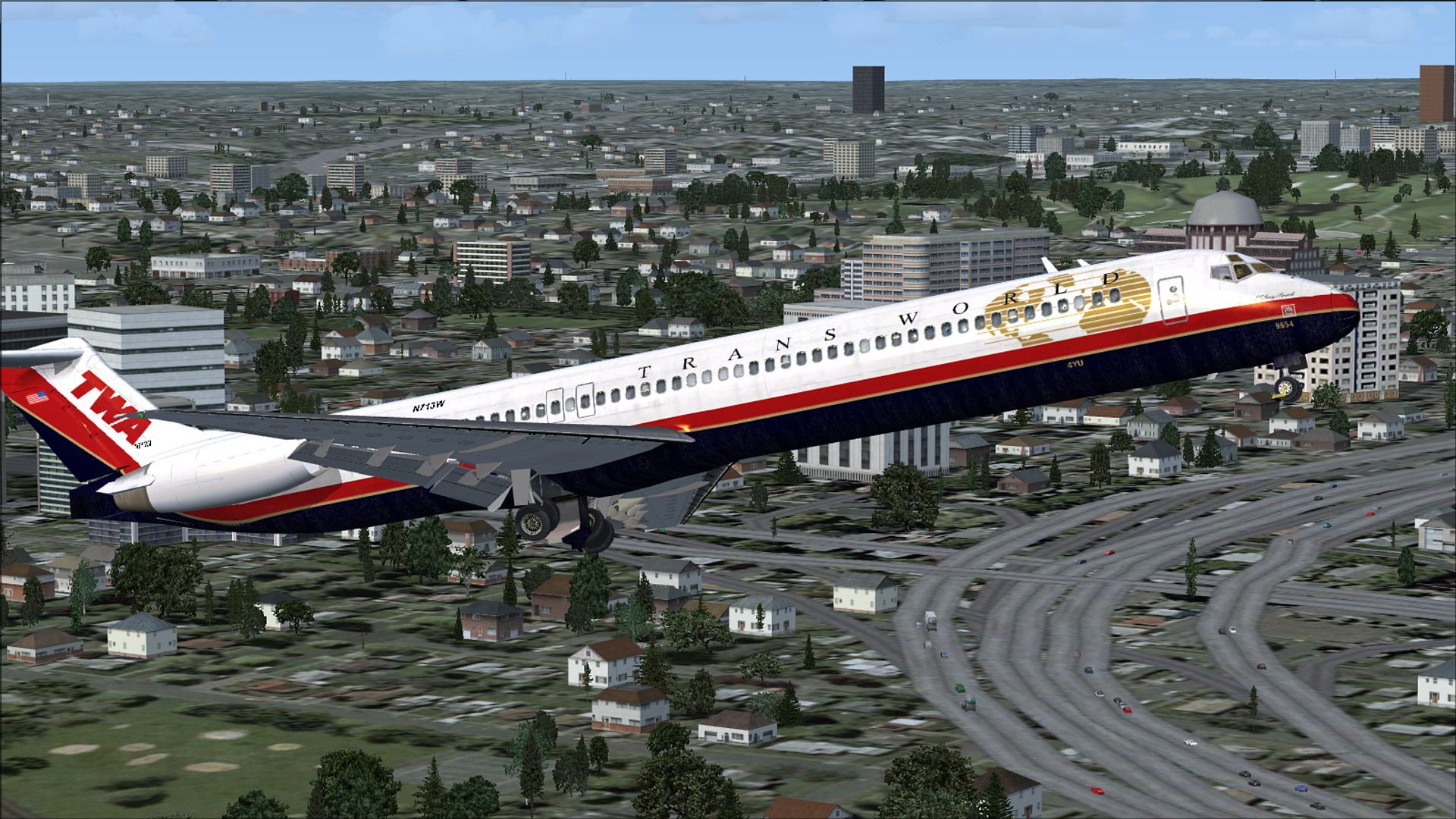
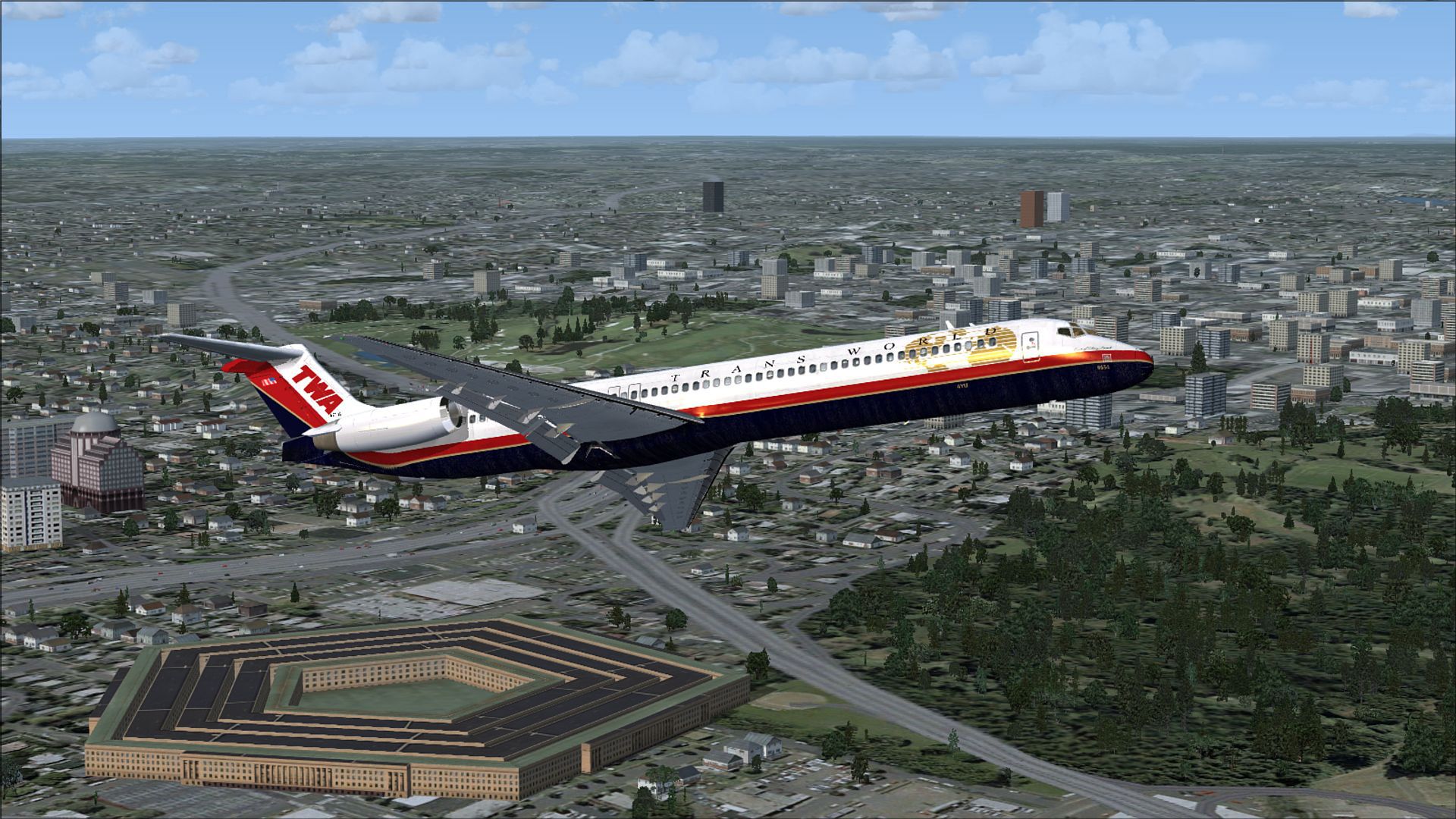
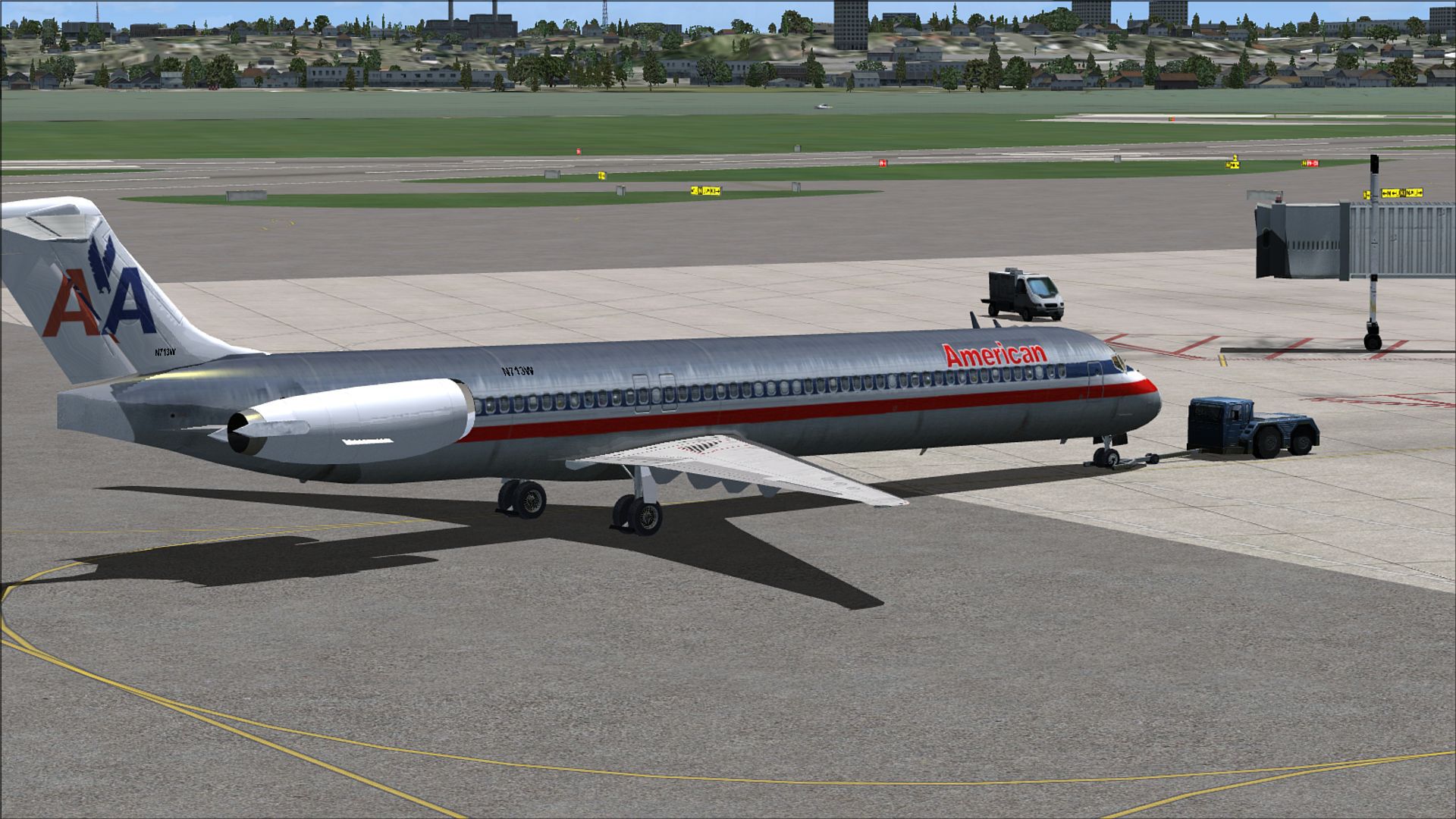
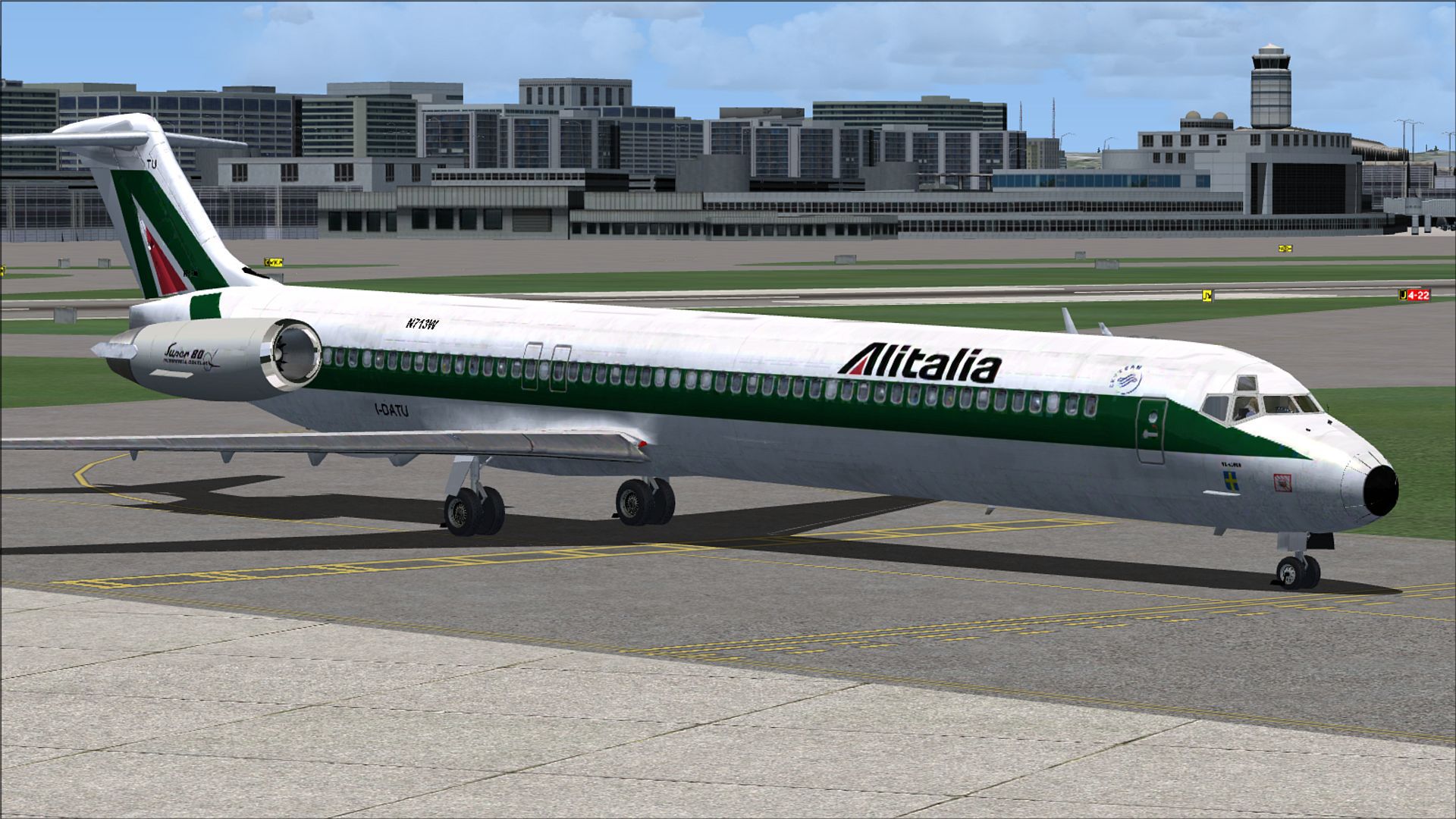
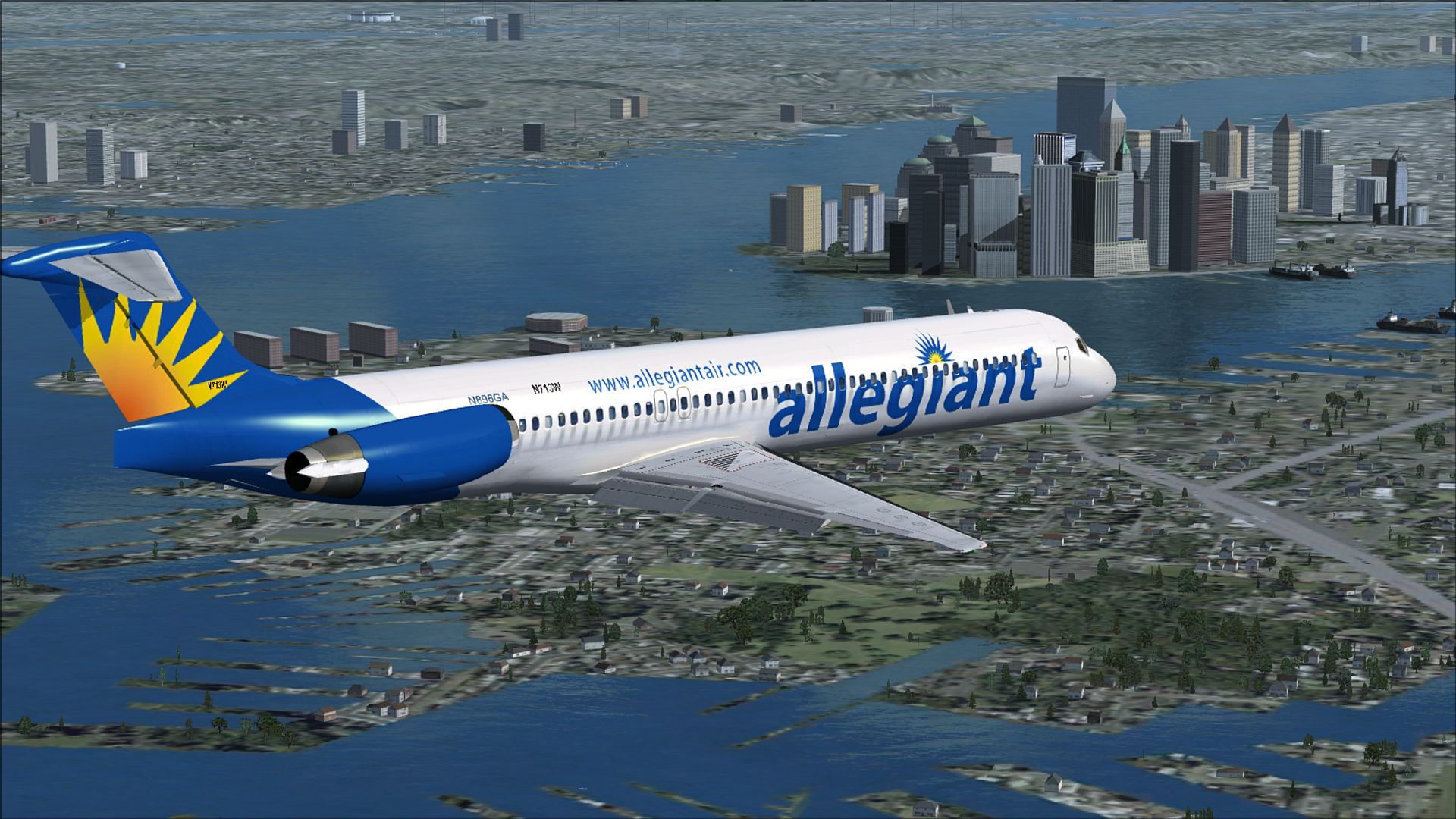
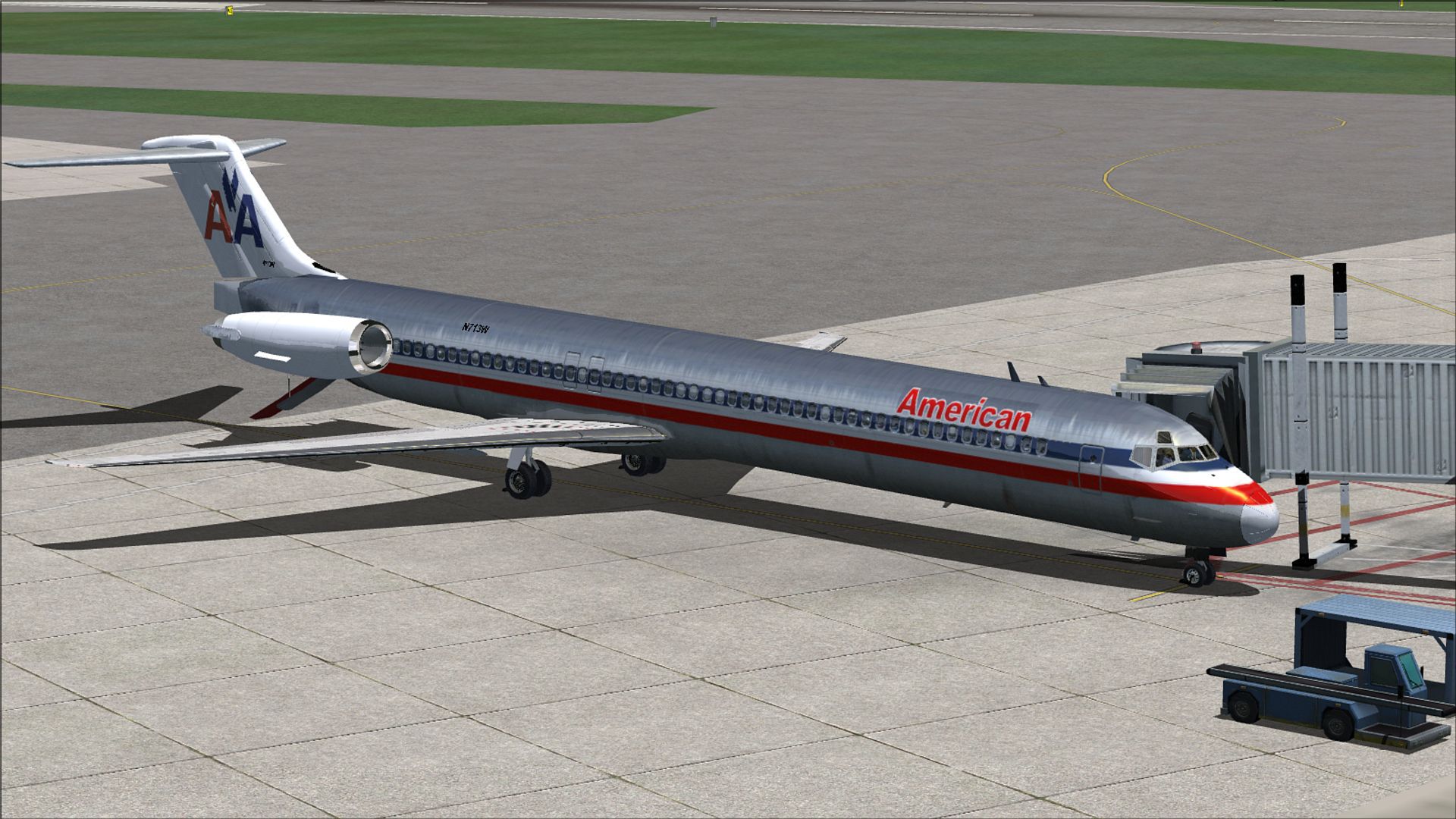
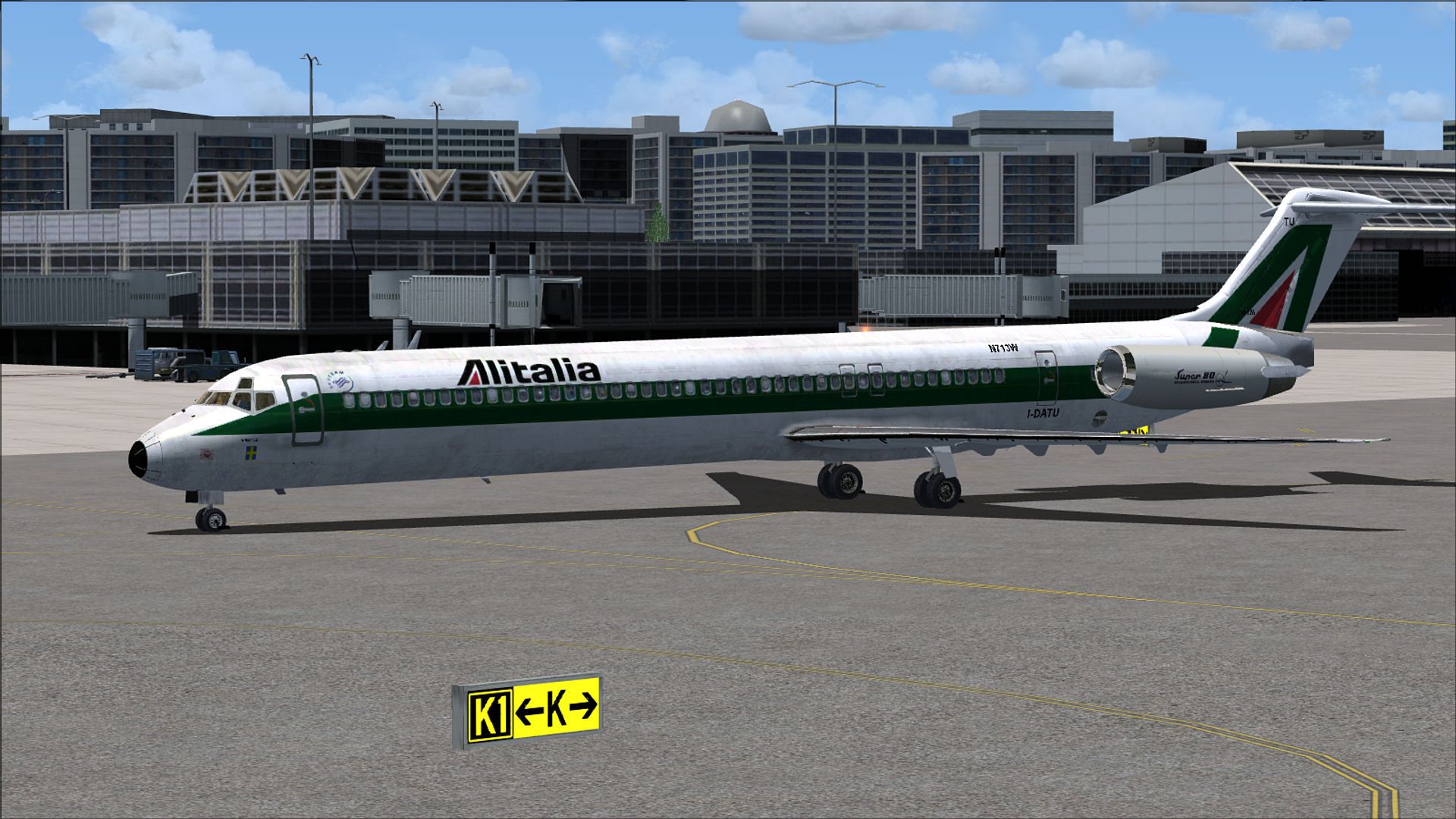
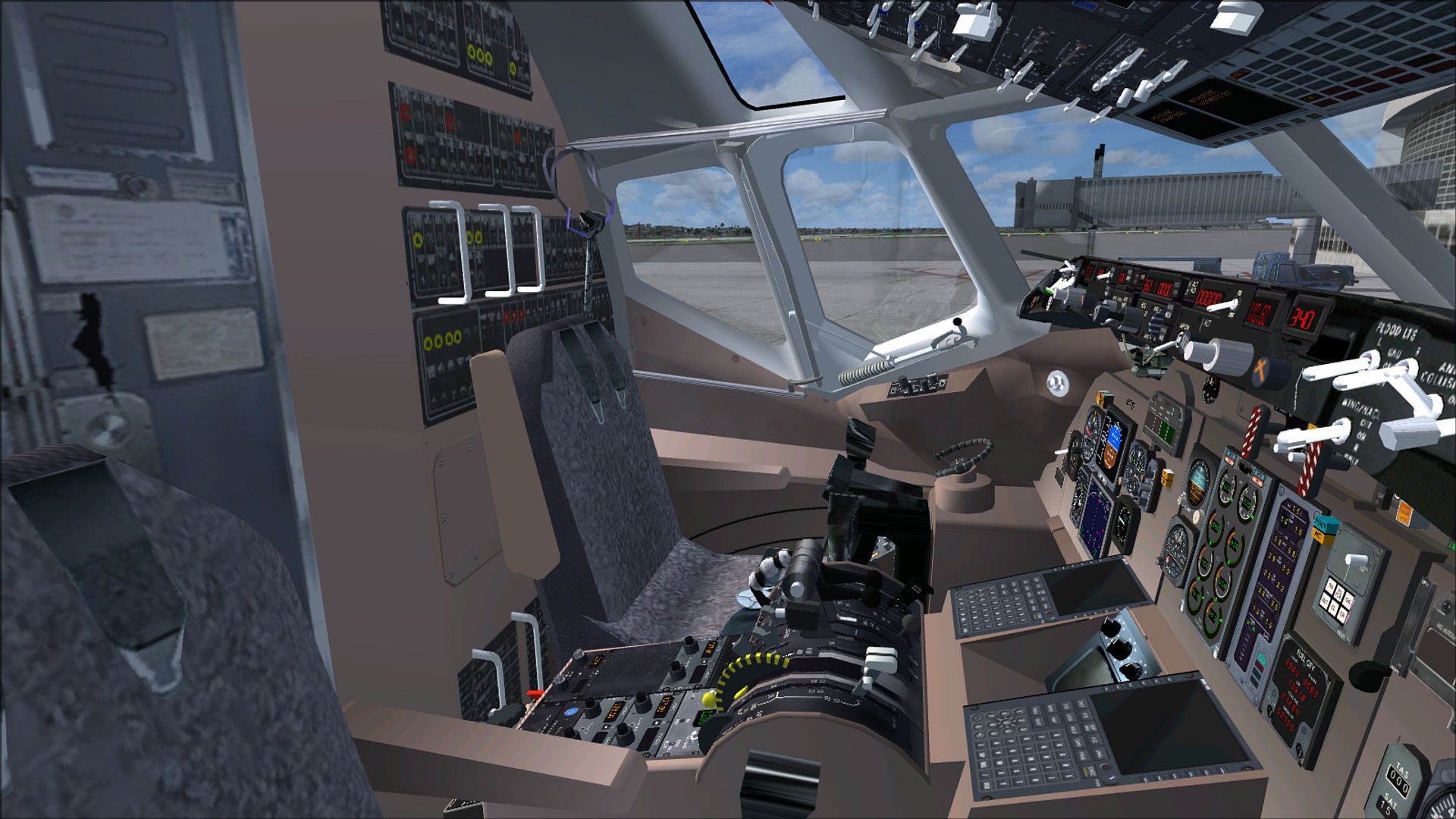
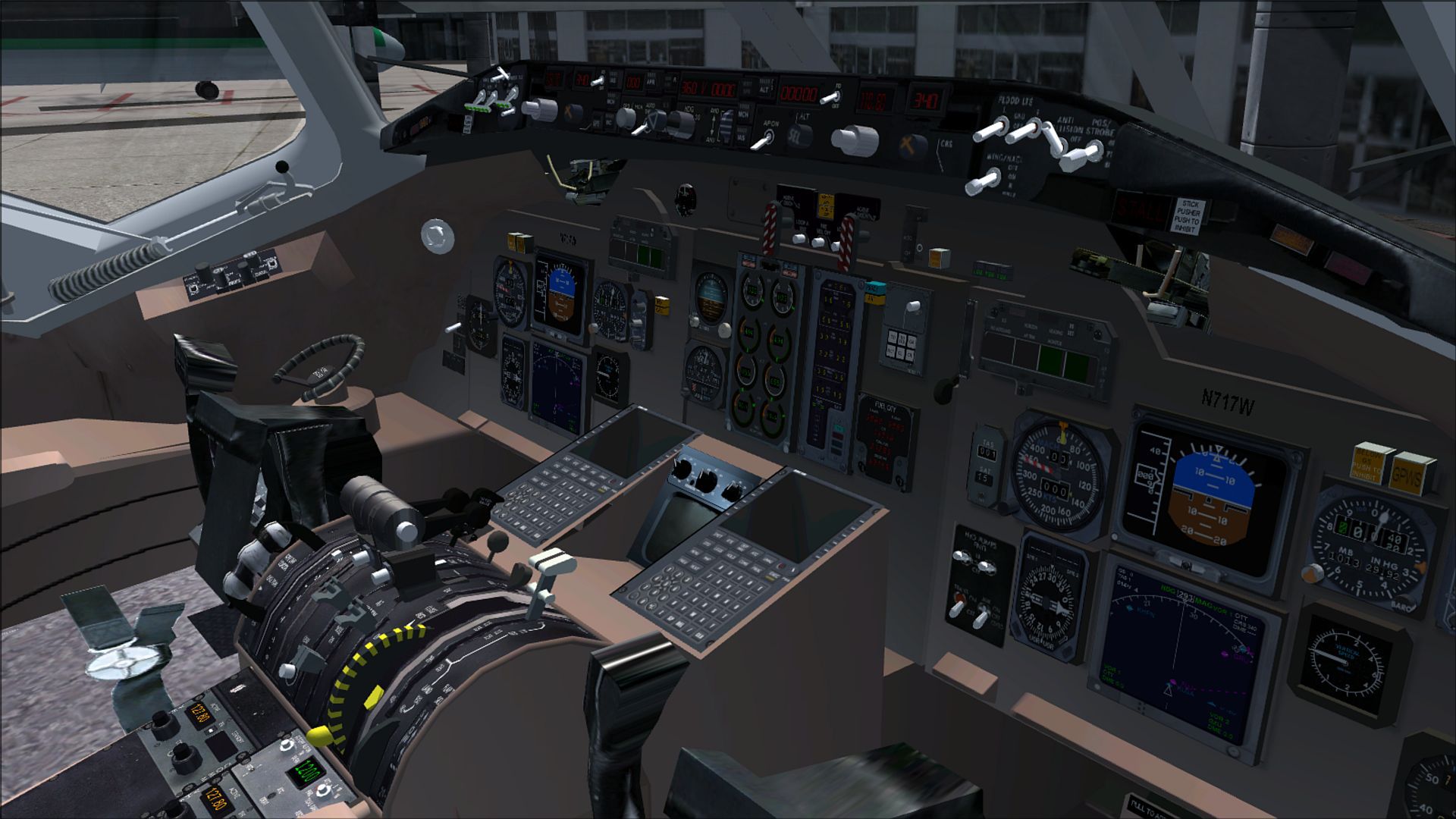
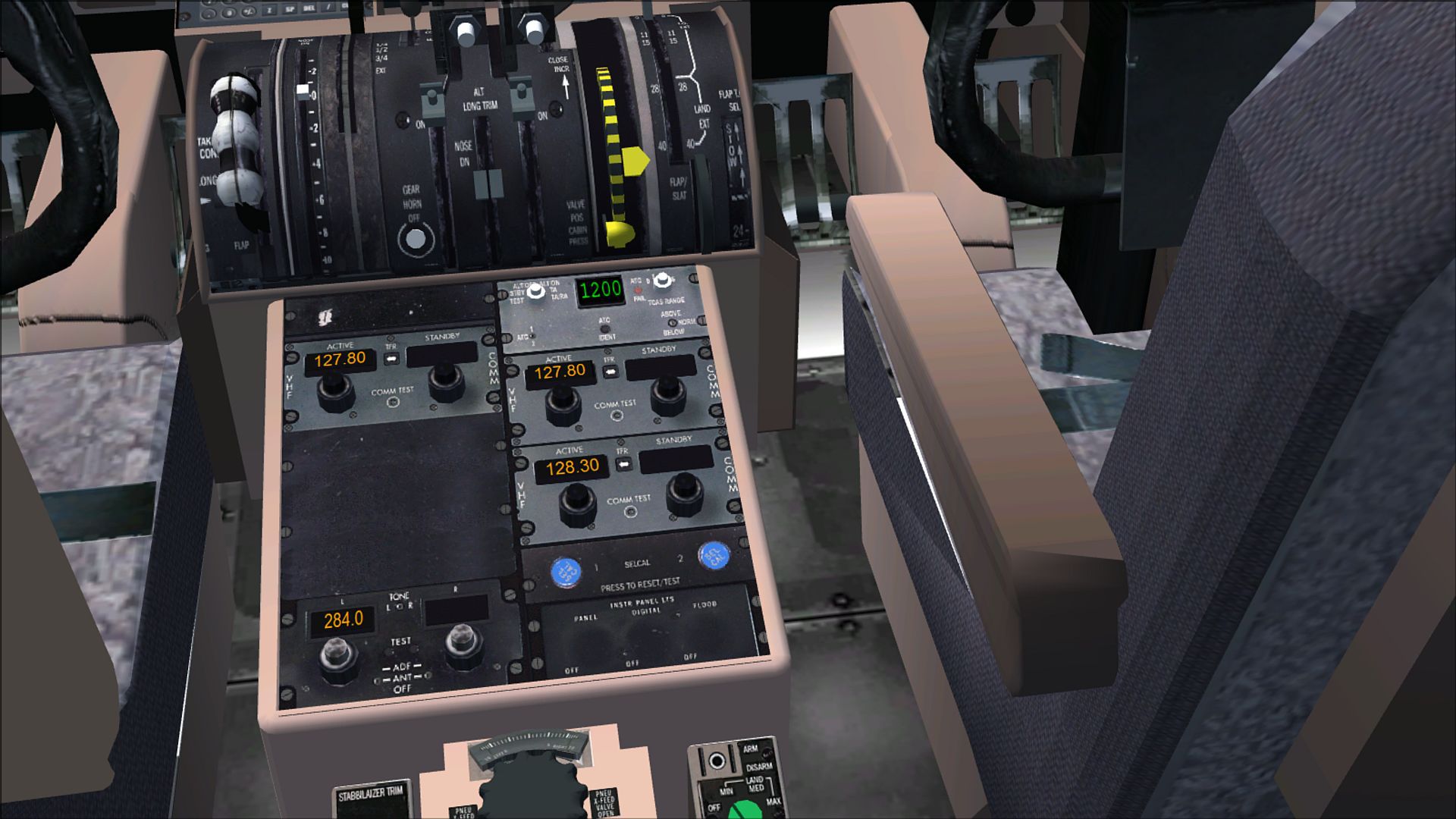
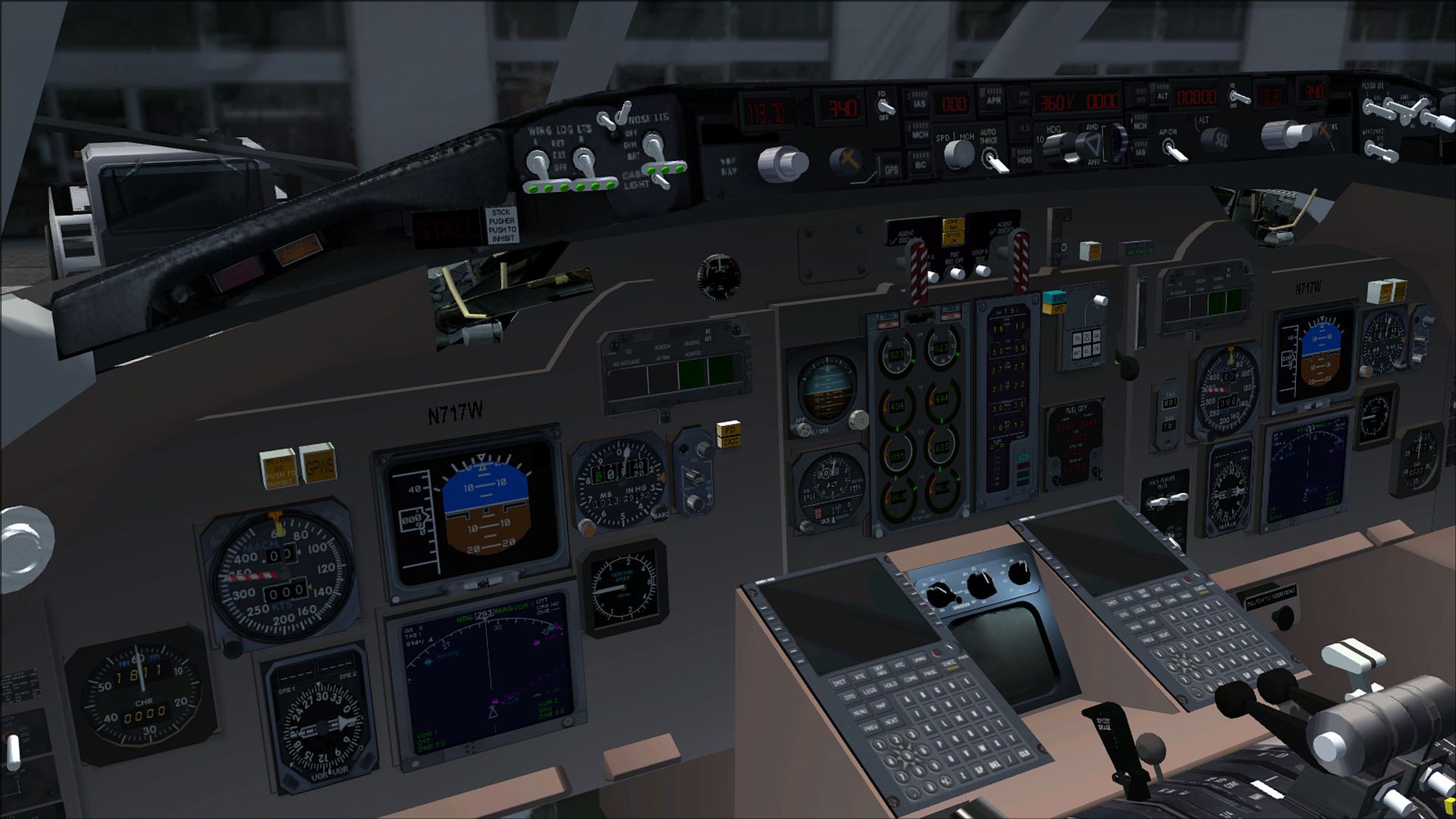
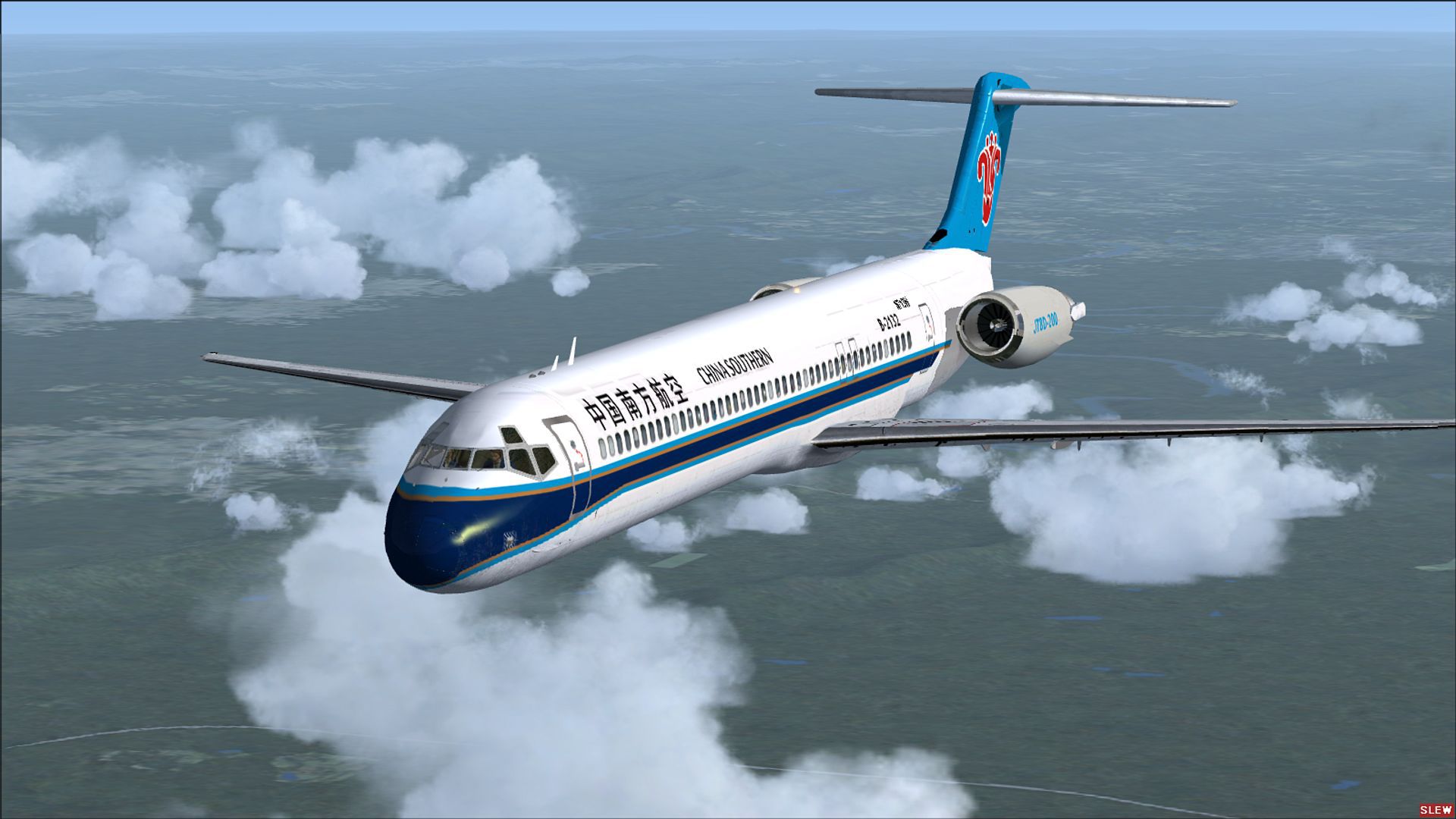
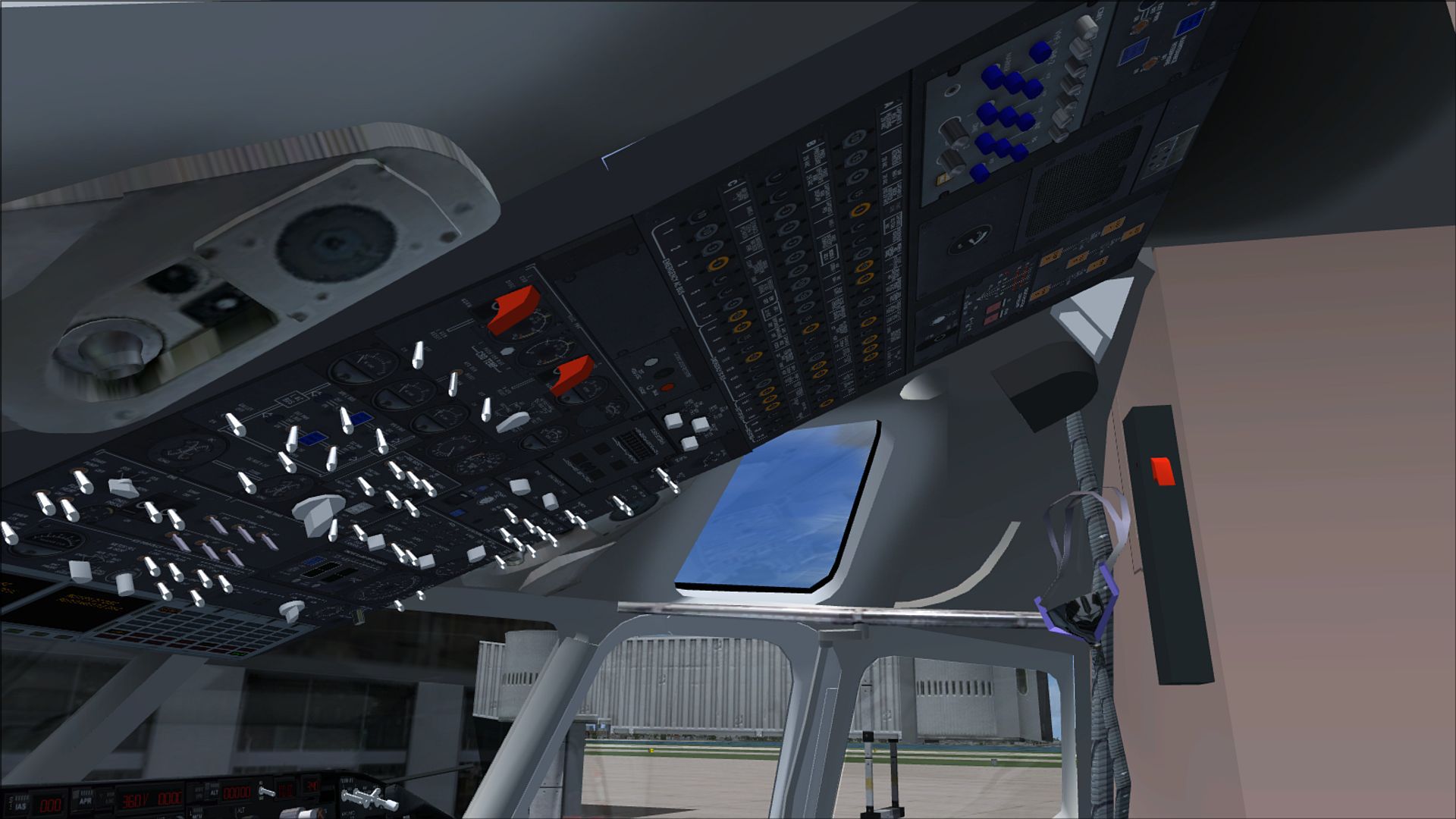
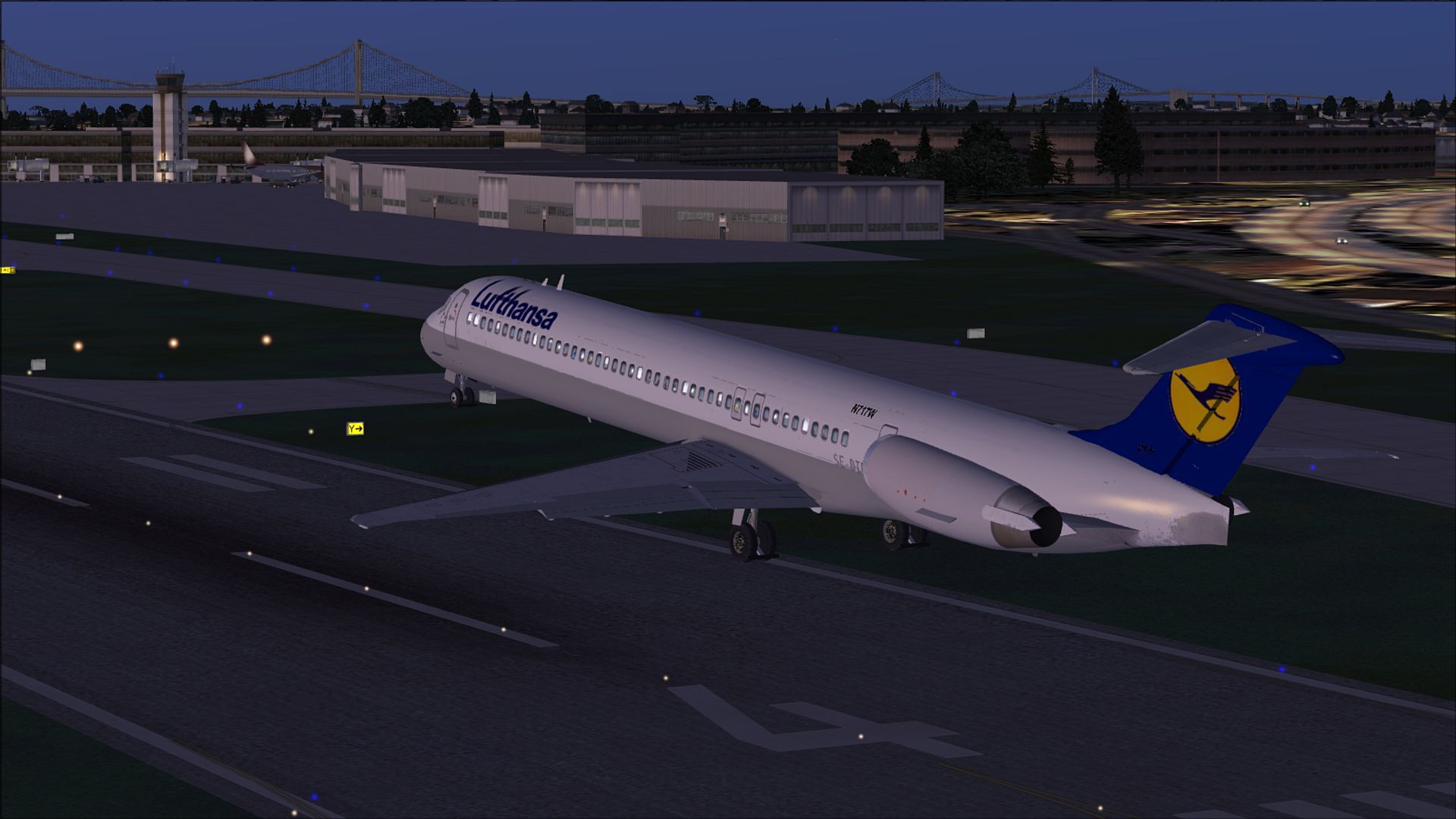
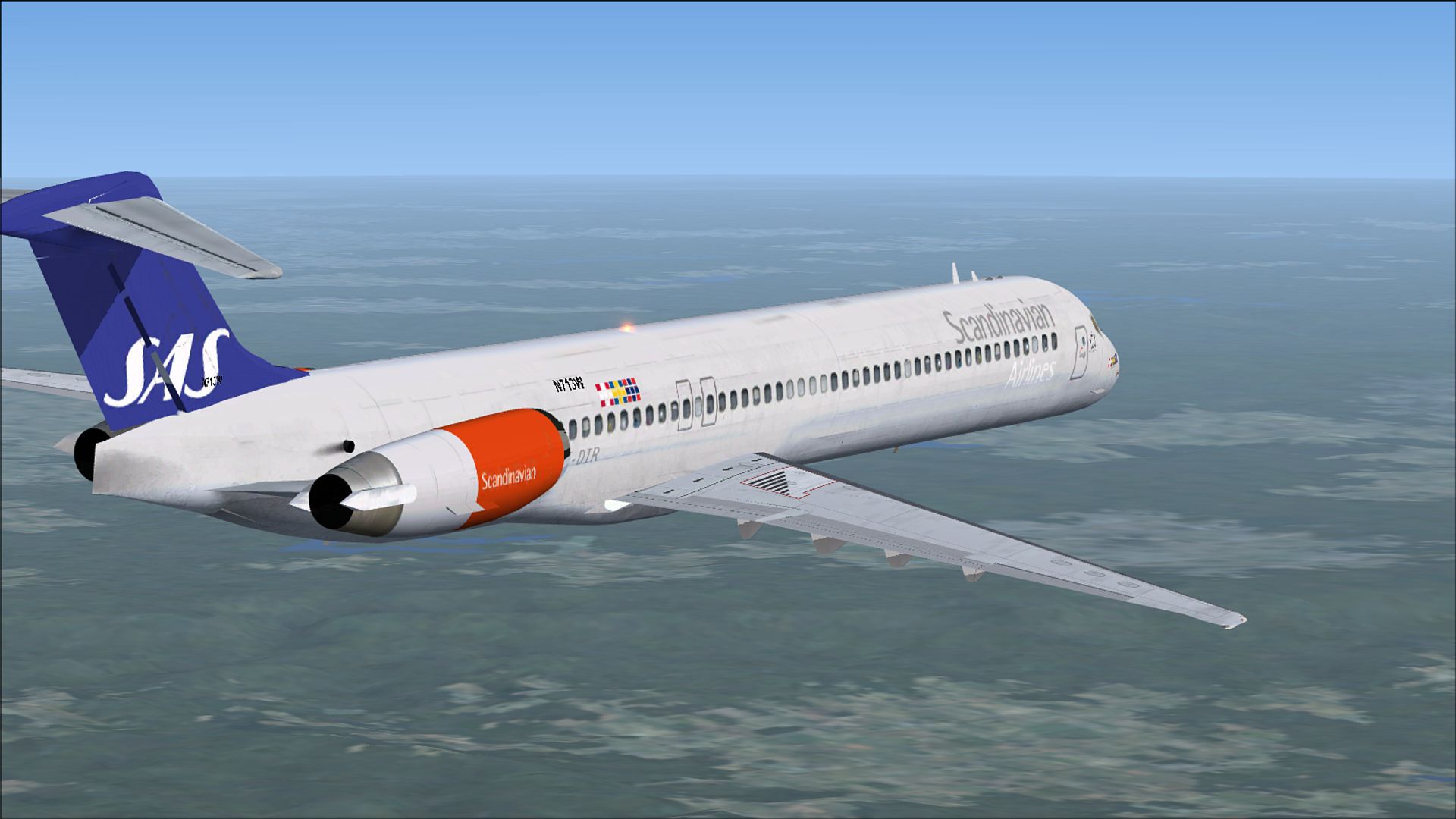
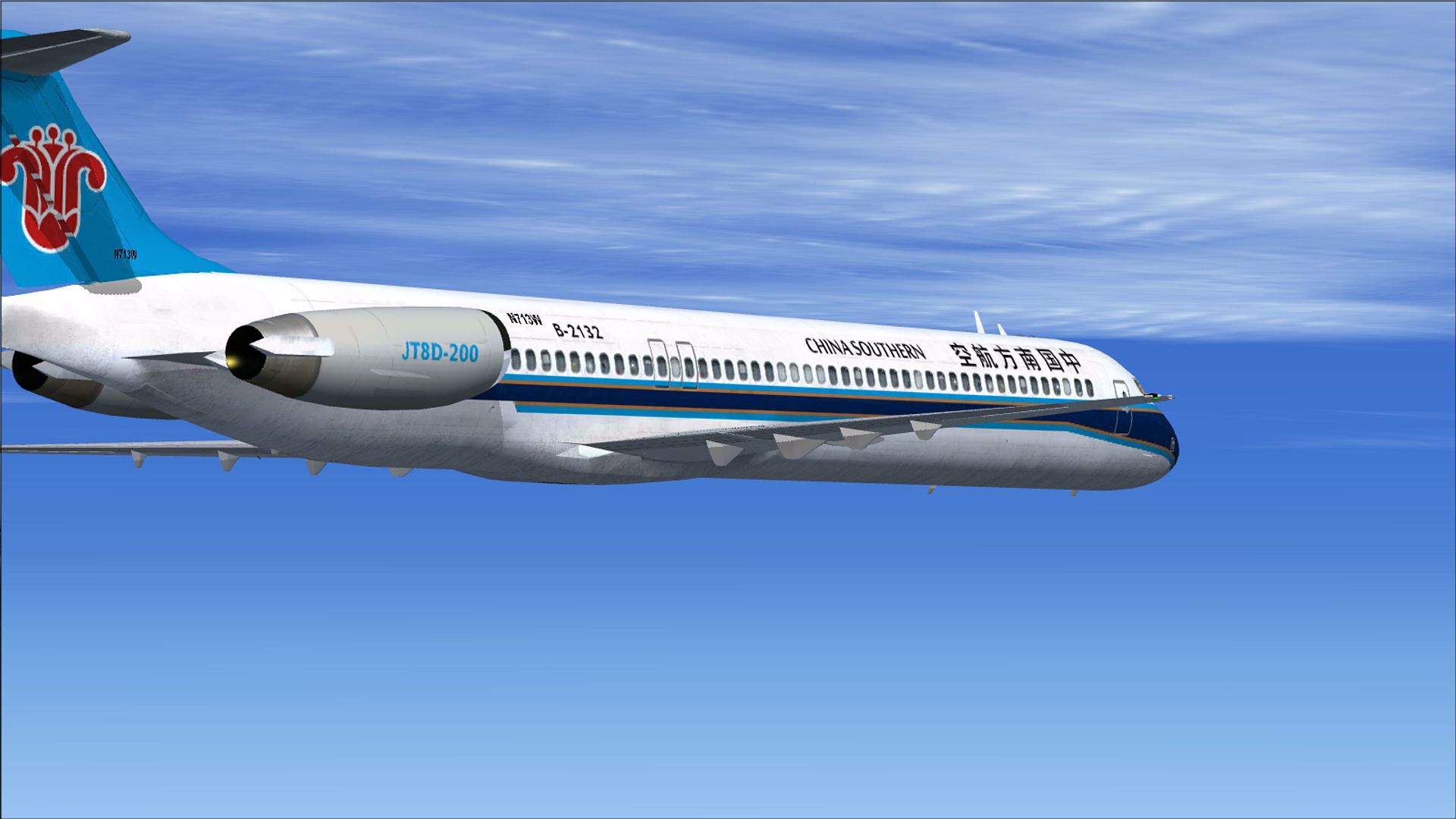
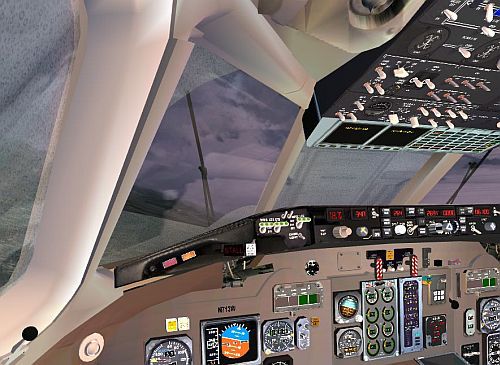
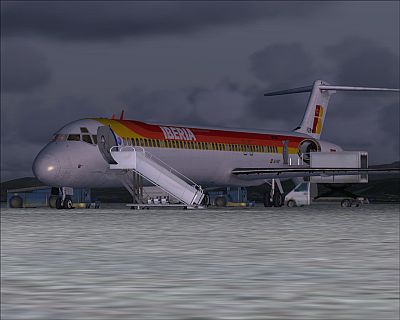
FSND’s McDonnell Douglas MD-83 v2 brings a native Microsoft Flight Simulator X airliner with a detailed 2D panel and virtual cockpit, plus an APU system, GPWS, and a Bendix King and Honeywell-style FMC/GPS. Expect smooth wing flex, windshield wipers, animated doors, and terminal gate compatibility, with multiple airline liveries included.
 Rate
Rate
This is the latest version (v2) of the FSND MD-83 for Microsoft Flight Simulator X.
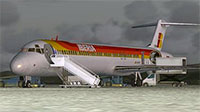 The add-on features many advanced FSX animations and perks. This is a native model (hasn't been ported over from FS2004).
Features
Liveries
Developer
Alejandro Rojas Lucena. Gauges by: Alejandro Rojas Lucena (Some MD-80 specific gauges), Microsoft (standard flight instruments), Garrett Smith (FMC).
Free for all simmers · 47 MB · Scanned clean Oct 2026
Download speed: Free tier is capped at 0.5 Mbps (this file takes approximately 13 mins at the cap). PRO members download at full line speed.
SimObjects\Airplanes\, Addon Scenery\, Effects\, or Gauges\.readme.txt or README file. It tells you exactly where files go, what dependencies are needed, and any quirks specific to this add-on.The archive FSXFSNDMD83V2.zip has 7 files and directories contained within it.
This list displays the first 500 files in the package. If the package has more, you will need to download it to view them.
| Filename/Directory | File Date | File Size |
|---|---|---|
| FSX FSND MD-83 version 2.exe | 05.06.12 | 47.24 MB |
| READ-ME.txt | 05.08.12 | 4.19 kB |
| Screenshots | 06.14.19 | 0 B |
| MD83V2.jpg | 06.14.19 | 18.15 kB |
| VCMD83V.jpg | 06.14.19 | 48.57 kB |
| flyawaysimulation.txt | 10.29.13 | 959 B |
| Go to Fly Away Simulation.url | 01.22.16 | 52 B |
Only PRO members can place votes.
More FSX & P3D add-ons hand-picked based on this download.
FSX Civil Aircraft
This package is an upgrade for the default MD83 that converts it from an AI a…
 FSX Civil Aircraft
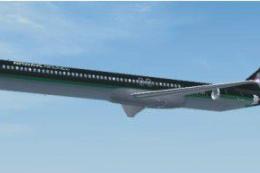
FSX McDonnell Douglas MD-83. This package is an upgrade for the default FSX M…
 FSX Civil Aircraft
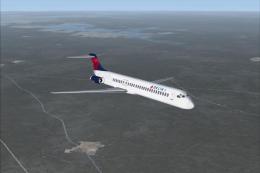
FSX Delta Airlines McDonnell Douglas MD-83. An update for the FSX default MD8…
 FSX Civil Aircraft
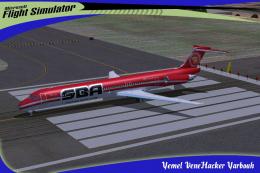
SBA Airlines McDonnell Douglas MD-83, registration YV348T. Textures for the f…
 FSX Civil Aircraft
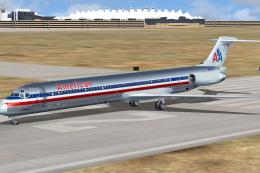
A repaint of SGA MD83 model in the colors of American Airlines, registration …
 FSX Civil Aircraft
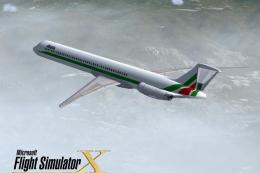
FSX Alitalia McDonnell Douglas MD-83. A repaint for the FSX AI default MD83. …
 FSX Civil Aircraft
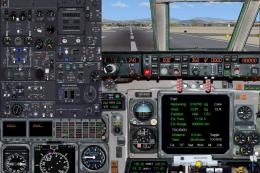
McDonnell Douglas MD-83 Panel Update. This is an update for the MD83 Spanair.…
 FSX Civil Aircraft
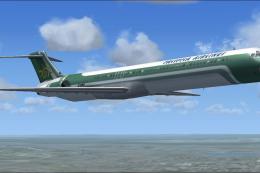
This is the default AI MD83 made flyable. It has all three fictional airlines…
Read what other simmers think, or add your own.

Simply download to a Temp folder (or an external hard drive if you have one), then unzip the file. Find the file "FSX FSND MD-83 version 2.exe". Simply double click this file to run it and it will automatically install itself. Just follow the prompts that come up when the program executes. Start your Flight Simulator and you will find the new airplanes under Aircraft. This looks and flies great. I hope this helps you, Ryan.

I had the same issue. I went into Settings- Display and checked Preview Direct X under graphics and now liveries show. I am using a CD version of FSX 2006. For other planes, I have to uncheck that box to see liveries. Maybe this will help you.

A very good car installer A very beautiful aircraft already a little "historic, it brings a lot of fun A pitch-trim in the 2D cockpit is missing, too bad. 4 stars.

Every plane I load only shows the white plane. is there a fix for this? I really like the flight characteristics of this plane and would like to use some of the liveries. Please help.

Great download - stumbled upon the install directions then it went straight in - lovely. It is my first flight using FMS and I am sure it will take a few goes to get it right..........Roger.

I did the install package and the plane appears in my sim objects airplanes folder like all the others. Cannot see it in the menu. Maybe test these things before putting them in the weekly email thing?


Hi. I have downloaded it and it works but I have 2 questions.
1. No matter which livery I choose I only get the white plane without any livery. How can I fix that?
2. The plane spawns with the ground handling equipment and I don t know how to move this away so I can taxi or take off. Hopefully, someone can help.

When I open FSX and select this airplane I get a black plane, pieces of the plane, and never the complete plane. It doesn't work for me. Sorry.
