



 United States of America
 MSFS Scenery
Gainesville Regional Airport (KGNV)
A highly detailed rendition of Gainesville Regional Airport (KGNV), Florida (…
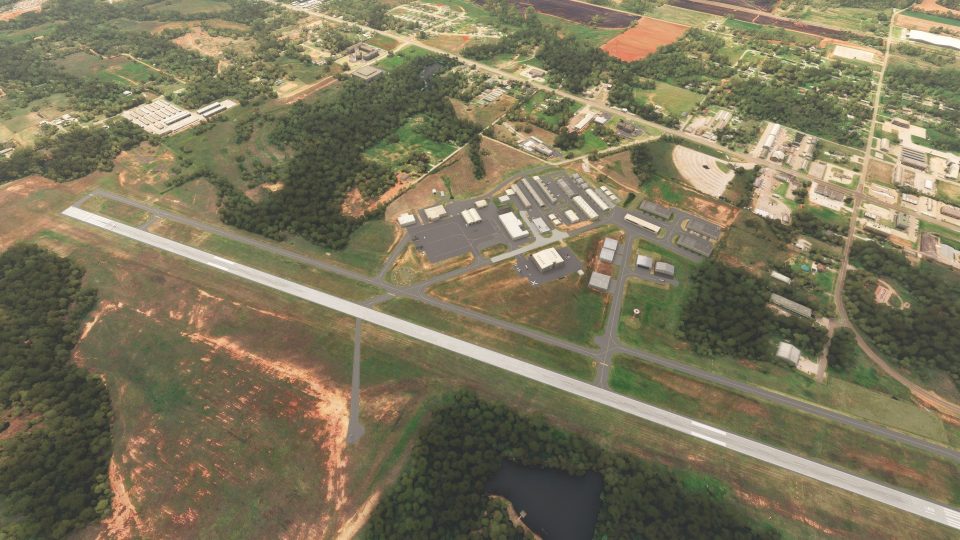
Guthrie–Edmond Regional Airport (KGOK) gets a detailed, more authentic rebuild with corrected beacon placement, restored segmented circle and windsock, and over 30 static objects that bring ramps and taxiways to life. Built from stock assets for Microsoft Flight Simulator, it stays lightweight while replacing missing buildings and airport clutter.
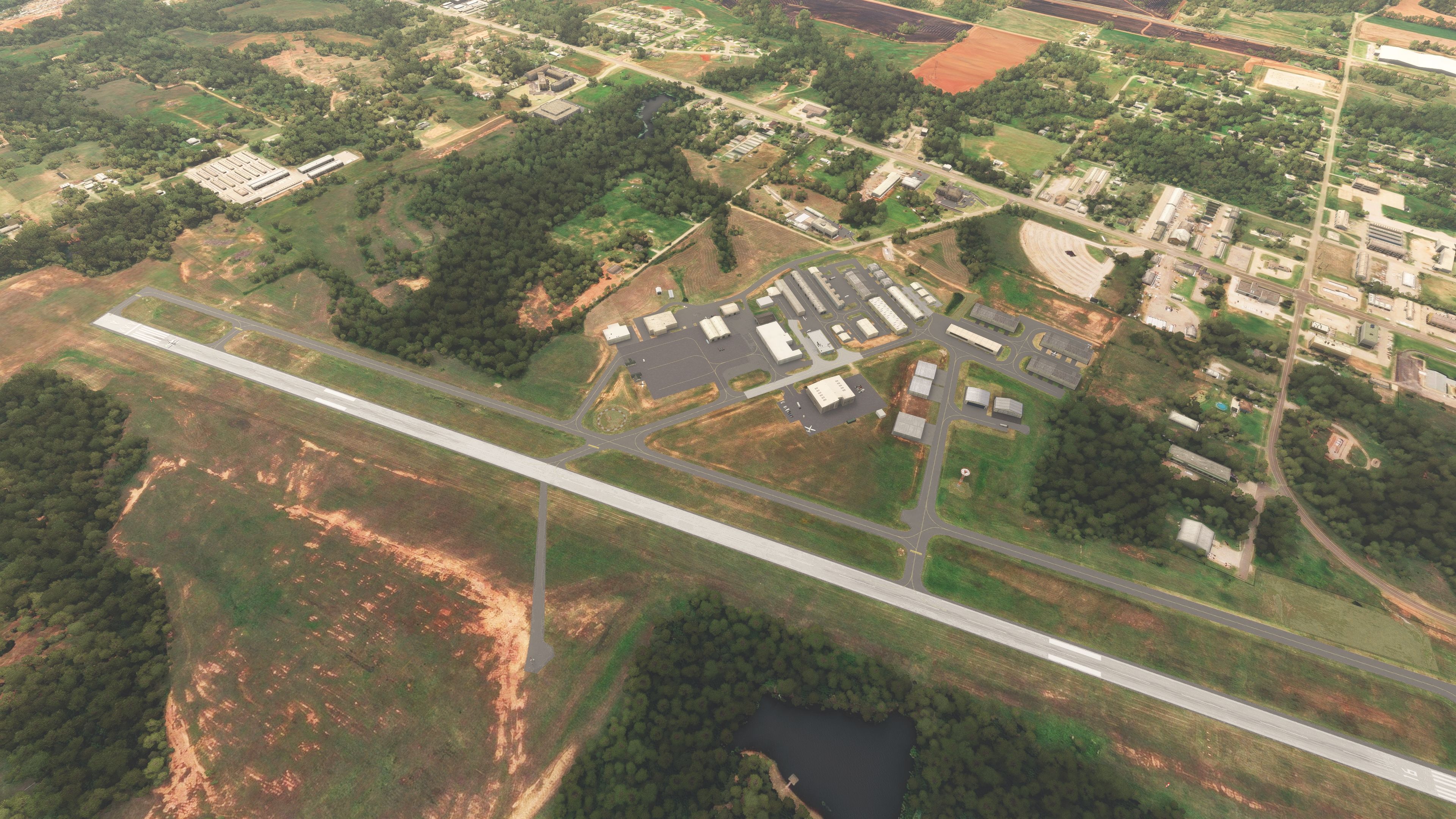
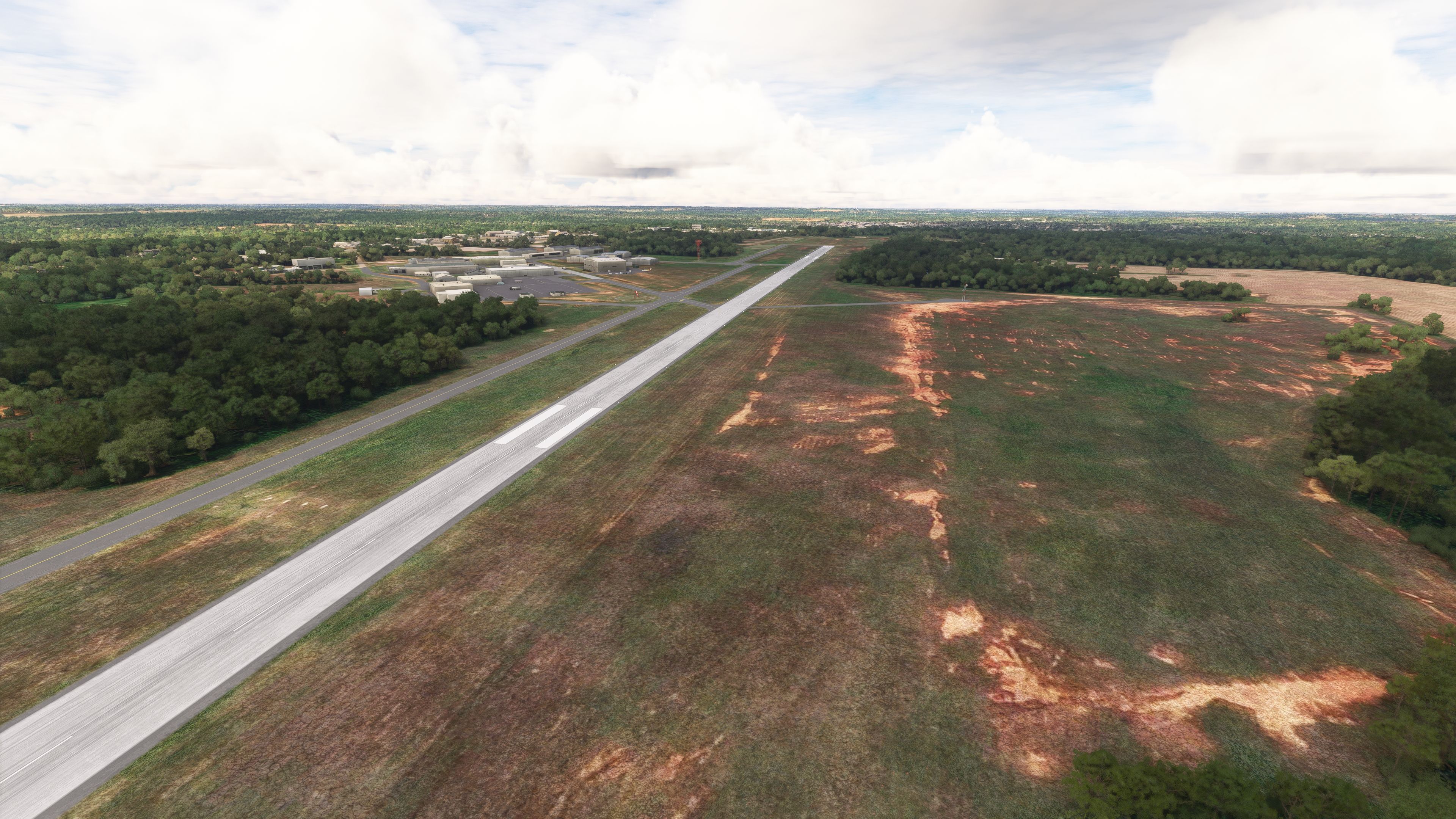
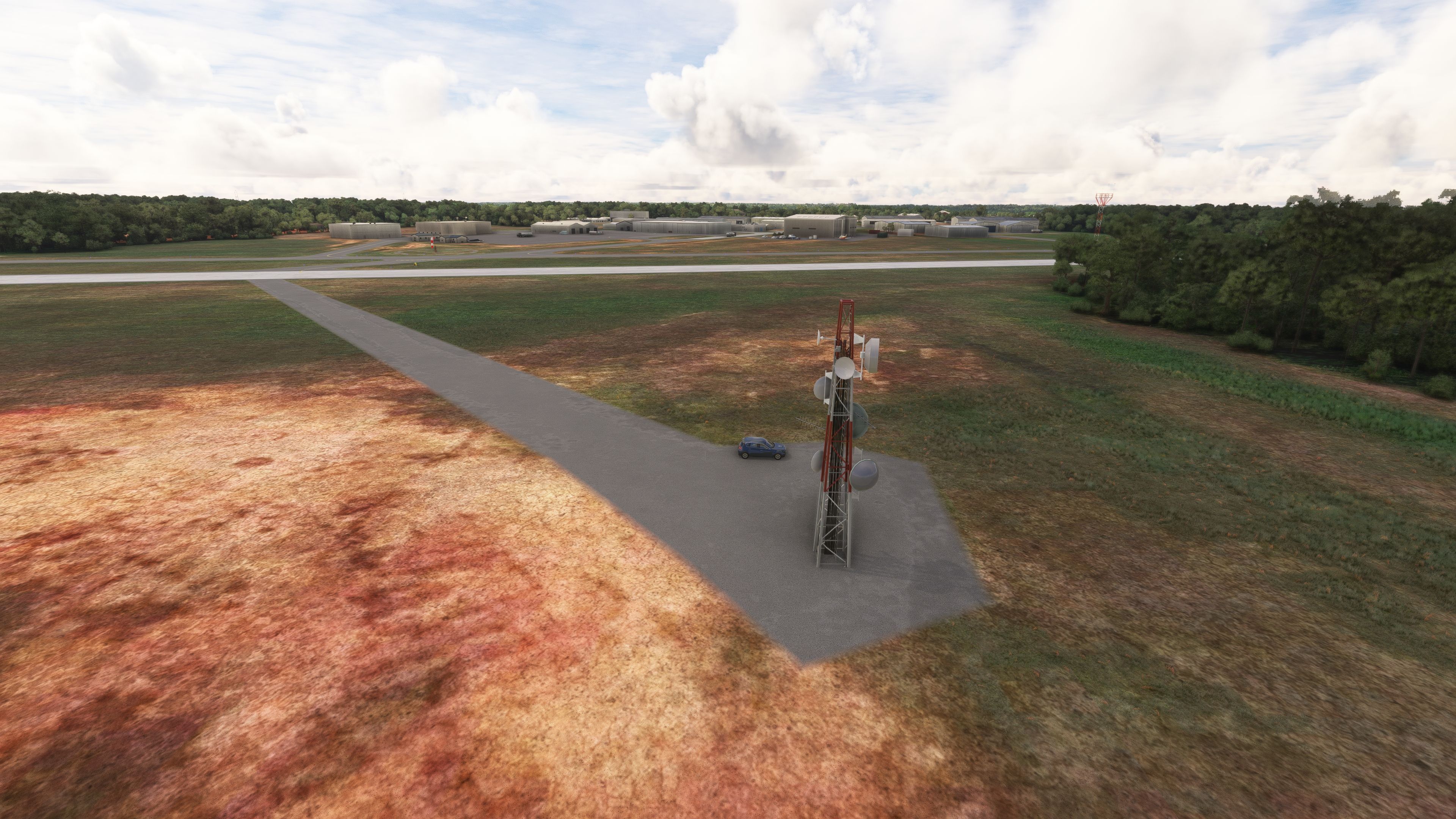
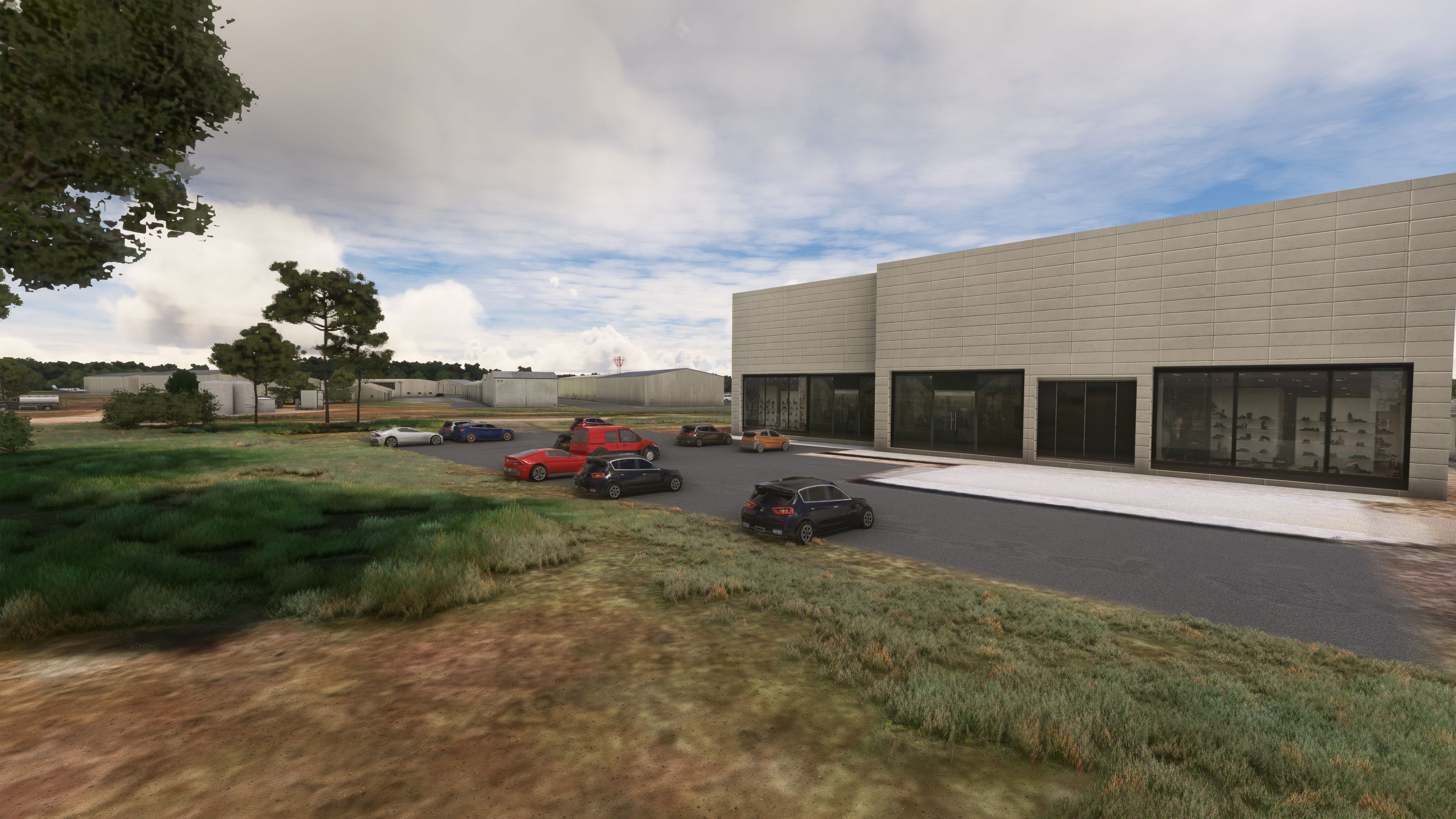
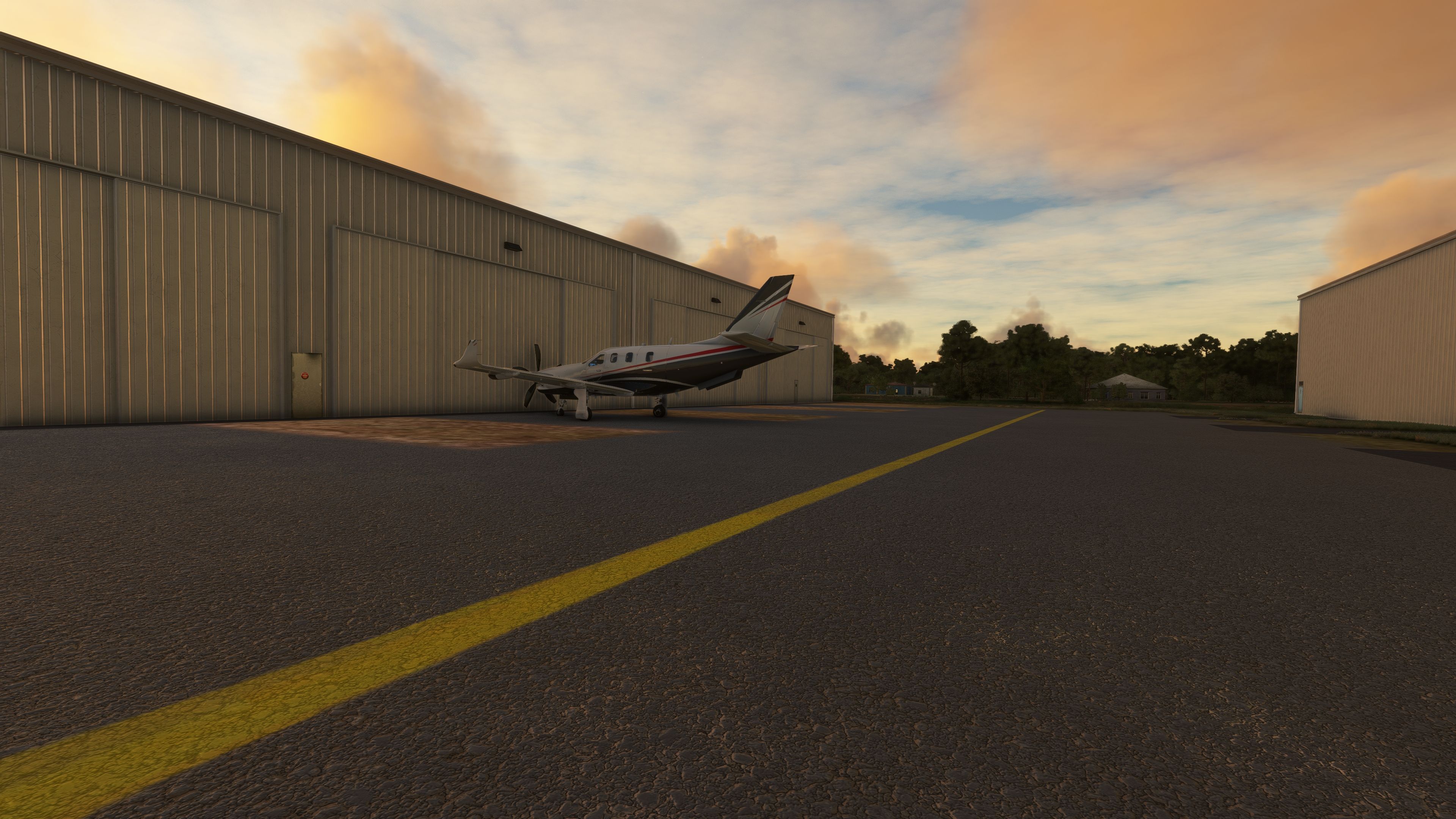
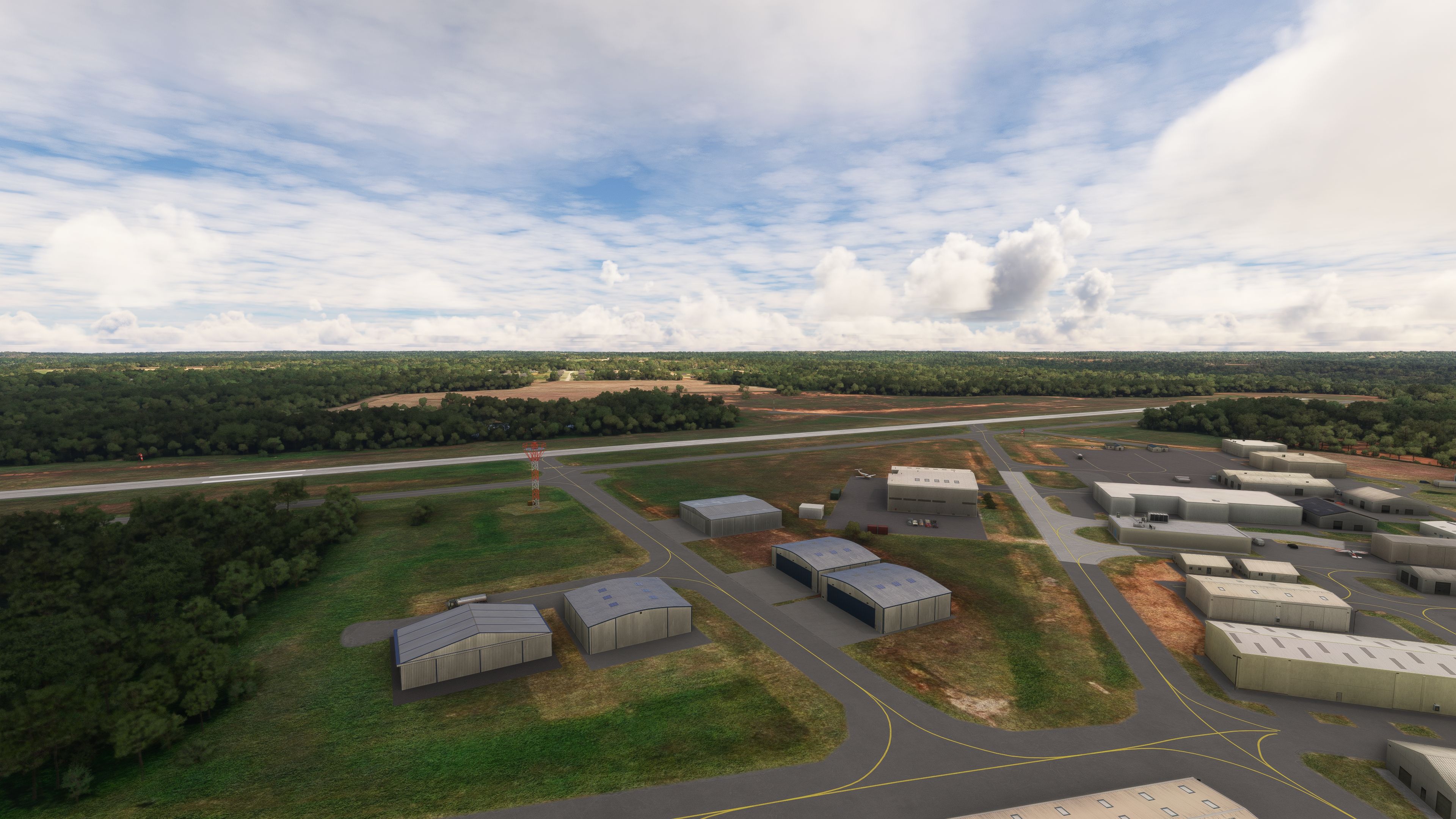
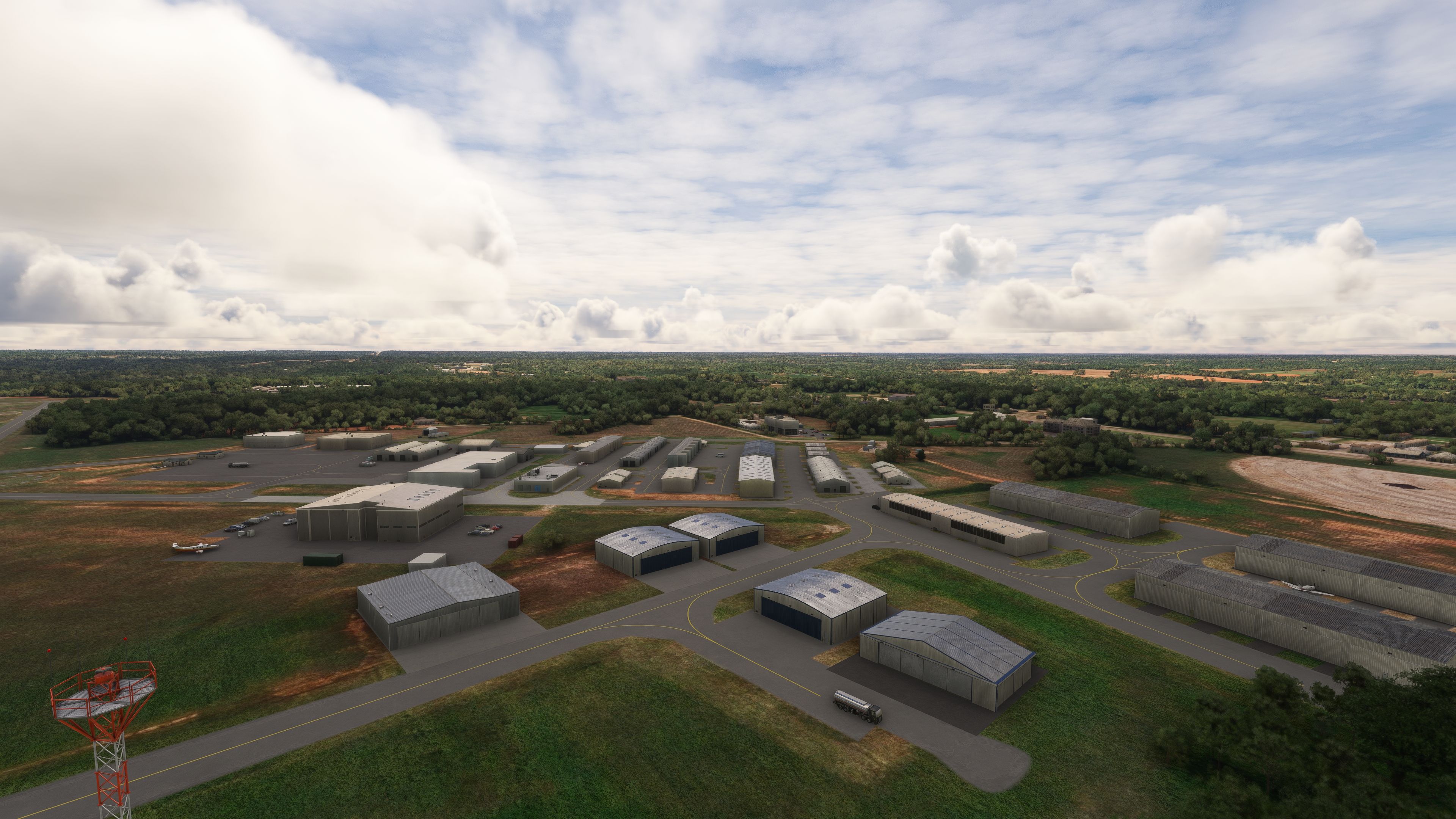
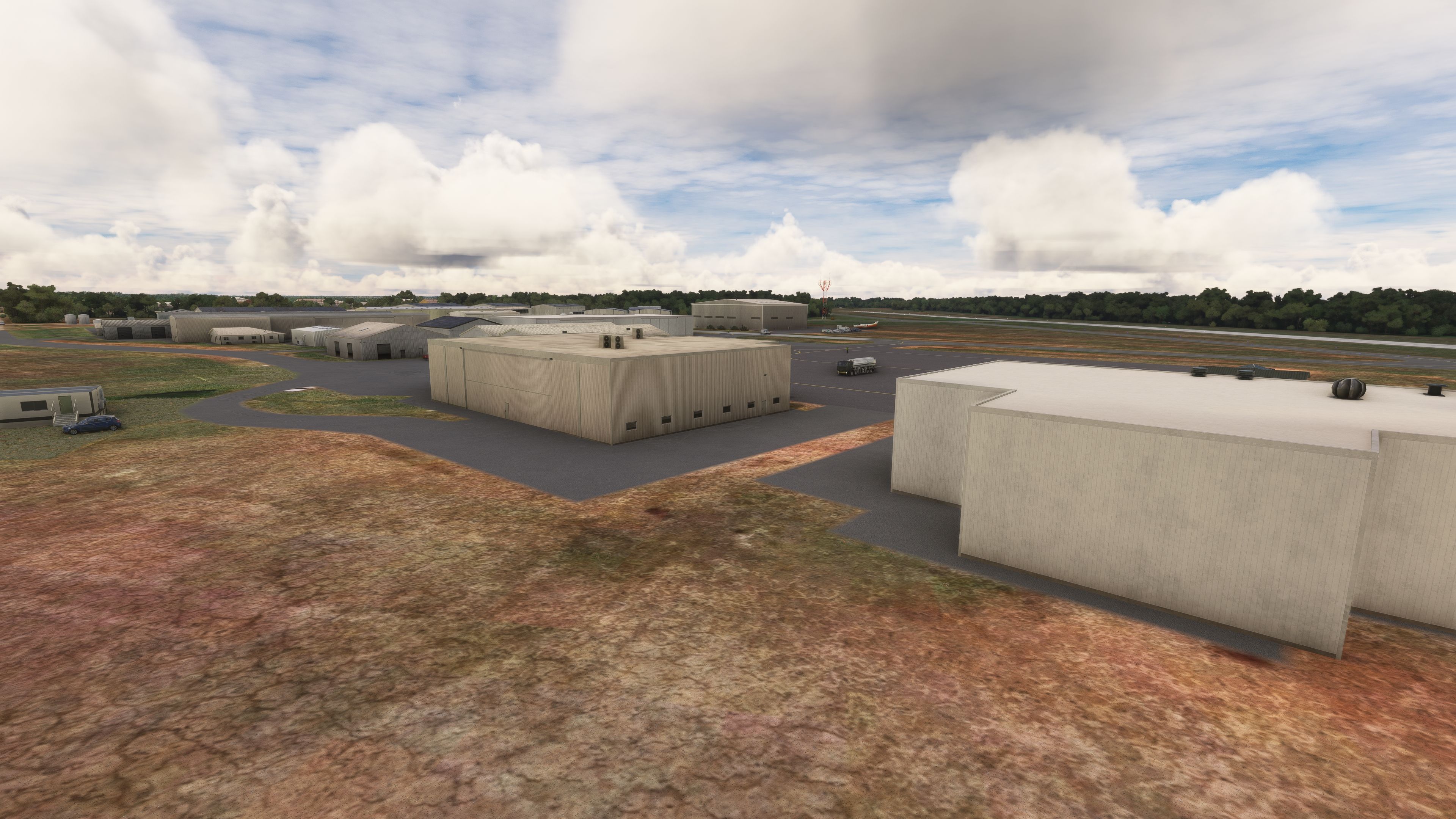
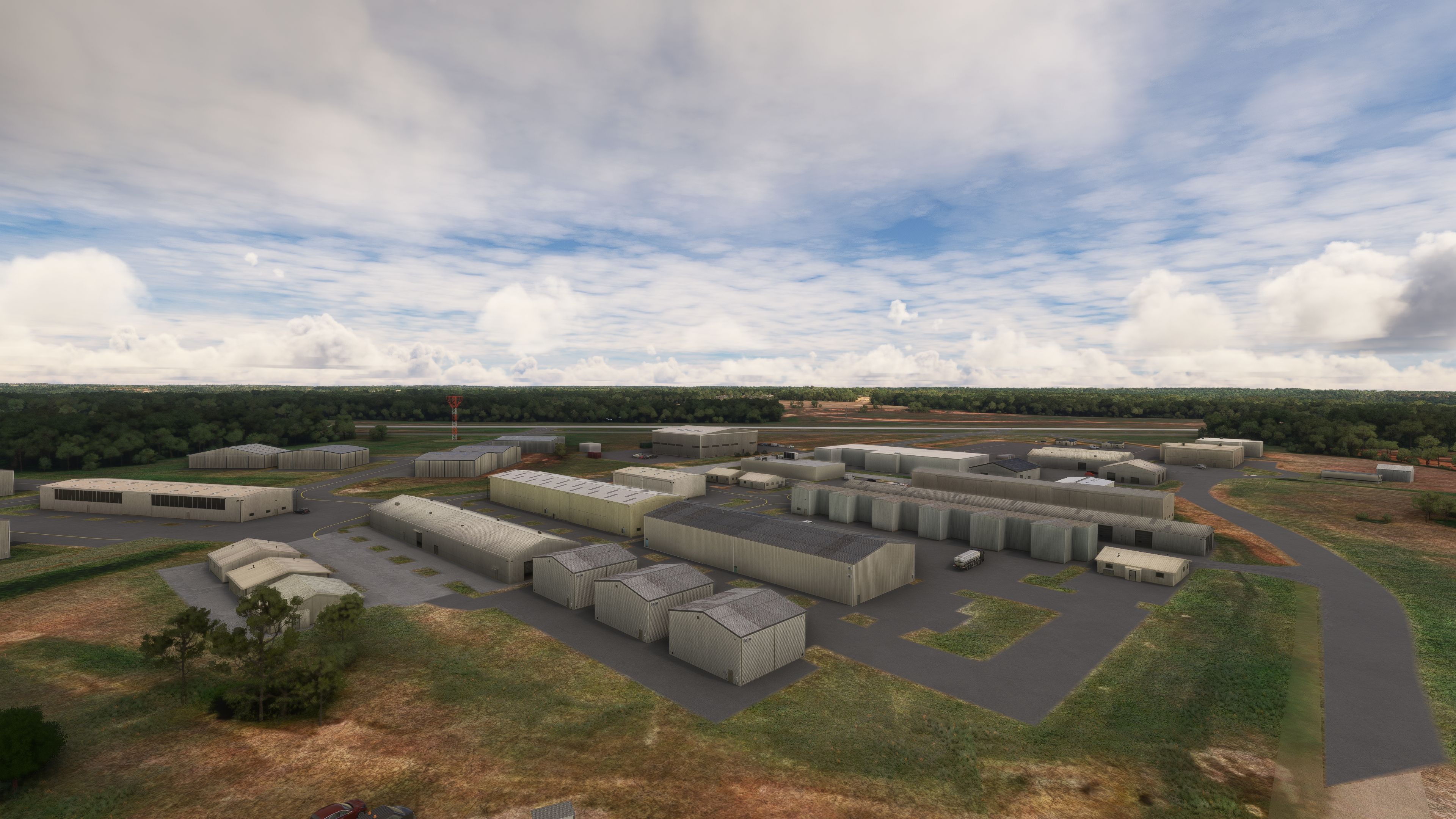
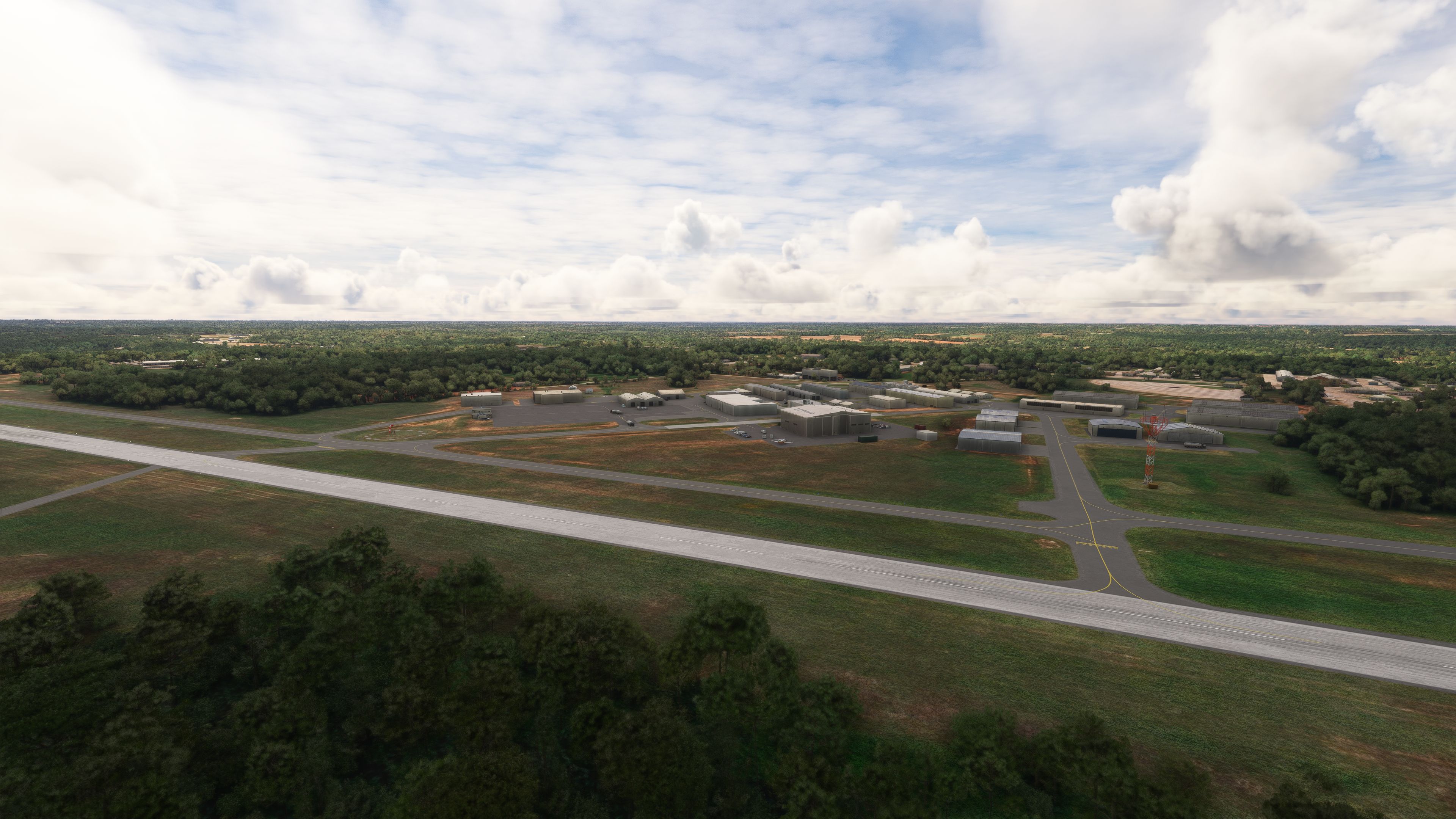
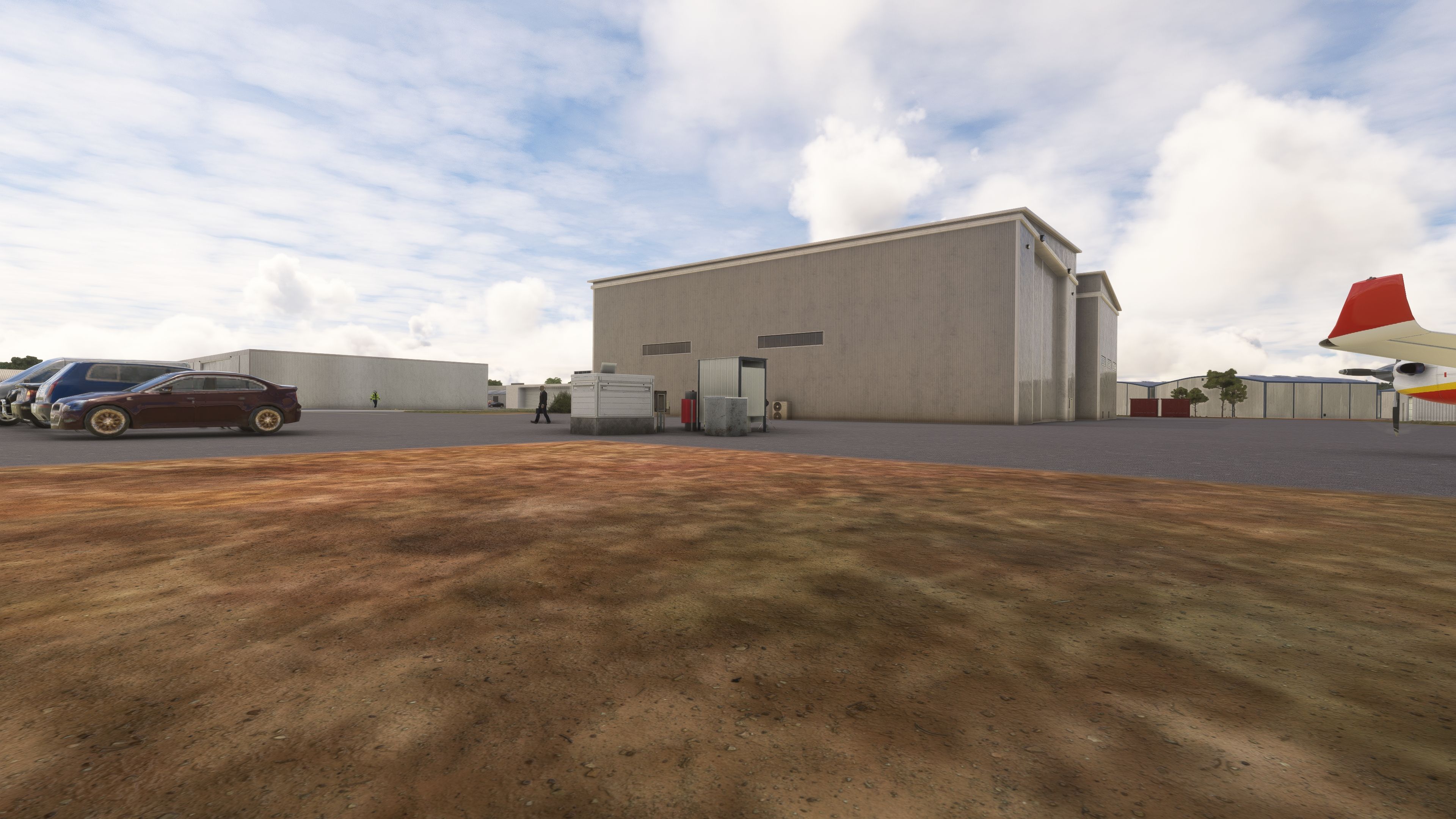
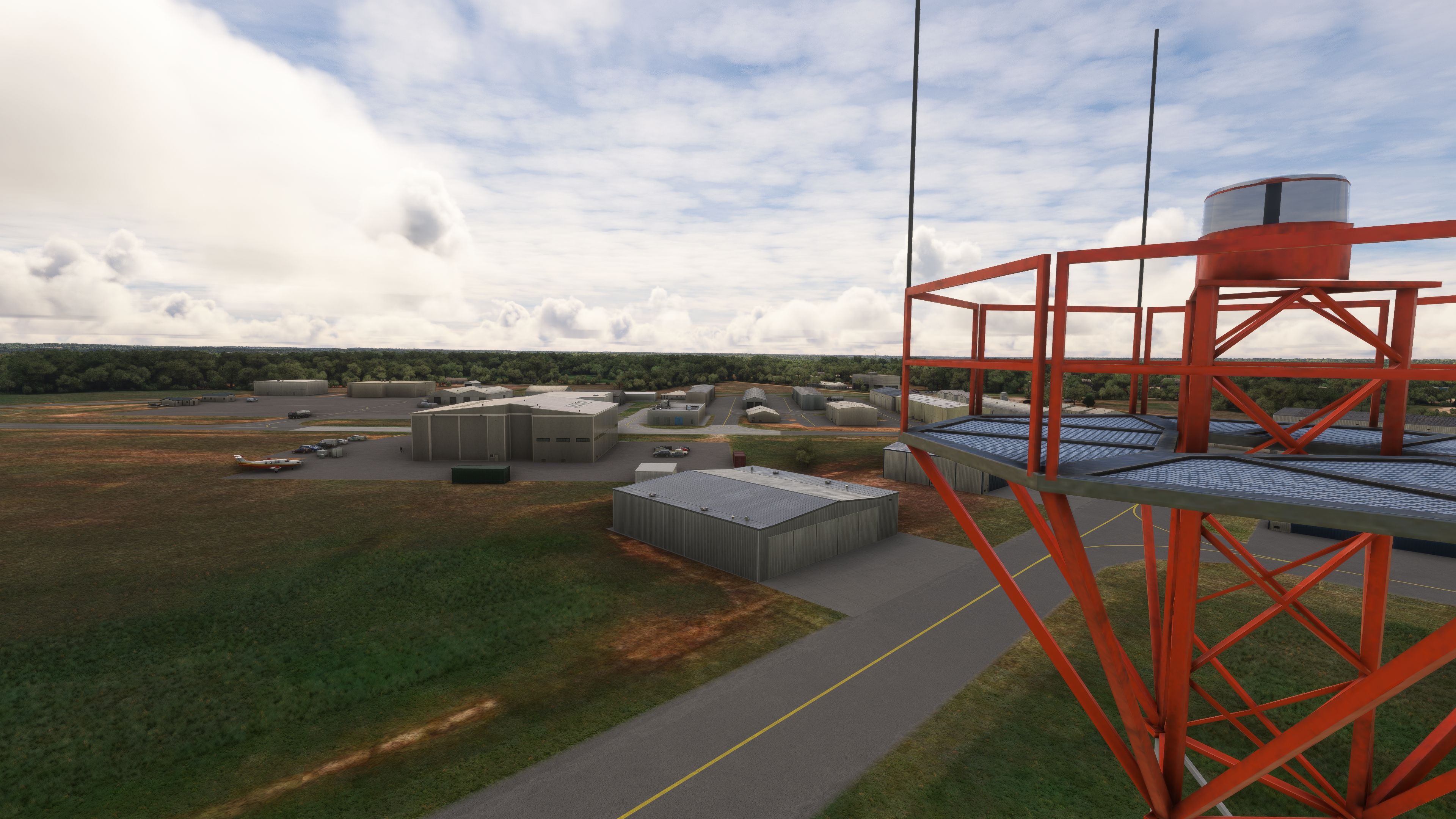
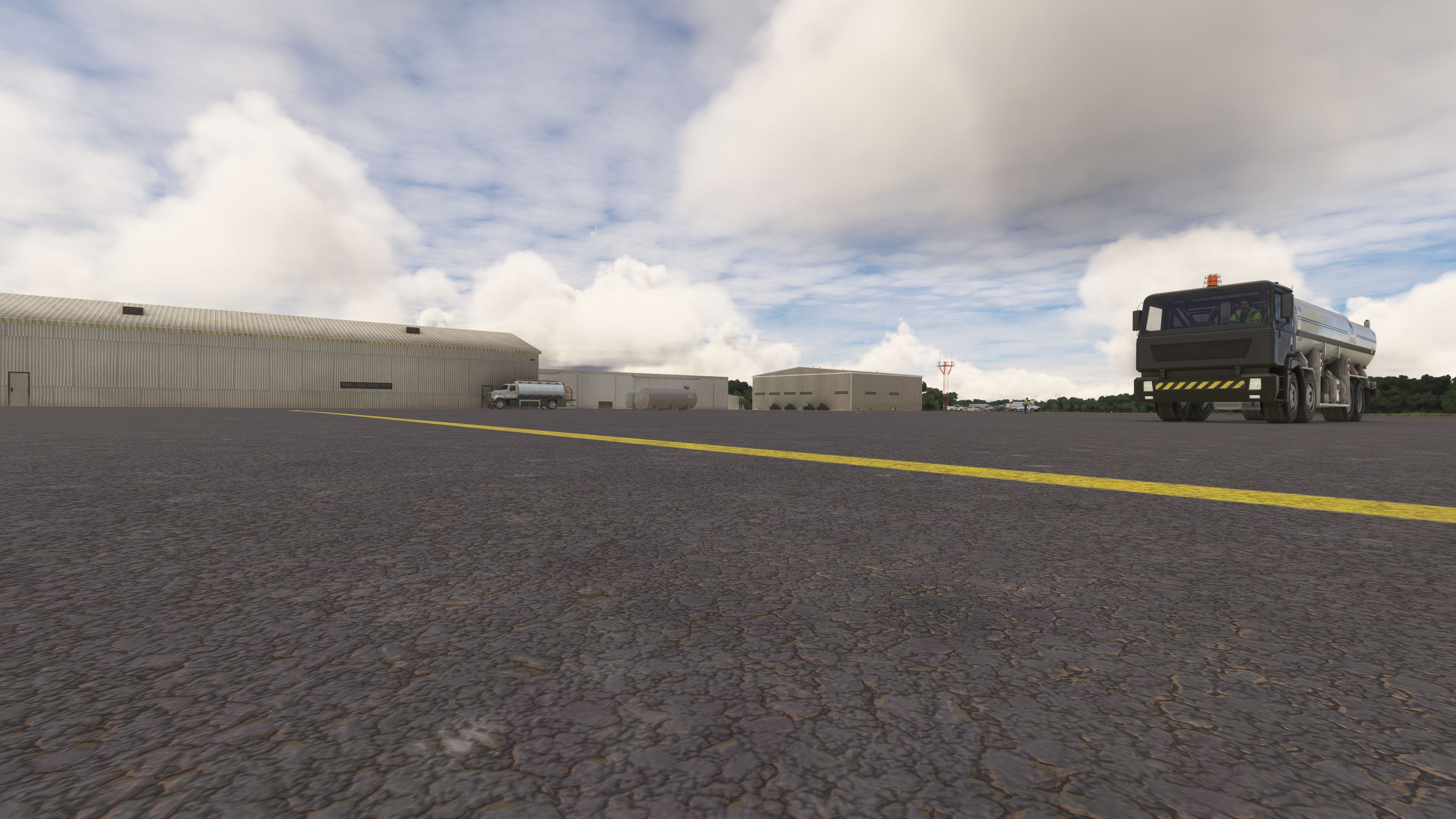
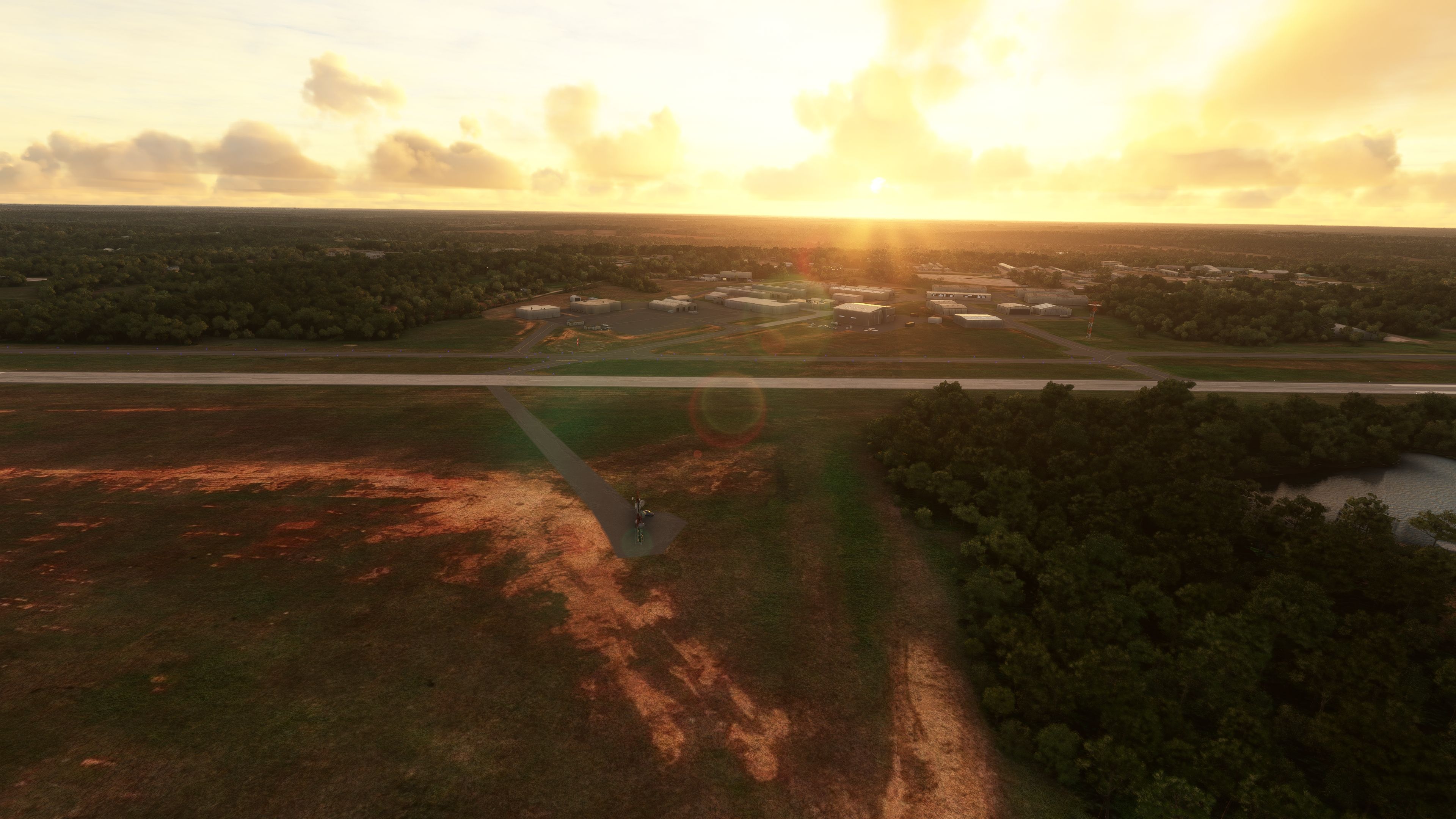
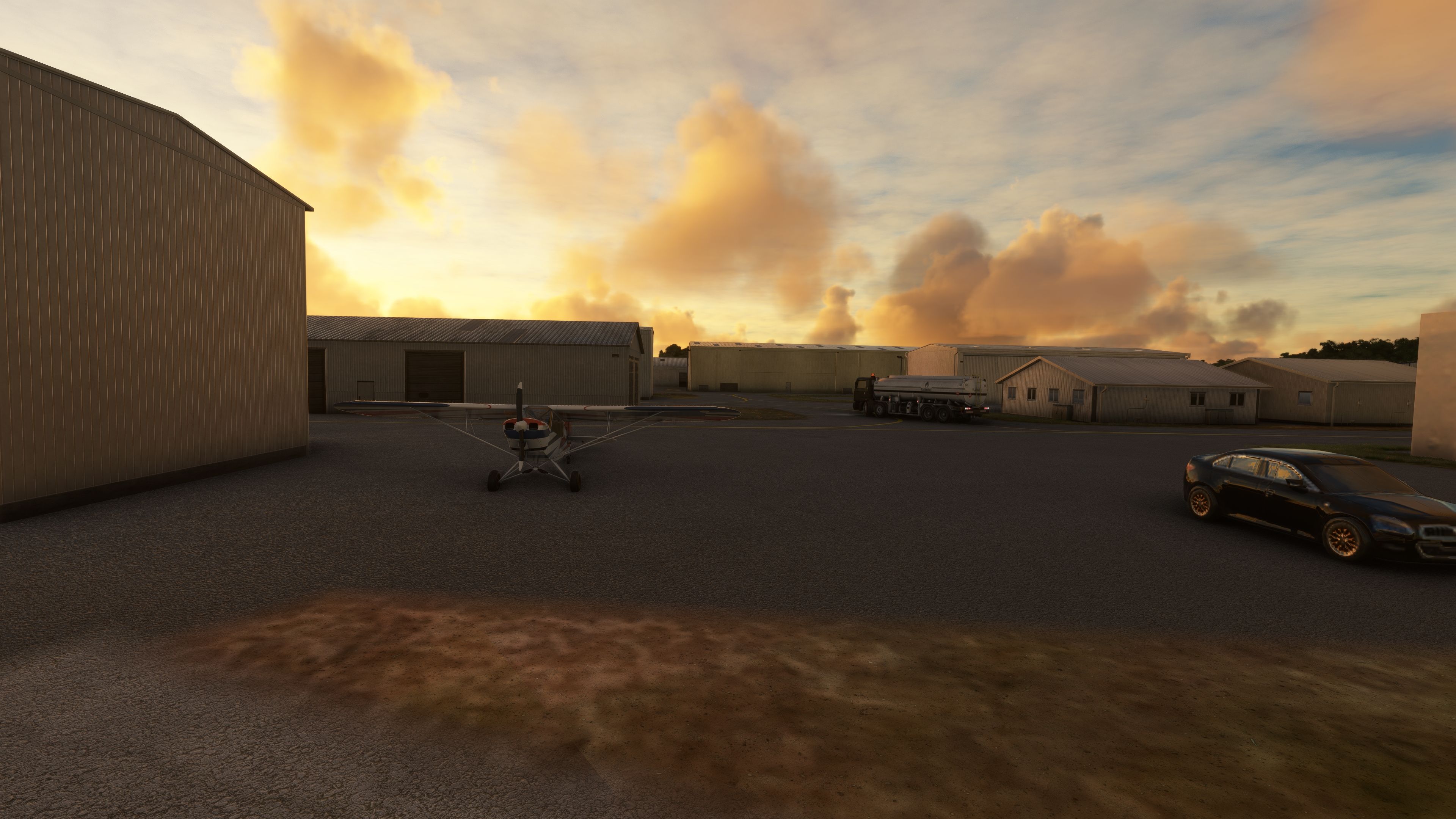
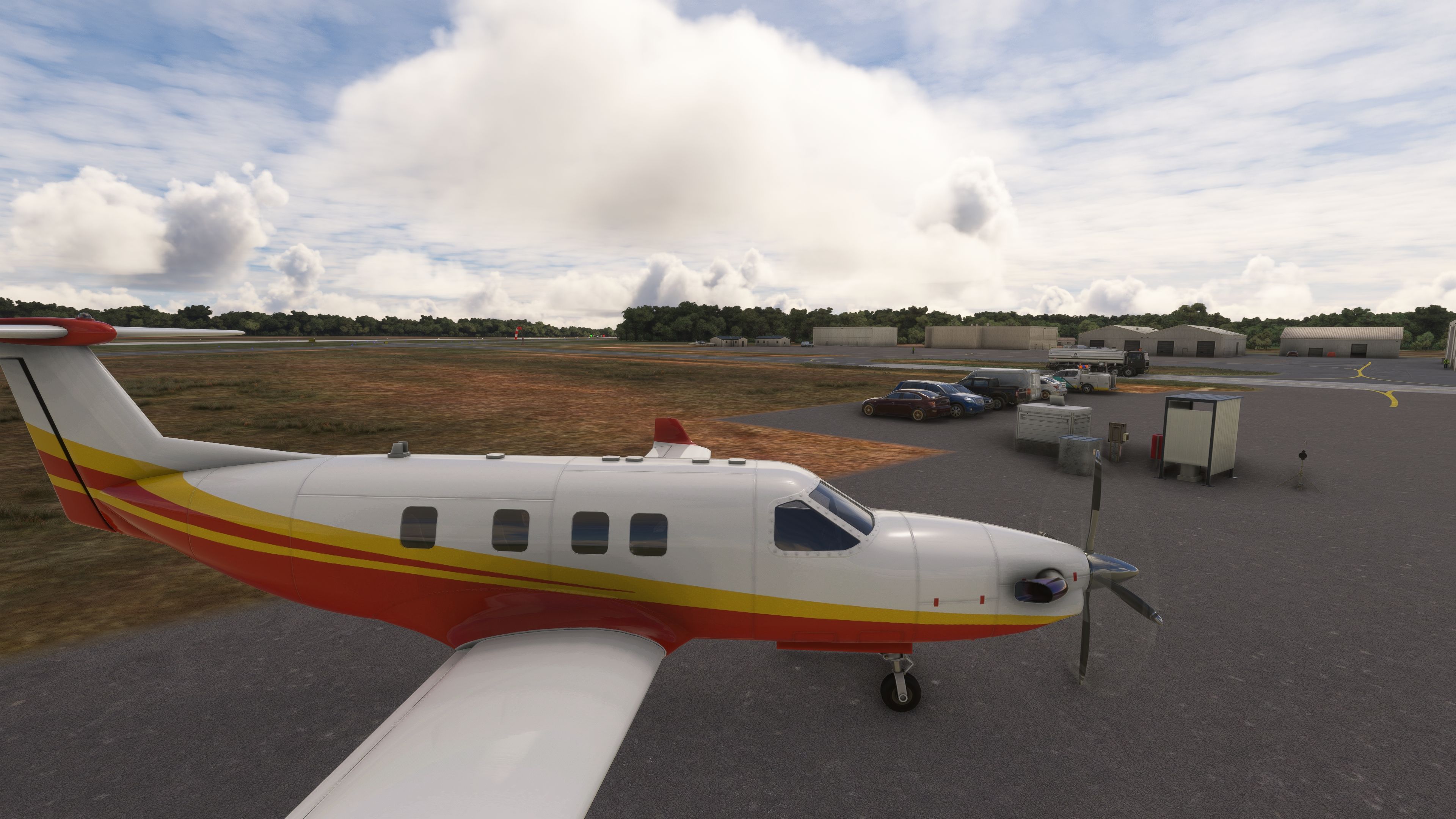
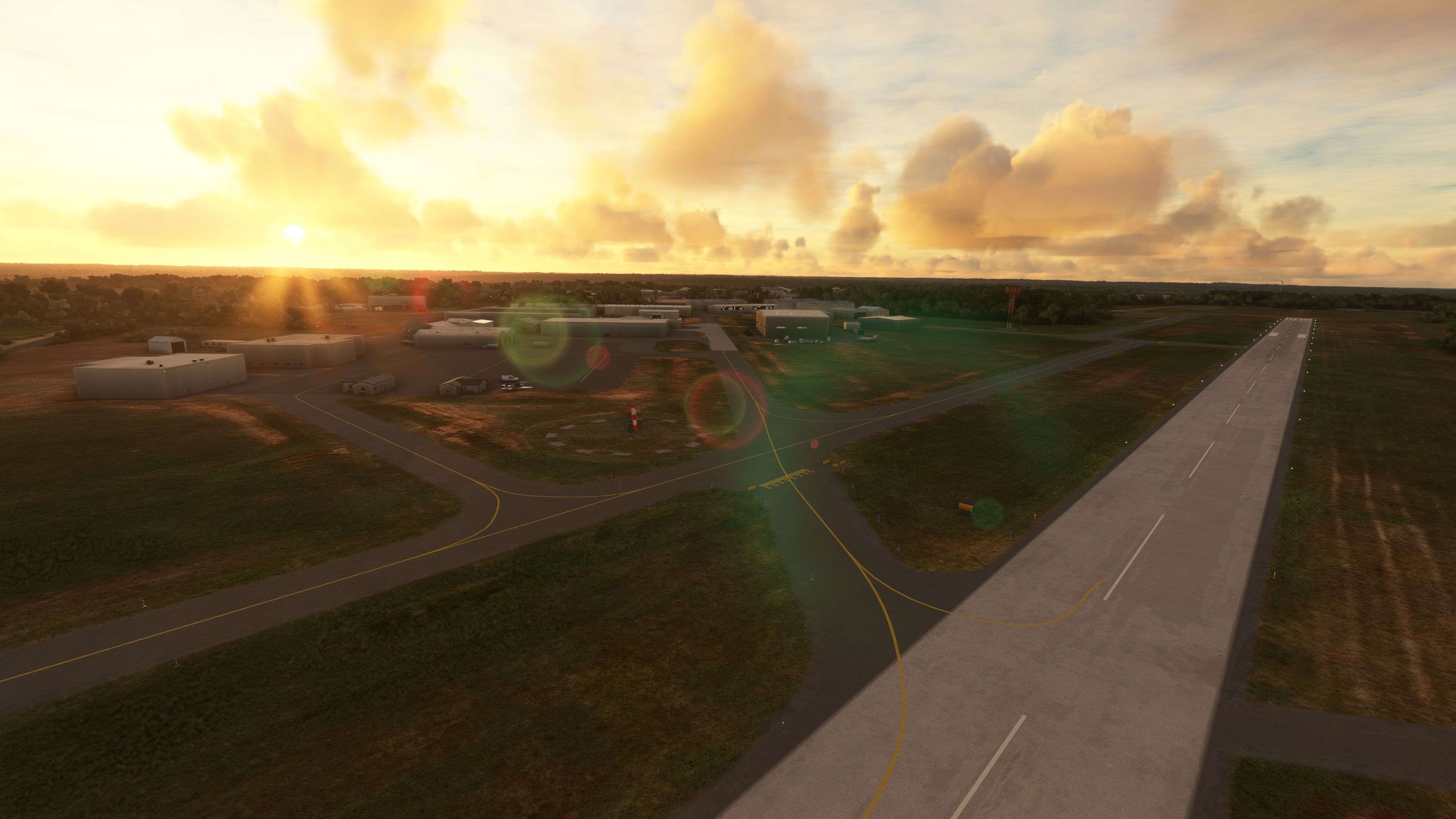
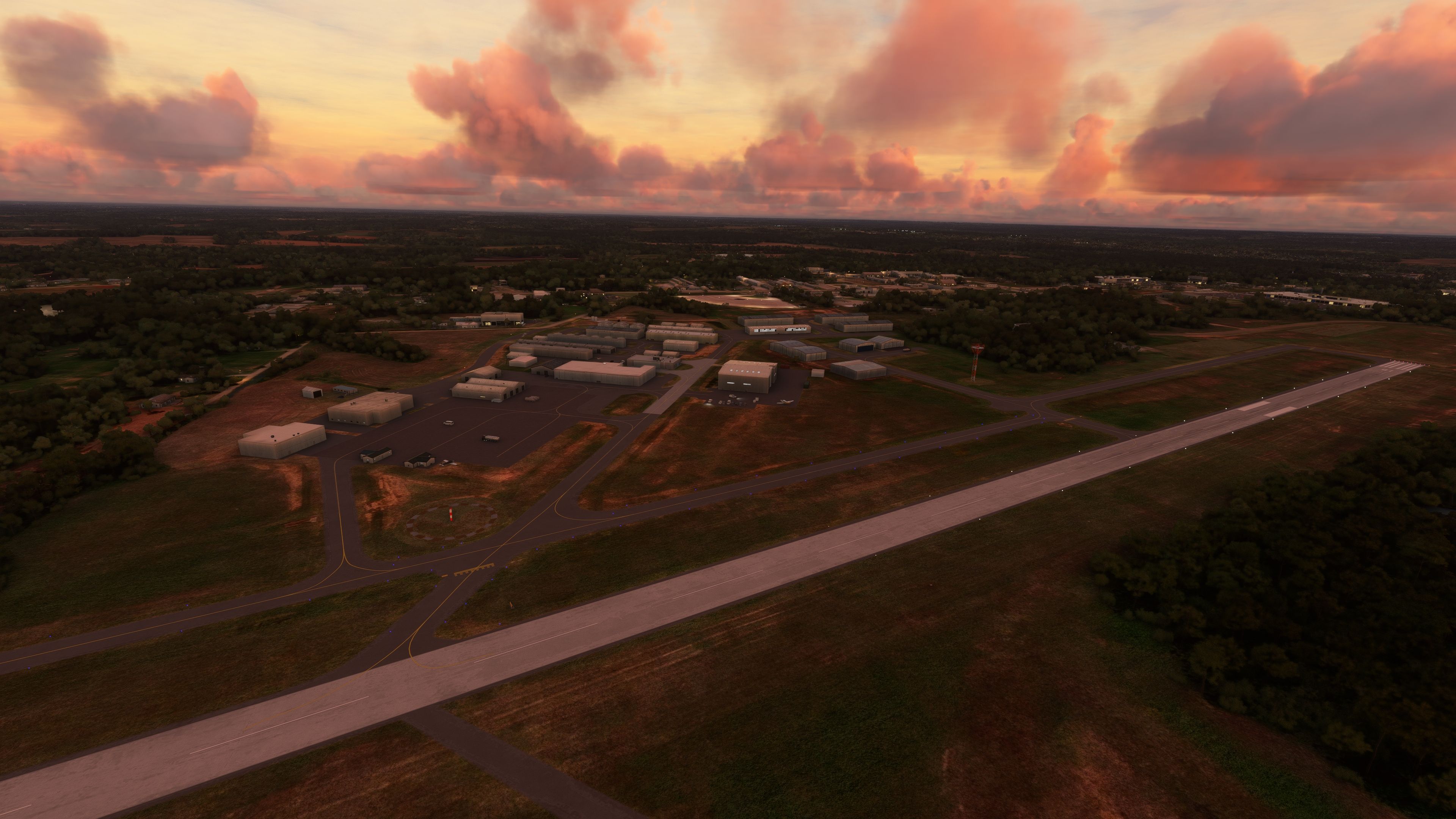
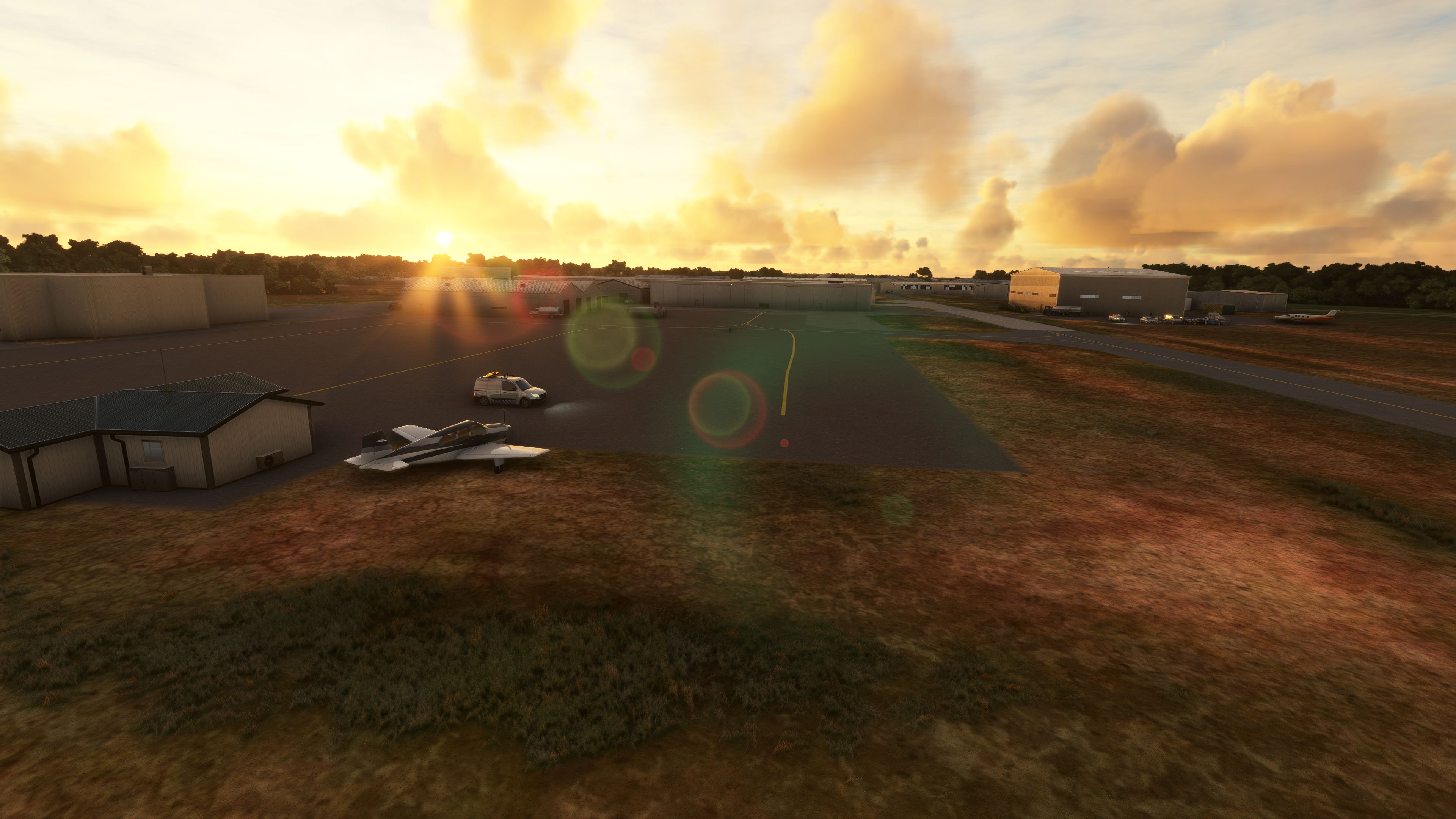
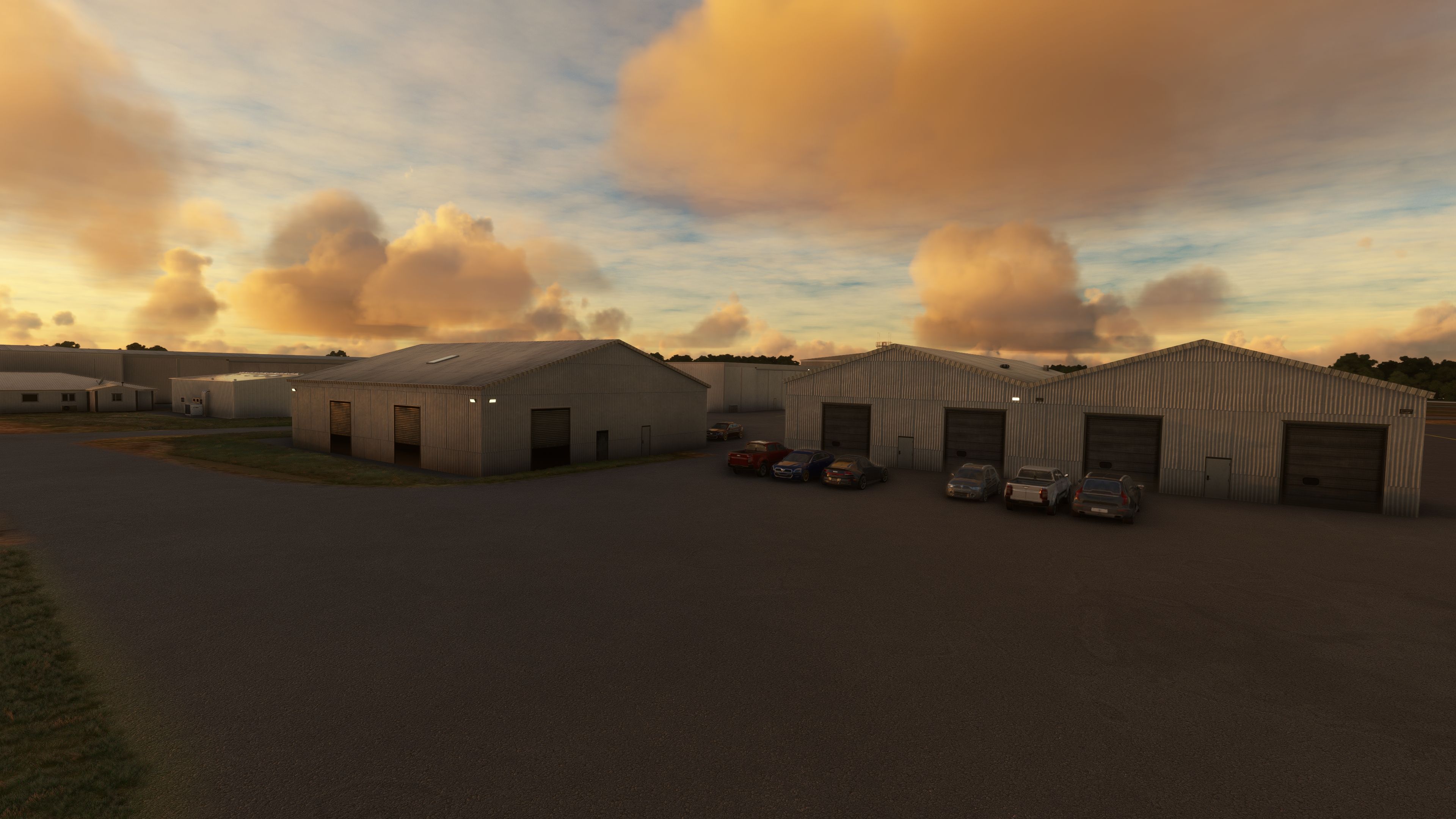
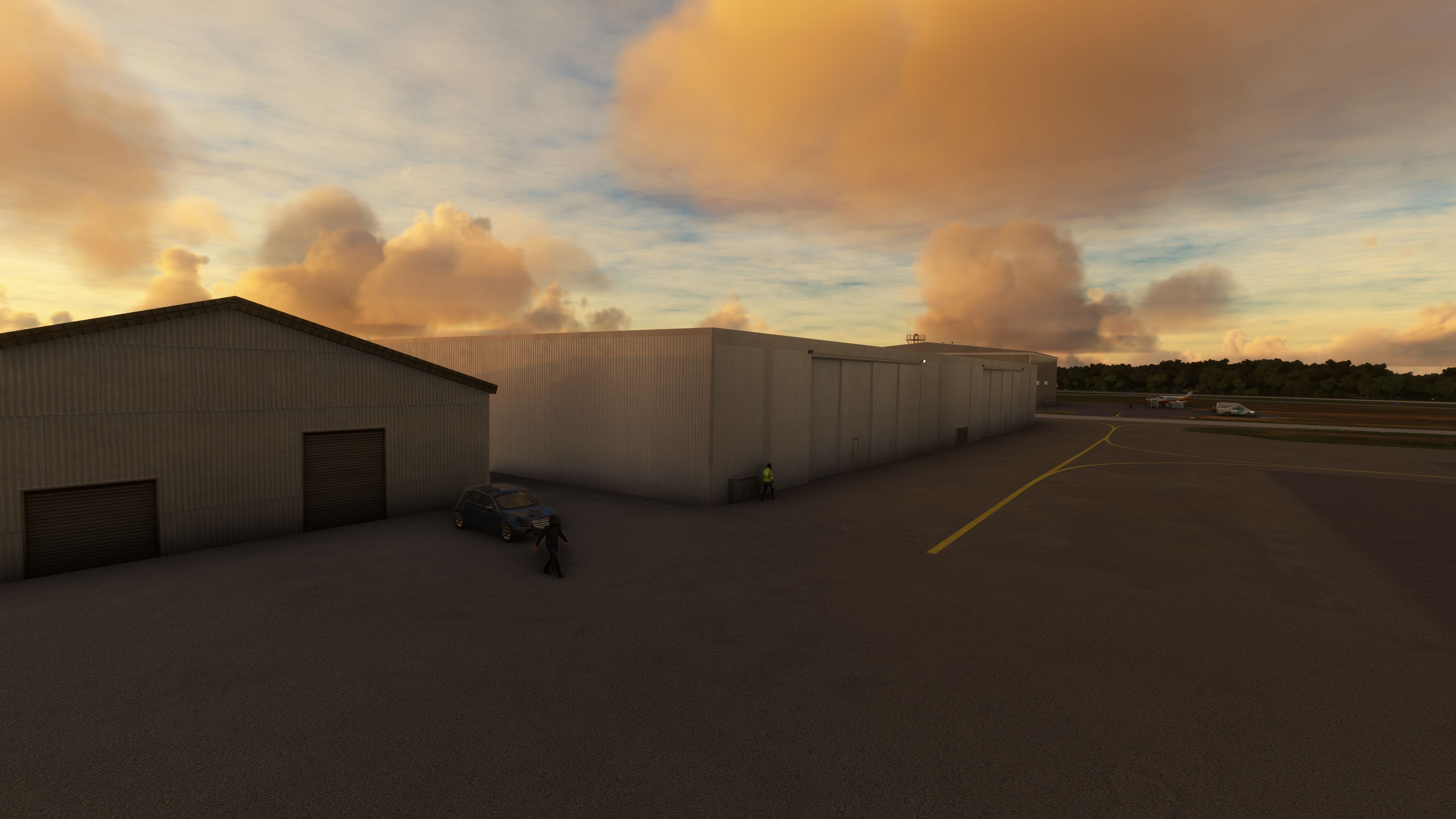
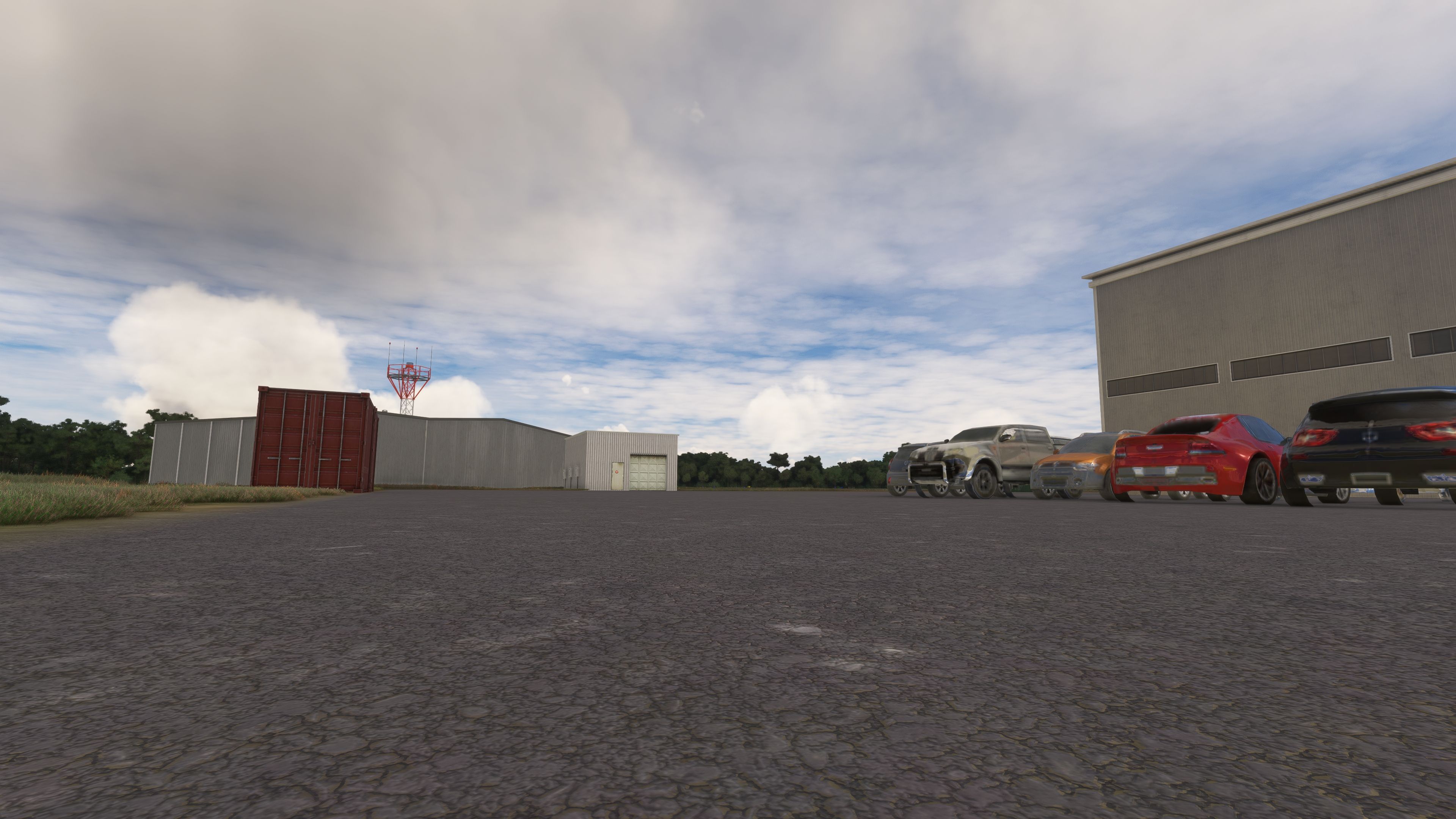
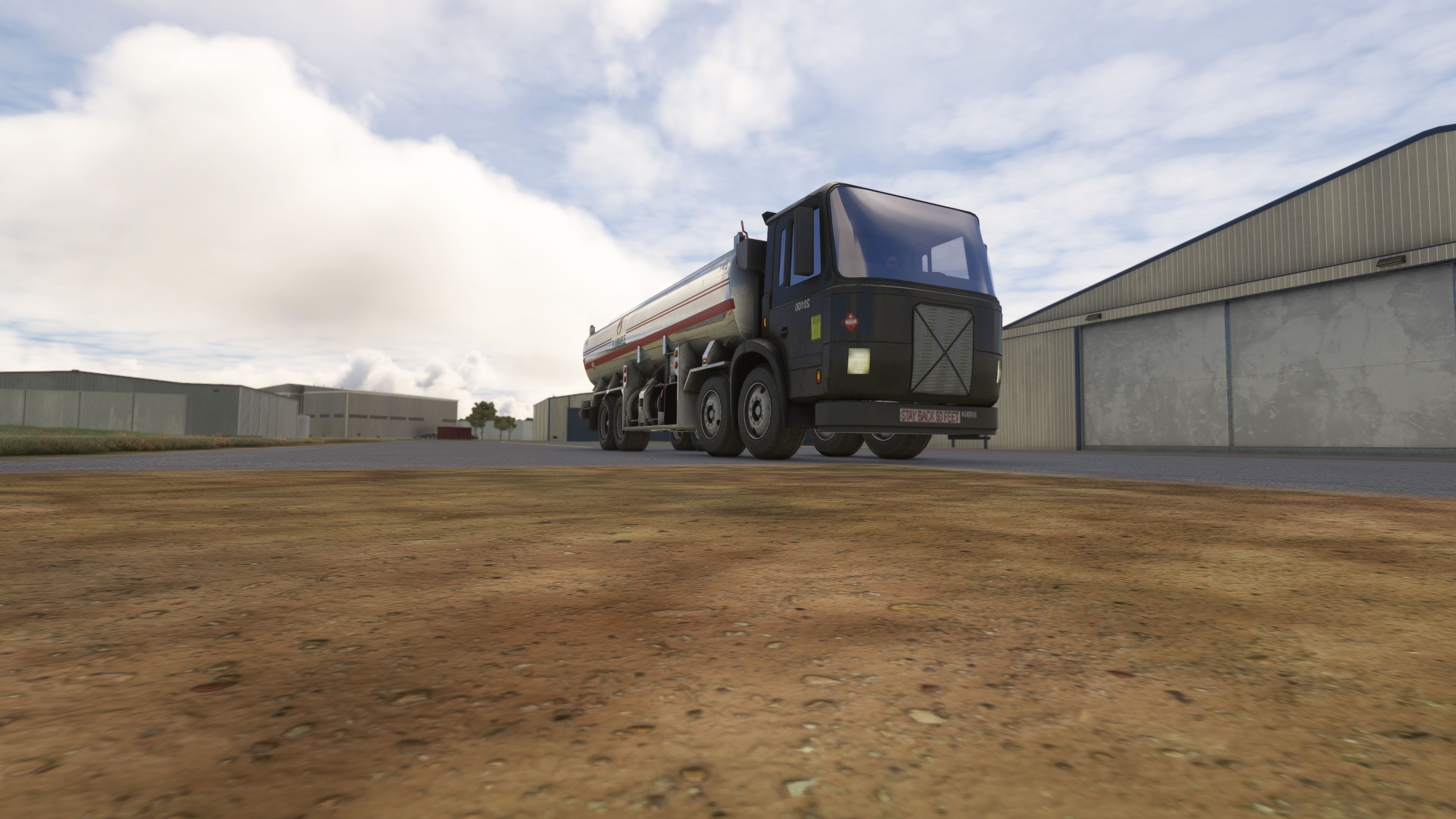
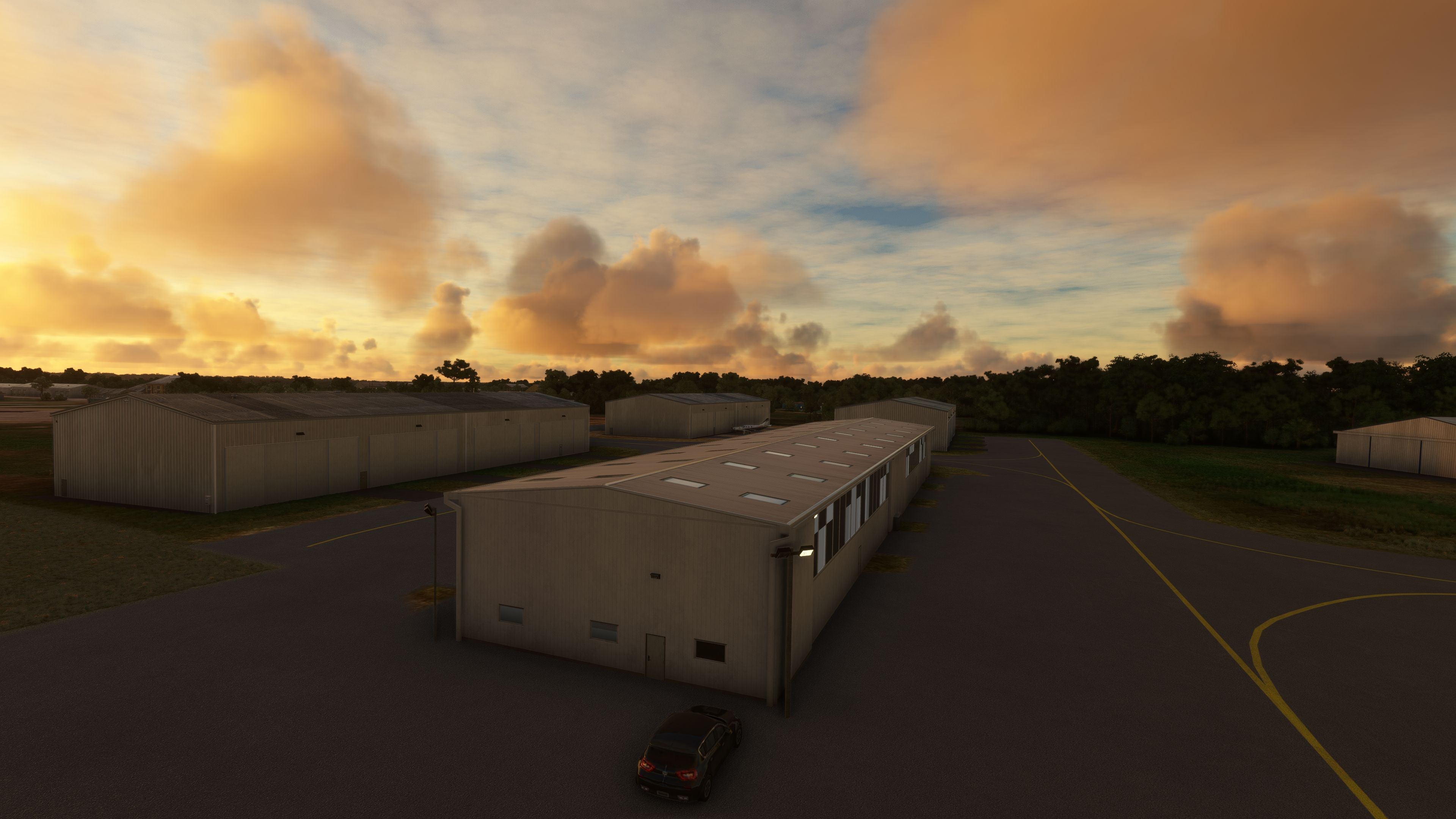
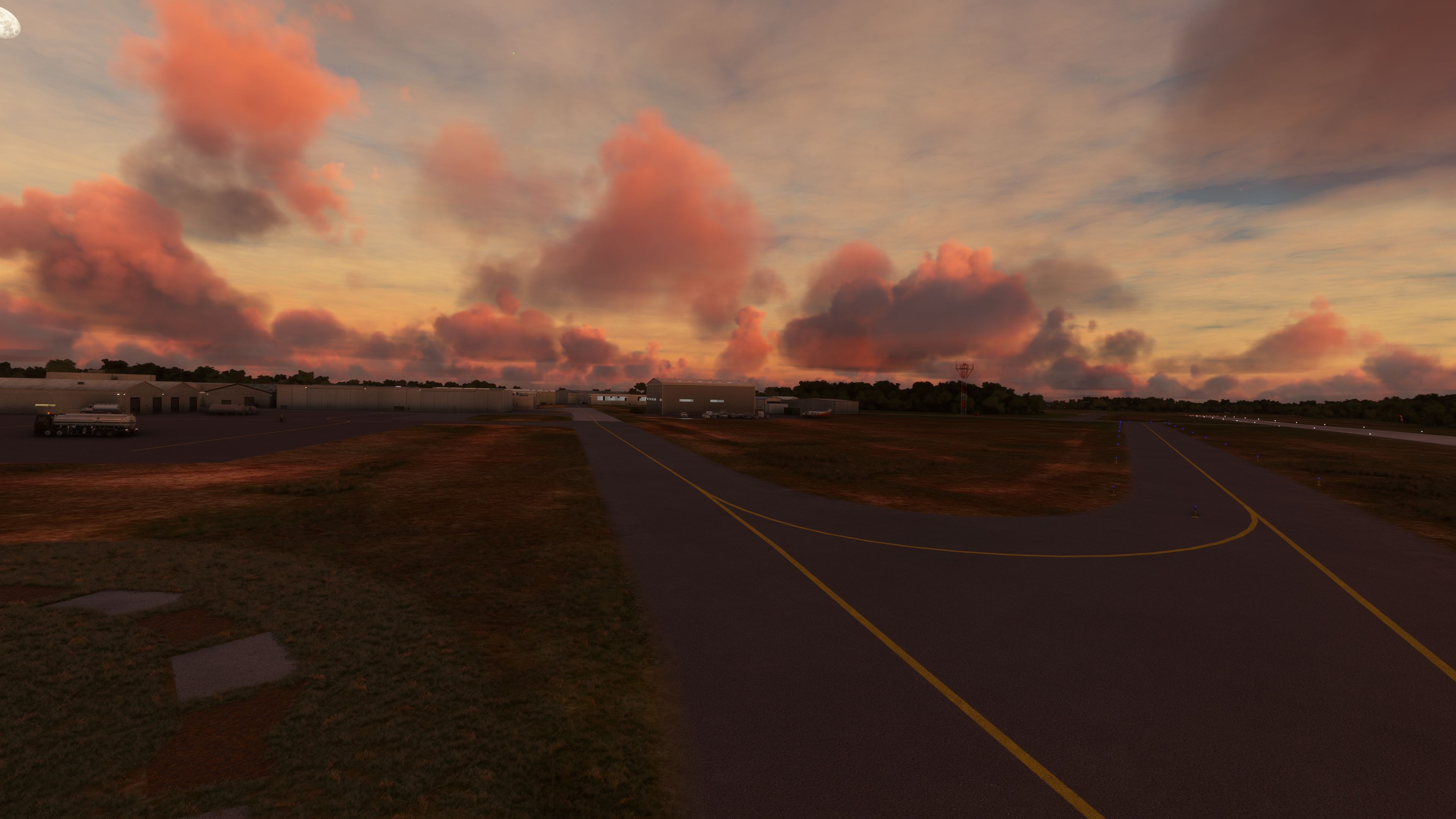
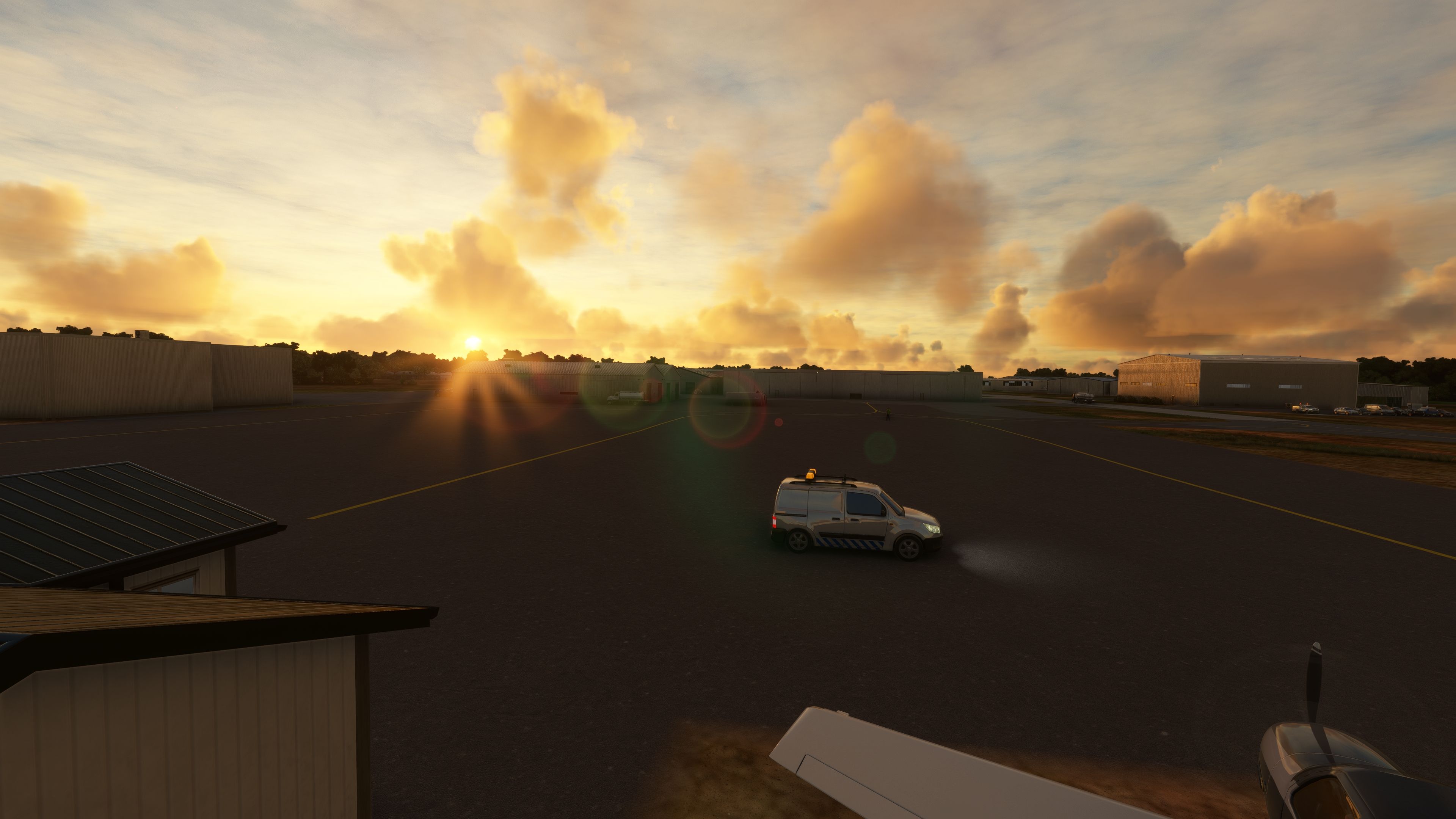
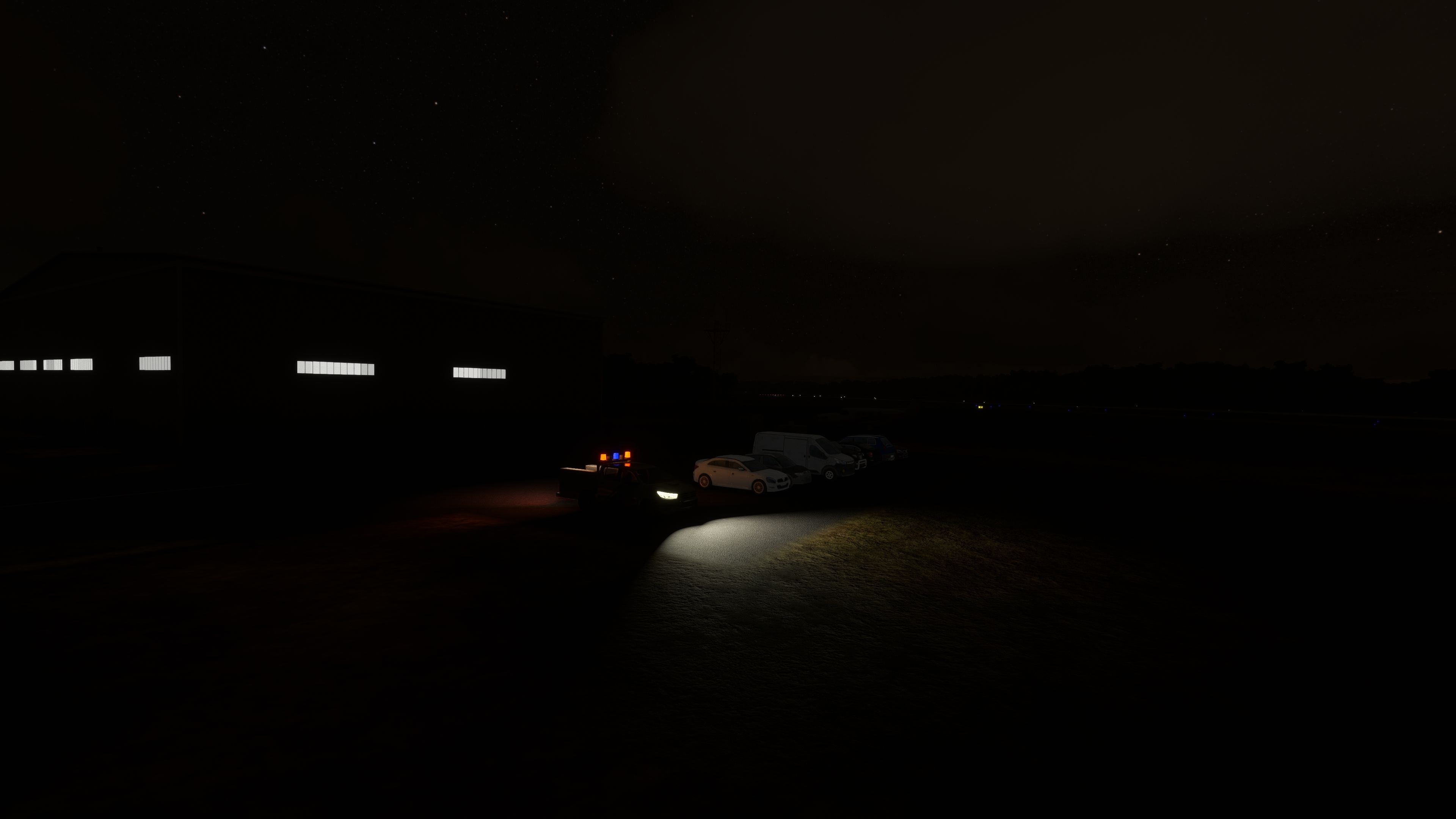
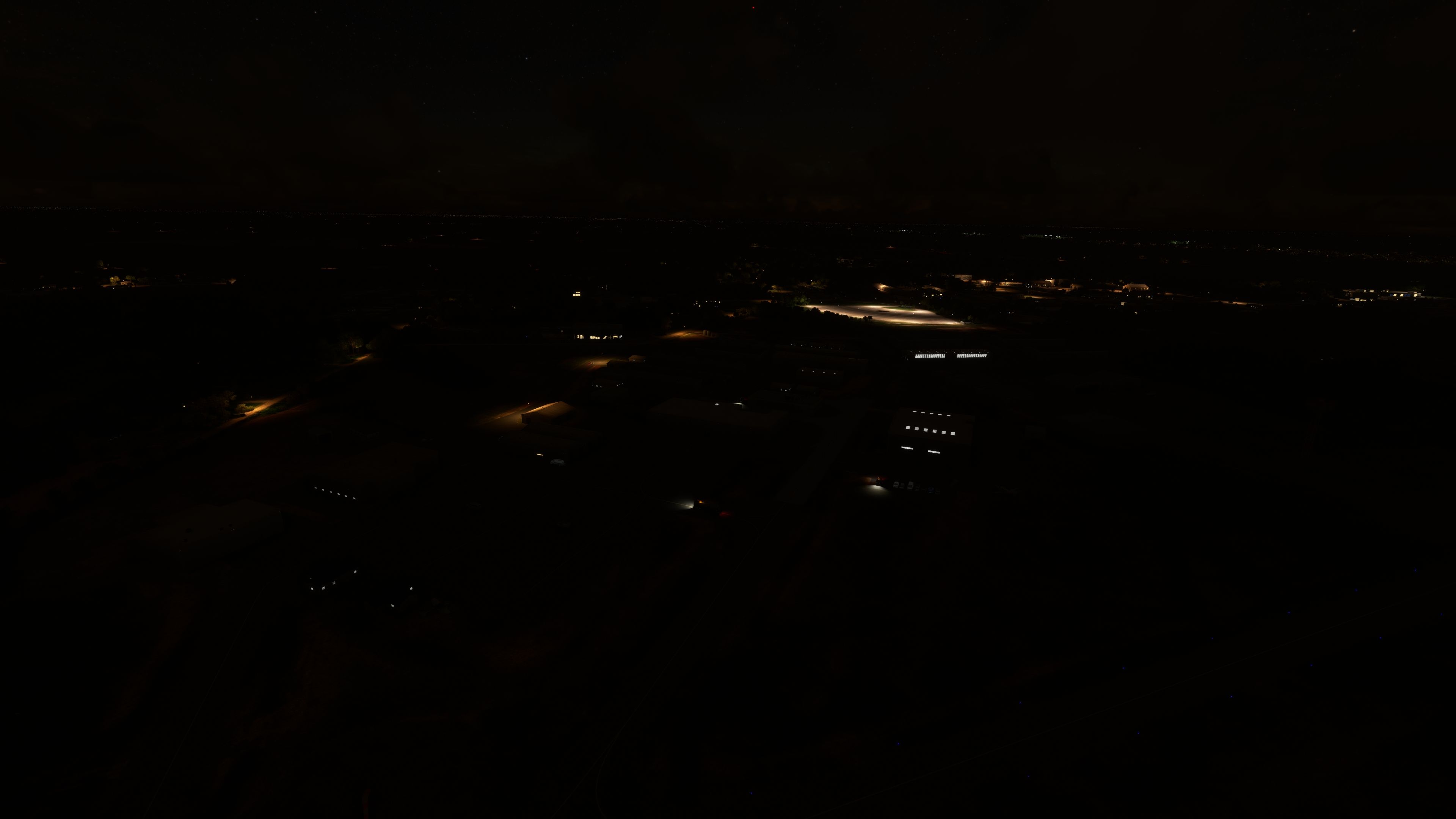
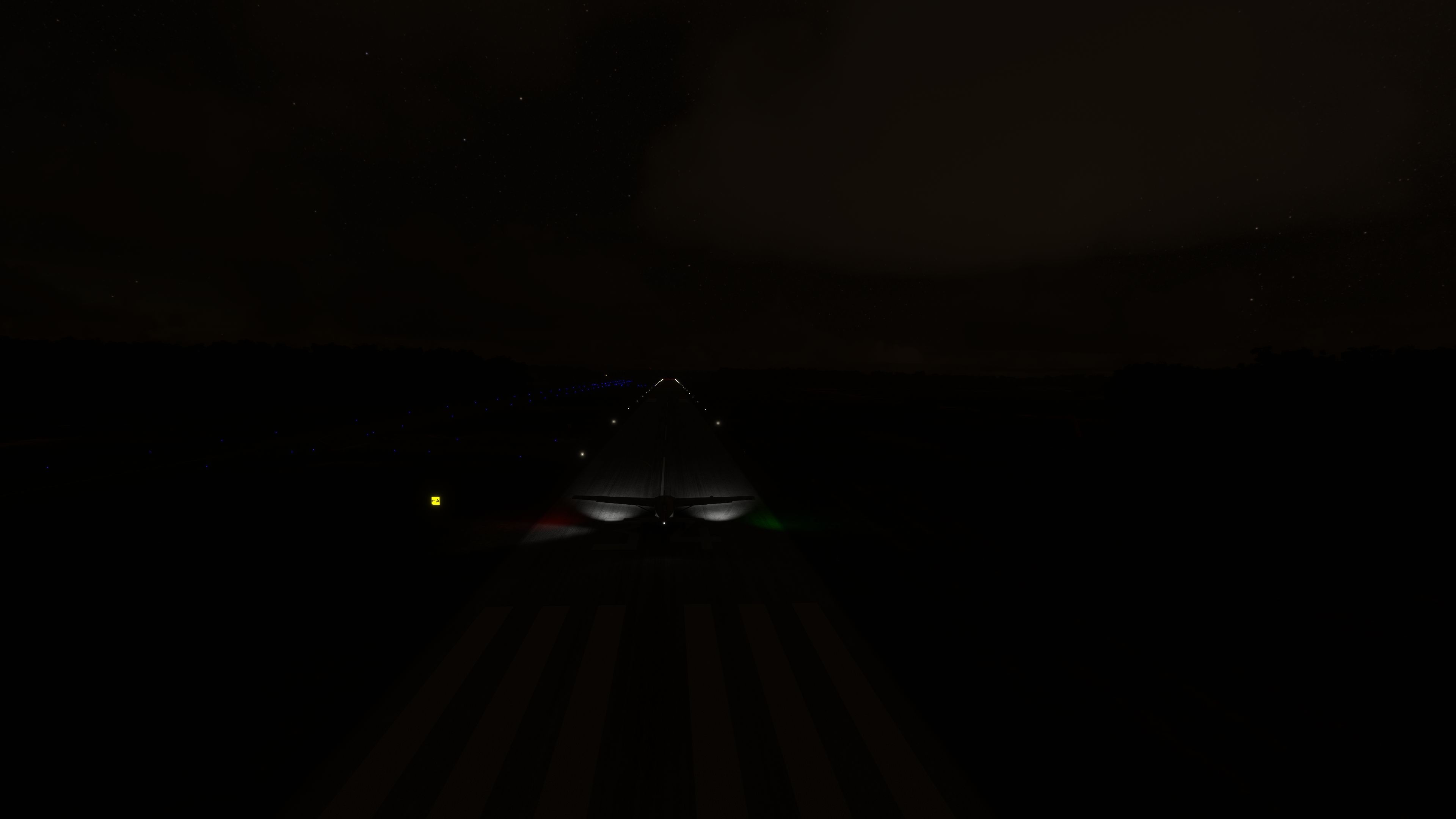

This comprehensive scenery mod replaces the default Guthrie–Edmond Regional Airport (KGOK) in Microsoft Flight Simulator with a highly detailed rendition created by an experienced local developer. From accurately placed beacon towers and windsocks to hangars and terminal buildings, every element has been thoughtfully adjusted to reflect the real airport. The addition of more than 30 static objects, all sourced from default simulator libraries, keeps the footprint small while significantly improving immersion.
In testing, I found this add-on effortlessly breathes new life into a previously underrepresented airfield, injecting a lively atmosphere any virtual pilot can appreciate. Busy ramp areas, realistic ground clutter, and precise layout changes offer an authentic glimpse into Oklahoma’s aviation scene. If you’re seeking a light yet high-quality upgrade to your regional flying experience, this mod delivers a refreshingly enhanced environment without impacting performance.
This is a complete replacement scenery mod of the default (and lacking) Guthrie–Edmond Regional (KGOK) for Microsoft Flight Simulator (MSFS) 2020 release. The developer has gone to great lengths to make the airport more busy, realistic, and more accurate reflecting the real-world airport.
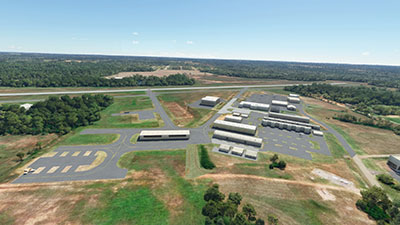 This mod developed by EzRyder is a complete replacement to the default MSFS version available in the sim. It aims to be more accurate, realistic, and busy. Many static objects have been placed in around the airport such as buildings, hangers, windsocks, and more.
This is a very light add-on and does not use up much disk space due to the changes included using the default MSFS scenery libraries which are already included within the simulator. The developer has announced this is a local airport to them so they would be familiar with it - likely giving them more experience, insight, and knowledge to create something very accurate.
Fixes and changes for Guthrie–Edmond Regional (KGOK) are;
Guthrie–Edmond Regional (KGOK) is a public-use airport in Logan County, Oklahoma. It's located about 2nm south of Guthrie and about 7nm north of Edmond. The airport has been operated by both cities since 2005. It was formerly known as Guthrie Municipal Airport before then.
2.0 update note: Be Sure to entirely remove the old mod if you're using it, do not just overwrite it with this new one.
Some simple corrections and additions to perk up my local FOB.This is not a full custom addon, I added missing buildings and added some static objects using all default game assets.
The fixes included moving the Beacon Tower out of a taxiway and adding back the segmented circle and Windsock that was missing. Additionally, I added about 30 more static scenery objects to liven up the airport.
I hope to fix the 4 taxiway lights that are in the taxiway, but atm the SDK doesn't seem to allow this function correctly. They seem to be tied directly to the taxiways (not separated as the Delete functions would suggest), even rebuilding the taxiways causes them to automatically be placed similarly in the wrong locations.
Simply extract the downloaded archive and copy the ezmods-scenery-kgok folder to your MSFS Community folder
The developer has announced specific copyright information for this package. They are releasing this scenery mod under Attribution-NonCommercial 4.0 International (CC BY-NC 4.0).
Free for all simmers · 143.02 MB · Scanned clean Oct 2026
Download speed: Free tier is capped at 2 Mbps (this file takes approximately 10 mins at the cap). PRO members download at full line speed.
%LOCALAPPDATA%\Packages\Microsoft.FlightSimulator_8wekyb3d8bbwe\LocalCache\Packages\Community\. Steam version: %APPDATA%\Microsoft Flight Simulator\Packages\Community\. Tip: enable Developer Mode in MSFS to see your exact Community folder path.readme.txt or README file. It tells you exactly where files go, what dependencies are needed, and any quirks specific to this add-on.Are you EzRyder? Sign in to Fly Away Creators for download stats, comment replies and updates. Make add-ons? Publish them here.
Only PRO members can place votes.
More MSFS add-ons hand-picked based on this download.
MSFS Scenery
A highly detailed rendition of Gainesville Regional Airport (KGNV), Florida (…
 MSFS Scenery
This mod developed by JustOkayPilot brings Grand Canyon National Park Airport…
 MSFS Scenery
Sandane Airport (ENSD) is located on the beautiful west coast of Norway and i…
 MSFS Scenery
Enhance your flight simulation experience with this mod for Microsoft Flight …
 MSFS Scenery
The Disney World airport/STOLport (also known as the Lake Buena Vista airport…
 MSFS Scenery
Enhance your flight simulation experience with a detailed rendition of Madrid…
 MSFS Scenery
A complete and extensive replacement freeware scenery package for Paris–Le Bo…
 MSFS Scenery
A rendition of George T. Lewis Airport for Microsoft Flight Simulator (MSFS) …
Be the first to leave a comment on this download.
Be the first to share your thoughts on this download.