

 FSX Civil Aircraft
Swiss International Airlines Airbus A321
Swiss International Airlines Airbus A321, registration HB-IOL. Textures and t…
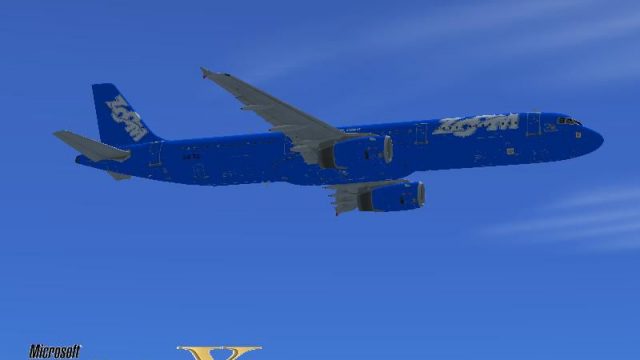
Zoom Airlines Airbus A321 livery brings a bold, alternate-history look to the default narrow-body, matching the carrier’s bright branding with crisp logos, tail markings, and high-visibility accents across the stretched fuselage. Designed for Microsoft Flight Simulator X, it requires the stock A321 base files and includes an optional themed splash screen.
 Rate
Rate
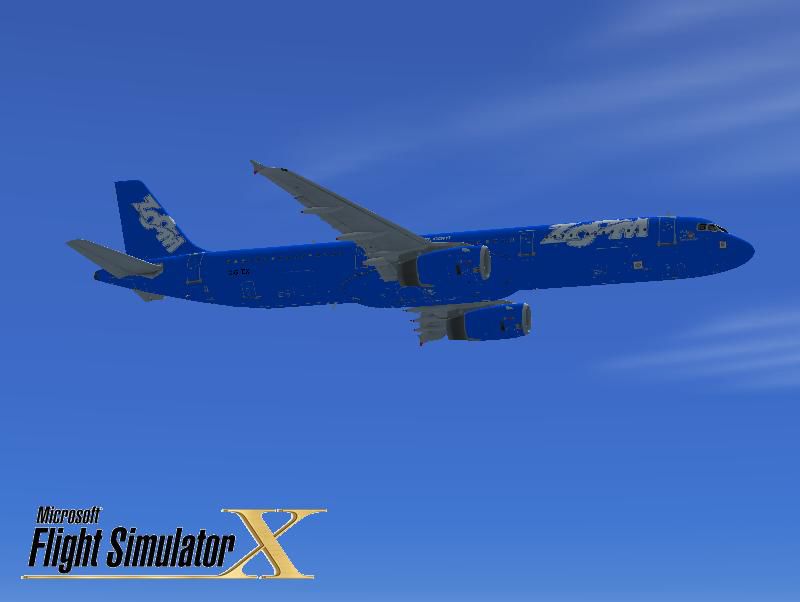
This freeware package adds a fictional Zoom Airlines repaint for the default Airbus A321 in Microsoft Flight Simulator X. It references a livery that was never deployed by the now-defunct carrier, which ceased operations in late August 2008, but still captures a distinct look representative of the airline’s branding. This repaint set has been crafted by Victor Vu and does not come with a base model, so you’ll need to use the original FSX A321 files or retrieve the free base model from the Fly Away Simulation library.
The texture set portrays an alternate reality in which Zoom Airlines utilized the A321 variant, introducing signature color schemes aligned with its corporate identity. Each fuselage section displays the bold logo and bright hues that Zoom Airlines historically applied to other aircraft types. Even though this paint job is hypothetical, it incorporates layout accents such as distinctive tail markings and high-visibility livery elements to maintain realism within the simulator environment. You’ll find that external surfaces match the airline’s conventional design, but reinterpreted for the A321’s elongated fuselage.
Zoom Airlines was a Canada-based low-cost carrier known for offering transatlantic routes until financial pressures triggered bankruptcy proceedings in 2008. Their actual fleet primarily centered on Boeing airliners, including Boeing 767s, but never officially expanded to Airbus types. This repaint, however, imagines the operational details an A321 might have displayed if it had ever joined the airline’s lineup, thus creating an engaging, alternate scenario within Microsoft Flight Simulator X.
Created by Victor Vu, this repaint replicates a consistent design throughout the fuselage and wings while embedding realistic corporate decals. Kudos to the developer for maintaining a cohesive style that pilots can enjoy during short-haul or medium-haul flights within the simulator. The final release is entirely freeware, reflecting the developer’s dedication to the community.
[GENERAL] section. Replace x with the next available aircraft index.The Airbus A321 is a stretched narrow-body design known for its increased passenger capacity compared to the A320. Although Zoom didn’t operate this model, the livery has been scaled to fit its fuselage length, resulting in a coherent visual style. Additionally, the repaint files include a custom splash screen for those who prefer a matching theme when starting FSX.
This mod remains standalone in terms of textures but requires the standard Microsoft Flight Simulator X Airbus A321 or the respective freeware base model from Fly Away Simulation. Enjoy exploring different virtual airports with the imaginative Zoom Airlines color scheme adorning this aircraft’s design.
Free for all simmers · 6.92 MB · Scanned clean Oct 2026
Download speed: Free tier is capped at 0.5 Mbps (this file takes approximately 2 mins at the cap). PRO members download at full line speed.
texture.{airline}) inside FSX\SimObjects\Airplanes\{base-aircraft}\.aircraft.cfg in Notepad. Add a new [fltsim.X] section per the readme.readme.txt or README file. It tells you exactly where files go, what dependencies are needed, and any quirks specific to this add-on.The archive oom_a321.zip has 30 files and directories contained within it.
This list displays the first 500 files in the package. If the package has more, you will need to download it to view them.
| Filename/Directory | File Date | File Size |
|---|---|---|
| installation.txt | 03.27.09 | 758 B |
| Readme.txt | 03.27.09 | 1.48 kB |
| screenshot.PNG | 03.27.09 | 9.55 kB |
| Splash Screen | 03.27.09 | 0 B |
| dlgsplash.bmp | 03.27.09 | 1.38 MB |
| texture.OOM | 03.27.09 | 0 B |
| A321_1_T.dds | 03.27.09 | 1.00 MB |
| A321_1_T_Bump.dds | 03.27.09 | 1.00 MB |
| A321_1_T_LM.dds | 09.04.06 | 170.79 kB |
| A321_1_T_spec.dds | 09.04.06 | 1.33 MB |
| A321_2_T.dds | 09.04.06 | 1.33 MB |
| A321_2_T_Bump.dds | 09.04.06 | 1.00 MB |
| A321_2_T_LM.dds | 09.04.06 | 170.79 kB |
| A321_2_T_spec.dds | 09.04.06 | 1.33 MB |
| A321_Interior_T.dds | 03.27.09 | 256.12 kB |
| A321_reflection.dds | 09.04.06 | 170.79 kB |
| Airbus_A321_1_C.dds | 09.04.06 | 682.79 kB |
| Airbus_A321_1_night_C.dds | 09.04.06 | 682.79 kB |
| Airbus_A321_2_C.dds | 09.04.06 | 682.79 kB |
| Airbus_A321_2_night_C.dds | 09.04.06 | 682.79 kB |
| Airbus_A321_3_C.dds | 09.04.06 | 682.79 kB |
| Airbus_A321_3_night_C.dds | 09.04.06 | 682.79 kB |
| Airbus_A321_4_C.dds | 09.04.06 | 682.79 kB |
| Airbus_A321_4_night_C.dds | 09.04.06 | 682.79 kB |
| Airbus_Pilots.dds | 03.27.09 | 64.12 kB |
| Fresnel_Ramp.dds | 03.27.09 | 1.12 kB |
| texture.cfg | 08.14.06 | 137 B |
| thumbnail.jpg | 03.27.09 | 27.17 kB |
| flyawaysimulation.txt | 10.29.13 | 959 B |
| Go to Fly Away Simulation.url | 01.22.16 | 52 B |
Only PRO members can place votes.
More FSX & P3D add-ons hand-picked based on this download.
FSX Civil Aircraft
Swiss International Airlines Airbus A321, registration HB-IOL. Textures and t…
 FSX Civil Aircraft
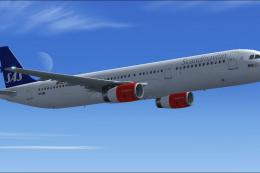
This freeware release brings a detailed Scandinavian Airlines (SAS) Airbus A3…
 FSX Civil Aircraft
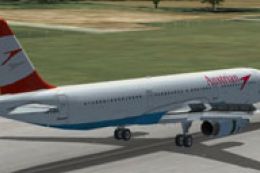
Austrian Airlines Airbus A321, registration OE-LBA. Textures only for the def…
 FSX Civil Aircraft
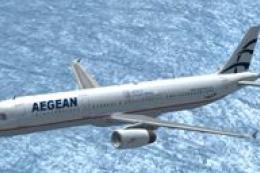
FSX Aegean Airlines Airbus A321. Textures only for the default A321. Aegean w…
 FSX Civil Aircraft
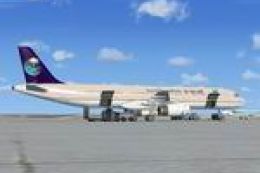
This is a repaint of the default FSX Airbus A321 in Saudi Arabian Airlines. S…
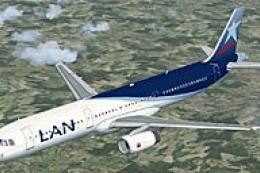 FSX Civil Aircraft
Experience a meticulous rendition of LAN Airlines’ familiar branding applied …
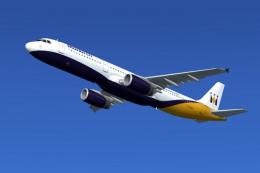 FSX Civil Aircraft
FSX Monarch Airlines Airbus A321, registration G-MARA. Textures only for the …
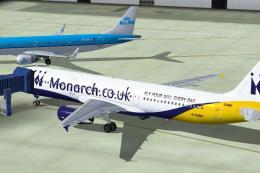 FSX Civil Aircraft
Repaint of the Project Airbus A321 IAE powered aircraft in Monarch Airlines n…
Be the first to leave a comment on this download.
Be the first to share your thoughts on this download.