

 FSX Civil Aircraft
KLM Airbus A321 Repaint
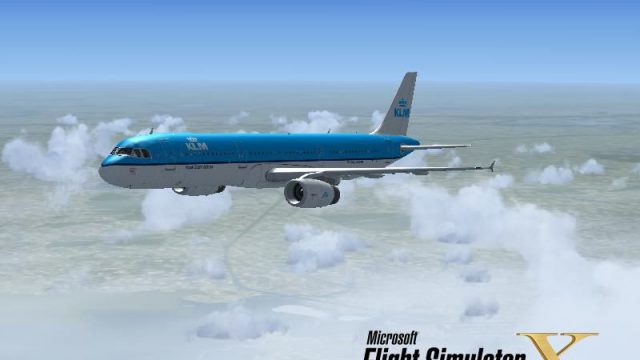
KLM Airbus A321. Textures only for the default A321. Repaint by James Landes.…
KLM’s signature blue and fuselage gradient meet the default Airbus A321 in a fictional repaint that looks right at home in Microsoft Flight Simulator X, with carefully placed logos, striping, and registration markings. The pack also adds a matching splash screen for cohesive immersion and requires the stock Airbus_A321 model.
 Rate
Rate
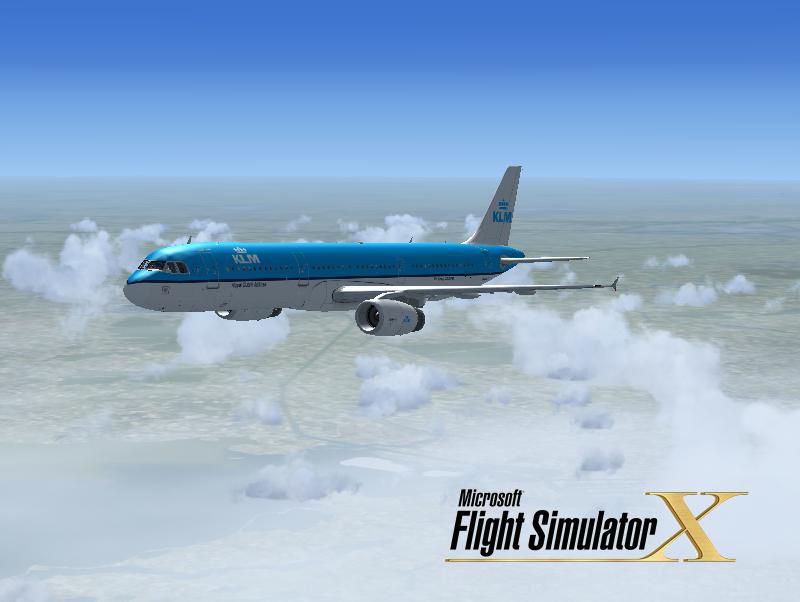
This freeware repaint brings a hypothetical KLM livery to the default Airbus A321 in Microsoft Flight Simulator X, offering a unique visual concept that depicts how a KLM A321 might look if it were ever adopted by the Dutch carrier. This texture pack, created by Victor Vu, includes an updated splash screen for enhanced immersion.
Although KLM has not operated the A321 variant in its real-world fleet, this paint scheme emulates the airline’s familiar palette, including the signature fuselage gradient and vertical stabilizer motifs. The Airbus A321 (part of the A320 series) is well-regarded for its extended fuselage, moderate range, and efficient performance. In this fictional adaptation, the KLM scheme is tailored to the length and proportions of the A321’s airframe, reflecting realistic placements of logos, registration marks, and striping details.
The included splash screen offers an immediate preview when loading the sim, providing a cohesive experience from start-up through taxi and flight operations. Since the default Airbus flight dynamics are untouched, pilots accustomed to the A321’s standard handling in the simulator will find identical performance characteristics when flying this repaint.
[GENERAL] section in aircraft.cfg and paste the content there.[fltsim.x] to a unique number not yet assigned (for instance, 4 or the next sequential value).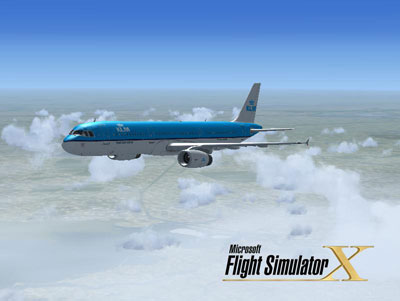
Free for all simmers · 6.05 MB · Scanned clean Oct 2026
Download speed: Free tier is capped at 0.5 Mbps (this file takes approximately 2 mins at the cap). PRO members download at full line speed.
texture.{airline}) inside FSX\SimObjects\Airplanes\{base-aircraft}\.aircraft.cfg in Notepad. Add a new [fltsim.X] section per the readme.readme.txt or README file. It tells you exactly where files go, what dependencies are needed, and any quirks specific to this add-on.The archive klm_a321.zip has 30 files and directories contained within it.
This list displays the first 500 files in the package. If the package has more, you will need to download it to view them.
| Filename/Directory | File Date | File Size |
|---|---|---|
| installation.txt | 03.26.09 | 747 B |
| Readme.txt | 03.26.09 | 1.39 kB |
| screenshot.PNG | 03.26.09 | 13.38 kB |
| Splash Screen | 03.27.09 | 0 B |
| dlgsplash.bmp | 03.26.09 | 1.38 MB |
| texture.KLM | 03.27.09 | 0 B |
| A321_1_T.dds | 03.26.09 | 1.00 MB |
| A321_1_T_Bump.dds | 03.26.09 | 1.00 MB |
| A321_1_T_LM.dds | 09.04.06 | 170.79 kB |
| A321_1_T_spec.dds | 03.26.09 | 1.00 MB |
| A321_2_T.dds | 03.26.09 | 1.00 MB |
| A321_2_T_Bump.dds | 03.26.09 | 1.00 MB |
| A321_2_T_LM.dds | 09.04.06 | 170.79 kB |
| A321_2_T_spec.dds | 03.26.09 | 1.00 MB |
| A321_Interior_T.dds | 03.26.09 | 256.12 kB |
| A321_reflection.dds | 09.04.06 | 170.79 kB |
| Airbus_A321_1_C.dds | 09.04.06 | 682.79 kB |
| Airbus_A321_1_night_C.dds | 09.04.06 | 682.79 kB |
| Airbus_A321_2_C.dds | 09.04.06 | 682.79 kB |
| Airbus_A321_2_night_C.dds | 09.04.06 | 682.79 kB |
| Airbus_A321_3_C.dds | 09.04.06 | 682.79 kB |
| Airbus_A321_3_night_C.dds | 09.04.06 | 682.79 kB |
| Airbus_A321_4_C.dds | 09.04.06 | 682.79 kB |
| Airbus_A321_4_night_C.dds | 09.04.06 | 682.79 kB |
| Airbus_Pilots.dds | 03.26.09 | 64.12 kB |
| Fresnel_Ramp.dds | 03.26.09 | 1.12 kB |
| texture.cfg | 08.14.06 | 137 B |
| thumbnail.jpg | 03.26.09 | 39.08 kB |
| flyawaysimulation.txt | 10.29.13 | 959 B |
| Go to Fly Away Simulation.url | 01.22.16 | 52 B |
Only PRO members can place votes.
More FSX & P3D add-ons hand-picked based on this download.
FSX Civil Aircraft
KLM Airbus A321. Textures only for the default A321. Repaint by James Landes.…
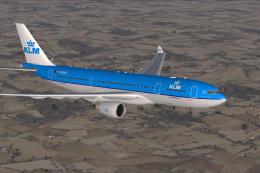 FSX Civil Aircraft
KLM Airbus A330-203. Textures only of KLM Royal Dutch Airlines with registrat…
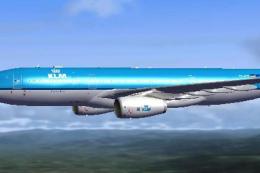 FSX Civil Aircraft
This repaint showcases a detailed KLM Royal Dutch Airlines Airbus A330-200 te…
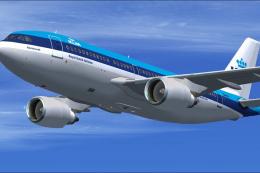 FSX Civil Aircraft
This repaint offers a faithful depiction of KLM Royal Dutch Airlines’ “Rembra…
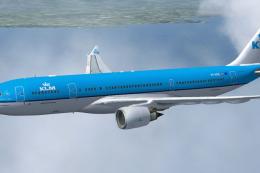 FSX Civil Aircraft
Repaint of Thomas Ruth's Airbus A330-200 in KLM Royal Dutch Airlines livery, …
 FSX Civil Aircraft
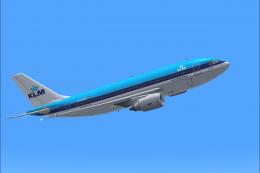
This freeware repaint showcases the beloved KLM Royal Dutch Airlines Airbus A…
 FSX Civil Aircraft
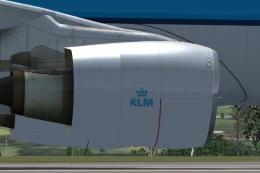
Texture update for the repaint of Thomas Ruth's Airbus A330-200 in KLM Royal …
 FSX Civil Aircraft
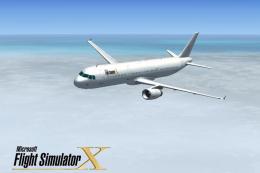
This freeware package features a customized repaint for the default Airbus A3…
Read what other simmers think, or add your own.

Good day.
Any chance for KLM liveries for Aerosoft A321 professional?
Thanks in advance
Jacques.