

 FSX Civil Aircraft
JAL Boeing 747-400 (old colors)
This repaint offers Japan Airlines’ classic livery for the default Boeing 747…
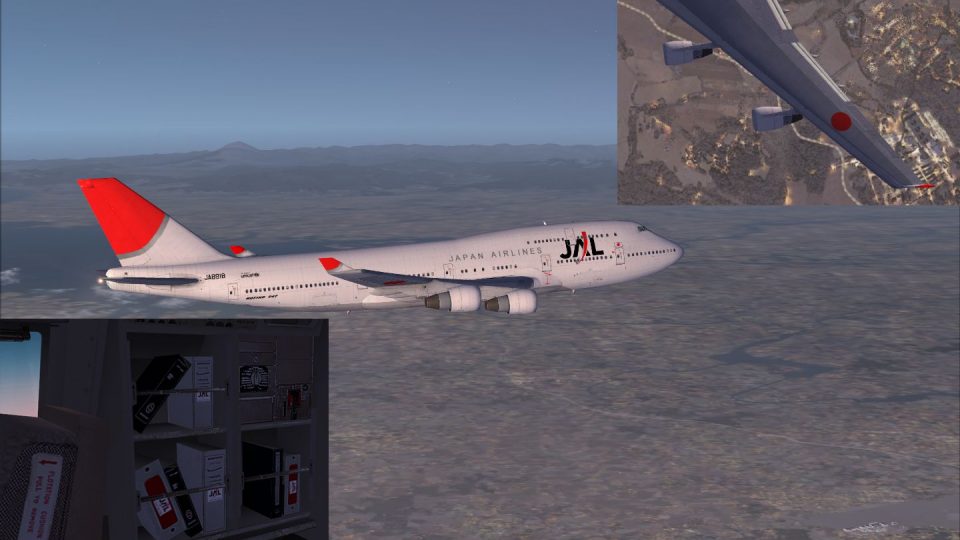
Japan Airlines’ “new colors” livery refreshes the default Boeing 747-400 with a clean white fuselage, sharp tail emblem, and accurate modern JAL titles for authentic ramp and cruise visuals. Built for Microsoft Flight Simulator X, it requires the stock FSX 747-400 base model and adds a polished airline identity without replacing aircraft files.
 Rate
Rate
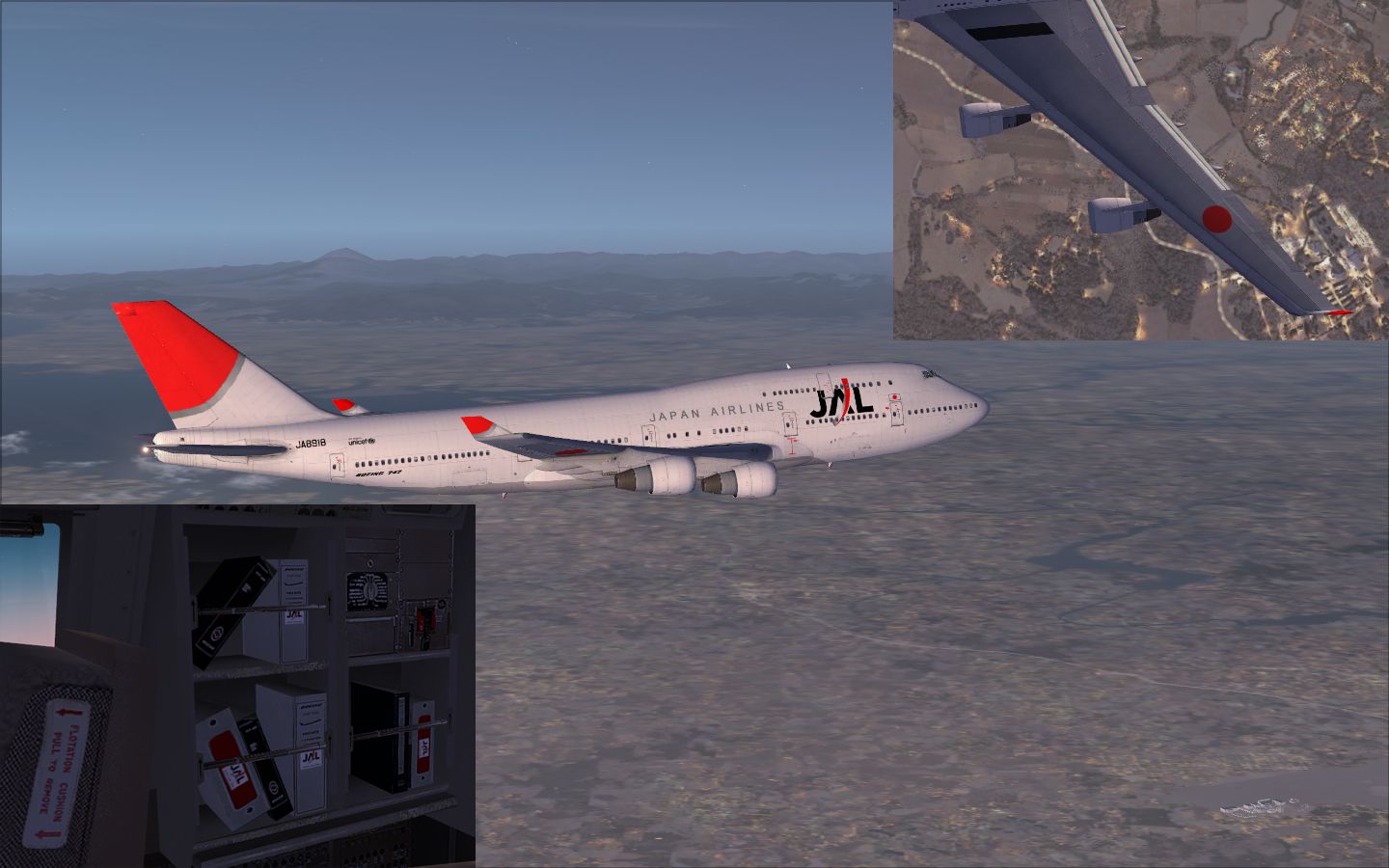
This downloadable livery showcases the Japan Airlines “new color” scheme specifically designed for the Boeing 747-400 default model in Microsoft Flight Simulator X. Created by Yosuke, this freeware repaint highlights JAL’s modern branding on one of the most iconic wide-body aircraft. It requires the default FSX 747-400 base model to function correctly and does not include the original aircraft files.
This texture pack transforms the look of the standard 747-400 with Japan Airlines’ latest color palette. The fresh white fuselage and crisp tail emblem emphasize the airline’s contemporary approach. JAL’s identity marks, seen at major airports worldwide, stand out even more when exploring both domestic and international routes in the virtual skies. By applying this repaint, simmers will be able to experience the sophistication of the updated branding in every perspective-filled external view.
Boeing’s 747-400 is well-known for its advanced avionics, wingtip extensions, and powerful turbofan engines. In real-world operations, it served as a cornerstone of intercontinental travel for decades, carrying passengers across extensive networks. This texture package respects the aircraft’s long-haul heritage by incorporating visually refined airline markings that boost realism when spotted on the tarmac or during high-altitude cruise.
aircraft.cfg) file by adding the required entries for the texture set. Follow the developer’s instructions carefully to avoid any inadvertent overwrites.Once installed, the Japan Airlines livery will appear as an extra selection in your aircraft list, ready for immediate use.
Please keep in mind that this add-on is distributed completely as freeware. It is offered without any guarantees regarding possible impacts on system performance or hardware. While every effort has been made to avoid issues, Yosuke and the collaborating creators cannot be held liable for unforeseen complications that may arise after installation.
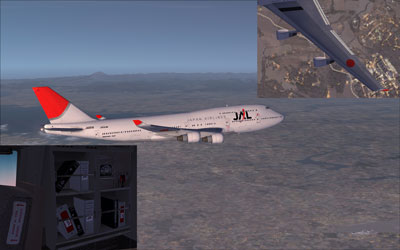
This repaint for Microsoft Flight Simulator X is both unique and detailed, reflecting JAL’s modern aesthetic. It was meticulously assembled by Yosuke and is made available to enthusiasts at no cost. For complete functionality, be certain you have the main Boeing 747-400 default package installed before applying these Japan Airlines textures.
Free for all simmers · 3.02 MB · Scanned clean Oct 2026
Download speed: Free tier is capped at 0.5 Mbps. PRO members download at full line speed.
texture.{airline}) inside FSX\SimObjects\Airplanes\{base-aircraft}\.aircraft.cfg in Notepad. Add a new [fltsim.X] section per the readme.readme.txt or README file. It tells you exactly where files go, what dependencies are needed, and any quirks specific to this add-on.The archive jalnew.zip has 14 files and directories contained within it.
This list displays the first 500 files in the package. If the package has more, you will need to download it to view them.
| Filename/Directory | File Date | File Size |
|---|---|---|
| B747_1_T.dds | 12.22.08 | 1.00 MB |
| B747_1_T_Specular.dds | 05.18.08 | 1.33 MB |
| B747_2_T.dds | 12.22.08 | 1.00 MB |
| B747_400_4_C.dds | 12.22.08 | 1.00 MB |
| Fresnel_Ramp.dds | 05.18.08 | 640 B |
| Fresnel_Ramp_1.dds | 05.18.08 | 640 B |
| texture.cfg | 05.18.08 | 137 B |
| thumbnail.jpg | 11.15.08 | 23.62 kB |
| ìòæ╤é╚é╡ü@B747_2_T.dds | 12.22.08 | 1.00 MB |
| 2009-1-4_11-15-15-822.jpg | 02.01.09 | 690.82 kB |
| Readme Japanese.txt | 04.01.09 | 2.69 kB |
| Readme English.txt | 05.07.09 | 3.04 kB |
| flyawaysimulation.txt | 10.29.13 | 959 B |
| Go to Fly Away Simulation.url | 01.22.16 | 52 B |
Only PRO members can place votes.
More FSX & P3D add-ons hand-picked based on this download.
FSX Civil Aircraft
This repaint offers Japan Airlines’ classic livery for the default Boeing 747…
 FSX Civil Aircraft
This carefully crafted repaint for the default Boeing 747-400 in Microsoft Fl…
 FSX Civil Aircraft
This repaint offers a carefully crafted All Nippon Airways livery for the def…
 FSX Civil Aircraft
FSX JAL Boeing 747-400. A repaint of the default B747-400.
 FSX Civil Aircraft
JAL Boeing 747-400 (first color). A repaint of the default B747-400. Repaint …
 FSX Civil Aircraft
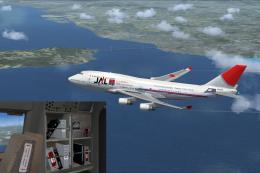
Experience a collector’s piece of aviation heritage with this free repaint pa…
 FSX Civil Aircraft
JAL Cargo Boeing 747-400 in metal color. A repaint of the default B747-400. T…
 FSX Civil Aircraft
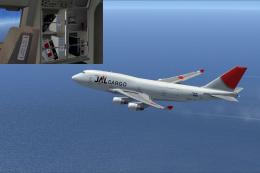
JAL Cargo Boeing 747-400BCF. Textures only for the default B747-400. Repaint …
Be the first to leave a comment on this download.
Be the first to share your thoughts on this download.