

 FSX Civil Aircraft
Shenzhen Airlines Boeing 737-800
Shenzhen Airlines operates a sizable fleet of Next Generation 737 aircraft, a…
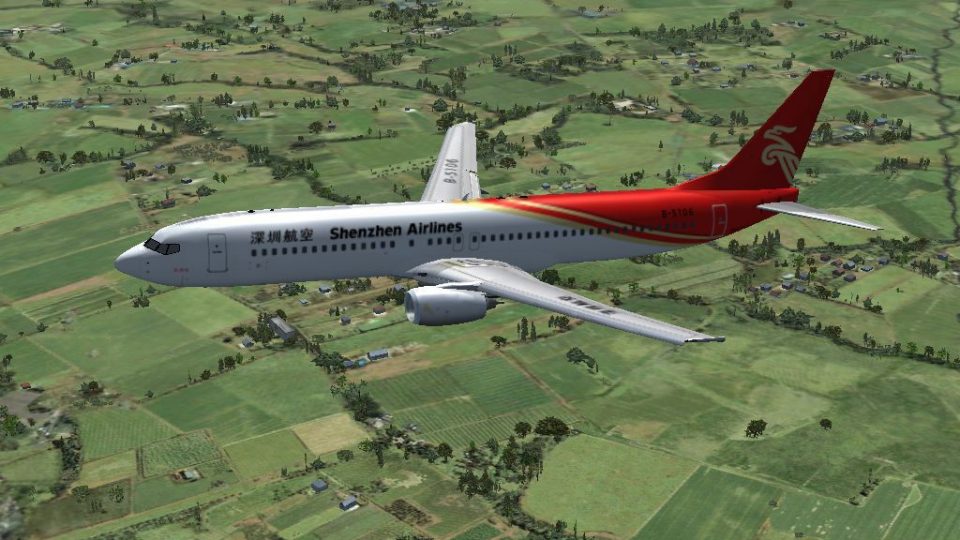
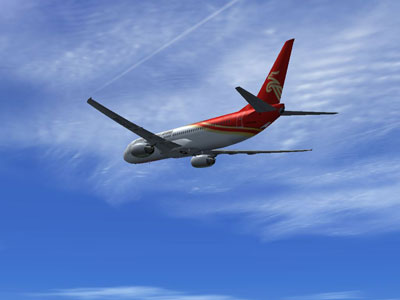
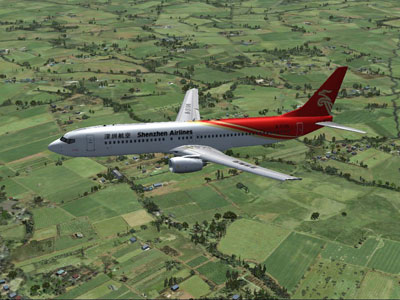
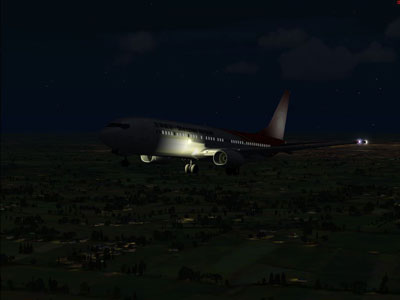
Shenzhen Airlines Boeing 737-900 (B-5106) brings a crisp Project Open Sky non-winglet model and authentic airline livery to FSX, paired with the default 737-800 panel, sounds, and virtual cockpit for familiar handling. Includes effects to enhance lighting and wing condensation for a more dynamic look in flight.
 Rate
Rate
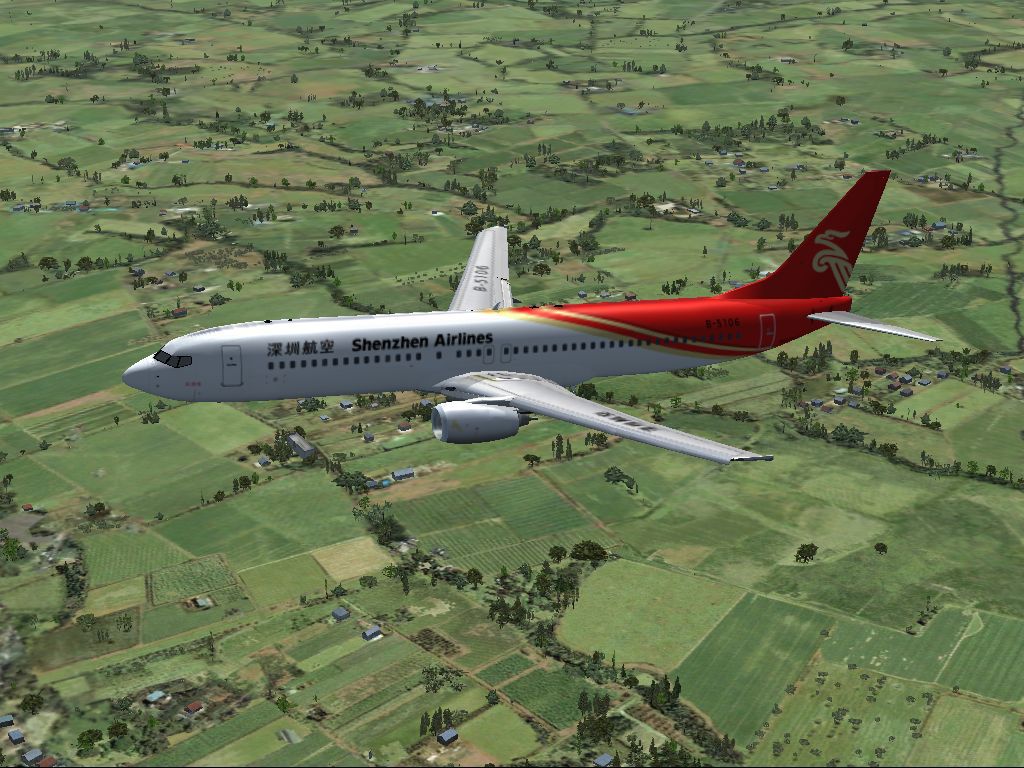
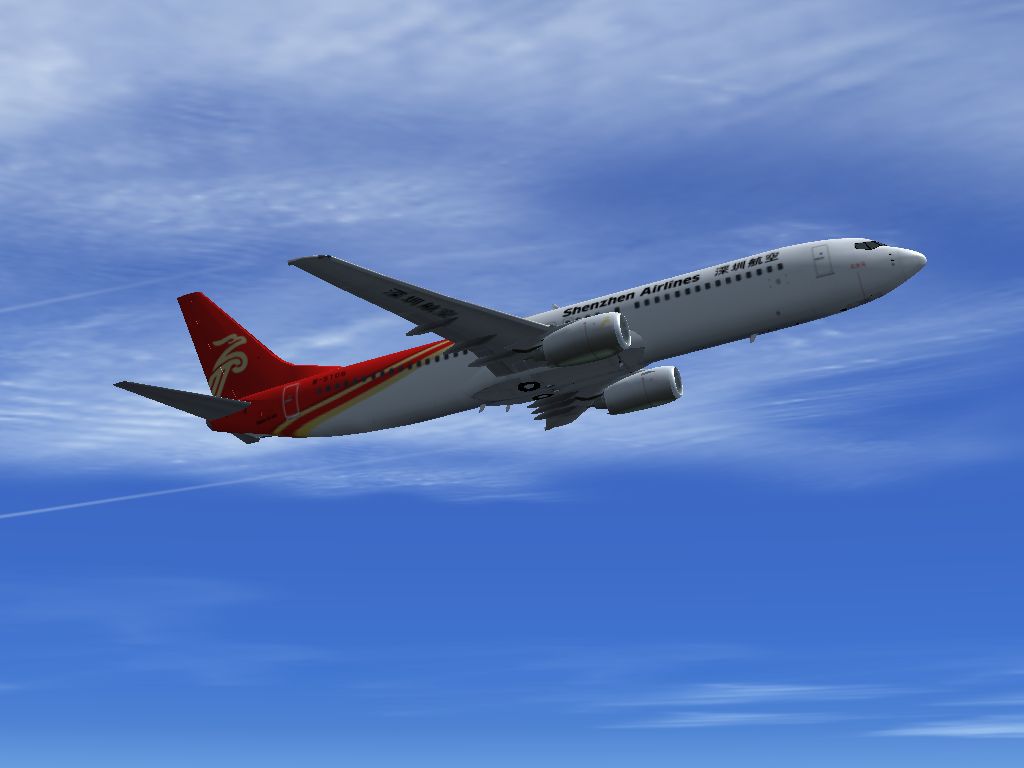
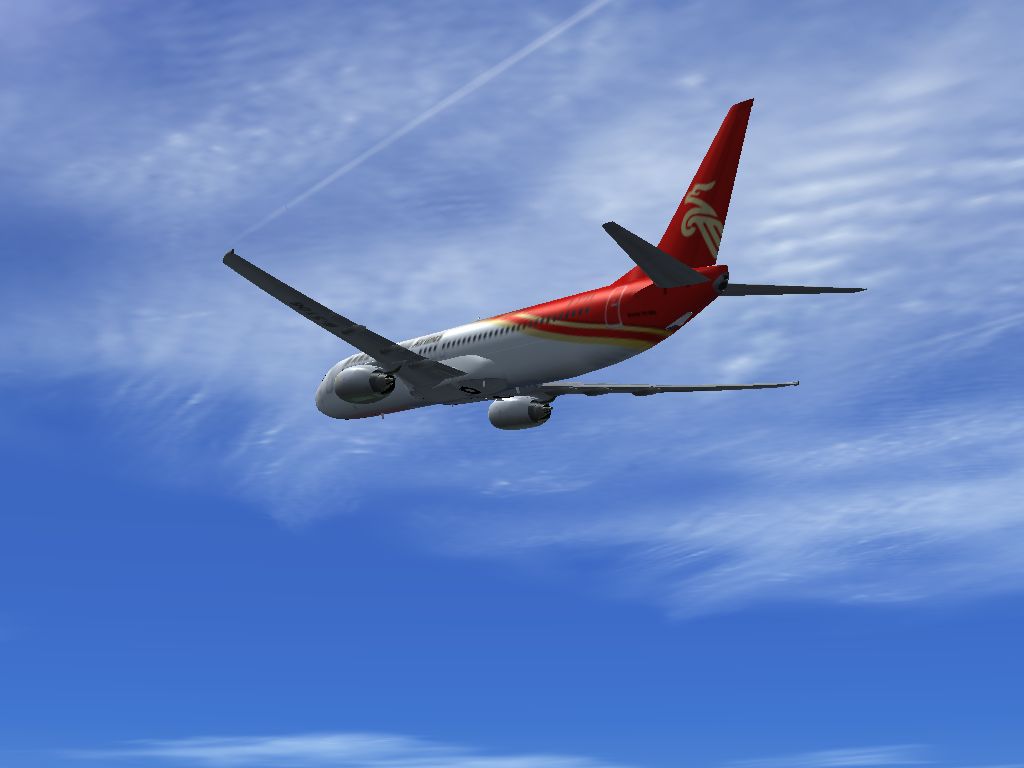
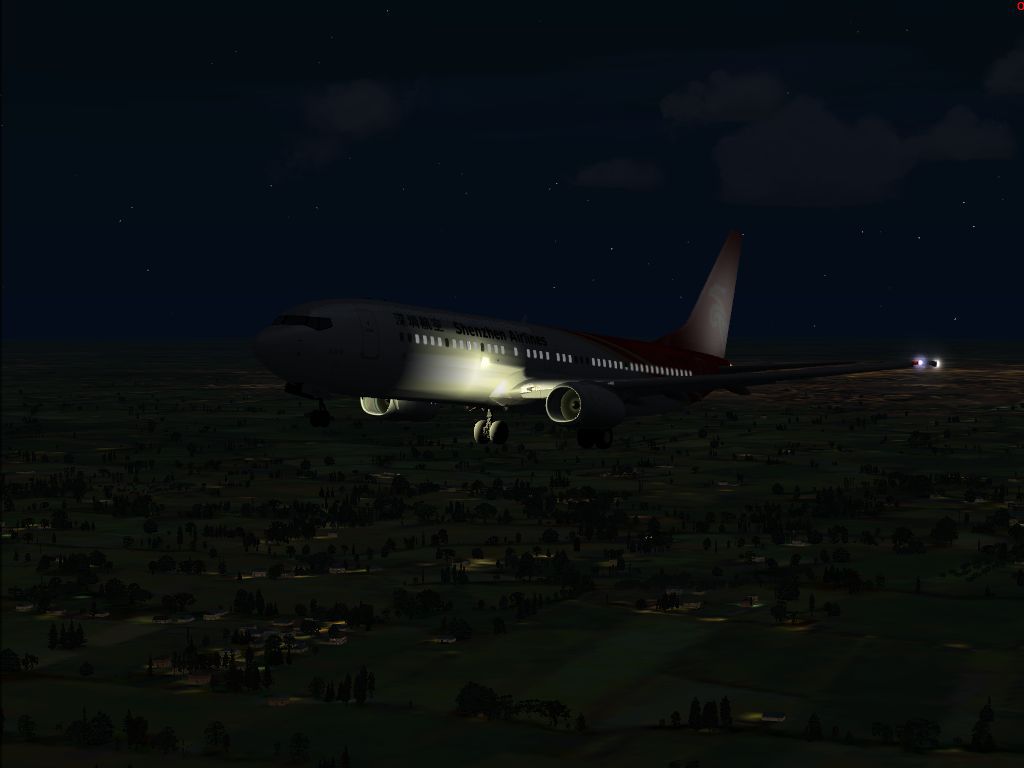
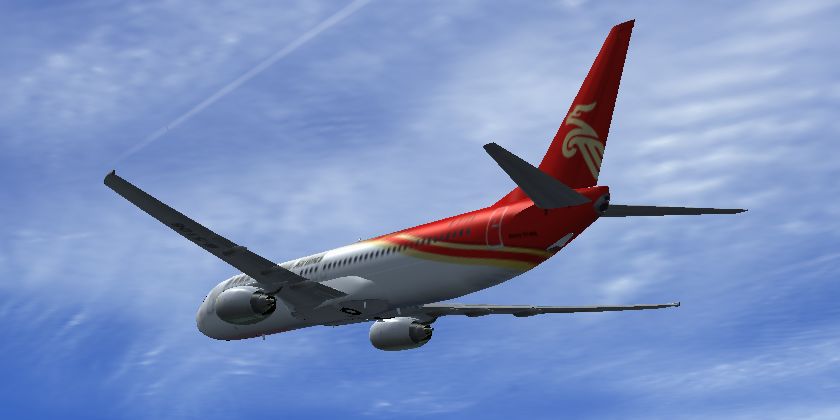
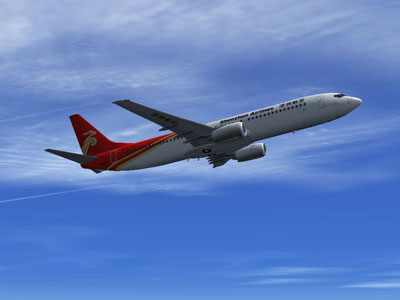
Shenzhen Airlines Boeing 737-900, registration B-5106, Model by Project Open Sky (non-winlets), using sound and panel (including VC) of default B738. By He Lingyuan.
Install:
Just unzip the file and send "Project Opensky B737-900 Shenzhen Airlines" folder to SIMOBJECTS/AIRPLANES folder (FSX).
Copy the files in Effects to FSX/EFFECTS folder.
Introduction:
Shenzhen Airlines has a large fleet of 737NG series,and it is the only one airline company in china operating 737-900 at present.
This aircraft featuring Project Opensky great model,using sound & panel of default 737-800,also the VC of default 737.
How To Cancel VC :
If you have problems using VC or you want to cancel it for some reasons,open MODEL/MODEL.CFG ,and delete "interior=B737_800_interior" .
Free for all simmers · 12.39 MB · Scanned clean Oct 2026
Download speed: Free tier is capped at 0.5 Mbps (this file takes approximately 3 mins at the cap). PRO members download at full line speed.
FSX\SimObjects\Airplanes\. The folder must contain an aircraft.cfg file. Effects go into FSX\Effects\; gauges go into FSX\Gauges\.readme.txt or README file. It tells you exactly where files go, what dependencies are needed, and any quirks specific to this add-on.The archive os739csz.zip has 61 files and directories contained within it.
This list displays the first 500 files in the package. If the package has more, you will need to download it to view them.
| Filename/Directory | File Date | File Size |
|---|---|---|
| Aircraft.cfg | 05.09.09 | 23.16 kB |
| B739_CSZ-1.jpg | 05.09.09 | 48.01 kB |
| B739_CSZ-2.jpg | 05.09.09 | 47.53 kB |
| B739_CSZ-3.jpg | 05.09.09 | 163.33 kB |
| B739_CSZ-4.jpg | 05.02.09 | 43.53 kB |
| Opensky_737NG_sparks.fx | 06.18.06 | 7.05 kB |
| Opensky_beacon.fx | 06.18.06 | 3.04 kB |
| Opensky_Boeing_vclight.fx | 06.18.06 | 1.31 kB |
| Opensky_conden.fx | 06.18.06 | 3.15 kB |
| Opensky_nacelle_refl.fx | 06.18.06 | 1.29 kB |
| Opensky_nav_yellow.fx | 06.18.06 | 3.07 kB |
| Opensky_vortex.fx | 06.18.06 | 1.23 kB |
| Opensky_wing_light.fx | 06.18.06 | 1.31 kB |
| End User License Agreement.txt | 05.09.09 | 3.89 kB |
| B737NG Operation Manual V5.pdf | 06.18.06 | 1.28 MB |
| B737_800_interior.mdl | 08.22.07 | 1.33 MB |
| model.cfg | 04.29.09 | 54 B |
| OSX739E.MDL | 04.14.09 | 1.35 MB |
| panel.cfg | 04.23.09 | 32 B |
| Posky_B737-900.air | 03.24.06 | 8.90 kB |
| Readme.txt | 05.03.09 | 3.07 kB |
| sound.cfg | 03.18.09 | 32 B |
| Thumbs.db | 03.30.06 | 5.00 kB |
| B737_800_1_C.dds | 09.04.06 | 682.79 kB |
| B737_800_1_night_C.dds | 09.04.06 | 682.79 kB |
| B737_800_2_C.dds | 09.04.06 | 682.79 kB |
| B737_800_2_night_C.dds | 09.04.06 | 682.79 kB |
| B737_800_3_C.dds | 09.04.06 | 682.79 kB |
| B737_800_3_night_C.dds | 09.04.06 | 682.79 kB |
| B737_800_4_C.dds | 09.04.06 | 682.79 kB |
| B737_800_4_night_C.dds | 09.04.06 | 682.79 kB |
| B737_800_5_C.dds | 09.04.06 | 170.79 kB |
| B737_800_5_night_C.dds | 09.04.06 | 170.79 kB |
| OS736Option.bmp | 06.18.06 | 16.07 kB |
| OS736Option2.bmp | 07.02.08 | 341.40 kB |
| Os737ngstair_l.bmp | 06.26.08 | 341.40 kB |
| Os737ngstair_t.bmp | 02.28.06 | 1.00 MB |
| Os737ng_ANTCOL_RED.BMP | 09.05.06 | 1.43 kB |
| Os737ng_Cockpitgray.bmp | 06.22.08 | 5.40 kB |
| Os737ng_darkgray.bmp | 06.23.08 | 5.40 kB |
| Os737ng_engine_L.bmp | 02.28.06 | 64.07 kB |
| Os737ng_engine_t.bmp | 04.18.09 | 4.00 MB |
| Os737ng_WINGROOT_GRAY.BMP | 06.24.08 | 5.40 kB |
| Os737ng_WINGTIP_GREEN_GLASS.bmp | 09.05.06 | 1.43 kB |
| Os737ng_WINGTIP_RED_GLASS.bmp | 09.05.06 | 1.43 kB |
| OS737Option.bmp | 02.19.06 | 48.07 kB |
| Os737parts_t.bmp | 04.12.06 | 4.00 MB |
| Os739body_l_l.bmp | 05.02.09 | 4.00 MB |
| Os739body_l_t.bmp | 04.29.09 | 4.00 MB |
| Os739body_r_l.bmp | 05.02.09 | 4.00 MB |
| Os739body_r_t.bmp | 04.29.09 | 4.00 MB |
| os739parts_L.bmp | 06.26.08 | 341.40 kB |
| Os739_wing_l_l.bmp | 01.31.06 | 1.00 MB |
| OS739_WING_L_T.bmp | 04.28.09 | 4.00 MB |
| Os739_wing_r_l.bmp | 01.31.06 | 1.00 MB |
| OS739_WING_R_T.bmp | 05.03.09 | 4.00 MB |
| ostug_L.bmp | 01.31.06 | 1.00 MB |
| ostug_T.bmp | 02.28.06 | 4.00 MB |
| thumbnail.jpg | 05.09.09 | 30.91 kB |
| flyawaysimulation.txt | 10.29.13 | 959 B |
| Go to Fly Away Simulation.url | 01.22.16 | 52 B |
Only PRO members can place votes.
More FSX & P3D add-ons hand-picked based on this download.
FSX Civil Aircraft
Shenzhen Airlines operates a sizable fleet of Next Generation 737 aircraft, a…
 FSX Civil Aircraft
This repaint showcases the Shenzhen Airlines Boeing 737-800 named “City of Ha…
 FSX Civil Aircraft
This package showcases Shenzhen Airlines’ Boeing 737-700, identified by regis…
 FSX Civil Aircraft
Discover the immersive Shenzhen Airlines Boeing 737-700 rendition crafted by …
 FSX Civil Aircraft
Shenzhen Airlines Airbus A320. Project Airbus Shenzhen Airlines Airbus A320-2…
 FSX Civil Aircraft
This comprehensive freeware package brings together the Project Airbus A319-1…
 FSX Civil Aircraft
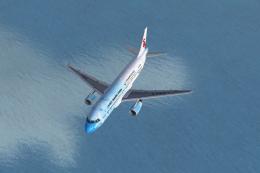
The 2011 Shenzhen Summer Universiade Specials package for Flight Simulator X.…
 FSX Civil Aircraft
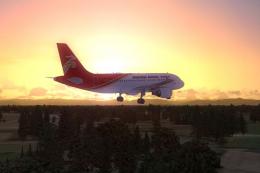
Shenzhen Airlines Airbus A319 B-6159 Pack. Shenzhen Airlines Airbus A319 B-61…
Read what other simmers think, or add your own.

The aircraft is beautiful, but the landing gear is not appearing.