

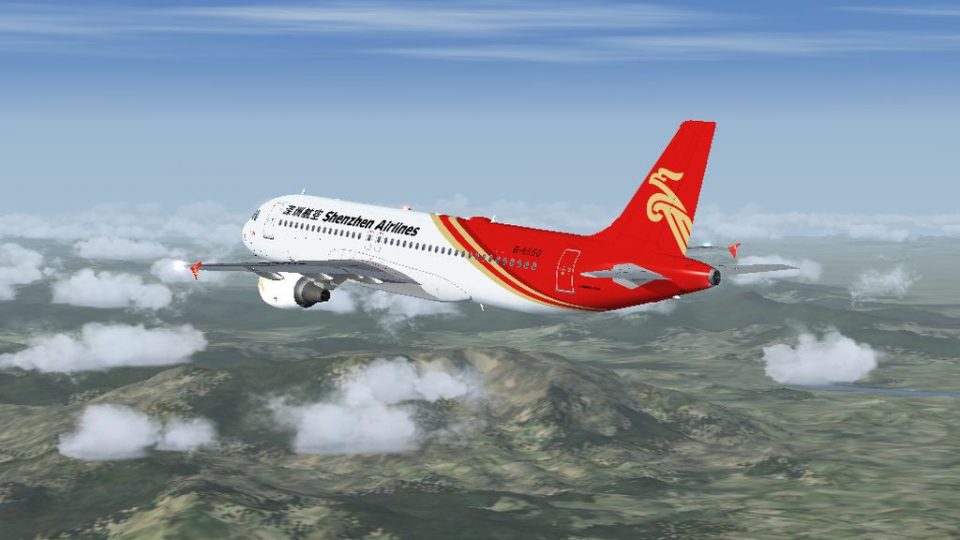
 FSX Civil Aircraft
Shenzhen Airlines Airbus A319 B-6159 Pack
Shenzhen Airlines Airbus A319 B-6159 Pack. Shenzhen Airlines Airbus A319 B-61…
Shenzhen Airlines Airbus A319-112 and A320-214 bring two city-named registrations to life with crisp, airline-accurate textures and the respected Project Airbus external model. For FSX, the package pairs them with a default A321 panel, virtual cockpit, and sounds, plus refined animations, lighting effects, and a detailed operations manual.
 Rate
Rate

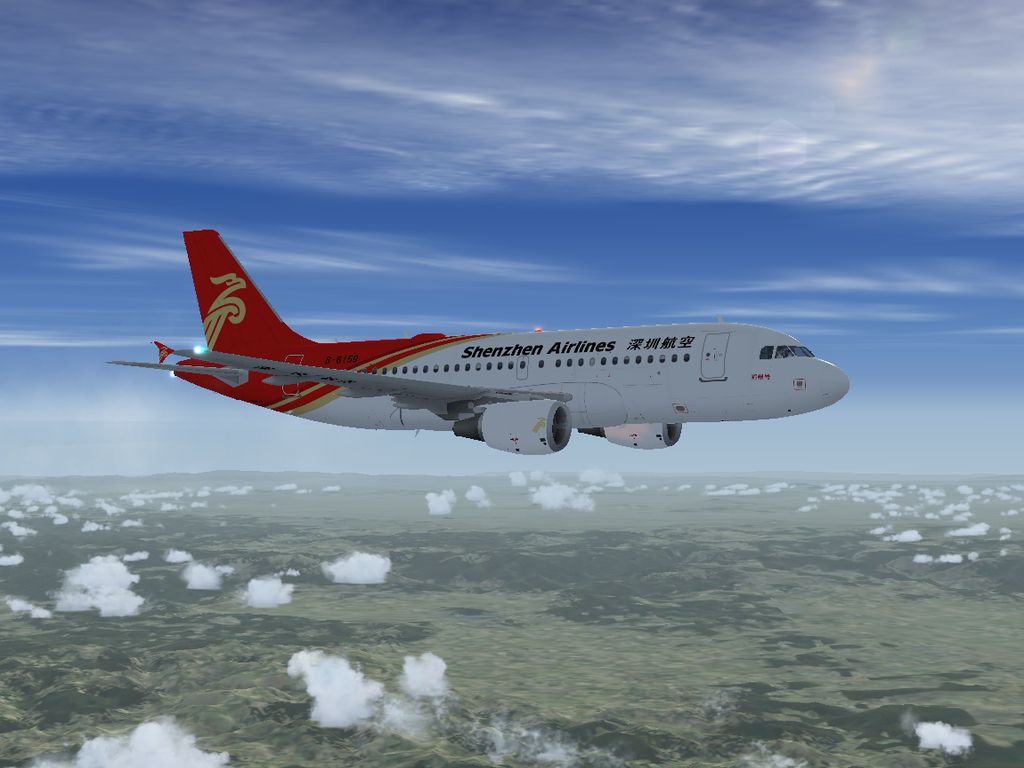
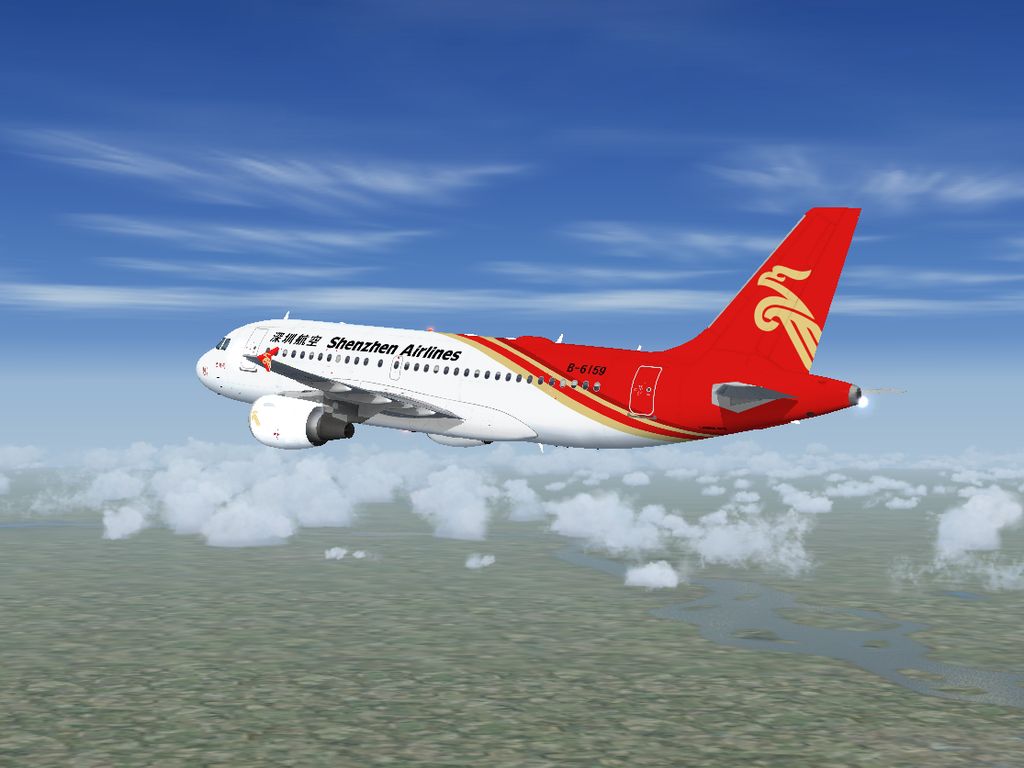
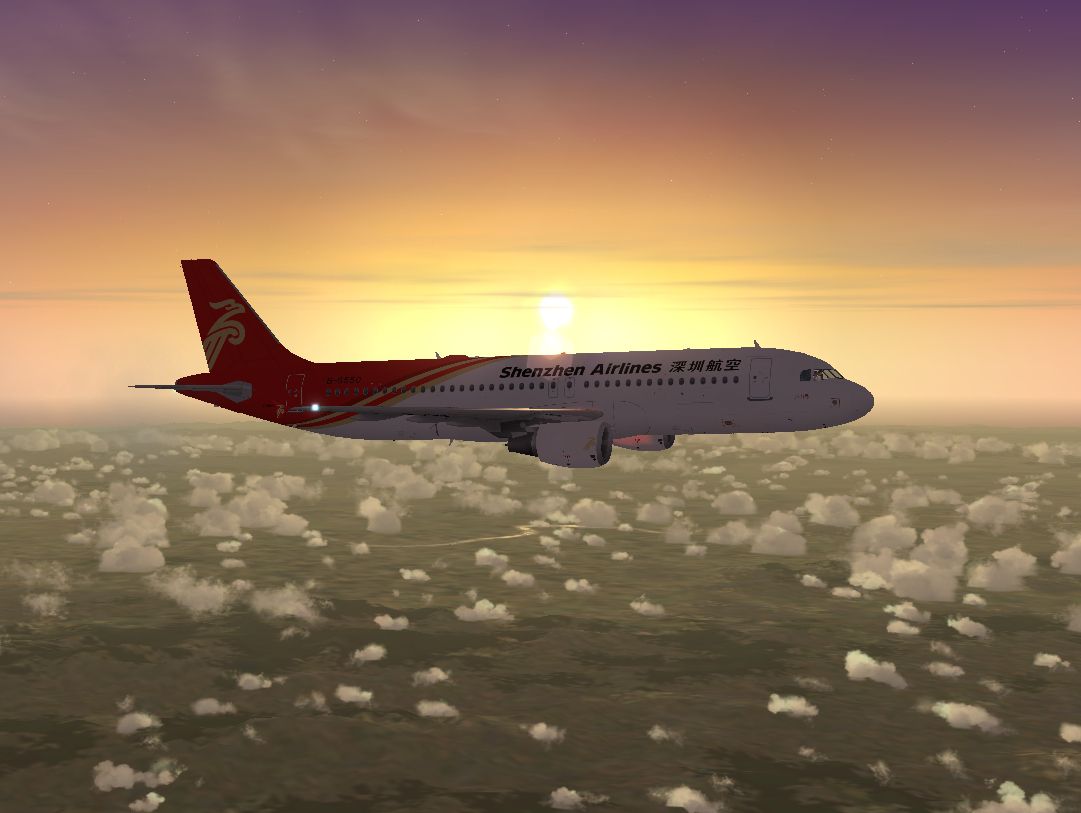
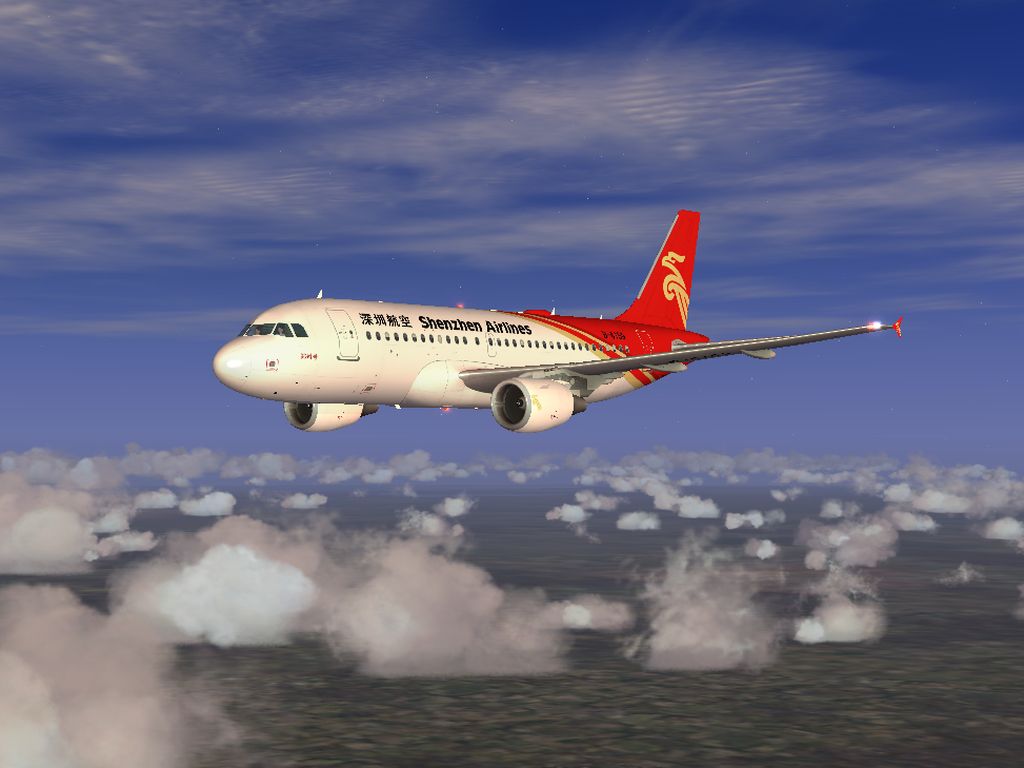

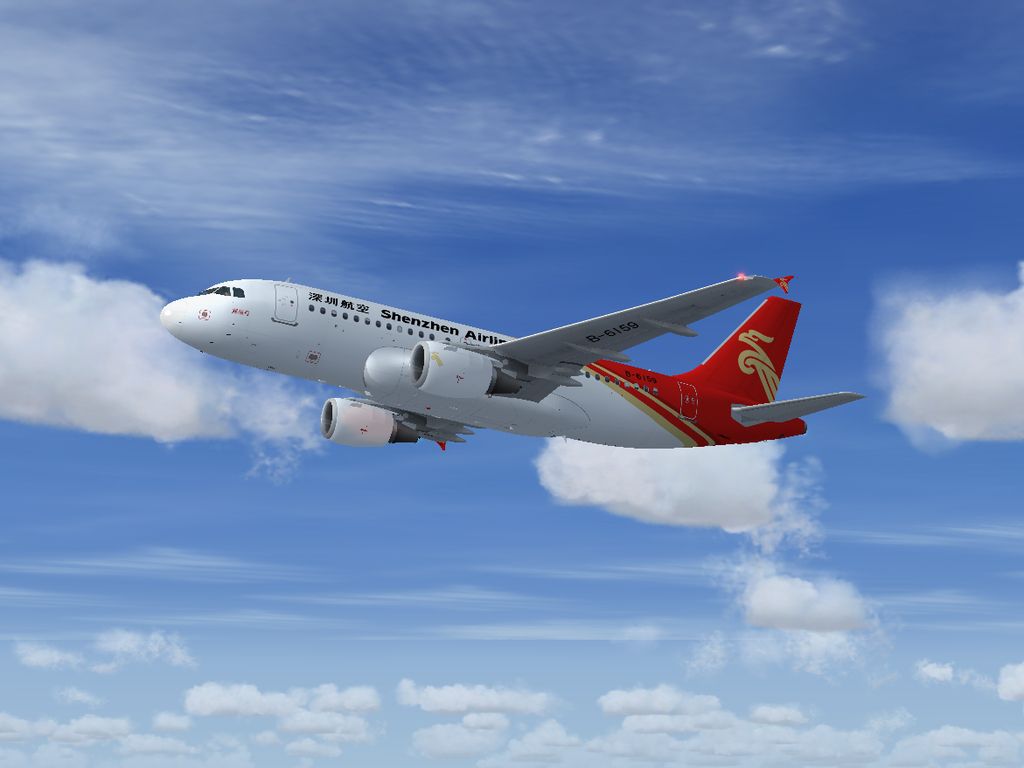

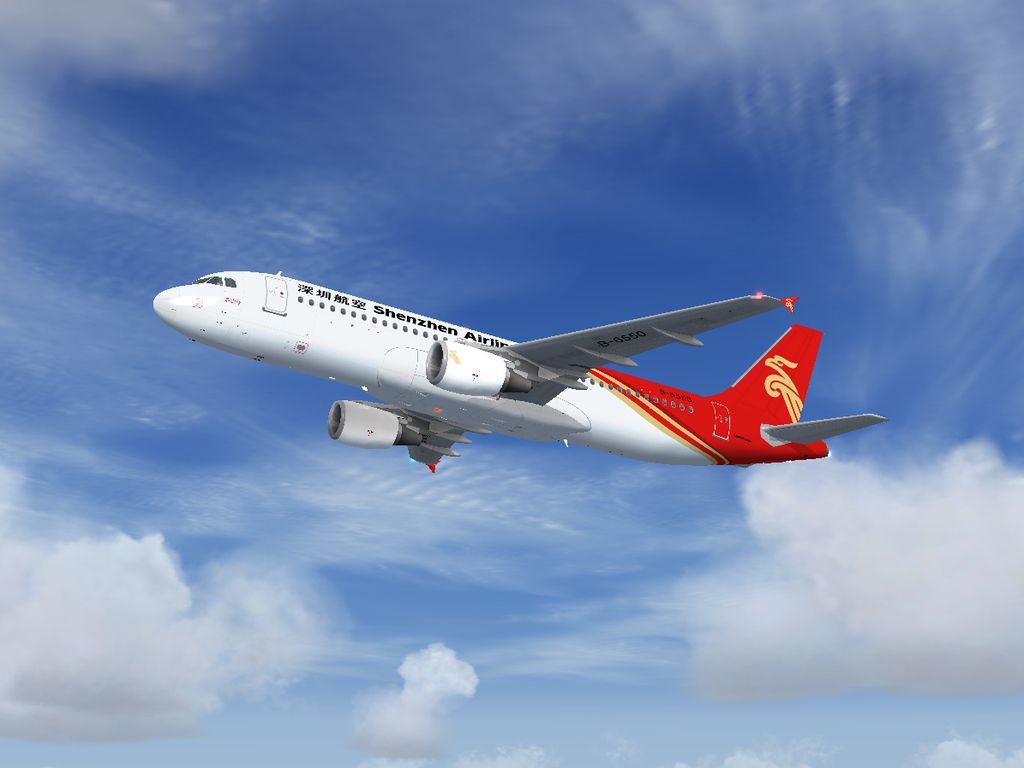

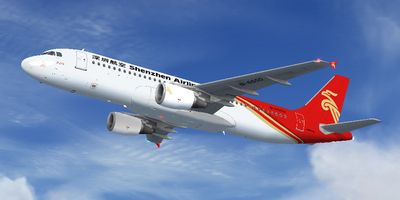
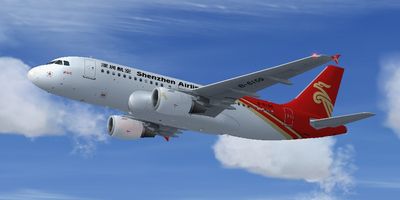
This comprehensive freeware package brings together the Project Airbus A319-112 and A320-214 in Shenzhen Airlines markings, including the distinctive B-6159 “City of Zhengzhou” and B-6550 “City of Lushan” registrations. It merges Project Airbus’s acclaimed external model with a default A321 panel, virtual cockpit, and sounds. Textures contributed by He Lingyuan honor Shenzhen Airlines’ real-life operations across China. The included operation manual, authored by members of Project Airbus, offers detailed guidance for an immersive flying experience.
Shenzhen Airlines, originally founded in the early 1990s, is known throughout China for its extensive domestic network. This downloadable update replicates two of its Airbus jets, capturing authentic liveries that reflect each aircraft’s unique city-themed name. They come packaged with precise flight dynamics and are powered by a fully integrated panel adapted from the default simulator’s Airbus A321.
Shenzhen Airlines Airbus A319 And A320 soaring above the clouds.
Project Airbus emerged during a transformative period in virtual aviation, when add-on realism was advancing quickly. In 2002, Thomas Ruth’s emphasized authenticity led to an A300 project that showcased new possibilities. With test feedback from collaborators like Trevor Slack and texture artistry by Nicholas Wu, the group delivered an impressively detailed A300, highlighted by robust XML-based modeling.
Well-known names such as Thomas Kwong, Alexander Kvitta, and others soon lent their expertise. The A320 release broke new ground with pioneering features. It gained a formidable reputation for accurate design and functionality. Although the team experienced a pause in late 2003, a concerted revival effort resumed work on a newly refined A320, culminating in a release that exceeded previous milestones.
Years of research and community engagement have shaped this enhanced A320 family. Project Airbus continues to explore further additions, allowing users to simulate commercial flight in ever more realistic ways. This freeware is delivered so that flight sim enthusiasts can appreciate the dedication poured into each model and texture.
Once these steps are complete, the garments of Shenzhen’s corporate brand will be visible, and both aircraft can be loaded immediately.
Project Airbus prioritizes functionality through several sophisticated features. Key highlights include XML-managed pressurization, ground spoilers, and airflow behavior that aligns with real-world structural movements. Engine wash simulation appears only when powerplants are live, while the elevators and ailerons rest naturally during shutdown for visual authenticity. Additionally, the add-on incorporates independent doors, cargo hatches, and dual-bogey configurations (for carriers that use it) built to parallel true-to-life operations.
Advanced lighting encompasses double strobes, navigation, beacons, and lifelike touchdown effects. These visual accents unify each element of the model, elevating immersion across various environments and weather conditions.
Paintwork for these Shenzhen Airlines textures is credited to He Lingyuan, while the foundational A319/A320 external models belong to Project Airbus. The group’s contributors include:
Special thanks also go to the guest painters and testers who contributed their expertise in flight modeling assessments, ensuring the aircraft delivers a realistic experience throughout every phase of operation.
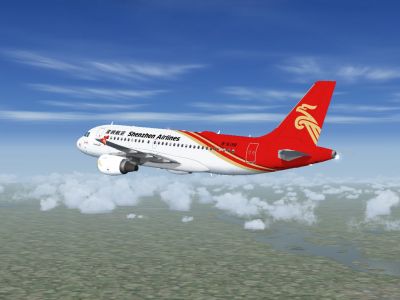
Enhanced Shenzhen Airlines Airbus A319 And A320 capturing the airline’s regional presence.
Free for all simmers · 26.13 MB · Scanned clean Oct 2026
Download speed: Free tier is capped at 0.5 Mbps (this file takes approximately 7 mins at the cap). PRO members download at full line speed.
FSX\SimObjects\Airplanes\. The folder must contain an aircraft.cfg file. Effects go into FSX\Effects\; gauges go into FSX\Gauges\.readme.txt or README file. It tells you exactly where files go, what dependencies are needed, and any quirks specific to this add-on.The archive pa320csz.zip has 107 files and directories contained within it.
This list displays the first 500 files in the package. If the package has more, you will need to download it to view them.
| Filename/Directory | File Date | File Size |
|---|---|---|
| Effects | 06.11.11 | 0 B |
| fx_beacon3202pa.fx | 07.24.02 | 3.03 kB |
| fx_beacon320pa.fx | 07.24.02 | 3.01 kB |
| fx_contrail_320.fx | 07.24.02 | 1.17 kB |
| fx_navgre320pa.fx | 07.24.02 | 4.56 kB |
| fx_navred320pa.fx | 07.24.02 | 4.56 kB |
| fx_navwhi320pa.fx | 07.24.02 | 3.03 kB |
| fx_PAland.fx | 11.20.08 | 1.15 kB |
| fx_strobe2320pa.fx | 07.24.02 | 2.44 kB |
| fx_strobe320pa.fx | 07.24.02 | 4.80 kB |
| fx_tchdwn320.fx | 07.24.02 | 4.54 kB |
| Manual | 08.19.11 | 0 B |
| PA Airbus A320 Operation Manual.pdf | 02.10.10 | 104.86 kB |
| Project Airbus A319-112 Shenzhen Airlines | 08.19.11 | 0 B |
| AirbusA321_check.htm | 07.27.06 | 55.95 kB |
| AirbusA321_ref.htm | 07.30.06 | 8.56 kB |
| Aircraft.cfg | 08.19.11 | 18.50 kB |
| Model | 06.11.11 | 0 B |
| A319_100_CFM_NoVC.mdl | 09.05.09 | 2.15 MB |
| Airbus_A321_Interior.mdl | 09.04.06 | 3.56 MB |
| Model.cfg | 05.30.11 | 65 B |
| Panel | 06.11.11 | 0 B |
| Panel.cfg | 12.20.10 | 33 B |
| PA_A319-100_CFM.air | 11.23.07 | 8.71 kB |
| PA_Readme.txt | 08.19.11 | 2.83 kB |
| Sound | 06.11.11 | 0 B |
| Sound.cfg | 12.20.10 | 33 B |
| Texture.CSZ | 08.20.11 | 0 B |
| A319_1_L.bmp | 07.01.08 | 4.00 MB |
| A319_1_T.bmp | 06.11.11 | 4.00 MB |
| A319_2_L.bmp | 07.01.08 | 4.00 MB |
| A319_2_T.bmp | 05.16.11 | 4.00 MB |
| A319_Fuse_1_L.bmp | 07.01.08 | 4.00 MB |
| A319_Fuse_1_T.bmp | 05.30.11 | 4.00 MB |
| A319_Fuse_2_L.bmp | 07.01.08 | 4.00 MB |
| A319_Fuse_2_T.bmp | 06.11.11 | 4.00 MB |
| A319_Fuse_3_L.bmp | 07.01.08 | 4.00 MB |
| A319_Fuse_3_T.bmp | 06.11.11 | 4.00 MB |
| A319_Misc_1.bmp | 08.20.11 | 1.00 MB |
| A319_Misc_2.bmp | 06.11.11 | 4.00 MB |
| A319_Wing_1_L.bmp | 07.01.08 | 1.00 MB |
| A319_Wing_1_T.bmp | 06.08.11 | 4.00 MB |
| A319_Wing_2_L.bmp | 07.01.08 | 1.00 MB |
| A319_Wing_2_T.bmp | 06.08.11 | 4.00 MB |
| Airbus_A321_1_C.dds | 09.04.06 | 682.79 kB |
| Airbus_A321_1_night_C.dds | 09.04.06 | 682.79 kB |
| Airbus_A321_2_C.dds | 09.04.06 | 682.79 kB |
| Airbus_A321_2_night_C.dds | 09.04.06 | 682.79 kB |
| Airbus_A321_3_C.dds | 09.04.06 | 682.79 kB |
| Airbus_A321_3_night_C.dds | 09.04.06 | 682.79 kB |
| Airbus_A321_4_C.dds | 09.04.06 | 682.79 kB |
| Airbus_A321_4_night_C.dds | 09.04.06 | 682.79 kB |
| Thumbnail.jpg | 06.11.11 | 51.56 kB |
| Project Airbus A320-214 Shenzhen Airlines | 08.20.11 | 0 B |
| AirbusA321_check.htm | 07.27.06 | 55.95 kB |
| AirbusA321_ref.htm | 07.30.06 | 8.56 kB |
| Aircraft.cfg | 08.19.11 | 17.00 kB |
| Model | 06.11.11 | 0 B |
| A320_200_CFM_NoVC.mdl | 09.05.09 | 2.04 MB |
| Airbus_A321_Interior.mdl | 09.04.06 | 3.56 MB |
| Model.cfg | 06.08.11 | 65 B |
| Panel | 06.11.11 | 0 B |
| Panel.cfg | 12.20.10 | 33 B |
| PA_A320-200_CFM.air | 06.18.07 | 8.76 kB |
| PA_Readme.txt | 08.19.11 | 5.76 kB |
| Sound | 06.11.11 | 0 B |
| Sound.cfg | 12.20.10 | 33 B |
| Texture.CSZ | 08.20.11 | 0 B |
| A320_1_L.bmp | 02.27.11 | 4.00 MB |
| A320_1_T.bmp | 06.11.11 | 4.00 MB |
| A320_2_L.bmp | 02.27.11 | 4.00 MB |
| A320_2_T.bmp | 05.16.11 | 4.00 MB |
| A320_Fuse_1_L.bmp | 02.27.11 | 4.00 MB |
| A320_Fuse_1_T.bmp | 05.16.11 | 4.00 MB |
| A320_Fuse_2_L.bmp | 02.27.11 | 4.00 MB |
| A320_Fuse_2_T.bmp | 05.16.11 | 4.00 MB |
| A320_Fuse_3_L.bmp | 02.27.11 | 4.00 MB |
| A320_Fuse_3_T.bmp | 06.11.11 | 4.00 MB |
| A320_Misc_1.bmp | 08.20.11 | 1.00 MB |
| A320_Misc_2.bmp | 06.11.11 | 4.00 MB |
| A320_Wing_1_L.bmp | 02.27.11 | 1.00 MB |
| A320_Wing_1_T.bmp | 06.08.11 | 4.00 MB |
| A320_Wing_2_L.bmp | 02.27.11 | 1.00 MB |
| A320_Wing_2_T.bmp | 06.08.11 | 4.00 MB |
| Airbus_A321_1_C.dds | 09.04.06 | 682.79 kB |
| Airbus_A321_1_night_C.dds | 09.04.06 | 682.79 kB |
| Airbus_A321_2_C.dds | 09.04.06 | 682.79 kB |
| Airbus_A321_2_night_C.dds | 09.04.06 | 682.79 kB |
| Airbus_A321_3_C.dds | 09.04.06 | 682.79 kB |
| Airbus_A321_3_night_C.dds | 09.04.06 | 682.79 kB |
| Airbus_A321_4_C.dds | 09.04.06 | 682.79 kB |
| Airbus_A321_4_night_C.dds | 09.04.06 | 682.79 kB |
| Thumbnail.jpg | 06.11.11 | 53.39 kB |
| Readme.txt | 08.20.11 | 2.39 kB |
| Screenshots | 08.19.11 | 0 B |
| CSZ_A319_01.jpg | 06.11.11 | 317.49 kB |
| CSZ_A319_02.jpg | 06.11.11 | 398.60 kB |
| CSZ_A319_03.jpg | 06.11.11 | 363.66 kB |
| CSZ_A319_04.jpg | 06.11.11 | 361.29 kB |
| CSZ_A319_05.jpg | 06.11.11 | 358.48 kB |
| CSZ_B-6550_01.jpg | 06.11.11 | 318.80 kB |
| CSZ_B-6550_02.jpg | 06.11.11 | 401.15 kB |
| CSZ_B-6550_03.jpg | 06.11.11 | 261.71 kB |
| CSZ_B-6550_04.jpg | 06.11.11 | 386.17 kB |
| CSZ_B-6550_05.jpg | 06.11.11 | 166.37 kB |
| flyawaysimulation.txt | 10.29.13 | 959 B |
| Go to Fly Away Simulation.url | 01.22.16 | 52 B |
Only PRO members can place votes.
More FSX & P3D add-ons hand-picked based on this download.
FSX Civil Aircraft
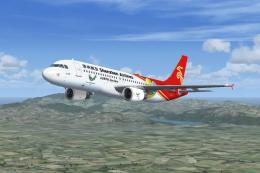
Shenzhen Airlines Airbus A319 B-6159 Pack. Shenzhen Airlines Airbus A319 B-61…
 FSX Civil Aircraft
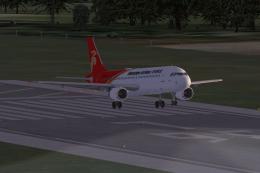
Shenzhen Airlines Airbus A320. Project Airbus Shenzhen Airlines Airbus A320-2…
 FSX Civil Aircraft
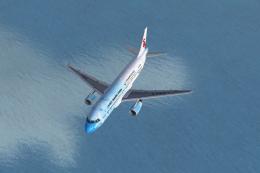
Airbus A320 Shenzhen Airlines B-6550 Pack Project Airbus A320 Shenzhen Airlin…
 FSX Civil Aircraft
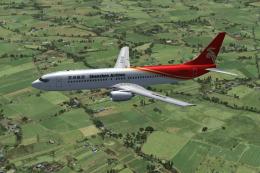
The 2011 Shenzhen Summer Universiade Specials package for Flight Simulator X.…
 FSX Civil Aircraft
Shenzhen Airlines Boeing 737-900, registration B-5106, Model by Project Open …
 FSX Civil Aircraft
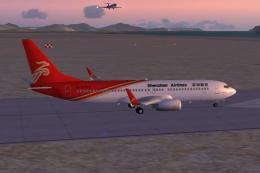
Shenzhen Airlines operates a sizable fleet of Next Generation 737 aircraft, a…
 FSX Civil Aircraft
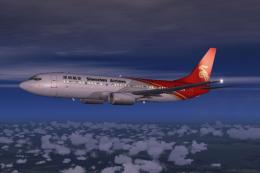
This repaint showcases the Shenzhen Airlines Boeing 737-800 named “City of Ha…
 FSX Civil Aircraft
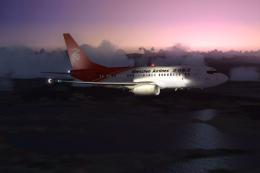
This package showcases Shenzhen Airlines’ Boeing 737-700, identified by regis…
Be the first to leave a comment on this download.
Be the first to share your thoughts on this download.