

 FSX Civil Aircraft
World Travel Airlines 2006 MD-83
This freeware repaint offers a refreshed exterior for the default AI McDonnel…
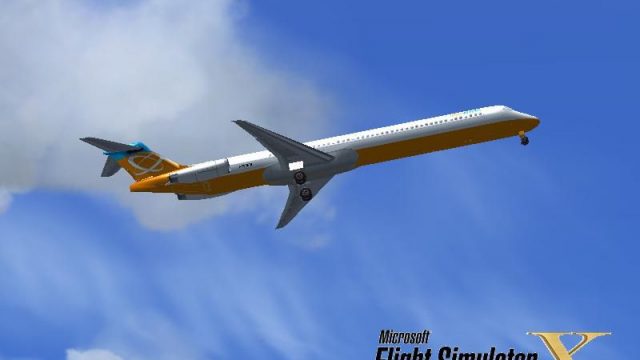
Orbit Airlines’ 2006 repaint refreshes the default McDonnell Douglas MD-83 with sharper markings, refined exterior textures, and period-correct branding, plus a matching custom splash screen for a cohesive start-up feel in Microsoft Flight Simulator X. It requires the default MD-83 base model and drops neatly into the existing Orbit Airlines fleet.
 Rate
Rate
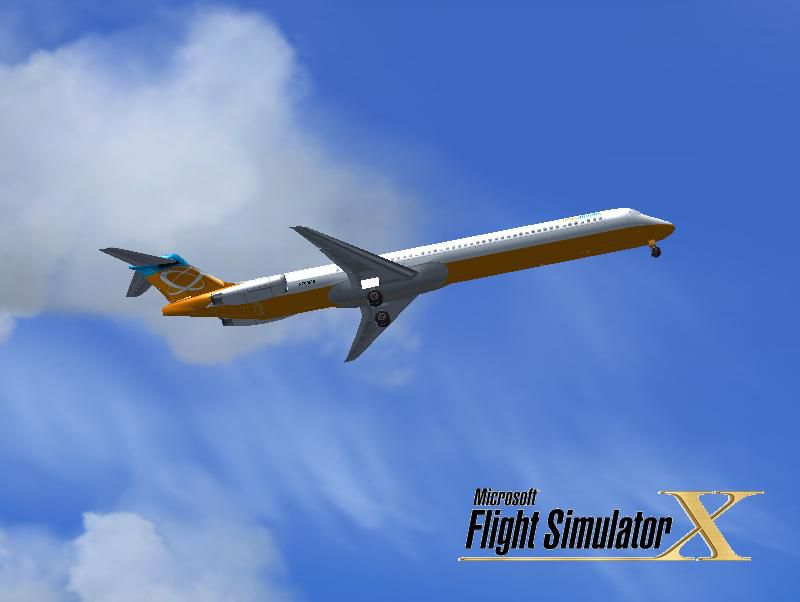
This freeware repaint brings a refreshed look to the default Orbit Airlines fleet in Microsoft Flight Simulator X. Created by Victor Vu, it provides an updated finish for the McDonnell Douglas MD-83, complementing the existing Orbit Airlines variations. The add-on comes with a customized splash screen, ensuring a consistent experience from the moment you load your simulator.
The McDonnell Douglas MD-83 is a member of the MD-80 family, which evolved from the earlier DC-9 series. It features improved engine performance and extended range capabilities. This particular repaint represents Orbit Airlines’ 2006 aesthetic, adding fresh branding elements and refined exterior texturing. While Orbit Airlines is a fictional carrier within many default simulator environments, its MD-83s embody the operational spirit of medium-haul jetliners from that era.
Before applying this repaint, make sure you have the default AI McDonnell Douglas MD-83 base model installed in Microsoft Flight Simulator X. You can find the necessary files in the Fly Away Simulation library if you need them. Remember, this package only includes repaint textures, so the original model is essential.
Once installed, your MD-83 will display the appropriately stylized paintwork, complete with accurate registration details and cohesive color patterns. It’s ideal for simmers seeking to expand their fleet with a classic twin-engined narrow-body airliner while maintaining the cohesive Orbit Airlines identity.
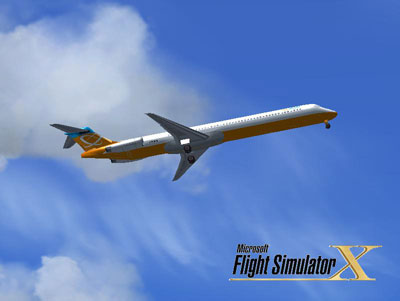
This comprehensive repaint from Victor Vu delivers a modern take on a timeless aircraft, ensuring that virtual pilots can operate an MD-83 in true Orbit Airlines style. Simply follow the steps above, and you will be ready for your next domestic or regional hop in this iconic jet.
Free for all simmers · 1.01 MB · Scanned clean Oct 2026
Download speed: Free tier is capped at 0.5 Mbps. PRO members download at full line speed.
texture.{airline}) inside FSX\SimObjects\Airplanes\{base-aircraft}\.aircraft.cfg in Notepad. Add a new [fltsim.X] section per the readme.readme.txt or README file. It tells you exactly where files go, what dependencies are needed, and any quirks specific to this add-on.The archive md83_oal.zip has 14 files and directories contained within it.
This list displays the first 500 files in the package. If the package has more, you will need to download it to view them.
| Filename/Directory | File Date | File Size |
|---|---|---|
| installation.txt | 05.10.09 | 469 B |
| Project FS Bonanza Repaint Policy.rtf | 05.09.09 | 161.84 kB |
| Readme.txt | 05.10.09 | 1.40 kB |
| screenshot.PNG | 05.10.09 | 15.59 kB |
| Splash Screen | 05.10.09 | 0 B |
| dlgsplash.bmp | 05.10.09 | 1.38 MB |
| texture.oal_fsx | 05.10.09 | 0 B |
| fresnel_ramp.dds | 05.09.09 | 1.12 kB |
| MD_83_c.bmp | 05.12.06 | 682.74 kB |
| MD_83_L.dds | 05.09.09 | 64.12 kB |
| MD_83_t.dds | 05.10.09 | 1.00 MB |
| thumbnail.jpg | 05.10.09 | 30.49 kB |
| flyawaysimulation.txt | 10.29.13 | 959 B |
| Go to Fly Away Simulation.url | 01.22.16 | 52 B |
Only PRO members can place votes.
More FSX & P3D add-ons hand-picked based on this download.
FSX Civil Aircraft
This freeware repaint offers a refreshed exterior for the default AI McDonnel…
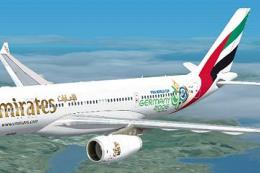 FSX Civil Aircraft
This repaint provides a customized Emirates Airbus A330-200 "World Cup 2006" …
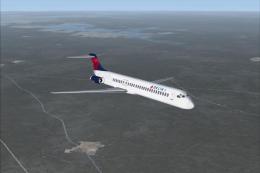 FSX Civil Aircraft
FSX Delta Airlines McDonnell Douglas MD-83. An update for the FSX default MD8…
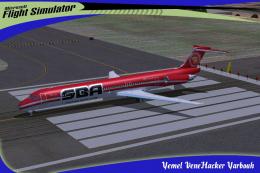 FSX Civil Aircraft
SBA Airlines McDonnell Douglas MD-83, registration YV348T. Textures for the f…
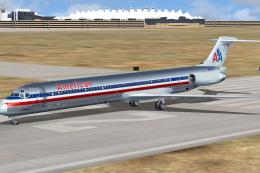 FSX Civil Aircraft
A repaint of SGA MD83 model in the colors of American Airlines, registration …
 FSX Civil Aircraft
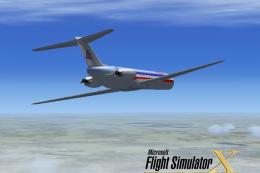
FSX American Airlines McDonnell Douglas MD-83. Though not detailed as other r…
 FSX Civil Aircraft
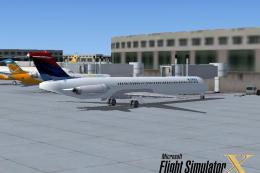
FSX Delta Airlines McDonnell Douglas MD-83. A fictional repaint of the FSX AI…
 FSX Civil Aircraft
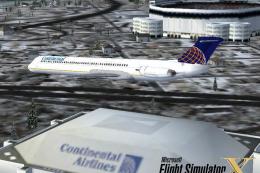
FSX Continental Airlines McDonnell Douglas MD-83. A repaint for the AI defaul…
Be the first to leave a comment on this download.
Be the first to share your thoughts on this download.