

 FSX Civil Aircraft
UKFlightsim Airbus A300B4-600R
The UKFlightsim Airbus A300B4-600R is provided as a comprehensive freeware pa…
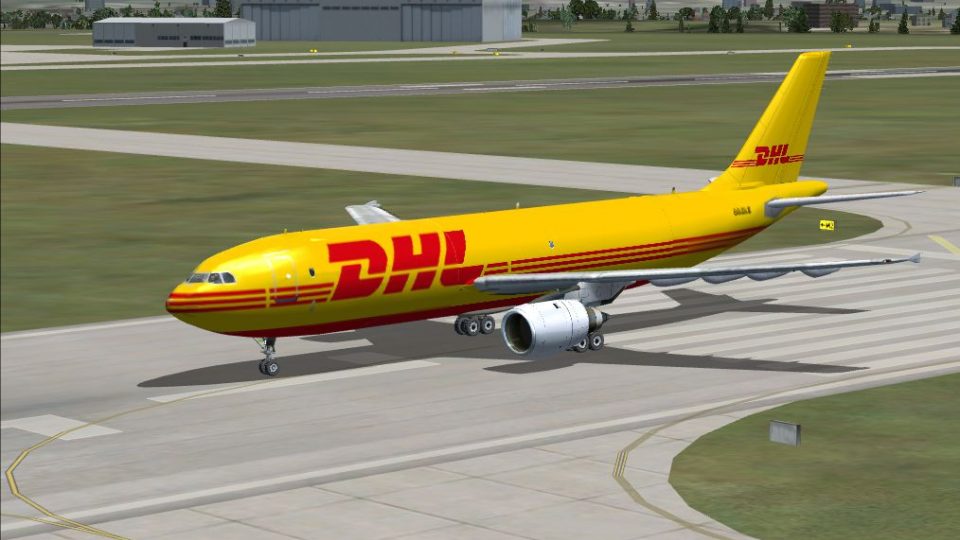
Airbus A300B4-600F freighter brings a classic wide-body cargo jet to Microsoft Flight Simulator X with a detailed external model, freighter-specific airframe, and four operator liveries. A functional 2D panel covers core flight and engine instrumentation, while a custom sound set delivers convincing twin-turbofan resonance from taxi to climb.
 Rate
Rate
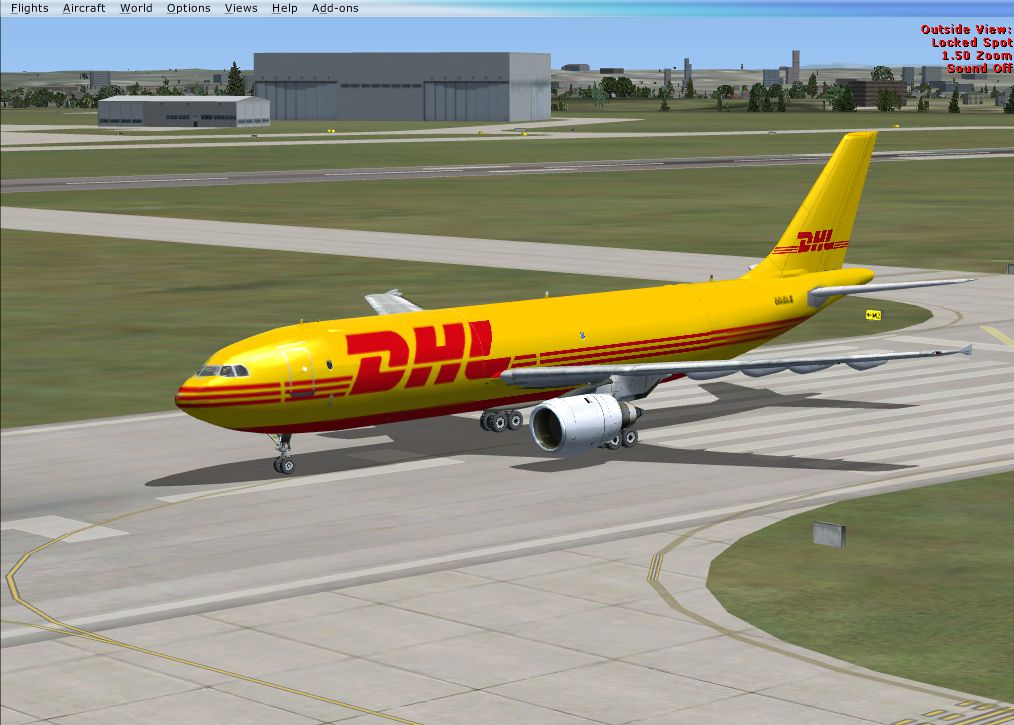
This enhanced freeware package provides a dedicated cargo interpretation of the Airbus A300-series for Microsoft Flight Simulator X. It incorporates detailed external modeling, four distinct liveries, and a functional 2D panel. The entire configuration, assembled by Tom Ruth and Jon Reeves, showcases their meticulous approach to fuselage shaping, along with textures that capture the aircraft’s wide-body profile. The panel, developed by Dave Hazelgrove, brings together core flight instrumentation, while the custom audio package by Emil Serafino Jr. replicates authentic engine resonance.
The Airbus A300B4-600F is known for its twin-engine layout, wide-body cabin structure, and an impressive cargo capacity that has served numerous freight carriers globally. This edition retains the freighter-specific airframe, maximizing the utility of the lower and main decks. As a short-to-medium haul jetliner, the A300 family marked a significant milestone in commercial aviation history, pioneering efficient flights on busy cargo routes.
Included here is a single model variant complemented by four individual texture sets. Each livery emphasizes unique operator markings, reflecting real-world distribution companies and carefully placed freight doors. These textures have been streamlined to ensure crisp visuals and accurate placement on fuselage and wing surfaces. Although there is no virtual cockpit (No VC), the external model provides detailed components such as control surfaces, landing gear, and engine cowling.
Inside, the 2D panel by Dave Hazelgrove provides straightforward access to essential flight instruments. This setup is ideal for flight deck familiarity, covering altitude management, navigation aids, and engine data readouts. Meanwhile, the curated sounds by Emil Serafino Jr. replicate the characteristic hum of dual turbofan engines, delivering realistic feedback during various phases of flight, from idle thrust to high-power climb.
When running the installer, confirm that all contents direct correctly into the simulator’s primary installation folders. This ensures proper configuration of model data, texture files, panel gauges, and sound folders. For additional guidance, there is an included document titled “UKFS Airbus A300B4-600F.” Opening it with a compatible PDF reader, such as Adobe Reader, is recommended.
This Airbus A300B4-600F release, developed by Tom Ruth and Jon Reeves, merges advanced design approaches with easy installation steps, requiring minimal user intervention. Pilots seeking a reliable mid-level freighter option for their virtual cargo missions will appreciate the balanced flight dynamics and in-depth texturing. The entire creation remains freeware, offering a complete solution for those who wish to expand their flight simulation hangar.
Free for all simmers · 43.08 MB · Scanned clean Oct 2026
Download speed: Free tier is capped at 0.5 Mbps (this file takes approximately 12 mins at the cap). PRO members download at full line speed.
FSX\SimObjects\Airplanes\. The folder must contain an aircraft.cfg file. Effects go into FSX\Effects\; gauges go into FSX\Gauges\.readme.txt or README file. It tells you exactly where files go, what dependencies are needed, and any quirks specific to this add-on.The archive a306ffsx.zip has 6 files and directories contained within it.
This list displays the first 500 files in the package. If the package has more, you will need to download it to view them.
| Filename/Directory | File Date | File Size |
|---|---|---|
| New Picture (8).png | 06.11.09 | 846.84 kB |
| README.txt | 06.11.09 | 324 B |
| UKFS Airbus A300B4600F.pdf | 06.11.09 | 329.48 kB |
| UKFS Airbus A300B4600F for FSX.exe | 06.11.09 | 42.07 MB |
| flyawaysimulation.txt | 10.29.13 | 959 B |
| Go to Fly Away Simulation.url | 01.22.16 | 52 B |
Only PRO members can place votes.
More FSX & P3D add-ons hand-picked based on this download.
FSX Civil Aircraft
The UKFlightsim Airbus A300B4-600R is provided as a comprehensive freeware pa…
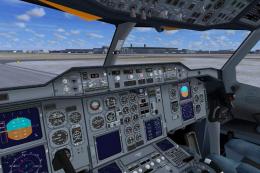 FSX Civil Aircraft
Fedex Airbus A300-600F The last classic Airbus ever built. Fedex cargo aircra…
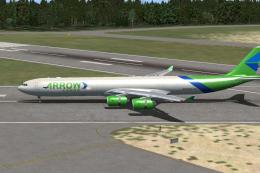 FSX Civil Aircraft
Immerse yourself in the world of dedicated freight operations with this detai…
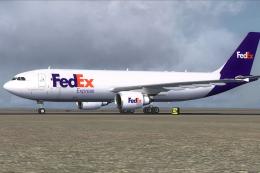 FSX Civil Aircraft
FedEx Airbus A300-600F. Textures only for Thomas Ruth's Airbus A300-600F; req…
 FSX Civil Aircraft
This complete freeware package features an Arrow Cargo VA Airbus A300-600F, i…
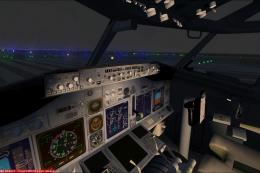 FSX Civil Aircraft
POSKY B737-600F With VC Fix For SP1 And Later. Project Open Sky Boeing 737-60…
 FSX Civil Aircraft
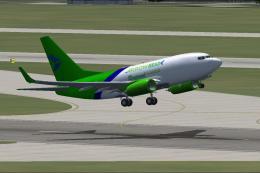
This package introduces a cargo-themed rendition of the Boeing 737-600, showc…
 FSX Civil Aircraft
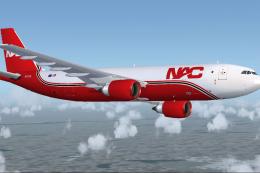
Northern Air Cargo A300-600F. Fictional repaint for Thomas Ruth's A300-600F; …
Be the first to leave a comment on this download.
Be the first to share your thoughts on this download.