

 FSX Civil Aircraft
TAM Airbus A350-900
FSX TAM Airbus A350-900 (new colors) XWB (Extra Wide Body) including Animated…
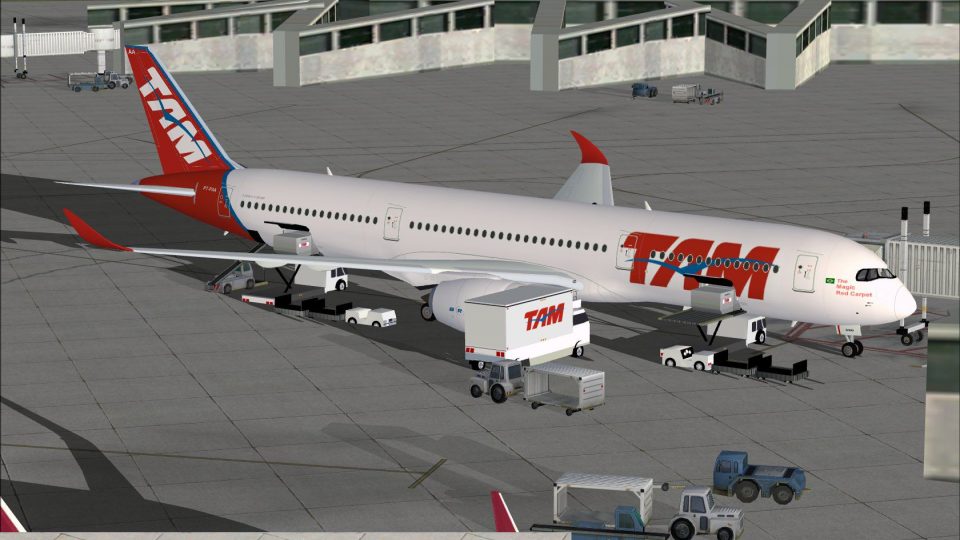
TAM Airbus A350-900 XWB for FSX brings a sharper wide-body silhouette with reworked nose contours, cockpit window geometry, updated wings, and refined winglets, paired with faithful airline textures. Animated Ground Servicing adds door, cargo, and support-vehicle animations to make ramp operations feel convincingly busy and lifelike.
 Rate
Rate

Experience a detailed rendition of the TAM Airbus A350-900 XWB within FSX with this advanced freeware update created by Camil Valiquette. Version 2 provides a significantly refined virtual aircraft, offering redesigned nose contours, enhanced cockpit window geometry, updated wings, and improved winglets. Moreover, it incorporates a revised Animated Ground Servicing (AGS) feature for greater realism.
The A350-900 series represents Airbus’ modern wide-body jet development, integrating a carbon fiber fuselage and high-efficiency powerplants. TAM traces back to its operations in Brazil, and this livery highlights the airline’s brand identity, which was known for its service in domestic and international networks. In this particular simulation package, the exterior modeling and texturing capture the airline’s signature color scheme in a meticulous way.
Operations rely on FSX command assignments so you can manage external doors and ground equipment. Make certain you have bound these controls under “Options”:

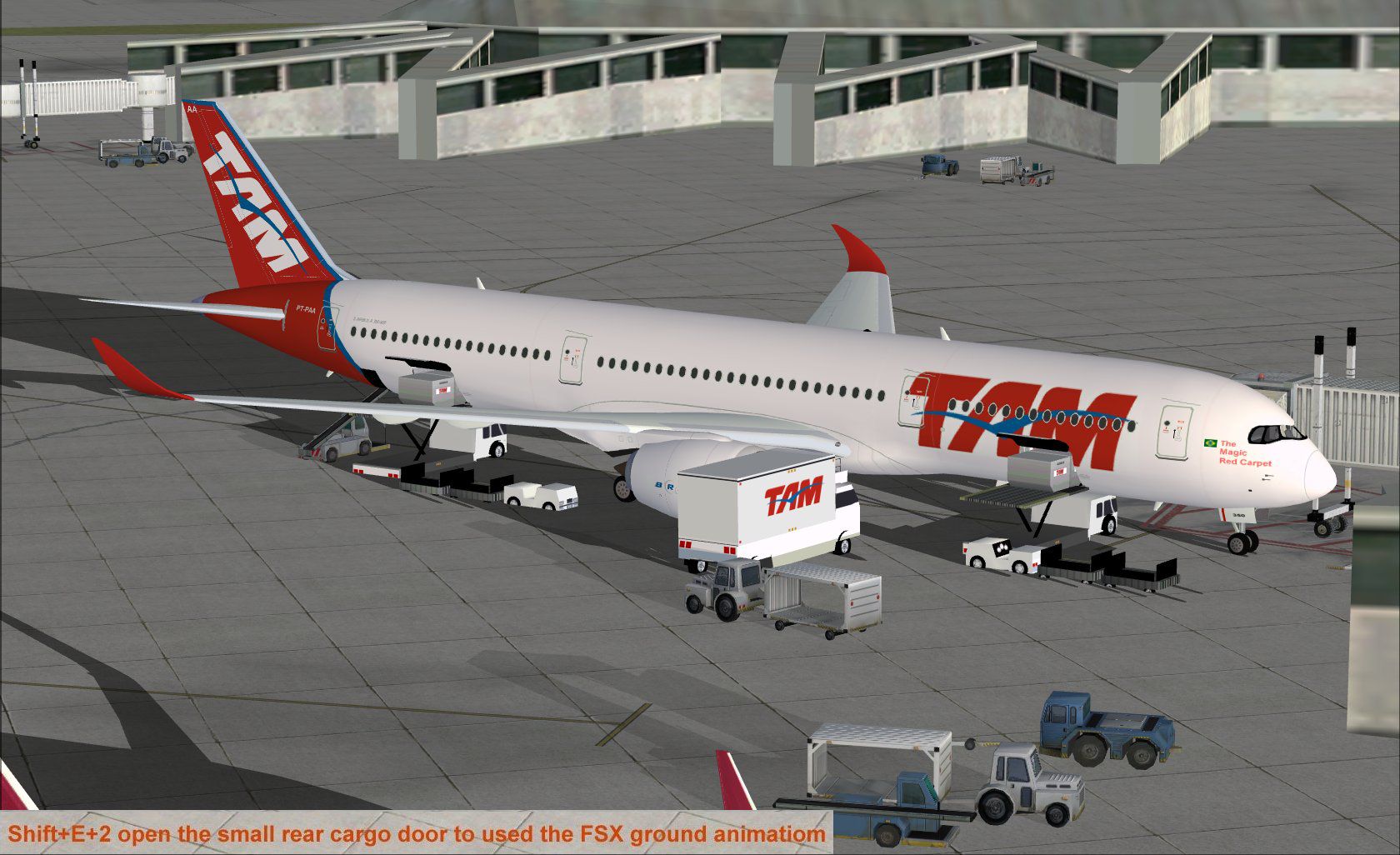
TAM Airbus A350-900 XWB in flight.
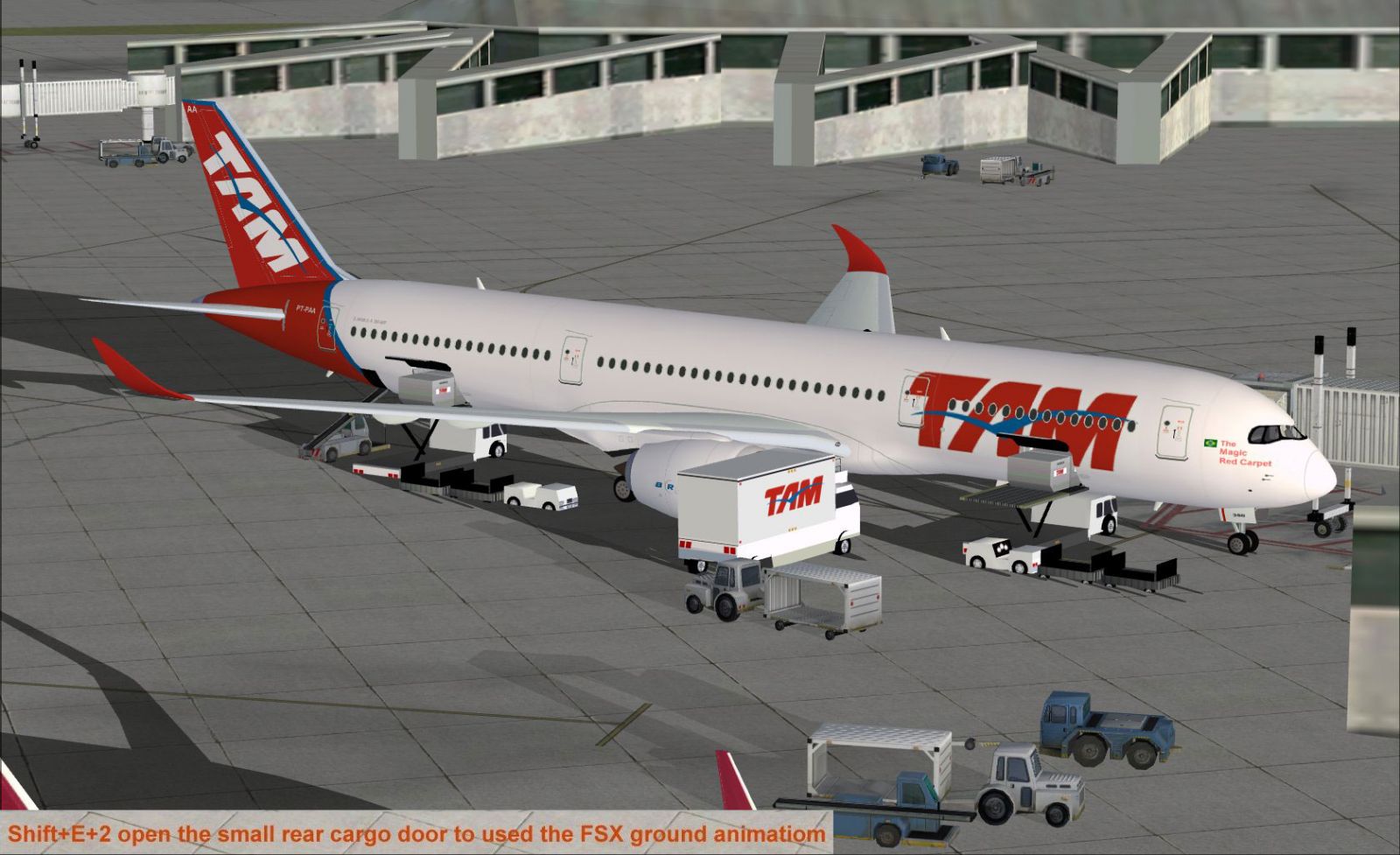
TAM Airbus A350-900 XWB at a terminal gate.
This complete freeware package includes the original base model and is designed and painted by Camil Valiquette. Installation and usage are intended solely for Microsoft Flight Simulator X (FSX). Enjoy a feature-rich virtual experience that reflects real-world Airbus innovation.
Free for all simmers · 2.41 MB · Scanned clean Oct 2026
Download speed: Free tier is capped at 0.5 Mbps. PRO members download at full line speed.
This add-on may require the following files to function properly. If this is a repaint, the dependency below is likely the base aircraft package.
FSX\SimObjects\Airplanes\. The folder must contain an aircraft.cfg file. Effects go into FSX\Effects\; gauges go into FSX\Gauges\.readme.txt or README file. It tells you exactly where files go, what dependencies are needed, and any quirks specific to this add-on.The archive 359jj2_x.zip has 31 files and directories contained within it.
This list displays the first 500 files in the package. If the package has more, you will need to download it to view them.
| Filename/Directory | File Date | File Size |
|---|---|---|
| CamSim Airbus 350-900 V2 TAM | 10.13.09 | 0 B |
| 359 v2 tam fsx ags.jpg | 10.13.09 | 260.14 kB |
| 359.air | 02.09.07 | 12.75 kB |
| 359v2tam.jpg | 10.09.09 | 112.62 kB |
| aircraft.cfg | 10.13.09 | 15.33 kB |
| Effects.zip | 03.25.06 | 1.80 kB |
| file_id.diz | 10.13.09 | 321 B |
| model.359 ags | 10.13.09 | 0 B |
| 359 ags.mdl | 07.29.09 | 2.53 MB |
| Model.cfg | 03.27.07 | 26 B |
| PANEL | 10.13.09 | 0 B |
| panel.cfg | 05.27.09 | 33 B |
| Read Me_FSX.txt | 10.13.09 | 2.06 kB |
| SOUND | 10.13.09 | 0 B |
| Sound.cfg | 05.27.09 | 30 B |
| texture.tam | 10.13.09 | 0 B |
| 359fuse_t.bmp | 10.13.09 | 1.00 MB |
| 35eng_t.bmp | 10.08.09 | 1.00 MB |
| 35int_L.bmp | 10.13.09 | 4.00 MB |
| 35int_t.bmp | 10.13.09 | 1.00 MB |
| 35tail_t.bmp | 10.09.09 | 1.00 MB |
| 35wings_t.bmp | 10.08.09 | 1.00 MB |
| 787ext_L.bmp | 10.13.09 | 4.00 MB |
| 787ext_t.bmp | 10.13.09 | 1.00 MB |
| gris_t.bmp | 03.17.06 | 16.07 kB |
| pilot1.bmp | 09.11.09 | 257.05 kB |
| pilot1_l.bmp | 12.06.06 | 1.00 MB |
| thumbnail.jpg | 10.13.09 | 6.46 kB |
| w_t.bmp | 12.06.08 | 16.07 kB |
| flyawaysimulation.txt | 10.29.13 | 959 B |
| Go to Fly Away Simulation.url | 01.22.16 | 52 B |
Only PRO members can place votes.
More FSX & P3D add-ons hand-picked based on this download.
FSX Civil Aircraft
FSX TAM Airbus A350-900 (new colors) XWB (Extra Wide Body) including Animated…
 FSX Civil Aircraft
This package features the refined House Colors Airbus A350-900 XWB in Version…
 FSX Civil Aircraft
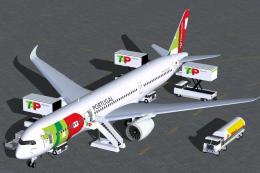
TAP Portugal Airbus A350-900 XWBv2. Versions 2 is an all new version of theA3…
 FSX Civil Aircraft
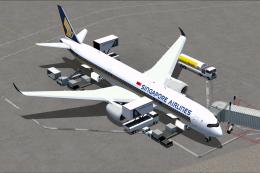
Singapore Airlines Airbus A350-900 XWB v2. Versions 2 is an all new version o…
 FSX Civil Aircraft
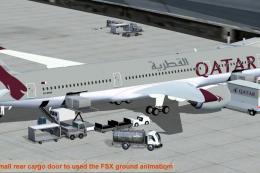
This comprehensive freeware release showcases a fully functional model of an …
 FSX Civil Aircraft
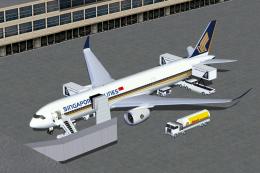
FSX Singapore Airlines Airbus A350-900 XWB (Extra Wide Body) with Animated Gr…
 FSX Civil Aircraft
This package introduces a refined iteration of the Airbus A350-900 XWB in Cat…
 FSX Civil Aircraft
FSX House Colors Airbus A350-900 XWB (Extra Wide Body) including Animated Gro…
Be the first to leave a comment on this download.
Be the first to share your thoughts on this download.