

 FSX Civil Aircraft
Airbus House Colors Airbus A350-800 XWB
This package introduces a newly refined rendition of the popular twin-engine,…
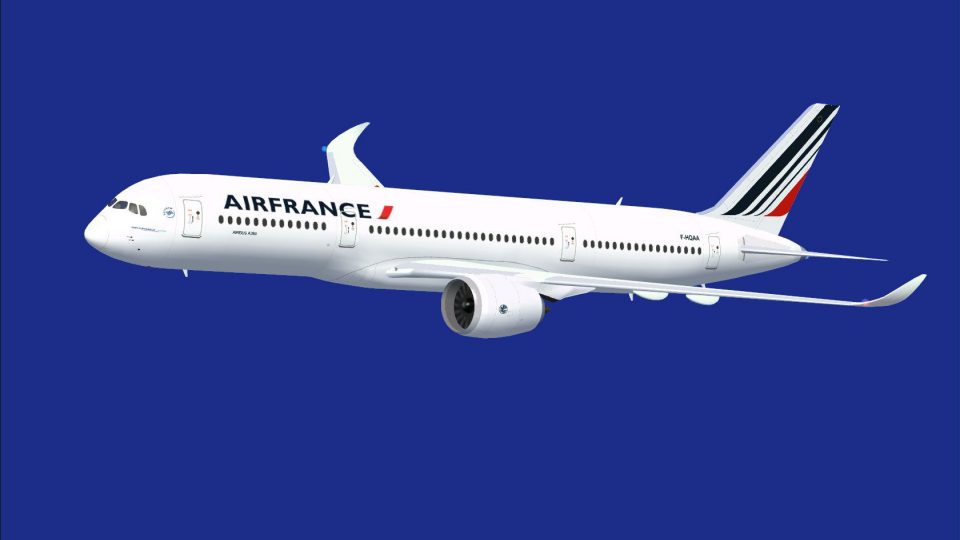
Air France Airbus A350-800 XWB brings a reworked exterior with a refined nose, corrected cockpit windows, upgraded wings, and newly shaped winglets for a cleaner wide-body profile. Animated Ground Servicing adds passenger, cargo, and equipment sequences to enrich turnarounds in Microsoft Flight Simulator X.
 Rate
Rate
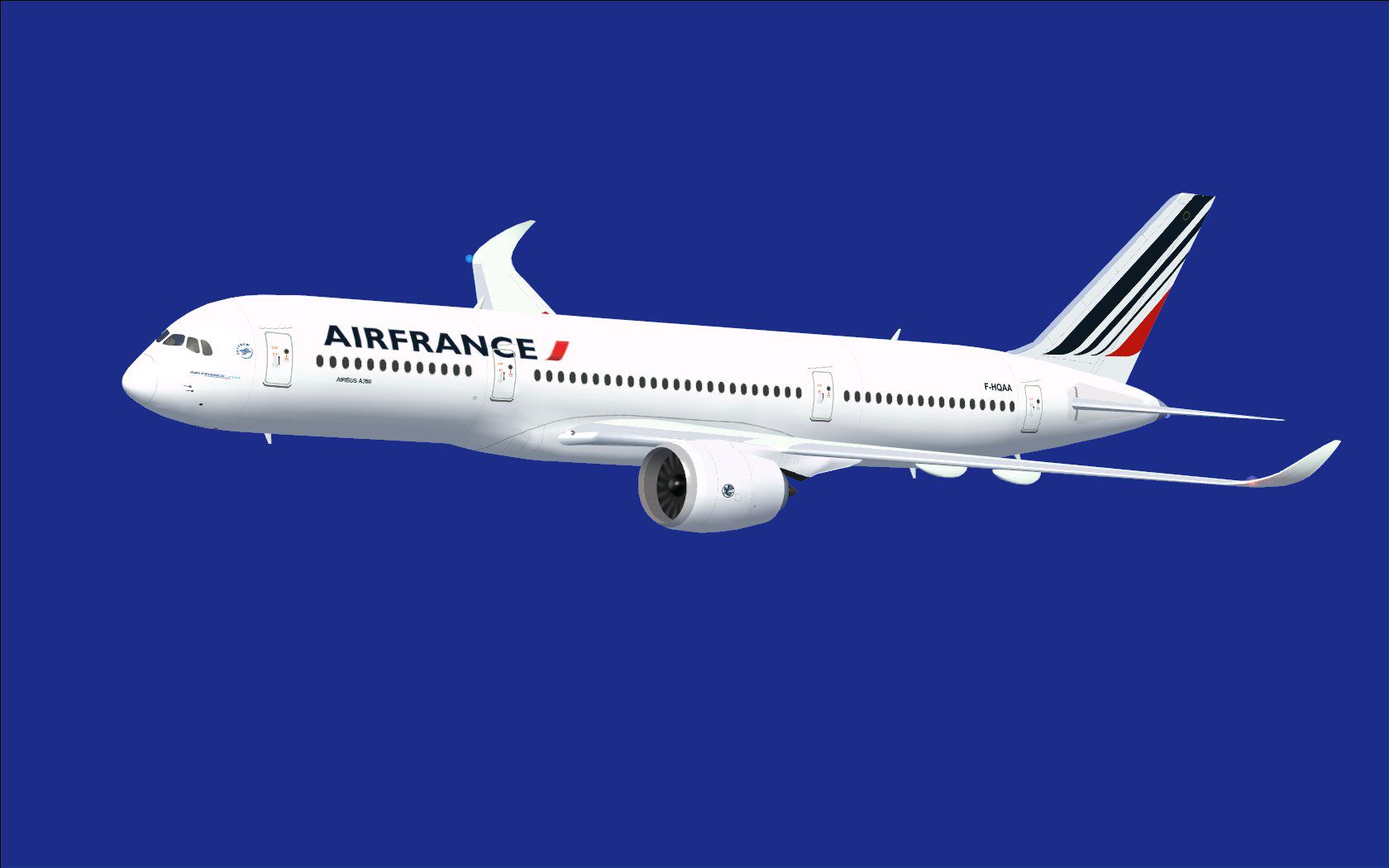
This fully featured freeware package revisits the Air France Airbus A350-800 XWB with a refined nose design, improved cockpit windows, upgraded wings, and newly fashioned winglets. The model, conceived and painted by Camil Valiquette, also integrates the latest iteration of Animated Ground Servicing (AGS). This installment is tailored for Microsoft Flight Simulator X and is designed to operate seamlessly within the simulator’s environment.
The Airbus A350-800 XWB presented here showcases significant alterations to its aerodynamic profile. The nose has been reshaped for a more realistic contour, and the cockpit windows reflect the distinctive layout found on the real-world wide-body jet. In addition, the wings and winglets were redesigned to emulate the precise geometry of this advanced aircraft’s aerodynamic surfaces. These refinements aim to create a more immersive experience, faithful to the Air France livery and the real Airbus A350 family.
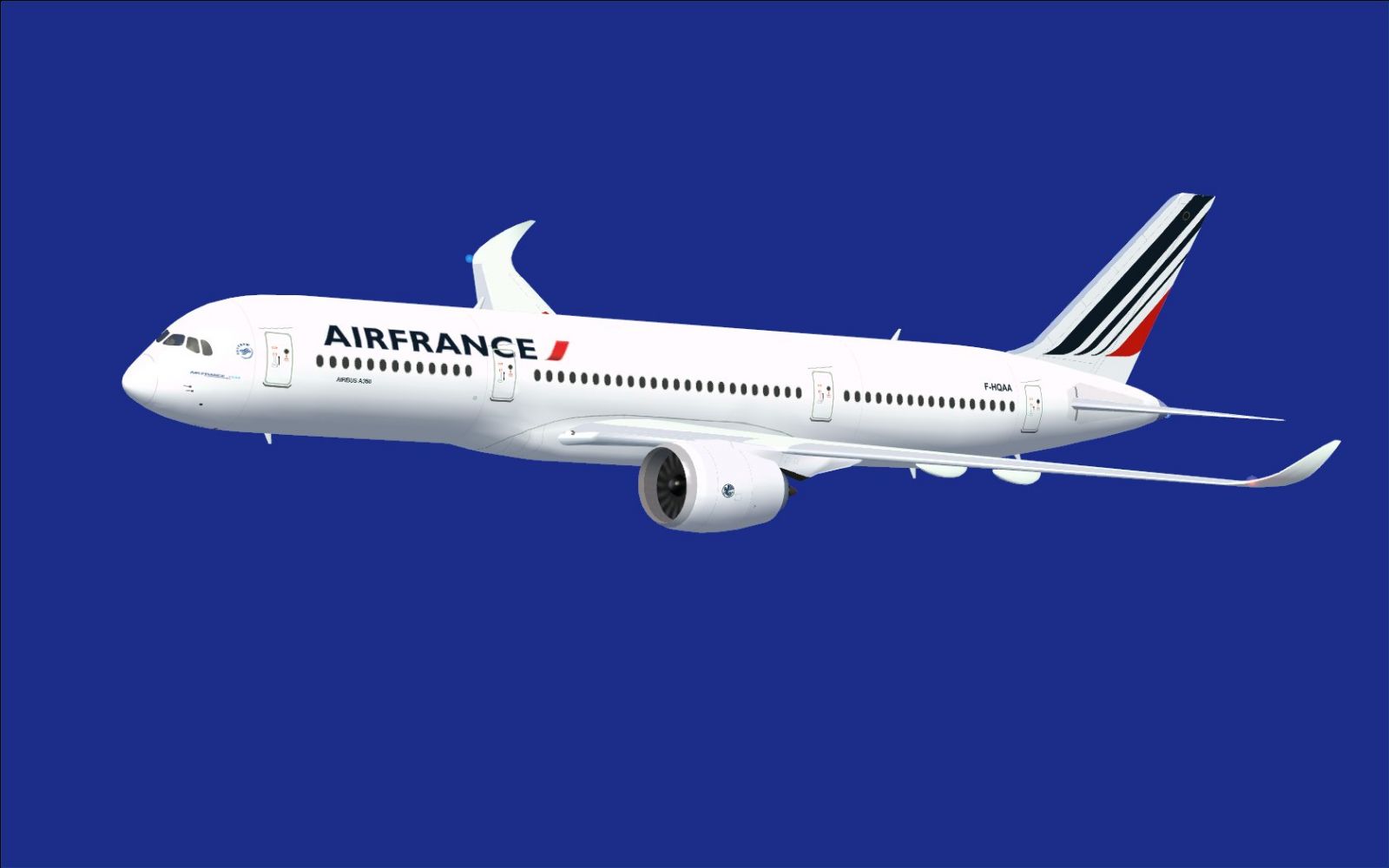
Air France Airbus A350-800 XWB cruising under a clear sky.
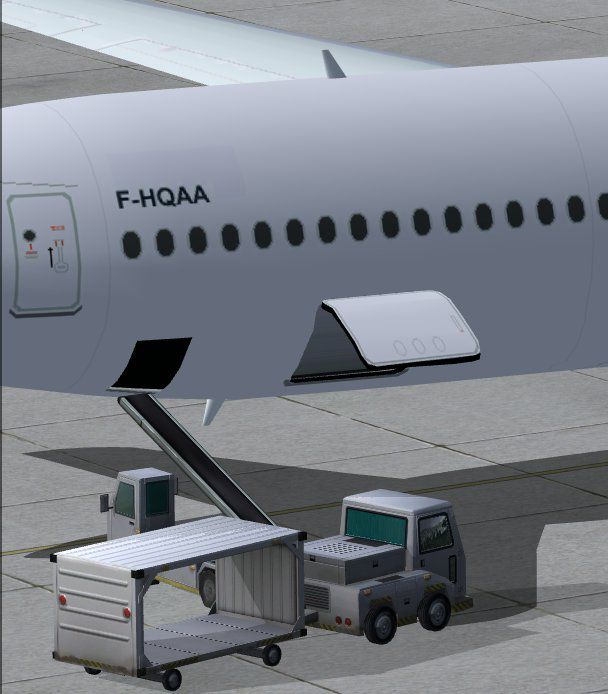
The integrated AGS system includes functionalities that extend well beyond basic doors and hatches. This updated version provides interactions for passenger boarding and cargo handling that reflect real-world procedures. By using specific key commands, simmers can access unique animations, enhancing the overall airport turnaround process:
For full functionality, set up the appropriate input mappings in the simulator’s options menu:
This download contains the entire model for effortless installation in FSX. Follow these steps:
This release remains a freeware offering, representing the dedication of creator Camil Valiquette under the CamSim banner. It accurately captures the Air France branding, reflecting the national carrier’s modern fleet additions while delivering high-fidelity aesthetics and systems to flight simulation enthusiasts.
Free for all simmers · 2.29 MB · Scanned clean Oct 2026
Download speed: Free tier is capped at 0.5 Mbps. PRO members download at full line speed.
This add-on may require the following files to function properly. If this is a repaint, the dependency below is likely the base aircraft package.
FSX\SimObjects\Airplanes\. The folder must contain an aircraft.cfg file. Effects go into FSX\Effects\; gauges go into FSX\Gauges\.readme.txt or README file. It tells you exactly where files go, what dependencies are needed, and any quirks specific to this add-on.The archive 358af2_x.zip has 32 files and directories contained within it.
This list displays the first 500 files in the package. If the package has more, you will need to download it to view them.
| Filename/Directory | File Date | File Size |
|---|---|---|
| CamSim Airbus 350-800 V2 AIRFRANCE | 10.31.09 | 0 B |
| 358.air | 02.09.07 | 12.75 kB |
| 358af_.jpg | 10.31.09 | 74.47 kB |
| aircraft.cfg | 10.31.09 | 15.32 kB |
| Effects.zip | 03.25.06 | 1.80 kB |
| file_id.diz | 10.31.09 | 278 B |
| fsx ags.jpg | 10.31.09 | 57.22 kB |
| model.350-800 ags | 10.31.09 | 0 B |
| 350-800 ags.mdl | 10.26.09 | 2.53 MB |
| Model.cfg | 08.09.07 | 30 B |
| PANEL | 10.31.09 | 0 B |
| panel.cfg | 05.27.09 | 33 B |
| Read Me_FSX.txt | 10.31.09 | 2.07 kB |
| SOUND | 10.31.09 | 0 B |
| Sound.cfg | 05.27.09 | 30 B |
| texture.af | 10.31.09 | 0 B |
| 359fuse_t.bmp | 10.31.09 | 1.00 MB |
| 35eng_t.bmp | 10.31.09 | 1.00 MB |
| 35int_L.bmp | 10.31.09 | 4.00 MB |
| 35int_t.bmp | 10.31.09 | 1.00 MB |
| 35tail_t.bmp | 10.30.09 | 1.00 MB |
| 35wings_t.bmp | 07.19.09 | 1.00 MB |
| 787ext_L.bmp | 10.31.09 | 4.00 MB |
| 787ext_t.bmp | 10.31.09 | 1.00 MB |
| 787ext_t_24SHELL af new.bmp | 10.31.09 | 3.00 MB |
| gris_t.bmp | 03.17.06 | 16.07 kB |
| pilot1.bmp | 02.12.09 | 257.05 kB |
| pilot1_l.bmp | 12.06.06 | 1.00 MB |
| thumbnail.jpg | 10.31.09 | 4.81 kB |
| w_t.bmp | 12.06.08 | 16.07 kB |
| flyawaysimulation.txt | 10.29.13 | 959 B |
| Go to Fly Away Simulation.url | 01.22.16 | 52 B |
Only PRO members can place votes.
More FSX & P3D add-ons hand-picked based on this download.
FSX Civil Aircraft
This package introduces a newly refined rendition of the popular twin-engine,…
 FSX Civil Aircraft
FSX Hawaiian Airlines Airbus A350-800 XWB, including a new Animated Ground Se…
 FSX Civil Aircraft
This updated package offers a newly refined Qatar-themed Airbus A350-800 XWB …
 FSX Civil Aircraft
The updated Aeroflot A350-800 package introduces new geometry for the nose se…
 FSX Civil Aircraft
This updated freeware release offers a high-fidelity Hawaiian Airbus A350-800…
 FSX Civil Aircraft
This latest rendition of the Qatar Airbus A350-800 XWB incorporates refined e…
 FSX Civil Aircraft
Version 2 is an all new version with a new nose, new cockpit windows, new win…
 FSX Civil Aircraft
Experience the second release of this freeware Air Caraibes Airbus A350-1000 …
Be the first to leave a comment on this download.
Be the first to share your thoughts on this download.