

 FSX Civil Aircraft
Hawaiian Airlines Airbus A350-800 XWB
FSX Hawaiian Airlines Airbus A350-800 XWB, including a new Animated Ground Se…
Hawaiian Airlines’ Airbus A350-800 XWB brings a modern widebody feel to FSX with a refined nose profile, reshaped cockpit windows, optimized wings and winglets, and crisp island-inspired paintwork. Animated Ground Servicing adds interactive passenger and cargo doors, service vehicle sequences, and night effects for more immersive turnarounds.
 Rate
Rate
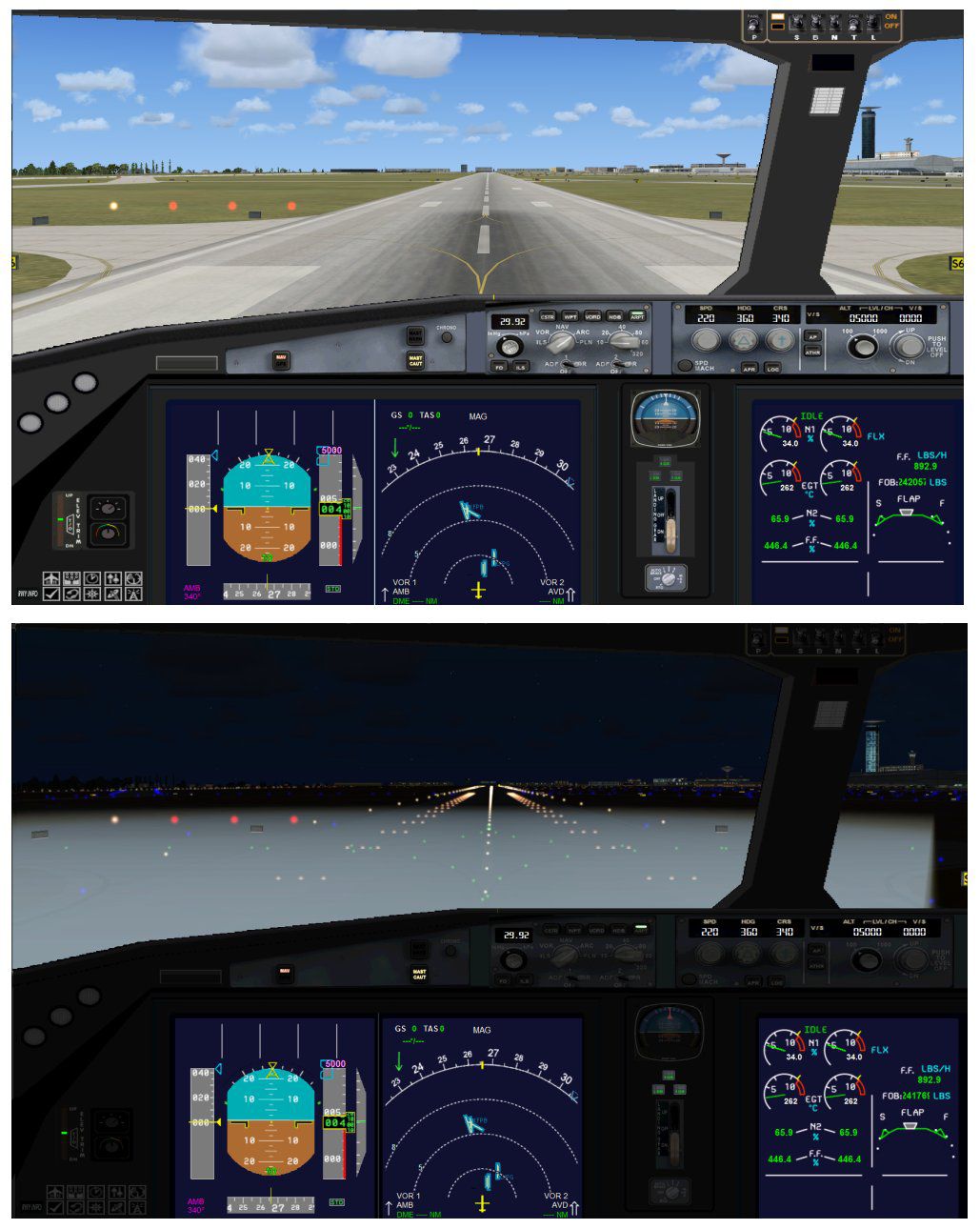
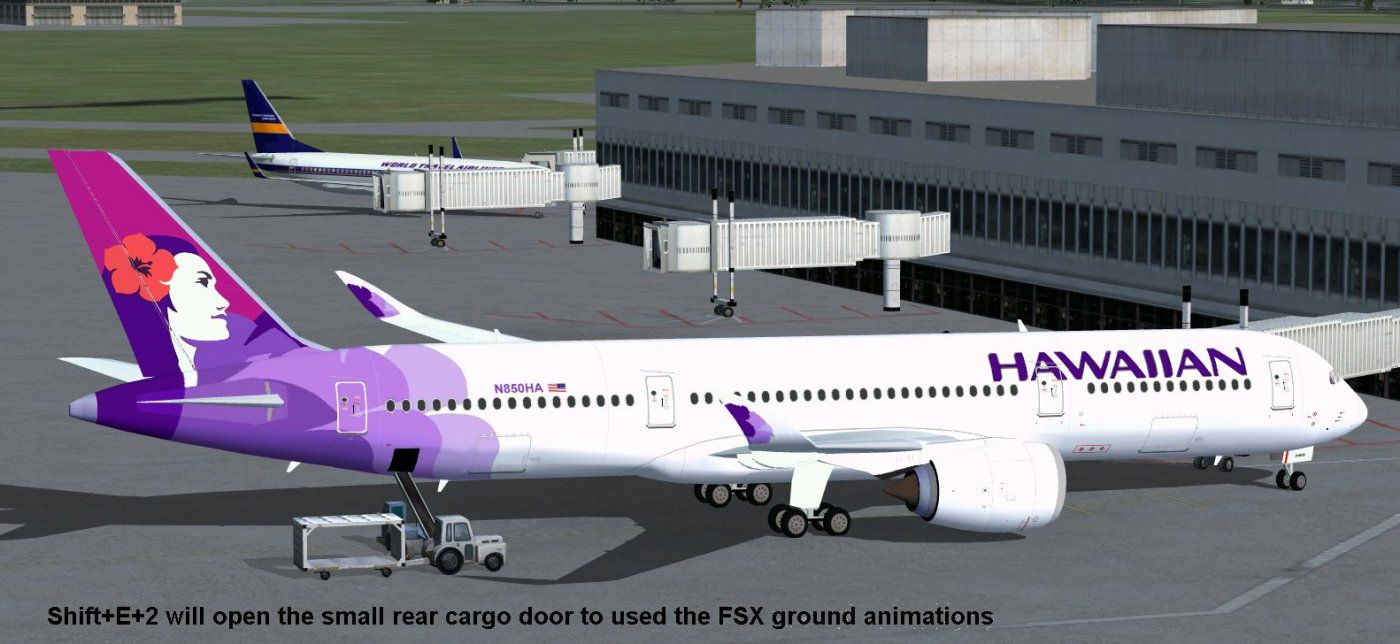
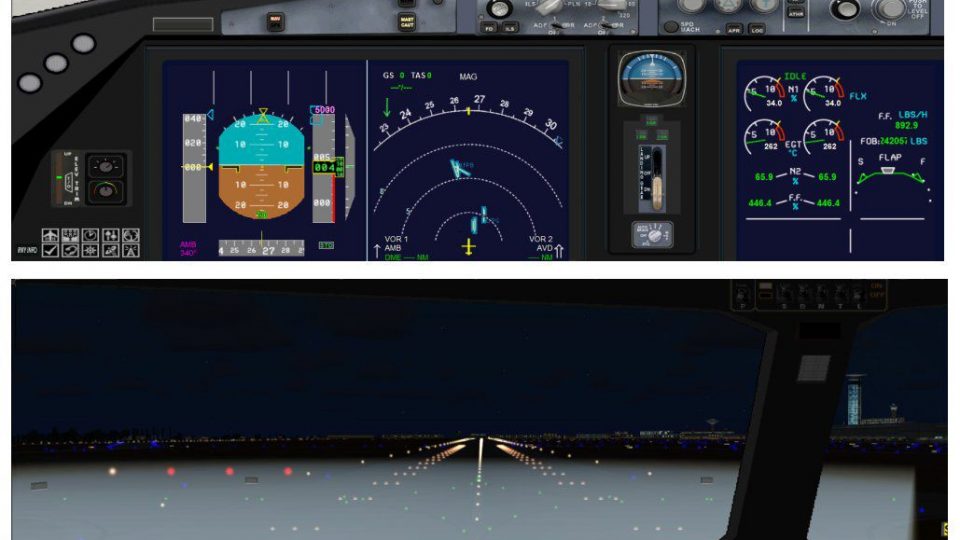
This updated freeware release offers a high-fidelity Hawaiian Airbus A350-800 XWB package for FSX enthusiasts seeking a next-gen widebody airliner experience. It introduces refined structural elements, revised cockpit windows, and enhanced ground handling capabilities through advanced animations and interactive cargo operations. Developed and painted by Camil Valiquette of CAMSIM Aviation Simulation, this edition includes a complete model for immediate use in your simulator environment.
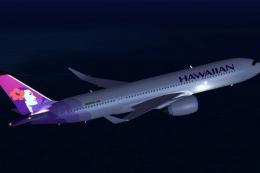
The latest version refines the aircraft’s external shape by incorporating a more aerodynamic nose configuration, reshaped cockpit windows, and newly optimized wing geometry complete with enhanced winglets. These modifications elevate visual fidelity in FSX while improving overall realism. Hawaiian’s distinctive livery is rendered sharply, reflecting the airline’s style with vivid detailing.
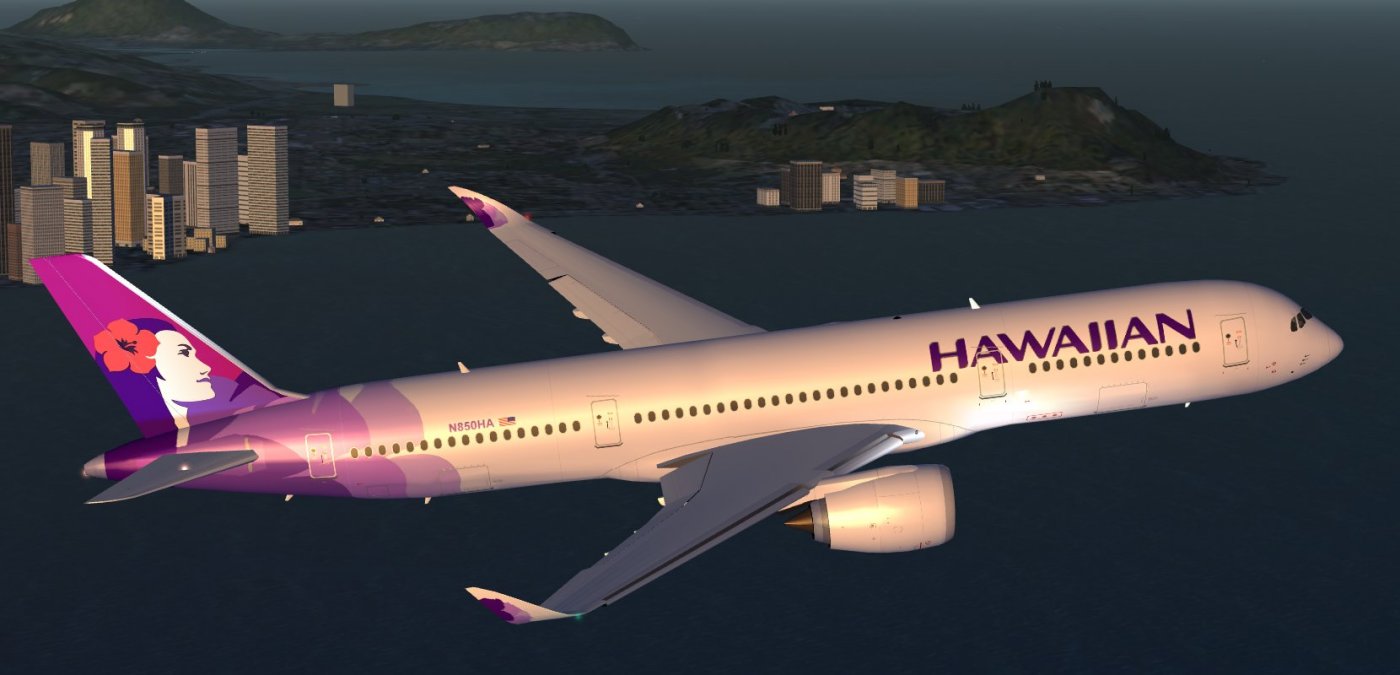
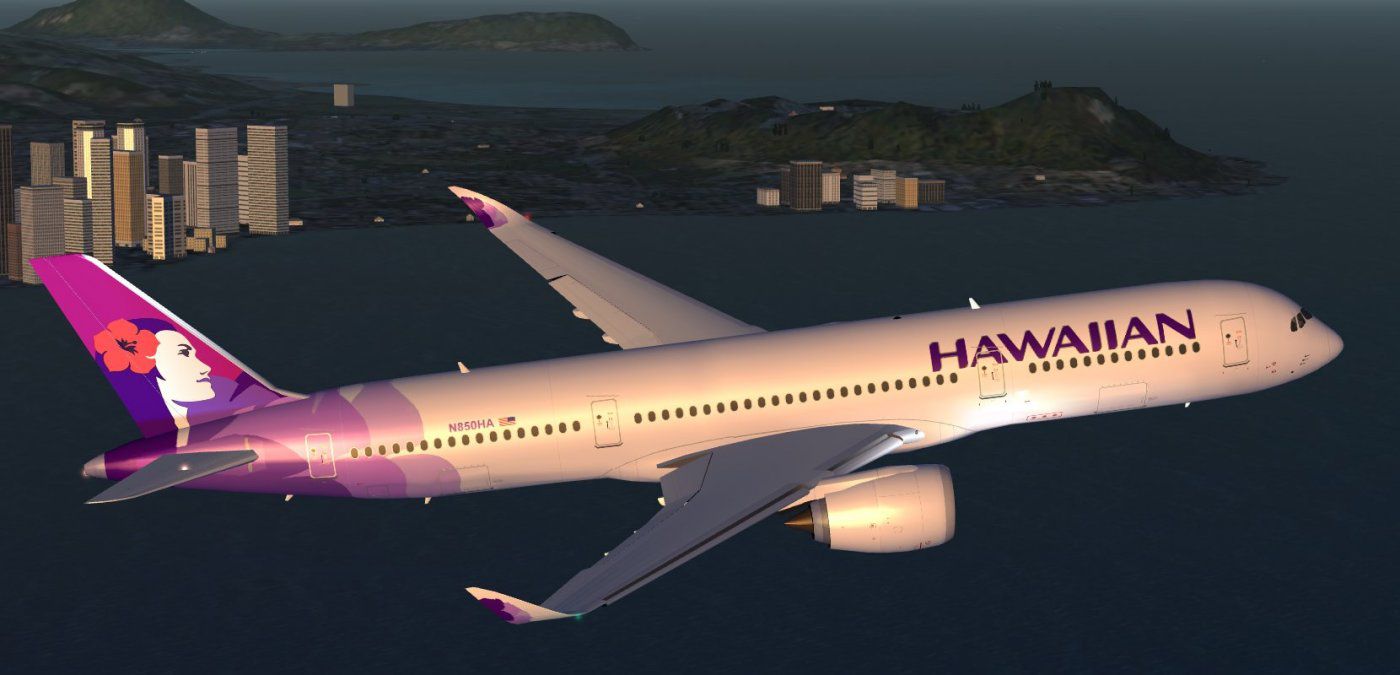
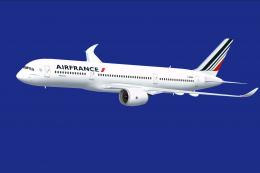
Hawaiian Airbus A350-800 XWB in flight.
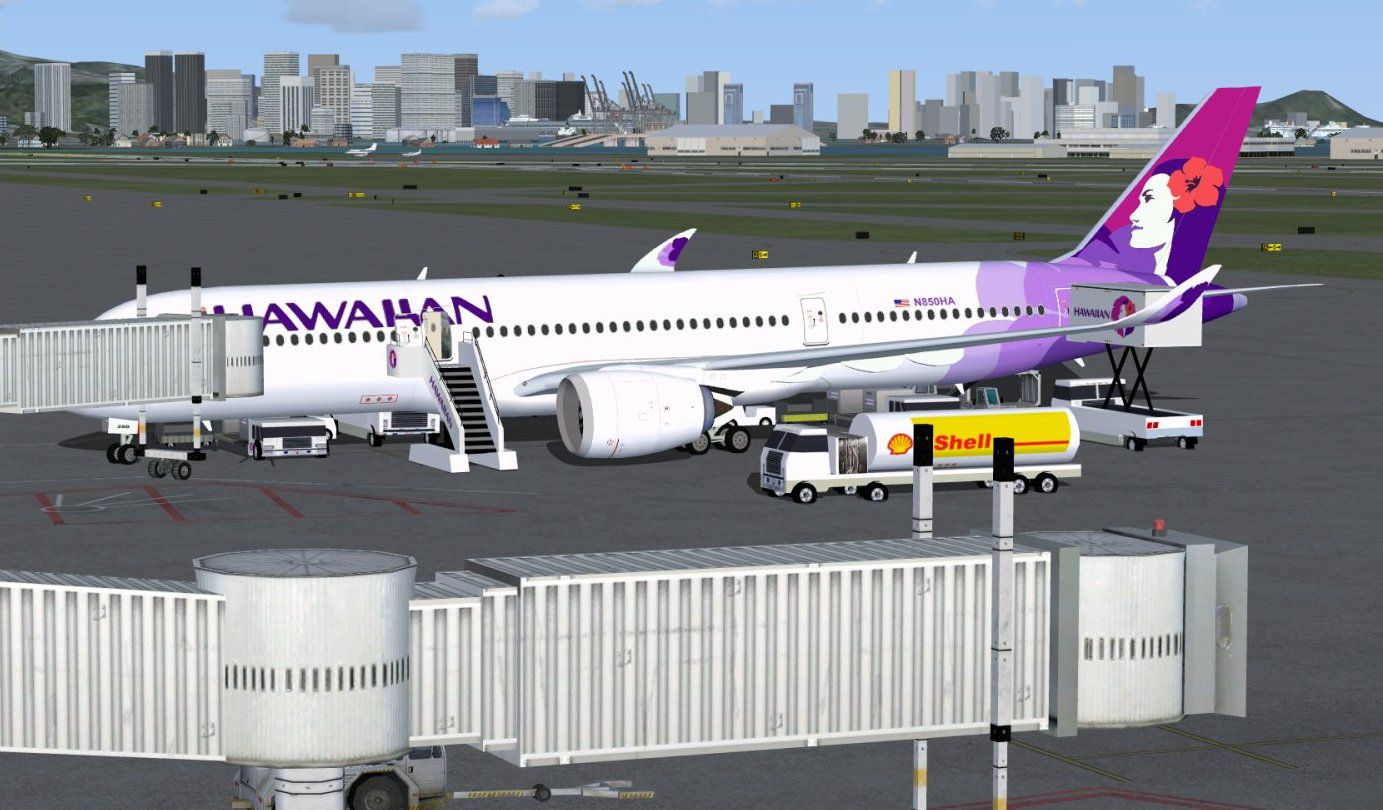
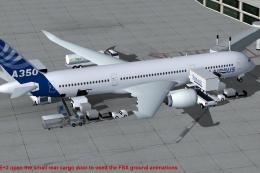
To enrich ground servicing immersion, the package incorporates CAMSIM’s Animated Ground Servicing (AGS). These custom animations trigger various aircraft doors and service functions:
Users are encouraged to set key assignments in FSX under Options > Settings > Controls > Buttons/Keys to ensure seamless operation of wing fold/unfold (Shift + C) and tail hook (Shift + D). These bindings are essential for maximizing the add-on’s interactive features.
Once installed, the A350-800 XWB will appear in your FSX aircraft selection menu, complete with Hawaiian’s signature paintwork.
All design elements and livery artwork originate from the creative efforts of Camil Valiquette at CAMSIM Aviation Simulation. The package stands as a comprehensive freeware model, ready to deliver a modern widebody simulation experience for fans of Hawaiian Airlines and Airbus aircraft alike.
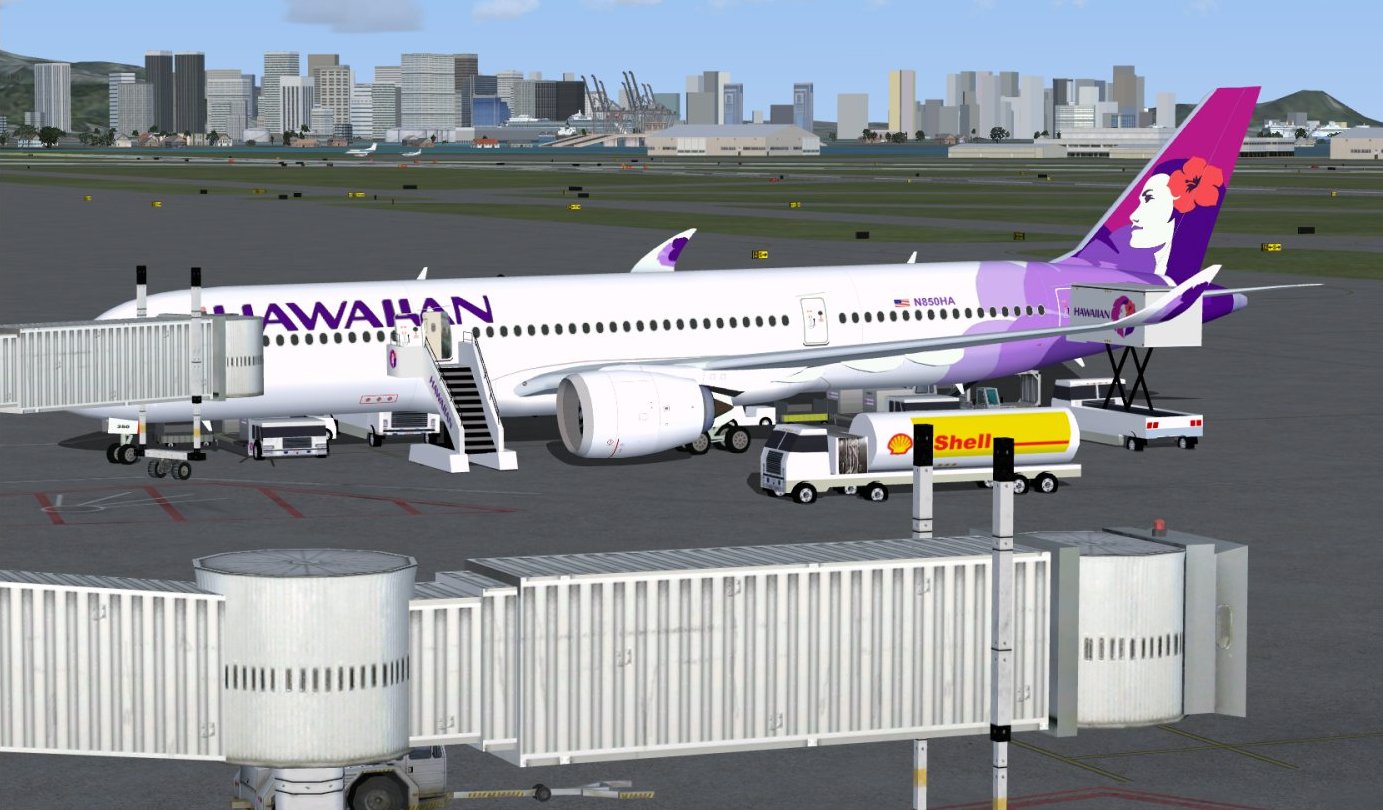
Hawaiian Airbus A350-800 XWB at boarding gate.
Free for all simmers · 5.38 MB · Scanned clean Oct 2026
Download speed: Free tier is capped at 0.5 Mbps (this file takes approximately 2 mins at the cap). PRO members download at full line speed.
This add-on may require the following files to function properly. If this is a repaint, the dependency below is likely the base aircraft package.
FSX\SimObjects\Airplanes\. The folder must contain an aircraft.cfg file. Effects go into FSX\Effects\; gauges go into FSX\Gauges\.readme.txt or README file. It tells you exactly where files go, what dependencies are needed, and any quirks specific to this add-on.The archive 358v2ha0.zip has 38 files and directories contained within it.
This list displays the first 500 files in the package. If the package has more, you will need to download it to view them.
| Filename/Directory | File Date | File Size |
|---|---|---|
| CamSim Airbus 350-800 V2 Hawaiian | 06.01.10 | 0 B |
| 358.air | 02.25.10 | 12.75 kB |
| 358v2ha ags _1400_fsx.jpg | 06.01.10 | 137.45 kB |
| 358v2ha ags _1400_fsx2.jpg | 06.01.10 | 180.79 kB |
| 358v2ha_1400_fsx.jpg | 06.01.10 | 90.11 kB |
| aircraft.cfg | 06.01.10 | 15.32 kB |
| Effects.zip | 03.25.06 | 1.80 kB |
| file_id.diz | 05.28.10 | 270 B |
| model.350-800 ags | 06.01.10 | 0 B |
| 350-800 ags.mdl | 11.23.09 | 2.53 MB |
| Model.cfg | 08.09.07 | 30 B |
| PANEL | 06.01.10 | 0 B |
| 787_350_panel_background.bmp | 02.25.10 | 2.25 MB |
| 787_350_panel_background_night.bmp | 02.25.10 | 2.25 MB |
| Airbus_A321.cab | 09.04.06 | 2.72 MB |
| panel.cfg | 02.25.10 | 5.48 kB |
| panel camsim 787-350 afx_2.jpg | 04.09.10 | 182.86 kB |
| Read Me_FSX.txt | 05.28.10 | 2.07 kB |
| SOUND | 06.01.10 | 0 B |
| Sound.cfg | 11.04.09 | 35 B |
| soundai | 06.01.10 | 0 B |
| soundai.cfg | 05.12.06 | 34 B |
| texture.ha | 06.01.10 | 0 B |
| 359fuse_t.bmp | 05.28.10 | 1.00 MB |
| 35eng_t.bmp | 01.13.10 | 1.00 MB |
| 35int_L.bmp | 05.31.10 | 4.00 MB |
| 35int_t.bmp | 05.31.10 | 1.00 MB |
| 35tail_t.bmp | 12.04.07 | 1.00 MB |
| 35wings_t.bmp | 05.27.10 | 1.00 MB |
| 787ext_L.bmp | 05.31.10 | 4.00 MB |
| 787ext_t.bmp | 05.31.10 | 1.00 MB |
| gris_t.bmp | 03.17.06 | 16.07 kB |
| pilot1.bmp | 02.12.09 | 257.05 kB |
| pilot1_l.bmp | 12.06.06 | 1.00 MB |
| thumbnail.jpg | 05.28.10 | 8.77 kB |
| w_t.bmp | 12.06.08 | 16.07 kB |
| flyawaysimulation.txt | 10.29.13 | 959 B |
| Go to Fly Away Simulation.url | 01.22.16 | 52 B |
Only PRO members can place votes.
More FSX & P3D add-ons hand-picked based on this download.
FSX Civil Aircraft
FSX Hawaiian Airlines Airbus A350-800 XWB, including a new Animated Ground Se…
 FSX Civil Aircraft
This package introduces a newly refined rendition of the popular twin-engine,…
 FSX Civil Aircraft
This fully featured freeware package revisits the Air France Airbus A350-800 …
 FSX Civil Aircraft
This updated package offers a newly refined Qatar-themed Airbus A350-800 XWB …
 FSX Civil Aircraft
The updated Aeroflot A350-800 package introduces new geometry for the nose se…
 FSX Civil Aircraft
This latest rendition of the Qatar Airbus A350-800 XWB incorporates refined e…
 FSX Civil Aircraft
Version 2 is an all new version with a new nose, new cockpit windows, new win…
 FSX Civil Aircraft
Experience a refined Emirates-liveried Airbus A350-1000 XWB for FSX, featurin…
Read what other simmers think, or add your own.
