

 FSX Civil Aircraft
American Airlines Boeing 777-200ER
American Airlines Boeing 777-200ER (real chrome v2). Original model by Melvin…
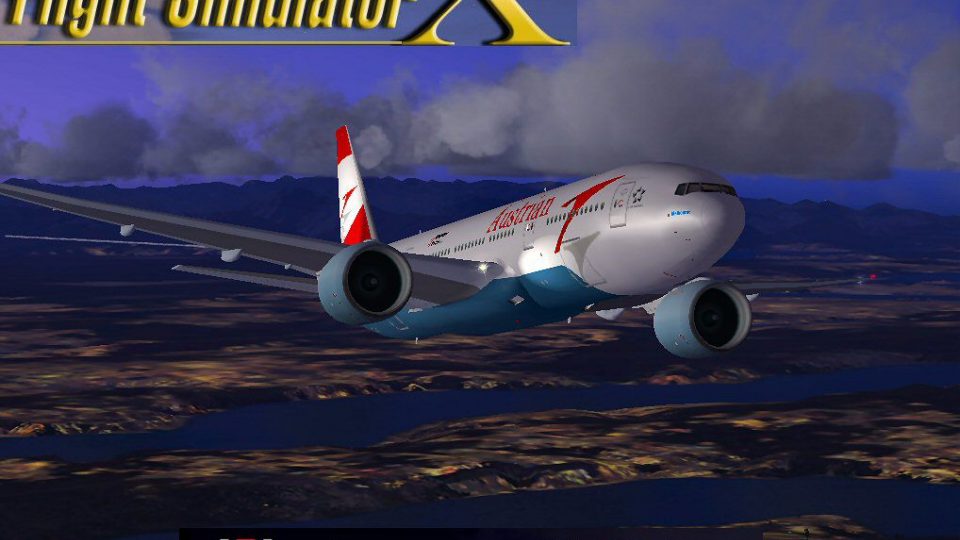
Austrian Airlines Boeing 777-200ER OE-LPA “Melbourne” brings a classic MELJET widebody into FSX with refined aerodynamics, updated air and configuration tuning, and a detailed exterior featuring opening engine cowlings. Enhanced exterior illumination adds extra realism and requires A2A 3D Lights and Redux for full effect.
 Rate
Rate
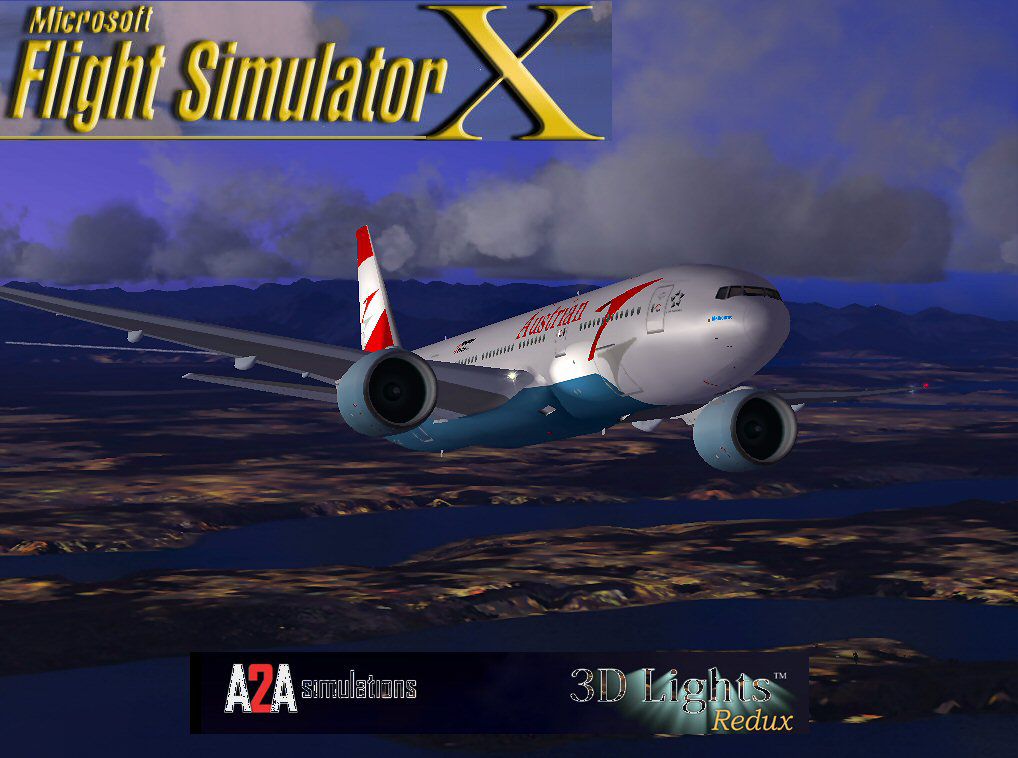

Explore a finely tuned freeware simulation of Austrian Airlines’ Boeing 777-200ER, registration OE-LPA (“Melbourne”), now fully optimized for FSX. This complete package integrates refined aerodynamics, detailed external modeling, and additional light enhancements—designed to preserve the original craftsmanship by Melvin Rafi (MELJET) while incorporating vital updates by David Grindele.
The Boeing 777-200ER, often regarded for its extended range capabilities, is a wide-body airliner that Austrian Airlines employs for long-haul routes. With this MELJET-based reinterpretation, the developers have carefully preserved its distinctive features, such as opening engine cowlings (to reveal internal components) and intricately modeled surfaces. Initially crafted for earlier simulator platforms like FS2000 and FS2002, the model has been enhanced for FSX to retain its visual fidelity and operational authenticity.
Early conversions of these MELJET aircraft sometimes revealed flight performance inconsistencies in FS2004, mainly due to untouched air files and configuration parameters. Here, a thorough set of adjustments has been applied to the air files and the aircraft configuration file. Consequently, you can expect a more stable flight experience that closely reflects the real-world handling of a Boeing 777-200ER. From takeoff to cruise and landing, the updated settings deliver smoother transitions and enhanced responsiveness.
By integrating A2A 3D Lights and Redux (additional software required for full functionality), the exterior illumination stands out noticeably. Wings, tail surfaces, and landing gear areas benefit from improved lighting effects, providing realism during various flight conditions, including low-light operations. These elements are meticulously tuned to maintain an authentic look without diminishing performance.
Engine cowlings on each powerplant can open for inspection (use Shift + E), revealing internal mechanics and offering another layer of immersion. When positioned at a gate, press Ctrl + J to align a jetway with the aircraft door, further enhancing the ground handling experience. These animations allow you to simulate routine ground procedures in a detailed environment.
This package has been tested on FSX running under Windows Vista (32-bit) and Windows XP systems. It is not guaranteed to perform identically on other operating environments, although most modern Windows platforms typically handle these models without issues.
Original model created by Melvin Rafi (MELJET). Updates and FSX conversion performed by David Grindele. Their dedication preserves the classic design and ensures that this iconic twin-engine airliner continues to thrive in modern simulators. This is a freeware release that combines the original developer’s vision with updated performance refinements for FSX enthusiasts.
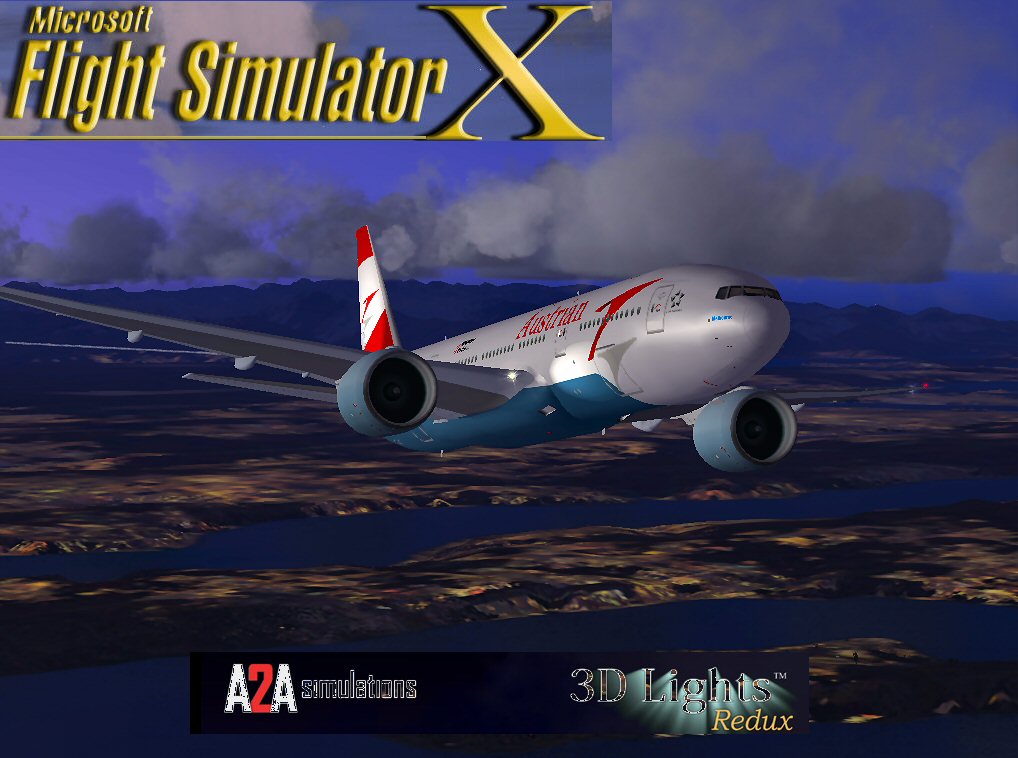
Austrian Airlines Boeing 777-200ER.
Free for all simmers · 53.79 MB · Scanned clean Oct 2026
Download speed: Free tier is capped at 0.5 Mbps (this file takes approximately 15 mins at the cap). PRO members download at full line speed.
FSX\SimObjects\Airplanes\. The folder must contain an aircraft.cfg file. Effects go into FSX\Effects\; gauges go into FSX\Gauges\.readme.txt or README file. It tells you exactly where files go, what dependencies are needed, and any quirks specific to this add-on.The archive au77fsx.zip has 136 files and directories contained within it.
This list displays the first 500 files in the package. If the package has more, you will need to download it to view them.
| Filename/Directory | File Date | File Size |
|---|---|---|
| Austrian B777.jpg | 12.07.09 | 115.46 kB |
| Boeing 777-200ER Austrian Airlines | 12.08.09 | 0 B |
| aircraft.cfg | 12.07.09 | 22.09 kB |
| Boeing777-200-MR-MKIII.air | 07.08.03 | 8.66 kB |
| model | 12.08.09 | 0 B |
| Boeing777-200-MR-MKIII.mdl | 07.13.03 | 3.54 MB |
| Model.cfg | 11.09.02 | 41 B |
| panel | 12.08.09 | 0 B |
| 777KM.cab | 09.17.04 | 1.25 MB |
| forward_1024.bmp | 07.06.01 | 769.05 kB |
| forward_640.bmp | 07.06.01 | 301.05 kB |
| FORWARD_LEFT.bmp | 08.05.00 | 335.36 kB |
| forward_right.bmp | 08.11.00 | 769.05 kB |
| LEFT.bmp | 08.11.00 | 140.55 kB |
| MAIN.bmp | 09.17.04 | 5.49 MB |
| OVERHEAD.bmp | 09.16.04 | 2.70 MB |
| panel.cfg | 11.17.09 | 8.12 kB |
| PEDESTAL.bmp | 09.16.04 | 1.09 MB |
| REAR.bmp | 07.25.00 | 733.47 kB |
| REAR_LEFT.bmp | 07.27.00 | 582.27 kB |
| REAR_RIGHT.bmp | 07.24.00 | 680.04 kB |
| right2.bmp | 08.10.00 | 606.57 kB |
| Thumbs.db | 12.05.09 | 27.00 kB |
| sound | 12.08.09 | 0 B |
| A_COMB_1.wav | 12.12.04 | 728.63 kB |
| A_COMB_2.wav | 12.12.04 | 728.63 kB |
| A_COMB_3.wav | 12.12.04 | 728.63 kB |
| A_COMB_4.wav | 05.07.05 | 691.51 kB |
| A_EFSC.wav | 09.27.05 | 325.45 kB |
| A_JT8D_0.wav | 06.04.04 | 209.46 kB |
| A_JT8D_1.wav | 05.01.05 | 1.69 MB |
| A_JT8D_2.wav | 01.19.06 | 605.39 kB |
| A_JT8D_3.wav | 02.11.06 | 418.02 kB |
| b_COMB_1.wav | 12.12.04 | 728.63 kB |
| B_COMB_2.wav | 12.12.04 | 728.63 kB |
| B_COMB_3.wav | 12.12.04 | 728.63 kB |
| B_COMB_4.wav | 05.07.05 | 691.51 kB |
| B_EFSC.wav | 09.27.05 | 325.45 kB |
| b_JT8D_0.wav | 06.04.04 | 209.46 kB |
| b_JT8D_1.wav | 05.01.05 | 1.69 MB |
| b_JT8D_2.wav | 01.19.06 | 605.39 kB |
| B_JT8D_3.wav | 02.11.06 | 418.02 kB |
| FLAPS.wav | 08.22.03 | 210.75 kB |
| GEARDOWN.wav | 02.17.06 | 1.96 MB |
| gearup.wav | 02.17.06 | 1.98 MB |
| NEWWIND.WAV | 03.29.04 | 858.65 kB |
| reverser,BBN2T.wav | 01.19.06 | 1.79 MB |
| reverser.wav | 12.27.05 | 1.81 MB |
| Sound.cfg | 02.17.06 | 14.99 kB |
| touchc.wav | 01.06.99 | 286.01 kB |
| touchl.wav | 09.10.98 | 14.22 kB |
| touchr.wav | 07.01.97 | 10.85 kB |
| T_COMB_SHUT.WAV | 04.01.04 | 2.32 MB |
| T_COMB_START.wav | 06.30.01 | 107.55 kB |
| T_JT8D_START.wav | 12.12.04 | 3.63 MB |
| wind.wav | 03.29.04 | 858.65 kB |
| XBAN2T.wav | 12.21.05 | 1.81 MB |
| XBBN2T.wav | 12.21.05 | 1.81 MB |
| X_A_COMB_1.wav | 05.07.05 | 693.93 kB |
| X_A_COMB_2.wav | 05.07.05 | 693.93 kB |
| X_A_COMB_3.wav | 05.07.05 | 693.93 kB |
| X_A_COMB_4.wav | 02.04.06 | 325.45 kB |
| X_a_EFSC.wav | 01.16.06 | 648.45 kB |
| X_A_JT8D_0.wav | 02.04.06 | 325.45 kB |
| X_a_JT8D_1.wav | 02.04.06 | 325.45 kB |
| X_A_JT8D_2.wav | 02.04.06 | 669.99 kB |
| X_a_JT8D_3.wav | 02.04.06 | 669.99 kB |
| X_A_REVRS.wav | 09.16.99 | 108.81 kB |
| X_b_COMB_1.wav | 05.07.05 | 693.93 kB |
| X_b_COMB_2.wav | 05.07.05 | 693.93 kB |
| X_b_COMB_3.wav | 05.07.05 | 693.93 kB |
| X_B_COMB_4.wav | 02.04.06 | 325.45 kB |
| X_B_EFSC.wav | 12.21.05 | 1.81 MB |
| X_b_JT8D_0.wav | 02.04.06 | 325.45 kB |
| X_b_JT8D_1.wav | 02.04.06 | 325.45 kB |
| X_b_JT8D_2.wav | 02.04.06 | 669.99 kB |
| X_b_JT8D_3.wav | 02.04.06 | 669.99 kB |
| X_B_REVRS.wav | 09.16.99 | 119.31 kB |
| X_T_COMB_START.wav | 03.17.05 | 693.93 kB |
| X_T_JT8D_SHUT.WAV | 09.19.04 | 3.98 MB |
| X_T_JT8D_START.wav | 03.31.04 | 3.58 MB |
| soundai | 12.08.09 | 0 B |
| soundai.cfg | 05.12.06 | 34 B |
| texture.aua | 12.08.09 | 0 B |
| 777Cargohold_L.bmp | 12.29.02 | 256.07 kB |
| 777Cargohold_T.bmp | 12.29.02 | 256.07 kB |
| 777cockpitwindows.bmp | 12.29.02 | 257.05 kB |
| 777FuselagePort1_L.bmp | 12.29.02 | 1.00 MB |
| 777FuselagePort1_T.bmp | 09.20.05 | 4.00 MB |
| 777FuselageStar1_L.bmp | 12.29.02 | 1.00 MB |
| 777FuselageStar1_T.bmp | 09.20.05 | 4.00 MB |
| 777gear2_L.bmp | 12.29.02 | 16.07 kB |
| 777gear2_T.bmp | 09.20.05 | 4.00 MB |
| 777interior10_L.bmp | 07.11.03 | 256.07 kB |
| 777interior10_T.bmp | 07.10.03 | 256.07 kB |
| 777interior11_L.bmp | 07.11.03 | 256.07 kB |
| 777interior11_T.bmp | 07.10.03 | 256.07 kB |
| 777interior1_L.bmp | 12.29.02 | 256.07 kB |
| 777interior1_T.bmp | 12.30.02 | 256.07 kB |
| 777interior2_L.bmp | 01.01.03 | 256.07 kB |
| 777interior2_T.bmp | 01.01.03 | 256.07 kB |
| 777interior3_L.bmp | 07.11.03 | 1.00 MB |
| 777interior3_T.bmp | 07.10.03 | 1.00 MB |
| 777interior4_L.bmp | 07.11.03 | 1.00 MB |
| 777interior4_T.bmp | 07.12.03 | 1.00 MB |
| 777interior5_L.bmp | 07.11.03 | 1.00 MB |
| 777interior5_T.bmp | 07.12.03 | 1.00 MB |
| 777interior6_L.bmp | 07.11.03 | 1.00 MB |
| 777interior6_T.bmp | 07.12.03 | 1.00 MB |
| 777interior7_L.bmp | 07.11.03 | 1.00 MB |
| 777interior7_T.bmp | 07.12.03 | 1.00 MB |
| 777interior8_L.bmp | 07.11.03 | 256.07 kB |
| 777interior8_T.bmp | 07.10.03 | 256.07 kB |
| 777interior9_L.bmp | 07.11.03 | 256.07 kB |
| 777interior9_T.bmp | 07.10.03 | 256.07 kB |
| 777LandingGear01.bmp | 12.29.02 | 257.05 kB |
| 777Tail_L.bmp | 12.29.02 | 1.00 MB |
| 777Tail_T.bmp | 09.20.05 | 4.00 MB |
| 777Wing1_L.bmp | 12.29.02 | 16.07 kB |
| 777Wing1_T.bmp | 07.05.03 | 1.00 MB |
| 777Wing2_L.bmp | 12.29.02 | 16.07 kB |
| 777Wing2_T.bmp | 09.20.05 | 4.00 MB |
| Powerplant-GE90-Exterior_L.bmp | 12.29.02 | 16.07 kB |
| Powerplant-GE90-Exterior_T.bmp | 09.20.05 | 4.00 MB |
| Powerplant-GE90-Fan.bmp | 12.31.02 | 65.05 kB |
| Powerplant-GE90-FanShaft.bmp | 01.01.03 | 65.05 kB |
| Powerplant-GE90-FanShaftMotion.bmp | 01.02.03 | 65.05 kB |
| Powerplant-GE90-Interior_L.bmp | 12.29.02 | 16.07 kB |
| Powerplant-GE90-Interior_T.bmp | 07.13.03 | 1.00 MB |
| Thumbnail.jpg | 12.07.09 | 9.00 kB |
| Thumbs.db | 12.07.09 | 41.00 kB |
| file_id.diz | 12.08.09 | 1.83 kB |
| Install.txt | 12.08.09 | 1.61 kB |
| AU77FSX | 12.08.09 | 0 B |
| flyawaysimulation.txt | 10.29.13 | 959 B |
| Go to Fly Away Simulation.url | 01.22.16 | 52 B |
Only PRO members can place votes.
More FSX & P3D add-ons hand-picked based on this download.
FSX Civil Aircraft
American Airlines Boeing 777-200ER (real chrome v2). Original model by Melvin…
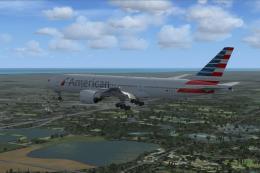 FSX Civil Aircraft
Photorealistic repaint of American Airlines B777-200ER GE N781AN for the payw…
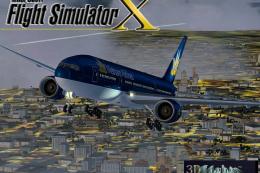 FSX Civil Aircraft
This freeware release brings the Vietnam Airlines Boeing 777-200ER, wrapped i…
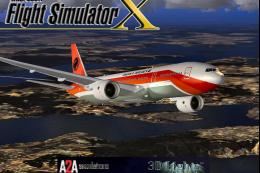 FSX Civil Aircraft
This freeware conversion introduces a TAAG Angola Airlines Boeing 777-200ER t…
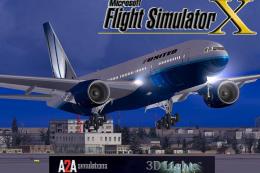 FSX Civil Aircraft
This fully featured freeware package showcases the United Airlines Boeing 777…
 FSX Civil Aircraft
This fully freeware release merges the original MelJet work by Melvin Rafi wi…
 FSX Civil Aircraft
Textures only for the Project Open Sky B777-200 model. By Ayu Emelda Othman. …
 FSX Civil Aircraft
Pakistan International Airlines Boeing 777-200ER. This aircraft, registered a…
Read what other simmers think, or add your own.

I have tried a few times to initiate the download which shows up in my airplane folder ok ,but not in the selection panel The only difference I made to your instructions was to extract the airplane files to the proper folder rather than copy?? Thanks