
 FSX Civil Aircraft
FedEx Airbus A300-600R repaint for Overland A300-600
FSX FedEx Airbus A300-600R. Textures only for the payware Overland A300-600 m…
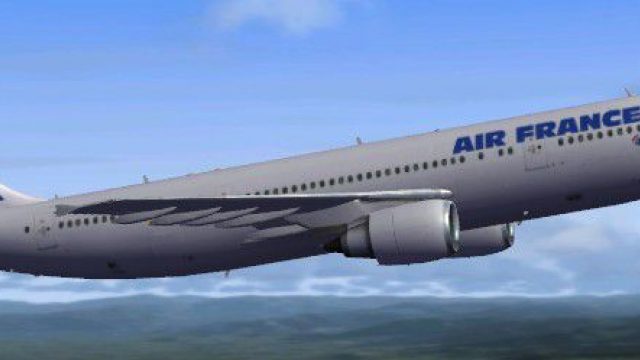
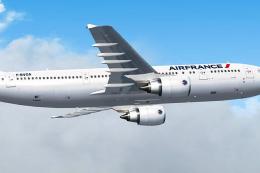
Air France’s classic Airbus A300-600R comes alive with a crisp freeware repaint that highlights the wide-body’s sleek lines, twin-engine stance, and authentic airline markings for immersive short- to long-haul flying in Microsoft Flight Simulator X. It requires the Thomas Ruth A300-600R base model (TOM306R.ZIP) for full exterior detail and virtual cockpit use.
 Rate
Rate
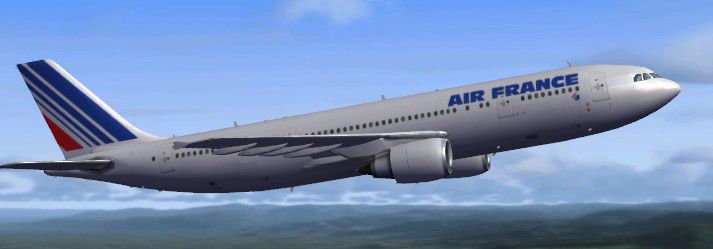
Immerse yourself in the timeless design of the Airbus A300-600R in Air France livery within Microsoft Flight Simulator X. This freeware package features a specialized repaint by Christophe Bonneville and relies on the acclaimed base model created by Thomas Ruth (TOM306R.ZIP). Enthusiasts can enjoy the recognizable sleek fuselage, twin-engine wide-body configuration, and authentic airline markings, all while flying one of Air France’s historically significant aircraft in a virtual environment. This add-on does not include the base model, so please acquire the necessary files from the Fly Away Simulation mod library.
The Airbus A300-600R is known for its efficient wing design and reliable twin-engine performance. It first appeared on the aviation scene as a medium- to long-range aircraft, emphasizing superior fuel economy and a spacious passenger cabin. In a simulator context, these attributes translate into stable handling characteristics and a smooth transition during approach and landing, making the A300-600R an excellent choice for both entry-level and seasoned pilots.
For those who appreciate attention to detail, this repaint showcases Air France’s distinct color palette and brand elements—notice the precise placement of logos and text across the fuselage. The airline is well-known for operating a diverse fleet, and this particular variant of the Airbus A300-600R brings a classic vibe to your simulated flights. From taxiing at busy international hubs to cruising at high altitudes over scenic landscapes, the bright tricolor design is eye-catching in multiple weather and lighting conditions.
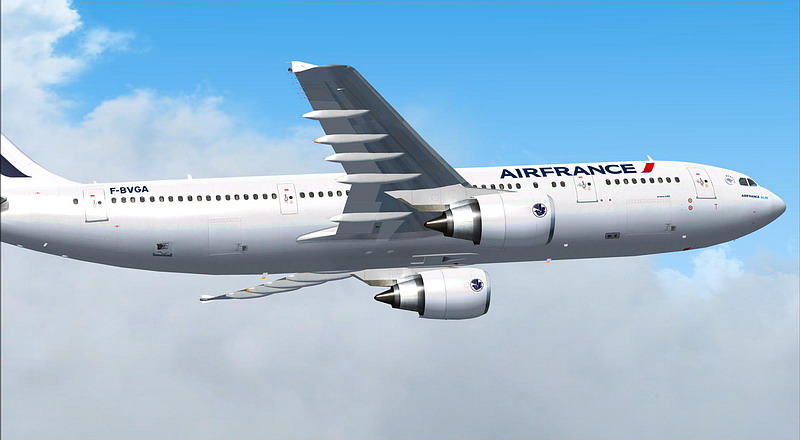
Air France Airbus A300-600R.
Install the repaint by copying and pasting the following standard aircraft configuration data into your FSX aircraft.cfg file. Replace the “xx” in [fltsim.xx] with the next available number. For any issues with locating or activating the repaint, consult the relevant simulator documentation.
[fltsim.xx]

title=Air France A300-600R

sim=TomA306

model=RGE

panel=306GE

sound=

texture=af

kb_checklists=

kb_reference=

atc_id=N70074

atc_airline=Air France

atc_flight_number=1124

atc_heavy=1

ui_manufacturer=Airbus

ui_typerole=Commercial Airliner

ui_createdby=Thomas Ruth

ui_type=A300-600R

ui_variation=Air France
Keep in mind that this repaint depends on the freeware Airbus A300-600R model by Thomas Ruth, available as TOM306R.ZIP, which must be installed prior to adding this livery. Retrieve the original model from the Fly Away Simulation archive to ensure full compatibility. Once in place, your virtual cockpit sessions will benefit from the realistic panel layout and exterior modeling, reflecting some of Airbus’s most well-known engineering philosophies.
Free for all simmers · 4.31 MB · Scanned clean Oct 2026
Download speed: Free tier is capped at 0.5 Mbps (this file takes approximately 1 min at the cap). PRO members download at full line speed.
This file is a repaint — the package below is the base model it paints onto. Install it first, or the textures will have nothing to load onto.
texture.{airline}) inside FSX\SimObjects\Airplanes\{base-aircraft}\.aircraft.cfg in Notepad. Add a new [fltsim.X] section per the readme.readme.txt or README file. It tells you exactly where files go, what dependencies are needed, and any quirks specific to this add-on.The archive af-1.zip has 33 files and directories contained within it.
This list displays the first 500 files in the package. If the package has more, you will need to download it to view them.
| Filename/Directory | File Date | File Size |
|---|---|---|
| texture.af | 02.08.10 | 0 B |
| glass.dds | 11.14.09 | 64.12 kB |
| glass_spec.dds | 11.24.08 | 4.12 kB |
| main.dds | 02.07.10 | 5.33 MB |
| main_bump.dds | 11.12.09 | 4.00 MB |
| main_light.dds | 11.14.09 | 1.00 MB |
| main_spec.dds | 11.13.09 | 1.00 MB |
| texture.cfg | 10.17.09 | 137 B |
| thumbnail.jpg | 02.08.10 | 30.39 kB |
| vc01.dds | 01.17.10 | 1.00 MB |
| vc01_L.dds | 01.17.10 | 1.00 MB |
| vc02.dds | 01.11.10 | 1.00 MB |
| vc02_L.dds | 01.16.10 | 1.00 MB |
| vc03.dds | 01.13.10 | 1.00 MB |
| vc03_L.dds | 01.14.10 | 1.00 MB |
| vc04.dds | 01.11.10 | 1.00 MB |
| vc04_L.dds | 02.02.10 | 1.00 MB |
| vc05.dds | 01.13.10 | 1.00 MB |
| vc05_L.dds | 01.15.10 | 1.00 MB |
| vc2_L.dds | 01.23.10 | 256.12 kB |
| vc3_L.dds | 01.23.10 | 256.12 kB |
| VCblend.dds | 01.15.10 | 1.12 kB |
| vcreflect.dds | 01.13.10 | 384.12 kB |
| vc_L.dds | 01.23.10 | 1.00 MB |
| wingbump_l.dds | 11.11.09 | 1.00 MB |
| wingbump_r.dds | 11.11.09 | 1.00 MB |
| wingspec_l.dds | 11.11.09 | 256.12 kB |
| wingspec_r.dds | 11.11.09 | 256.12 kB |
| wing_l.dds | 11.16.09 | 1.00 MB |
| wing_r.dds | 11.16.09 | 1.00 MB |
| Aircraft.txt | 02.08.10 | 330 B |
| flyawaysimulation.txt | 10.29.13 | 959 B |
| Go to Fly Away Simulation.url | 01.22.16 | 52 B |
Only PRO members can place votes.
More FSX & P3D add-ons hand-picked based on this download.
FSX Civil Aircraft
FSX FedEx Airbus A300-600R. Textures only for the payware Overland A300-600 m…
 FSX Civil Aircraft
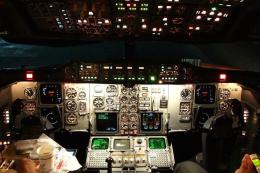
Air France Airbus A300-600R, registration F-BVGA. Textures only; you need the…
 FSX Civil Aircraft
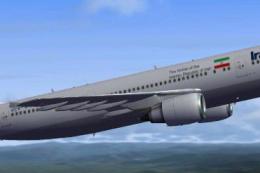
Iran Air Airbus A300-600R. Model by Thomas Ruth. Repaint by Peyman Javanbakht…
 FSX Civil Aircraft
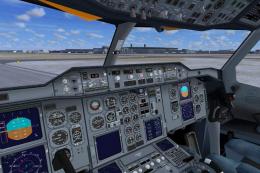
This freeware repaint brings an Iran Air Airbus A300-600R rendition into Micr…
 FSX Civil Aircraft
Airbus A300-600R. American Airlines plus Thai Air classic Airbus model for FS…
 FSX Civil Aircraft
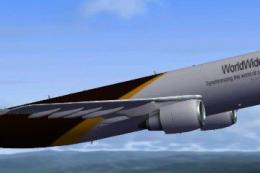
This repaint features United Parcel Services (UPS) markings on the Airbus A30…
 FSX Civil Aircraft
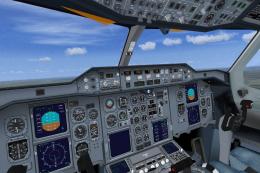
Airbus A300-600R Chinese Operators Package. After the closedown of China Nort…
 FSX Civil Aircraft
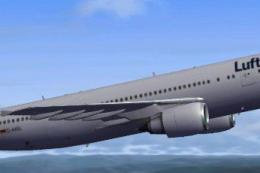
This repaint package brings Lufthansa’s iconic Airbus A300-600R to Microsoft …
Be the first to leave a comment on this download.
Be the first to share your thoughts on this download.