

 FSX Civil Aircraft
Aeroflot Airbus A350-800 XWB
The updated Aeroflot A350-800 package introduces new geometry for the nose se…
Aeroflot Airbus A350 freeware package delivers a convincing long-haul wide-body with a reworked exterior model, rich animations, and Rolls-Royce Trent sound set, plus a backlit virtual cockpit, functional overhead, and autoland-capable autopilot. An intelligent FMC, updated gauges, and multiple airline liveries support Microsoft Flight Simulator X and Microsoft Flight Simulator 2004.
 Rate
Rate
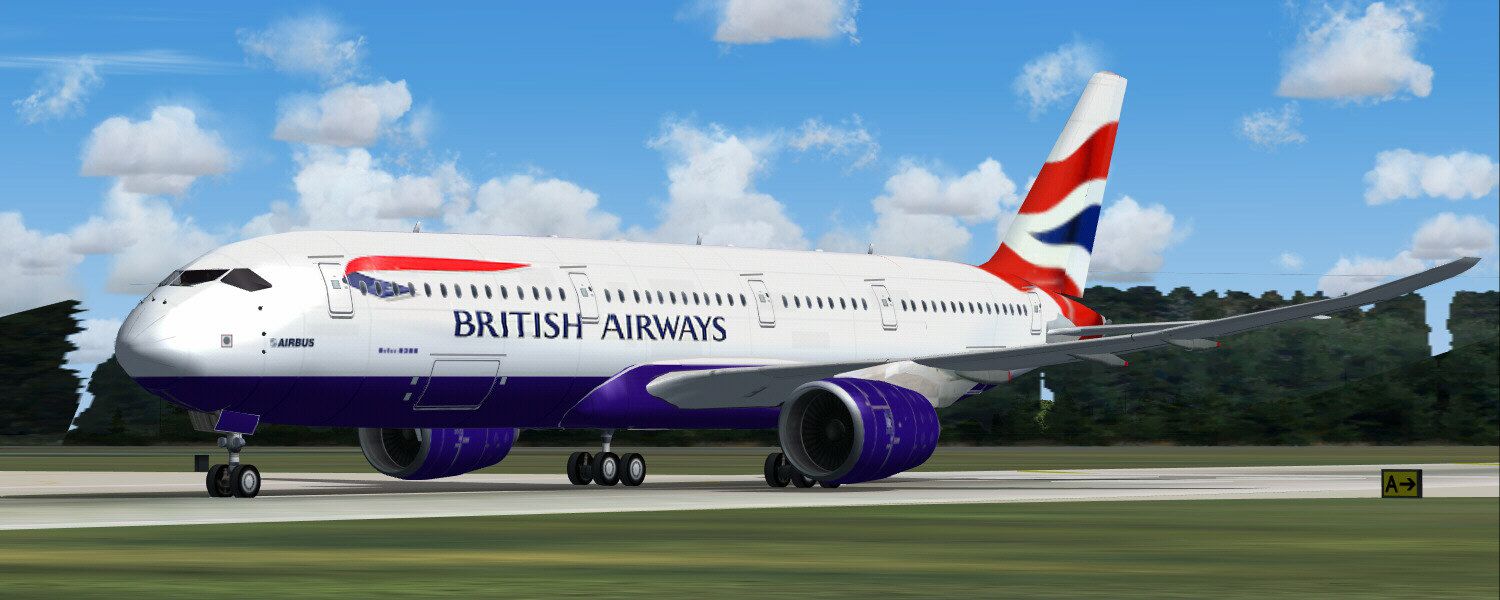

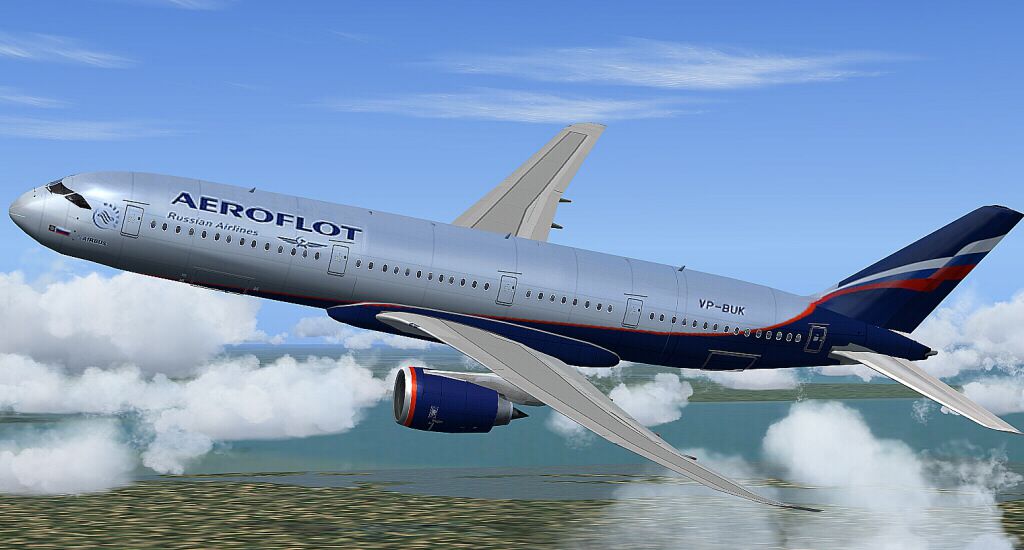
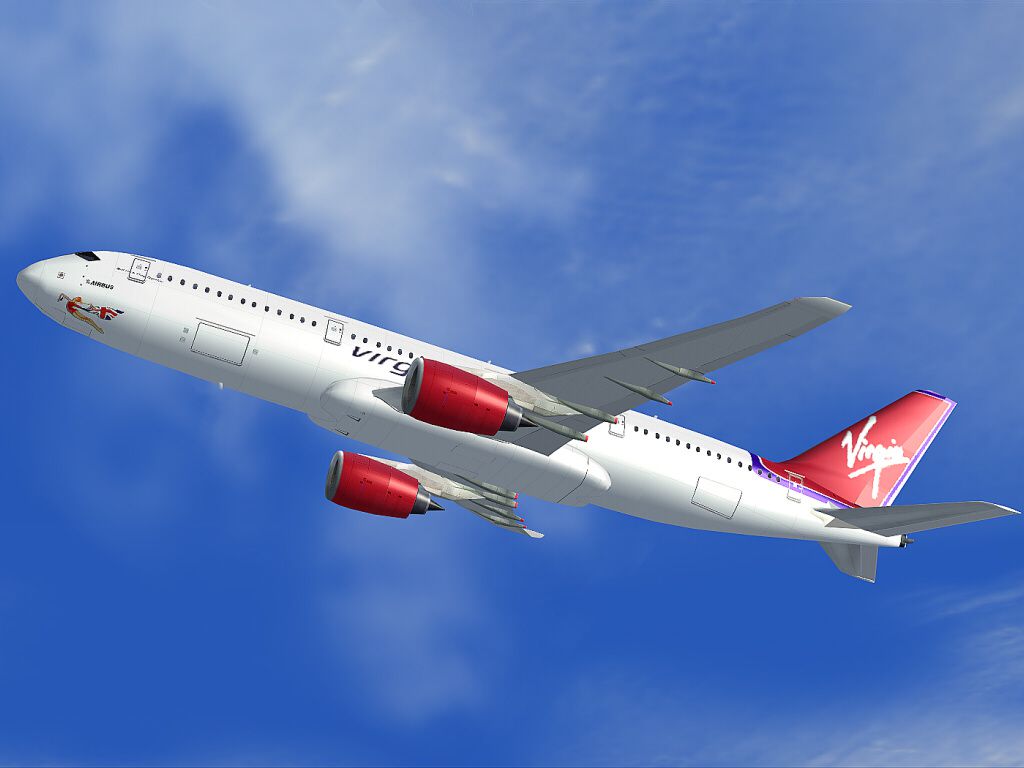
This Aeroflot Airbus A350 package provides a finely detailed wide-body aircraft simulation for enthusiasts seeking authentic long-haul operations. It features an intricate virtual cockpit, improved avionics, and enhanced sound design, all courtesy of AFS-design. Developer A. Meyer has carefully integrated new gauges, an updated external model, and various airline liveries. Included are specialized instruments like the innovative VOR gauge and an intelligent Flight Management Computer for more refined control. This freeware add-on works with Microsoft Flight Simulator X (SP1, SP2, Acceleration) and Microsoft Flight Simulator 2004.
The aircraft’s external shape has been completely overhauled to replicate the real-world Airbus A350. You will notice believable animations ranging from landing gear deployment to thrust reverser operation. In addition, a custom sound set recorded from Rolls-Royce Trent engines in Germany gives this model accurate acoustic feedback, further immersing pilots in realistic flight conditions.

Aeroflot Airbus A350 in flight.
This release includes an enhanced panel and virtual cockpit design with complete backlighting and functional overhead switches. There is automated trim control, but operators can switch to manual for precise pitch adjustments. The nearly full-scale autopilot system supports autoland functionality, ensuring stable approaches on long-haul routes. A brand-new VOR gauge and reorganized multi-function displays provide pilots with streamlined navigation and situational awareness.
A new Flight Management Computer (FMC) is included, offering fifteen distinct menu pages. This FMC calculates flight paths based on winds, altitudes, and the anticipated arrival airport. As a result, you can plan routes more effectively and maintain continuous waypoint monitoring en route. The FMC also interfaces with autopilot headings, providing integrated control for cross-country flights.
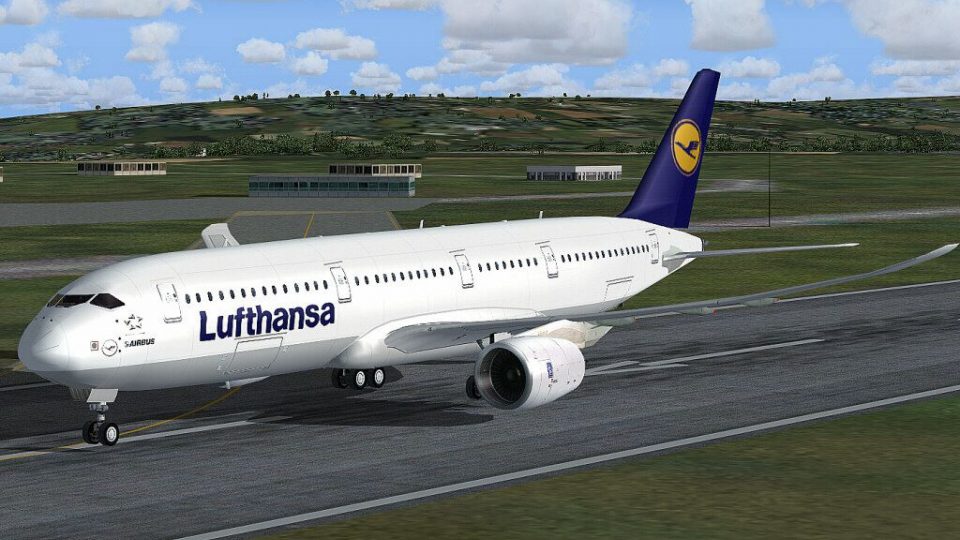
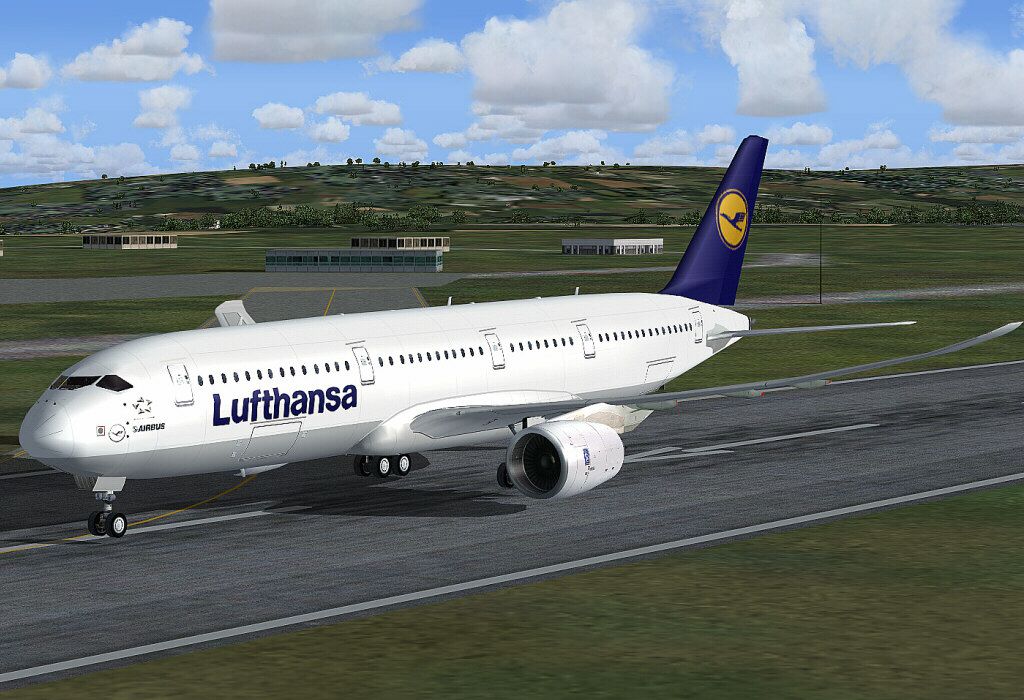
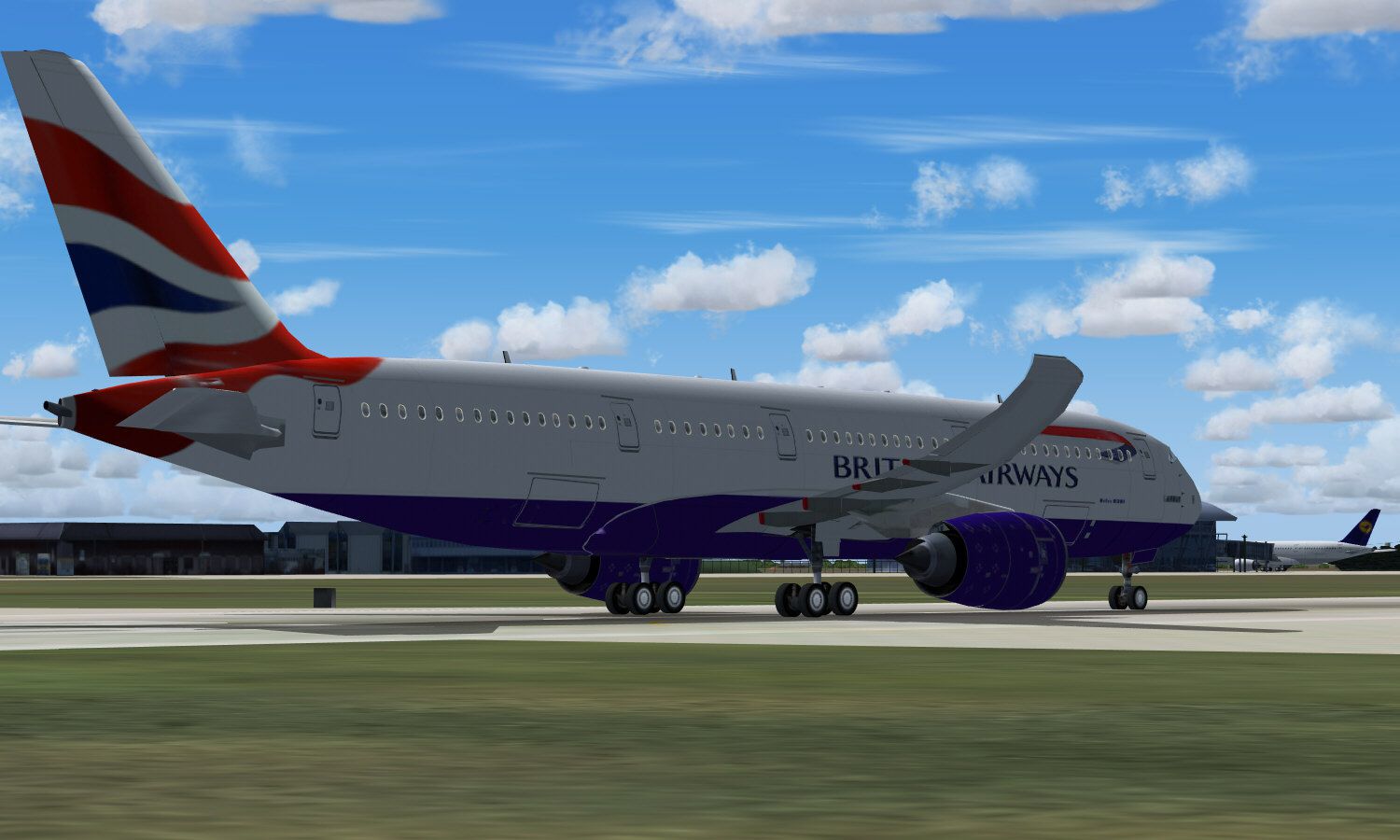
Beyond the Aeroflot scheme, this freeware add-on comes packaged with multiple international airline paints such as Lufthansa, Qantas, Emirates, Air France, and various others. These textured repaints are designed with 1024×1024 resolution details and make use of specular effects plus night-lighting for an even more authentic look under all conditions.
The A350 Xtra Wide-Body is well-known for its advanced fly-by-wire operation, offering modern functionality and cost-effective fuel consumption. Designed as a medium-capacity long-range series, it can serve routes with distances up to 8,300 nautical miles. Airbus developed it as part of the FBW family, ensuring seamless airline integration and cross-crew qualification. This simulation carefully represents those cutting-edge aerodynamics and stability controls, letting virtual pilots replicate genuine wide-body performance.
Within the virtual cockpit, you will find a detailed overhead panel adjusted for engine controls, lighting, and system switches. Alongside standard avionics, there is an embedded GPS unit for direct flight planning. The radio stack, transponder code entry, and QNH settings are easily managed through newly introduced panels. Combined, these tools allow precise navigation through a variety of flight conditions.
The package also features dynamic lighting elements for wing, taxi, runway, and cockpit illumination. These enhancements improve visibility during dawn, dusk, and night flights, allowing users to enjoy the A350 experience in different weather scenarios.
When you are ready for takeoff, use the recommended flap increments to manage speed properly and maintain stable flight behavior. Refer to the flap steps below for normal, takeoff, and landing configurations:
Use F6 to retract (flaps up) and F7 to extend (flaps down) as needed.

Aeroflot Airbus A350 on runway.
Developer Credits: Panel, gauges, model, sound, and textures are by A. Meyer from AFS-design. This freeware package contains all necessary files to get you airborne in your simulated Aeroflot Airbus A350 adventure.
Free for all simmers · 3.22 MB · Scanned clean Oct 2026
Download speed: Free tier is capped at 0.5 Mbps. PRO members download at full line speed.
FSX\SimObjects\Airplanes\. The folder must contain an aircraft.cfg file. Effects go into FSX\Effects\; gauges go into FSX\Gauges\.readme.txt or README file. It tells you exactly where files go, what dependencies are needed, and any quirks specific to this add-on.The archive a350demo08_fsx.zip has 15 files and directories contained within it.
This list displays the first 500 files in the package. If the package has more, you will need to download it to view them.
| Filename/Directory | File Date | File Size |
|---|---|---|
| = READ ME =.txt | 02.12.10 | 5.84 kB |
| a.JPG | 10.06.09 | 11.78 kB |
| A350demo_FSX.exe | 02.21.10 | 2.15 MB |
| b.JPG | 02.23.08 | 16.77 kB |
| c.JPG | 02.01.08 | 141.20 kB |
| d.JPG | 09.03.08 | 194.12 kB |
| e.JPG | 02.23.08 | 188.17 kB |
| f.JPG | 05.02.08 | 177.23 kB |
| File_ID.diz | 02.12.10 | 526 B |
| g.JPG | 09.03.08 | 182.32 kB |
| h.JPG | 01.08.09 | 17.53 kB |
| i.JPG | 01.08.09 | 194.73 kB |
| liesmich.txt | 03.01.08 | 5.30 kB |
| flyawaysimulation.txt | 10.29.13 | 959 B |
| Go to Fly Away Simulation.url | 01.22.16 | 52 B |
Only PRO members can place votes.
More FSX & P3D add-ons hand-picked based on this download.
FSX Civil Aircraft
The updated Aeroflot A350-800 package introduces new geometry for the nose se…
 FSX Civil Aircraft
This freeware package features the Aeroflot Airbus A350-900, incorporating an…
 FSX Civil Aircraft
Aeroflot Airbus A350 demo version with banners, new VOR gauge, with new panel…
 FSX Civil Aircraft
This free repaint showcases an Aeroflot Airbus A330-300 registration VQ-BEK (…
 FSX Civil Aircraft
Experience an authentic retro-inspired Airbus A320-200 rendition reflecting A…
 FSX Civil Aircraft
This package introduces a newly refined rendition of the popular twin-engine,…
 FSX Civil Aircraft
The payware PMDG B777-200 LR as Aeroflot VP-BGE. This file contains a repaint…
 FSX Civil Aircraft
Fictional repaint for Project Tupolev FSX Tu-154 B2. CCCP-85360 in red livery…
Be the first to leave a comment on this download.
Be the first to share your thoughts on this download.