

 FSX Civil Aircraft
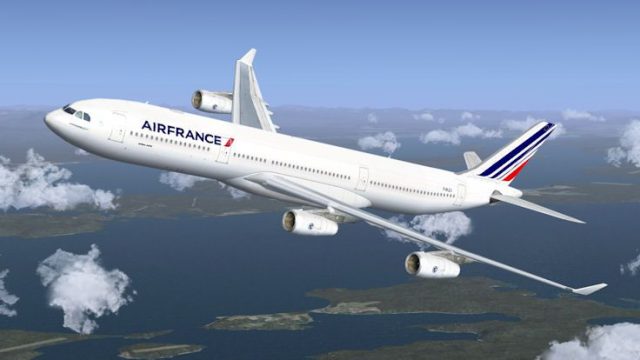
Air France Airbus A340-300 F-GLZM
Air France Airbus A340-300 (old livery). This is a repaint of Thomas Ruth's A…
Air France’s latest livery comes to the Airbus A340-300 with a crisp, high-detail exterior repaint that highlights fuselage markings, engine nacelles, and modern airline branding for convincing long-haul visuals. Built for Microsoft Flight Simulator X, it requires the CLS Airbus A340-300 payware model and includes dedicated texture files.
 Rate
Rate
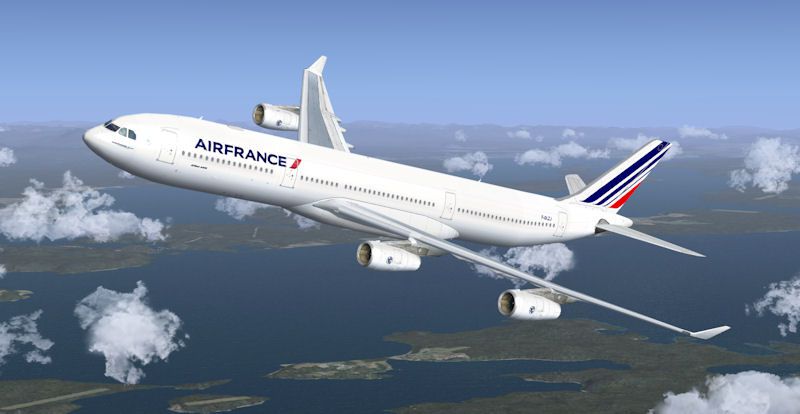
This repaint package features the latest Air France graphics applied to the four-engine Airbus A340-300, intended specifically for Microsoft Flight Simulator X. Designed by Sebastian Szücs to complement the CLS Airbus A340-300 payware model, it provides a detailed exterior texture set that replicates the airline’s modern scheme. As this repaint does not include the base aircraft, you will require the payware model to utilize these new livery files. Developed by Commercial Level Simulations (CLS), the original model must be obtained separately.
The iconic Airbus A340-300 remains a long-range, wide-body aircraft frequently deployed on transatlantic and intercontinental routes. Air France’s refreshed style incorporates contemporary branding elements, and this livery update reflects subtle metallic effects (where applicable) and clearly defined airline insignia. The four-engine layout of the A340-300 delivers reliable performance on extended journeys, and these textures highlight each engine nacelle and wing profile with crisp visual clarity.
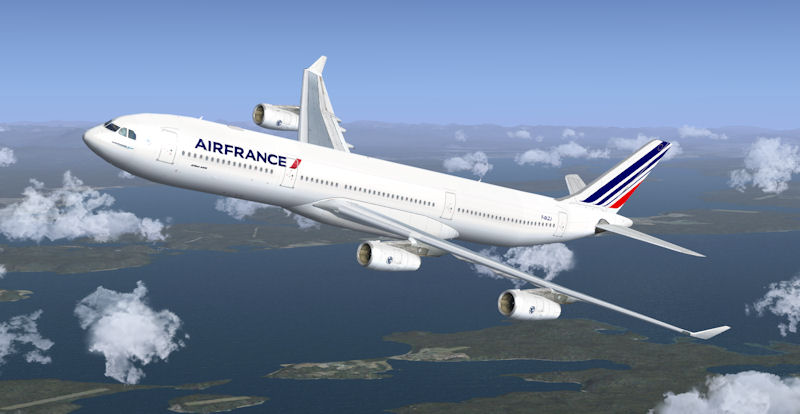
Representing an Air France Airbus A340-300 operating at cruise altitude.
Aircraft.cfg file inside the CLS-A340-300 directory. Copy the following text block—starting from the indicated line—in its entirety and place it beneath the existing [fltsim] entries, ensuring you change “XX” to the next sequential number.[fltsim.XX] //--> Replace the "XX" with the next number in order! productfolder=A340-300 title=Commercial Level Simulations - A340-300 Air France 2 sim=CLS-A340-300 model= panel= sound= texture=airfrance_nc kb_checklists=CLS-A340_check kb_reference=CLS-A340_ref atc_airline=Air France atc_flight_number=443 atc_heavy=1 atc_id= atc_parking_types=GATE, RAMP, CARGO atc_parking_code= ui_typerole="Commercial Airliner" ui_createdby="Commercial Level Simulations" ui_manufacturer="Airbus" ui_type=A340-300 ui_variation=Air France New colours description=Commercial Level Simulations nAirbus 330-200 nVersion - 2006.9.0-FSX nFSX and FS2004 Compatible
texture.airfrance_nc folder, included in this package, within the same directory containing the CLS-A340-300 aircraft files.texbase directory into texture.airfrance_nc. Select “No” if prompted to overwrite any existing data.This rendition aims to capture subtle features such as distinctive fuselage panels, engine pylons, and masking details around windows and doors. Air France’s brand iconography is carefully placed to match real-world references, and the coloring aligns with the latest corporate palette. For optimal visual fidelity, ensure high-resolution texture settings within FSX. Night lighting enhancements and other reflection properties rely on the original CLS model’s capabilities.
Enjoy your flights with this Air France repaint, courtesy of Sebastian Szücs. This add-on seamlessly merges realistic airline aesthetics and the proven CLS Airbus A340-300 framework, giving you an authentic Air France experience on your intercontinental routes.
Free for all simmers · 3.9 MB · Scanned clean Oct 2026
Download speed: Free tier is capped at 0.5 Mbps (this file takes approximately 1 min at the cap). PRO members download at full line speed.
texture.{airline}) inside FSX\SimObjects\Airplanes\{base-aircraft}\.aircraft.cfg in Notepad. Add a new [fltsim.X] section per the readme.readme.txt or README file. It tells you exactly where files go, what dependencies are needed, and any quirks specific to this add-on.The archive cls_a343_af_nc.zip has 12 files and directories contained within it.
This list displays the first 500 files in the package. If the package has more, you will need to download it to view them.
| Filename/Directory | File Date | File Size |
|---|---|---|
| Air France.jpg | 06.19.10 | 50.66 kB |
| FILE_ID.diz | 06.19.10 | 50 B |
| Readme.txt | 06.19.10 | 1.42 kB |
| texture.airfrance_nc | 06.19.10 | 0 B |
| engines340_1_t.bmp | 05.08.10 | 4.00 MB |
| engines340_t.bmp | 05.08.10 | 4.00 MB |
| fuse1and2343l_t.bmp | 05.08.10 | 4.00 MB |
| fuse1and2343r_t.bmp | 05.08.10 | 4.00 MB |
| fusetail343_t.bmp | 05.08.10 | 4.00 MB |
| thumbnail.jpg | 05.08.10 | 13.43 kB |
| flyawaysimulation.txt | 10.29.13 | 959 B |
| Go to Fly Away Simulation.url | 01.22.16 | 52 B |
Only PRO members can place votes.
More FSX & P3D add-ons hand-picked based on this download.
FSX Civil Aircraft
Air France Airbus A340-300 (old livery). This is a repaint of Thomas Ruth's A…
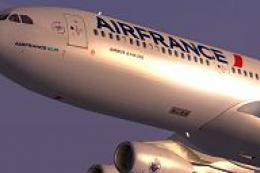 FSX Civil Aircraft
Air France Airbus A340-300, registration F-GNIF (new colors). Textures only f…
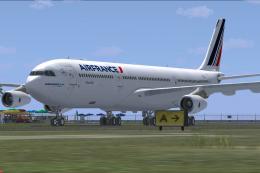 FSX Civil Aircraft
Air France Airbus A340-300 new colors, registration F-GLZJ. A repaint of Thom…
 FSX Civil Aircraft
Enhance your fleet in Microsoft Flight Simulator X with an accurate Air Mauri…
 FSX Civil Aircraft
This freeware Airbus A330-200 repaint showcases the modern Air France color s…
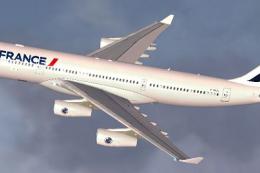 FSX Civil Aircraft
Air France Airbus A340-200 (new livery). Textures only for Thomas Ruth's A340…
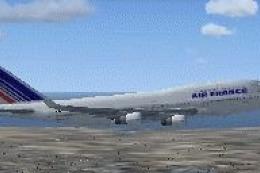 FSX Civil Aircraft
Air France textures only for the default B747-400. By Alain Steiner. Screensh…
 FSX Civil Aircraft
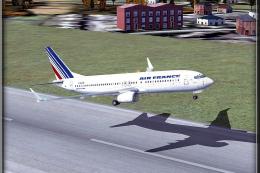
Textures only for the default B737-800. Side view of Air France Boeing 737-80…
Be the first to leave a comment on this download.
Be the first to share your thoughts on this download.