

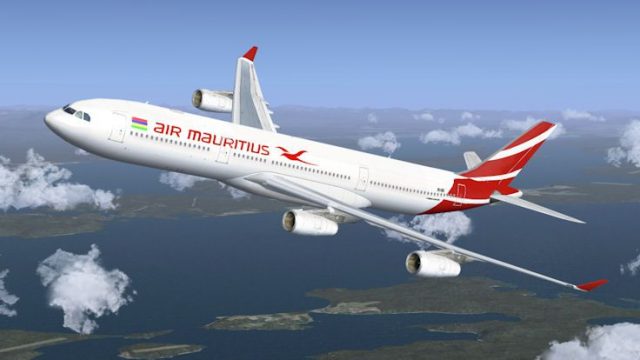
 FSX Civil Aircraft
Airbus A330-200 Air Mauritius Repaint
This free repaint offers a fresh take on the iconic Airbus A330-200 as operat…
Air Mauritius’s latest livery arrives for the CLS Airbus A340-300, bringing crisp tail art, accurate fuselage markings, and a polished look suited to long-haul oceanic routes. Built for Microsoft Flight Simulator X, it requires the payware CLS A340-300 base model and complements the quad-jet’s extended-range character.
 Rate
Rate
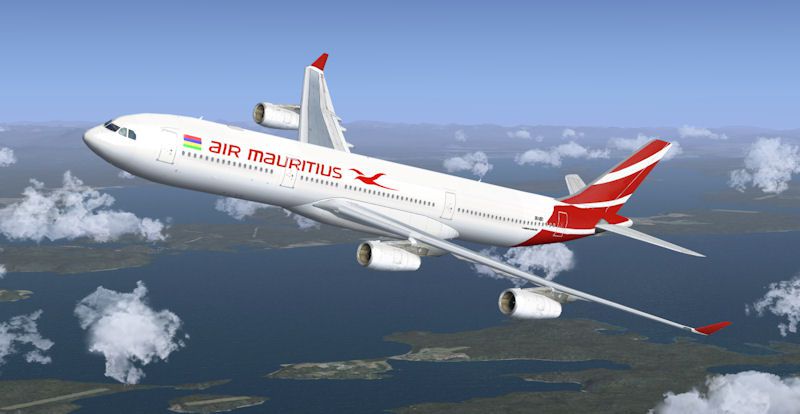
Enhance your fleet in Microsoft Flight Simulator X with an accurate Air Mauritius repaint tailored specifically for the payware CLS Airbus A340-300 model. This textured variant showcases the airline’s latest livery, paying tribute to Air Mauritius and its services that connect Mauritius with destinations worldwide. Created by Sebastian Szücs, this package delivers enhanced realism and visual appeal when piloting long-haul routes across oceans and continents.
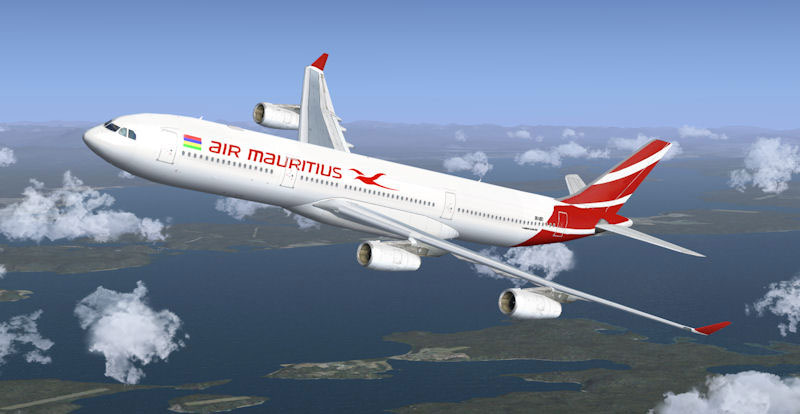
Air Mauritius Airbus A340-300 cruising above scenic territory.
This repaint is designed for the Commercial Level Simulations Airbus A340-300 add-on, which is not included in this package. Pilots will need to own the CLS base product from an authorized vendor (such as a payware store) to ensure successful installation and use.
Aircraft.cfg file using a plain text editor.
[fltsim.XX] // Replace "XX" with the next available number.
productfolder=A340-300
title=Commercial Level Simulations - A340-300 Air Mauritius New Livery
sim=CLS-A340-300
model=
panel=
sound=
texture=mauritius_nc
kb_checklists=CLS-A340_check
kb_reference=CLS-A340_ref
atc_airline=Air Mauritius
atc_flight_number=1220
atc_heavy=1
atc_id=
atc_parking_types=GATE, RAMP, CARGO
atc_parking_code=
ui_typerole="Commercial Airliner"
ui_createdby="Commercial Level Simulations"
ui_manufacturer="Airbus"
ui_type=A340-300
ui_variation=Air Mauritius New Livery
description=Commercial Level Simulations\nAirbus 330-200\nVersion - 2006.9.0-FSX\n\nFSX and FS2004 Compatible\n\n
texture.mauritius_nc folder into the CLS A340-300 aircraft directory, storing it alongside existing texture folders.texbase folder included with CLS and copy all its contents into texture.mauritius_nc. If prompted, do not overwrite existing files.With these steps completed, your simulator will now feature a richly detailed Air Mauritius Airbus A340-300 repaint. Enjoy traversing the skies with this iconic quad-engine aircraft, and experience authentic long-range flight dynamics on routes typical of Air Mauritius operations. Credits go to Developer: Commercial Level Simulations (original model) and Repaint Author: Sebastian Szücs.
Free for all simmers · 3.97 MB · Scanned clean Oct 2026
Download speed: Free tier is capped at 0.5 Mbps (this file takes approximately 1 min at the cap). PRO members download at full line speed.
texture.{airline}) inside FSX\SimObjects\Airplanes\{base-aircraft}\.aircraft.cfg in Notepad. Add a new [fltsim.X] section per the readme.readme.txt or README file. It tells you exactly where files go, what dependencies are needed, and any quirks specific to this add-on.The archive cls_a343_airmauritius_nc.zip has 12 files and directories contained within it.
This list displays the first 500 files in the package. If the package has more, you will need to download it to view them.
| Filename/Directory | File Date | File Size |
|---|---|---|
| FILE_ID.diz | 06.19.10 | 53 B |
| Mauritius.jpg | 06.19.10 | 52.44 kB |
| Readme.txt | 06.19.10 | 1.44 kB |
| texture.mauritius_nc | 06.19.10 | 0 B |
| engines340_1_t.bmp | 05.08.10 | 4.00 MB |
| engines340_t.bmp | 05.08.10 | 4.00 MB |
| fuse1and2343l_t.bmp | 05.08.10 | 4.00 MB |
| fuse1and2343r_t.bmp | 05.08.10 | 4.00 MB |
| fusetail343_t.bmp | 05.08.10 | 4.00 MB |
| thumbnail.jpg | 05.08.10 | 14.96 kB |
| flyawaysimulation.txt | 10.29.13 | 959 B |
| Go to Fly Away Simulation.url | 01.22.16 | 52 B |
Only PRO members can place votes.
More FSX & P3D add-ons hand-picked based on this download.
FSX Civil Aircraft
This free repaint offers a fresh take on the iconic Airbus A330-200 as operat…
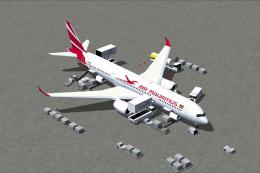 FSX Civil Aircraft
This complete package showcases the Air Mauritius Airbus A350-900 in CamSim’s…
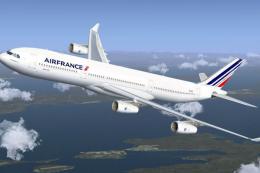 FSX Civil Aircraft
This repaint package features the latest Air France graphics applied to the f…
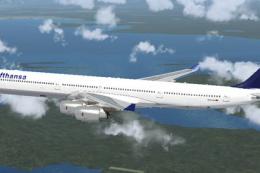 FSX Civil Aircraft
Lufthansa Airbus A340-600. Textures for the A340-600 model by Thomas Ruth (TO…
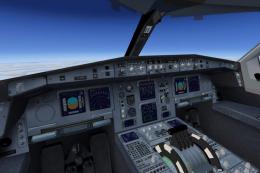 FSX Civil Aircraft
This freeware Airbus A340-300 package in Gulf Air’s distinctive paint scheme …
 FSX Civil Aircraft
Air Tahiti Nui Airbus A340-300 Fleet. Repaint of Tom Ruth's A340-300. Texture…
 FSX Civil Aircraft
Air France Airbus A340-300 (old livery). This is a repaint of Thomas Ruth's A…
 FSX Civil Aircraft
Air France Airbus A340-300, registration F-GNIF (new colors). Textures only f…
Be the first to leave a comment on this download.
Be the first to share your thoughts on this download.