

 FSX Civil Aircraft
Virgin Blue Airlines Embraer 190-LR
FSX Virgin Blue Airlines Embraer 190-LR. A 98-114 seat regional airliner. Ful…
Ho Ho Ho Airlines brings a festive repaint to the Premier Aircraft Design Embraer 190, adding cheerful holiday branding and crisp fuselage details while keeping the E190’s sleek regional-jet character. Built for Microsoft Flight Simulator X, it requires the freeware PAD EMB190 base model and suits short to medium-haul virtual routes.
 Rate
Rate
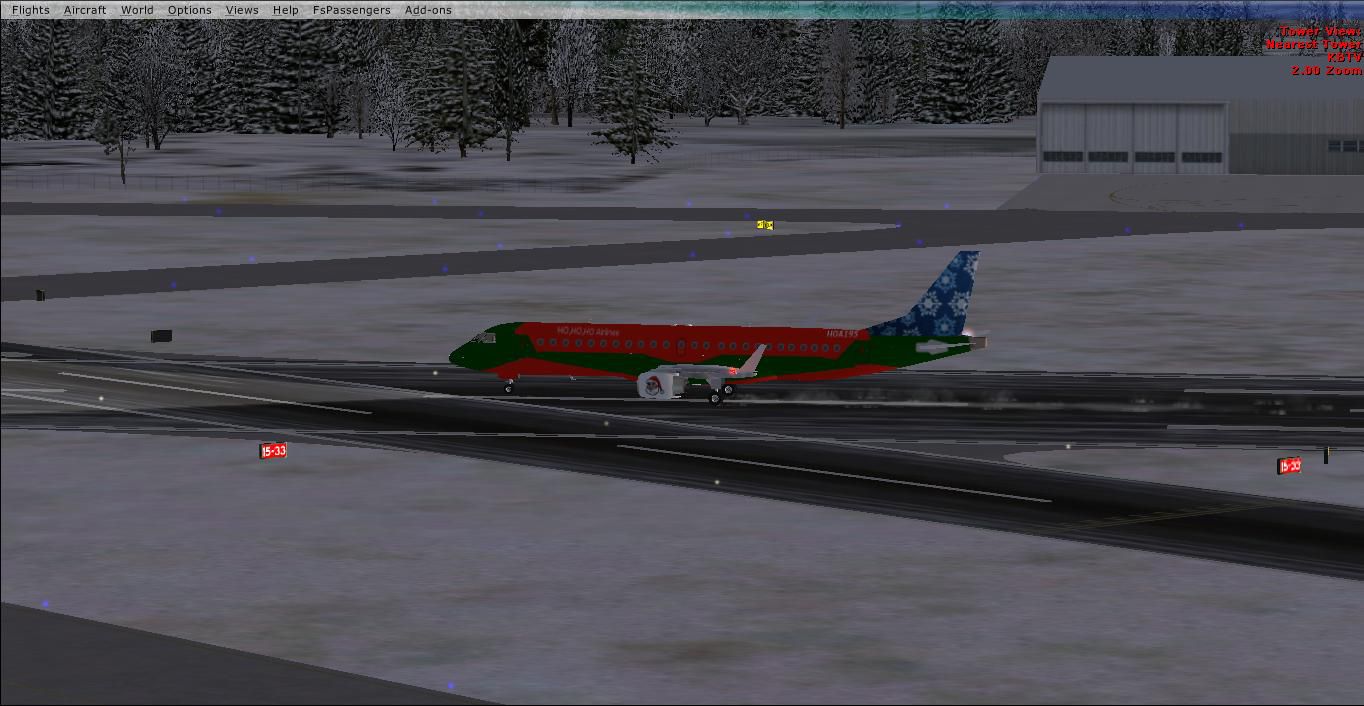
This freeware repaint applies a cheerful holiday twist to the Embraer 190, specifically designed for Microsoft Flight Simulator X. Developed by Jason Harnois / Vermont Aircraft in collaboration with Premier Aircraft Design, these textures highlight a playful “Ho Ho Ho Airlines” theme. To fully enjoy this add-on, please ensure you have the necessary freeware base model from the Fly Away Simulation library. It brings together a festive livery with the proven engineering of the E190, delivering an engaging short to medium range flight experience.
The bright color scheme embraces a celebratory atmosphere, perfect for virtual holiday flights. Subtle details on the fuselage capture an imaginative seasonal vibe without compromising the original aerodynamics. Since the real-world E190 is known for its efficient wing design and reliable GE CF34-10E powerplant, the repaint preserves the refined profile of this regional twin-engine airliner. Operators often configure the Embraer 190 with seating for up to 114 passengers, making it a popular choice for mid-range routes worldwide.

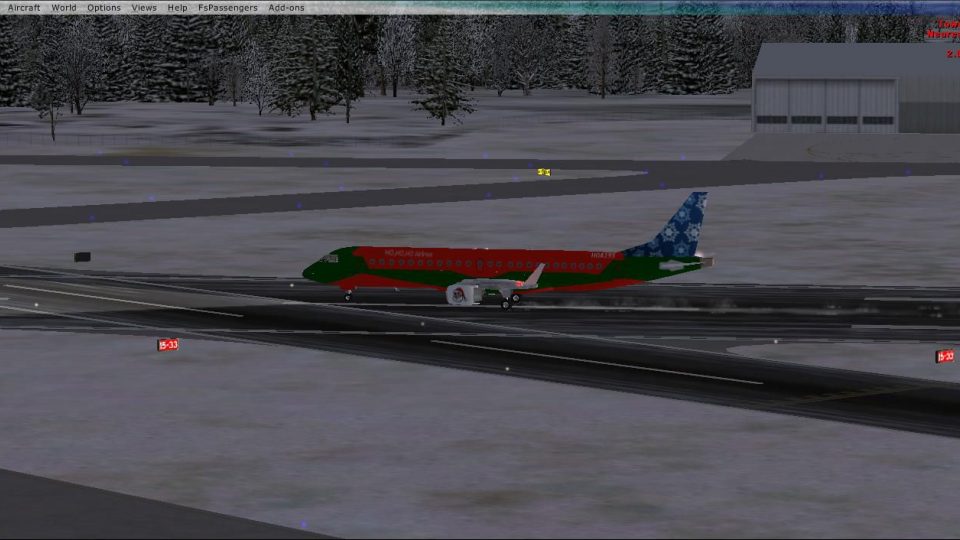
Ho Ho Ho Airlines Embraer 190.
This repaint is built for the Premier Aircraft Design EMB190. The real Embraer E-Jet family, which includes the E190 variant, often competes with aircraft such as the Bombardier CRJ-900, Boeing 717-200, and Airbus A318. First flown in March 2004, this aircraft quickly gained popularity among airlines like JetBlue and Flybe. In this repaint, you will encounter the same advanced features of the E190, including its updated wing geometry and modest fuel consumption, while enjoying a jolly fictional airline branding.
To integrate the repaint, locate the aircraft’s configuration file and assign the repaint to the next available numbering slot. Below is an example entry you may adapt accordingly:
[fltsim.xx]
title=EMBRAER ERJ190-LR_JetBlue_3
sim=EMB-190
model=
panel=bwb
sound=EMB
texture=JetBlue115
kb_checklists=E190_check
kb_reference=E190_ref
atc_id=N115JB
atc_airline=JetBlue
atc_flight_number=115
ui_manufacturer=EMBRAER
ui_type=ERJ-190 LR
ui_variation=JetBlue N115JB
ui_typerole="Regional Jet"
ui_createdby="Premier Aircraft Design"
atc_parking_types=gate,ramp
atc_parking_codes=
description=Embraer ERJ90-LR\nA 98-114 passenger twin fanjet regional airliner. The E-190 family is a larger stretch of the E-170 model fitted with a new, larger wing and a new engine, the GE CF34-10E, rated at 18,500 lb (82.30 kN). Being in the 100-seat range, it competes with smaller jets including the Bombardier CRJ-900, Boeing 717-200, and 737-600 as well as the Airbus A318. The first flight of the E-190 was in March of 2004, with the 195 following in December of that same year. The launch customer of the E-190 was New York-based low cost carrier JetBlue.
The imaginative artwork comes from Jason Harnois (Vermount1998 on the FS-MP Pro Server). His attention to detail ensures the repaint aligns snugly with the Premier Aircraft Design EMB190 framework, allowing accurate flight dynamics in Microsoft Flight Simulator X. Remember that this download provides textures only and does not include the base Embraer E190 model. You can find that essential component in the Fly Away Simulation mod library.
Free for all simmers · 1.52 MB · Scanned clean Oct 2026
Download speed: Free tier is capped at 0.5 Mbps. PRO members download at full line speed.
texture.{airline}) inside FSX\SimObjects\Airplanes\{base-aircraft}\.aircraft.cfg in Notepad. Add a new [fltsim.X] section per the readme.readme.txt or README file. It tells you exactly where files go, what dependencies are needed, and any quirks specific to this add-on.The archive emb190ho-ho-hoairlines.zip has 33 files and directories contained within it.
This list displays the first 500 files in the package. If the package has more, you will need to download it to view them.
| Filename/Directory | File Date | File Size |
|---|---|---|
| Read me jetBlue115.txt | 08.31.10 | 1.79 kB |
| texture.Christmas | 12.06.10 | 0 B |
| doors-n-windows.bmp | 08.25.10 | 3.00 MB |
| E190panels.bmp | 06.25.10 | 512.07 kB |
| E190panels_L.bmp | 06.25.10 | 1.00 MB |
| Elevator.bmp | 12.04.10 | 1.33 MB |
| EMB190_details.bmp | 06.25.10 | 512.07 kB |
| Engines.bmp | 12.04.10 | 1.33 MB |
| Fuse190.bmp | 12.04.10 | 5.33 MB |
| fuse190_alpha.bmp | 08.25.10 | 3.00 MB |
| fuselage_alpha.bmp | 08.25.10 | 3.00 MB |
| glass.Bmp | 06.25.10 | 65.05 kB |
| interiors.bmp | 06.25.10 | 1.00 MB |
| interiors_L.bmp | 06.25.10 | 1.00 MB |
| left_wing template.bmp | 08.15.10 | 682.75 kB |
| lights.bmp | 06.25.10 | 32.07 kB |
| lights_L.bmp | 06.25.10 | 65.05 kB |
| misc.bmp | 06.25.10 | 1.00 MB |
| overhd3.bmp | 06.25.10 | 1.00 MB |
| overhd3_L.bmp | 06.25.10 | 1.00 MB |
| pilotdh8.bmp | 06.25.10 | 257.05 kB |
| pilots.bmp | 06.25.10 | 257.05 kB |
| pilots_L.bmp | 06.25.10 | 257.05 kB |
| right_wing_template.bmp | 08.15.10 | 682.75 kB |
| roue2.bmp | 06.25.10 | 64.07 kB |
| seats.bmp | 06.25.10 | 512.07 kB |
| thumbnail.jpg | 12.06.10 | 120.00 kB |
| trolley_steps.bmp | 06.25.10 | 256.07 kB |
| wings190_L.bmp | 08.15.10 | 682.75 kB |
| wings190_R.bmp | 08.15.10 | 682.75 kB |
| Yoke_VC.bmp | 06.25.10 | 256.07 kB |
| flyawaysimulation.txt | 10.29.13 | 959 B |
| Go to Fly Away Simulation.url | 01.22.16 | 52 B |
Only PRO members can place votes.
More FSX & P3D add-ons hand-picked based on this download.
FSX Civil Aircraft
FSX Virgin Blue Airlines Embraer 190-LR. A 98-114 seat regional airliner. Ful…
 FSX Civil Aircraft
98-114 seat twin turbofan regional airliner. Full package for FSX/SP2. By Jea…
 FSX Civil Aircraft
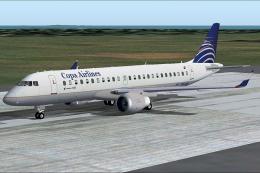
Copa Embraer 190. Full aircraft with enhanced lights, four opening doors, mov…
 FSX Civil Aircraft
FSX KLM CityHopper Embraer 190-LR. A 98-114 seat regional airliner. Full pack…
 FSX Civil Aircraft
FSX US Airways Express Embraer 190-LR. A 98-114 seat regional airliner. Full …
 FSX Civil Aircraft
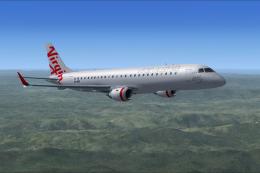
Flyable AI Aardvark Embraer E-Jet. Painted in the new Virgin Australia livery…
 FSX Civil Aircraft
Enhance your virtual hangar with this distinctive repaint of a jetBlue Embrae…
 FSX Civil Aircraft
Enhance your virtual flight deck with this carefully crafted Delta Airlines E…
Be the first to leave a comment on this download.
Be the first to share your thoughts on this download.