

 FSX Civil Aircraft
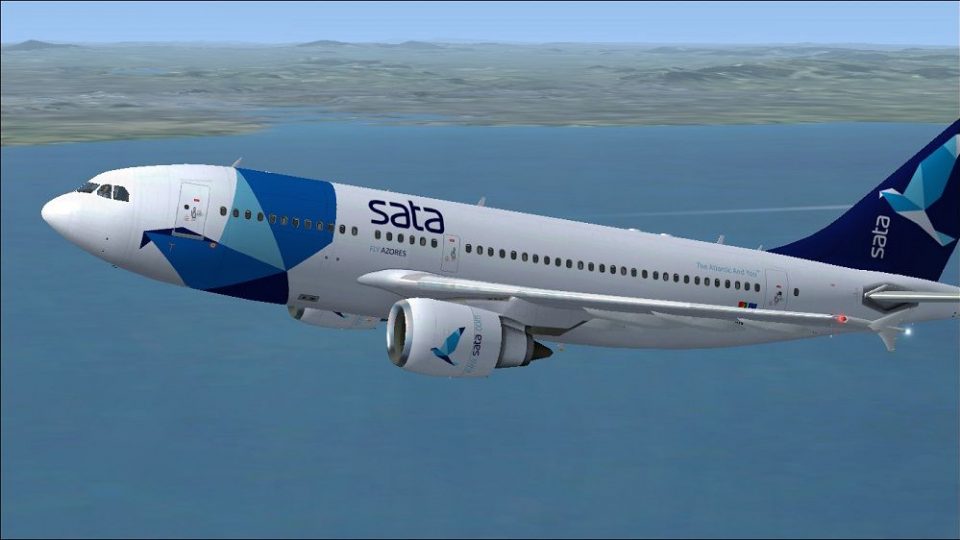
Sata International Airbus A310-300 Old Livery
This repaint showcases a classic rendition of Sata International’s Airbus A31…
Sata International’s Airbus A310-300 livery brings the Portuguese carrier’s clean Azores-inspired branding to Thomas Ruth’s classic wide-body, with crisp tail logos, accurate titles, and subtle engine shading that holds up in varied lighting. Built for Microsoft Flight Simulator X, it requires the TOMA310.ZIP base package and adds textures only.
 Rate
Rate
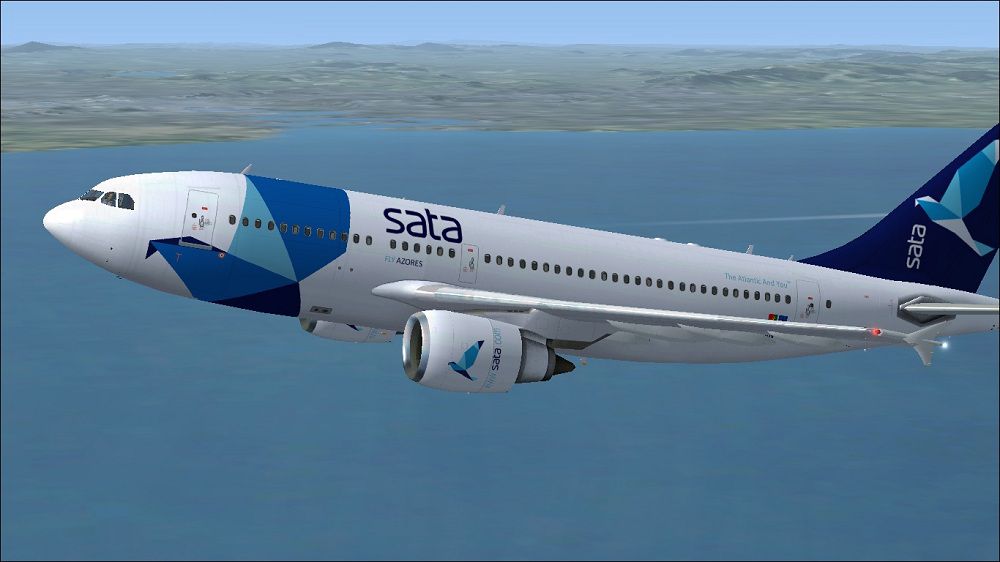
This freeware add-on for Microsoft Flight Simulator X offers a detailed repaint of the Airbus A310-300 in Sata International's recognizable color scheme. It features texture work by Paul Craig applied to the original model by Thomas Ruth. This package focuses exclusively on new liveries and does not include the base model, so you will need to separately obtain TOMA310.ZIP, which is available in the Fly Away Simulation library.
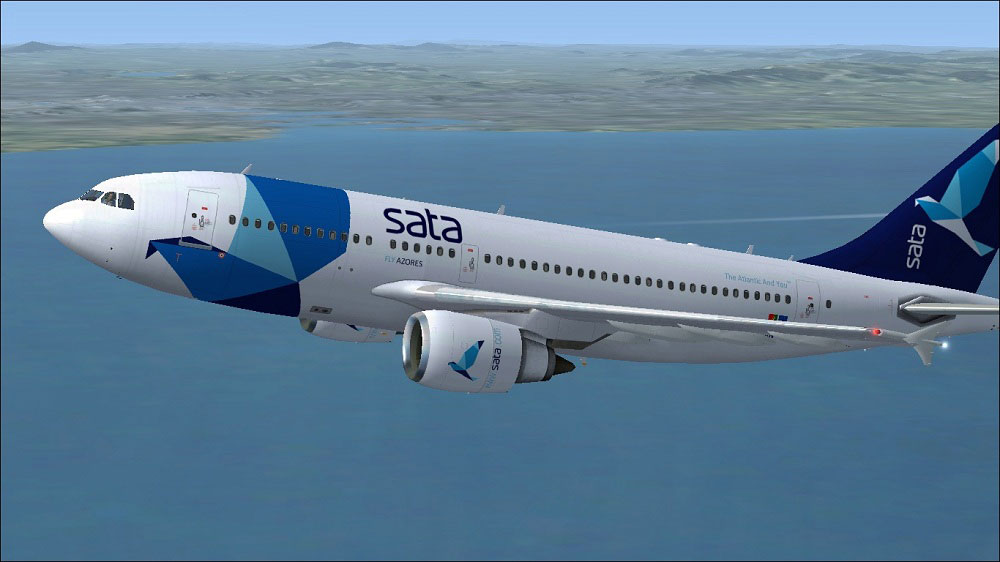
Sata International Airbus A310-300 in flight.
The Airbus A310-300 is a versatile wide-body aircraft, frequently deployed on medium-to-long-haul routes. It emerged during the early era of twin-engine wide-bodies, capitalizing on efficient wing design and advanced features for its time. Known for reliable transatlantic operations, the A310 often served niche markets requiring comfortable cabin capacity without the size of larger airliners.
Sata International, a Portuguese carrier, has historically connected the Azores archipelago with destinations across Europe and North America. Its branding on the A310-300 stands out through a clean fuselage design, reflecting the airline’s focus on regional and international connectivity.
This repaint by Paul Craig places careful emphasis on tail logos, fuselage text alignment, and subtle shading along the engines. Each texture has been calibrated to ensure visual fidelity in various lighting conditions. When operating at high altitudes or during dusk approaches, reflective elements on the fuselage deliver an immersive sense of realism.
[fltsim.X] to the next available number in your file).
[fltsim.X]
title=Sata International A310
sim=TomA310
model=GE
panel=310GE
sound=
texture=Sata International
kb_checklists=
kb_reference=
atc_id=CS-TKN
atc_airline=Sata International
atc_flight_number=1124
atc_heavy=1
ui_manufacturer=Airbus
ui_typerole=Commercial Airliner
ui_createdby=Thomas Ruth
ui_type=A310-300
ui_variation=Sata International
description=
Since this repaint requires the TOMA310.ZIP base package, ensure it is installed beforehand. All flight dynamics, cockpit instrumentation, and aircraft performance behave as designed by Thomas Ruth, with only external graphics and airline markings changed. By integrating this livery, virtual pilots can replicate Sata International routes and experience a classic Airbus model that once connected distant island airports to major mainland hubs.
Free for all simmers · 1.28 MB · Scanned clean Oct 2026
Download speed: Free tier is capped at 0.5 Mbps. PRO members download at full line speed.
This file is a repaint — the package below is the base model it paints onto. Install it first, or the textures will have nothing to load onto.
texture.{airline}) inside FSX\SimObjects\Airplanes\{base-aircraft}\.aircraft.cfg in Notepad. Add a new [fltsim.X] section per the readme.readme.txt or README file. It tells you exactly where files go, what dependencies are needed, and any quirks specific to this add-on.The archive satainternationala310-300.zip has 16 files and directories contained within it.
This list displays the first 500 files in the package. If the package has more, you will need to download it to view them.
| Filename/Directory | File Date | File Size |
|---|---|---|
| FILE_ID.DIZ | 12.29.10 | 154 B |
| Readme.txt | 12.29.10 | 1.03 kB |
| Sata Internacional Airbus A310-300.jpg | 12.29.10 | 110.21 kB |
| texture.Sata International | 12.29.10 | 0 B |
| glass.dds | 11.26.10 | 64.12 kB |
| main.dds | 12.28.10 | 2.00 MB |
| main_bump.dds | 03.12.10 | 4.00 MB |
| main_light.dds | 03.12.10 | 1.00 MB |
| main_spec.dds | 03.12.10 | 256.12 kB |
| texture.cfg | 11.22.10 | 143 B |
| thumbnail.jpg | 12.29.10 | 11.10 kB |
| wing_l.dds | 11.26.10 | 1.00 MB |
| wing_r.dds | 11.26.10 | 1.00 MB |
| thumbnail.png | 12.29.10 | 25.21 kB |
| flyawaysimulation.txt | 10.29.13 | 959 B |
| Go to Fly Away Simulation.url | 01.22.16 | 52 B |
Only PRO members can place votes.
More FSX & P3D add-ons hand-picked based on this download.
FSX Civil Aircraft
This repaint showcases a classic rendition of Sata International’s Airbus A31…
 FSX Civil Aircraft
Sata International Airbus A330-300. Repaint of Tom Ruth's A330-300. Textures …
 FSX Civil Aircraft
Sata International Airbus A340-300. Repaint of Tom Ruth's A340-300. Textures …
 FSX Civil Aircraft
Sata International Airbus A330-200. Repaint of Tom Ruth's A330-200. Textures …
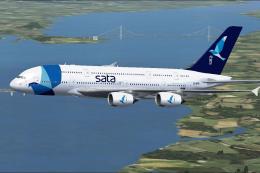 FSX Civil Aircraft
This fictional Sata International Airbus A380-800 repaint offers a distinctiv…
 FSX Civil Aircraft
Airwagon International Airbus A310-300, registration PK-AWA (AWAIR - Indonesi…
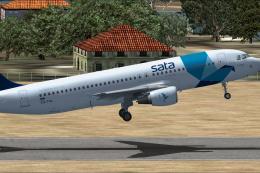 FSX Civil Aircraft
SATA (Fly Azores) Airbus A320. This is a repaint of the Project Airbus A320 C…
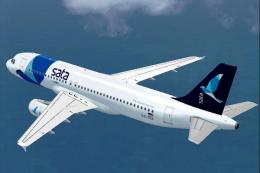 FSX Civil Aircraft
Immerse yourself in a meticulously crafted freeware addition to the classic f…
Be the first to leave a comment on this download.
Be the first to share your thoughts on this download.