

 FSX Civil Aircraft
Air New Zealand Boeing 747-400 Revised Livery
Enhance your simulation of the iconic Boeing 747-400 by incorporating this fi…
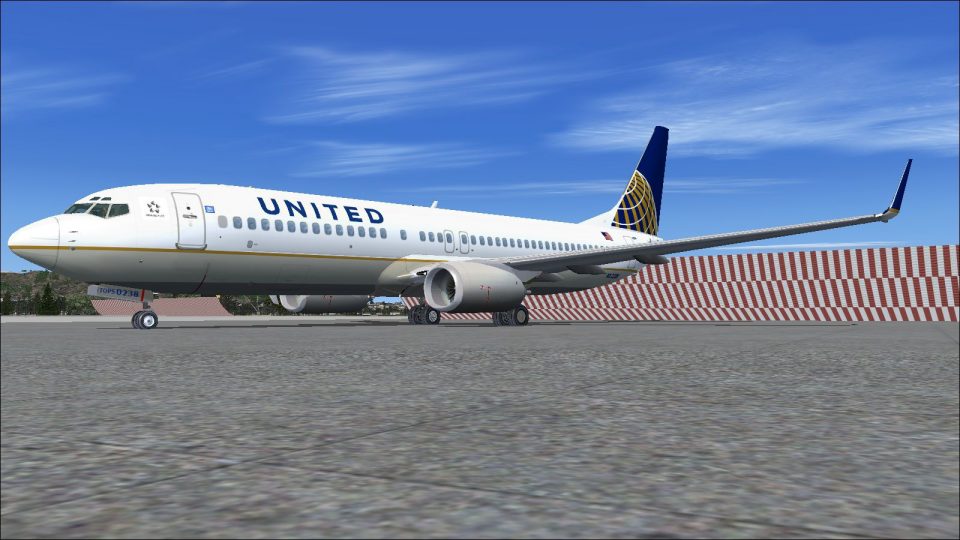
United Airlines’ revised Boeing 737-800 with winglets combines Project Open Sky’s detailed model and authentic flight dynamics with Gabriel Guzman’s refreshed blue-and-gold livery, featuring crisp textures and clean alignment. Built for Microsoft Flight Simulator X, it retains the default Boeing 737-800 virtual cockpit, panel, and sounds for familiar avionics and seamless integration.
 Rate
Rate
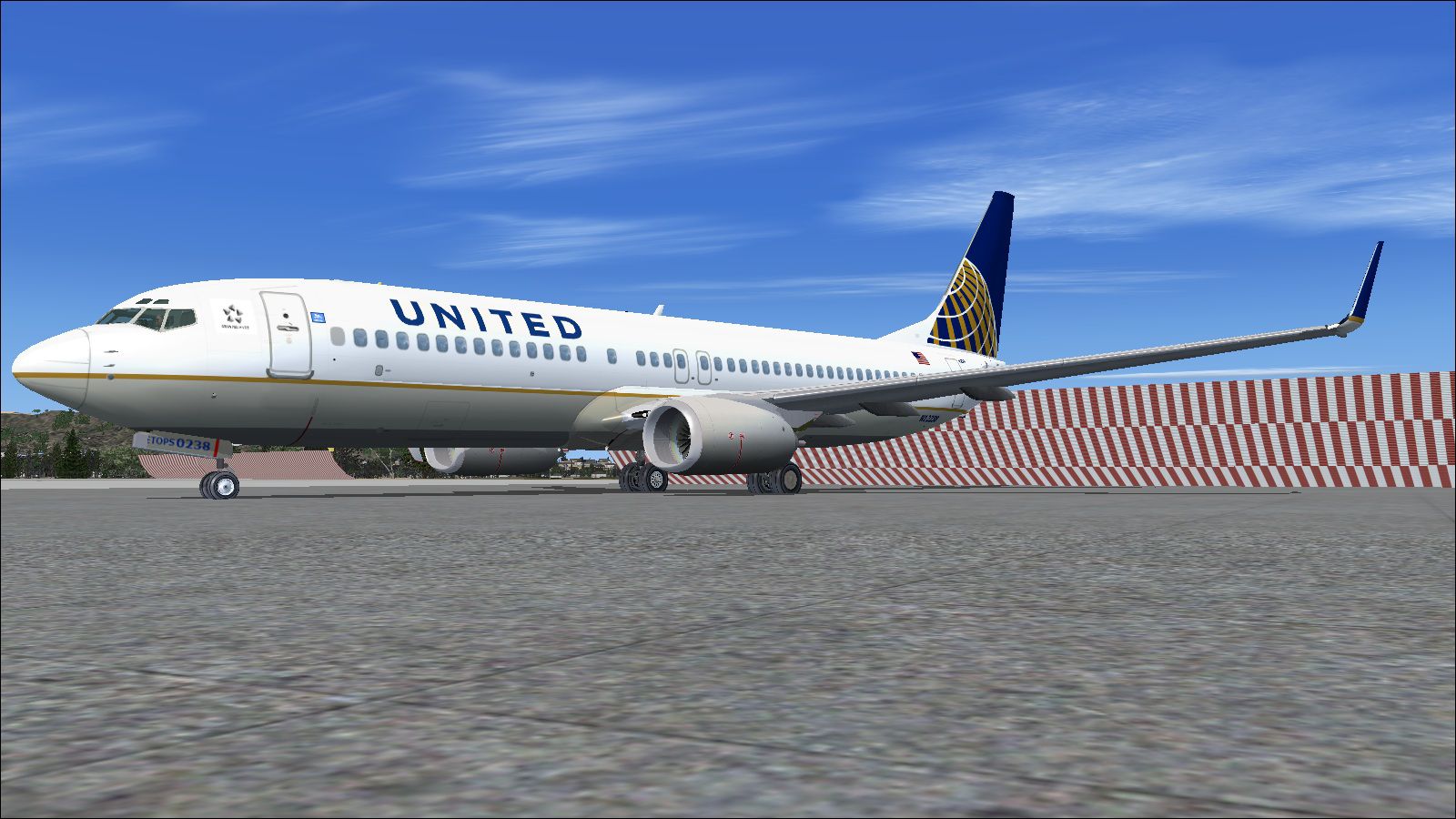

The United Airlines Boeing 737-800 featured here brings an updated paint scheme reflecting a refined design, all packaged within a freeware release for Microsoft Flight Simulator X. This re-upload includes enhanced textures, a consistent visual layout, and retains the default Boeing 737-800 virtual cockpit for seamless integration. Created by Project Open Sky and finished by Gabriel Guzman, this complete package merges authentic flight dynamics with distinctive airline branding.
The developers at Project Open Sky (often referred to as POSKY) have modeled this Boeing 737-800WL (where “WL” stands for winglets) to capture the aircraft’s real-life efficiency improvements and aerodynamic styling. A Boeing 737-800 generally accommodates short to medium routes, and with U-shaped winglets installed, these planes experience reduced drag and greater operational range. Gabriel Guzman’s repaint work showcases the revised blue and gold elements famously associated with United Airlines, creating an immersive experience for fans of domestic and international travel routes. In addition to providing a striking appearance, these textured updates also display intricate details along the fuselage seams and tail fin.
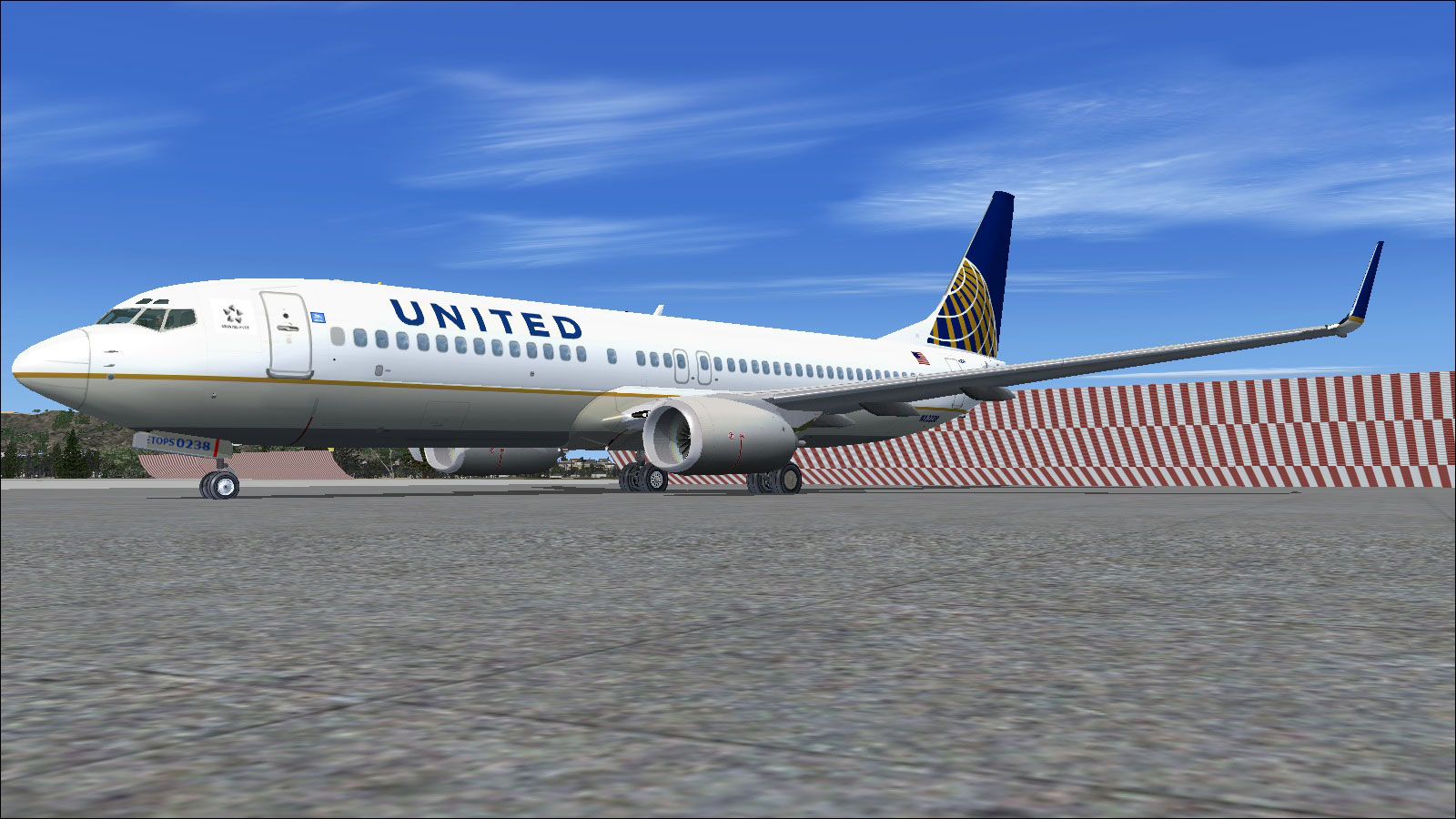
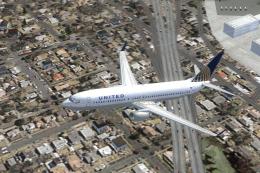
United Airlines Boeing 737-800 showcasing updated color scheme.
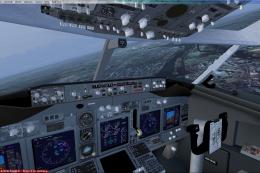
This installation uses the default panel and sounds from Microsoft Flight Simulator X to preserve classic functionality and compatibility. The default 737-800 cockpit environment includes advanced avionics, a spacious glass panel design, and intuitive engine monitoring displays. By relying on these integrated systems, sim pilots can rely on familiar flight instrumentation and an intuitive autopilot interface.
Project Open Sky and Gabriel Guzman dedicate substantial effort to delivering realistic flight simulation models. Their collaboration makes it possible for enthusiasts to enjoy a domestic and international short-to-medium range airliner with accurate handling, polished texturing, and reliable stock cockpit integration.
Free for all simmers · 16.86 MB · Scanned clean Oct 2026
Download speed: Free tier is capped at 0.5 Mbps (this file takes approximately 5 mins at the cap). PRO members download at full line speed.
FSX\SimObjects\Airplanes\. The folder must contain an aircraft.cfg file. Effects go into FSX\Effects\; gauges go into FSX\Gauges\.readme.txt or README file. It tells you exactly where files go, what dependencies are needed, and any quirks specific to this add-on.The archive united~737-800.zip has 66 files and directories contained within it.
This list displays the first 500 files in the package. If the package has more, you will need to download it to view them.
| Filename/Directory | File Date | File Size |
|---|---|---|
| Readme.txt | 02.17.11 | 1.92 kB |
| Aircraft.cfg | 01.24.11 | 23.79 kB |
| Effects | 01.24.11 | 0 B |
| Opensky_beacon.fx | 06.22.10 | 3.04 kB |
| Opensky_Boeing_vclight.fx | 06.22.10 | 1.31 kB |
| Opensky_conden.fx | 06.22.10 | 3.15 kB |
| Opensky_nacelle_refl.fx | 06.22.10 | 1.29 kB |
| Opensky_nav_yellow.fx | 06.22.10 | 3.07 kB |
| Opensky_sparks.fx | 06.22.10 | 7.05 kB |
| Opensky_vortex.fx | 06.22.10 | 1.23 kB |
| Opensky_wing_light.fx | 06.22.10 | 1.31 kB |
| model | 01.24.11 | 0 B |
| B737_800_interior.mdl | 07.26.10 | 1.33 MB |
| model.cfg | 09.30.10 | 54 B |
| OS738W.mdl | 07.26.10 | 2.76 MB |
| OSX738.MDL | 07.26.10 | 1.36 MB |
| OSX738W.MDL | 09.30.10 | 1.35 MB |
| panel | 01.24.11 | 0 B |
| panel.cfg | 01.24.11 | 30 B |
| Thumbs.db | 12.05.10 | 47.00 kB |
| Posky_B737-800WL.air | 06.22.10 | 8.90 kB |
| sound | 01.24.11 | 0 B |
| Sound.cfg | 01.24.11 | 30 B |
| texture.UAL | 01.24.11 | 0 B |
| 737_Refection.dds | 09.04.06 | 170.79 kB |
| antenna.bmp | 10.12.10 | 1.00 MB |
| B737_800_1_C.dds | 09.04.06 | 682.79 kB |
| b737_800_1_LM.dds | 09.04.06 | 170.79 kB |
| B737_800_1_night_C.dds | 09.04.06 | 682.79 kB |
| b737_800_1_T.dds | 09.04.06 | 1.33 MB |
| b737_800_1_T_Bump.dds | 09.04.06 | 1.00 MB |
| b737_800_1_T_Specular.dds | 09.04.06 | 1.33 MB |
| B737_800_2_C.dds | 09.04.06 | 682.79 kB |
| B737_800_2_night_C.dds | 09.04.06 | 682.79 kB |
| b737_800_2_T.dds | 09.04.06 | 1.33 MB |
| b737_800_2_T_Bump.dds | 09.04.06 | 1.00 MB |
| b737_800_2_T_Specular.dds | 09.04.06 | 1.33 MB |
| B737_800_3_C.dds | 09.04.06 | 682.79 kB |
| B737_800_3_night_C.dds | 09.04.06 | 682.79 kB |
| B737_800_4_C.dds | 09.04.06 | 682.79 kB |
| B737_800_4_night_C.dds | 09.04.06 | 682.79 kB |
| B737_800_5_C.dds | 09.04.06 | 170.79 kB |
| B737_800_5_night_C.dds | 09.04.06 | 170.79 kB |
| B737_800_C.bmp | 05.12.06 | 682.74 kB |
| B737_800_Interior.dds | 09.04.06 | 170.79 kB |
| Fresnel_Ramp.dds | 09.04.06 | 640 B |
| Os737ng_ANTCOL_RED.BMP | 03.12.10 | 1.43 kB |
| Os737ng_Cockpitgray.bmp | 03.12.10 | 1.43 kB |
| Os737ng_darkgray.bmp | 03.12.10 | 1.43 kB |
| Os737ng_engine_L.bmp | 07.08.10 | 256.07 kB |
| Os737ng_engine_t.bmp | 07.08.10 | 4.00 MB |
| Os737ngstair_t.bmp | 07.08.10 | 1.00 MB |
| Os738body_l_l.bmp | 10.05.10 | 4.00 MB |
| Os738body_l_t.bmp | 01.31.11 | 4.00 MB |
| Os738body_r_l.bmp | 10.05.10 | 4.00 MB |
| Os738body_r_t.bmp | 01.31.11 | 4.00 MB |
| OS738Option.bmp | 01.20.11 | 64.07 kB |
| Os738parts_t.bmp | 07.08.10 | 4.00 MB |
| OS738W_WING_L_T.bmp | 07.08.10 | 4.00 MB |
| OS738W_WING_R_T.bmp | 07.08.10 | 4.00 MB |
| ostug_T.bmp | 01.20.11 | 4.00 MB |
| thumbnail.jpg | 01.28.11 | 71.34 kB |
| Thumbs.db | 03.12.10 | 54.50 kB |
| thumbnail 738norm.jpg | 01.28.11 | 356.05 kB |
| flyawaysimulation.txt | 10.29.13 | 959 B |
| Go to Fly Away Simulation.url | 01.22.16 | 52 B |
Only PRO members can place votes.
More FSX & P3D add-ons hand-picked based on this download.
FSX Civil Aircraft
Enhance your simulation of the iconic Boeing 747-400 by incorporating this fi…
 FSX Civil Aircraft
This high-fidelity repaint presents a United Airlines Boeing 737-800 (registr…
 FSX Civil Aircraft
United Airlines Boeing 737-800 in post-merger livery. Includes Project Open S…
 FSX Civil Aircraft
This freeware repaint showcases a detailed United Airlines livery for the def…
 FSX Civil Aircraft
FSX United Airlines Boeing 737-800 old and new repaints. Repaint by Jon Murch…
 FSX Civil Aircraft
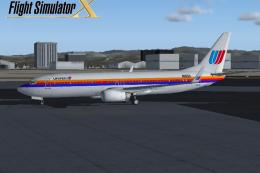
FSX United Airlines Boeing 737-800 (old colors). A repaint of the default B73…
 FSX Civil Aircraft
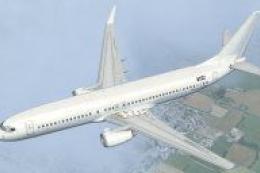
A repaint for the default B737. Repaint by Benjamin Romsy and David Kuess. Sc…
 FSX Civil Aircraft
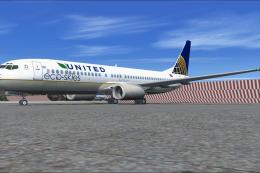
This enhanced Boeing 737-800W in the United Airlines Eco Skies scheme provide…
Read what other simmers think, or add your own.

The belly of the plane as long as the wings, the tail, and the landing gear are displaying something like the FSX Splash screen.

